1. 选择本地目录:
F:\Hermes_Agent;
2. 打开CodeArts Agent:
(1)点击右键通过CodeArts Agent打开;
(2)如果还没有安装CodeArts Agent (华为云码道),参考:https://support.huaweicloud.com/qs-codeartssnap/codeartsdoer_qs_0001.html
3. 输入提示词:
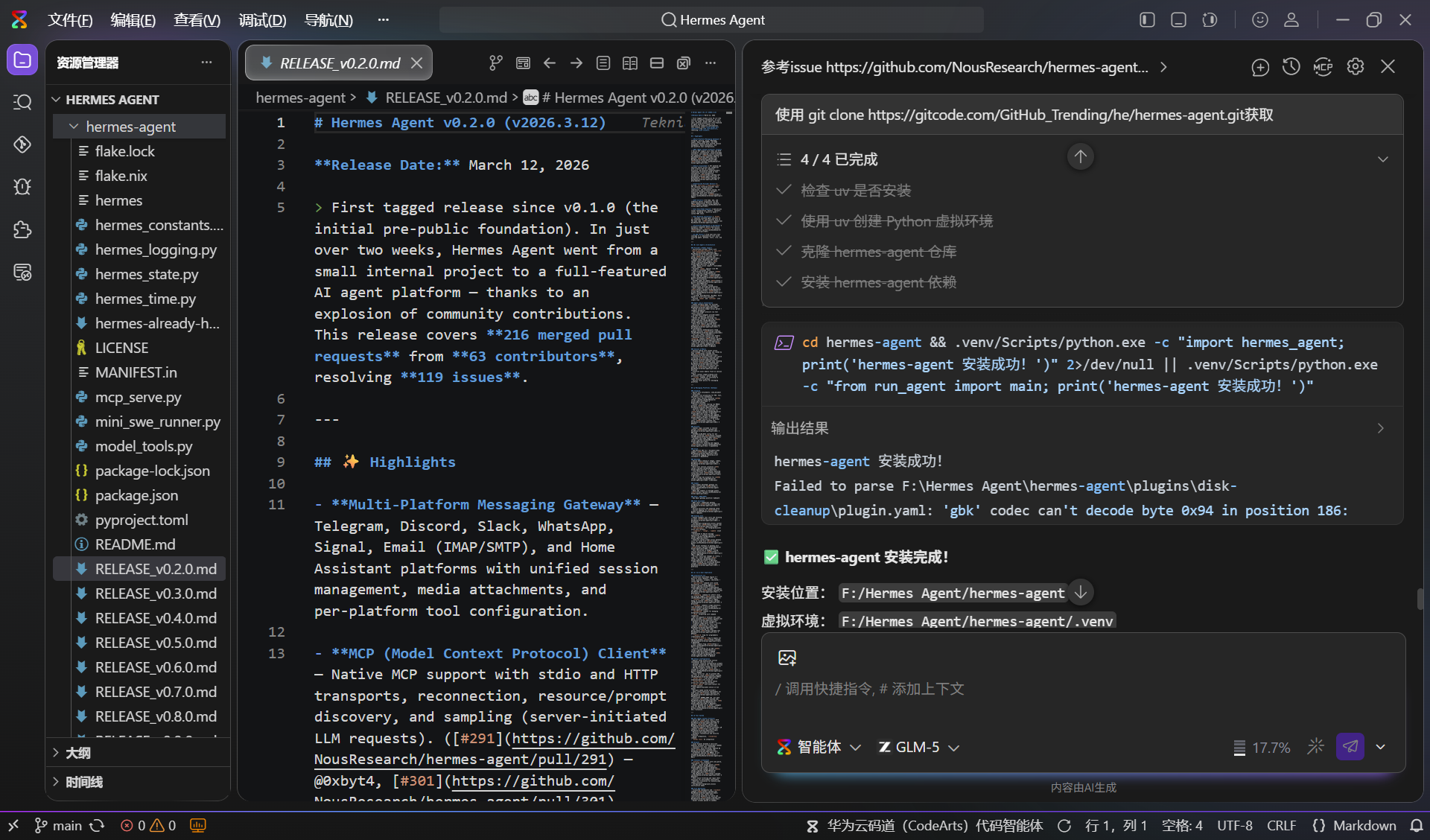
"参考issue https://github.com/NousResearch/hermes-agent/issues/8806中的描述,在当前目录下使用uv构建一个python虚拟环境,并按照指导安装hermes agent";
过程截图如下:
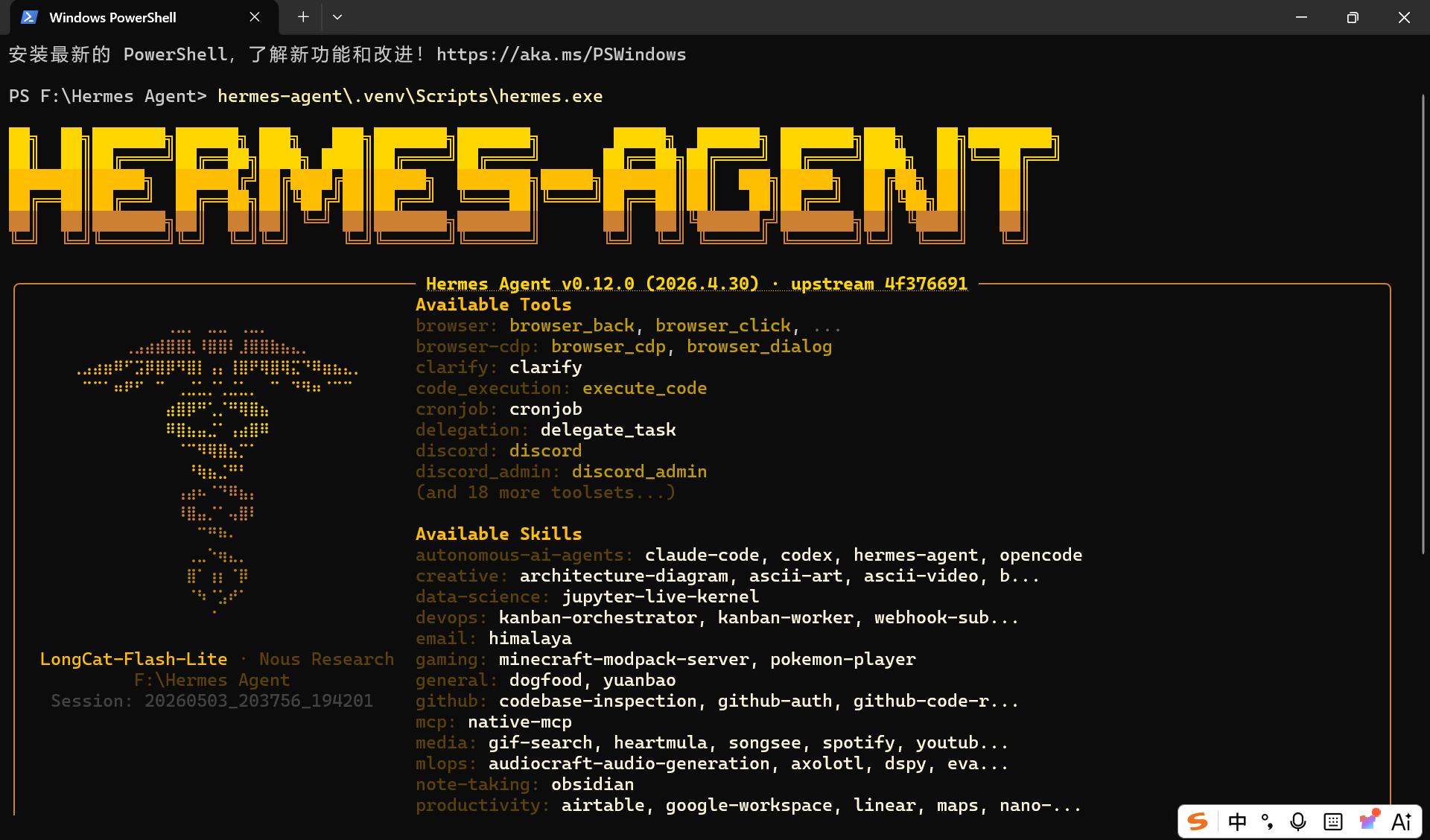
4. 启动Hermes
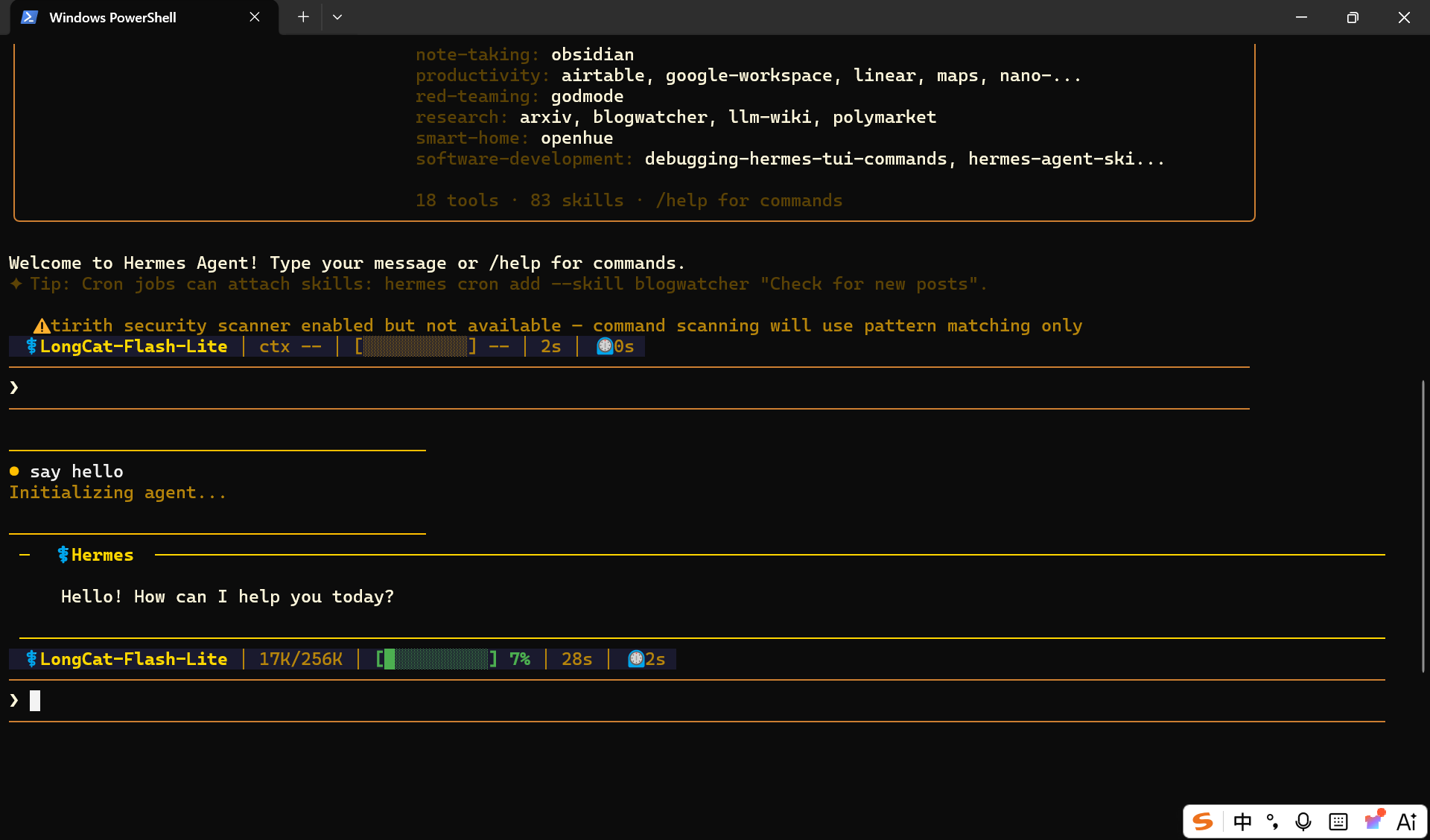
5. 测试
5. FAQ
(1)配置API Key(这里以longcat举例):
在CodeArts Agent中输入如下提示词:
"请帮我配置API Key",并按照提示分别输入如下内容:
LLM:LongCat;
API Key:ak_2Bl6zN60H9cL3nd2F57MP16Y3284B
Base URL:https://api.longcat.chat/openai
(2)配置辅助 LLM 提供商:
报错如下:No auxiliary LLM provider configured --- context compression will drop middle turns without a summary. Run `hermes setup` or set OPENROUTER_API_KEY.
在CodeArts Agent中输入报错信息,将自动检查修正。
(3)API认证失败:
报错: Error: Error code: 401 - {'error': {'message': 'Missing Authentication header', 'code': 401}}
在CodeArts Agent中输入报错信息,将自动检查修正。
(4) hermes 未处理 custom_providers 的认证,未指定 provider
还是报错: Error: Error code: 401 - {'error': {'message': 'Missing Authentication header', 'code': 401}}
在CodeArts Agent中输入报错信息,将自动检查修正。