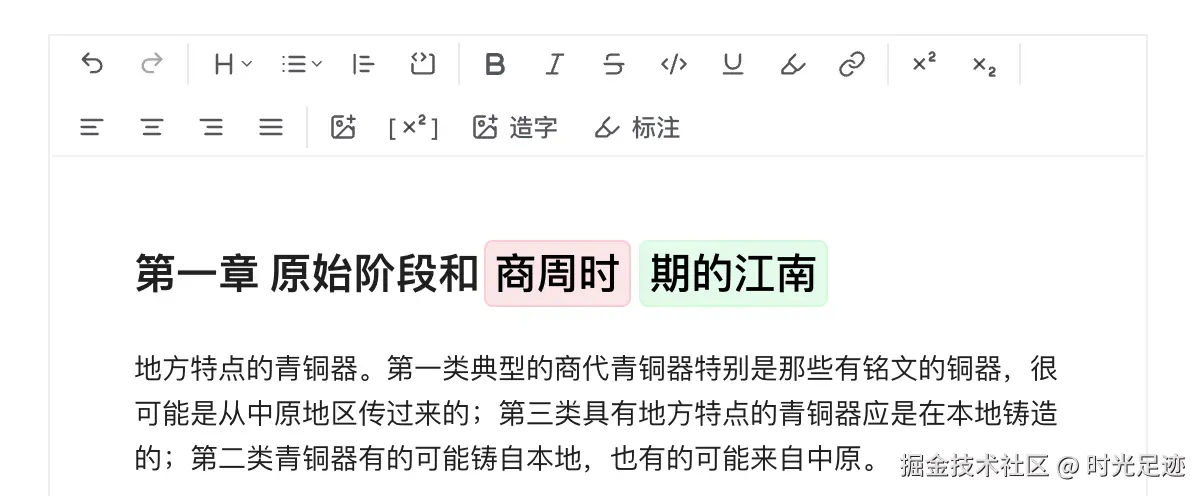
Tiptap 图片组件
图片节点Image Node:只能控制基础属性,如 src,alt,title,width, height
增强图片节点Image Node Pro:增加了浮动工具栏控件,可以操作图片对齐方式,具有下载及删除功能
bash
npx @tiptap/cli@latest add image-node-pro但是组件安装时,需要授权,高级功能吧
不想付费的话,只能自己写了,加一个 align 属性控制
按钮可以用官方的Image Align Button
tsx
addAttributes() {
  align: {
    default: 'center',
    parseHTML: element => element.getAttribute('data-align') || 'center',
    renderHTML: attributes => {
      return {
        'data-align': attributes.align
      }
    }
  }
}
Tiptap 表格组件
官方文档:Table
bash
# 安装
npm install @tiptap/extension-table
tsx
import { TableKit } from "@tiptap/extension-table";

// 注册使用
const editor = useEditor({
  extensions: [
    // 表格扩展
    TableKit.configure({
      table: {
        resizable: true, // 启用列宽调整
      },
    }),
  ],
});
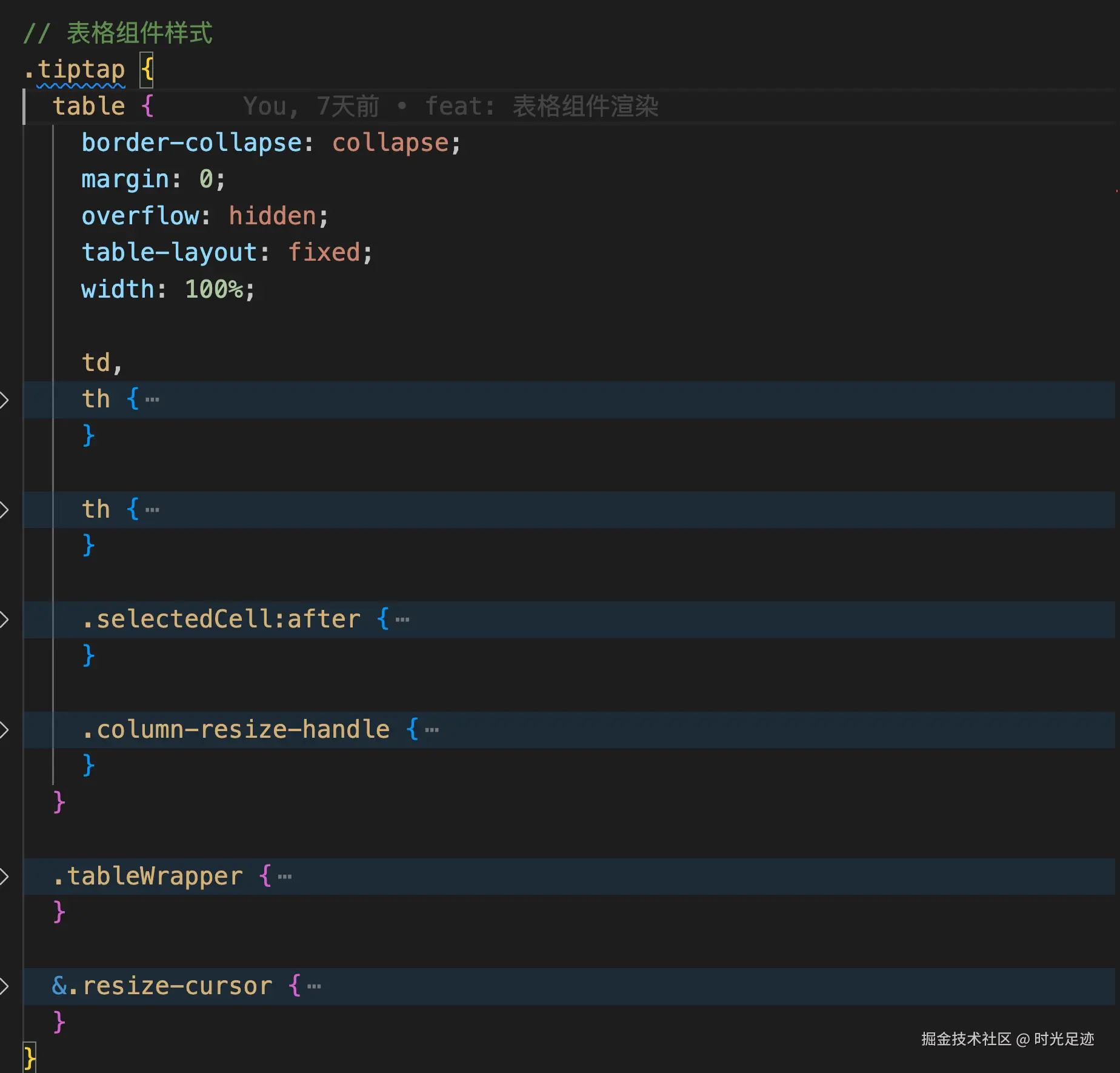
样式代码需要自己加,自己定义:
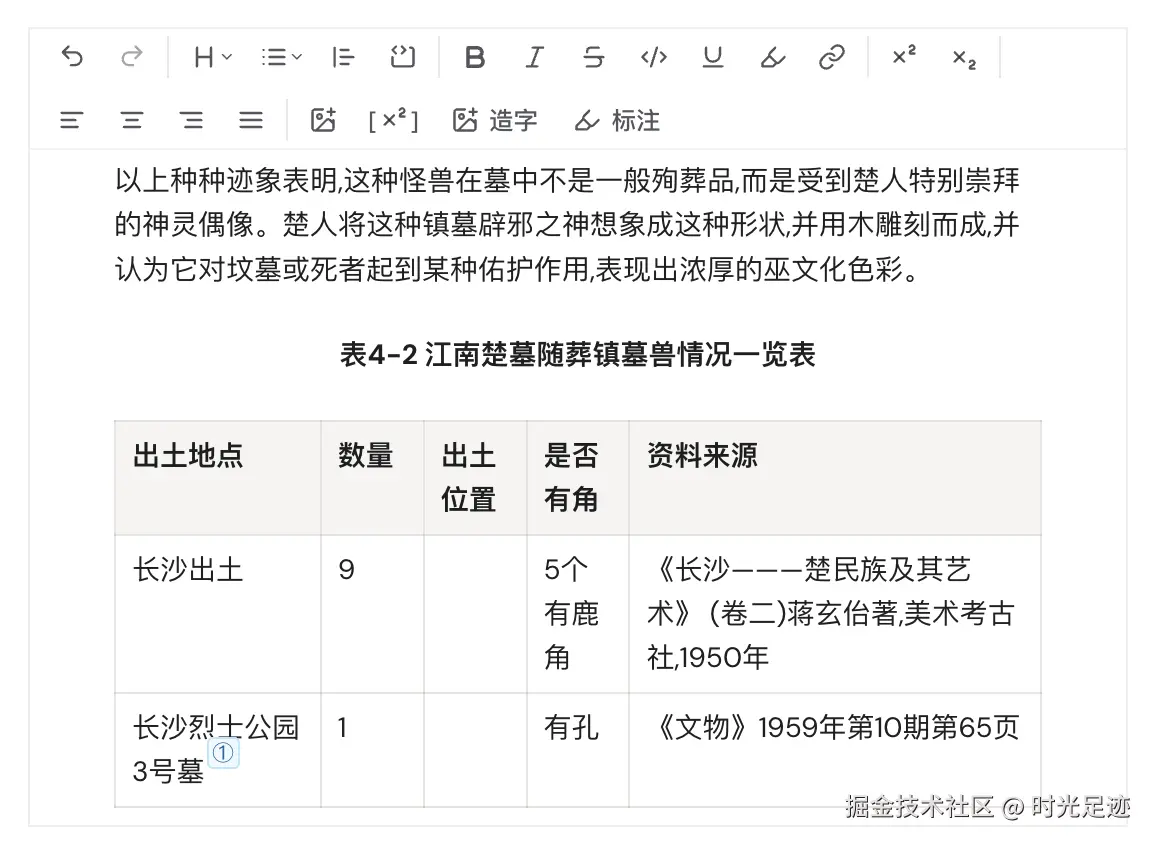
目前只是实现了预览,新增/编辑暂未实现,里面操作逻辑太多了,感觉好难搞
不过Tiptap付费功能好像有,可以直接用
Tiptap 标注组件
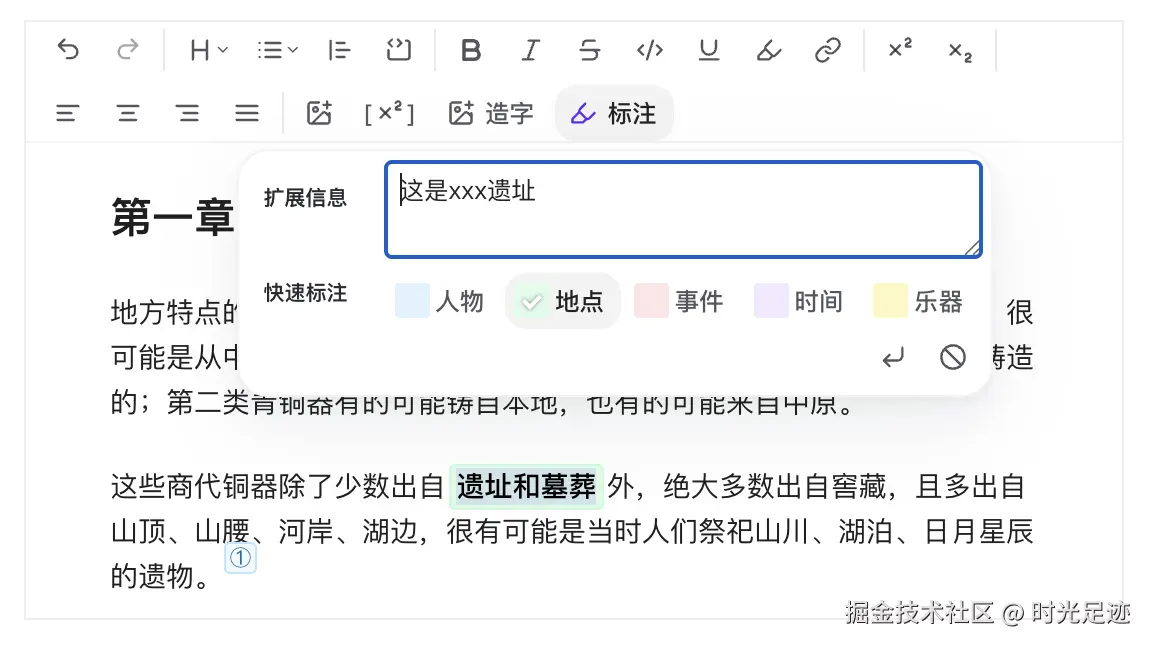
根据高亮组件Color Highlight改造而成。
编辑器效果如下所示:
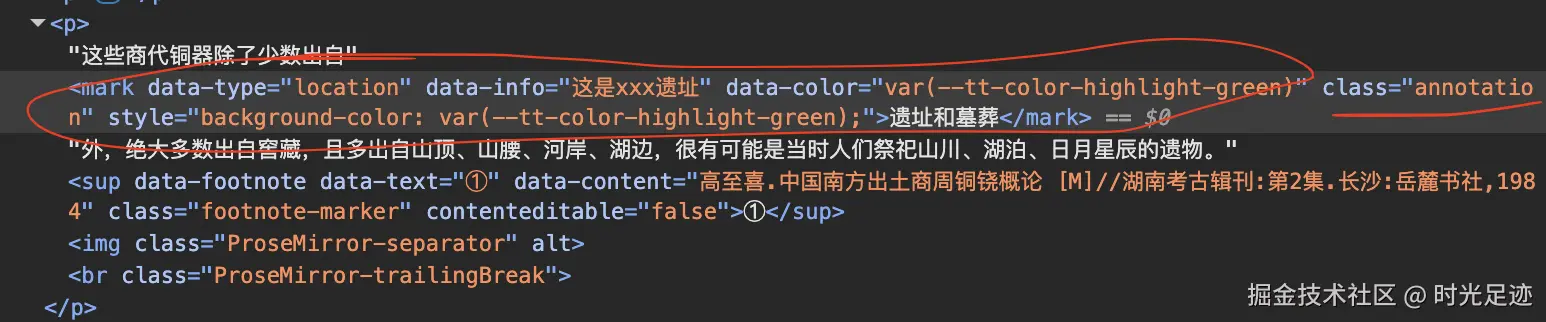
编辑器渲染代码,如下所示:
移除标注
最开始使用如下代码移除标注:
tsx
editor.chain().focus().unsetAnnotation().run();问题:unsetAnnotation 命令默认只对当前选区生效。如果未选中内容(光标在标注内但未选中文本),可能无法移除。
解决方案:selectParentNode或者是extendMarkRange("annotation")移除前强制选中整个标注内容(适合光标在标注内的场景)
jsx
const handleRemove = React.useCallback(() => {
  if (!editor || !editor.isEditable) return false;
  if (!canSetAnnotation(editor)) return false;

  // 关键:如果选区为空(光标在标注内),自动选中整个标注节点
  const { from, to } = editor.state.selection;
  const isEmptySelection = from === to;

  const chain = editor.chain().focus();
  // 若选区为空,先选中整个标注节点(确保作用范围)
  if (isEmptySelection) {
    // chain.selectParentNode();
    chain.extendMarkRange("annotation");
  }
  // 执行移除(和高亮的 unsetMark 逻辑一致)
  const success = chain.unsetAnnotation().run();

  if (success) {
    setAnnotationState({ type: defaultType, info: "" });
  }
}, [editor]);
更新标注
添加标注:
jsx
editor.chain().focus().setAnnotation(data).run();更新标注:需要处理「旧标记属性覆盖」和「选区范围」的问题
jsx
const handleApply = React.useCallback(() => {
    if (!editor) return false;

    const { type, info } = annotationState;
    const typeData =
      ANNOTATION_TYPES.find((item) => item.value === type) ||
      ANNOTATION_TYPES[0];
    const data = { ...typeData, type, info };

    const { from, to } = editor.state.selection;
    // 无选区(光标在文本中间)
    const isEmptySelection = from === to;
    // 检查当前选区是否已有 annotation 标记
    const isActive = editor.isActive("annotation");

    const chain = editor.chain().focus();

    // 若选区为空且光标在标注内,自动选中整个标注
    if (isEmptySelection && isActive) {
      chain.extendMarkRange("annotation");
    }
    // 关键:如果已有标注,先移除旧的,确保新属性能生效
    if (isActive) {
      chain.unsetAnnotation();
    }

    // 应用新的标注属性
    const success = chain.setAnnotation(data).run();
    if (success) {
      onApplied?.(data as AnnotationData);
    }
    return success;
  }, [editor, annotationState, onApplied]);
但是如果旁边也有一个标注,更新时,会把旁边的也同步掉;或者把整行内容都标注了
如果希望改变标注的范围,那么需要先移除原有标注,再在新的选区上设置标注
反之,updateAttributes 只会更新当前选区内已存在的标注,而不会改变标注的范围
但是目前是点击文本,就打开弹框了,而不是选中文本,打开弹框,所以也不太适用
最终,还是得精确当前位置的选区,然后进行操作
jsx
import {
  findNodeAtPosition,
  findNodePosition,
  isValidPosition,
} from "@/lib/tiptap-utils";

// 若选区为空且光标在标注内,自动选中整个标注
if (isEmptySelection && isActive) {
  // chain.extendMarkRange("annotation");

  // 1. 验证光标位置有效性
  if (!isValidPosition(from)) return false;

  // 2. 找到光标所在的文本节点(确认在标注内)
  const currentNode = findNodeAtPosition(editor, from);
  if (!currentNode) return false;

  // 3. 找到该文本节点的完整位置范围(避免选中相邻标注)
  const nodePosition = findNodePosition({
    editor,
    node: currentNode,
  });
  if (!nodePosition) return false;

  // 4. 精准选中当前标注的范围
  chain.setTextSelection({
    from: nodePosition.pos,
    to: nodePosition.pos + currentNode.nodeSize, // nodeSize 是节点的长度
  });
}