文章目录
这里用的是windows版本,influxdb3。
操作
这一步是基于安装并已启动服务,安装见下文。
生成token
3.0版本之后需要token了。
生成token命令:
bash
.\influxdb3.exe create token --admin --host http://localhost:8181返回结果:
bash
New token created successfully!

Token: 这里是token值
HTTP Requests Header: Authorization: Bearer 这里是token值

IMPORTANT: Store this token securely, as it will not be shown again.
保存好token值,后续用的到。
创建数据库
bash
.\influxdb3.exe create database test_db --token "这里替换成你刚才复制的令牌" --host http://localhost:8181插入数据
bash
.\influxdb3.exe write --database test_db --token "这里是token值" --precision s "cpu,host=server01 usage=45.2 1715000001"
.\influxdb3.exe write --database test_db --token "这里是token值" --precision s "cpu,host=server01 usage=50.5 1715000002"
.\influxdb3.exe write --database test_db --token "这里是token值" --precision s "cpu,host=server02 usage=12.0 1715000003"
查询数据
python
.\influxdb3.exe query --database test_db --token "这里是token值" "SELECT * FROM cpu WHERE host='server01'"如何界面化查看呢?
建议用grafana,见另外一篇笔记。
安装并启动服务
1、打开influxdb官网下载界面,地址:https://www.influxdata.com/downloads
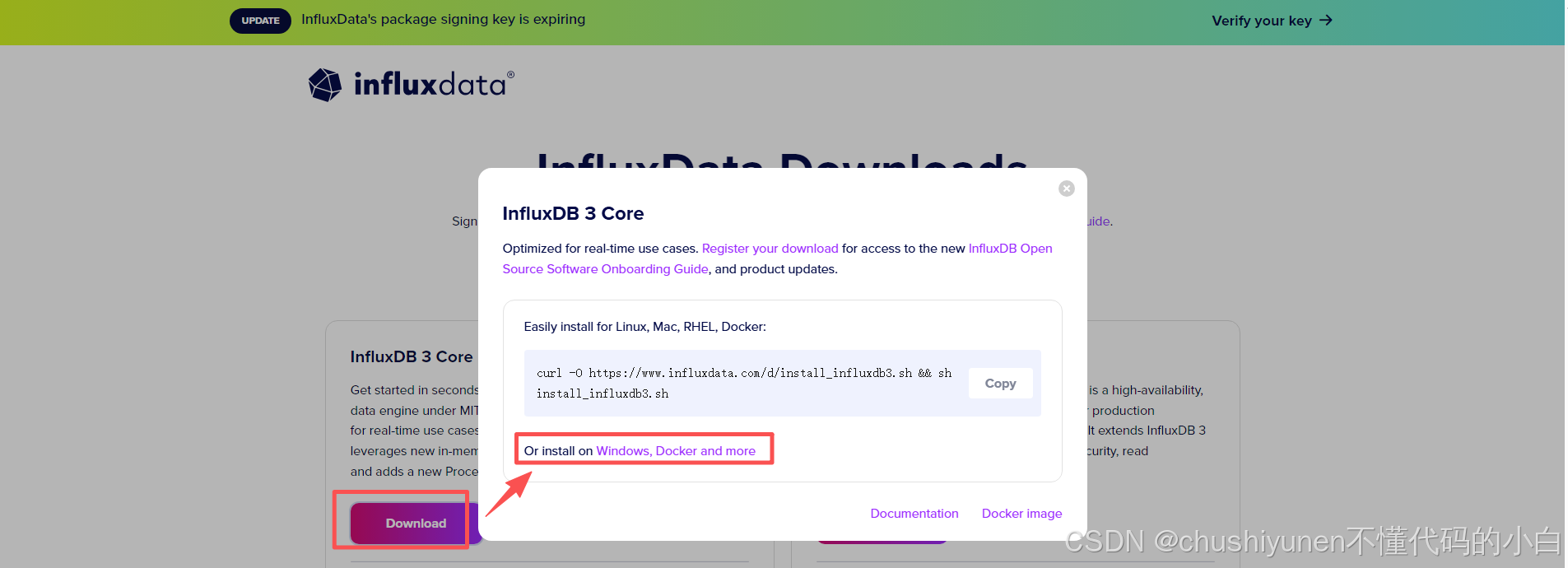
到达这个界面,继续点:
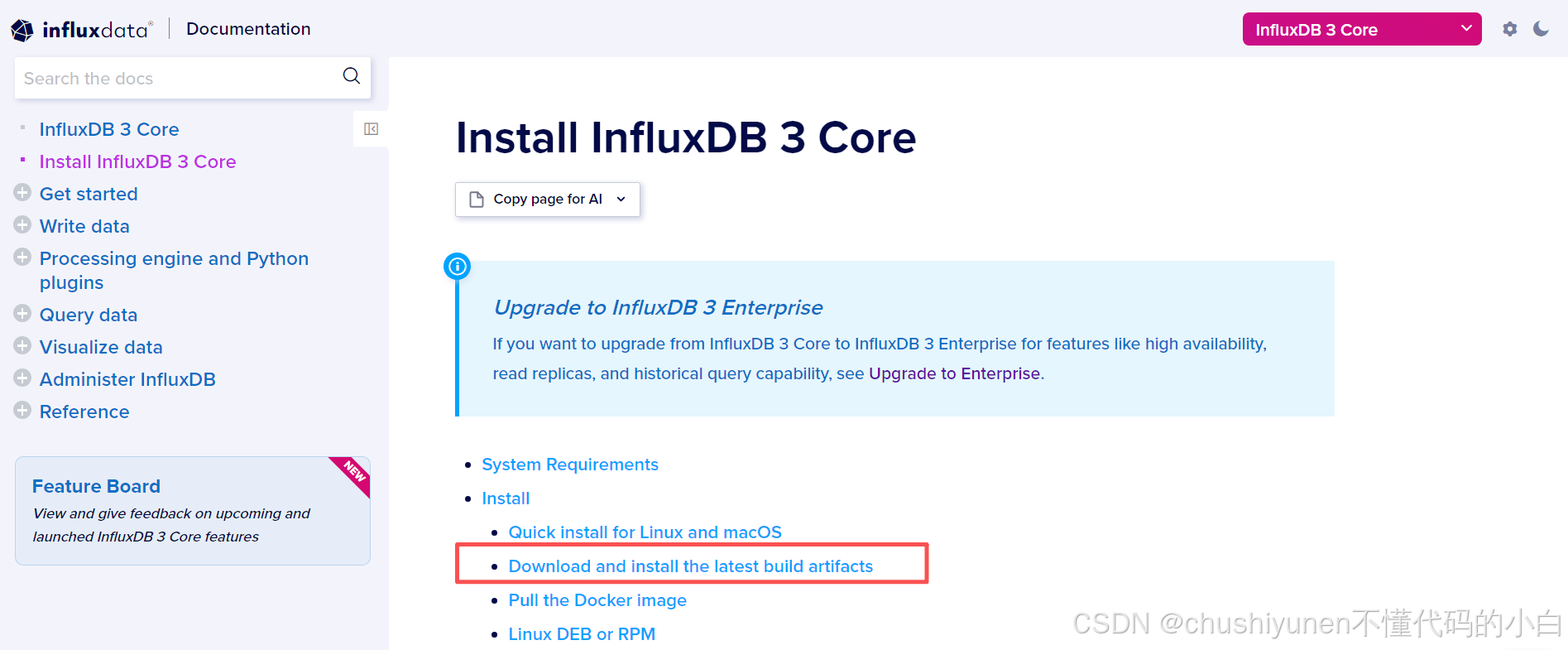
继续点:

2、下载的文件找个位置解压,双击influxdb3.exe启动服务
这样这个服务就启动了,窗口不要关闭。
3.0版本有什么变化
1、端口不是8086了,而是8181
2、需要token了
3、移除了ui界面
报错
报错 Write command failed: ensure that a single protocol line string is provided as the final argument, enclosed in quotes
插入数据时报的这个错。
解决方案:
单引号改为双引号问题解决。
文档
influxdb官网下载界面:
https://www.influxdata.com/downloads