Halcon 24.05
安装
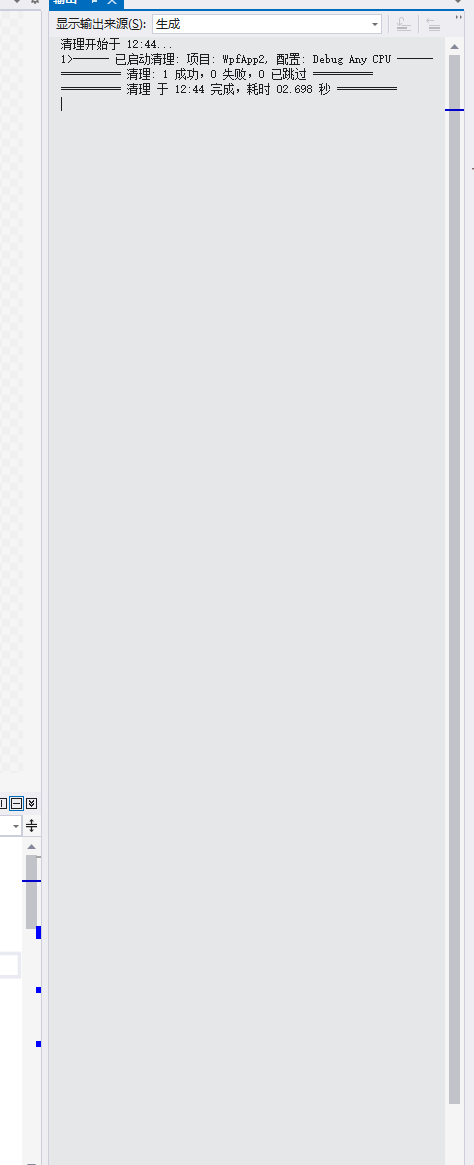
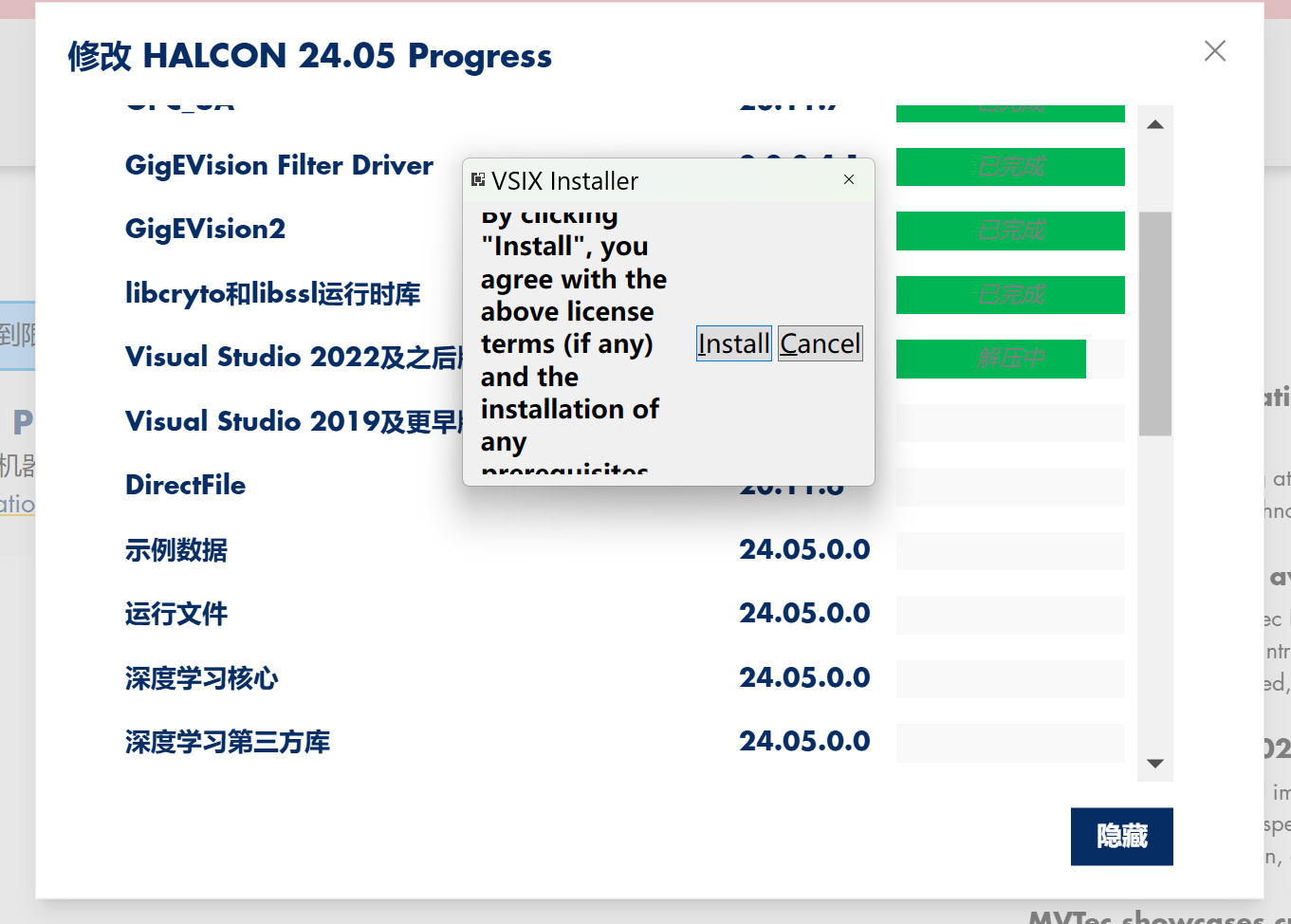
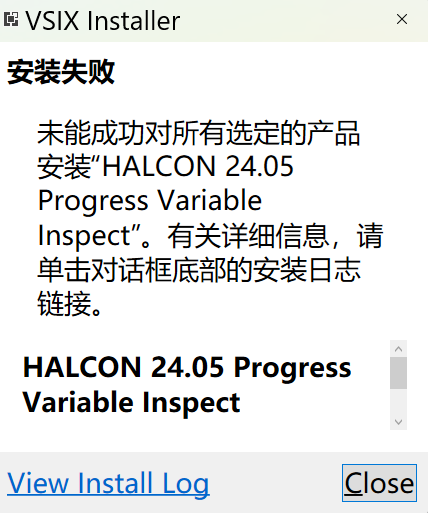
重启后安装
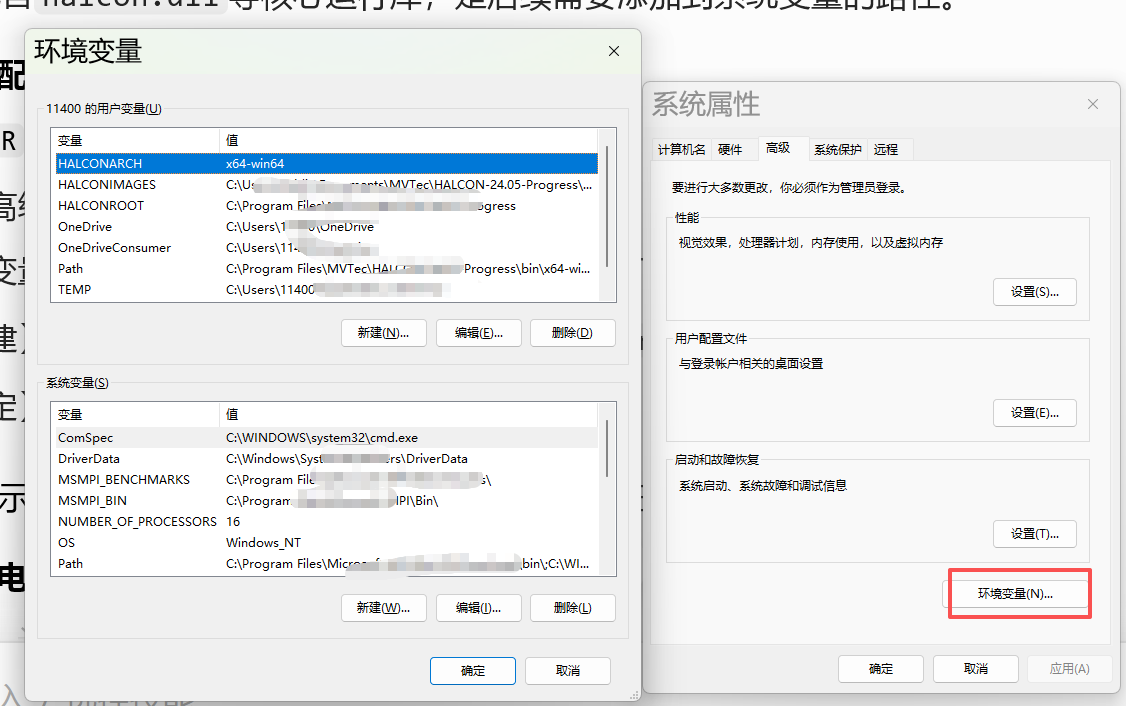
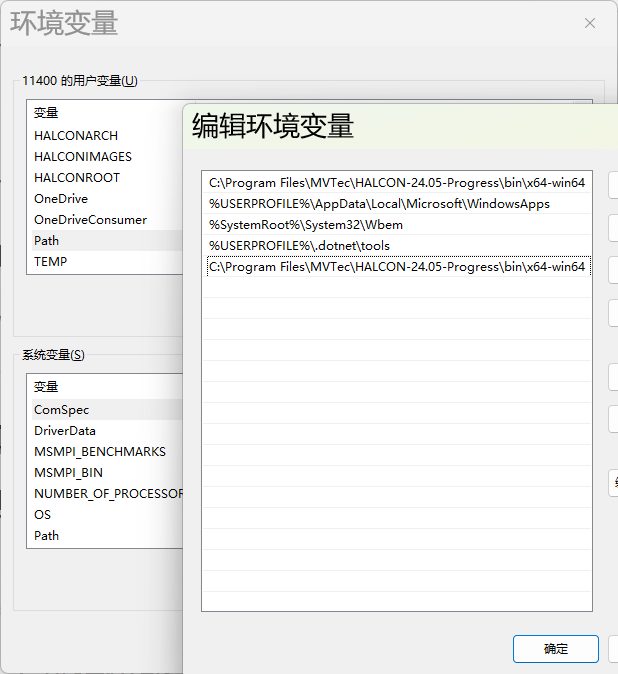
配置
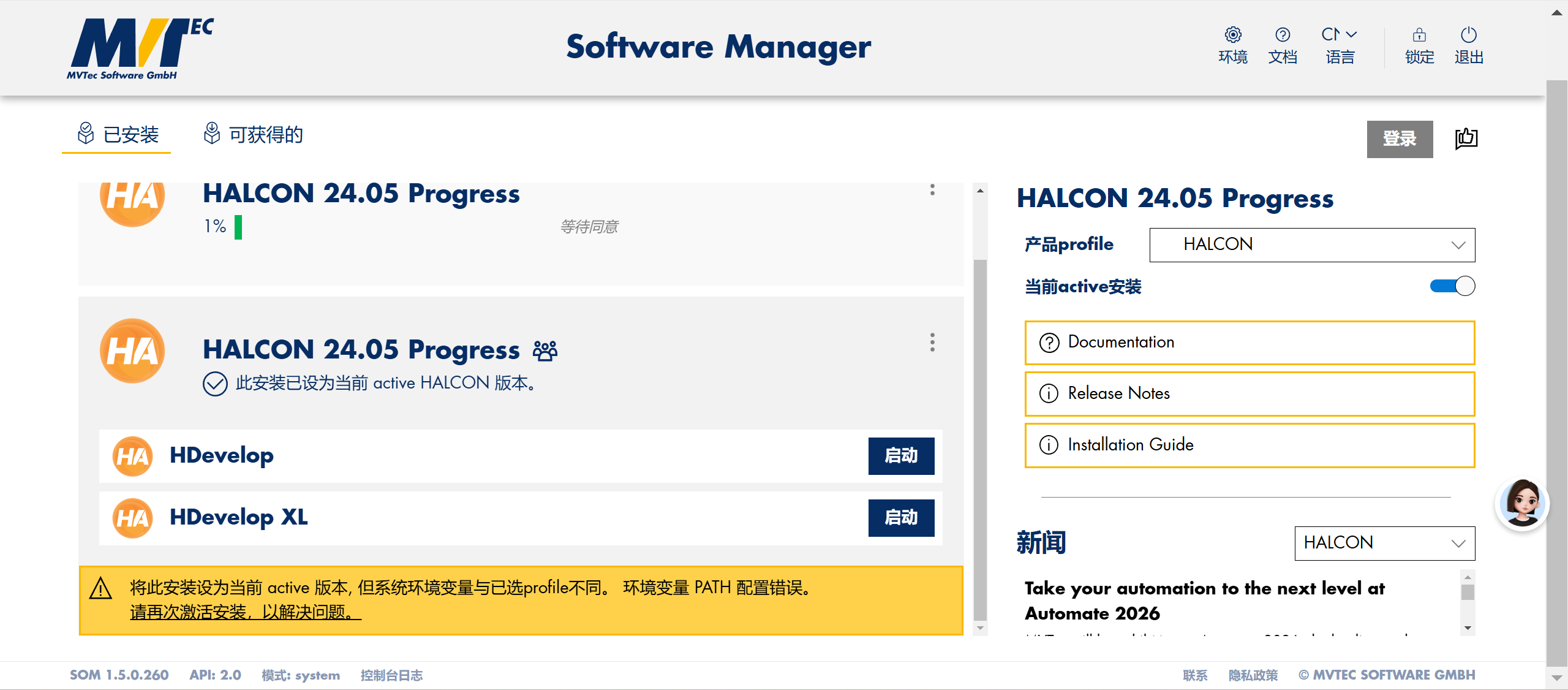
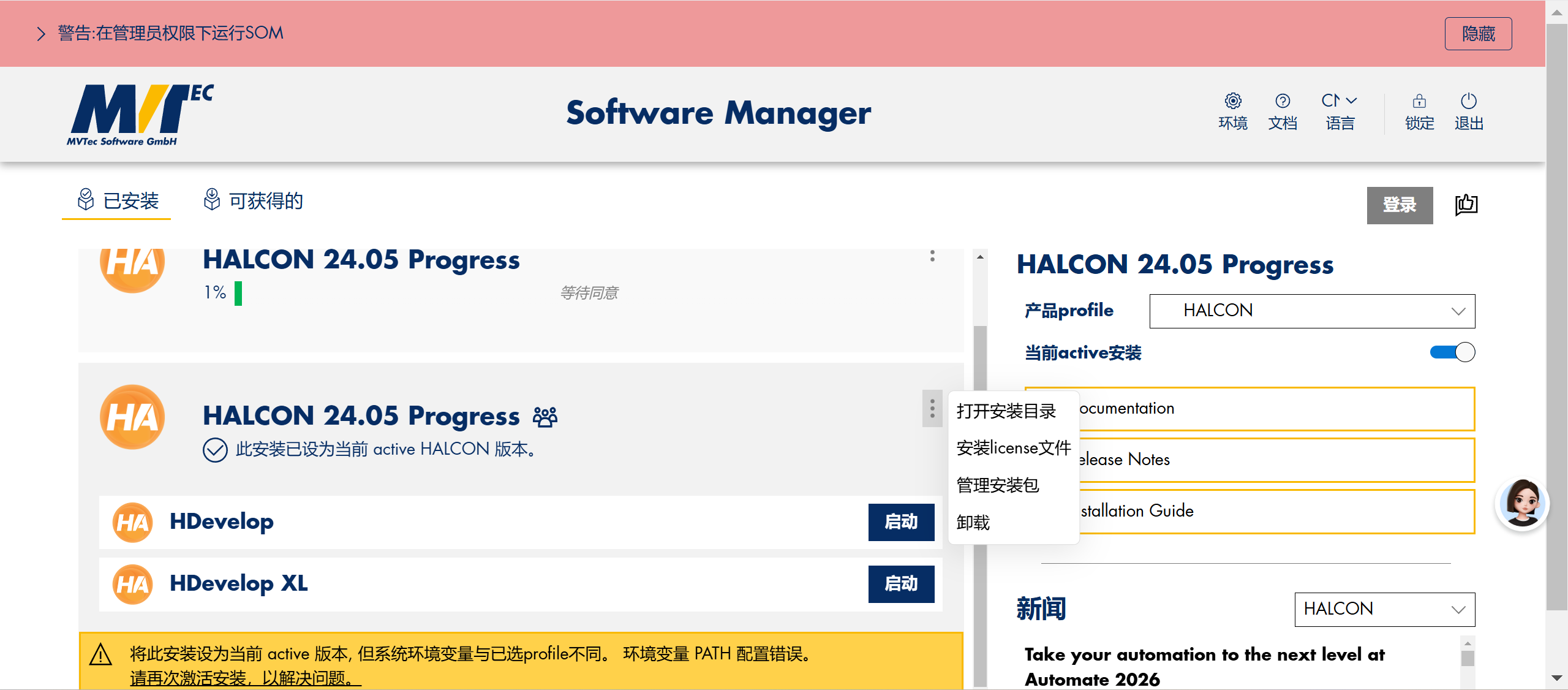
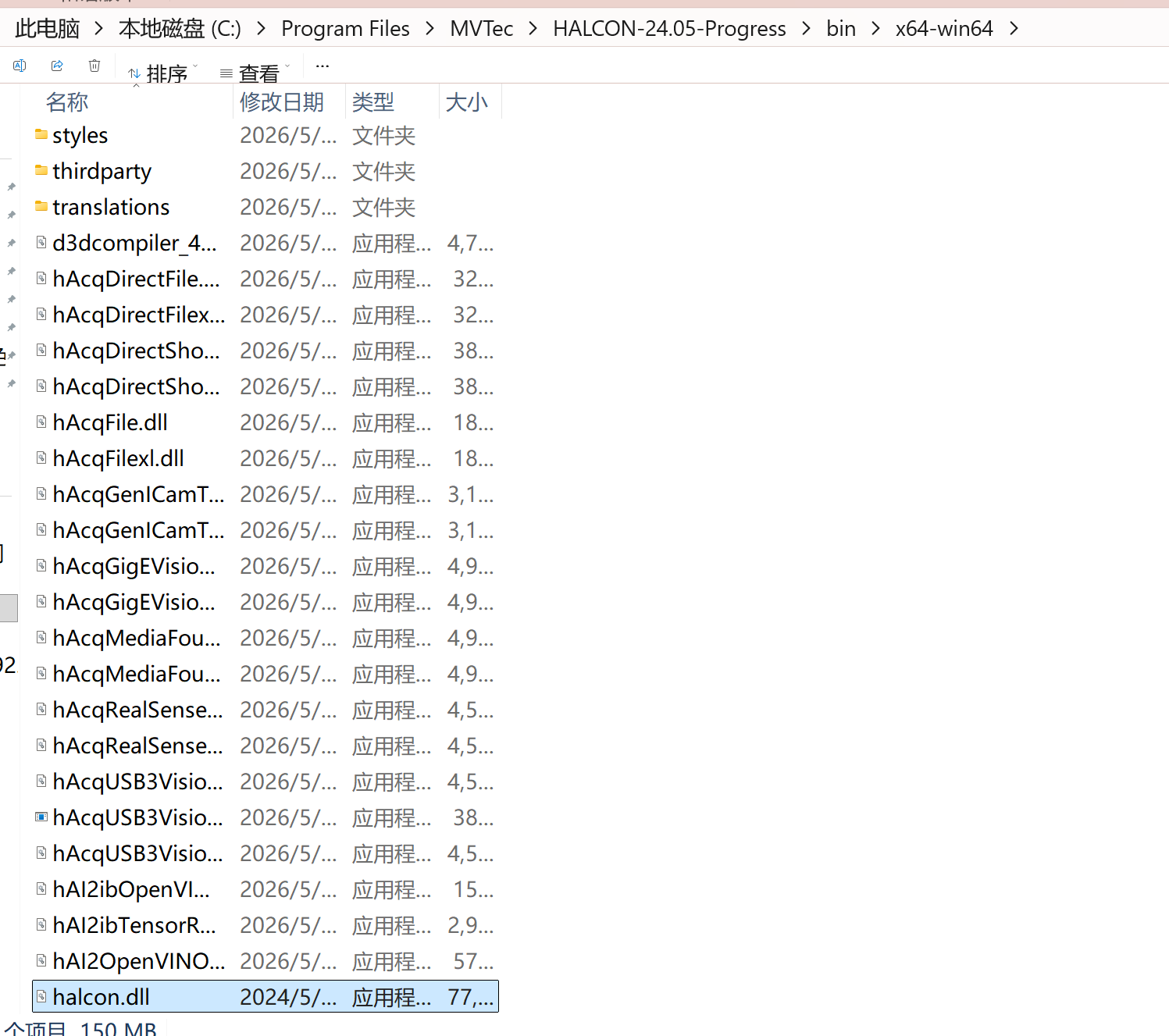
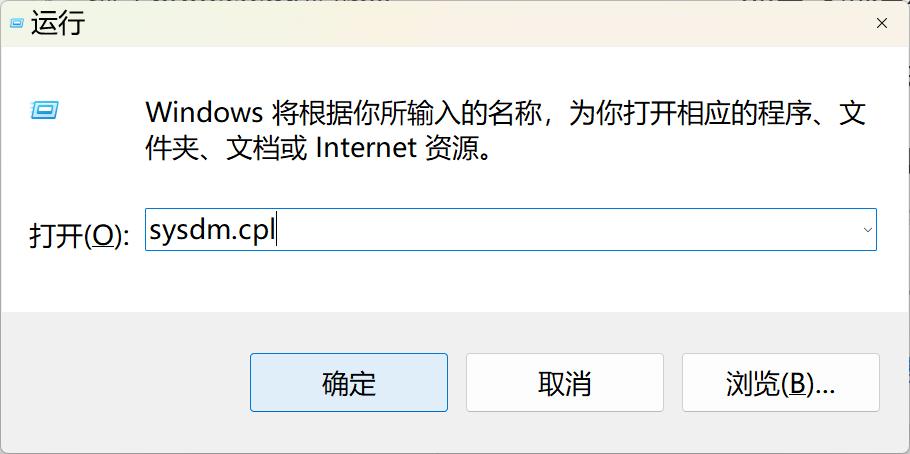
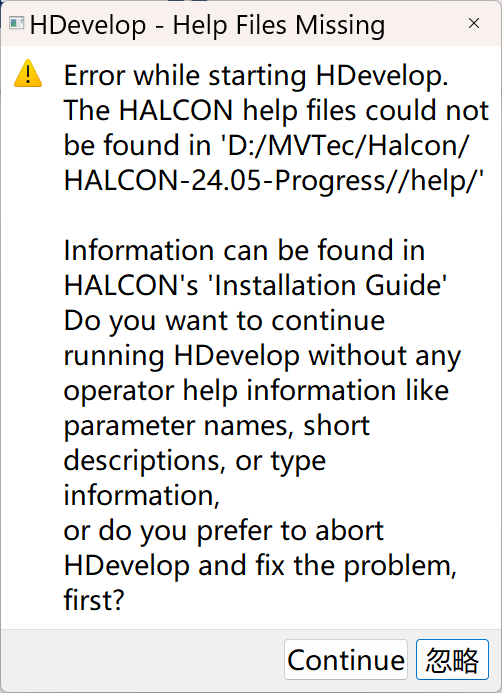
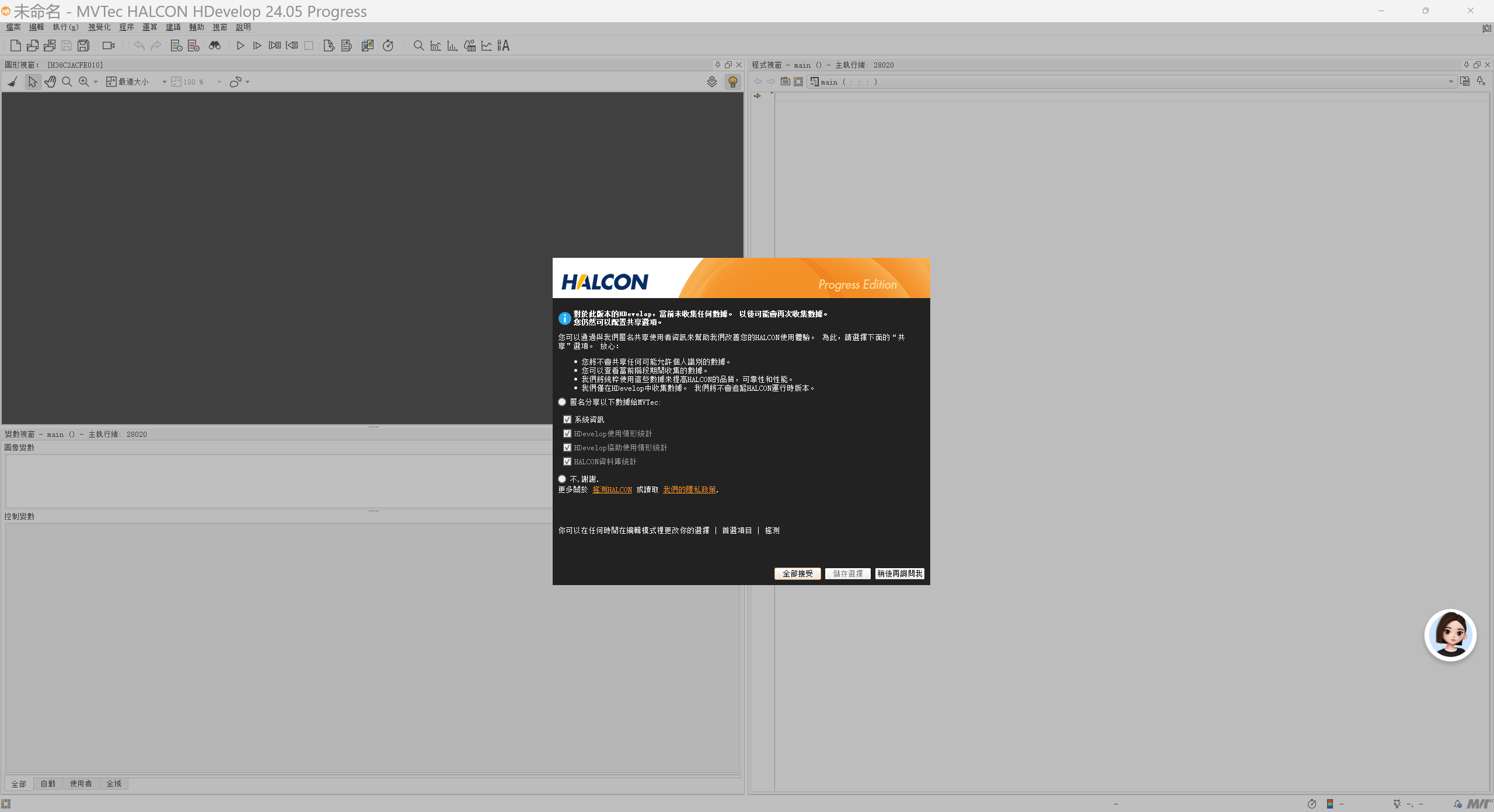
测试
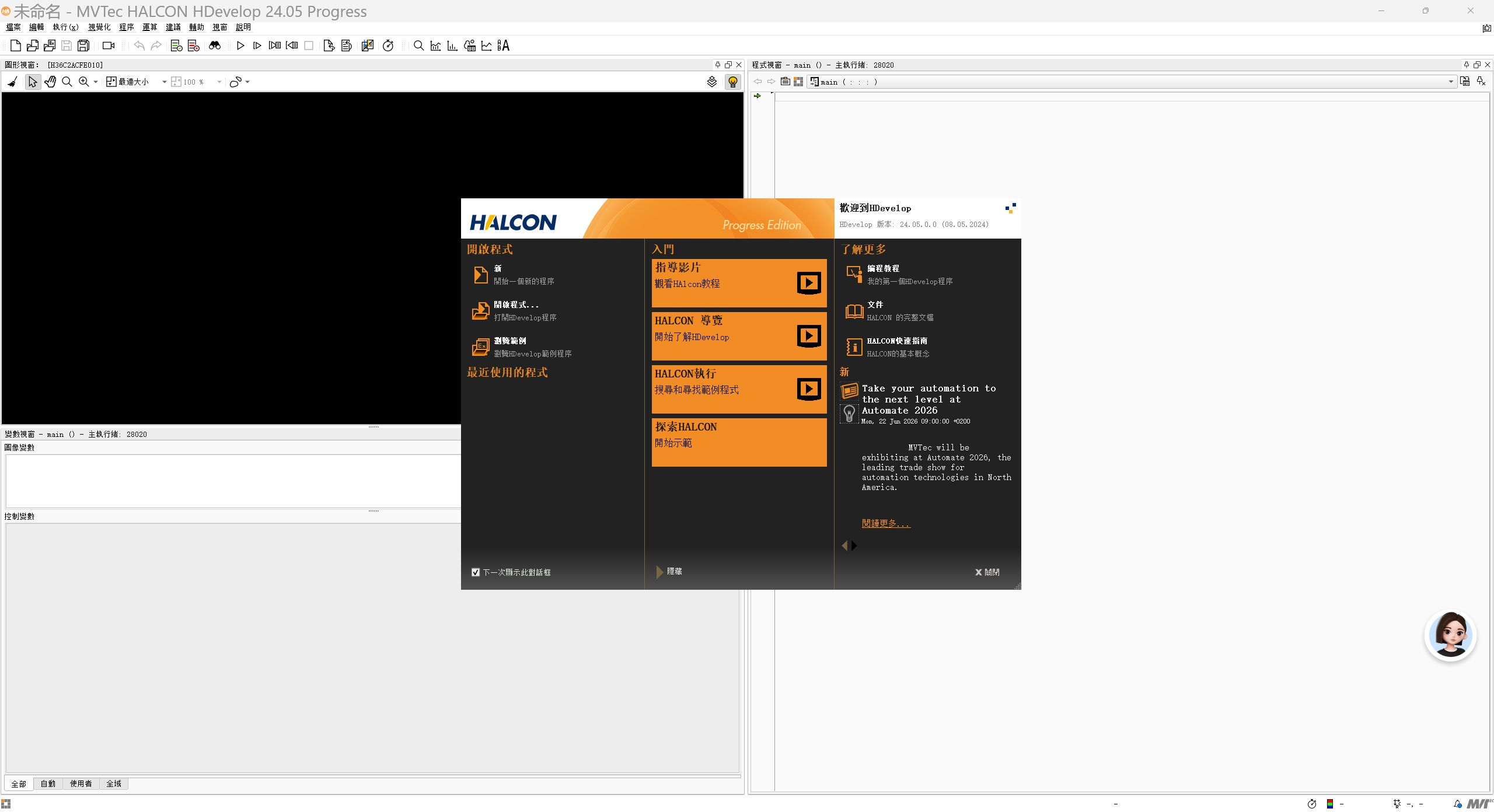
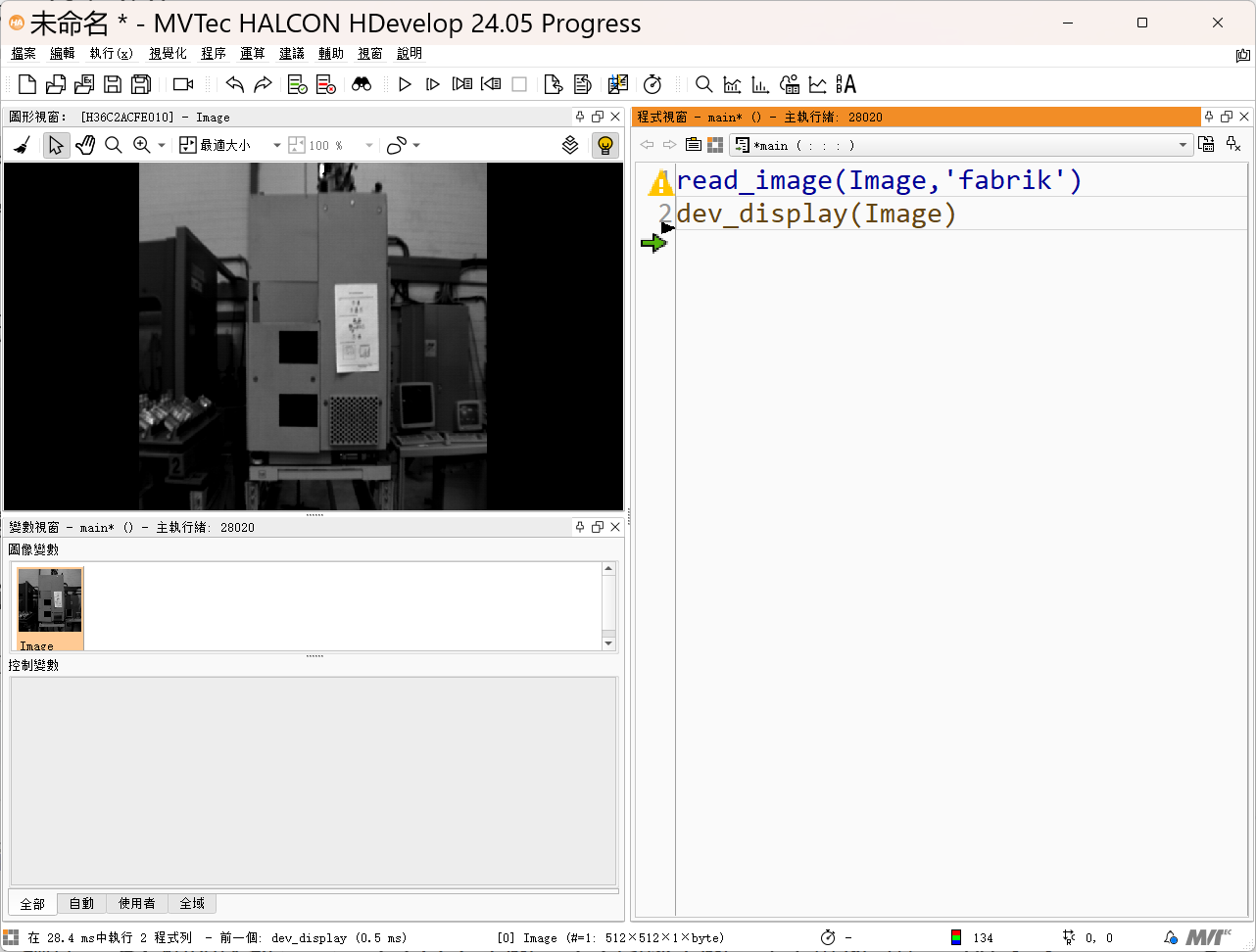
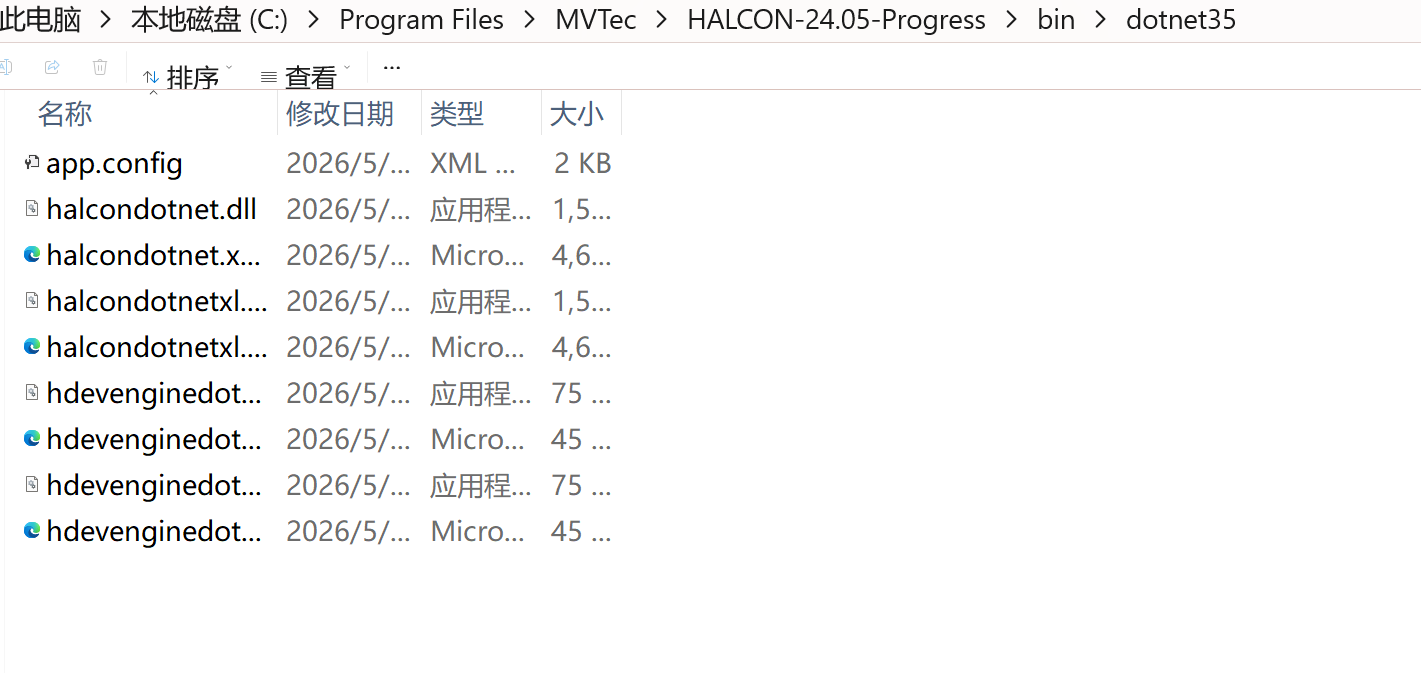
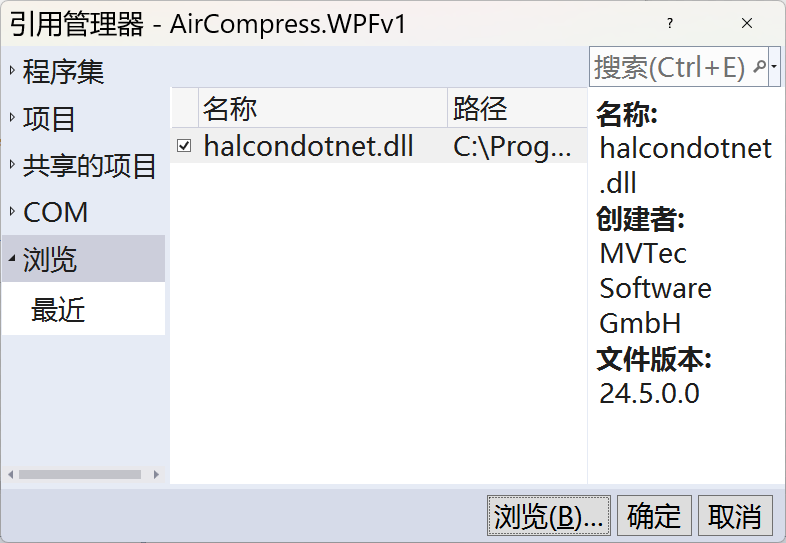

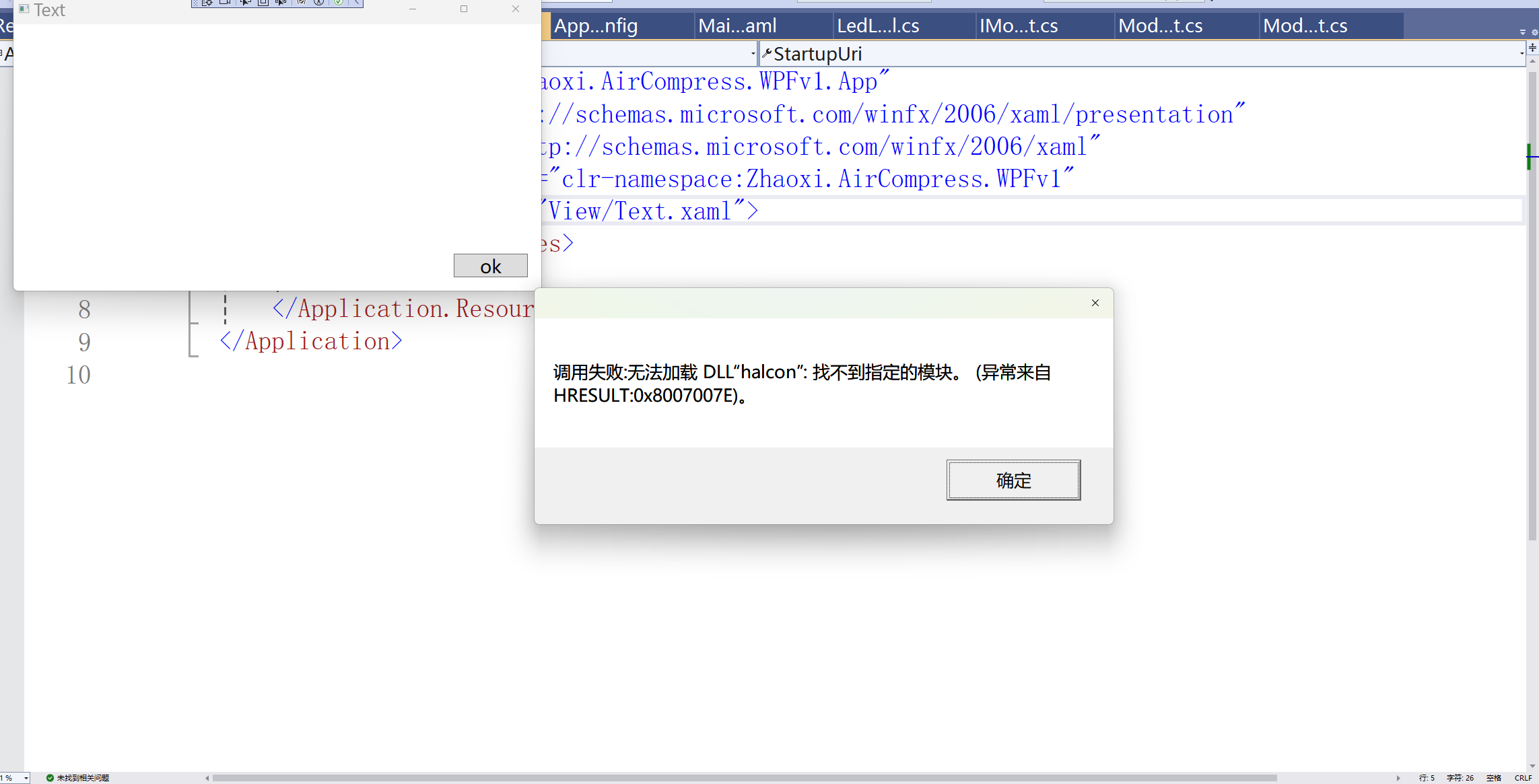
csharp
<Window x:Class="Zhaoxi.AirCompress.WPFv1.View.Text"
        xmlns="http://schemas.microsoft.com/winfx/2006/xaml/presentation"
        xmlns:x="http://schemas.microsoft.com/winfx/2006/xaml"
        xmlns:d="http://schemas.microsoft.com/expression/blend/2008"
        xmlns:mc="http://schemas.openxmlformats.org/markup-compatibility/2006"
        xmlns:local="clr-namespace:Zhaoxi.AirCompress.WPFv1.View"
        mc:Ignorable="d"
        Title="Text" Height="450" Width="800">

    <Grid>


        <Button x:Name="btn" Content="ok" Click="btn_Click" Width="110" Height="35" HorizontalAlignment="Right" VerticalAlignment="Bottom" Margin="20"/>

    </Grid>
</Window>
csharp
using HalconDotNet;
using System;
using System.Collections.Generic;
using System.Linq;
using System.Text;
using System.Threading.Tasks;
using System.Windows;
using System.Windows.Controls;
using System.Windows.Data;
using System.Windows.Documents;
using System.Windows.Input;
using System.Windows.Media;
using System.Windows.Media.Imaging;
using System.Windows.Shapes;

namespace Zhaoxi.AirCompress.WPFv1.View
{
    /// <summary>
    /// Text.xaml 的交互逻辑
    /// </summary>
    public partial class Text : Window
    {
        public Text()
        {
            InitializeComponent();
        }

        private void btn_Click(object sender, RoutedEventArgs e)
        {
            try
            {
                HOperatorSet.ReadImage(out HObject image, "fabrik");
                HOperatorSet.GetImageSize(image, out HTuple width, out HTuple height);
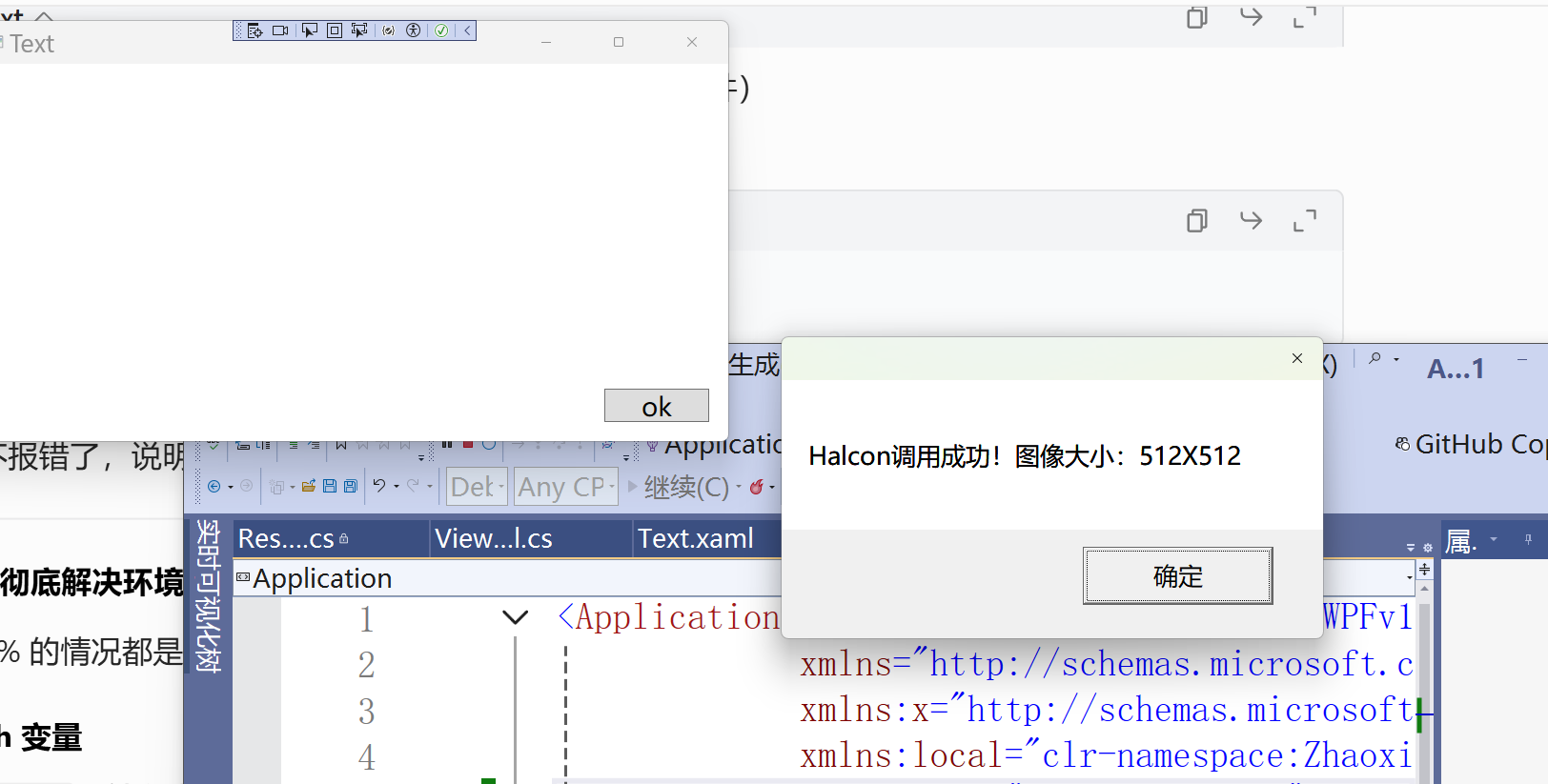
                MessageBox.Show($"Halcon调用成功!图像大小:{width}X{height}");

            }
            catch (Exception ex) {
                MessageBox.Show($"调用失败:{ex.Message}");
            }
        }
    }
}
xml
<Window x:Class="Zhaoxi.AirCompress.WPFv1.View.Text"
        xmlns="http://schemas.microsoft.com/winfx/2006/xaml/presentation"
        xmlns:x="http://schemas.microsoft.com/winfx/2006/xaml"
        xmlns:d="http://schemas.microsoft.com/expression/blend/2008"
        xmlns:mc="http://schemas.openxmlformats.org/markup-compatibility/2006"
        xmlns:local="clr-namespace:Zhaoxi.AirCompress.WPFv1.View"
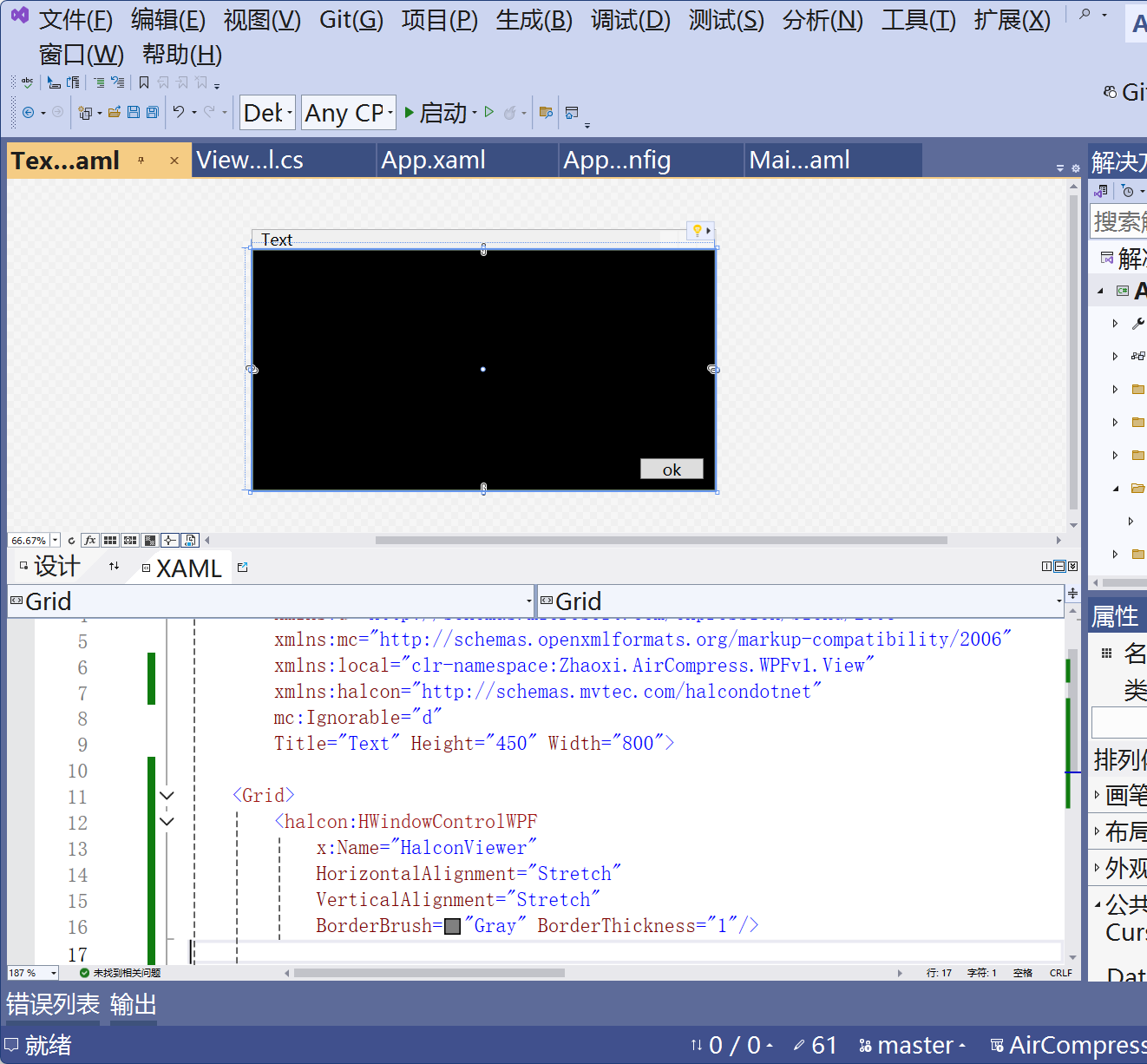
        xmlns:halcon="http://schemas.mvtec.com/halcondotnet"
        mc:Ignorable="d"
        Title="Text" Height="450" Width="800">

    <Grid>
        <halcon:HWindowControlWPF
            x:Name="HalconViewer"
            HorizontalAlignment="Stretch"
            VerticalAlignment="Stretch"
            BorderBrush="Gray" BorderThickness="1"/>

        <Button x:Name="btn" Content="ok" Click="btn_Click" Width="110" Height="35" HorizontalAlignment="Right" VerticalAlignment="Bottom" Margin="20"/>

    </Grid>
</Window>
csharp
using HalconDotNet;
using System;
using System.Collections.Generic;
using System.Linq;
using System.Text;
using System.Threading.Tasks;
using System.Windows;
using System.Windows.Controls;
using System.Windows.Data;
using System.Windows.Documents;
using System.Windows.Input;
using System.Windows.Media;
using System.Windows.Media.Imaging;
using System.Windows.Shapes;

namespace Zhaoxi.AirCompress.WPFv1.View
{
    /// <summary>
    /// Text.xaml 的交互逻辑
    /// </summary>
    public partial class Text : Window
    {
        public Text()
        {
            InitializeComponent();
        }

        private void btn_Click(object sender, RoutedEventArgs e)
        {
            try
            {
                HOperatorSet.ReadImage(out HObject image, "fabrik");
                // HOperatorSet.GetImageSize(image, out HTuple width, out HTuple height);
                HalconViewer.HalconWindow.DispImage((HImage)image);
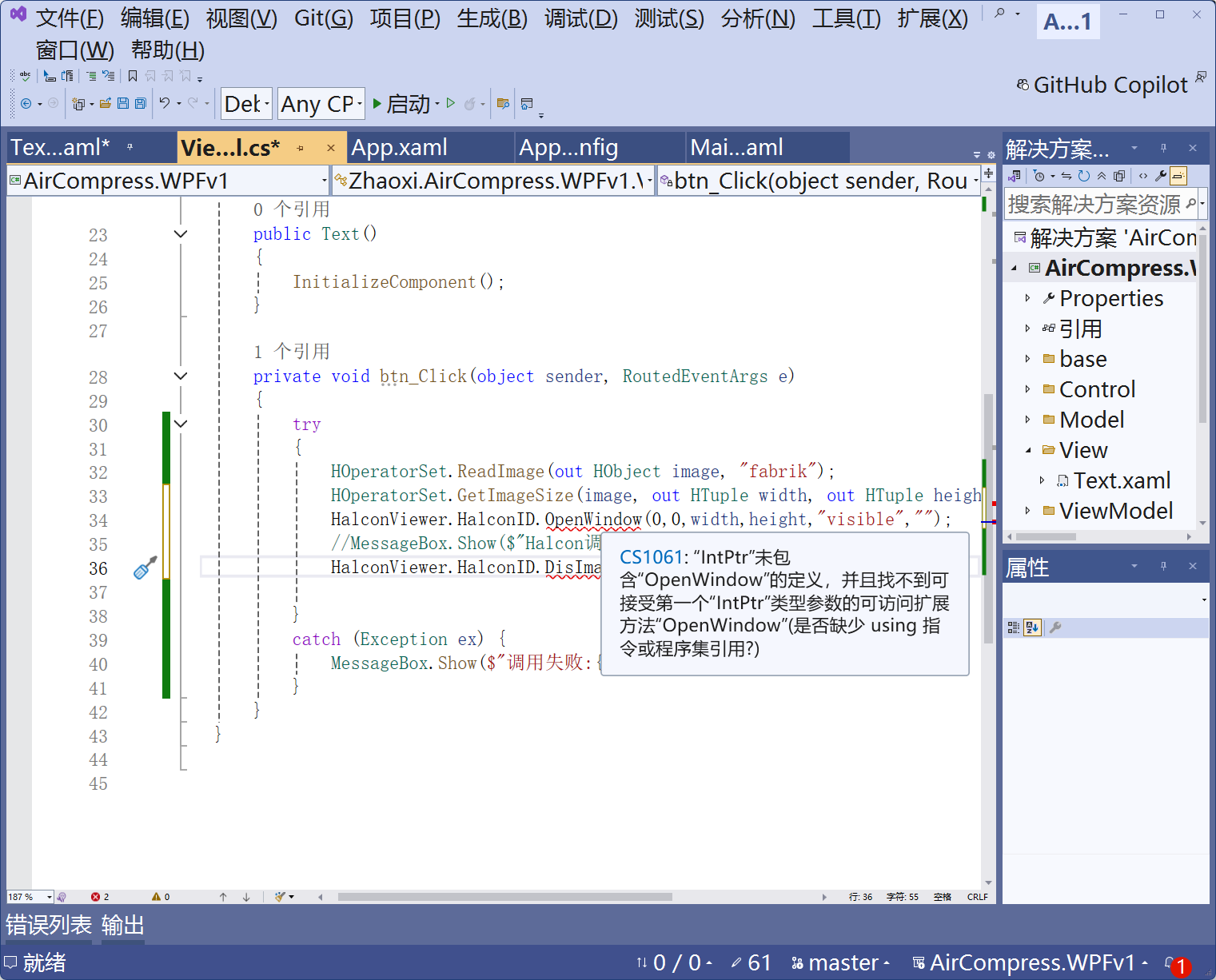
                // HalconViewer.HalconID.OpenWindow(0,0,width,height,"visible","");
                //MessageBox.Show($"Halcon调用成功!图像大小:{width}X{height}");
                //HalconViewer.HalconID.DisImage(image);
                HOperatorSet.SetPart(HalconViewer.HalconID, 0, 0, 511, 511);
            }
            catch (Exception ex) {
                MessageBox.Show($"调用失败:{ex.Message}");
            }
        }
    }
}
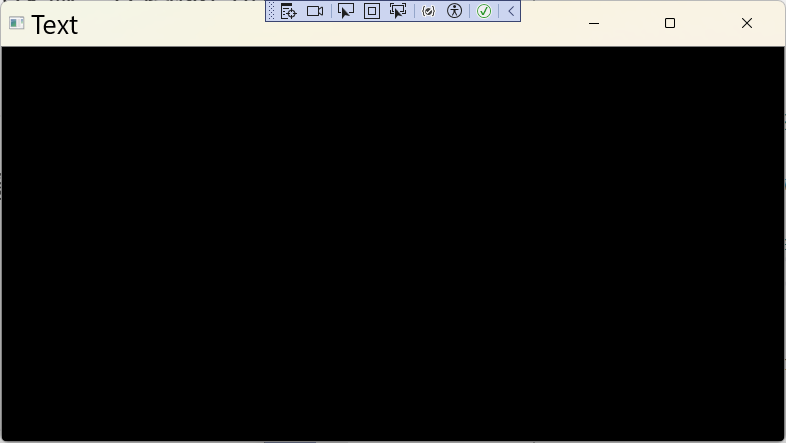
csharp
using HalconDotNet;
using System;
using System.Collections.Generic;
using System.Linq;
using System.Text;
using System.Threading.Tasks;
using System.Windows;
using System.Windows.Controls;
using System.Windows.Data;
using System.Windows.Documents;
using System.Windows.Input;
using System.Windows.Media;
using System.Windows.Media.Imaging;
using System.Windows.Shapes;

namespace Zhaoxi.AirCompress.WPFv1.View
{
    /// <summary>
    /// Text.xaml 的交互逻辑
    /// </summary>
    public partial class Text : Window
    {
        public Text()
        {
            InitializeComponent();
        }

        private void btn_Click(object sender, RoutedEventArgs e)
        {
            try
            {
                HOperatorSet.ReadImage(out HObject image, "fabrik");
                // HOperatorSet.GetImageSize(image, out HTuple width, out HTuple height);
                HOperatorSet.SetPart(HalconViewer.HalconID, 0, 0, 511, 511);
                HOperatorSet.DispImage(image,HalconViewer.HalconID);
               // HalconViewer.HalconWindow.DispImage((HImage)image);
                // HalconViewer.HalconID.OpenWindow(0,0,width,height,"visible","");
                //MessageBox.Show($"Halcon调用成功!图像大小:{width}X{height}");
                //HalconViewer.HalconID.DisImage(image);
                image.Dispose();
            }
            catch (Exception ex) {
                MessageBox.Show($"调用失败:{ex.Message}");
            }
        }
    }
}
csharp
using HalconDotNet;
using System;
using System.Collections.Generic;
using System.Linq;
using System.Text;
using System.Threading.Tasks;
using System.Windows;
using System.Windows.Controls;
using System.Windows.Data;
using System.Windows.Documents;
using System.Windows.Input;
using System.Windows.Media;
using System.Windows.Media.Imaging;
using System.Windows.Shapes;

namespace Zhaoxi.AirCompress.WPFv1.View
{
    /// <summary>
    /// Text.xaml 的交互逻辑
    /// </summary>
    public partial class Text : Window
    {
        public Text()
        {
            InitializeComponent();
        }

        private void btn_Click(object sender, RoutedEventArgs e)
        {
            Dispatcher.BeginInvoke(System.Windows.Threading.DispatcherPriority.Render, new Action(() =>
            {
                try
                {
                    HImage image = new HImage("fabrik");
                    //HOperatorSet.ReadImage(out HObject image, "fabrik");
                    // HOperatorSet.GetImageSize(image, out HTuple width, out HTuple height);
                    HOperatorSet.SetPart(HalconViewer.HalconID, 0, 0, 511, 511);
                    //  HOperatorSet.DispImage(image, HalconViewer.HalconID);
                    // HalconViewer.HalconWindow.DispImage((HImage)image);
                    // HalconViewer.HalconID.OpenWindow(0,0,width,height,"visible","");
                    //MessageBox.Show($"Halcon调用成功!图像大小:{width}X{height}");
                    HalconViewer.HalconWindow.DispImage(image);
                    image.Dispose();
                }
                catch (Exception ex)
                {
                    MessageBox.Show($"调用失败:{ex.Message}");
                }
            }));

        }
    }
}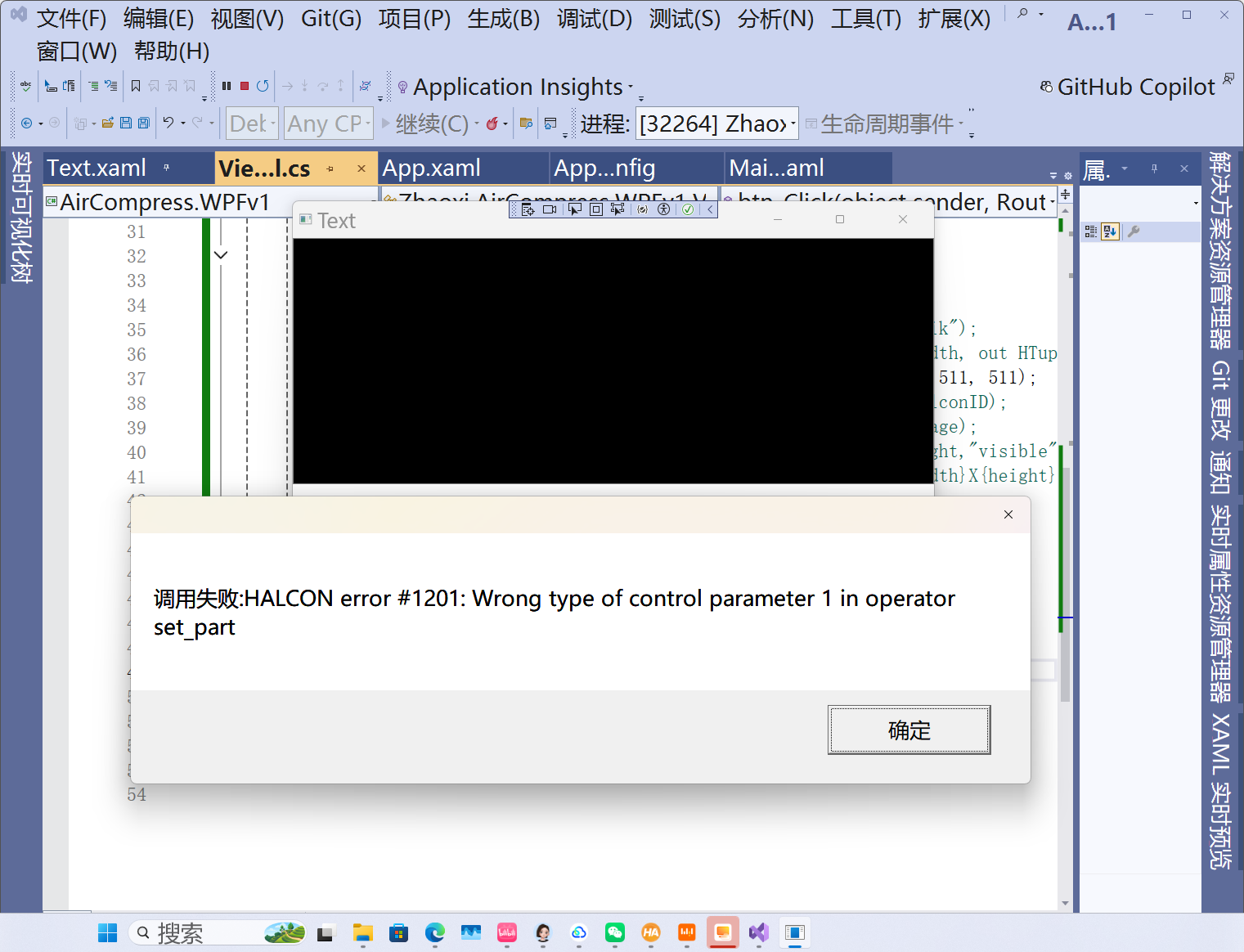

为什么用 HalconViewer.HalconWindow.SetPart?
HalconWindow 是 HWindowControlWPF 控件自带的 HALCON 窗口对象,它的 SetPart 方法是专门为 .NET 封装的,参数类型完全匹配,不会出现 #1201 错误。
更重要的是:它和后面的 DispImage 用的是同一个窗口对象,设置的显示区域会直接生效,图像会按你的要求显示。
SetPart 参数解释
SetPart(Row1, Column1, Row2, Column2):设置图像的显示区域,从(Row1, Column1)到(Row2, Column2)。
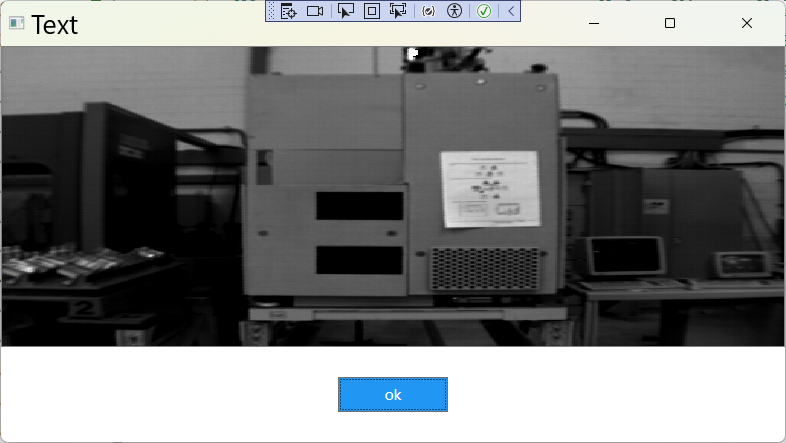
示例图像 fabrik 是 512×512 的,所以参数是 (0, 0, 511, 511),表示显示整个图像,不会被裁剪或拉伸。
Dispatcher.BeginInvoke 的作用
确保 HWindowControlWPF 控件完全渲染后再执行图像操作,避免窗口句柄未初始化导致的错误。
csharp
using HalconDotNet;
using System;
using System.Collections.Generic;
using System.Linq;
using System.Text;
using System.Threading.Tasks;
using System.Windows;
using System.Windows.Controls;
using System.Windows.Data;
using System.Windows.Documents;
using System.Windows.Input;
using System.Windows.Media;
using System.Windows.Media.Imaging;
using System.Windows.Shapes;

namespace Zhaoxi.AirCompress.WPFv1.View
{
    /// <summary>
    /// Text.xaml 的交互逻辑
    /// </summary>
    public partial class Text : Window
    {
        public Text()
        {
            InitializeComponent();
        }

        private void btn_Click(object sender, RoutedEventArgs e)
        {
            Dispatcher.BeginInvoke(System.Windows.Threading.DispatcherPriority.Render, new Action(() =>
            {
                try
                {
                    HImage image = new HImage("fabrik");
                    //HOperatorSet.ReadImage(out HObject image, "fabrik");
                    // HOperatorSet.GetImageSize(image, out HTuple width, out HTuple height);
                    HalconViewer.HalconWindow.SetPart(0, 0, 511, 511);
                    //  HOperatorSet.DispImage(image, HalconViewer.HalconID);
                    // HalconViewer.HalconWindow.DispImage((HImage)image);
                    // HalconViewer.HalconID.OpenWindow(0,0,width,height,"visible","");
                    //MessageBox.Show($"Halcon调用成功!图像大小:{width}X{height}");
                    HalconViewer.HalconWindow.DispImage(image);
                    image.Dispose();
                }
                catch (Exception ex)
                {
                    MessageBox.Show($"调用失败:{ex.Message}");
                }
            }));

        }
    }
}
xml
<Window x:Class="Zhaoxi.AirCompress.WPFv1.View.Text"
        xmlns="http://schemas.microsoft.com/winfx/2006/xaml/presentation"
        xmlns:x="http://schemas.microsoft.com/winfx/2006/xaml"
        xmlns:d="http://schemas.microsoft.com/expression/blend/2008"
        xmlns:mc="http://schemas.openxmlformats.org/markup-compatibility/2006"
        xmlns:local="clr-namespace:Zhaoxi.AirCompress.WPFv1.View"
        xmlns:halcon="http://schemas.mvtec.com/halcondotnet"
        mc:Ignorable="d"
        Title="Text" Height="450" Width="800">

    <Grid>
        <Grid.RowDefinitions>
            <RowDefinition Height="*"/>
            <RowDefinition Height="auto"/>
        </Grid.RowDefinitions>
        <halcon:HWindowControlWPF
            Grid.Row="0"
            x:Name="HalconViewer"
            HorizontalAlignment="Stretch"
            VerticalAlignment="Stretch"
            BorderBrush="Gray" BorderThickness="1"/>
        <StackPanel Grid.Row="1" Orientation="Horizontal" HorizontalAlignment="Center" Margin="10">
        <Button x:Name="btn" Content="ok" Click="btn_Click" Width="110"
                Height="35" HorizontalAlignment="Right"
                VerticalAlignment="Bottom" Margin="20"
                Background="#ff2196f3"
                Foreground="White"
                FontSize="14"/>
        </StackPanel>
    </Grid>
</Window>