最近需要在 git bash 中跑 Claude Code 。
git bash 是随 git for windows 套件安装的,很久没更新了,结果启动 Claude Code 报错:
Warning: no stdin data received in 3s, proceeding without it. If piping from a slow command, redirect stdin explicitly: < /dev/null to skip, or wait longer.
Error: Input must be provided either through stdin or as a prompt argument when using --print
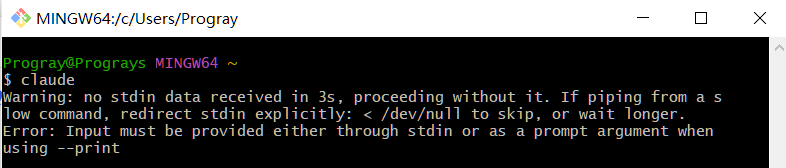
问题的原因是 Claude Code 需要一个完整的交互式终端环境,启动时会尝试从标准输入(stdin)读取数据,但 Git Bash 默认使用旧的终端模拟(mintty + 传统的 PTY 方式),而不是 Windows 的 ConPTY(Console Pseudo Terminal)。
简单说,Claude Code 需要一个完备的现代化的终端环境,但 git bash 默认不是。
解决方法也简单。
1、临时方案
在终端中输入
export MSYS=enable_pcon即可。
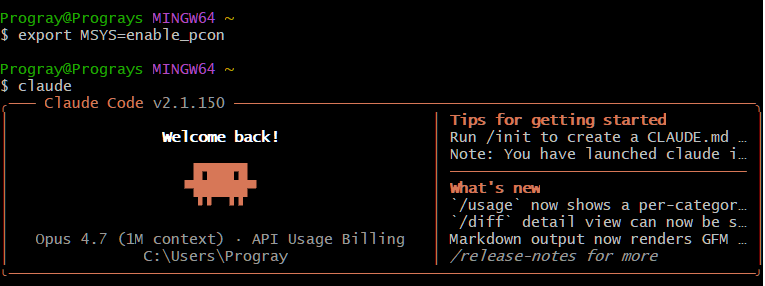
但这样的话每次重启 git bash ,都要输入命令,很麻烦。
2、自动化方案
在 ~/.bashrc 或 ~/.bash_profile 末尾加上:
export MSYS=enable_pcon然后重启 Git Bash。
3、最佳方案
去git 官网下载最新git for widows 套件:
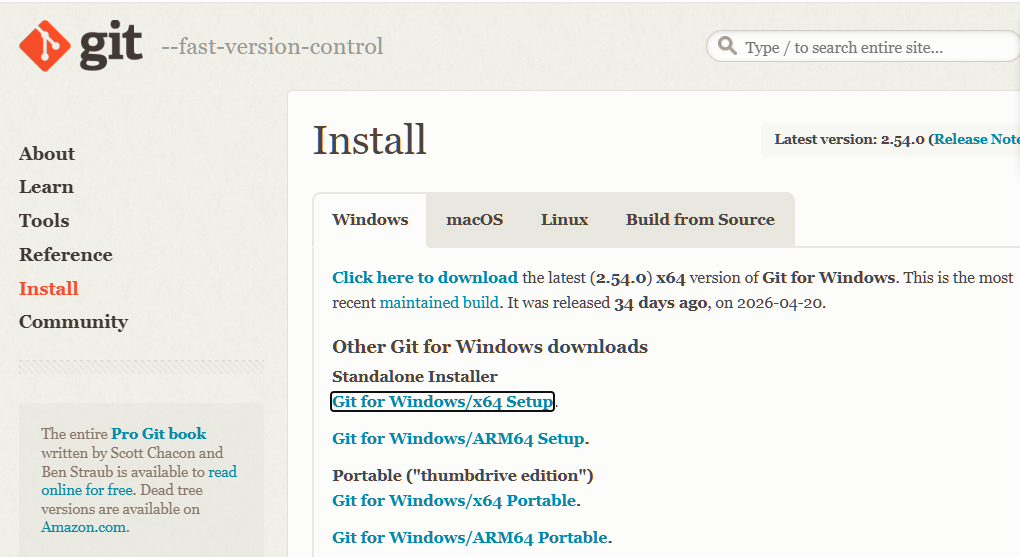
覆盖安装即可。
如果不考虑旧版本兼容问题,直接覆盖安装。
另外,安装时强烈建议勾选上
Add a Git Bash Profile to Windows Treminal
这样 Windows 终端中就可以启动 Git Bash了。
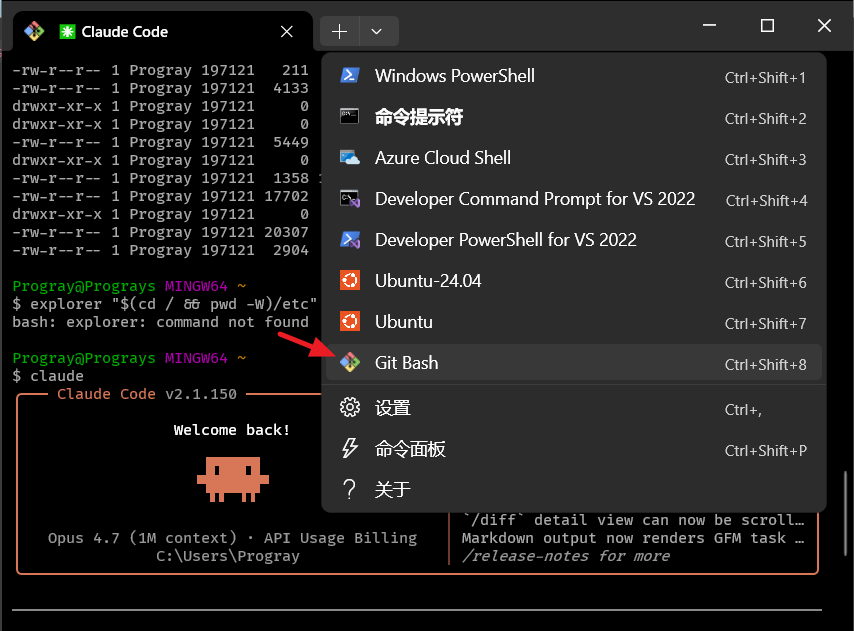
搭上 Windows 终端,不但显示效果上了个台阶,操作便捷性也极大提升。
首先是所有终端都可以结合到一个窗口中,通过标签页切换;复制/粘贴再也不用 Ctrl Ins/Shift Ins了,好处多多。