一、QuestPDF 简介
QuestPDF 是一个专为 .NET 平台打造的现代化 PDF 生成库,它采用声明式、代码驱动的设计理念,让你直接用 C# 代码描述文档结构,无需依赖 HTML 转换或外部渲染引擎-7。其强大的 Fluent API 支持链式调用,内置布局引擎能够自动处理分页与换行,非常适合用于生成发票、报表、合同、数据导出等场景-7。
二、环境搭建
2.1 安装
QuestPDF 通过 NuGet 安装,在 .NET 6+ 项目中直接使用即可
powershell
dotnet add package QuestPDF2.2 许可证配置
根据项目类型,需要在应用启动时设置许可证。对于个人、非营利组织以及年营收低于 100 万美元的企业,可以免费使用社区版
csharp
// 社区版许可证(只需配置一次,通常放在 Program.cs 中)
QuestPDF.Settings.License = LicenseType.Community;
如果不配置许可证就会报错
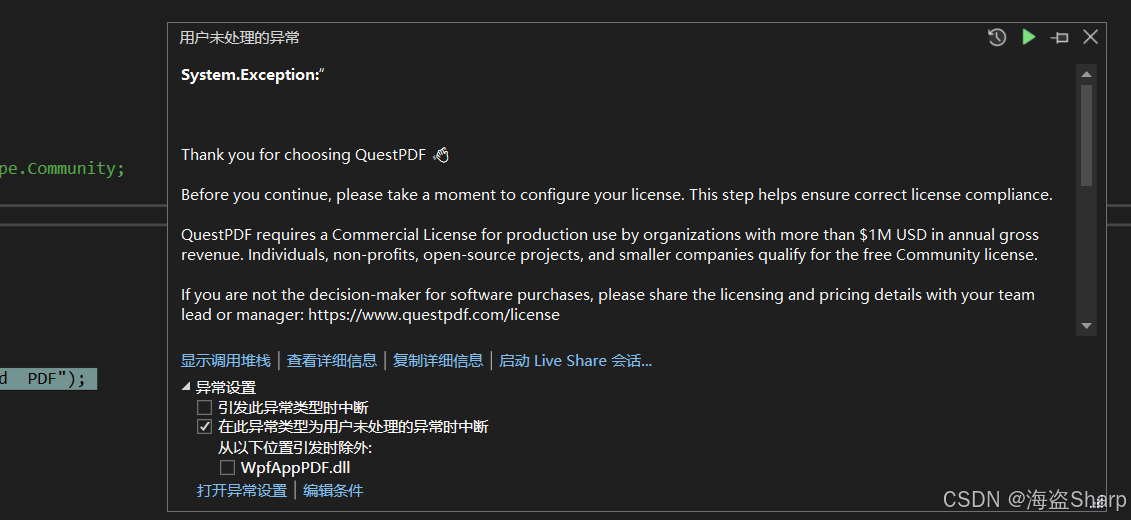
System.Exception:"

Thank you for choosing QuestPDF 👋

Before you continue, please take a moment to configure your license. This step helps ensure correct license compliance.

QuestPDF requires a Commercial License for production use by organizations with more than $1M USD in annual gross revenue. Individuals, non-profits, open-source projects, and smaller companies qualify for the free Community license.

If you are not the decision-maker for software purchases, please share the licensing and pricing details with your team lead or manager: https://www.questpdf.com/license

Available license options:
- Community: free,
- Evaluation: intended solely for evaluation before choosing an appropriate license; not suitable for production use,
- Professional: paid, for teams up to 10 developers with dedicated support,
- Enterprise: paid, for unlimited developers with prioritized dedicated support.

Set the license once at application startup. By doing so, you confirm that the selected tier matches your usage:
> QuestPDF.Settings.License = LicenseType.Evaluation; // or Community / Professional / Enterprise

No license key or activation is required --- we trust you to select the correct option. By choosing the right license, you help ensure QuestPDF remains sustainable and continuously improving for everyone.

We wish you a great experience! 🚀

"
2.3 引入命名空间
csharp
using QuestPDF.Fluent;
using QuestPDF.Helpers;
using QuestPDF.Infrastructure;
三、核心概念与文档结构
QuestPDF 的文档结构遵循文档 → 页面 → 容器 → 元素 的层次模型-7:
- Document :文档的入口,通过
Document.Create()定义整体结构。 - Page:代表单个页面,可设置尺寸、边距、页眉、页脚、背景等属性。
- Container:布局容器,负责组织子元素(如 Column、Row 等)。
- Element:具体内容元素,如文本(Text)、图片(Image)、表格(Table)等。
Document 是一个不可变的构建器对象------调用 Create() 后返回的只是一个声明式的描述,并不会立即生成文件;必须显式调用 .GeneratePdf()(同步)或 .GeneratePdfAsync()(异步),传入文件路径或 Stream 才能真正写出 PDF
四、基础使用
生成第一个PDF文档
添加一个文本
csharp
using QuestPDF.Fluent;
using QuestPDF.Helpers;
using QuestPDF.Infrastructure;

// 设置许可证
QuestPDF.Settings.License = LicenseType.Community;

Document
    .Create(container =>
    {
        container.Page(page =>
        {
            page.Size(PageSizes.A4);
            page.Margin(20);

            page.Content().Text("Hello World  PDF");
        });
    })
    .GeneratePdf("test.pdf");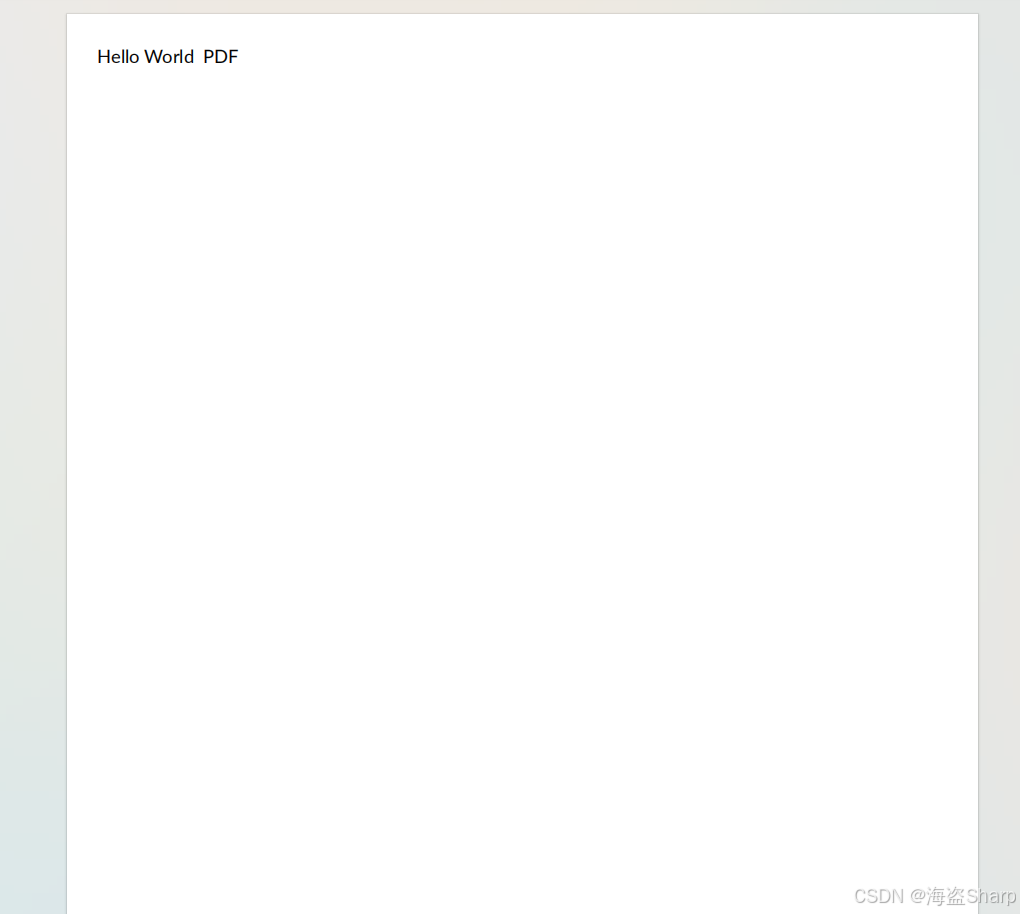
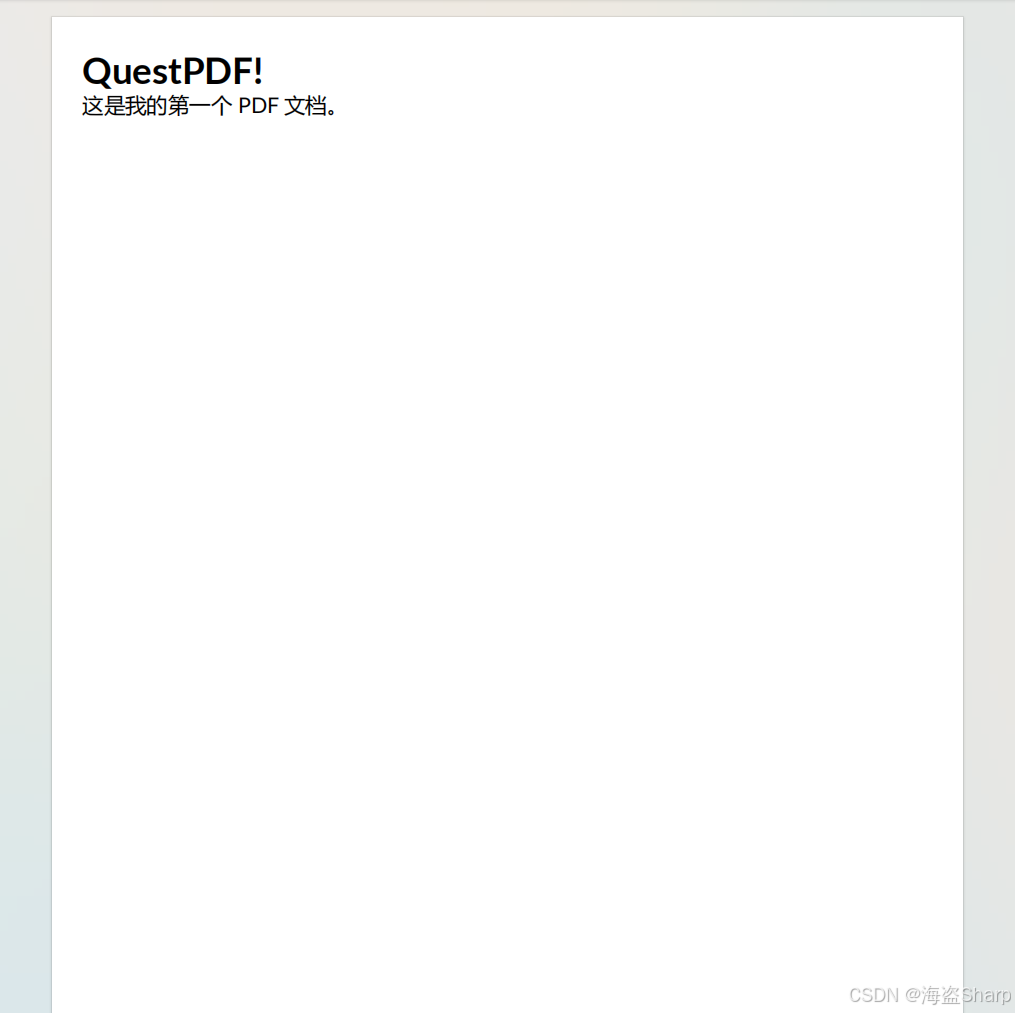
使用Column纵向排两行
csharp
    Document
        .Create(container =>
        {
            container.Page(page =>
            {
                page.Size(PageSizes.A4);
                page.Margin(20);

                //page.Content().Text("Hello World  PDF");
                page.Content()
                    .Column(col =>
                    {
                        col.Item().Text("QuestPDF!").FontSize(24).Bold();

                        col.Item().Text("这是我的第一个 PDF 文档。").FontSize(14);
                    });
            });
        })
        .GeneratePdf("test.pdf");