文章目录
- 背景
- Vscode+Copilot
-
- vscode+copilot原始方案model
- vscode+copilot接入其他model
-
- 接入Deepseek-V4
- [接入其他国产模型(比如说coding plan)](#接入其他国产模型(比如说coding plan))
- [各种Agent CLI工具](#各种Agent CLI工具)
-
- [Claude code+国外model](#Claude code+国外model)
- [Claude code+国内model](#Claude code+国内model)
- Deepseek-TUI
- 其他Agent,比如说Codex
- Vscode插件
背景
国外model消费高,羊毛也越来越难薅,主要是做一个国内model使用场景备选方案:
目前用的顺手的国内model主要是:
- deepseek v4
- glm 5.1
- minimax:量大管饱
国外model可以薅的一些free api:
https://github.com/cheahjs/free-llm-api-resources
https://github.com/mnfst/awesome-free-llm-apis
python
# 反正目前的策略如下:
1. 多囤点国内model plan,趁早优惠
2. 多关注free llm api,和1都日结囤在oai copilot管理中
3. 做任务时copilot原生model先上,把额度给蹬完,触限了再用国内model
4. 下下策是vscode插件+web端(看看能否反代)
Vscode+Copilot
vscode+copilot原始方案model
最新消息是6.1开始,按次计费转为按token计费,基本pass(普通人消费不起)
vscode+copilot接入其他model
接入Deepseek-V4
之前的博客中提到过了
接入其他国产模型(比如说coding plan)
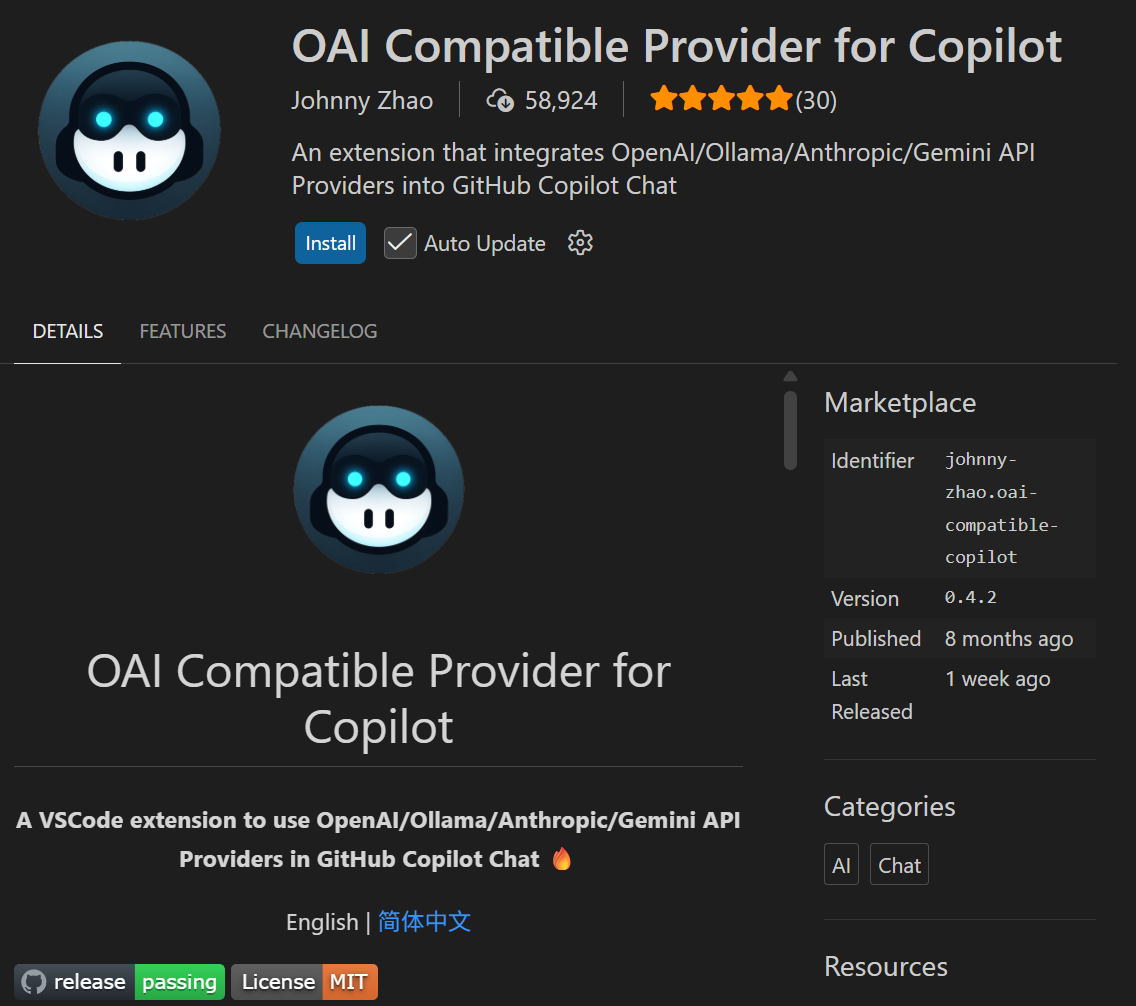
仓库原址:https://github.com/JohnnyZ93/oai-compatible-copilot/blob/main/README.zh-CN.md
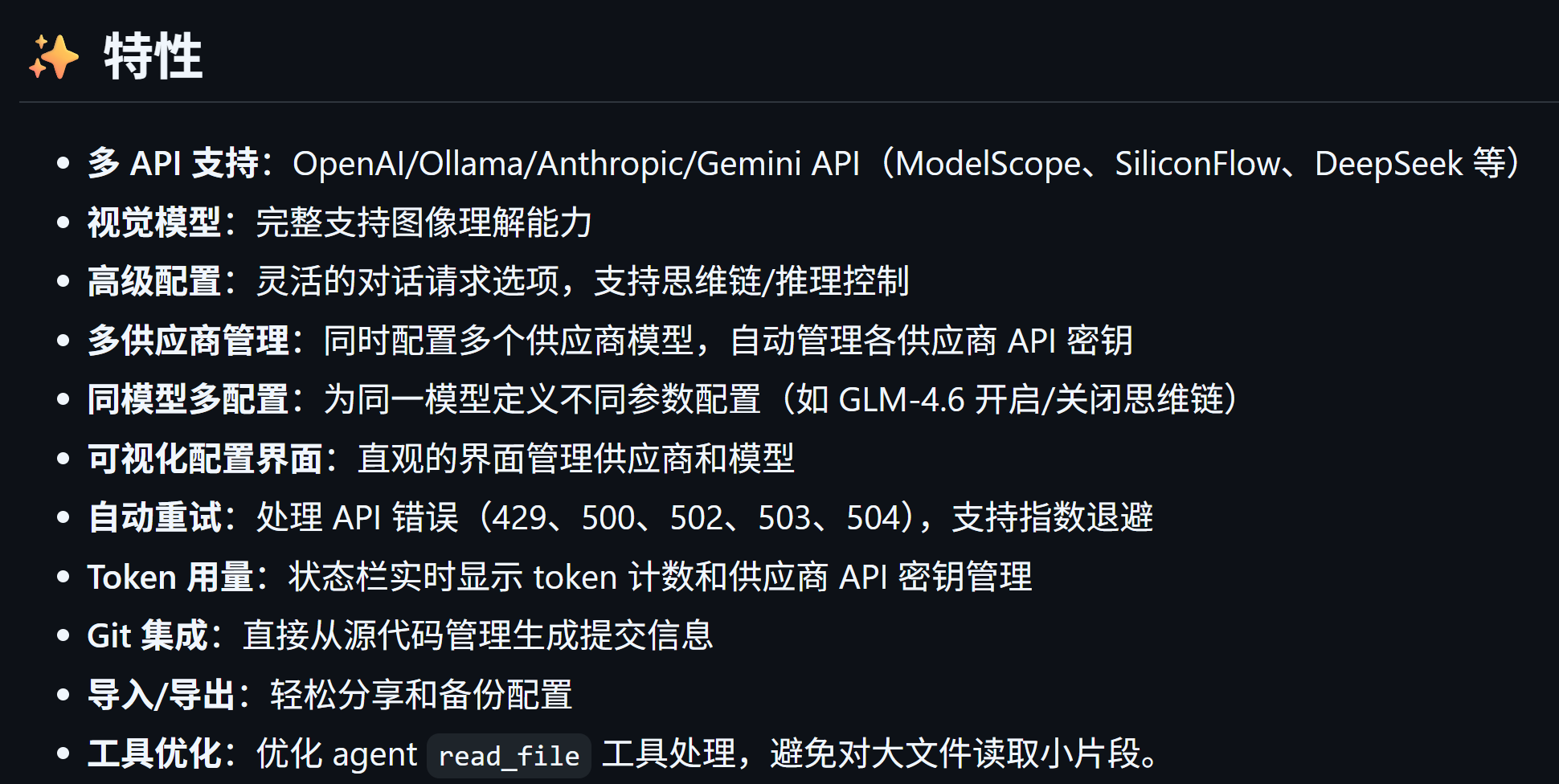
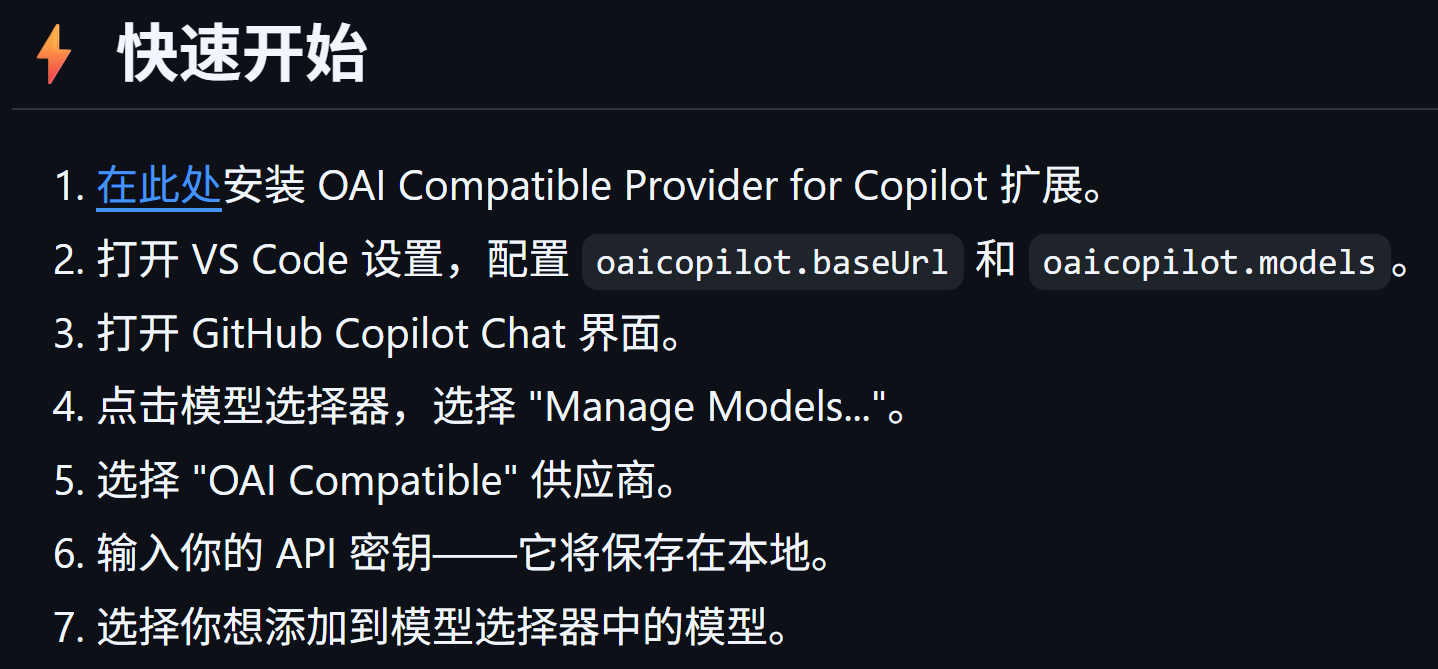
然后就是开始配置:
然后打开vscode setting,
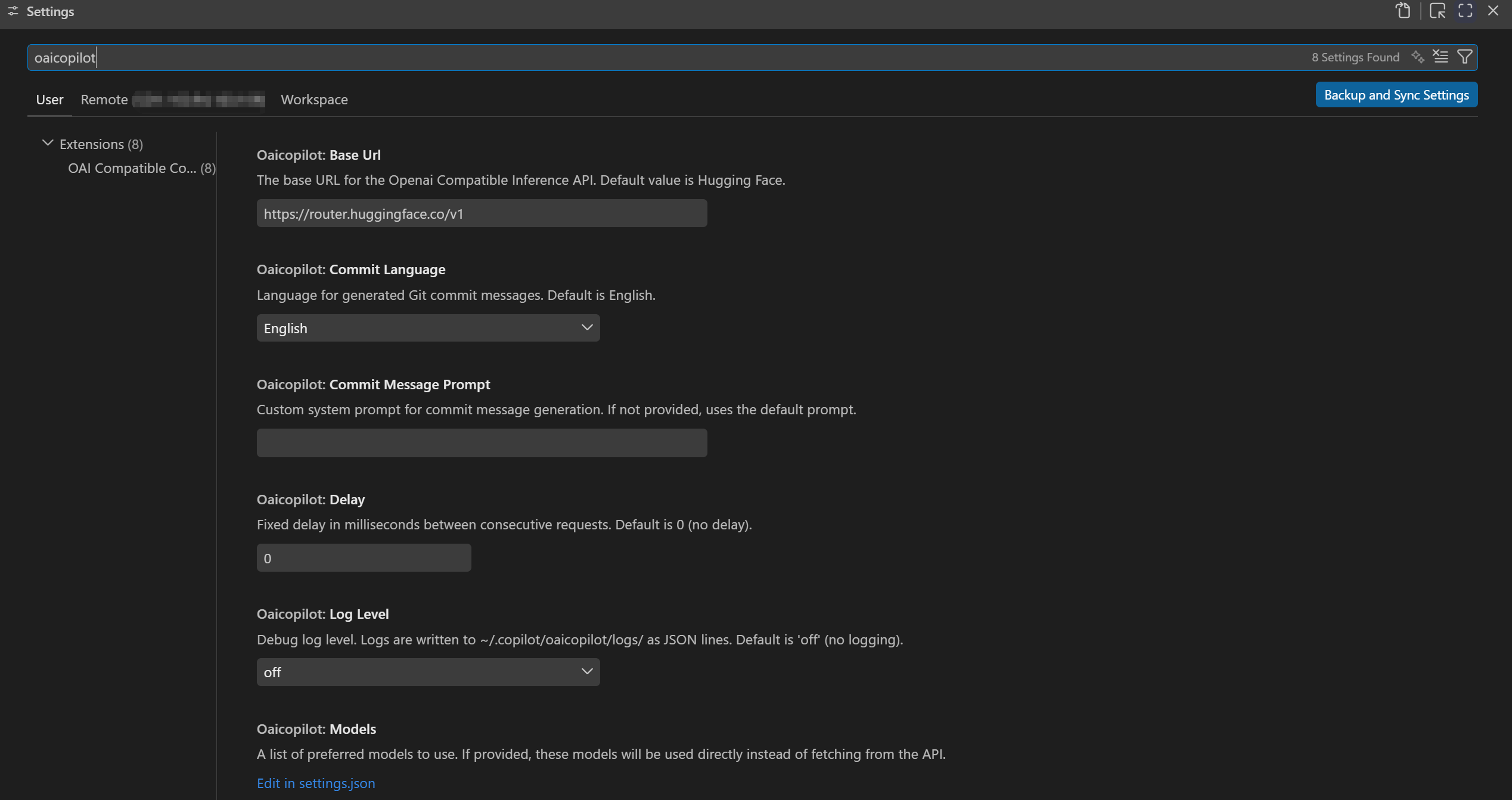
主要是设置两个地方:
base_url(注意/v1结尾即可)

和model

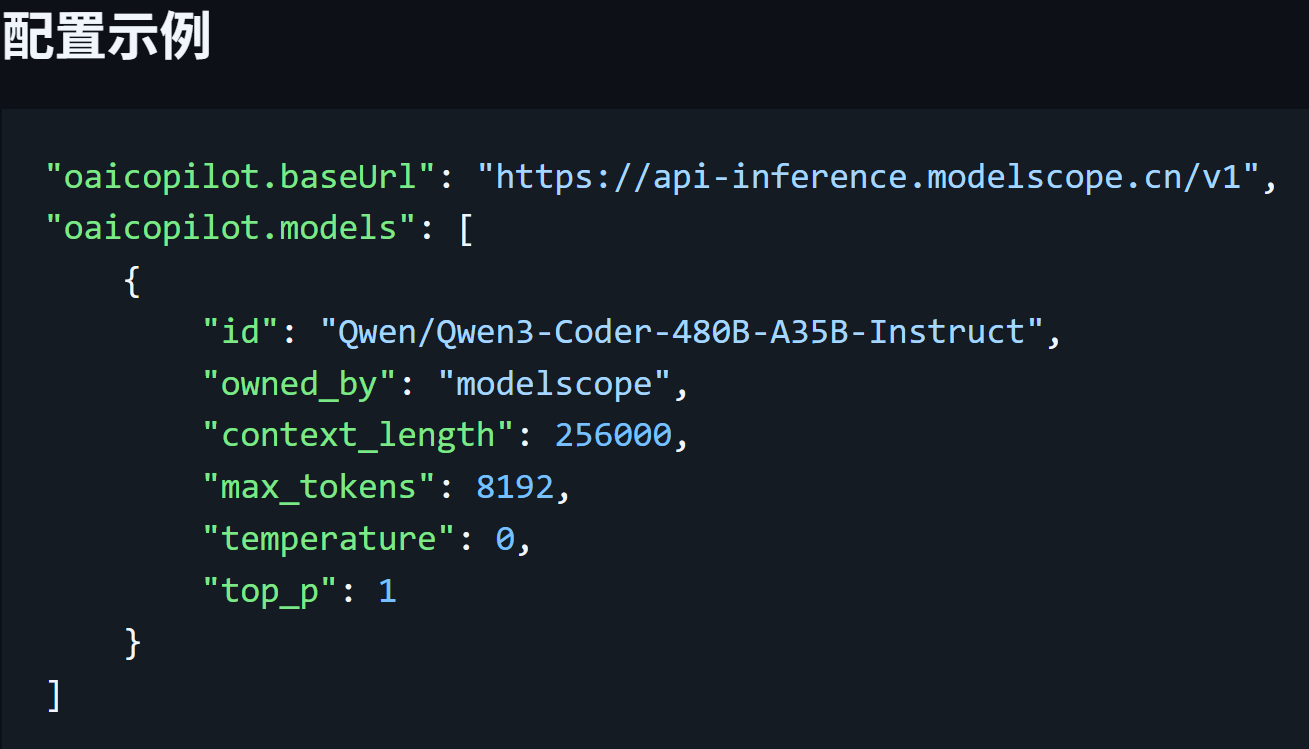

这里我以接入自己的model为例,
暂时配置如下
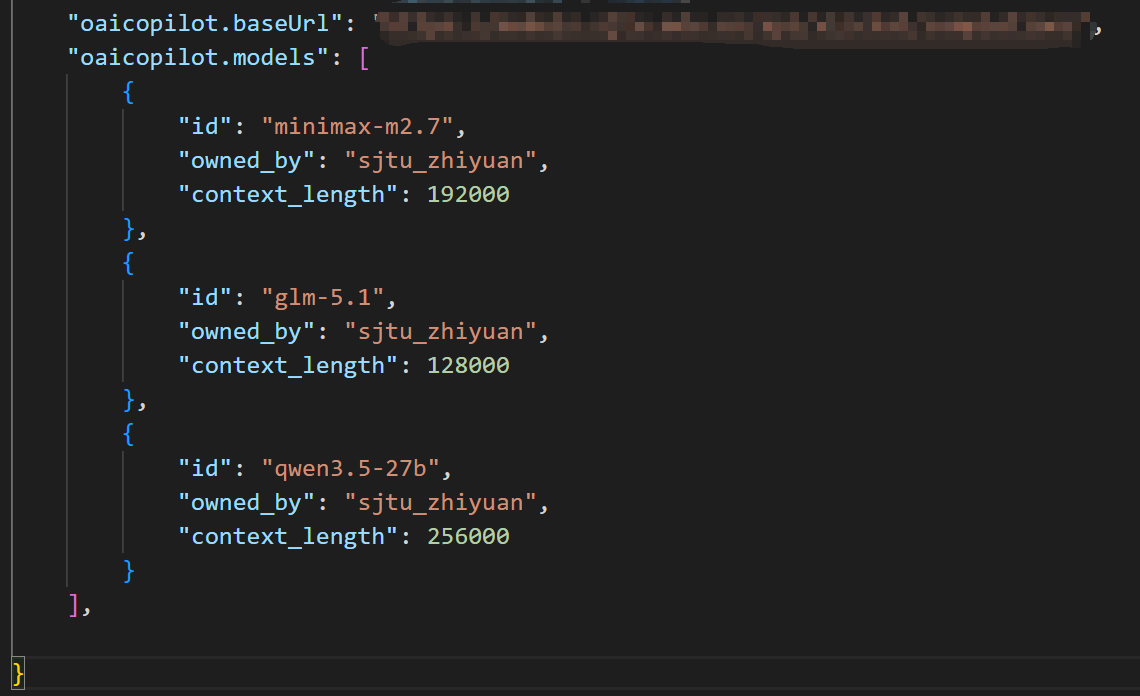
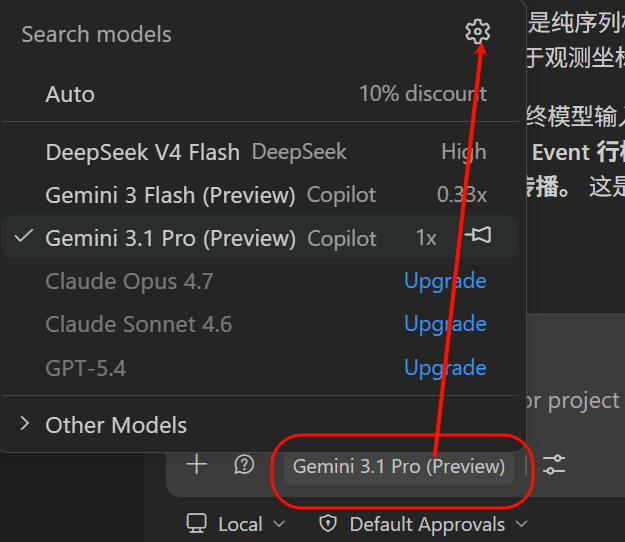
然后管理copilot模型
然后输入自己的api key
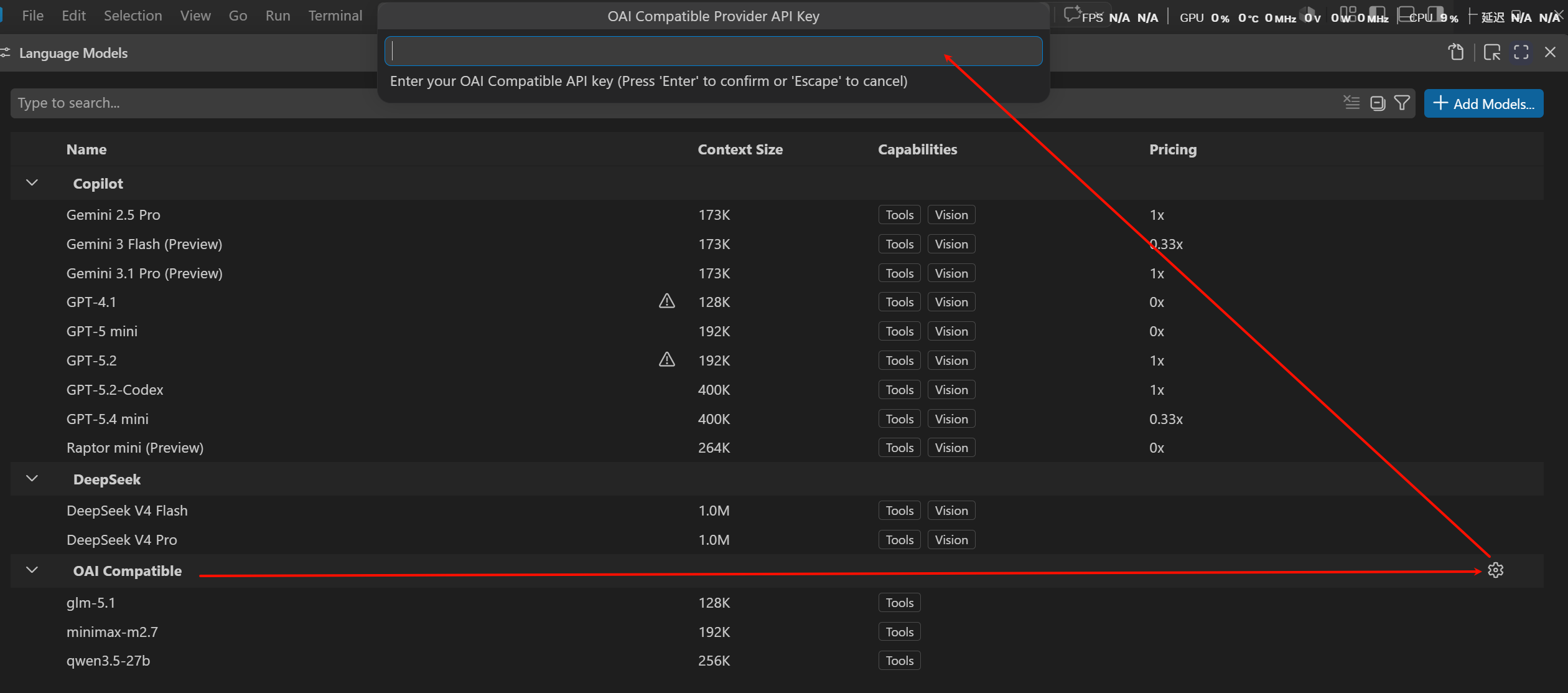

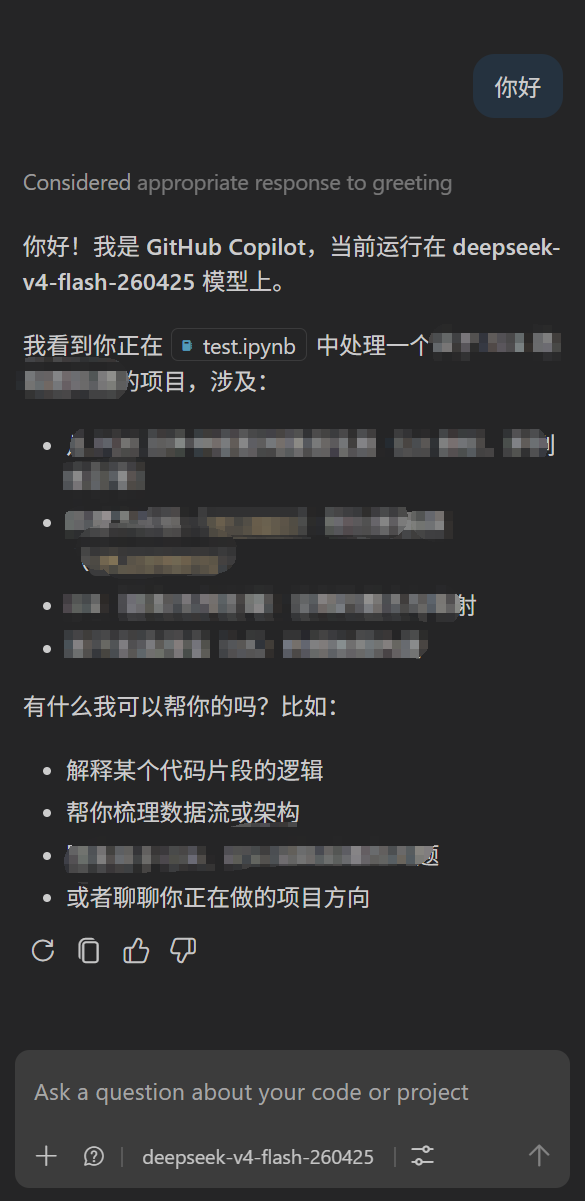
看看效果如何
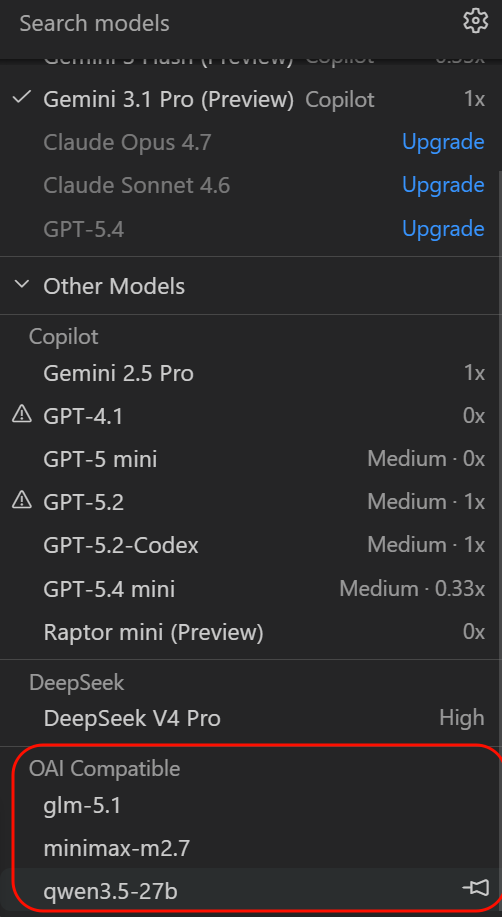
能够正常使用
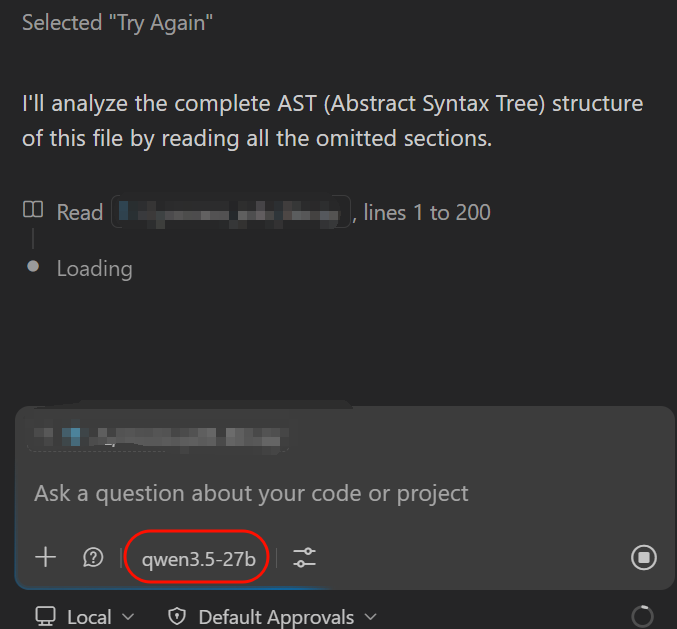
之所以用copilot,主要是习惯了它的ui界面,在vscode中打开比一些Agent CLI方便。
所以这里,我们其实就可以接入各种国内模型了,比如说古早的coding plan。
更方便的管理方式,
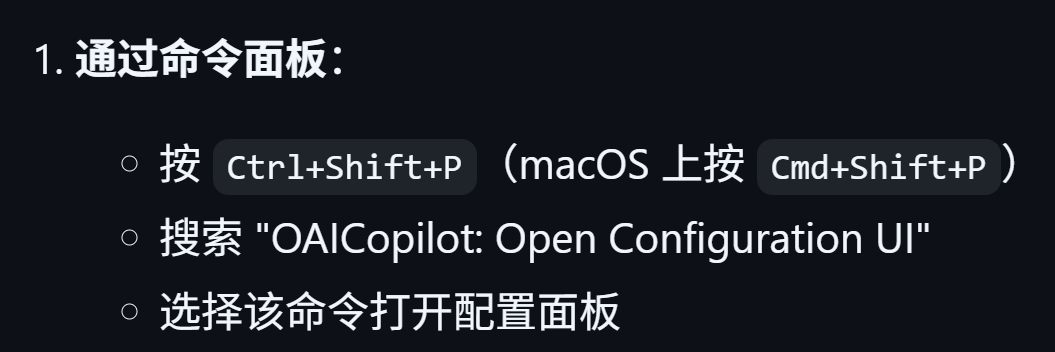
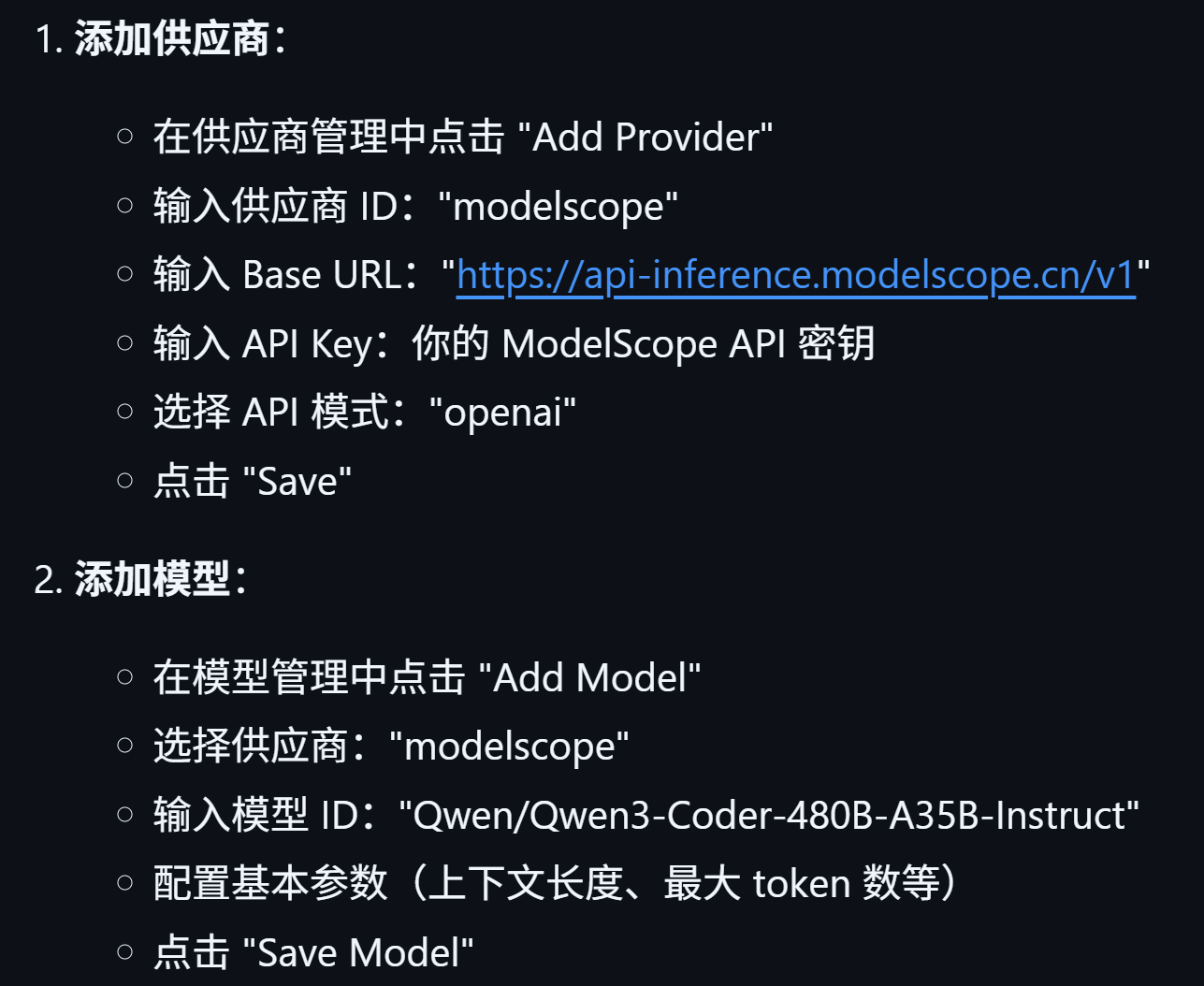
比如说我们这里:

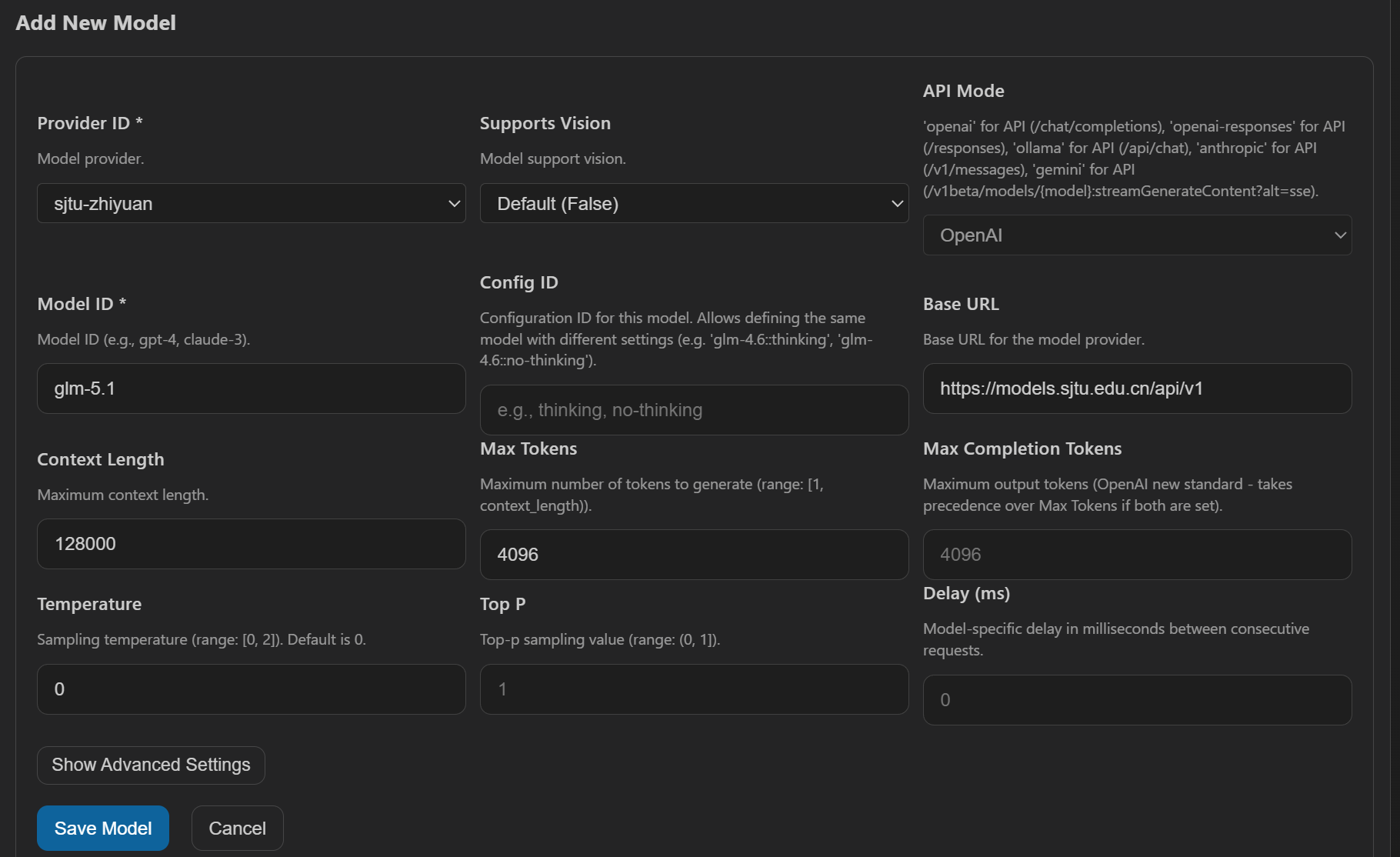
然后我是用了火山方舟的coding plan,设置上可以参考:
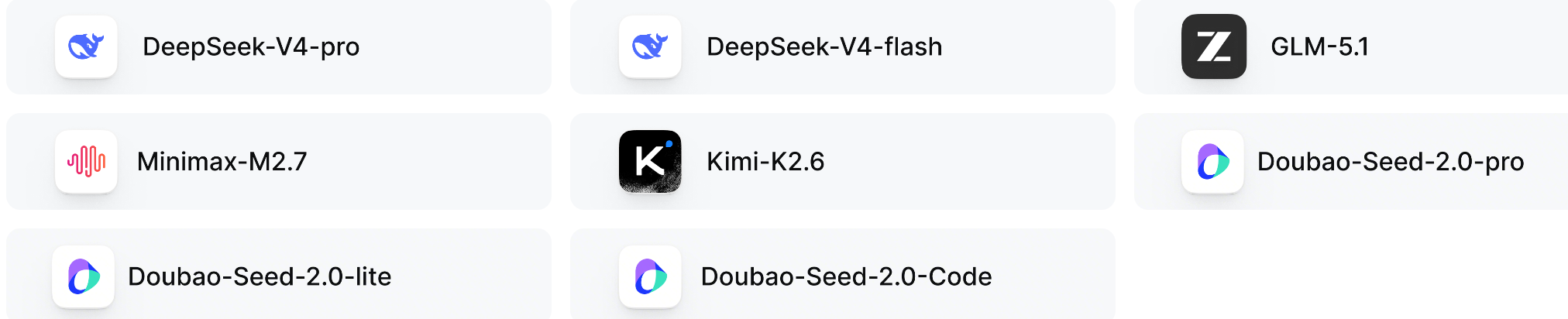
https://www.volcengine.com/docs/82379/2188959?lang=zh
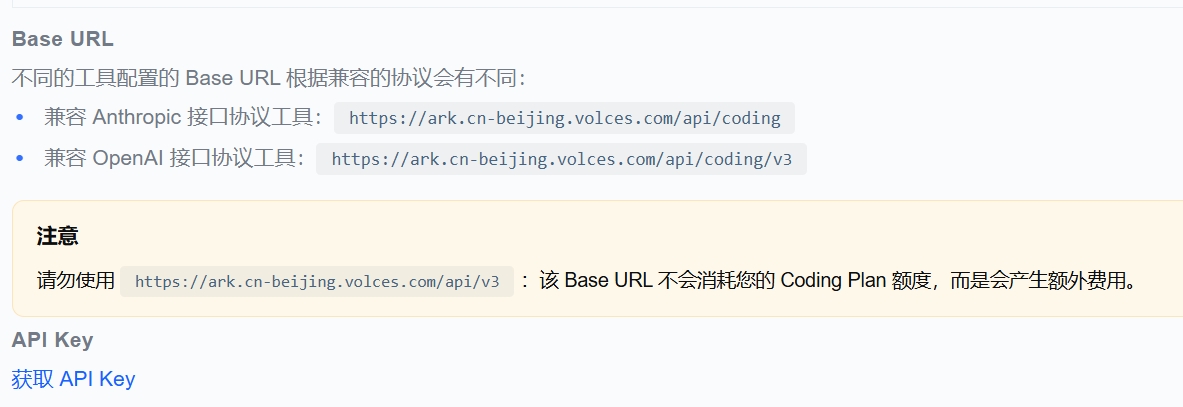
api key参考:
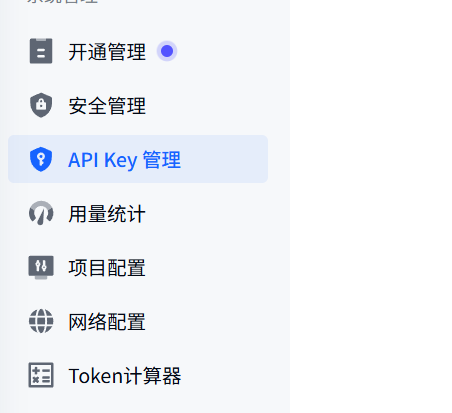
python
# anthropic的那个暂时行不通
https://ark.cn-beijing.volces.com/api/coding/v3
总共修改添加如下:
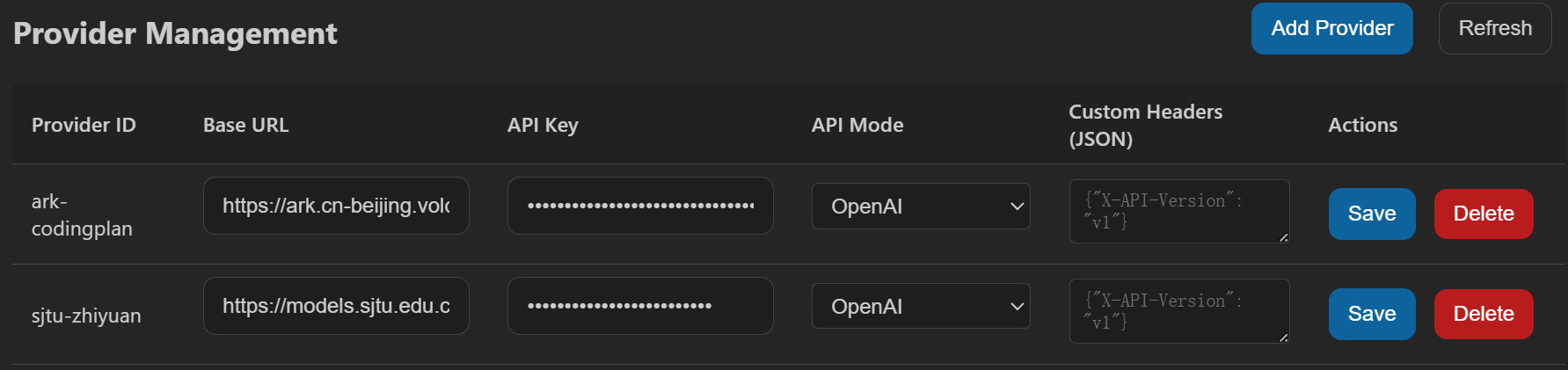
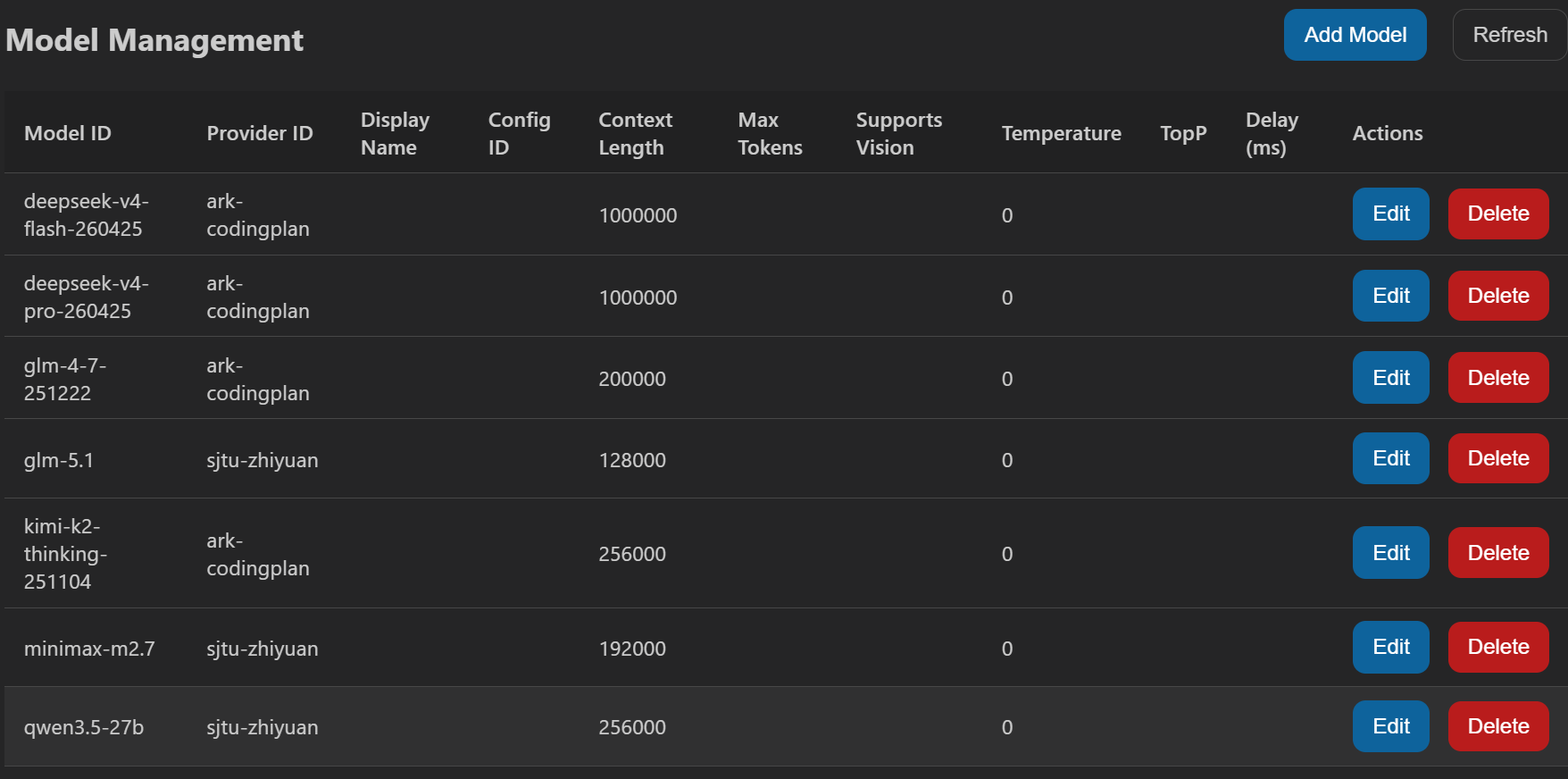
这下着就是切换自如了,习惯copilot ui的用这个ui,习惯CLI的用claude code、codex等
各种Agent CLI工具
Claude code+国外model
消费不起,基本pass
Claude code+国内model
之前试过deepseek v4,还有校内超算的model部署方案、国内厂商的coding plan,基本上都能通过cc-switch cli完成
Deepseek-TUI
主要是对接deepseek v4模型的,前面博客中也介绍过
其他Agent,比如说Codex
由于model方案接入的大差不差,壳的话区别不是很影响体验,基本pass
Vscode插件
这个就太多了,使用的话主要以国内model为主,基本上也是类似于copilot壳+国内model这个套路
python
        {
            "id": "minimax-m2.7",
            "owned_by": "sjtu_zhiyuan",
            "context_length": 192000
        },
        {
            "id": "glm-5.1",
            "owned_by": "sjtu_zhiyuan",
            "context_length": 128000
        },
        {
            "id": "qwen3.5-27b",
            "owned_by": "sjtu_zhiyuan",
            "context_length": 256000
        }