目录
零、基础
nginx -t:检查配置文件

nginx -s reload:重载

events {}

http {
  server {
    listen 80;
    server_name localhost;
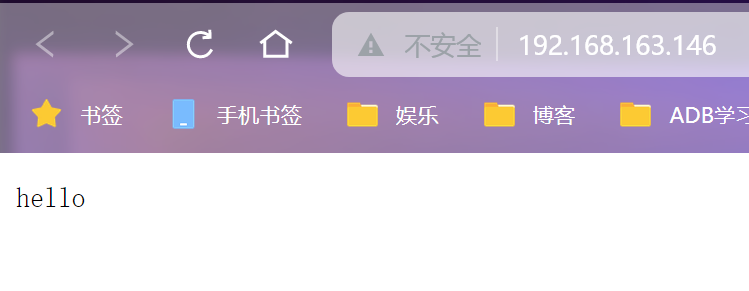
    return 200 "hello";
  }
}
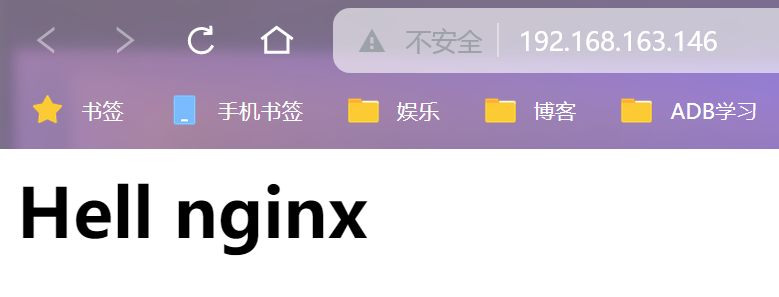
在**/etc/nginx/localhost** 下创建一个index.html文件(默认寻找index.html文件)
events {}

http {
  server {
    listen 80;
    server_name localhost;
    root /etc/nginx/localhost;
  }
}
寻找特定文件添加一行index xxx;
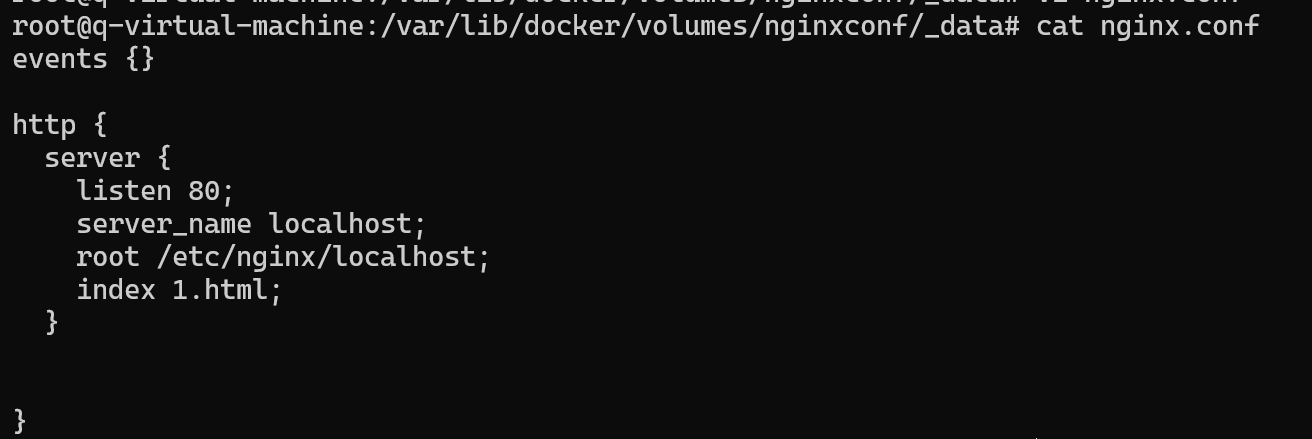
在1.html中加入css文件

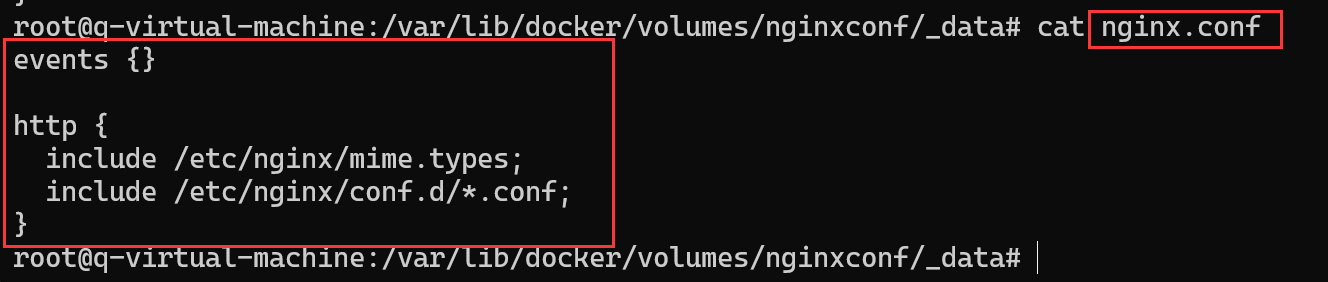
需要引入mime.types文件说明格式

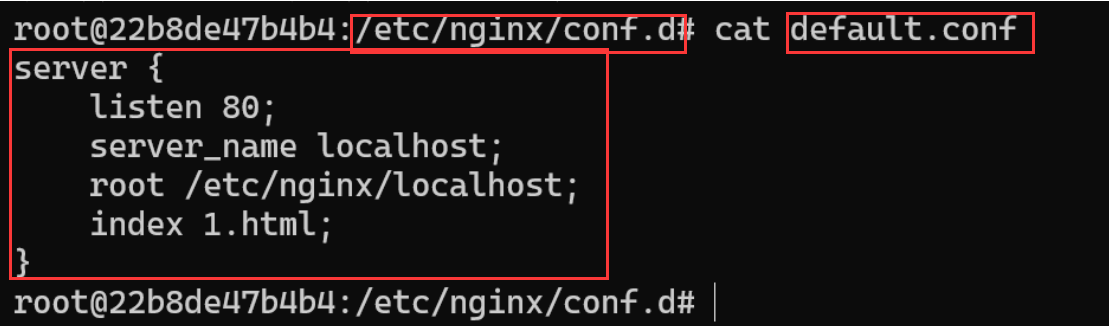
可以将代码进行如下转移,在原nginx.conf留下引入,在default.conf(若没有编辑初始文件index则网页显示的就是default.conf界面)中编辑页面。
一、location相关
1.一般location
将1.html改回index.html,在default.conf中添加location指令。location匹配uri还要匹配对应路径的文件。

依然正常运行
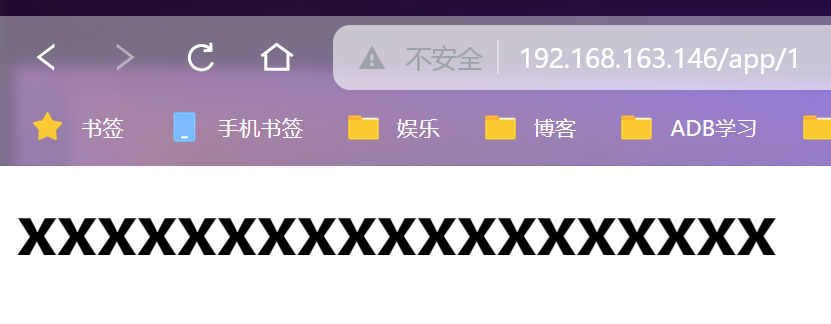
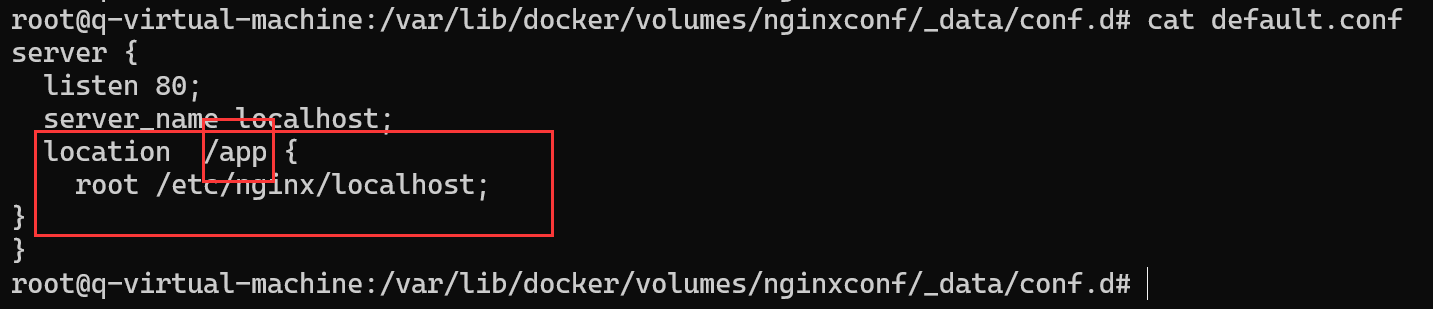
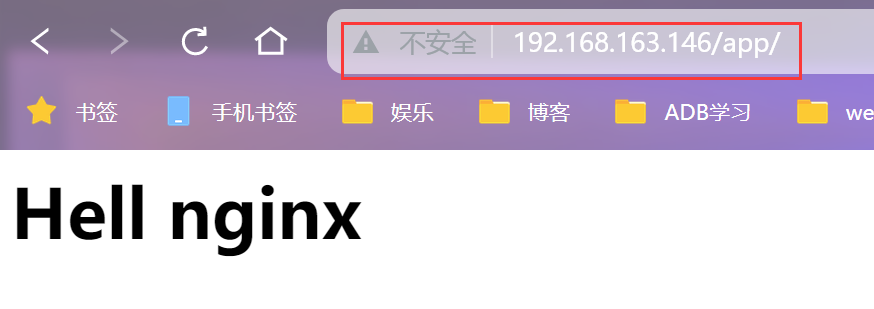
将index.html移动到app目录下
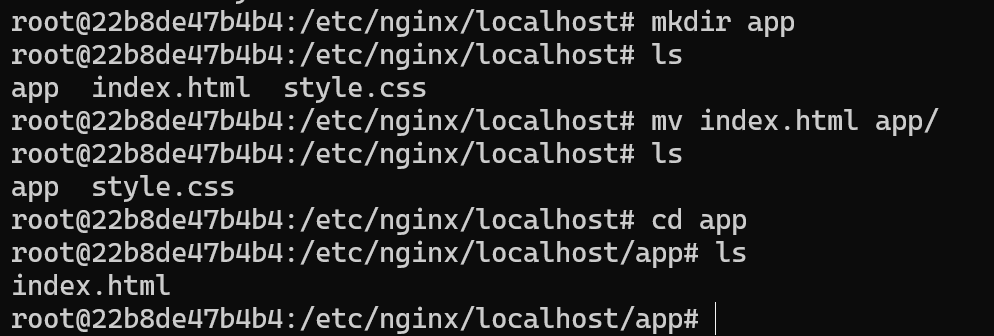
则配置文件中应为图中修改便可以访问
2.正则表达式location
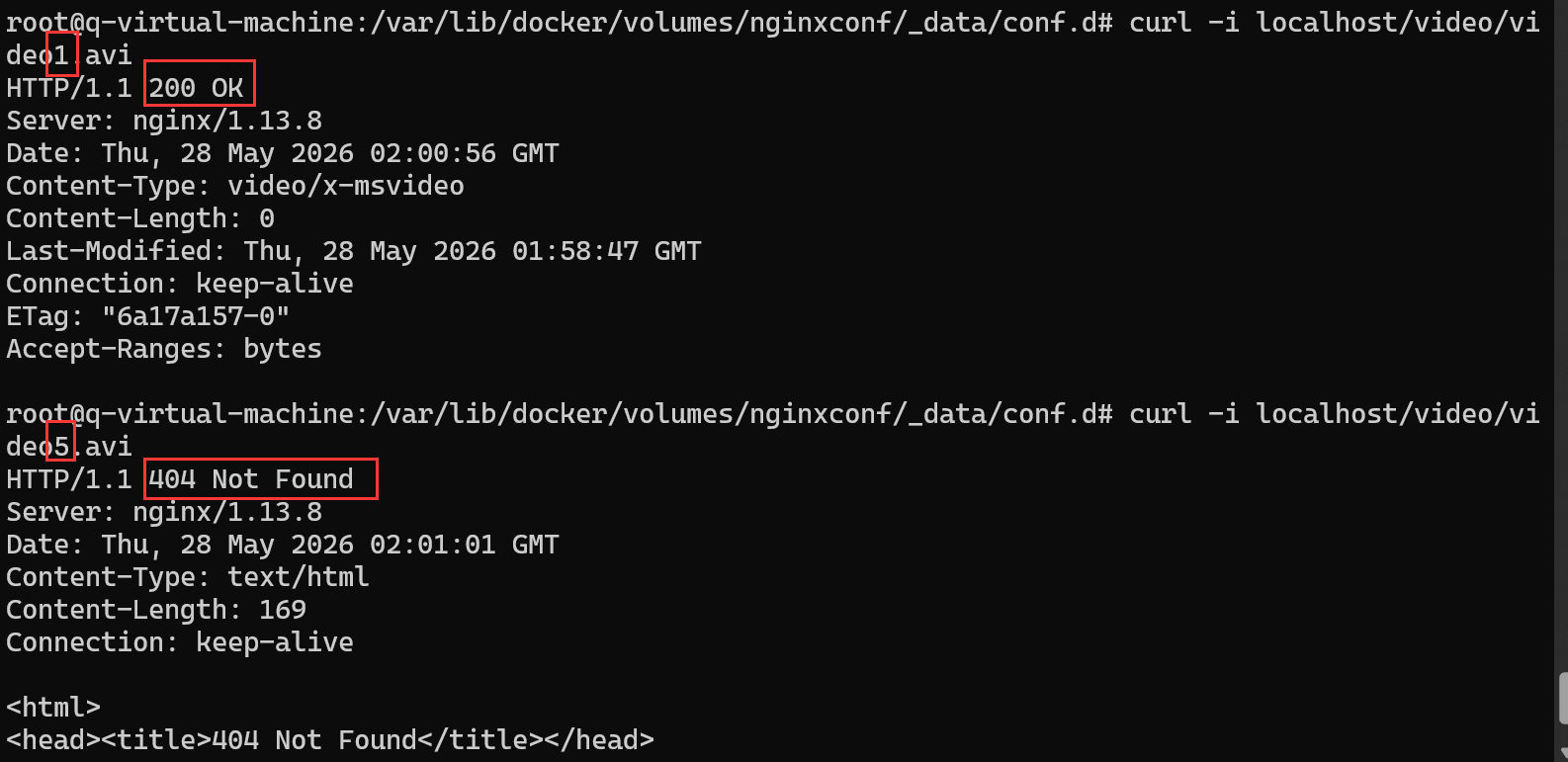
video目录下5个文件

如图设置,只能访问1~3的video

3.重定向
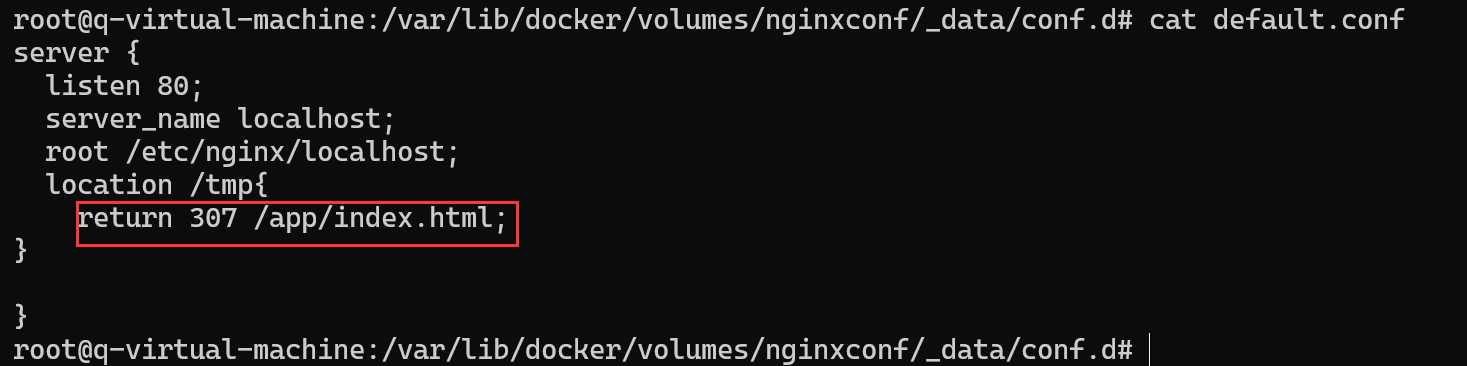
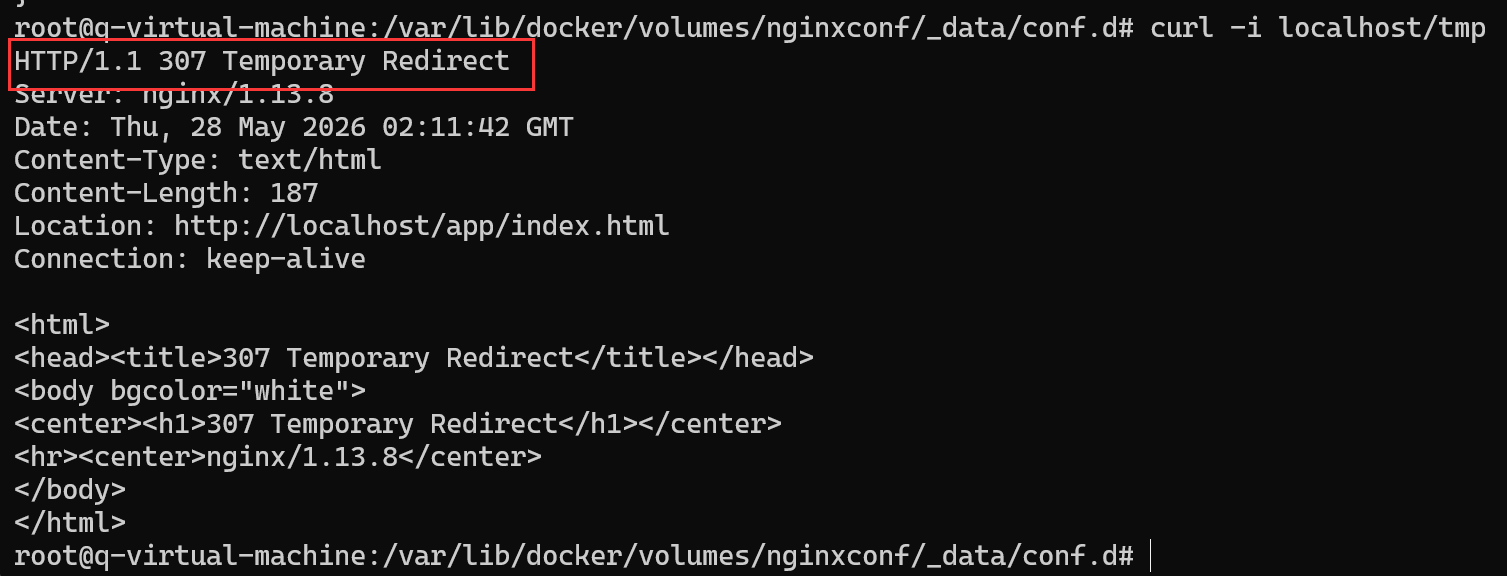
(1)307临时重定向改变uri
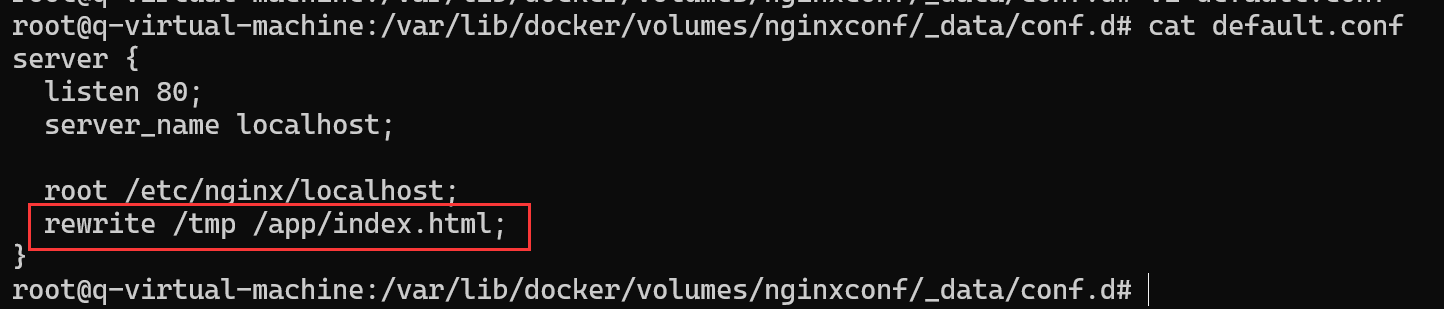
(2)rewrite不改变uri
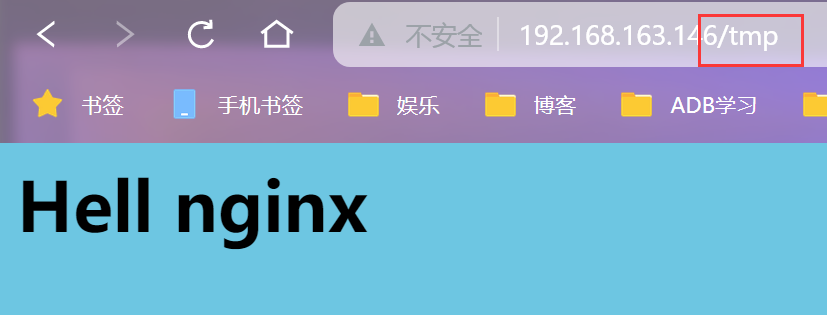
注:uri是服务器中具体资源的路径
4.其他设置
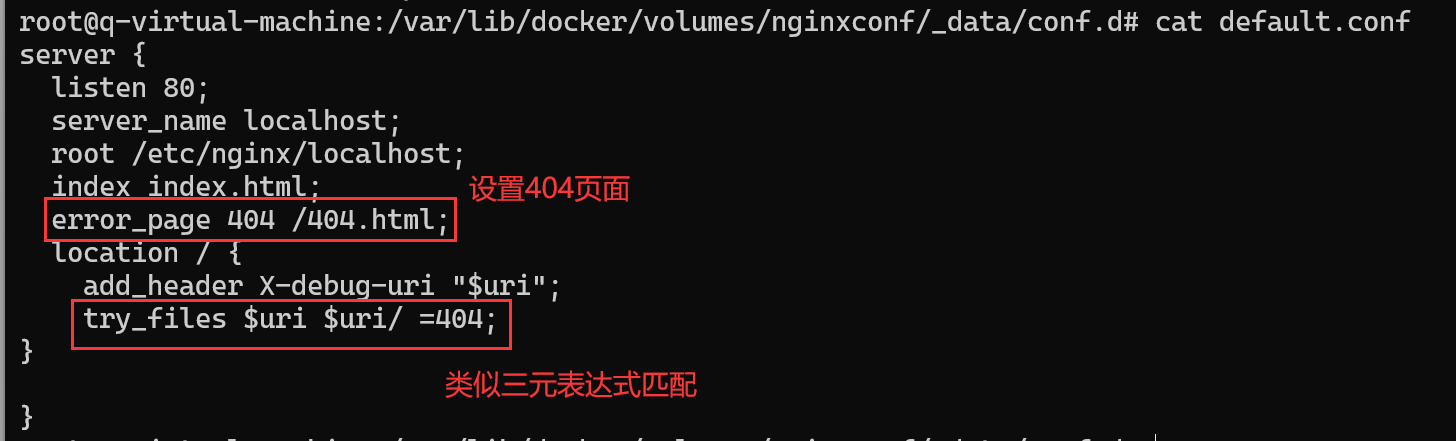
try_files 匹配文件
error_page 添加404页面