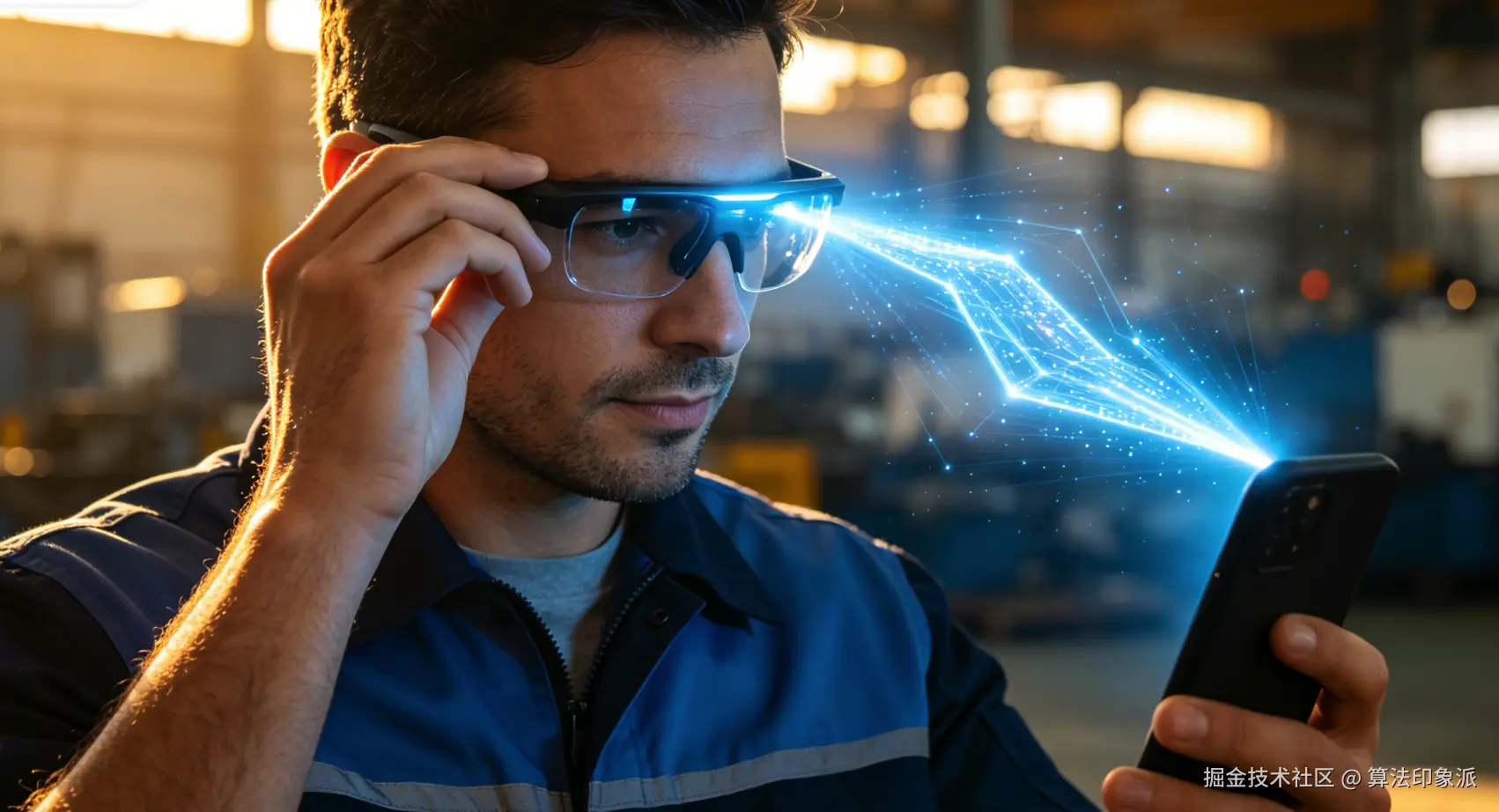
我们经常说"戴上就走"------眼镜戴上,自动连手机,不用每次都去扫蓝牙。这是一个好体验,但在技术上需要好几层配合。
凭据从哪来
Rokid 眼镜的 CXR 连接不走经典蓝牙配对,所以系统蓝牙设置里不会"记住"这副眼镜。那重连需要的凭据从哪来?
答案是:首次连接成功的时候,CXR SDK 通过回调传回来的 endpoint 信息,把它存下来。
kotlin
override fun onConnectionInfo(
    socketUuid: String,
    macAddress: String,
    rokidAccount: String,
    glassesType: Int
) {
    val endpoint = RokidGlassesBtEndpoint(socketUuid, macAddress)
    val invalidReason = RokidGlassesBtEndpointValidator.validate(endpoint)
    if (invalidReason != null) {
        endpointStore.clear()
        return
    }
    pendingEndpoint = endpoint
    connectBluetoothInternal(endpoint, RokidGlassesBtStage.CONNECT)
}
连接成功确认后,把 endpoint 持久化:
kotlin
override fun onConnected() {
    val endpoint = pendingEndpoint ?: endpointStore.load()
    if (endpoint != null && RokidGlassesBtEndpointValidator.validate(endpoint) == null) {
        endpointStore.save(endpoint)
        pendingEndpoint = null
        _state.value = RokidGlassesBtStateReducer.connected()
    }
}
这个 endpoint 是一个包含 socket UUID 和 MAC 地址的数据结构,存在 SharedPreferences 里。下次重连的时候直接读出来用,跳过扫描和 endpoint 协商。
重连的完整路径
重连的代码其实很简单,核心逻辑就是加载缓存 → 校验 → 连接:
kotlin
fun reconnect(): Boolean {
    // 检查权限和蓝牙状态
    if (!RokidGlassesBtPermission.hasRequiredPermissions(appContext)) {
        // 报 MISSING_PERMISSION
        return false
    }
    val adapter = bluetoothAdapter
    if (adapter == null || !adapter.isEnabled) {
        // 报 BLUETOOTH_UNAVAILABLE
        return false
    }

    // 加载缓存的 endpoint
    val endpoint = endpointStore.load()
    val invalidReason = RokidGlassesBtEndpointValidator.validate(endpoint)
    if (endpoint == null || invalidReason != null) {
        endpointStore.clear()
        // 报 MISSING_ENDPOINT 或 INVALID_ENDPOINT
        return false
    }

    return connectBluetoothInternal(endpoint, RokidGlassesBtStage.RECONNECT)
}但真正花心思的地方不是这条主路径,而是失效后的处理。
不是每次重连都能成功
缓存的 endpoint 可能因为几种原因失效:眼镜重置了、眼镜连过别的手机、SDK 版本升级后格式变了、设备 MAC 地址变更了。这些情况都需要自动清理缓存,然后引导用户重新扫描连接。
失效时的清理逻辑分布在几个回调里:
kotlin
override fun onFailed(errorCode: CxrBluetoothErrorCode) {
    cancelConnectTimeout()
    pendingEndpoint = null
    if (errorCode == CxrBluetoothErrorCode.SOCKET_CONNECT_FAILED) {
        endpointStore.clear()  // Socket 失效,清缓存
    }
    _state.value = RokidGlassesBtStateReducer.failed(
        stage = activeConnectStage ?: RokidGlassesBtStage.CONNECT,
        code = if (errorCode == CxrBluetoothErrorCode.SOCKET_CONNECT_FAILED) {
            RokidGlassesBtErrorCode.SOCKET_CONNECT_FAILED
        } else {
            RokidGlassesBtErrorCode.SDK_EXCEPTION
        },
        detail = errorCode.name
    )
}

override fun onInActiveConnected(inactiveClientMac: String, inactiveClientName: String) {
    // 眼镜被另一个客户端抢占了
    cancelConnectTimeout()
    pendingEndpoint = null
    endpointStore.clear()
    _state.value = RokidGlassesBtStateReducer.failed(
        stage = RokidGlassesBtStage.CONNECT,
        code = RokidGlassesBtErrorCode.INACTIVE_CONNECTED,
        detail = inactiveClientName.ifBlank { inactiveClientMac }
    )
}注意一个细节:INACTIVE_CONNECTED 这个错误码对应的是眼镜被抢占的场景。比如你连上了眼镜,另一个同事的手机也尝试连同一副眼镜------SDK 会回调 onInActiveConnected 把你的连接踢掉。这种情况需要清缓存并提示用户,因为你手上的 endpoint 已经不可用了。
什么时候保留缓存、什么时候清
disconnect 方法有个 clearSavedEndpoint 参数:
kotlin
fun disconnect(clearSavedEndpoint: Boolean = false) {
    stopScan(updateState = false)
    cancelConnectTimeout()
    pendingEndpoint = null
    activeConnectStage = null
    runCatching { cxrClient.deinitBluetooth() }
    if (clearSavedEndpoint) {
        endpointStore.clear()
    }
    _state.value = RokidGlassesBtStateReducer.disconnected()
}
默认不清缓存------用户只是暂时断开,下次戴上眼镜还能自动重连。显式传 true 才清,比如用户要换一副眼镜、或者把手机交给另一个同事使用。
对手动断开和异常断开的区分
disconnect() 是用户主动操作的,跳到 Disconnected 状态。而 onDisconnected() 是 SDK 回调的异常断开(比如眼镜没电了、走远了),也要处理:
kotlin
override fun onDisconnected() {
    cancelConnectTimeout()
    pendingEndpoint = null
    activeConnectStage = null
    _state.value = RokidGlassesBtStateReducer.disconnected()
}
这里没有清 endpointStore------异常断开不代表 endpoint 失效,下次还能用。
一个小总结:重连做得好不好,基本决定了工业场景的产品能不能被接受。工厂里没人有耐心每天上班先配对蓝牙。把凭据缓存、失效清理、手动/异常断开区分这几个细节处理好,用户的感觉就是"这眼镜怎么一戴就能用"------而这种"无感"的体验,背后是精密的状态管理。
相关仓库:github.com/jumuxyz/jli... · Apache 2.0工厂里没人有耐心每天上班先配对蓝牙。把凭据缓存、失效清理、手动/异常断开区分这几个细节处理好,用户的感觉就是"这眼镜怎么一戴就能用"------而这种"无感"的体验,背后是精密的状态管理。