背景
TkDocs tutorial 里介绍了 Tkinter,其中有 A First (Real) Example 一文,这篇文章里有一个使用 Tkinter 生成图形化界面的简单例子。我想在那篇文章的基础上实战一下,于是想到可以写一个简易的猜数字游戏。
正文
代码
完整的代码如下
python
from tkinter import *
from tkinter import ttk
import random

lower_bound = 0
upper_bound = 99
target = random.randint(lower_bound, upper_bound)
game_ended = False
guess_cnt = 0

def disable_buttons(low, high):
    for v in range(low, high + 1):
        button_dict[v].state(['disabled'])

def guess(num):
    global guess_cnt
    global game_ended
    global lower_bound
    global upper_bound
    if game_ended:
        return

    guess_cnt += 1
    cnt_message.set("一共猜了%d次" % guess_cnt)
    if num == target:
        result_message.set("您猜对了,目标值是%d" % target)
        game_ended = True
        return

    if num < target:
        result_message.set("您猜的数字(%d)比目标值小" % num)
        disable_buttons(lower_bound, num)
        lower_bound = num + 1
    else:
        result_message.set("您猜的数字(%d)比目标值大" % num)
        disable_buttons(num, upper_bound)
        upper_bound = num - 1

root = Tk()
root.title("猜数字")

mainframe = ttk.Frame(root, padding=(3, 3, 12, 12))
mainframe.grid(column=0, row=0, sticky=(N, W, E, S))

messsageframe = ttk.Frame(root, padding=(3, 3, 12, 12))
messsageframe.grid(column=0, row=1, sticky=(N, W, E, S))

def add_button(row, col):
    num = row * n + col
    return ttk.Button(mainframe, text=str(num), command=lambda: guess(num))

n = 10
button_dict = {}
for row in range(n):
    for col in range(n):
        num = row * n + col
        button = add_button(row, col)
        button.grid(column=col, row=row, sticky=W)
        button_dict[num] = button

result_message = StringVar()
ttk.Label(messsageframe, textvariable=result_message).grid(column=1, row=10, sticky=W)

cnt_message = StringVar()
ttk.Label(messsageframe, textvariable=cnt_message).grid(column=2, row=10, sticky=E)

root.columnconfigure(0, weight=1)
root.rowconfigure(0, weight=1)
mainframe.columnconfigure(2, weight=1)
for child in mainframe.winfo_children():
    child.grid_configure(padx=5, pady=5)

root.bind("<Return>", guess)

root.mainloop()
运行
请将上一小节展示的完整代码保存为 guess_number.py。使用如下命令可以运行 guess_number.py
bash
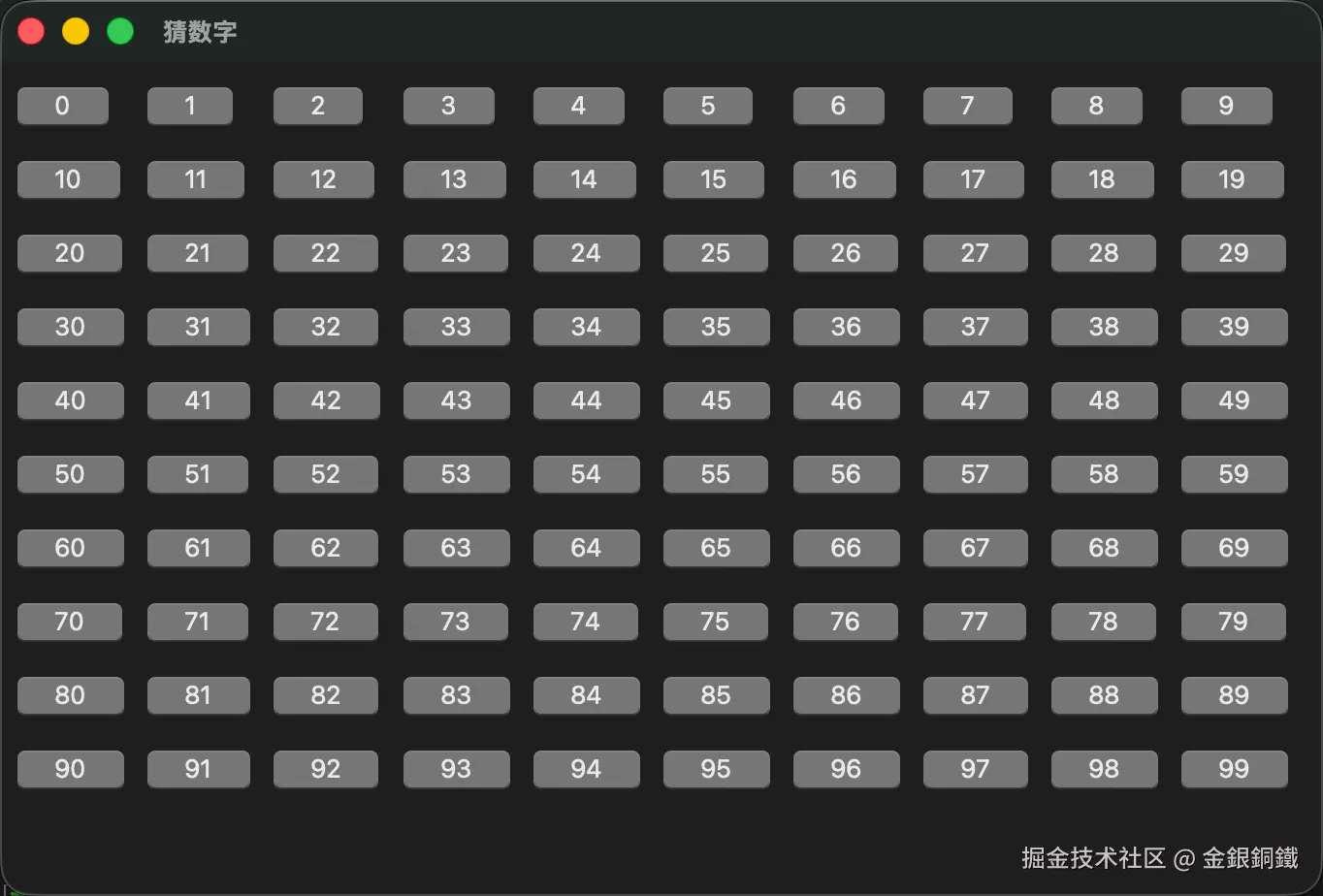
python3 guess_number.py运行效果如下 ⬇️ 最初一共有 100 个按钮可以点击
我们可以随意选择一个按钮(在下图演示的例子中,我点击了 51,而且目标值比 51 大)来点击,示例效果如下 ⬇️
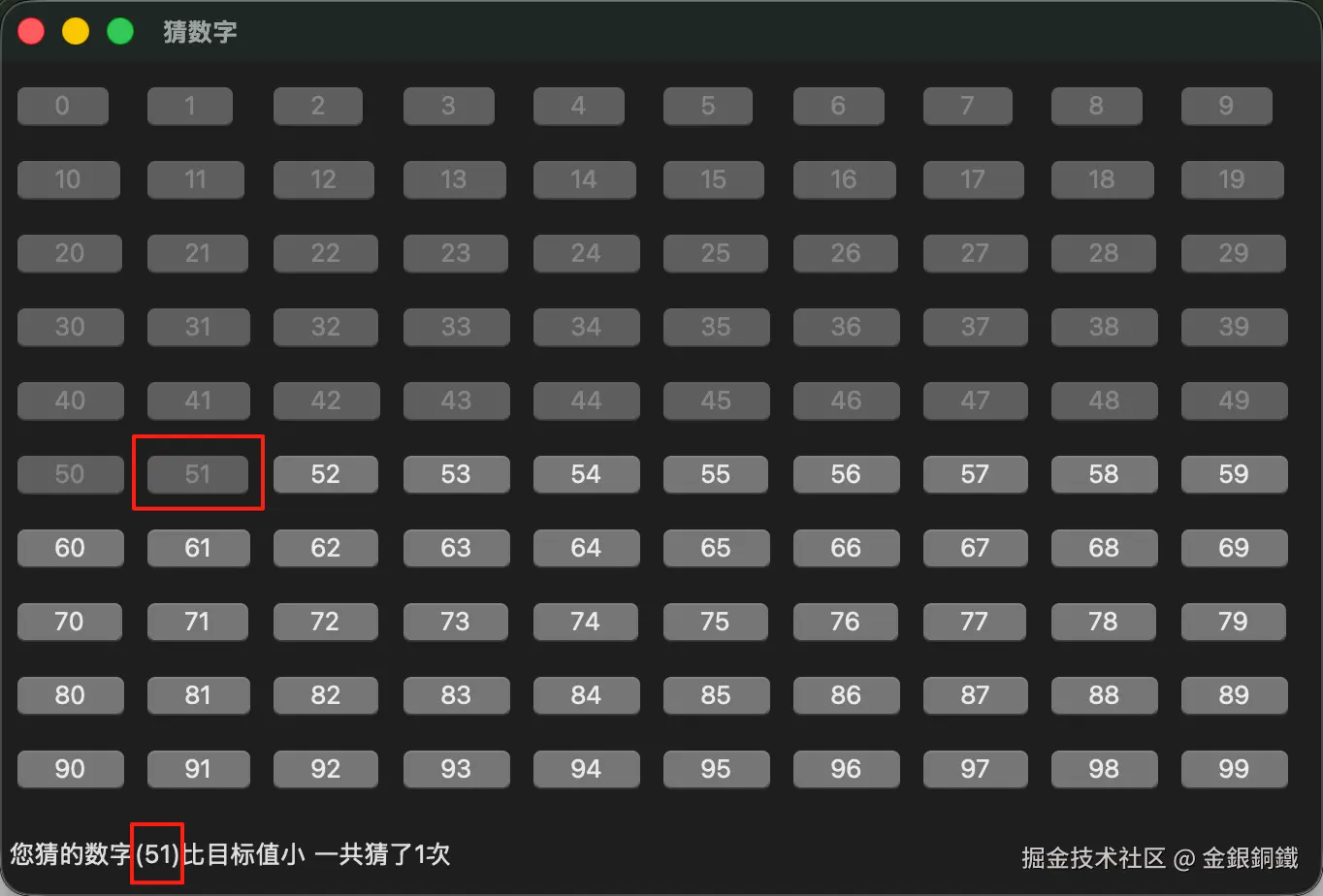
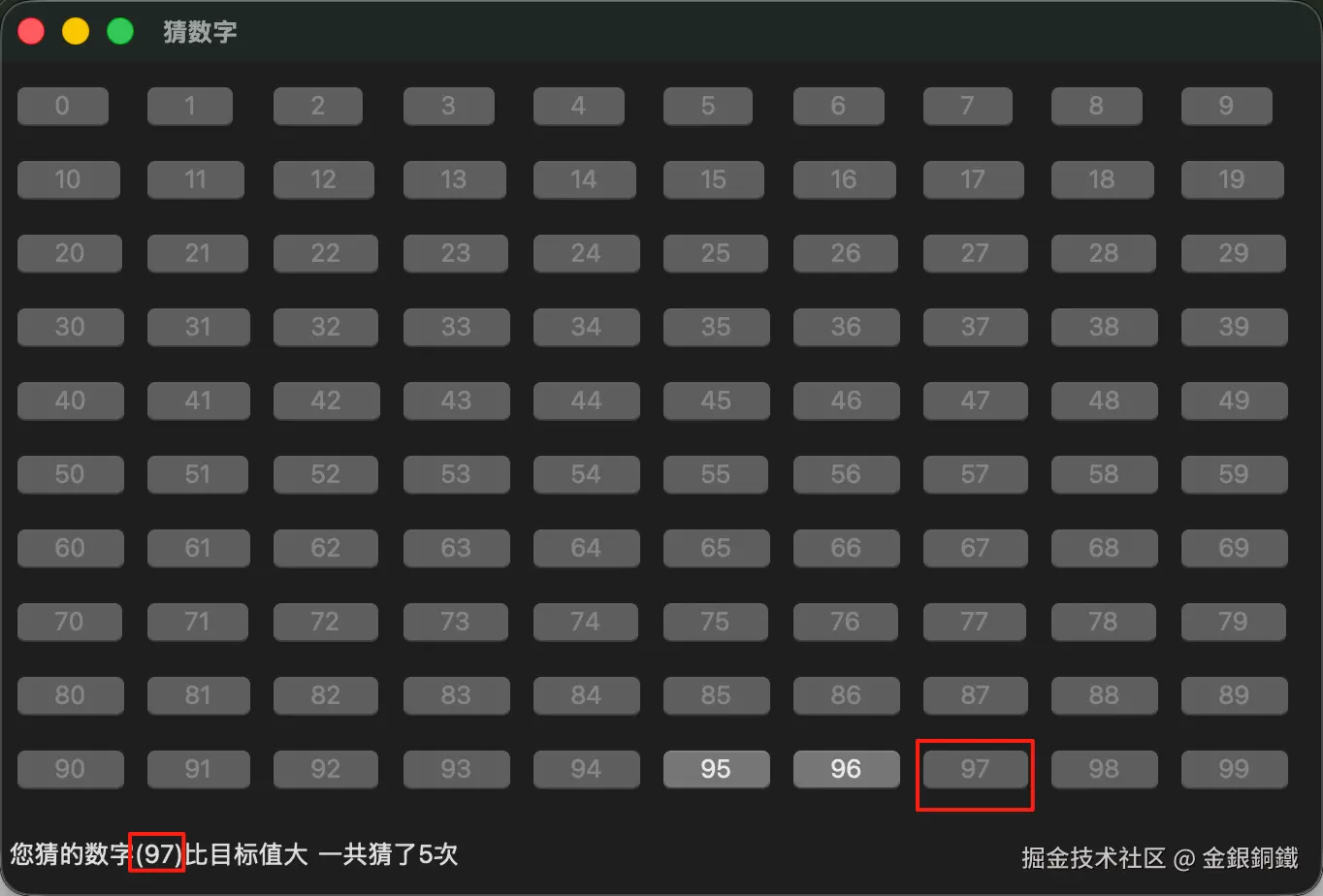
现在只剩下 52,53,54,⋯,99 这些按钮可以点击了。继续操作几次 ⬇️ (下图只是示例效果,您在尝试时,很可能会看到不同的效果)
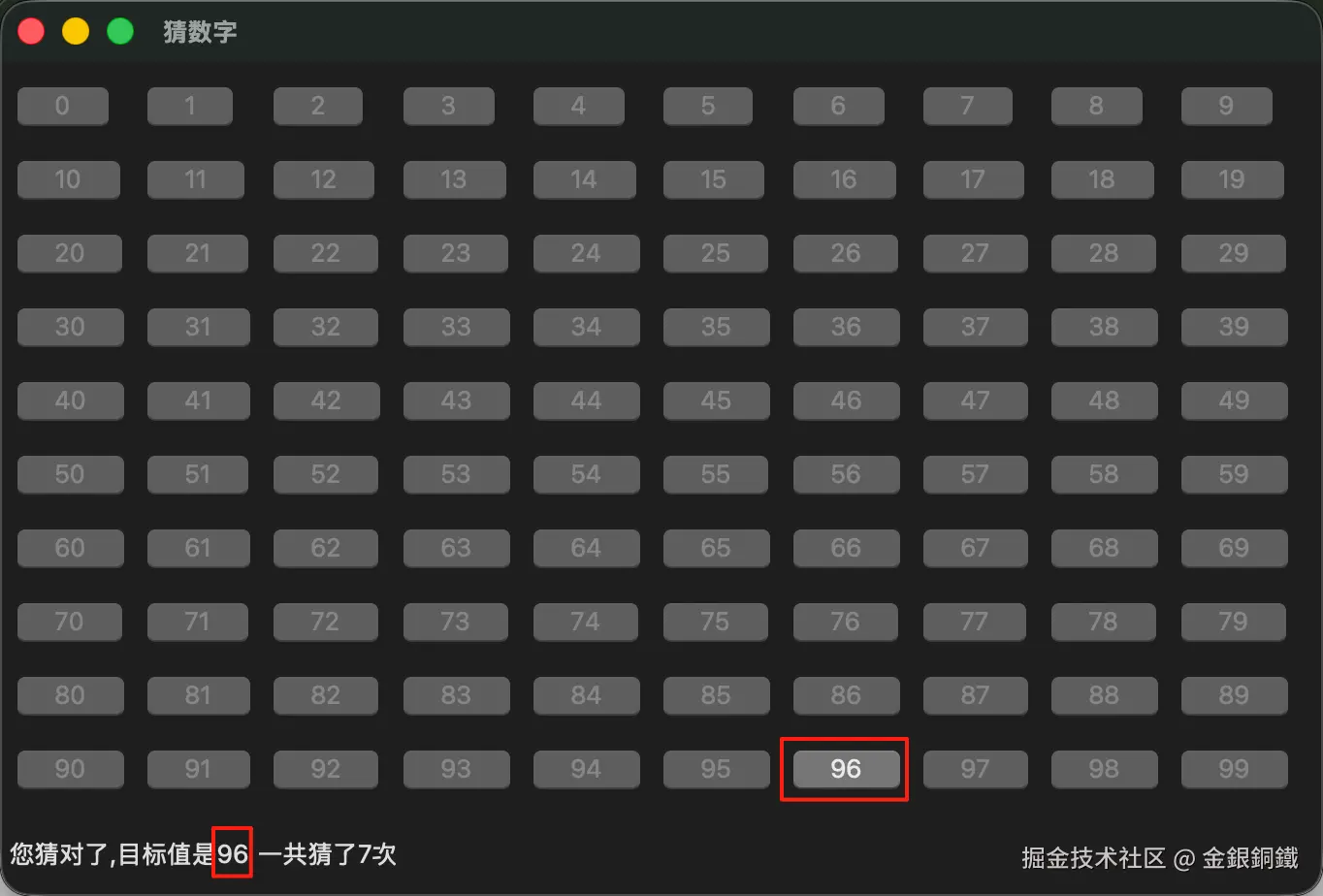
我猜了 7 次,总算猜对了 ⬇️