halcon
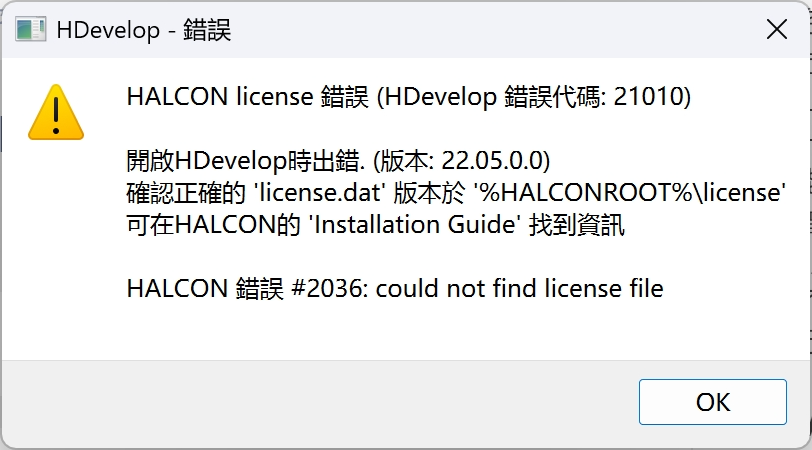
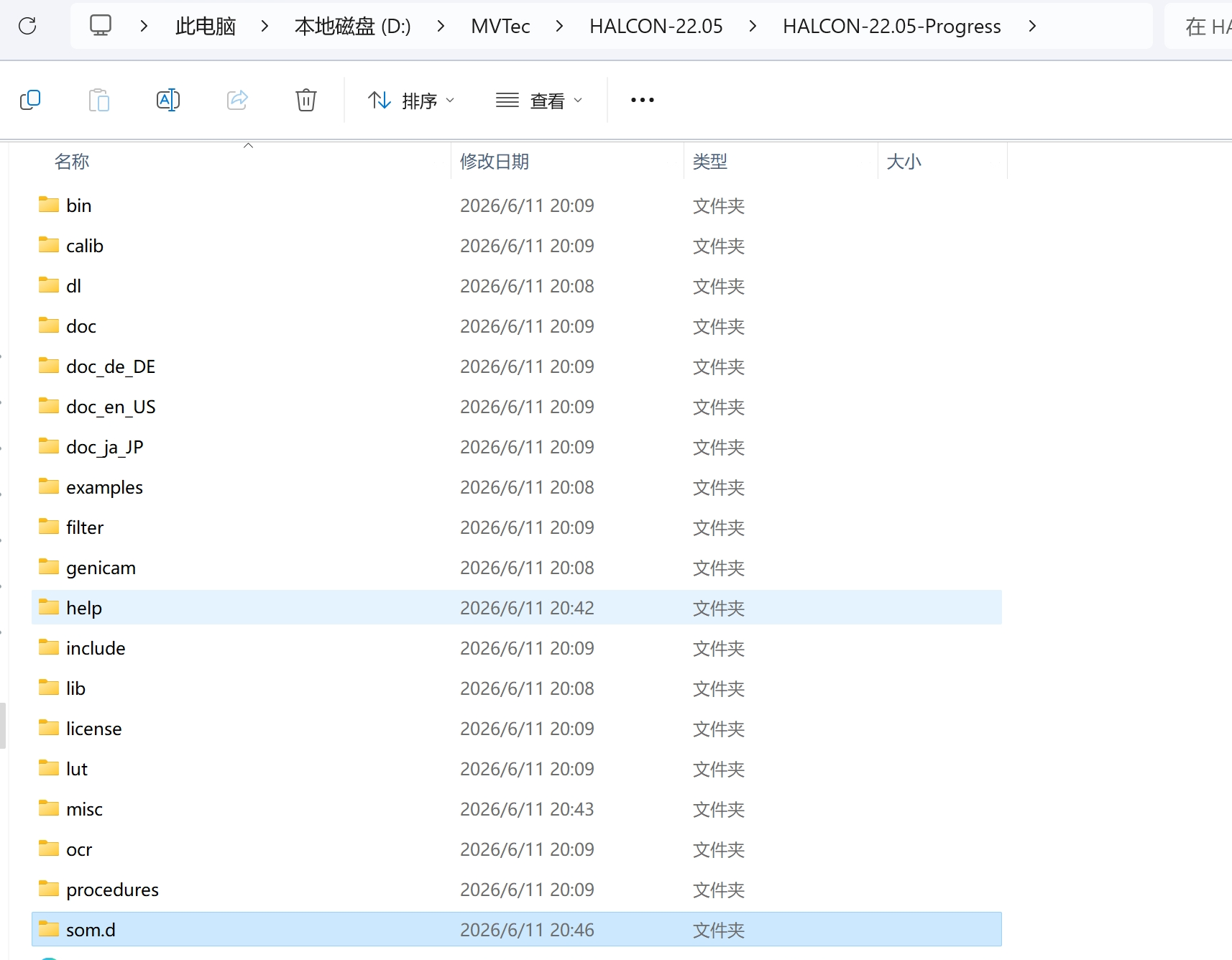
问题1 :版本问题
版本选择
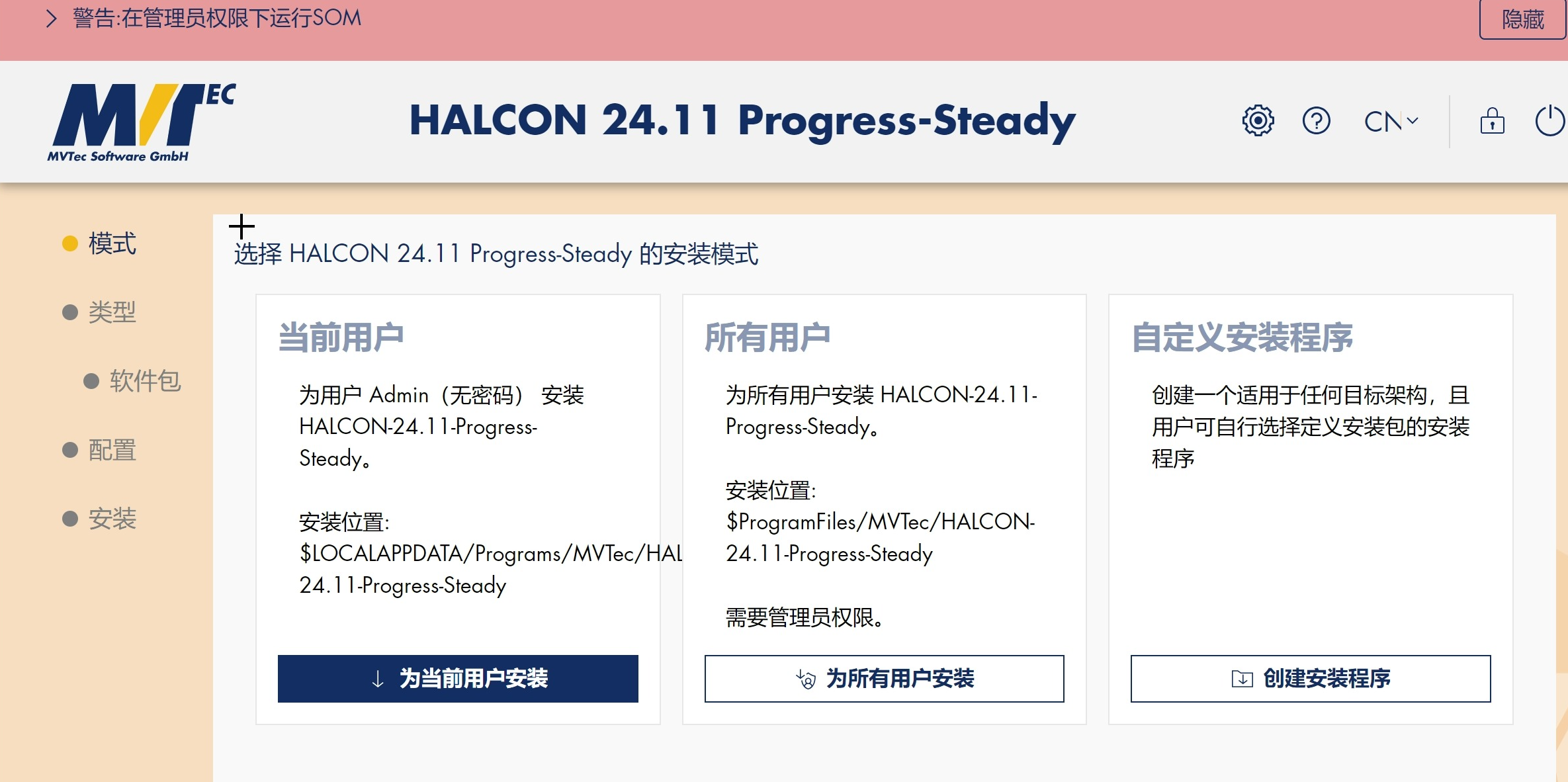
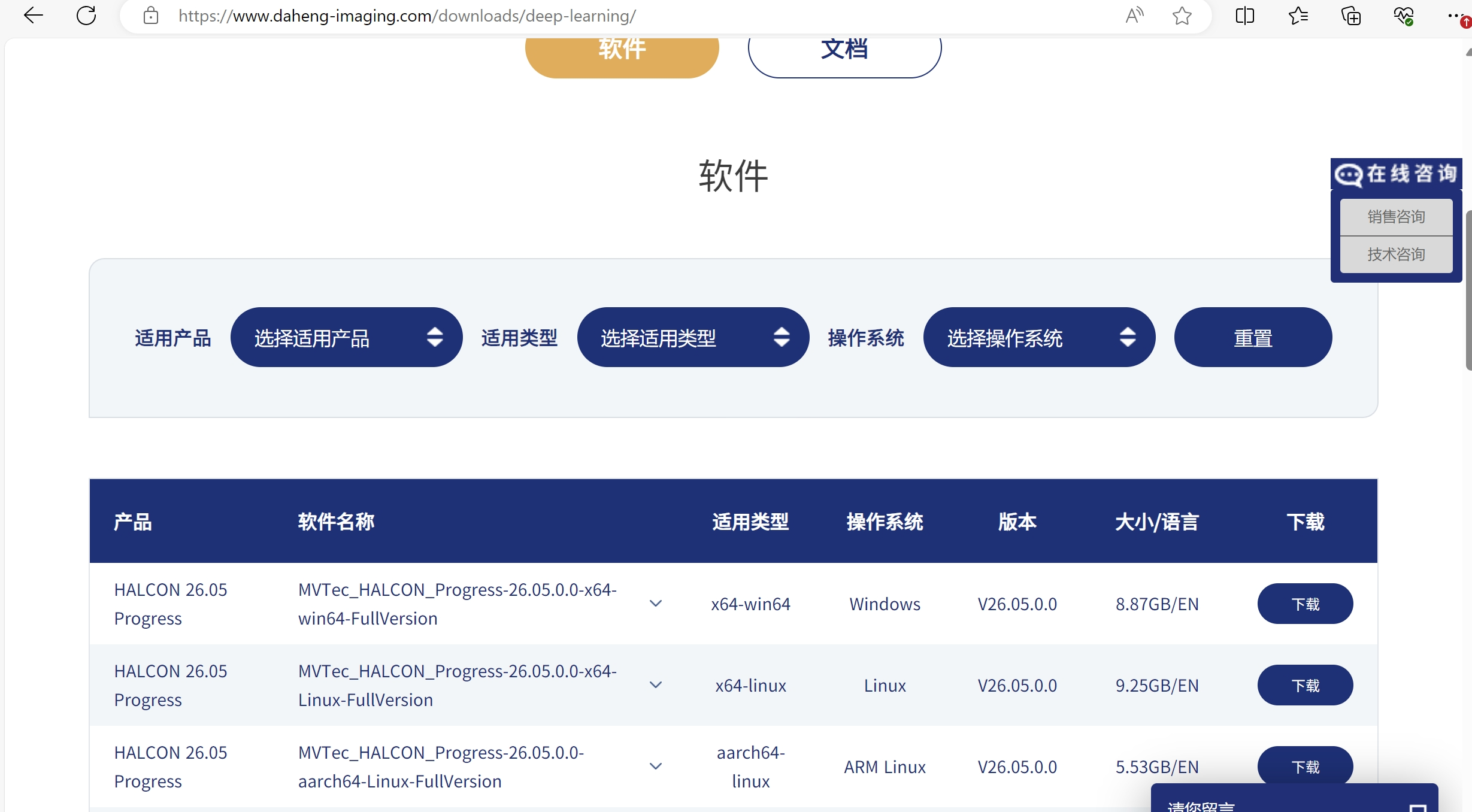
问题2
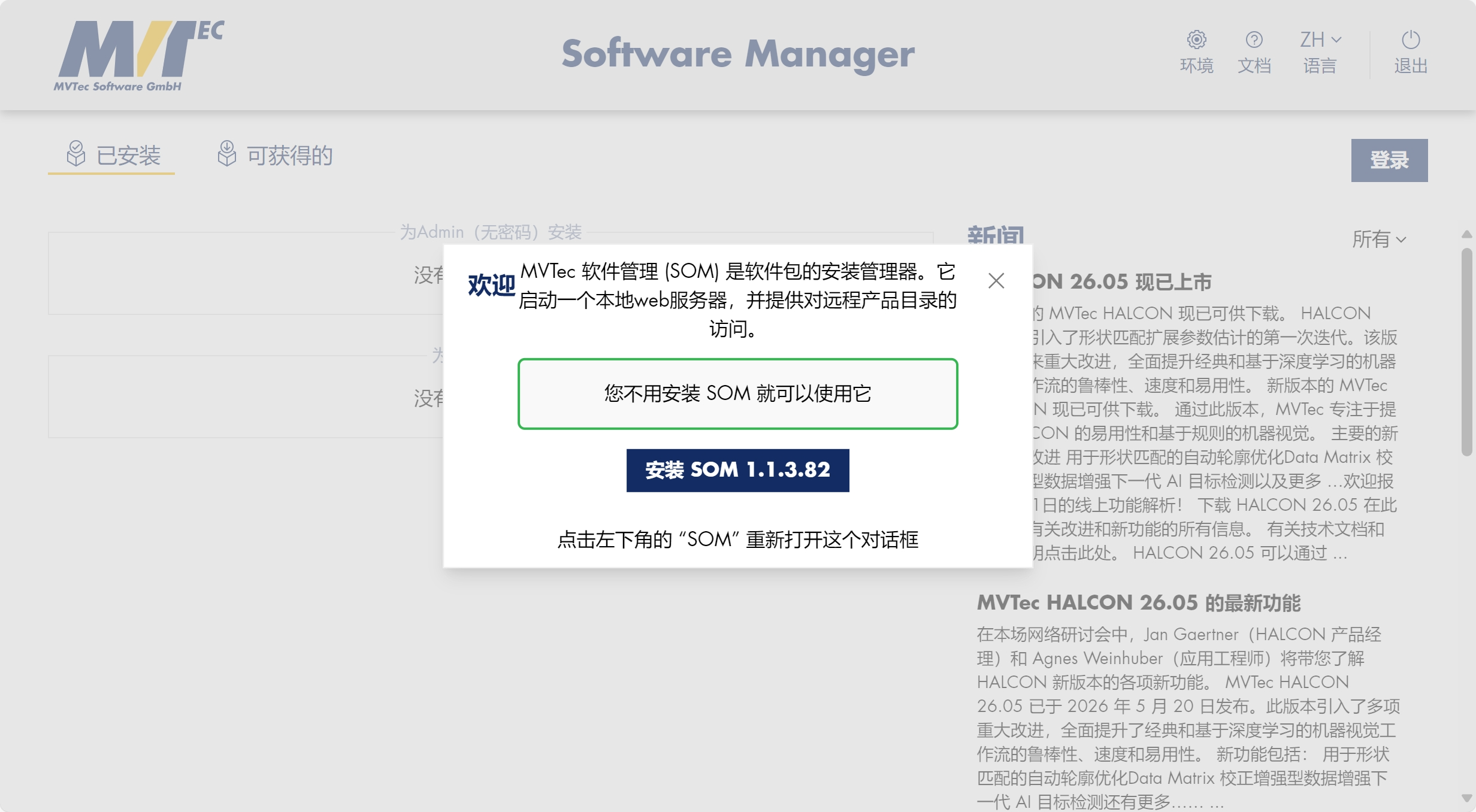
问题3 配置选择 存储选择
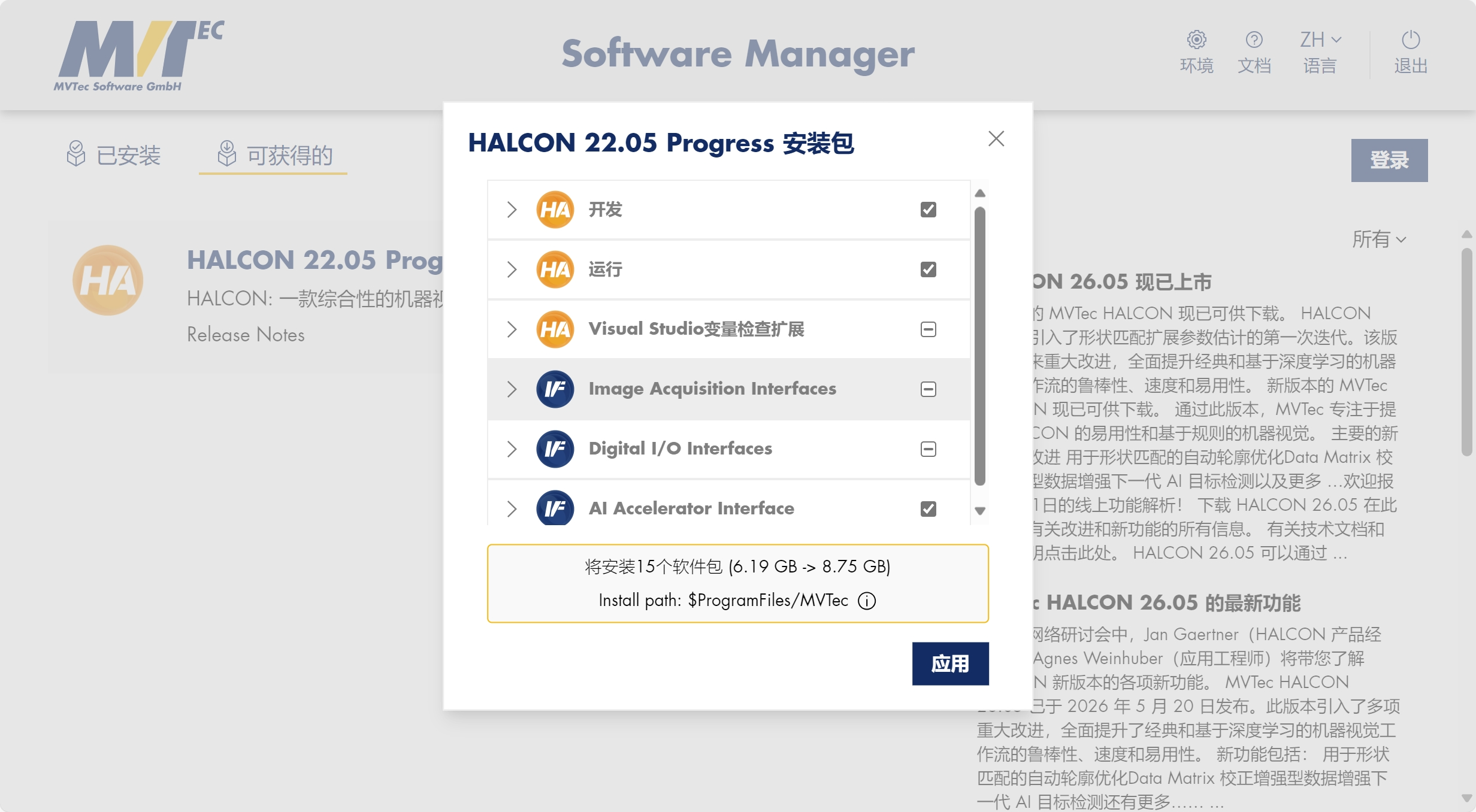
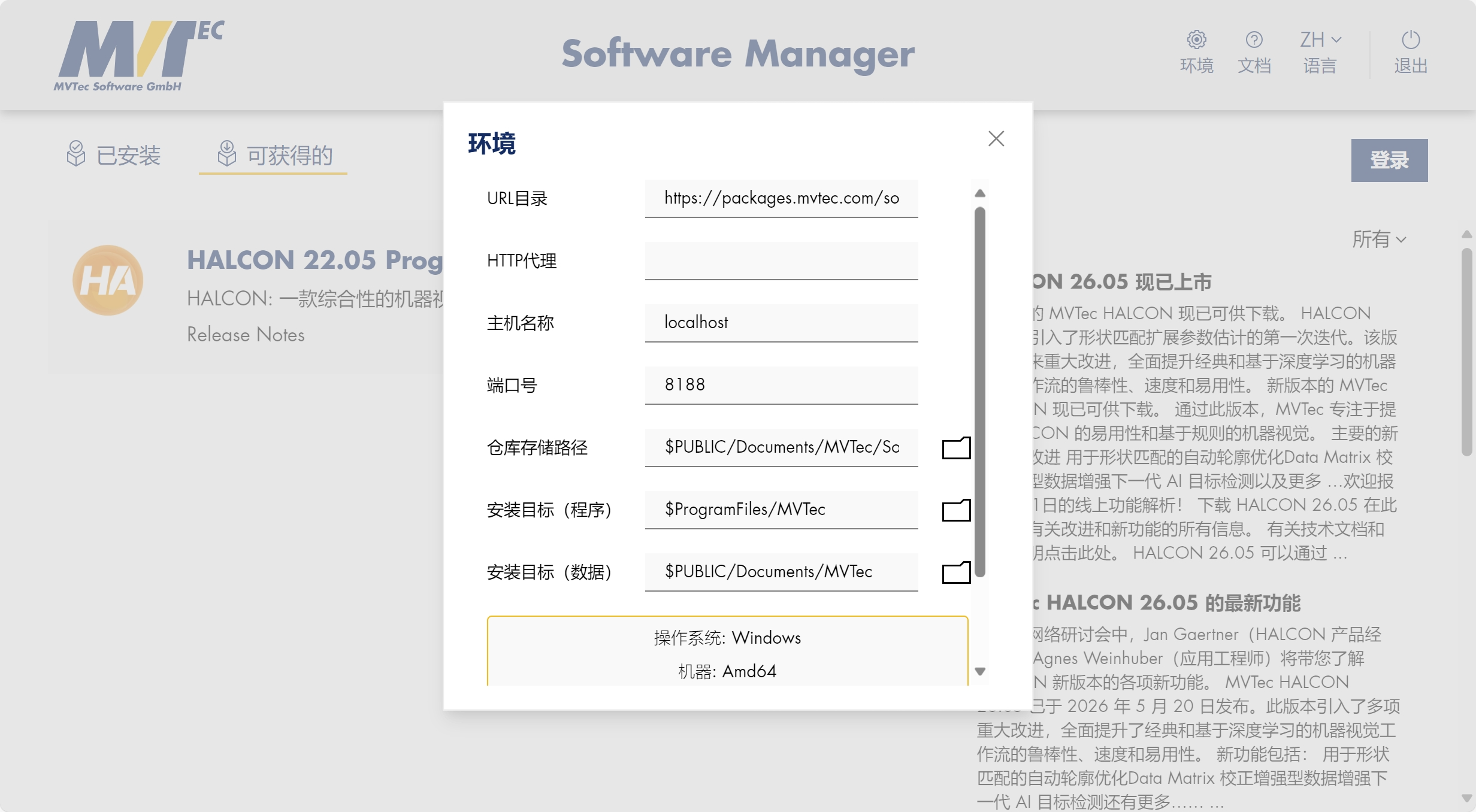
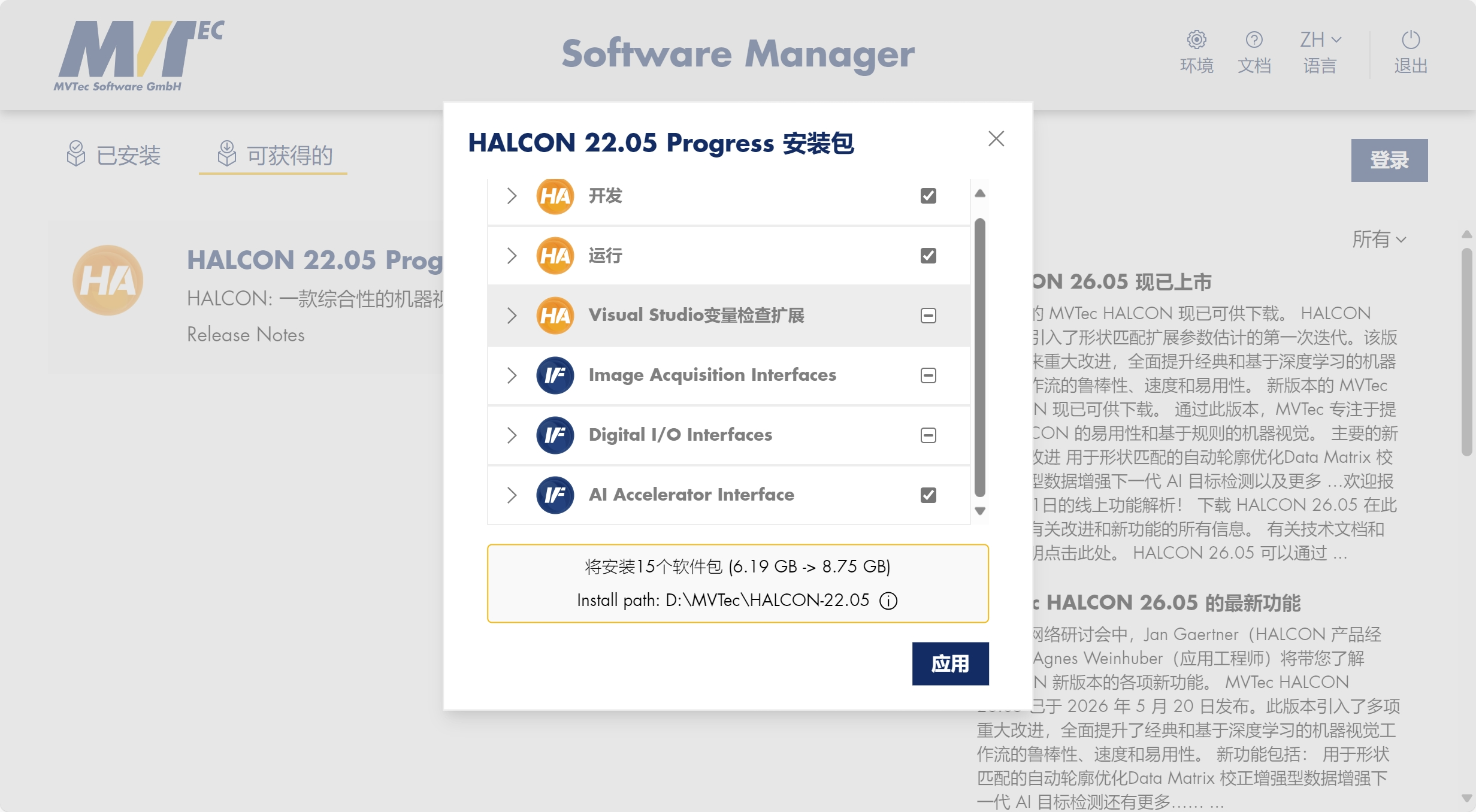
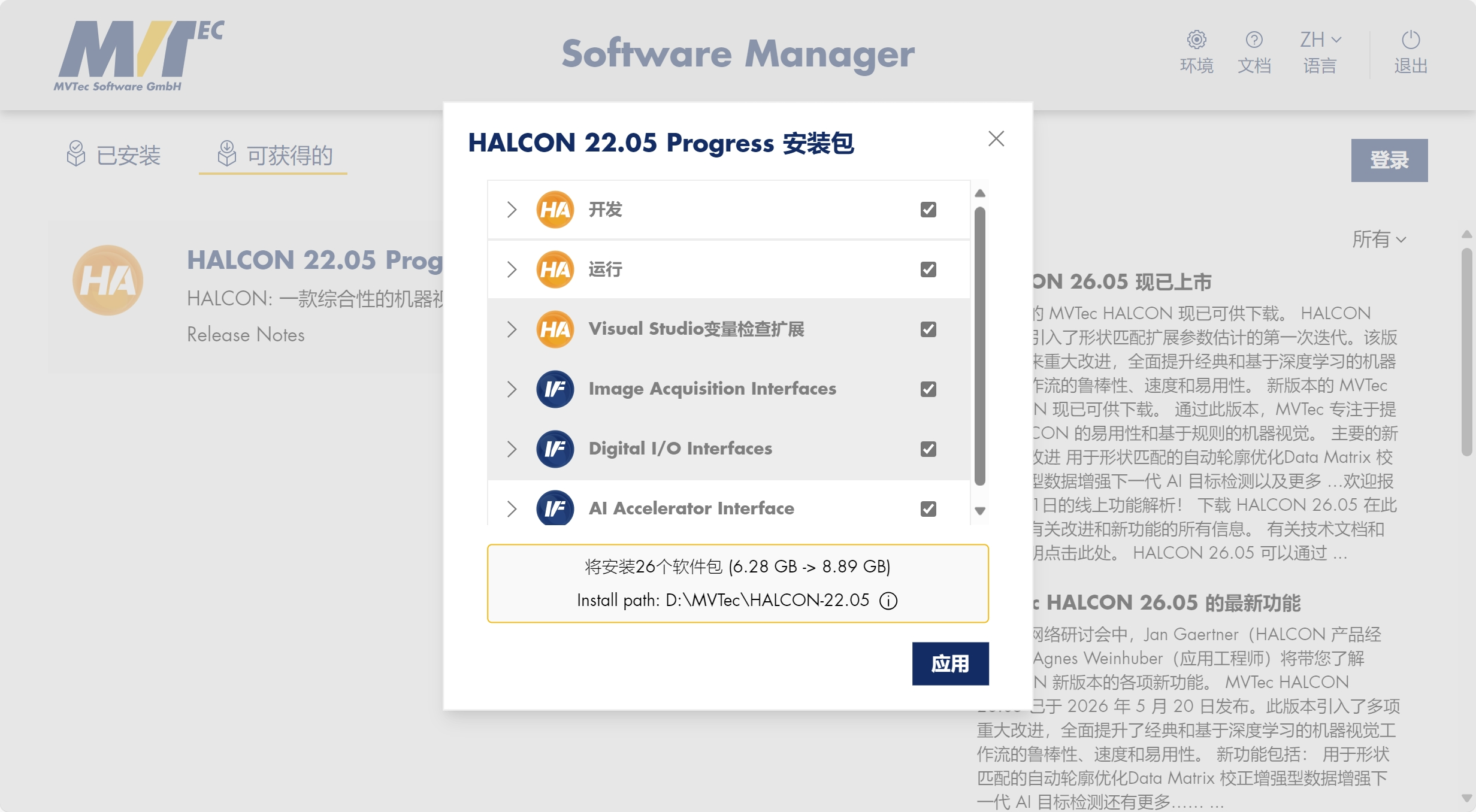
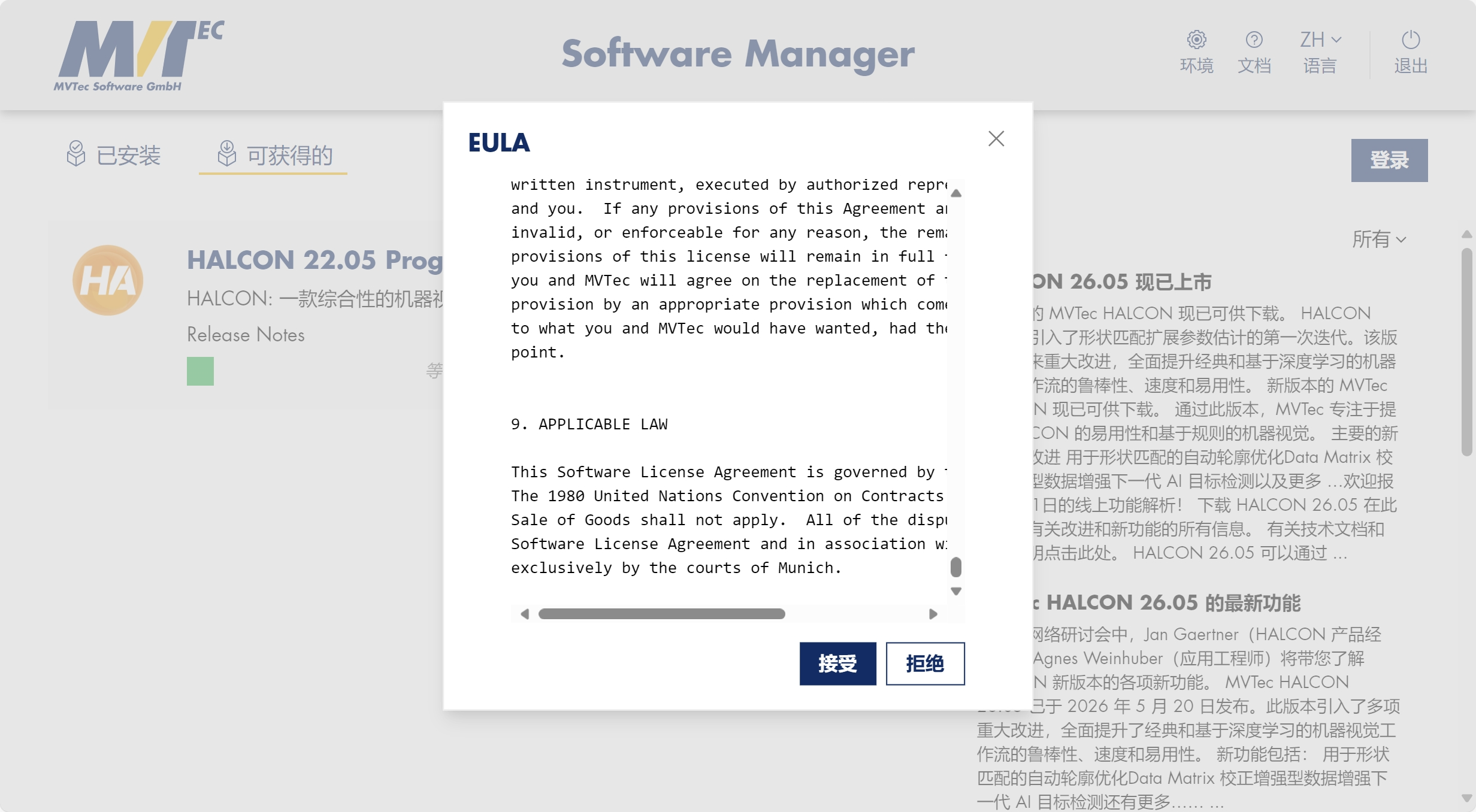
问题4 安装卡顿
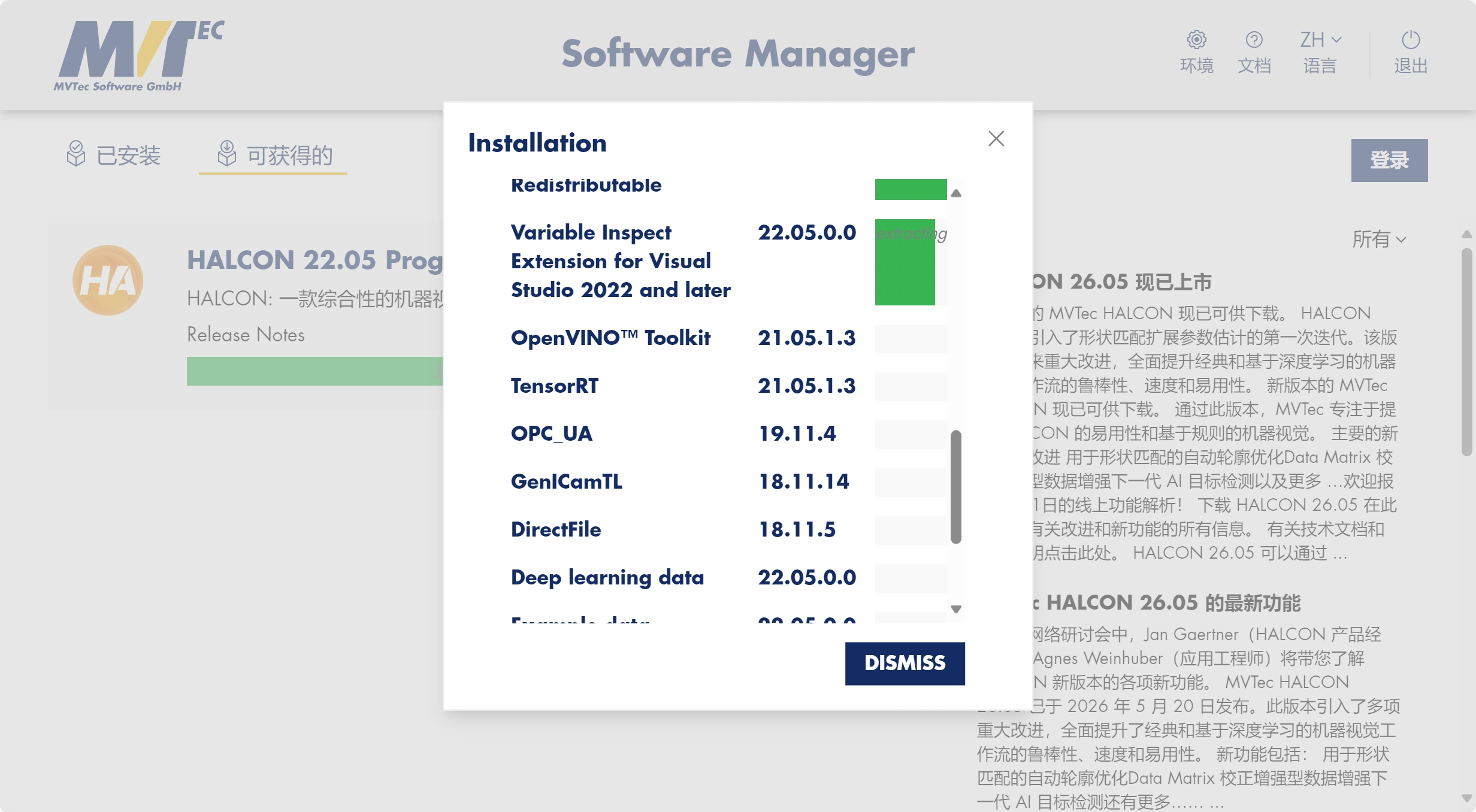
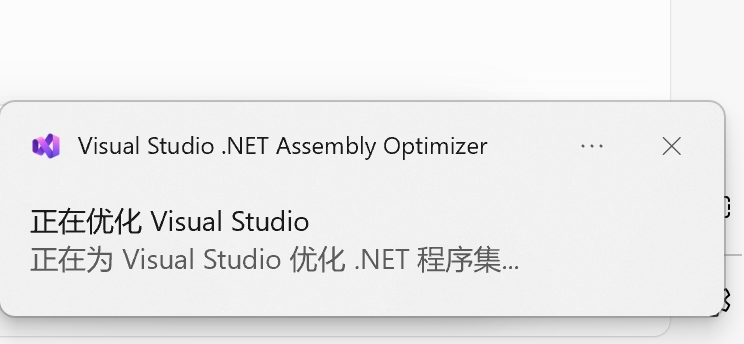
问题5
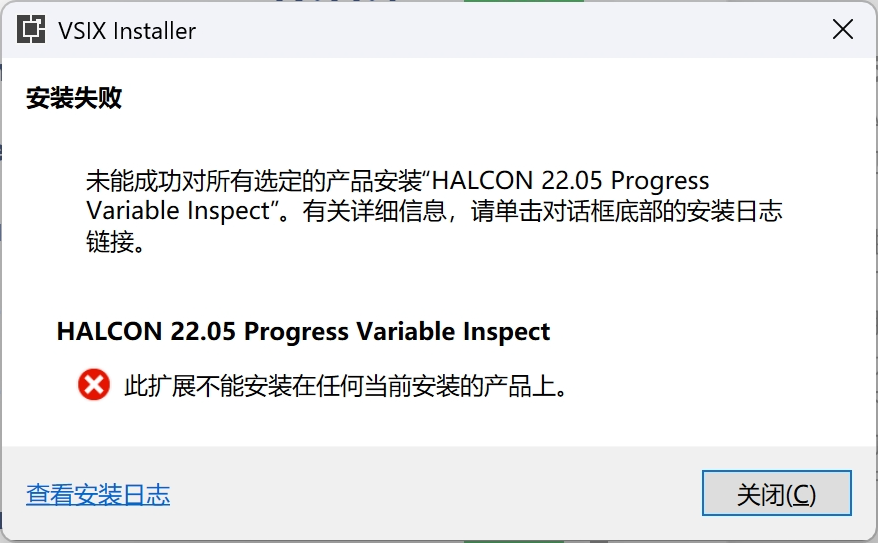
在 VS 调试窗口直接看 HObject 图像
它是 HALCON 官方专门解决「VS 里看不到 HALCON 变量内容」这个痛点的调试插件,是所有 HALCON 开发者梦寐以求的功能
有了它之后,你是怎么调试的(爽版)
什么代码都不用加,直接在需要的地方打个断点:
运行到断点处
鼠标悬停在 defectRegions 变量上
会自动弹出一个和 HDevelop 一模一样的图像窗口
你可以直接看到:
所有缺陷区域的形状和位置
每个缺陷的面积、重心、周长
鼠标移到哪里,实时显示像素坐标和灰度值
可以缩放、平移、伪彩色显示
单步执行下一行,图像会自动刷新成最新的处理结果
问题6
SqlServer
在这里插入图片描述
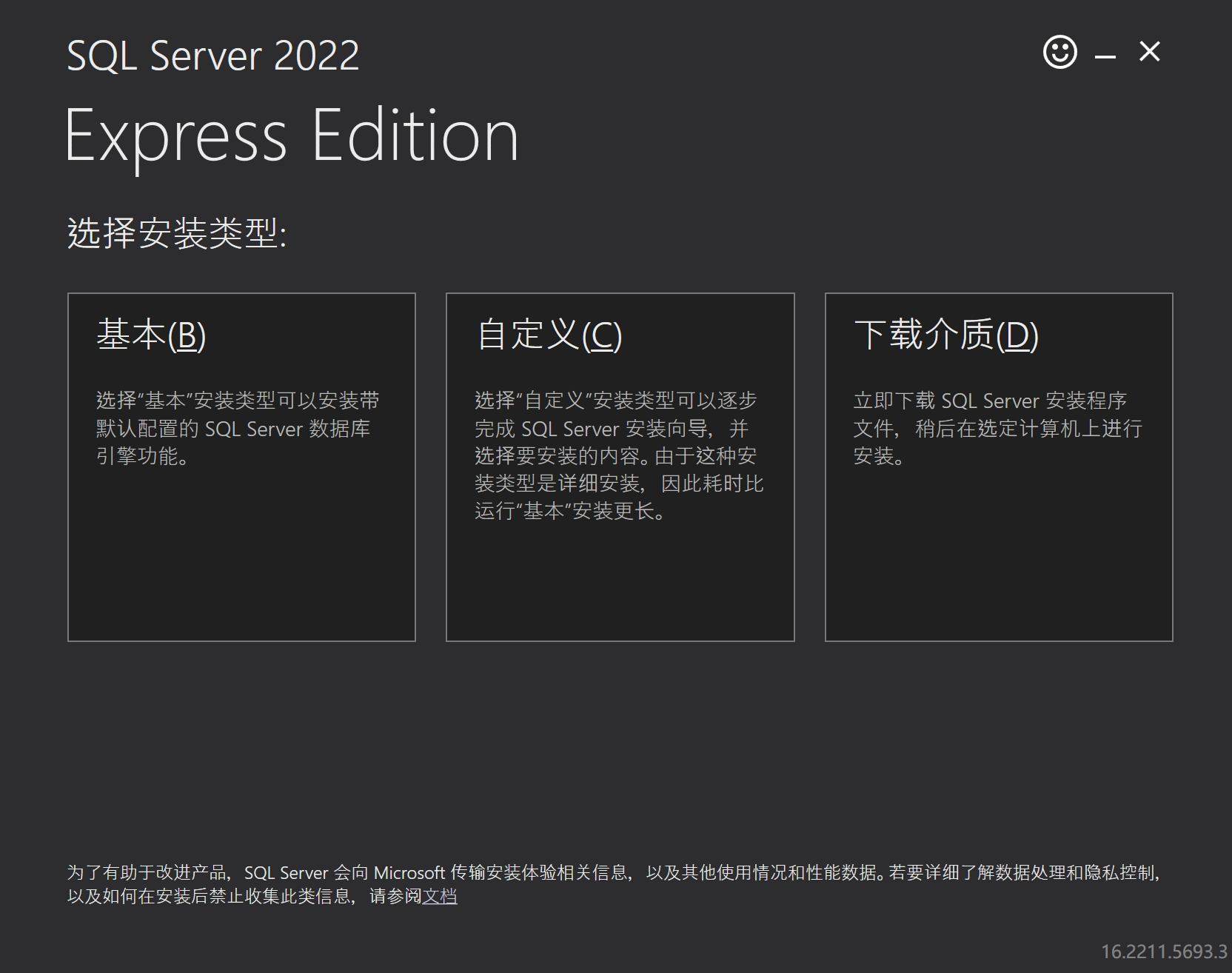
问题1
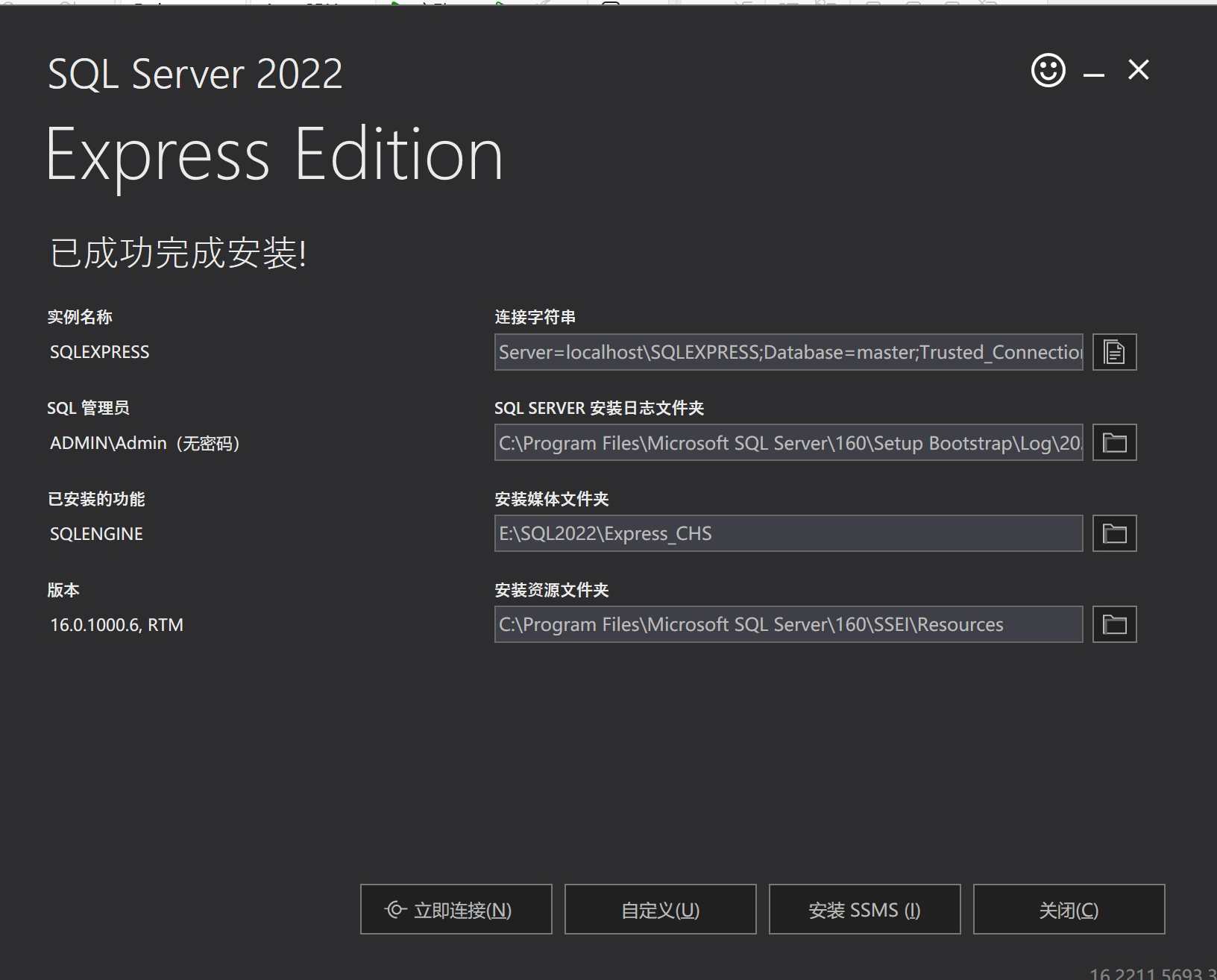
为什么不用改到 D 盘?
Express 版本身就不大
你的 SQL Server 2022 Express 只占用几百 MB 的空间,对 C 盘来说几乎可以忽略,完全不用担心空间不足的问题。
默认路径是工业场景的最佳实践
所有工业级上位机项目,SQL Server 都是默认安装在 C 盘
路径是微软官方硬编码的,第三方驱动、备份工具、运维脚本都默认指向这个路径
改到 D 盘会带来很多不必要的麻烦:比如 Windows 更新、服务重启、备份恢复都可能出问题
你已经成功安装了,现在改路径反而会出问题
强行移动文件夹会导致注册表、服务、配置文件全部失效
到时候只能重装,反而浪费时间,甚至影响后续开发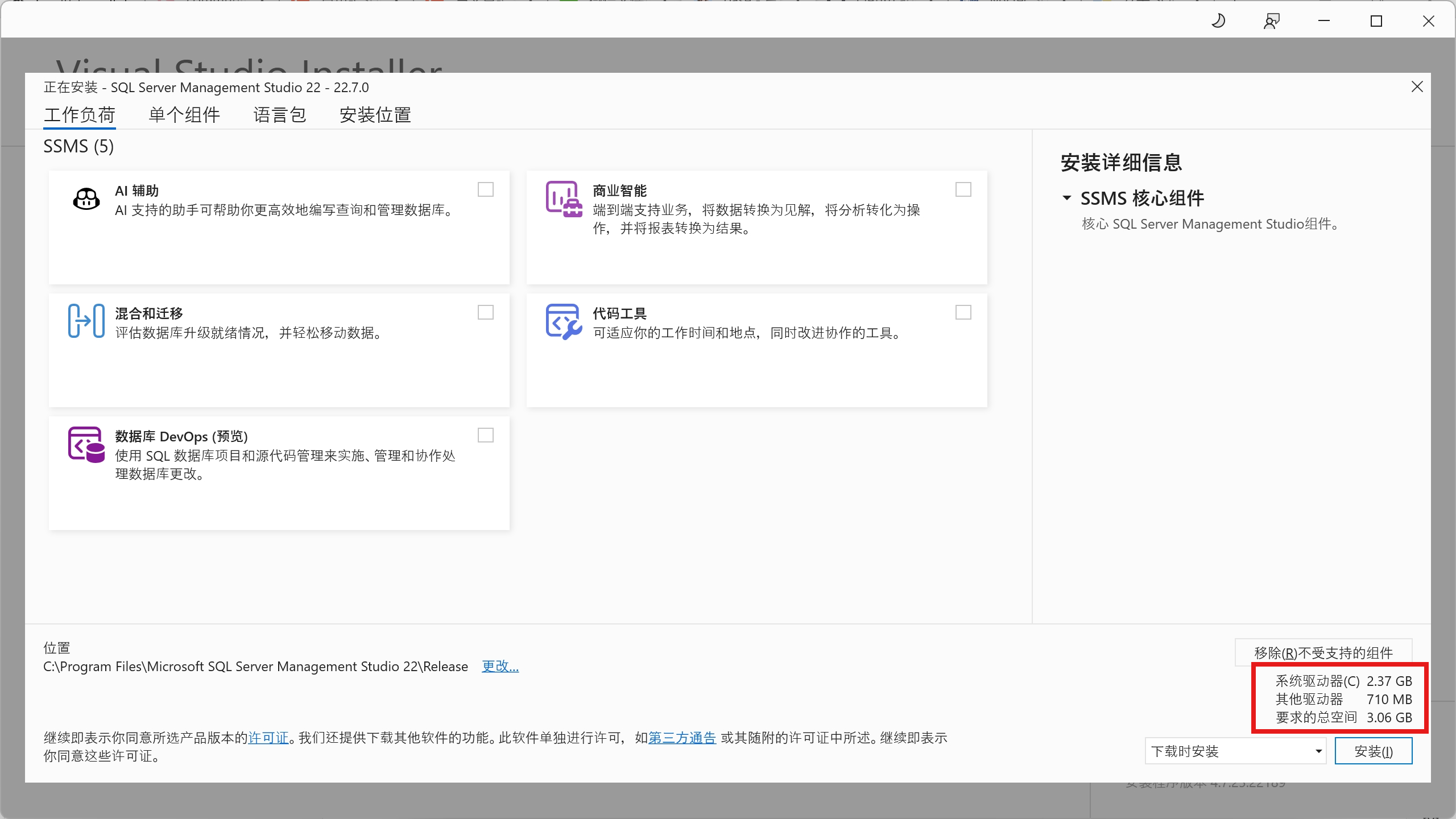
问题2
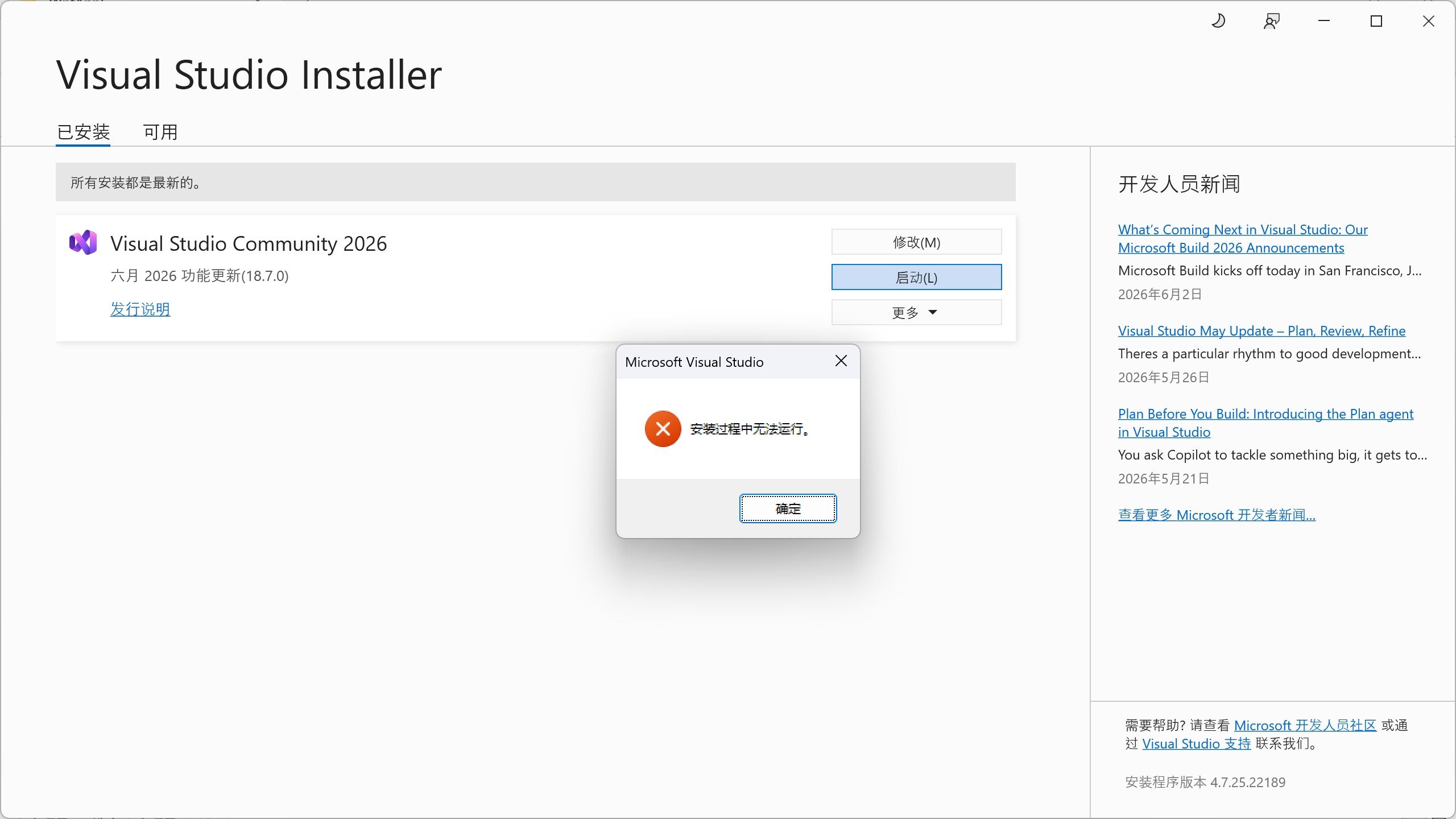
整体项目
问题1
工厂模式 SqlServer MySql选择问题
csharp
using System;
using System.Collections.Generic;
using System.Configuration;
using System.Linq;
using System.Text;
using System.Threading.Tasks;
using WpfApp6.Models;

namespace WpfApp6.Data
{
    public static class DbRepositoryFactory
    {
        public static IDetectionRepository Create()
        {
            var provider = ConfigurationManager.AppSettings["DbProvider"] ?? "MySql";
            var cs = ConfigurationManager.ConnectionStrings["DetectionDb"]?.ConnectionString;
            if (string.IsNullOrEmpty(cs)) throw new InvalidOperationException("请在App.config中配置ConnectionStrings/DetectionDb");
            return  new MySqlDetectionRepository(cs) ;

        }
    }
}
1. 修改 DbRepositoryFactory 根据配置创建不同实现,例如: provider == "SqlServer" -> new SqlServerDetectionRepository(cs) 否则 -> new MySqlDetectionRepository(cs)
问题2
csharp
using MySql.Data.MySqlClient;
using System;
using System.Collections.Generic;
using System.Data;
using System.Linq;
using System.Text;
using System.Threading.Tasks;
using WpfApp6.Models;

namespace WpfApp6.Data
{
    public class MySqlDetectionRepository : IDetectionRepository
    {
        private readonly string _conn;
        public MySqlDetectionRepository(string connectionString)=>_conn=connectionString;
        public async Task SaveAsync(DetectionResult result)
        {
            //throw new NotImplementedException();
            const string sql = @"INSERT INTO DetectionResults(Id,ScanId,TargetX,TargetY,PosX,
PosY,ExposureMs,Status,Remarks,Timestamp) VALUES (@Id,@ScanId,@TargetX,@TargetY,@PosX,@PoxY,
@ExposureMs,@Status,@Remarks,@Timestamp);";
            using (var conn=new MySqlConnection(_conn))
            using (var cmd = new MySqlCommand(sql, conn))
            {
                cmd.CommandType=CommandType.Text;
                cmd.Parameters.AddWithValue("@Id",result.Id.ToString());
                cmd.Parameters.AddWithValue("@ScanId", (object)result.ScanId ?? DBNull.Value);
                cmd.Parameters.AddWithValue("@TargetX", result.TargetX);
                cmd.Parameters.AddWithValue("@TargetY", result.TargetY);
                cmd.Parameters.AddWithValue("@PosX", result.PosX);
                cmd.Parameters.AddWithValue("@PosY", result.PosY);
                cmd.Parameters.AddWithValue("@ExposureMs", (object)result.ExposureMs ?? DBNull.Value);
                cmd.Parameters.AddWithValue("@Status",(object)result.Status??DBNull.Value);

                await conn.OpenAsync().ConfigureAwait(false);
                await cmd.ExecuteNonQueryAsync().ConfigureAwait(false);
            }
        }
    }
}
csharp
  Task IDetectionRepository.SaveAsync(DetectionResult result)
  {
      return SaveAsync(result);
  }
工厂模式
统一入口创建对象,上层代码不用关心到底用 MySQL 还是 SQL Server,改配置就能切换数据库。
一、接收一条X光检测数据
对应这行方法入参:
csharp
public async Task SaveAsync(DetectionResult result)DetectionResult result就是用来接收数据的。- 外部调用时,把封装好整条X光检测信息 (坐标、曝光时长、状态、备注等)的实体对象传进来,
result就拿到了所有数据。
二、后台异步存入 MySQL
分三步完成存入动作,全程异步、不卡UI:
-
建立连接 + 准备执行命令
csharpusing (var conn=new MySqlConnection(_conn)) using (var cmd = new MySqlCommand(sql, conn))根据连接字符串连上MySQL,绑定好插入语句。
-
给SQL占位符填充检测数据
csharpcmd.Parameters.AddWithValue("@Id",result.Id.ToString()); // 后续一堆参数赋值代码把
result里的各项数据,一一对应填到SQL语句中。 -
异步执行入库(核心存入动作)
csharpawait conn.OpenAsync().ConfigureAwait(false); await cmd.ExecuteNonQueryAsync().ConfigureAwait(false);conn.OpenAsync():异步打开数据库连接cmd.ExecuteNonQueryAsync():异步执行INSERT语句,真正把数据写入MySQL表async/await保证整个过程在后台运行,不会阻塞WPF界面。
精简总结
- 收数据:
DetectionResult result(方法参数) - 异步存数据库:
await conn.OpenAsync(...)+await cmd.ExecuteNonQueryAsync(...)
git
问题1
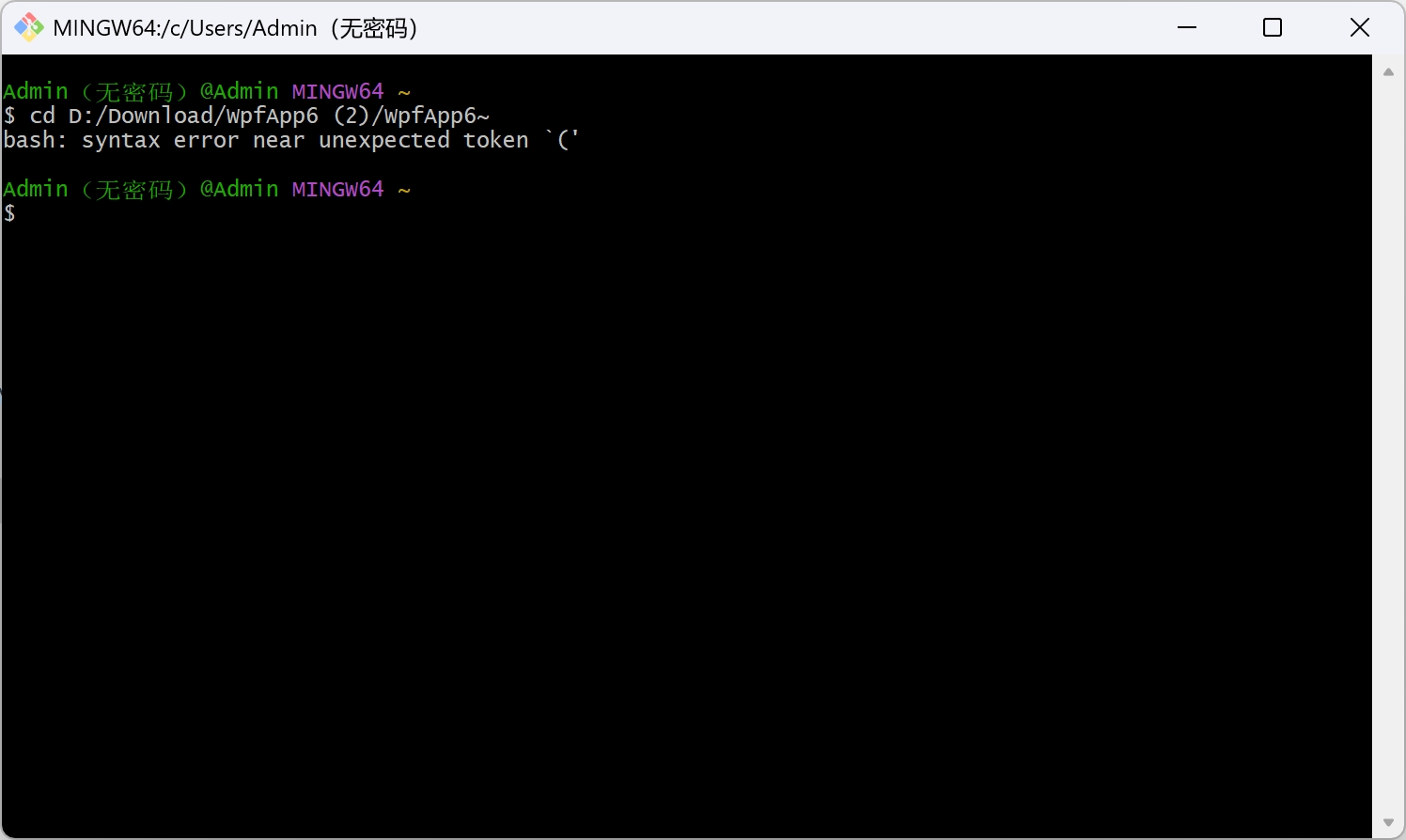
git 操作:新项目需要设置master 吗 怎么设置master
需要,而且是标准做法。
从 Git 2.28+ 开始,新建仓库默认分支名可能变成 main,但很多旧工具 / 服务器 / 团队仍用 master,为了统一规范,建议手动设置并确认主分支为 master。
master的作用 不设置呢
master 就是 Git 仓库里的 「主分支」 ,可以理解为项目的「官方版本线」。
它是项目的稳定版本,所有最终要发布、上线的代码,都会合并到这里。
它是团队协作的默认约定,所有人都默认知道「主分支在这里」,不会乱改。
你可以把它想象成:
软件的「发行版」,给用户用的稳定版本;
上位机的「正式生产环境」,所有功能都经过测试、稳定可用。
不设置 master 会怎么样?
Git 2.28 以后,默认分支名变成了 main,但如果你不主动设置 master,会遇到这些问题:
- 仓库没有「明确的主分支」
你提交代码后,Git 会自动用 main 作为默认分支,但很多旧工具不认识 main;
后续你做 git reset、git checkout 等操作时,容易搞混分支,导致代码丢失。 - 后续改分支名更麻烦
等你提交了很多代码、关联了远程仓库后,再想把 main 改成 master,要额外处理远程分支、跟踪关系,容易出错;
不如一开始就直接设置好。 - 团队协作时的混乱
如果以后有同事加入,他们习惯了 master,看到你的仓库主分支是 main,会很困惑;
提交代码、合并请求时,很容易选错分支。
总结:不设置可以吗?
技术上:可以,Git 本身不强制要求分支名必须是 master,用 main 也能正常工作。
实际开发中:强烈建议设置,尤其是你这种工业上位机项目,稳定和规范比什么都重要。
为什么设置master要先切换到项目文件夹 master不是主分支吗?在哪里应该都行吧
这是一个特别好的问题,刚好能帮你把 Git 的「工作区」和「仓库」概念彻底搞清楚。
一、先纠正一个误区:master 不是一个全局开关
master 是属于某个 Git 仓库内部的分支,而不是电脑上一个通用的、哪里都能用的东西。
你电脑上可以有很多个项目,每个项目都可以有自己的 master 分支,它们之间是完全独立的,互不影响。
所以,你必须先 cd 进入你要操作的那个具体项目文件夹,Git 才知道:
"哦,你是要给这个项目设置主分支,不是别的项目。"
二、为什么不进项目文件夹,Git 就不知道该干嘛?
当你在别的文件夹(比如你的用户根目录)执行 git init -b master 时,Git 会在当前目录创建一个新的 Git 仓库。
- 这会导致一个问题:你的
wpfApp6项目文件,根本不在这个新建的仓库里。 - 你后续
git add、git commit操作,对这些文件完全无效,就像你在别人的账本上,却想记自己的账。
三、用大白话再捋一遍
-
每个项目都是一个独立的"账本"(Git 仓库)
每个账本都有自己的主分支(
master),用来记录这个项目的所有变更。 -
你必须先翻开对应的账本(进入项目文件夹),才能在上面写东西(初始化/设置分支)
不进项目文件夹,Git 不知道你要操作哪个账本,只能在当前位置新建一个没用的空账本。
四、正确的操作流程(给你捋顺)
bash
# 1. 先"翻开账本":进入你的项目文件夹
cd "/d/Download/wpfApp6 (2)/wpfApp6"

# 2. 再"初始化账本":创建这个项目的 Git 仓库,并设置它的主分支为 master
git init -b master

# 3. 最后"往账本上记账":把项目文件添加并提交
git add .
git commit -m "first commit"
一句话总结:
master 是项目内部的分支 ,它是依附于项目仓库存在的,所以你必须先进入项目文件夹,Git 才能知道要给哪个项目创建 master 分支。
问题2
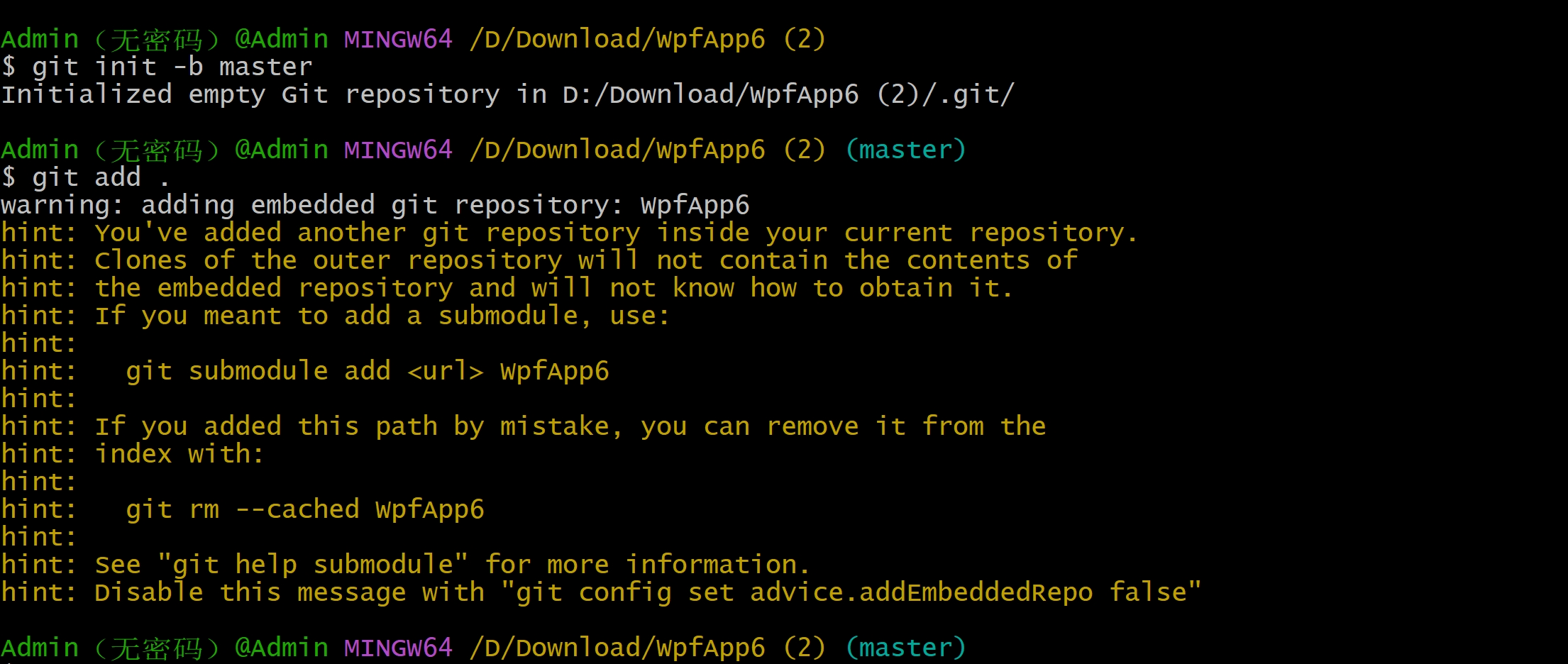
D:/Download/wpfApp6 (2)/ ← 你在这里执行了 git init
└── wpfApp6/ ← 这个子文件夹里,本身已经有一个 .git 仓库了
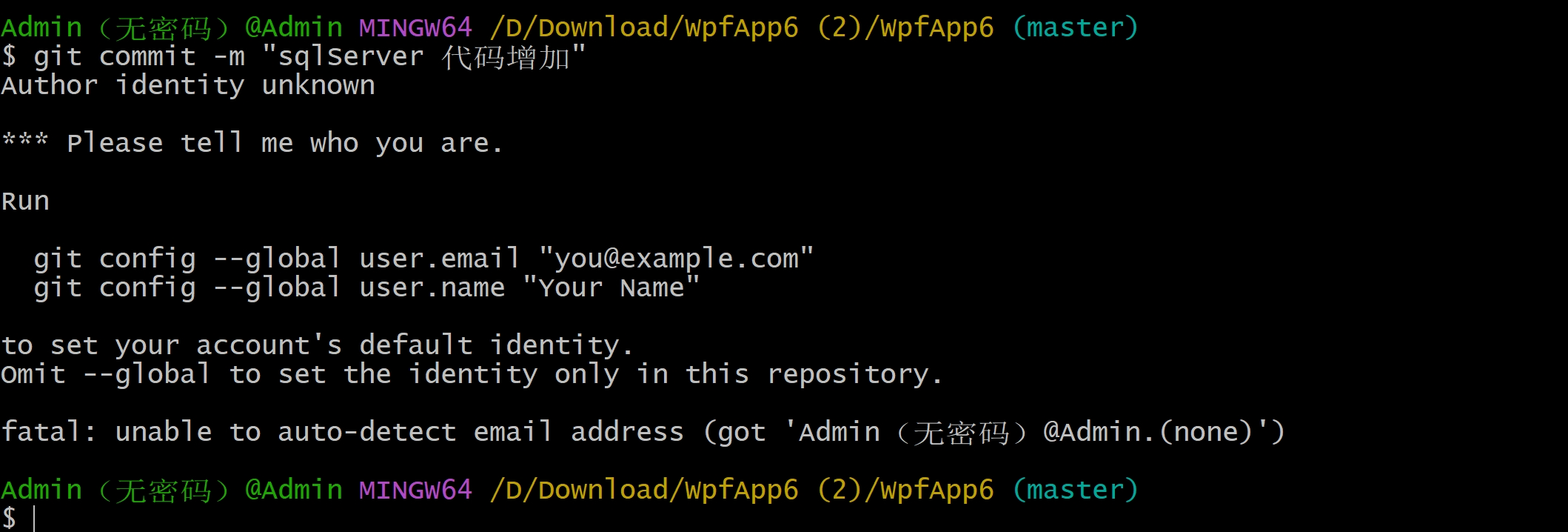
bash
Admin(无密码)@Admin MINGW64 ~
$ cd D:/Download/WpfApp6 (2)/WpfApp6~
bash: syntax error near unexpected token `('

Admin(无密码)@Admin MINGW64 ~
$ cd "/D/Download/WpfApp6 (2)/WpfApp6~"
bash: cd: /D/Download/WpfApp6 (2)/WpfApp6~: No such file or directory

Admin(无密码)@Admin MINGW64 ~
$ cd "/D/Download/WpfApp6 (2)/"

Admin(无密码)@Admin MINGW64 /D/Download/WpfApp6 (2)
$ git init -b master
Initialized empty Git repository in D:/Download/WpfApp6 (2)/.git/

Admin(无密码)@Admin MINGW64 /D/Download/WpfApp6 (2) (master)
$ git add .
warning: adding embedded git repository: WpfApp6
hint: You've added another git repository inside your current repository.
hint: Clones of the outer repository will not contain the contents of
hint: the embedded repository and will not know how to obtain it.
hint: If you meant to add a submodule, use:
hint:
hint:   git submodule add <url> WpfApp6
hint:
hint: If you added this path by mistake, you can remove it from the
hint: index with:
hint:
hint:   git rm --cached WpfApp6
hint:
hint: See "git help submodule" for more information.
hint: Disable this message with "git config set advice.addEmbeddedRepo false"

Admin(无密码)@Admin MINGW64 /D/Download/WpfApp6 (2) (master)
$ rm -rf .git

Admin(无密码)@Admin MINGW64 /D/Download/WpfApp6 (2)
$ cd WpfApp6

Admin(无密码)@Admin MINGW64 /D/Download/WpfApp6 (2)/WpfApp6 (mas
ter)
$ git add .

Admin(无密码)@Admin MINGW64 /D/Download/WpfApp6 (2)/WpfApp6 (master)
$ git commit -m "sqlServer 代码增加"
Author identity unknown

*** Please tell me who you are.

Run

  git config --global user.email "you@example.com"
  git config --global user.name "Your Name"

to set your account's default identity.
Omit --global to set the identity only in this repository.

fatal: unable to auto-detect email address (got 'Admin(无密码)@Admin.(none)')

Admin(无密码)@Admin MINGW64 /D/Download/WpfApp6 (2)/WpfApp6 (master)
$ git config --global user.name "Xiaocao"

Admin(无密码)@Admin MINGW64 /D/Download/WpfApp6 (2)/WpfApp6 (master)
$ git config --global user.email "xiaocao@example.com"

Admin(无密码)@Admin MINGW64 /D/Download/WpfApp6 (2)/WpfApp6 (master)
$ git commit -m "SqlServer 代码增加"
[master 597cf28] SqlServer 代码增加
 4 files changed, 71 insertions(+), 6 deletions(-)
 create mode 100644 WpfApp6/Data/SqlServerDetectionRepository.cs

Admin(无密码)@Admin MINGW64 /D/Download/WpfApp6 (2)/WpfApp6 (master)
$