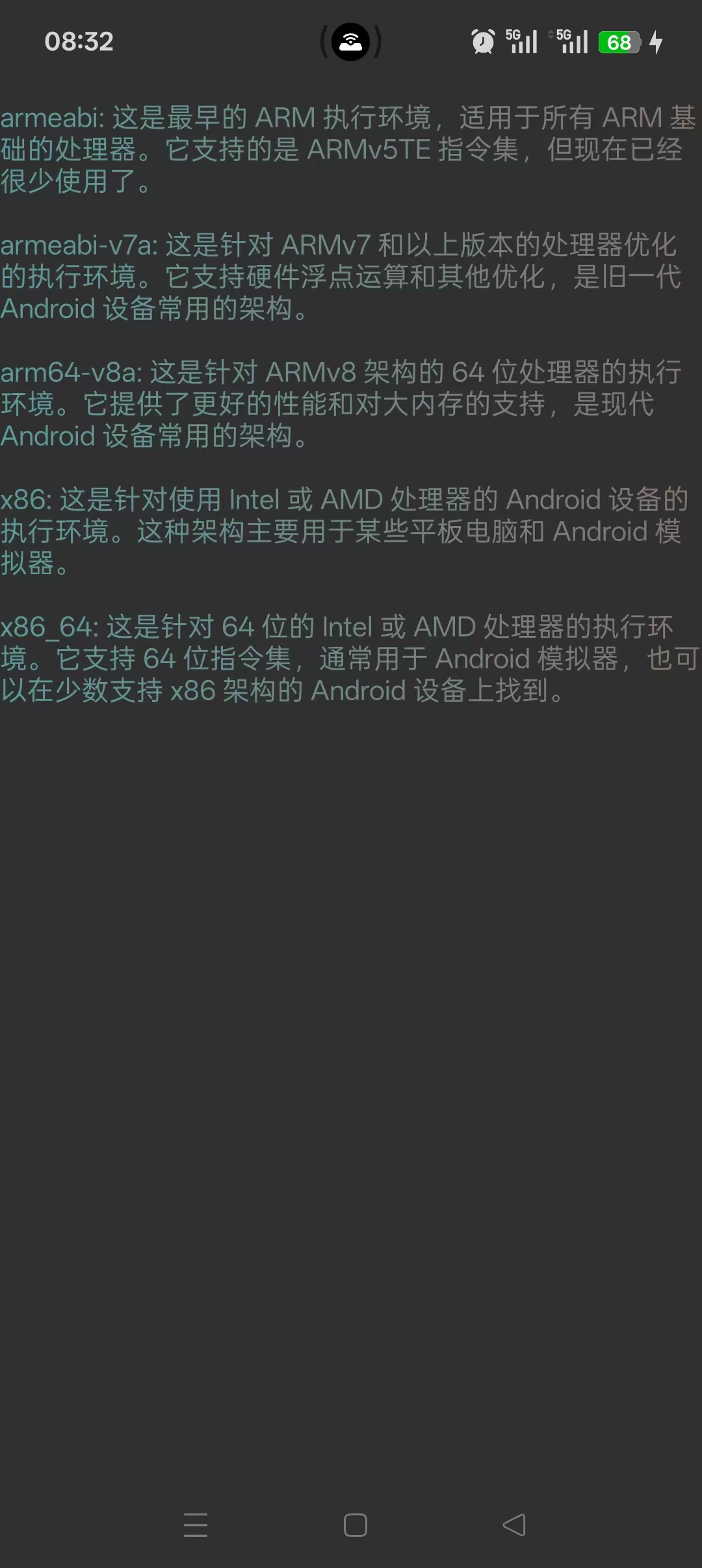
在很多 AI 问答、大模型对话(如 ChatGPT、Gemini)或者知识库管理应用中,"打字机吐字(Typewriter Effect)"配合"自动平滑滚动"已经成了标配的用户体验。它不仅能缓解用户等待长文本输出时的焦虑感,还能让文字看起来更美观。
自定义 ScrollingTextView 继承自 Android 原生的 AppCompatTextView,三个核心能力:
-
动态打印机链路 :基于
CoroutineScope(Dispatchers.Main)控制字符与换行符的非阻塞分级延迟。 -
平滑滚动 :利用
Handler配合Layout边界计算,每 10 秒(可调)自动平滑卡点滚动至底部。 -
动态色彩着色器 :集成
LinearGradient线性渐变纹理,实现文本内容的多色混叠(Shader)渲染。
一、 打字机核心:吐字效果实现
Kotlin
   /**
     * 文本按打印机显示
     * @param text 显示的文本
     * @param charDelay
     * @param lineDelay
     */
    fun startPrinting(text: String?, charDelay: Long = 100, lineDelay: Long = 500) {
        if (isPrinting || text.isNullOrEmpty()) return
        isPrinting = true
        this.text = ""
        mJob = CoroutineScope(Dispatchers.Main).launch {
            text.forEachIndexed { index, char ->
                this@ScrollingTextView.text = text.substring(0, index + 1)
                // 根据字符类型设置延迟
                val delay = if (char == '\n') lineDelay else charDelay
                delay(delay)
            }
            isPrinting = false
        }

    }
二、 滚动效果实现:利用 Handler 循环实现自动化动态底部卡点
Kotlin
    private val mHandler = Handler(Looper.getMainLooper())
    private val scrollRunnable = object : Runnable {
        override fun run() {
            smoothScrollToBottom()
            // 每10秒再次执行
            mHandler.postDelayed(this, 10000)
        }
    }

    private fun smoothScrollToBottom() {
        layout ?: return
        val scrollAmount = layout.getLineTop(lineCount) - height
        if (scrollAmount > 0) {
            scrollTo(0, scrollAmount)
        } else {
            scrollTo(0, 0)
        }
}三、使用LinearGradient(线性渐变着色器)
它能够将配置在 color.xml 中的 6 种渐变色(R.color.shader1 ~ shader6)让文字有渐变颜色效果
Kotlin
    <color name="shader1">#BB86FCFF</color>
    <color name="shader2">#F44336</color>
    <color name="shader3">#E91E63</color>
    <color name="shader4">#673AB7</color>
    <color name="shader5">#2196F3</color>
    <color name="shader6">#8BC34A</color>
Kotlin
    private fun setGradientText(textView: TextView) {
        val width = textView.paint.measureText(textView.text.toString())
        mTextShader = LinearGradient(
            0f, 0f, width, textView.textSize,
            intArrayOf(
                ContextCompat.getColor(context, R.color.shader1),
                ContextCompat.getColor(context, R.color.shader2),
                ContextCompat.getColor(context, R.color.shader3),
                ContextCompat.getColor(context, R.color.shader4),
                ContextCompat.getColor(context, R.color.shader5),
                ContextCompat.getColor(context, R.color.shader6)
            ),
            null,
            Shader.TileMode.CLAMP
        )
        textView.paint.shader = mTextShader
    }
四、完整代码:
Kotlin
package com.example.knowledgemanagement.view

import android.annotation.SuppressLint
import android.content.Context
import android.graphics.LinearGradient
import android.graphics.Shader
import android.os.Handler
import android.os.Looper
import android.text.method.ScrollingMovementMethod
import android.util.AttributeSet
import android.widget.TextView
import androidx.appcompat.widget.AppCompatTextView
import androidx.core.content.ContextCompat
import com.example.knowledgemanagement.R
import kotlinx.coroutines.CoroutineScope
import kotlinx.coroutines.Dispatchers
import kotlinx.coroutines.Job
import kotlinx.coroutines.delay
import kotlinx.coroutines.launch

/**
 * Created
 * date : 2026/6/11
 * desc: 打字机效果自定义View
 */
@SuppressLint("AppCompatCustomView")
class ScrollingTextView(context: Context, attrs: AttributeSet? = null) : AppCompatTextView(context, attrs) {

    private var isGradient = true
    private var isScrollStarted = false
    private var mTextShader: Shader? = null
    private var isPrinting = false
    private var mJob: Job? = null

    init {
        movementMethod = ScrollingMovementMethod()
    }

    override fun onTextChanged(
        text: CharSequence?,
        start: Int,
        lengthBefore: Int,
        lengthAfter: Int
    ) {
        super.onTextChanged(text, start, lengthBefore, lengthAfter)
        if (isGradient) { // 放post可能导致颜色失效
            setGradientText(this)
        } else {
            paint.shader = null
        }
    }


    private val mHandler = Handler(Looper.getMainLooper())
    private val scrollRunnable = object : Runnable {
        override fun run() {
            smoothScrollToBottom()
            // 每10秒再次执行
            mHandler.postDelayed(this, 10000)
        }
    }

    fun startScroll() {
        if (isScrollStarted) {
            return
        }

        // 开始滚动任务
        mHandler.postDelayed(scrollRunnable, 10000)
        isScrollStarted = true
    }

    fun stopScroll() {
        // 移除滚动任务,避免内存泄漏
        isScrollStarted = false
        mHandler.removeCallbacks(scrollRunnable)
    }


    override fun onAttachedToWindow() {
        super.onAttachedToWindow()
//        startScroll()
    }

    override fun onDetachedFromWindow() {
        super.onDetachedFromWindow()
        stopScroll()
    }

    private fun smoothScrollToBottom() {
        layout ?: return
        val scrollAmount = layout.getLineTop(lineCount) - height
        if (scrollAmount > 0) {
            scrollTo(0, scrollAmount)
        } else {
            scrollTo(0, 0)
        }
    }


    private fun setGradientText(textView: TextView) {
        val width = textView.paint.measureText(textView.text.toString())
        mTextShader = LinearGradient(
            0f, 0f, width, textView.textSize,
            intArrayOf(
                ContextCompat.getColor(context, R.color.shader1),
                ContextCompat.getColor(context, R.color.shader2),
                ContextCompat.getColor(context, R.color.shader3),
                ContextCompat.getColor(context, R.color.shader4),
                ContextCompat.getColor(context, R.color.shader5),
                ContextCompat.getColor(context, R.color.shader6)
            ),
            null,
            Shader.TileMode.CLAMP
        )
        textView.paint.shader = mTextShader
    }

    /**
     * 文本是否需要渐变
     *  isGradient true 开始  false 显示默认白色
     */
    fun setGradient(isGradient: Boolean) {
        this.isGradient = isGradient
        if (isGradient) {
            paint.shader = mTextShader
        } else {
            paint.shader = null
        }
    }

    fun isGradient(): Boolean {
        return isGradient
    }


    /**
     * 文本按打印机显示
     * @param text 显示的文本
     * @param charDelay
     * @param lineDelay
     */
    fun startPrinting(text: String?, charDelay: Long = 100, lineDelay: Long = 500) {
        if (isPrinting || text.isNullOrEmpty()) return
        isPrinting = true
        this.text = ""
        mJob = CoroutineScope(Dispatchers.Main).launch {
            text.forEachIndexed { index, char ->
                this@ScrollingTextView.text = text.substring(0, index + 1)
                // 根据字符类型设置延迟
                val delay = if (char == '\n') lineDelay else charDelay
                delay(delay)
            }
            isPrinting = false
        }

    }

    fun stopPrinting() {
        mJob?.cancel()
        isPrinting = false
    }

}
5、最后实现效果