大家好,我是java1234_小锋老师,分享一套SpringBoot4+Vue3宠物领养网站系统 。
项目简介
随着社会经济水平的提高和人们生活观念的转变,宠物已经逐渐成为许多家庭的重要成员,科学、规范的宠物领养逐渐受到社会的广泛关注。然而,传统的宠物领养主要依赖线下机构和熟人介绍,存在信息不对称、流程不透明、领养记录难以管理等问题,既不利于流浪动物的妥善安置,也降低了爱心人士参与领养的积极性。因此,设计并实现一个功能完善、操作便捷的宠物领养网站系统具有重要的现实意义。
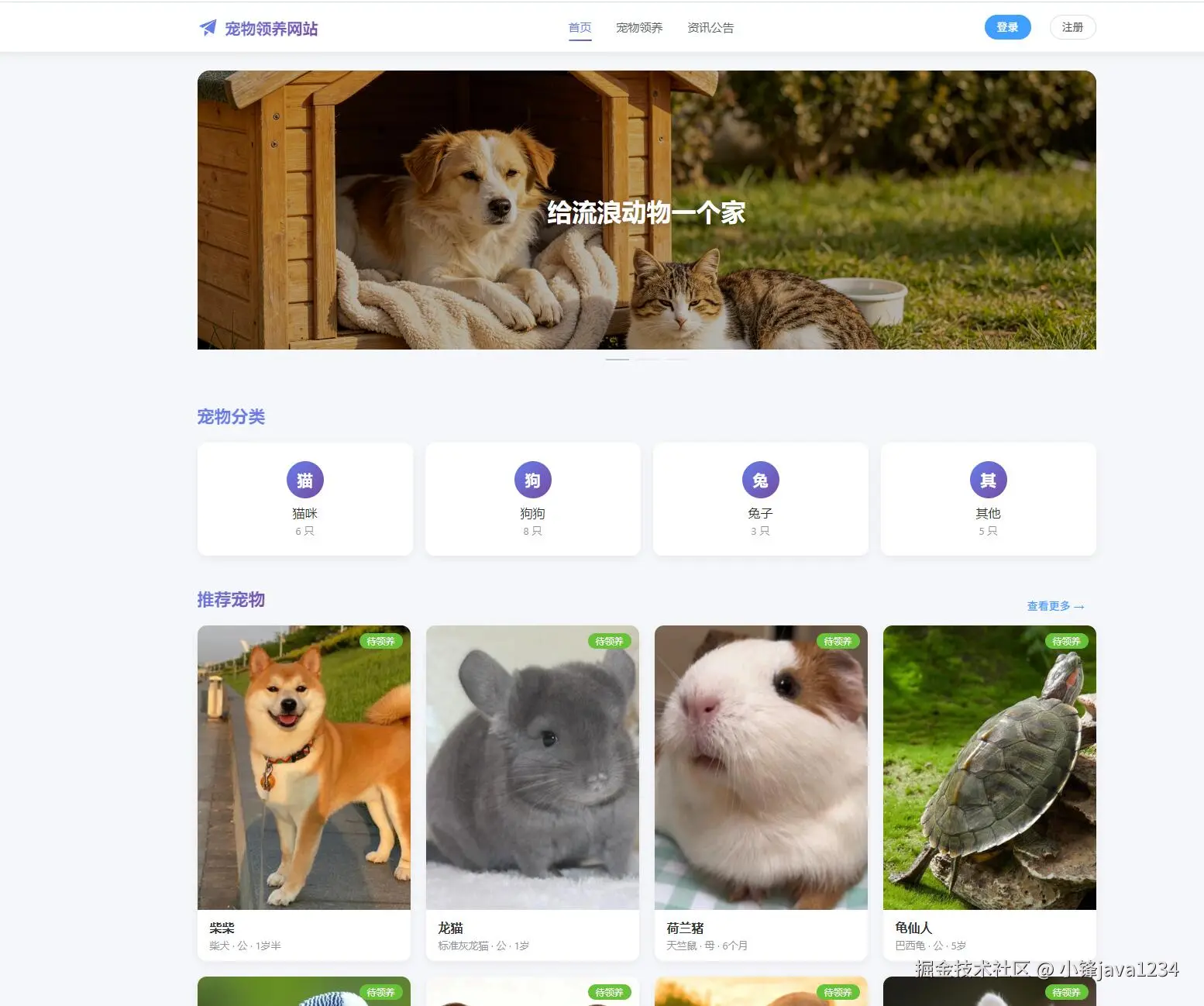
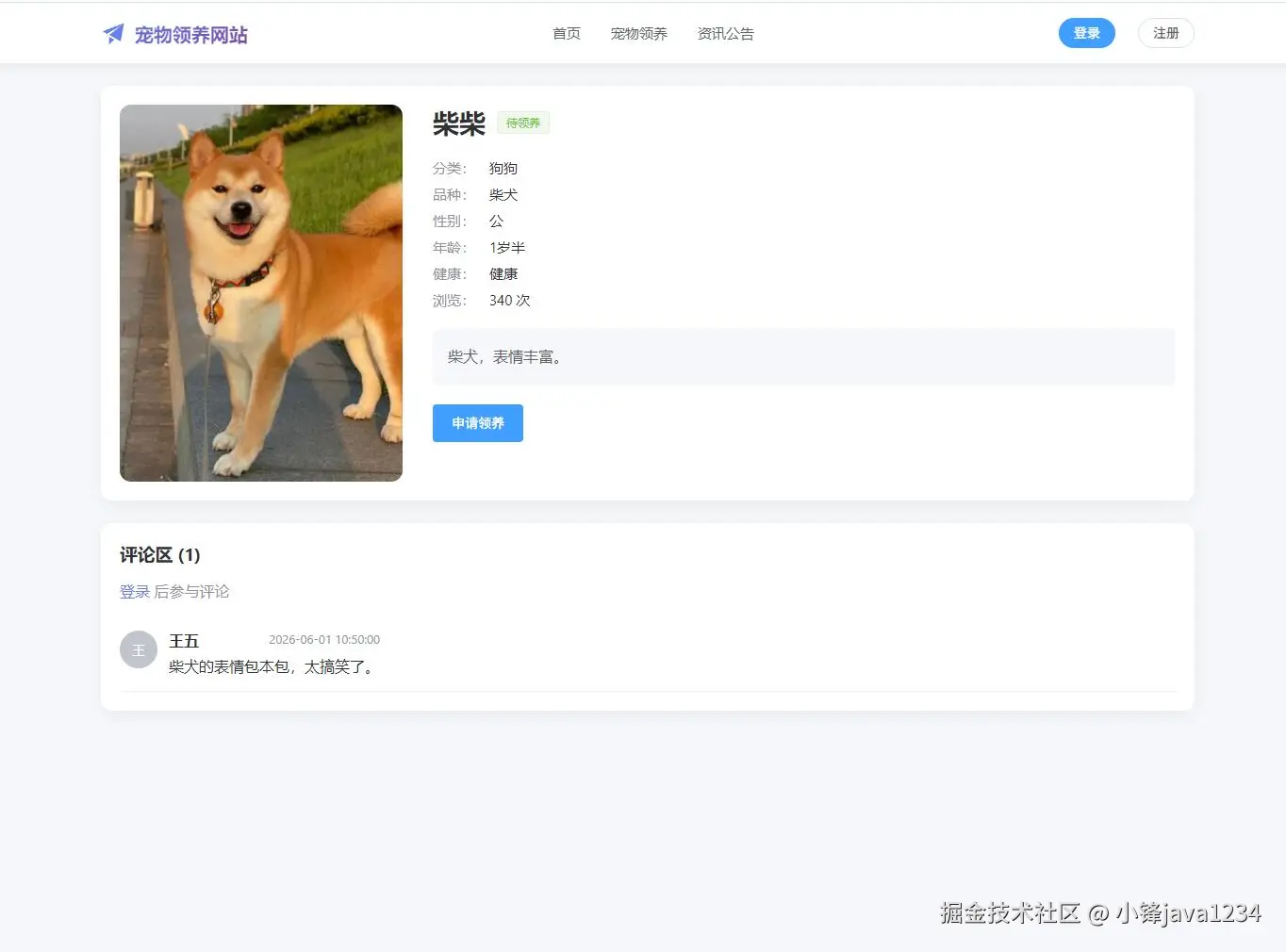
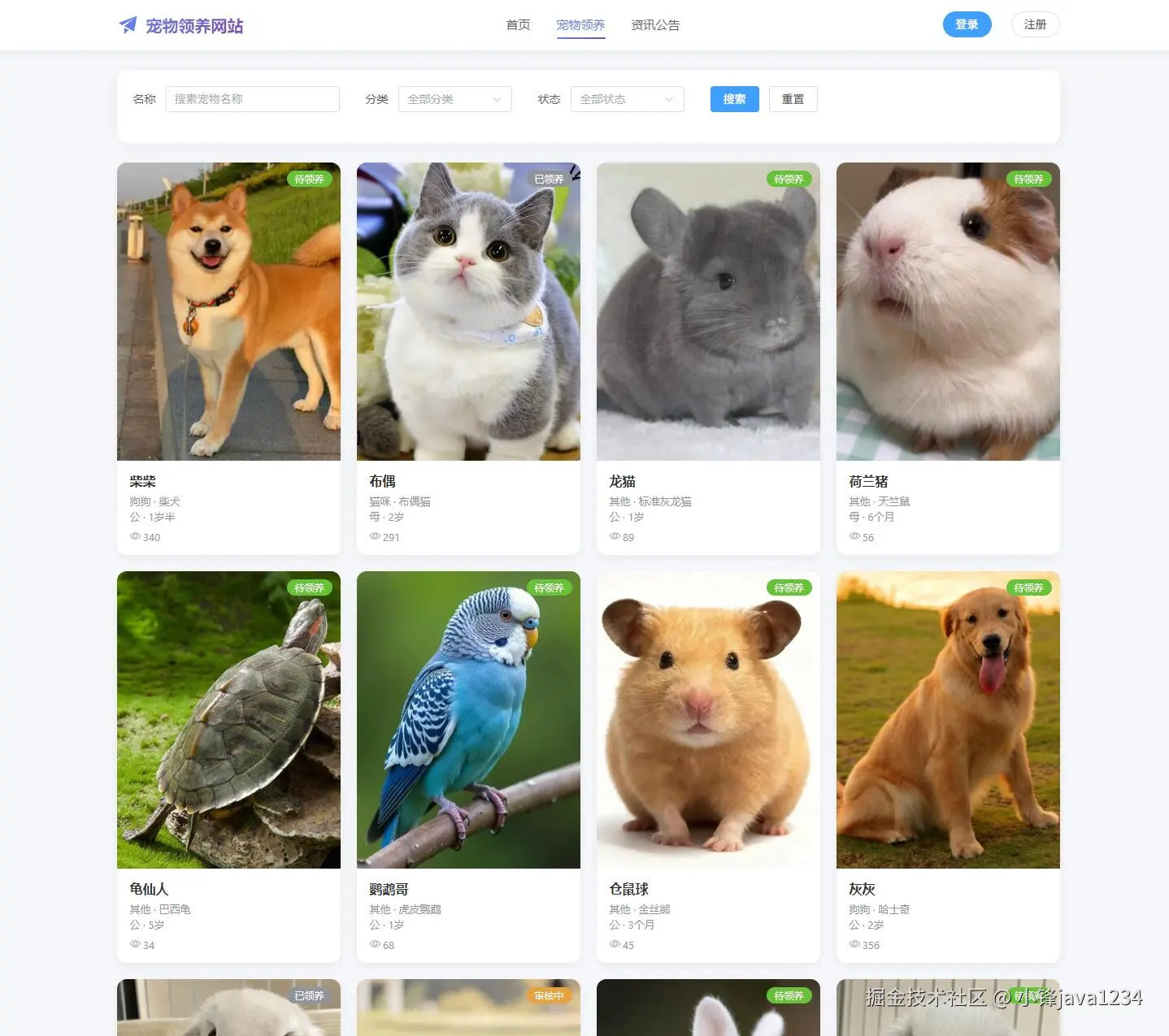
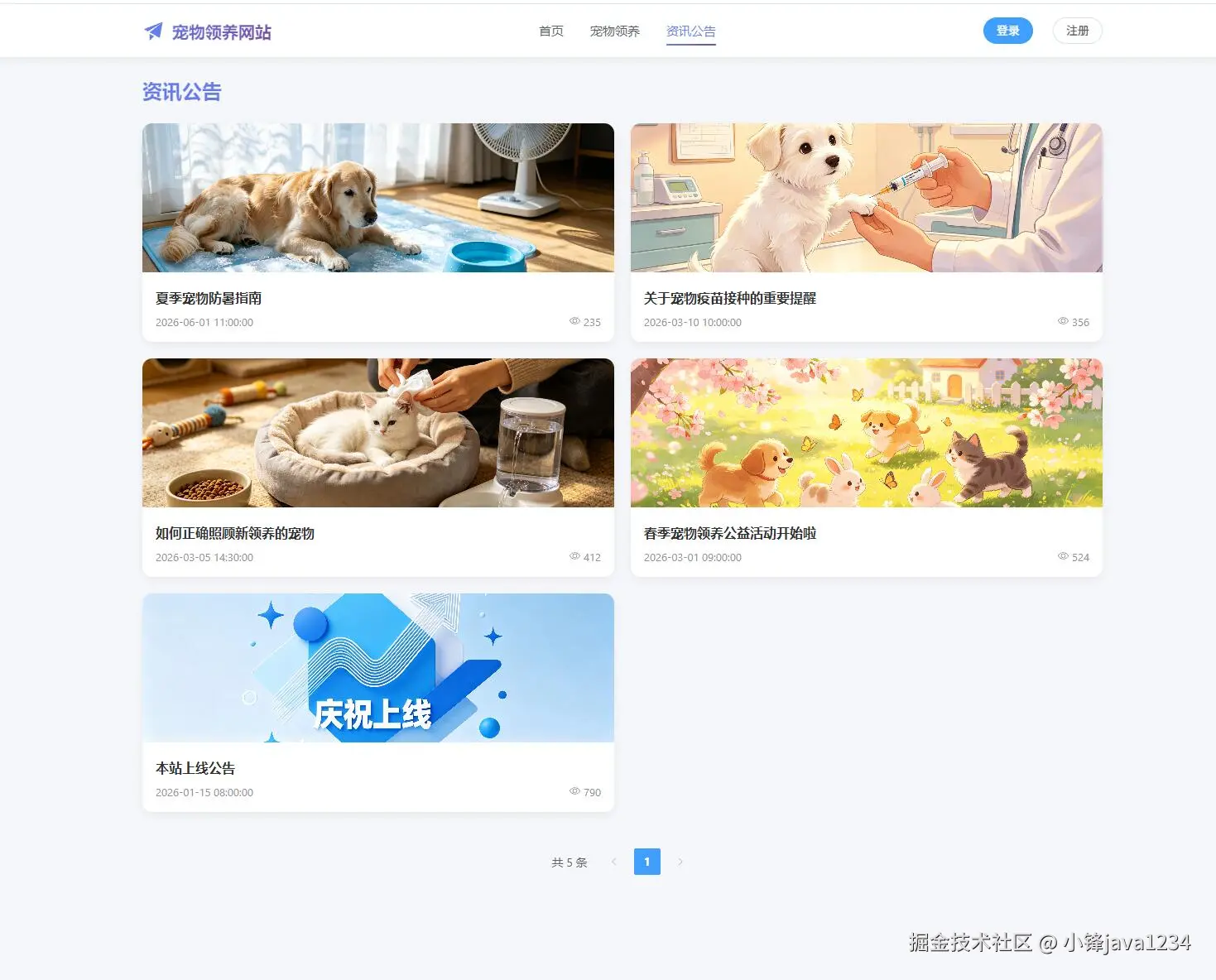
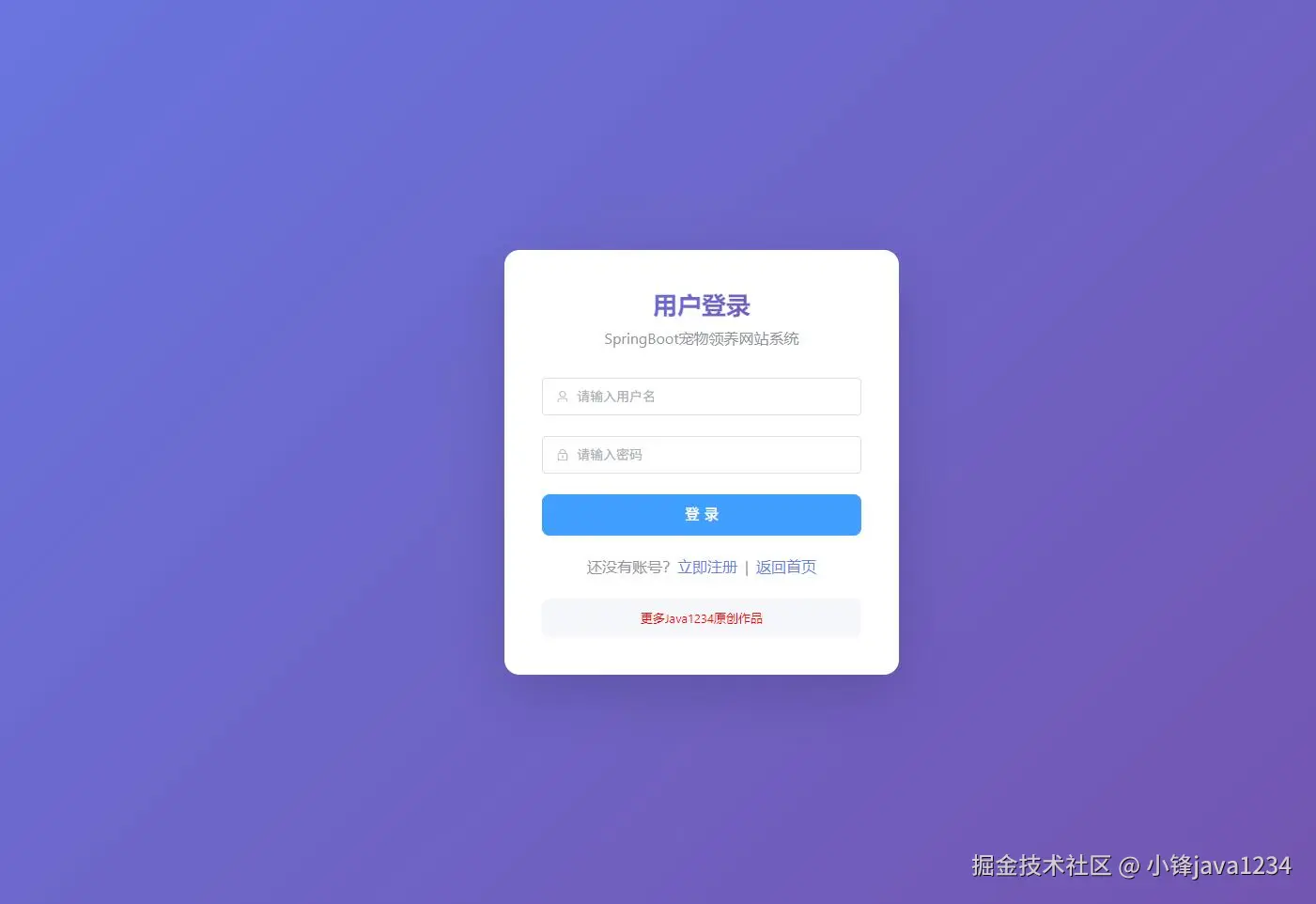
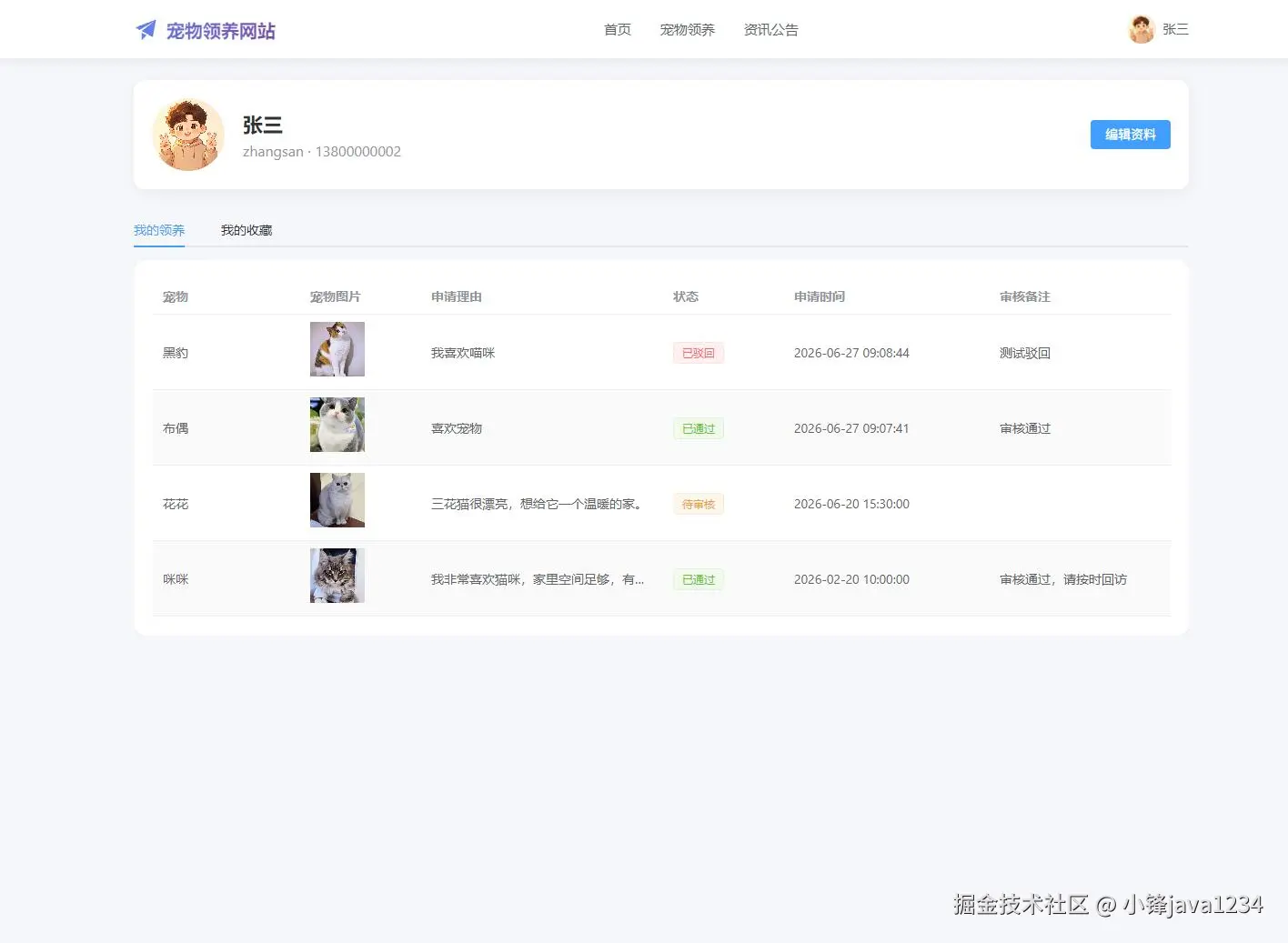
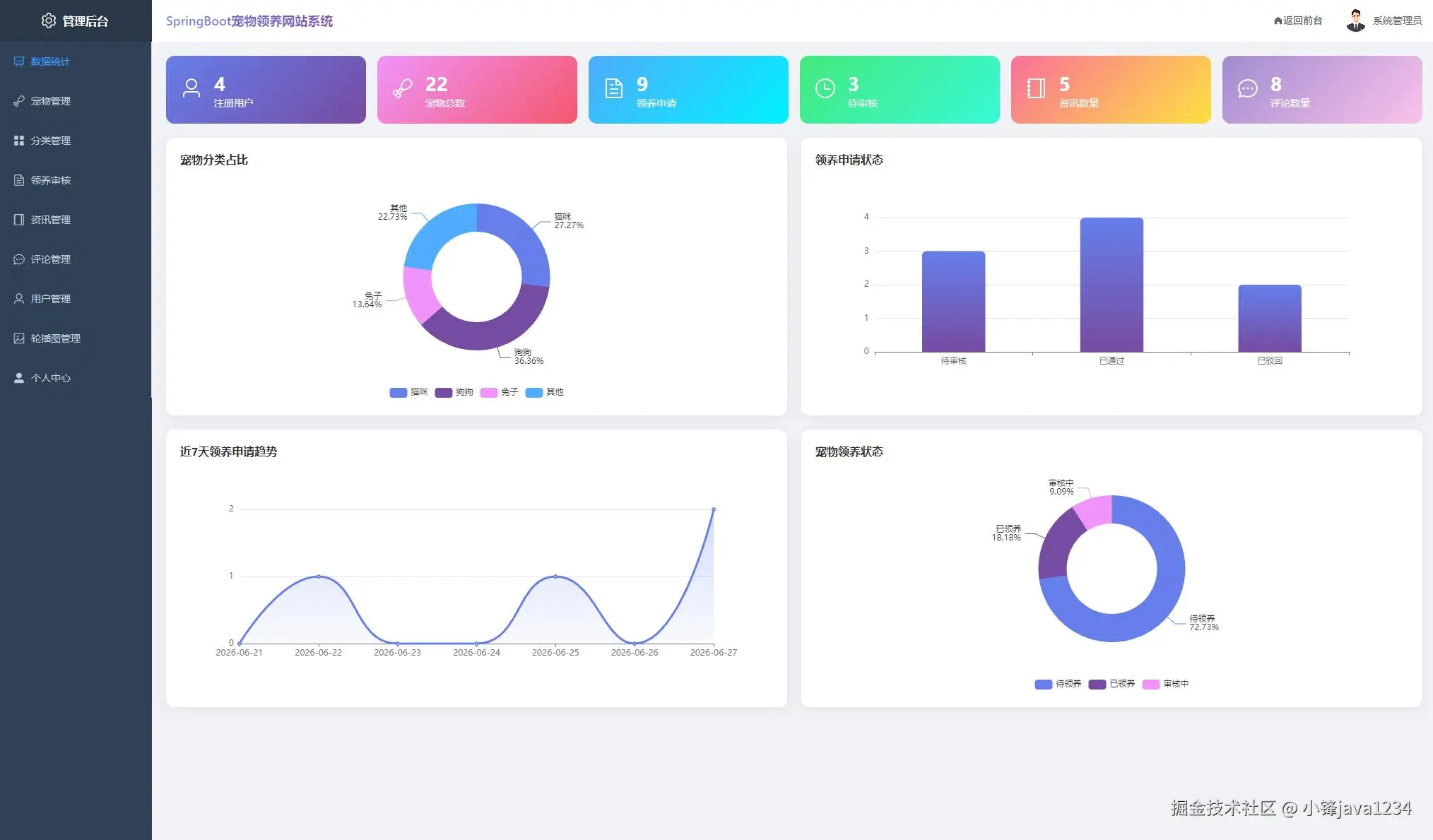
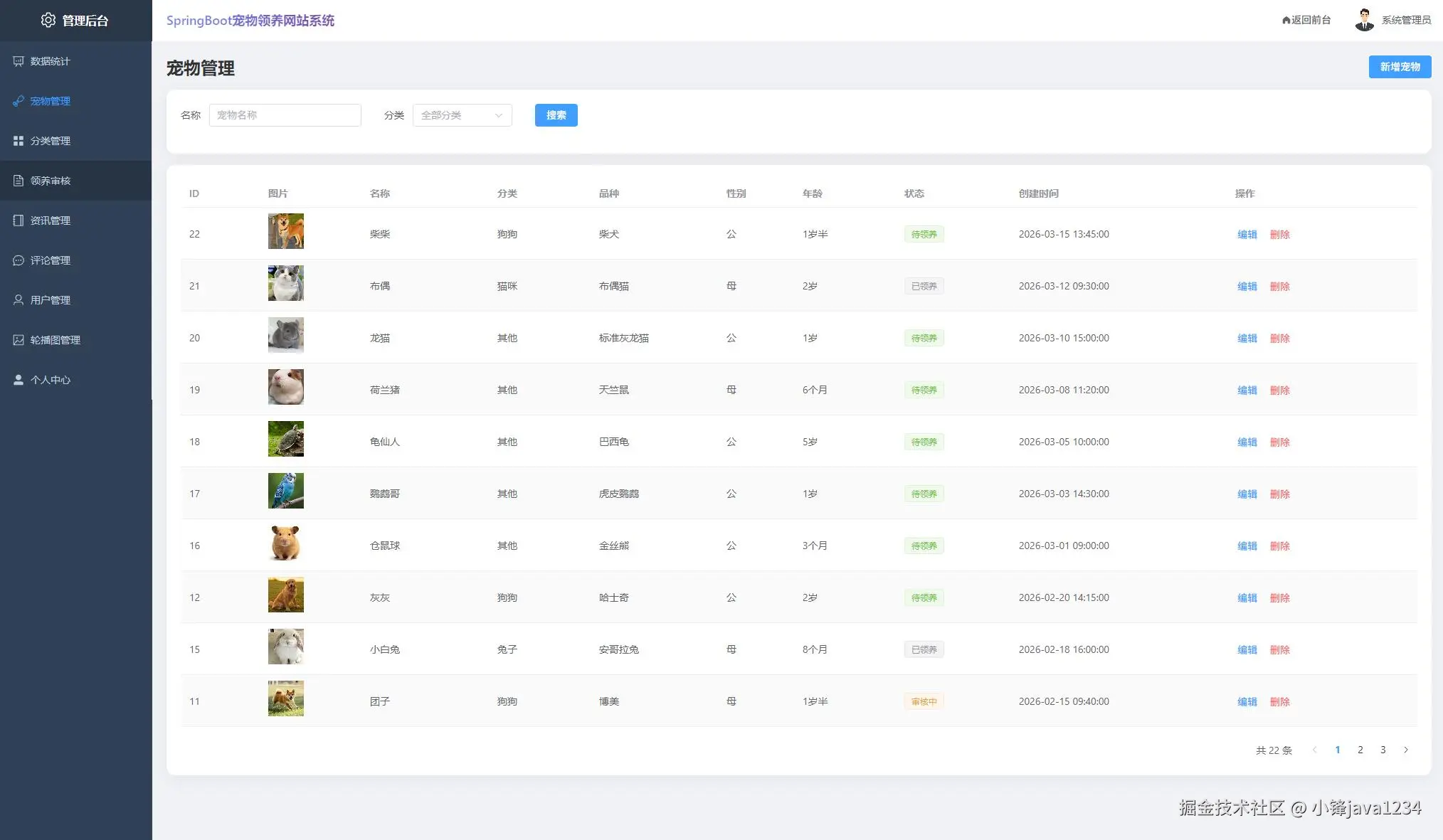
本文基于 SpringBoot+Vue 前后端分离架构,设计并实现了一个宠物领养网站系统。系统后端采用 SpringBoot 作为核心开发框架,使用 MyBatis-Plus 作为持久层框架完成对 MySQL 数据库的高效访问,前端采用 Vue3 配合 Element Plus 组件库构建响应式用户界面,前后端通过 Axios 以 JSON 格式进行数据交互。系统采用 B/S 架构,分为前台用户端与后台管理端:前台为普通用户提供注册登录、宠物浏览查询、宠物详情查看、在线领养申请、我的领养记录、宠物收藏、在线留言、公告查看等功能;后台为管理员提供用户管理、宠物分类管理、宠物信息管理、领养申请审核、留言管理、公告管理等功能。
本文按照软件工程的思想,依次完成了系统的可行性分析、需求分析、概要设计、数据库设计、详细实现与系统测试。测试结果表明,系统运行稳定、功能完整、界面友好,能够满足宠物领养业务的实际需求,对提升宠物领养工作的信息化、规范化水平具有一定的参考价值。
源码下载
js
链接: https://pan.baidu.com/s/1db9c46Ibbn_KmRDpJl88EQ?pwd=1234
提取码: 1234
相关截图
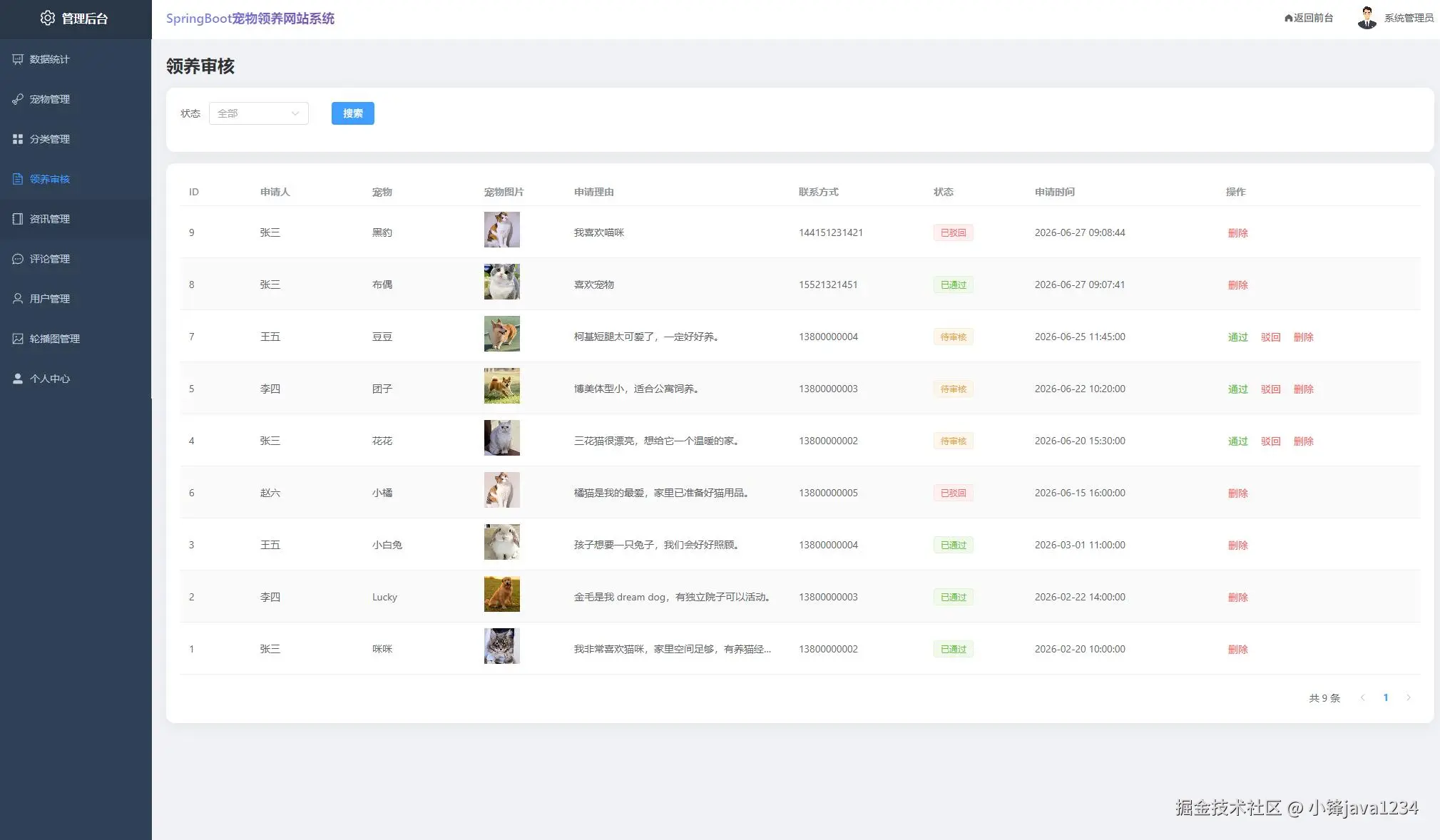
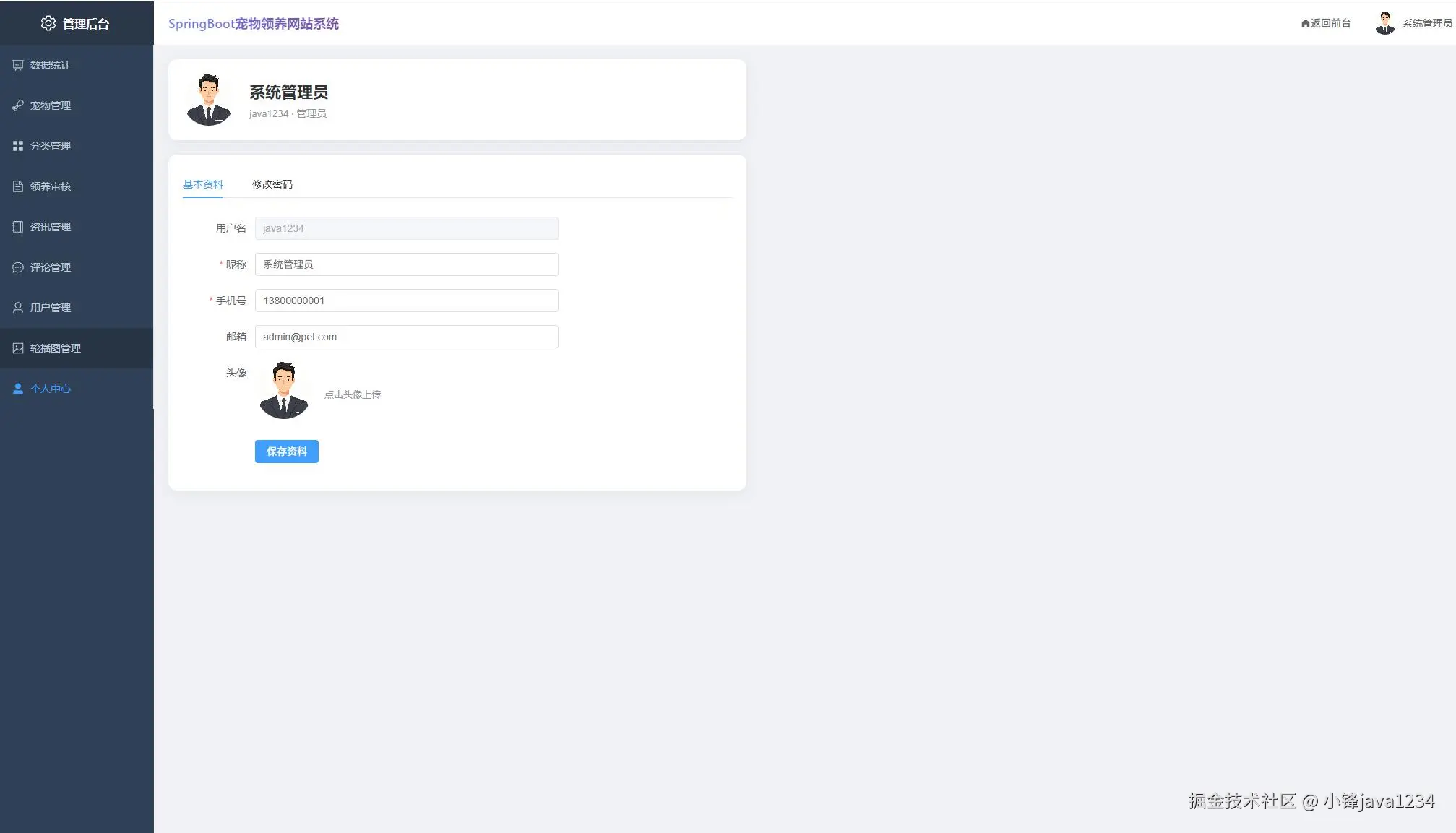
核心代码
java
package com.pet.controller;

import com.baomidou.mybatisplus.core.metadata.IPage;
import com.pet.common.Result;
import com.pet.entity.Adoption;
import com.pet.service.AdoptionService;
import org.springframework.beans.factory.annotation.Autowired;
import org.springframework.web.bind.annotation.*;

import java.util.Map;

/**
 * 领养申请控制器
 *
 * @author pet
 */
@RestController
@RequestMapping("/api/adoption")
public class AdoptionController {

    @Autowired
    private AdoptionService adoptionService;

    /**
     * 提交领养申请
     */
    @PostMapping
    public Result<Void> submit(@RequestAttribute("userId") Long userId, @RequestBody Adoption adoption) {
        adoption.setUserId(userId);
        adoptionService.submit(adoption);
        return Result.success();
    }

    /**
     * 分页查询领养申请
     */
    @GetMapping("/page")
    public Result<IPage<Adoption>> page(
            @RequestParam(defaultValue = "1") int page,
            @RequestParam(defaultValue = "10") int size,
            @RequestParam(required = false) Integer status,
            @RequestAttribute(value = "userId", required = false) Long userId,
            @RequestAttribute(value = "role", required = false) String role) {
        Long queryUserId = "admin".equals(role) ? null : userId;
        IPage<Adoption> pageResult = adoptionService.pageQuery(page, size, status, queryUserId);
        return Result.success(pageResult);
    }

    /**
     * 审核领养申请
     */
    @PutMapping("/audit/{id}")
    public Result<Void> audit(@PathVariable Long id, @RequestBody Map<String, Object> params) {
        Integer status = (Integer) params.get("status");
        String auditRemark = (String) params.get("auditRemark");
        adoptionService.audit(id, status, auditRemark);
        return Result.success();
    }

    /**
     * 删除领养申请
     */
    @DeleteMapping("/{id}")
    public Result<Void> delete(@PathVariable Long id) {
        adoptionService.removeById(id);
        return Result.success();
    }
}
js
<template>
  <div class="manage-page">
    <div class="page-header flex-between">
      <h2>轮播图管理</h2>
      <el-button type="primary" @click="openDialog()">新增轮播图</el-button>
    </div>
    <div class="card-box">
      <el-table :data="tableData" stripe style="width: 100%">
        <el-table-column prop="id" label="ID" min-width="60" />
        <el-table-column prop="title" label="标题" min-width="150" />
        <el-table-column label="图片" min-width="120">
          <template #default="{ row }">
            <el-image :src="getImageUrl(row.image)" style="width: 100px; height: 50px" fit="cover" />
          </template>
        </el-table-column>
        <el-table-column prop="linkUrl" label="链接" min-width="150" show-overflow-tooltip />
        <el-table-column prop="sort" label="排序" min-width="60" />
        <el-table-column label="状态" min-width="80">
          <template #default="{ row }">
            <el-tag :type="row.status === 1 ? 'success' : 'info'">{{ row.status === 1 ? '启用' : '禁用' }}</el-tag>
          </template>
        </el-table-column>
        <el-table-column label="操作" min-width="150" fixed="right">
          <template #default="{ row }">
            <el-button type="primary" link @click="openDialog(row)">编辑</el-button>
            <el-button type="danger" link @click="handleDelete(row.id)">删除</el-button>
          </template>
        </el-table-column>
      </el-table>
    </div>

    <el-dialog v-model="dialogVisible" :title="form.id ? '编辑轮播图' : '新增轮播图'" width="500px">
      <el-form :model="form" label-width="80px">
        <el-form-item label="标题"><el-input v-model="form.title" /></el-form-item>
        <el-form-item label="图片">
          <el-upload :show-file-list="false" :http-request="uploadImage" accept="image/*">
            <el-image v-if="form.image" :src="getImageUrl(form.image)" style="width: 200px; height: 100px" fit="cover" />
            <el-button v-else>上传图片</el-button>
          </el-upload>
        </el-form-item>
        <el-form-item label="链接"><el-input v-model="form.linkUrl" placeholder="/portal/pets" /></el-form-item>
        <el-form-item label="排序"><el-input-number v-model="form.sort" :min="0" /></el-form-item>
        <el-form-item label="状态">
          <el-radio-group v-model="form.status">
            <el-radio :value="1">启用</el-radio>
            <el-radio :value="0">禁用</el-radio>
          </el-radio-group>
        </el-form-item>
      </el-form>
      <template #footer>
        <el-button @click="dialogVisible = false">取消</el-button>
        <el-button type="primary" @click="handleSave">保存</el-button>
      </template>
    </el-dialog>
  </div>
</template>

<script setup>
import { ref, reactive, onMounted } from 'vue'
import { ElMessage, ElMessageBox } from 'element-plus'
import { bannerApi, fileApi } from '@/api'
import { getImageUrl } from '@/utils/format'

const tableData = ref([])
const dialogVisible = ref(false)
const form = reactive({ id: null, title: '', image: '', linkUrl: '', sort: 0, status: 1 })

const loadData = async () => {
  const res = await bannerApi.page({ page: 1, size: 100 })
  tableData.value = res.data.records
}

const openDialog = (row) => {
  if (row) Object.assign(form, row)
  else Object.assign(form, { id: null, title: '', image: '', linkUrl: '', sort: 0, status: 1 })
  dialogVisible.value = true
}

const uploadImage = async ({ file }) => {
  const res = await fileApi.upload(file, 'banner')
  form.image = res.data.url
}

const handleSave = async () => {
  if (form.id) await bannerApi.update(form)
  else await bannerApi.add(form)
  ElMessage.success('保存成功')
  dialogVisible.value = false
  loadData()
}

const handleDelete = async (id) => {
  await ElMessageBox.confirm('确定删除吗?', '提示', { type: 'warning' })
  await bannerApi.delete(id)
  ElMessage.success('删除成功')
  loadData()
}

onMounted(loadData)
</script>

<style scoped>
.page-header { margin-bottom: 16px; }
</style>