🚀 在 Mac(M2)上用 faster-whisper 实现高精度中文语音转文字
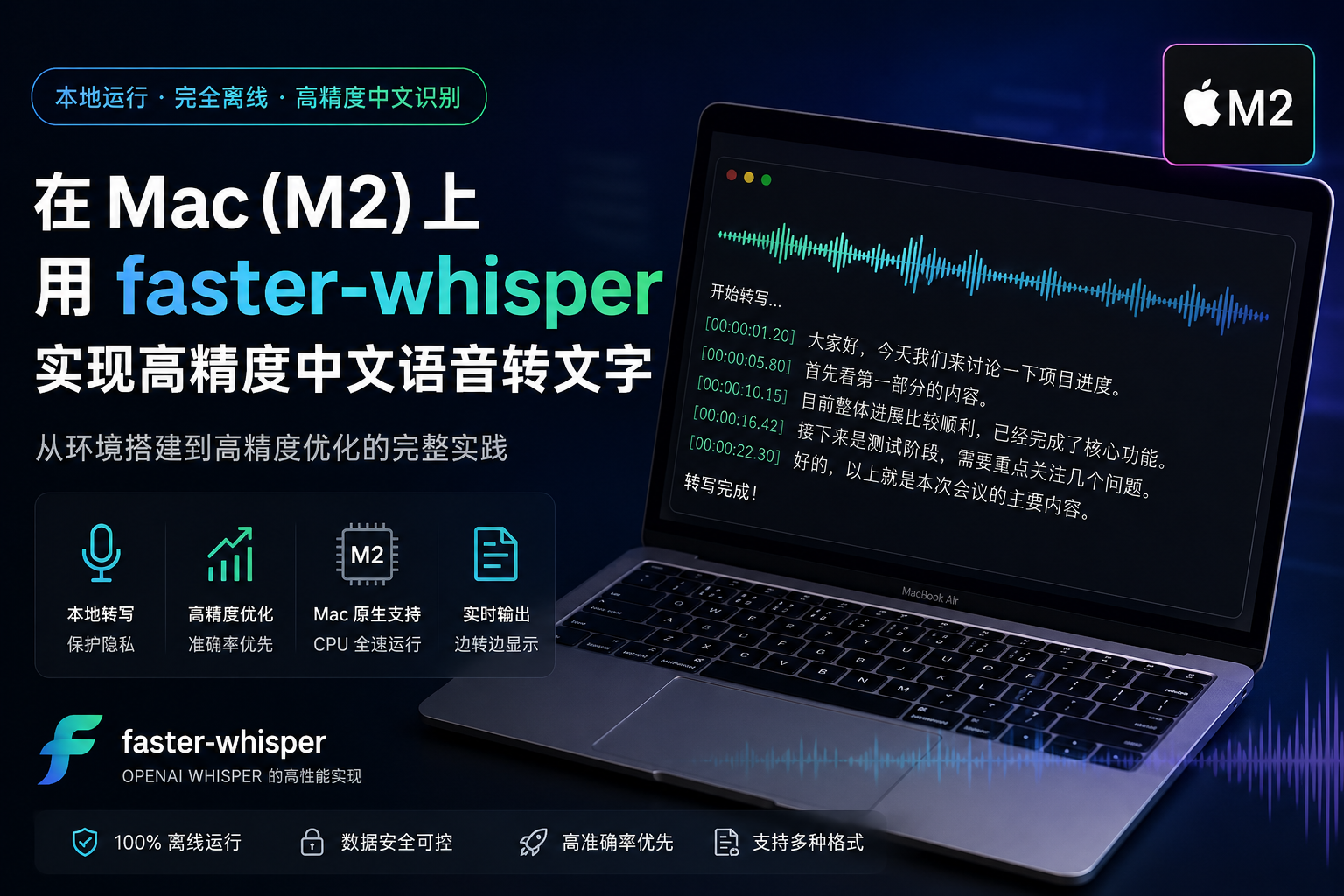
本文记录我在 Mac M2(16GB)上搭建本地语音转文字方案的过程,基于
faster-whisper,实现完全离线、高精度中文语音识别。
🧠 一、项目目标
我希望实现一个:
- 📴 完全离线运行(无云 API)
- 🎙️ 支持 m4a / mp3 / mp4 音频
- 🇨🇳 中文识别准确率尽可能高
- 📝 自动输出结构化文本
- ⚡ 可在 Mac M2 上稳定运行
最终选择了:
👉
faster-whisper + large-v3 + CPU float32
📦 二、环境准备
1. 创建 Python 虚拟环境
bash
mkdir whisper-test
cd whisper-test
python3 -m venv venv
source venv/bin/activate
2. 安装依赖
bash
pip install -U faster-whisper huggingface_hub📁 三、项目结构
text
whisper-test/
├── venv/
├── transcribe.py
└── test.m4a
🎯 四、核心实现(高精度版本)
下面是最终使用的转写脚本:
python
from faster_whisper import WhisperModel
from pathlib import Path
import time
import logging

logging.basicConfig(level=logging.INFO)

audio_file = "test.m4a"

print("开始加载模型(高精度模式)...")

# =========================
# 🔥 高精度配置(重点)
# =========================
model = WhisperModel(
    "large-v3",              # 比 turbo 更准(关键)
    device="cpu",
    compute_type="float32",  # ❗不用 int8,提高精度
    download_root="./models"
)

print("模型加载完成,开始转写...\n")

start = time.time()

segments, info = model.transcribe(
    audio_file,
    log_progress=True,

    # ===== 关键优化 =====
    language="zh",                 # 固定中文
    beam_size=10,                  # ↑ 提高搜索宽度(默认5)
    best_of=10,                    # ↑ 多候选选择
    temperature=0.0,               # ↓ 稳定输出(减少乱猜)
    condition_on_previous_text=True,  # ↑ 利用上下文(重要)

    # ===== VAD 调整 =====
    vad_filter=True,
    vad_parameters=dict(
        min_silence_duration_ms=500  # 不要切太碎
    ),

    # ===== 输出稳定性 =====
    word_timestamps=False
)

output_file = Path(audio_file).with_suffix(".txt")

print("开始输出结果:\n")

with open(output_file, "w", encoding="utf-8") as f:
    for segment in segments:
        text = segment.text.strip()
        text = text.replace(" ", "")
        if not text:
            continue

        print(text, flush=True)
        f.write(text + "\n")

print("\n识别完成!")
print(f"语言:{info.language}")
print(f"输出文件:{output_file}")
print(f"耗时:{time.time() - start:.1f} 秒")
🧪 五、运行方式
bash
python transcribe.py首次运行会自动下载模型(约 1--3GB):
- large-v3 模型会缓存到
./models - 后续运行无需重新下载
📊 六、效果对比
| 配置 | 速度 | 中文准确率 |
|---|---|---|
| small + int8 | ⚡ 很快 | ❌ 一般 |
| large-v3-turbo + int8 | ⚖️ 中等 | 👍 较好 |
| large-v3 + float32(推荐) | 🐢 较慢 | 🔥 很高 |
🧠 七、关键优化说明
1️⃣ 使用 large-v3 模型
相比 turbo 版本:
- 更强语义理解
- 更适合中文长句
- 更少错词
2️⃣ float32 精度模式
python
compute_type="float32"作用:
- 禁用量化压缩
- 提升语音边界识别能力
- 减少"听错字"
代价是:
- 速度变慢
- 内存占用增加
3️⃣ beam search 增强
python
beam_size=10
best_of=10
作用:
- 多路径解码
- 选择最优结果
- 明显提升复杂语音准确率
4️⃣ VAD 优化
python
vad_parameters={"min_silence_duration_ms": 500}作用:
- 避免过度切分句子
- 保留语义完整性
5️⃣ 上下文增强
python
condition_on_previous_text=True作用:
- 利用前文语境
- 提升长文本一致性
📝 八、输出结果
最终会生成:
text
test.txt格式如下:
大家好,今天我们讨论一下项目进度。
首先来看第一部分。
然后说明当前问题。
🚀 九、总结
这个方案的核心思路是:
用"速度换准确率",在本地实现接近云端级别的中文语音识别效果。
在 Mac M2 上的实际体验:
- ✔ 完全离线
- ✔ 无 API 费用
- ✔ 中文效果稳定
- ✔ 可用于会议 / 访谈 / 课程记录