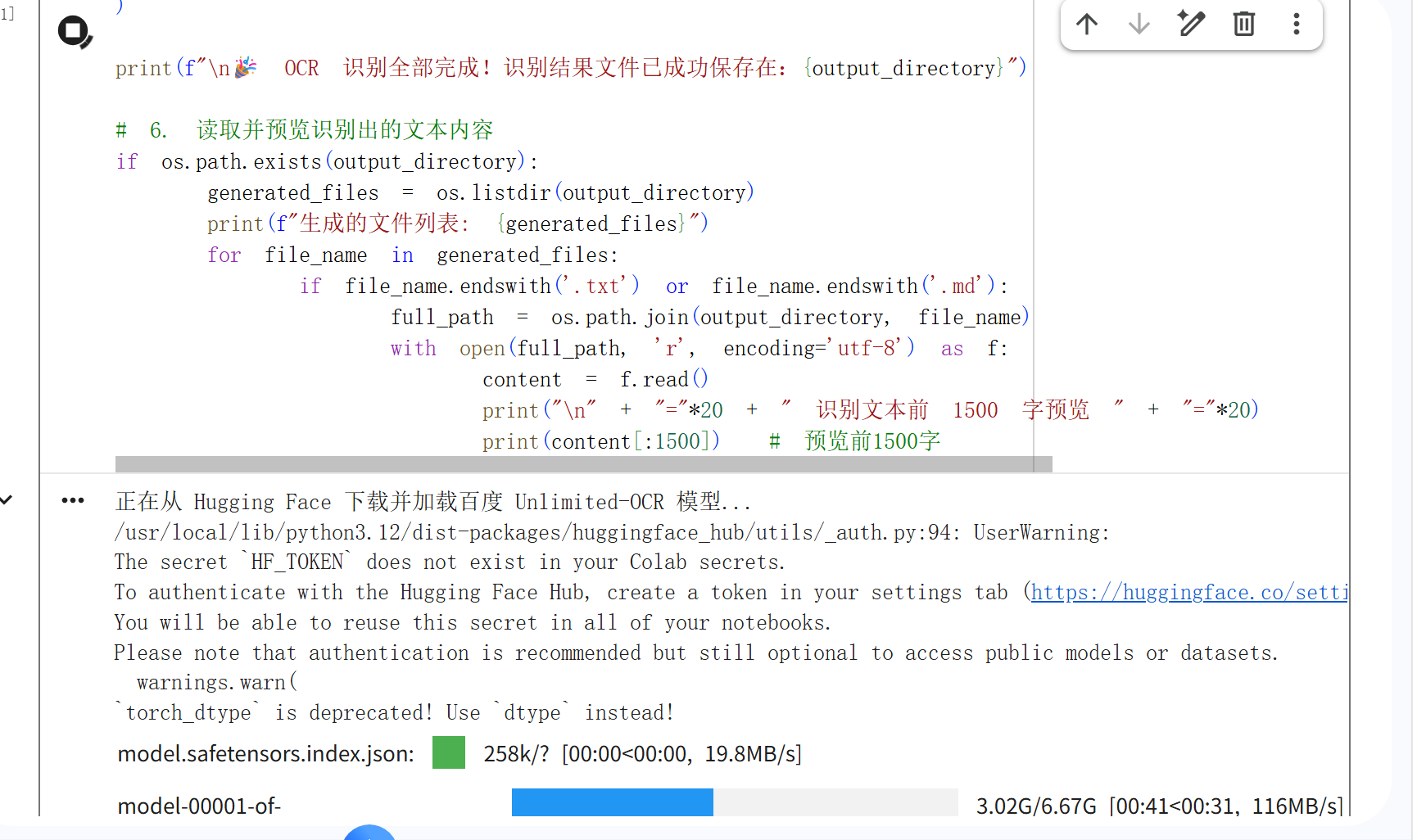
正在从 Hugging Face 下载并加载百度 Unlimited-OCR 模型...
/usr/local/lib/python3.12/dist-packages/huggingface_hub/utils/_auth.py:94: UserWarning:
The secret HF_TOKEN does not exist in your Colab secrets.
To authenticate with the Hugging Face Hub, create a token in your settings tab (https://huggingface.co/settings/tokens), set it as secret in your Google Colab and restart your session.
You will be able to reuse this secret in all of your notebooks.
Please note that authentication is recommended but still optional to access public models or datasets.
warnings.warn(
torch_dtype is deprecated! Use dtype instead!
model.safetensors.index.json:
258k/? 00:00\<00:00, 19.8MB/s
model-00001-of-000001.safetensors: 100%
6.67G/6.67G 01:07\<00:00, 179MB/s
Some weights of UnlimitedOCRForCausalLM were not initialized from the model checkpoint at baidu/Unlimited-OCR and are newly initialized: 'model.vision_model.embeddings.position_ids'
You should probably TRAIN this model on a down-stream task to be able to use it for predictions and inference.
PDF 转换成功!共 395 页图片,暂存路径为: /tmp/pdf_ocr_ttn40pu6
开始调用 Unlimited-OCR 引擎进行全文本多页中文识别...
加载分词器和模型,并启用 trust_remote_code
tokenizer = AutoTokenizer.from_pretrained(model_name, trust_remote_code=True)
model = AutoModel.from_pretrained(
model_name,
trust_remote_code=True,
use_safetensors=True,
torch_dtype=torch.bfloat16 # T4 GPU 完美支持 bfloat16
).eval().cuda() # 切换至 GPU 模式
2. 编写 PDF 转图片页面的辅助函数
def pdf_to_images(pdf_path, dpi=200):
"""
将指定的 PDF 文件按指定的 DPI 转换为 PNG 图片暂存
"""
doc = fitz.open(pdf_path)
tmp_dir = tempfile.mkdtemp(prefix='pdf_ocr_')
paths = \[\]
mat = fitz.Matrix(dpi / 72, dpi / 72)
for i, page in enumerate(doc):
    out = os.path.join(tmp_dir, f'page_{i+1:04d}.png')
    page.get_pixmap(matrix=mat).save(out)
    paths.append(out)

doc.close()
print(f"PDF 转换成功!共 {len(paths)} 页图片,暂存路径为: {tmp_dir}")
return paths
3. 指定您的 PDF 绝对路径以及输出目录
pdf_file_path = '/content/民商事再审典型案例及审判经验 (郑学林主编) (z-library.sk, 1lib.sk, z-lib.sk)_3.pdf'
output_directory = '/content/ocr_result_dir'
检查文件是否存在
if not os.path.exists(pdf_file_path):
raise FileNotFoundError(f"错误:在 /content/ 目录下未找到您的 PDF 文件,请确认上传路径是否正确。")
4. 执行 PDF 转图
注:对于 T4 GPU,推荐使用 200 DPI,既能保证字体清晰度又能节省显存开销
image_list = pdf_to_images(pdf_file_path, dpi=200)
print("开始调用 Unlimited-OCR 引擎进行全文本多页中文识别...")
5. 调用模型独有的多页长文档解析接口 (infer_multi)
model.infer_multi(
tokenizer,
prompt='请对上述提供的文档图片进行全文简体中文 OCR 识别,严格按照阅读顺序提取出完整的文本内容,保持段落结构。',
image_files=image_list,
output_path=output_directory,
image_size=1024, # 多页/PDF 解析固定使用 1024 尺寸(Base 模式)
max_length=32768, # 允许生成的最大 Token 长度上限
no_repeat_ngram_size=35, # 百度官方推荐的抑制重复文本参数
ngram_window=1024, # 专为多页设计的长上下文注意力视窗大小
save_results=True, # 自动将识别的文本结果存储到输出目录
)
print(f"\n🎉 OCR 识别全部完成!识别结果文件已成功保存在:{output_directory}")
6. 读取并预览识别出的文本内容
if os.path.exists(output_directory):
generated_files = os.listdir(output_directory)
print(f"生成的文件列表: {generated_files}")
for file_name in generated_files:
if file_name.endswith('.txt') or file_name.endswith('.md'):
full_path = os.path.join(output_directory, file_name)
with open(full_path, 'r', encoding='utf-8') as f:
content = f.read()
print("\n" + "="*20 + " 识别文本前 1500 字预览 " + "="*20)
print(content:1500) # 预览前1500字