postMessage 可以跨域发送消息
parentPage.html 父页面(A地址下) 界面添加 打开子页面按钮、发送消息按钮
html
<!DOCTYPE html>
<html>
	<head>
		<meta charset="utf-8">
		<title></title>
	</head>
	<body>
		<button onclick="openPage()">打开子页面</button>
		<button onclick="sendMsg()">发送消息</button>
		<script>
			let childWindow = null;

			function openPage(){
				childWindow = window.open('http://localhost:8011/','_blank');
			}

			function sendMsg(){
				if (!childWindow || childWindow.closed) {
					childWindow = window.open('http://localhost:8011/','_blank');
				}

				setTimeout(function () {
					childWindow.postMessage("发送消息内容测试", "http://localhost:8011/");
					// childWindow.postMessage("发送消息内容测试", "*");
				}, 300);
			}
		</script>
	</body>
</html>
子页面subPage.html(B地址下)
html
<!DOCTYPE html>
<html>
	<head>
		<meta charset="utf-8">
		<title></title>
	</head>
	<body>
		<script>
			window.addEventListener("message", receiveMessage, false);

			function receiveMessage(event) {
				console.log('收到消息:', event.data,event.source,window.opener);

				if (!event.source || event.source !== window.opener) {
					return;
				}

				// 这里用父窗口作为来源校验,适配本地文件/本地服务器打开方式
				console.log('来自父页面的消息:', event.data);
			}
		</script>
	</body>
</html>
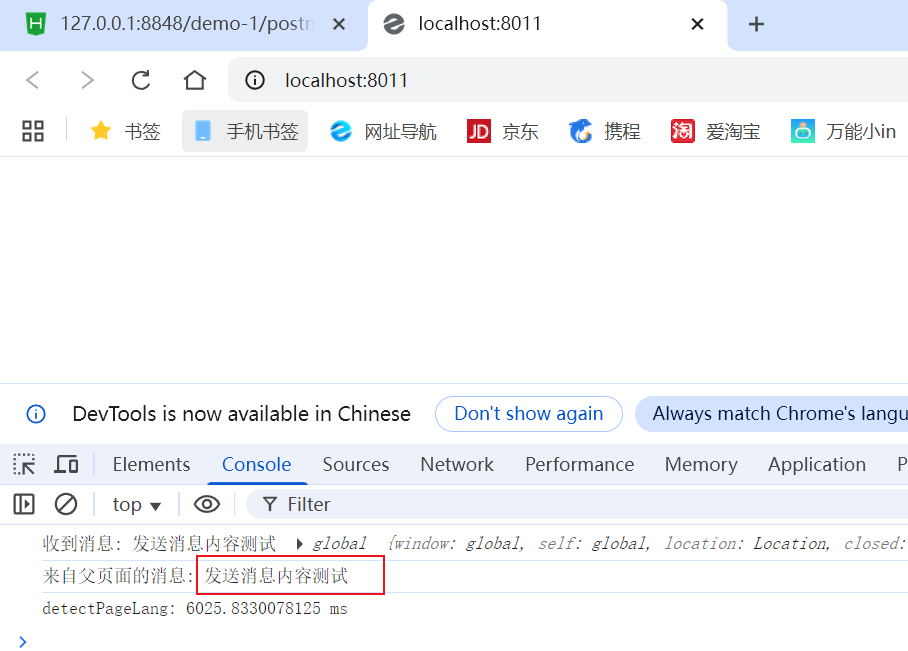
运行效果:
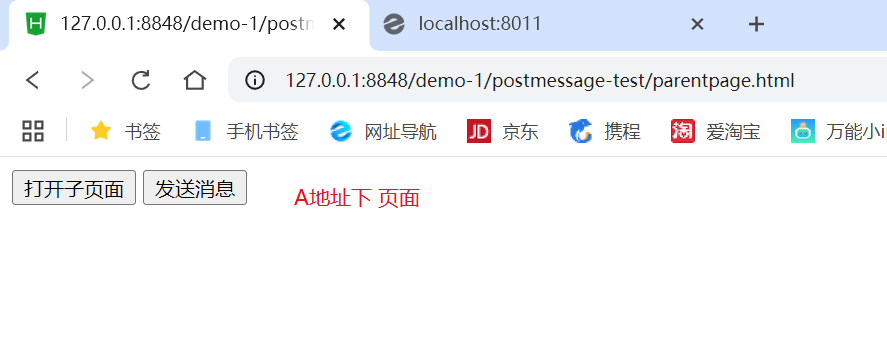
下图为 子页面 负责监听接受消息