因为我是在windows是安装的vscode,而docker安装在ubuntu上,因此要先使用vscode使用ssh打开远程,再在远程vscode上进入docker容器
1.通过ssh打开远程linux
2.安装插件
使用vscode进入ubuntu后,再安装插件,而不是直接在windows上安装插件
Name: Dev Containers
Id: ms-vscode-remote.remote-containers
Description: Open any folder or repository inside a Docker container and take advantage of Visual Studio Code's full feature set.
Version: 0.466.0
Publisher: Microsoft
VS Marketplace Link: https://marketplace.visualstudio.com/items?itemName=ms-vscode-remote.remote-containers
3.使用Dev Containers插件进入docker容器
1.确保docker容器正常运行
例如本次我运行了一个nginx容器
bash
docker pull ubuntu:22.04
docker run -d --name ubuntu-test --user root ubuntu:22.04 tail -f /dev/null
tail -f /dev/null
让容器保持运行,不退出。
tail -f /dev/null 的意思是持续监听空文件,命令不会结束,因此容器会一直活着。
2.打开
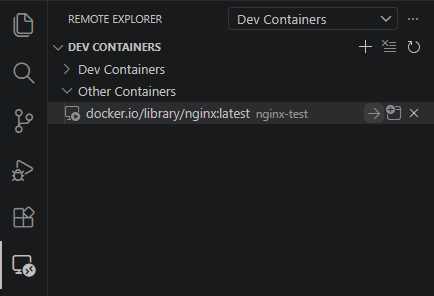
打开Remote Explorer,找到REMOTES下的Dev Containers,找到ubuntu-test容器,点击右侧的->符号,即可进入容器
等待在容器中安装插件
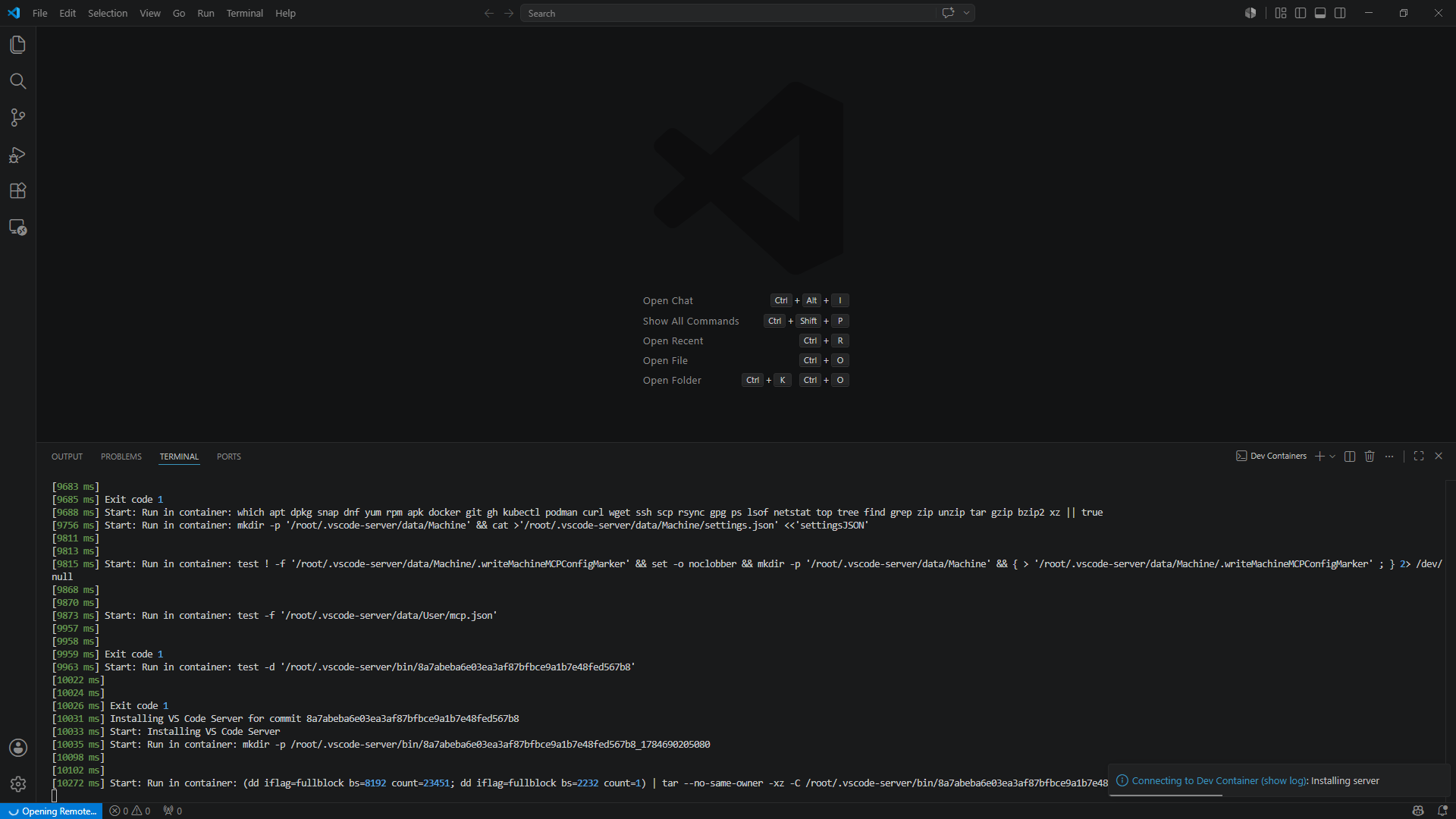
安装完成后即可进入容器