鸿蒙多功能工具箱开发实战(二十)-性能优化与打包发布
前言
性能优化和应用发布是开发流程的最后环节。本文将讲解HarmonyOS应用性能优化技巧和打包发布流程。
一、性能优化
1.1 渲染优化
typescript
// 使用LazyForEach懒加载
@Component
struct LazyListPage {
  @State dataSource: MyDataSource = new MyDataSource()

  build() {
    List() {
      LazyForEach(this.dataSource, (item: DataItem) => {
        ListItem() {
          Text(item.name)
        }
      }, (item: DataItem) => item.id.toString())
    }
    .width('100%')
    .height('100%')
  }
}

// 自定义数据源
class MyDataSource implements IDataSource {
  private dataArray: DataItem[] = []

  totalCount(): number {
    return this.dataArray.length
  }

  getData(index: number): DataItem {
    return this.dataArray[index]
  }

  registerDataChangeListener(listener: DataChangeListener): void {}
  unregisterDataChangeListener(listener: DataChangeListener): void {}
}
1.2 状态优化
typescript
// 避免不必要的状态更新
@Component
struct OptimizedComponent {
  // 使用 @ObjectLink 代替 @State 处理对象
  @ObjectLink item: DataItem

  build() {
    Row() {
      Text(this.item.name)
    }
  }
}

// 使用 @Watch 精确监听
@Component
struct WatchComponent {
  @Prop @Watch('onValueChange') value: number = 0

  onValueChange(newValue: number, oldValue: number) {
    console.log(`值从 ${oldValue} 变为 ${newValue}`)
  }

  build() {
    Text(`${this.value}`)
  }
}
1.3 图片优化
typescript
// 图片懒加载
Image($r('app.media.large_image'))
  .width(200)
  .height(200)
  .objectFit(ImageFit.Cover)
  .interpolation(ImageInterpolation.High)  // 高质量插值

// 使用缩略图
Image(this.imageUrl)
  .alt($r('app.media.placeholder'))  // 占位图
  .width(100)
  .height(100)
二、打包配置
2.1 签名配置
在 build-profile.json5 中配置:
json5
{
  "app": {
    "signingConfigs": [
      {
        "name": "default",
        "type": "HarmonyOS",
        "material": {
          "certpath": "certs/certificate.cer",
          "storePassword": "xxxxxx",
          "keyAlias": "xxxxxx",
          "keyPassword": "xxxxxx",
          "profile": "certs/profile.p7b",
          "signAlg": "SHA256withECDSA",
          "storeFile": "certs/keystore.p12"
        }
      }
    ]
  }
}
2.2 构建配置
json5
{
  "app": {
    "products": [
      {
        "name": "default",
        "signingConfig": "default",
        "compileSdkVersion": 10,
        "compatibleSdkVersion": 10,
        "runtimeOS": "HarmonyOS"
      }
    ]
  },
  "modules": [
    {
      "name": "entry",
      "srcPath": "./entry",
      "targets": [
        {
          "name": "default",
          "applyToProducts": ["default"]
        }
      ]
    }
  ]
}
三、发布流程
3.1 构建HAP
bash
# 调试版本
hvigorw assembleHap --mode module -p module=entry@default

# 发布版本
hvigorw assembleHap --mode module -p module=entry@default -p buildMode=release
3.2 上传应用市场
- 登录华为开发者联盟
- 进入AppGallery Connect
- 创建应用并填写信息
- 上传HAP包
- 提交审核
四、性能监控
4.1 性能指标采集
typescript
class PerformanceMonitor {
  private static metrics: Map<string, number[]> = new Map()

  static measure(name: string, duration: number) {
    if (!this.metrics.has(name)) {
      this.metrics.set(name, [])
    }
    this.metrics.get(name)!.push(duration)
  }

  static getAverage(name: string): number {
    const times = this.metrics.get(name) || []
    return times.reduce((a, b) => a + b, 0) / times.length
  }
}
4.2 内存优化
typescript
class CacheManager {
  private static cache: Map<string, WeakRef<object>> = new Map()

  static set(key: string, value: object) {
    this.cache.set(key, new WeakRef(value))
  }

  static get(key: string): object | undefined {
    return this.cache.get(key)?.deref()
  }
}
五、打包配置
#mermaid-svg-MUuW6KmKulxTmkLx{font-family:"trebuchet ms",verdana,arial,sans-serif;font-size:16px;fill:#333;}@keyframes edge-animation-frame{from{stroke-dashoffset:0;}}@keyframes dash{to{stroke-dashoffset:0;}}#mermaid-svg-MUuW6KmKulxTmkLx .edge-animation-slow{stroke-dasharray:9,5!important;stroke-dashoffset:900;animation:dash 50s linear infinite;stroke-linecap:round;}#mermaid-svg-MUuW6KmKulxTmkLx .edge-animation-fast{stroke-dasharray:9,5!important;stroke-dashoffset:900;animation:dash 20s linear infinite;stroke-linecap:round;}#mermaid-svg-MUuW6KmKulxTmkLx .error-icon{fill:#552222;}#mermaid-svg-MUuW6KmKulxTmkLx .error-text{fill:#552222;stroke:#552222;}#mermaid-svg-MUuW6KmKulxTmkLx .edge-thickness-normal{stroke-width:1px;}#mermaid-svg-MUuW6KmKulxTmkLx .edge-thickness-thick{stroke-width:3.5px;}#mermaid-svg-MUuW6KmKulxTmkLx .edge-pattern-solid{stroke-dasharray:0;}#mermaid-svg-MUuW6KmKulxTmkLx .edge-thickness-invisible{stroke-width:0;fill:none;}#mermaid-svg-MUuW6KmKulxTmkLx .edge-pattern-dashed{stroke-dasharray:3;}#mermaid-svg-MUuW6KmKulxTmkLx .edge-pattern-dotted{stroke-dasharray:2;}#mermaid-svg-MUuW6KmKulxTmkLx .marker{fill:#333333;stroke:#333333;}#mermaid-svg-MUuW6KmKulxTmkLx .marker.cross{stroke:#333333;}#mermaid-svg-MUuW6KmKulxTmkLx svg{font-family:"trebuchet ms",verdana,arial,sans-serif;font-size:16px;}#mermaid-svg-MUuW6KmKulxTmkLx p{margin:0;}#mermaid-svg-MUuW6KmKulxTmkLx .label{font-family:"trebuchet ms",verdana,arial,sans-serif;color:#333;}#mermaid-svg-MUuW6KmKulxTmkLx .cluster-label text{fill:#333;}#mermaid-svg-MUuW6KmKulxTmkLx .cluster-label span{color:#333;}#mermaid-svg-MUuW6KmKulxTmkLx .cluster-label span p{background-color:transparent;}#mermaid-svg-MUuW6KmKulxTmkLx .label text,#mermaid-svg-MUuW6KmKulxTmkLx span{fill:#333;color:#333;}#mermaid-svg-MUuW6KmKulxTmkLx .node rect,#mermaid-svg-MUuW6KmKulxTmkLx .node circle,#mermaid-svg-MUuW6KmKulxTmkLx .node ellipse,#mermaid-svg-MUuW6KmKulxTmkLx .node polygon,#mermaid-svg-MUuW6KmKulxTmkLx .node path{fill:#ECECFF;stroke:#9370DB;stroke-width:1px;}#mermaid-svg-MUuW6KmKulxTmkLx .rough-node .label text,#mermaid-svg-MUuW6KmKulxTmkLx .node .label text,#mermaid-svg-MUuW6KmKulxTmkLx .image-shape .label,#mermaid-svg-MUuW6KmKulxTmkLx .icon-shape .label{text-anchor:middle;}#mermaid-svg-MUuW6KmKulxTmkLx .node .katex path{fill:#000;stroke:#000;stroke-width:1px;}#mermaid-svg-MUuW6KmKulxTmkLx .rough-node .label,#mermaid-svg-MUuW6KmKulxTmkLx .node .label,#mermaid-svg-MUuW6KmKulxTmkLx .image-shape .label,#mermaid-svg-MUuW6KmKulxTmkLx .icon-shape .label{text-align:center;}#mermaid-svg-MUuW6KmKulxTmkLx .node.clickable{cursor:pointer;}#mermaid-svg-MUuW6KmKulxTmkLx .root .anchor path{fill:#333333!important;stroke-width:0;stroke:#333333;}#mermaid-svg-MUuW6KmKulxTmkLx .arrowheadPath{fill:#333333;}#mermaid-svg-MUuW6KmKulxTmkLx .edgePath .path{stroke:#333333;stroke-width:2.0px;}#mermaid-svg-MUuW6KmKulxTmkLx .flowchart-link{stroke:#333333;fill:none;}#mermaid-svg-MUuW6KmKulxTmkLx .edgeLabel{background-color:rgba(232,232,232, 0.8);text-align:center;}#mermaid-svg-MUuW6KmKulxTmkLx .edgeLabel p{background-color:rgba(232,232,232, 0.8);}#mermaid-svg-MUuW6KmKulxTmkLx .edgeLabel rect{opacity:0.5;background-color:rgba(232,232,232, 0.8);fill:rgba(232,232,232, 0.8);}#mermaid-svg-MUuW6KmKulxTmkLx .labelBkg{background-color:rgba(232, 232, 232, 0.5);}#mermaid-svg-MUuW6KmKulxTmkLx .cluster rect{fill:#ffffde;stroke:#aaaa33;stroke-width:1px;}#mermaid-svg-MUuW6KmKulxTmkLx .cluster text{fill:#333;}#mermaid-svg-MUuW6KmKulxTmkLx .cluster span{color:#333;}#mermaid-svg-MUuW6KmKulxTmkLx div.mermaidTooltip{position:absolute;text-align:center;max-width:200px;padding:2px;font-family:"trebuchet ms",verdana,arial,sans-serif;font-size:12px;background:hsl(80, 100%, 96.2745098039%);border:1px solid #aaaa33;border-radius:2px;pointer-events:none;z-index:100;}#mermaid-svg-MUuW6KmKulxTmkLx .flowchartTitleText{text-anchor:middle;font-size:18px;fill:#333;}#mermaid-svg-MUuW6KmKulxTmkLx rect.text{fill:none;stroke-width:0;}#mermaid-svg-MUuW6KmKulxTmkLx .icon-shape,#mermaid-svg-MUuW6KmKulxTmkLx .image-shape{background-color:rgba(232,232,232, 0.8);text-align:center;}#mermaid-svg-MUuW6KmKulxTmkLx .icon-shape p,#mermaid-svg-MUuW6KmKulxTmkLx .image-shape p{background-color:rgba(232,232,232, 0.8);padding:2px;}#mermaid-svg-MUuW6KmKulxTmkLx .icon-shape .label rect,#mermaid-svg-MUuW6KmKulxTmkLx .image-shape .label rect{opacity:0.5;background-color:rgba(232,232,232, 0.8);fill:rgba(232,232,232, 0.8);}#mermaid-svg-MUuW6KmKulxTmkLx .label-icon{display:inline-block;height:1em;overflow:visible;vertical-align:-0.125em;}#mermaid-svg-MUuW6KmKulxTmkLx .node .label-icon path{fill:currentColor;stroke:revert;stroke-width:revert;}#mermaid-svg-MUuW6KmKulxTmkLx :root{--mermaid-font-family:"trebuchet ms",verdana,arial,sans-serif;} 开发版本
测试版本
签名配置
发布版本
应用市场
六、发布检查清单
- 功能测试通过
- 性能测试达标
- 兼容性测试通过
- 安全检查通过
七、打包配置详解
7.1 签名配置
json5
// build-profile.json5
{
  "app": {
    "signingConfigs": [
      {
        "name": "default",
        "type": "HarmonyOS",
        "material": {
          "certpath": "certs/cert.cer",
          "storePassword": "password",
          "keyAlias": "alias",
          "keyPassword": "password",
          "profile": "certs/profile.p7b",
          "signAlg": "SHA256withECDSA",
          "storeFile": "certs/key.p12"
        }
      }
    ]
  }
}
7.2 多渠道打包
typescript
// hvigorfile.ts
export default {
  build: {
    channels: ['huawei', 'xiaomi', 'oppo'],
    output: {
      dir: 'dist',
      naming: '${channel}-${version}-${timestamp}.hap'
    }
  }
}
八、发布检查清单
8.1 功能检查
- 所有计算功能正常
- 数据存储正常
- 网络请求正常
- 设置功能正常
8.2 性能检查
- 启动时间 < 3秒
- 内存占用 < 100MB
- 无内存泄漏
8.3 兼容性检查
- 手机端正常
- 平板端正常
- 折叠屏正常
8.4 安全检查
- 无敏感信息泄露
- 权限申请合理
- 签名验证通过
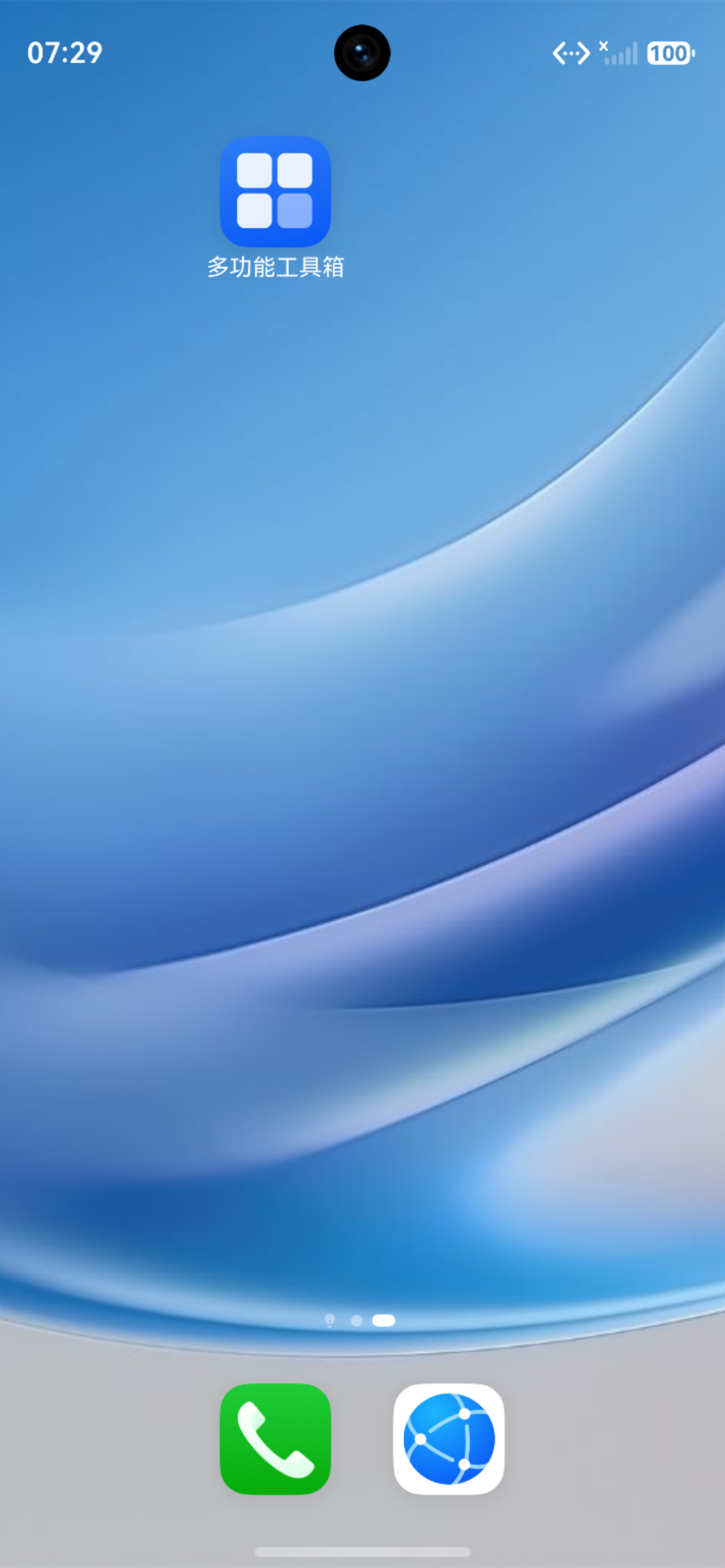
图 1 软件名称展示
九、小结
本文详细讲解了性能优化与发布:
- ✅ LazyForEach懒加载
- ✅ 状态优化
- ✅ 图片优化
- ✅ 签名配置
- ✅ 发布流程
- ✅ 性能监控
- ✅ 内存优化
- ✅ 多渠道打包
- ✅ 发布检查清单
系列文章导航 :
下期预告:鸿蒙多功能工具箱开发实战(二十一)-项目总结与展望