背景
turtle --- Turtle graphics 中提供了关于 turtle 模块的介绍。我想用 turtle 来生成些简单的图案,以巩固学习的效果。最近我经常下国际象棋,于是想到可以用 turtle 来绘制国际象棋的棋盘。
正文
基本的分析
国际象棋的棋盘长这样 ⬇️
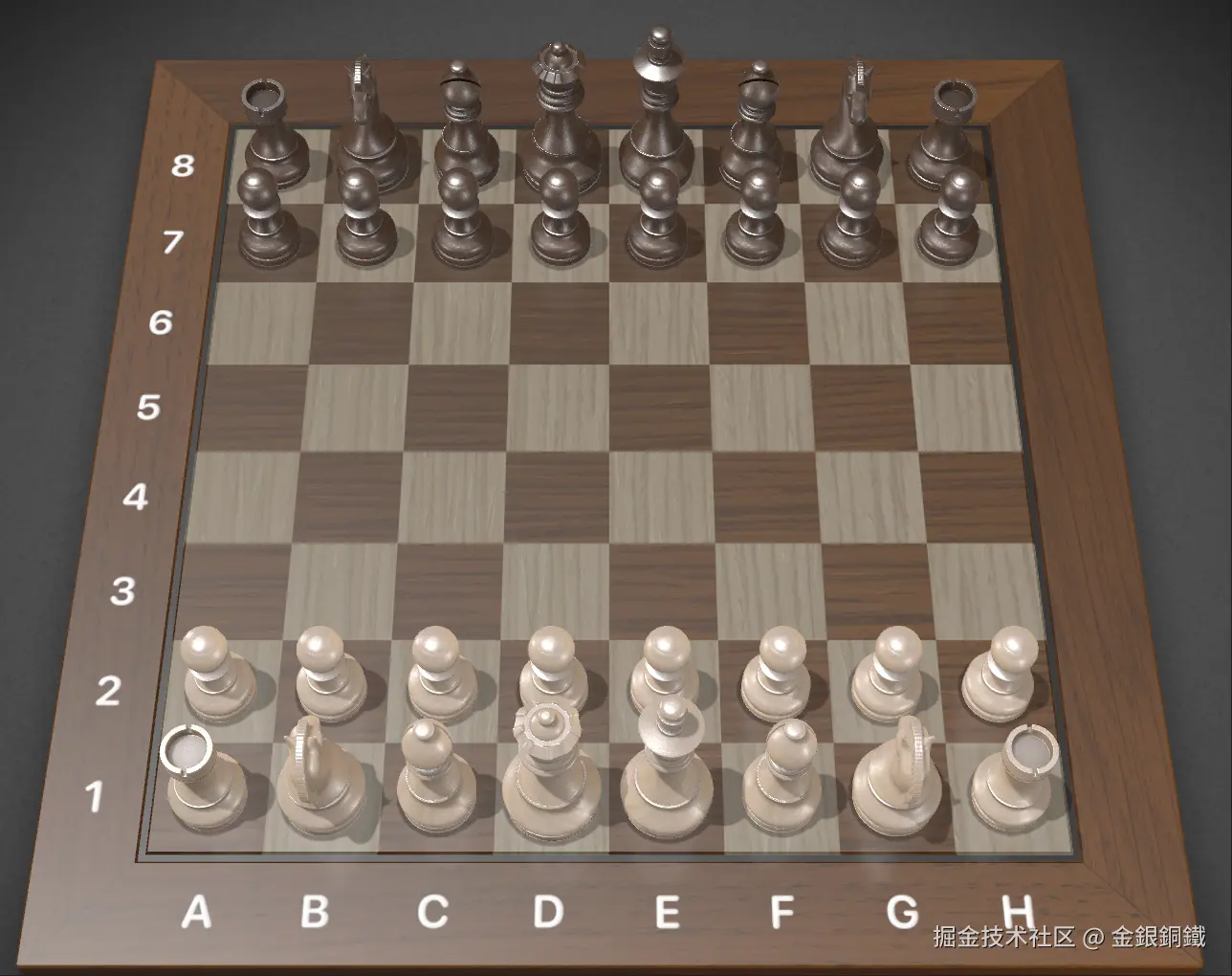
为了降低难度,我们不关心以下内容
- 棋子
- 棋盘边上用于表示坐标的数字和字母
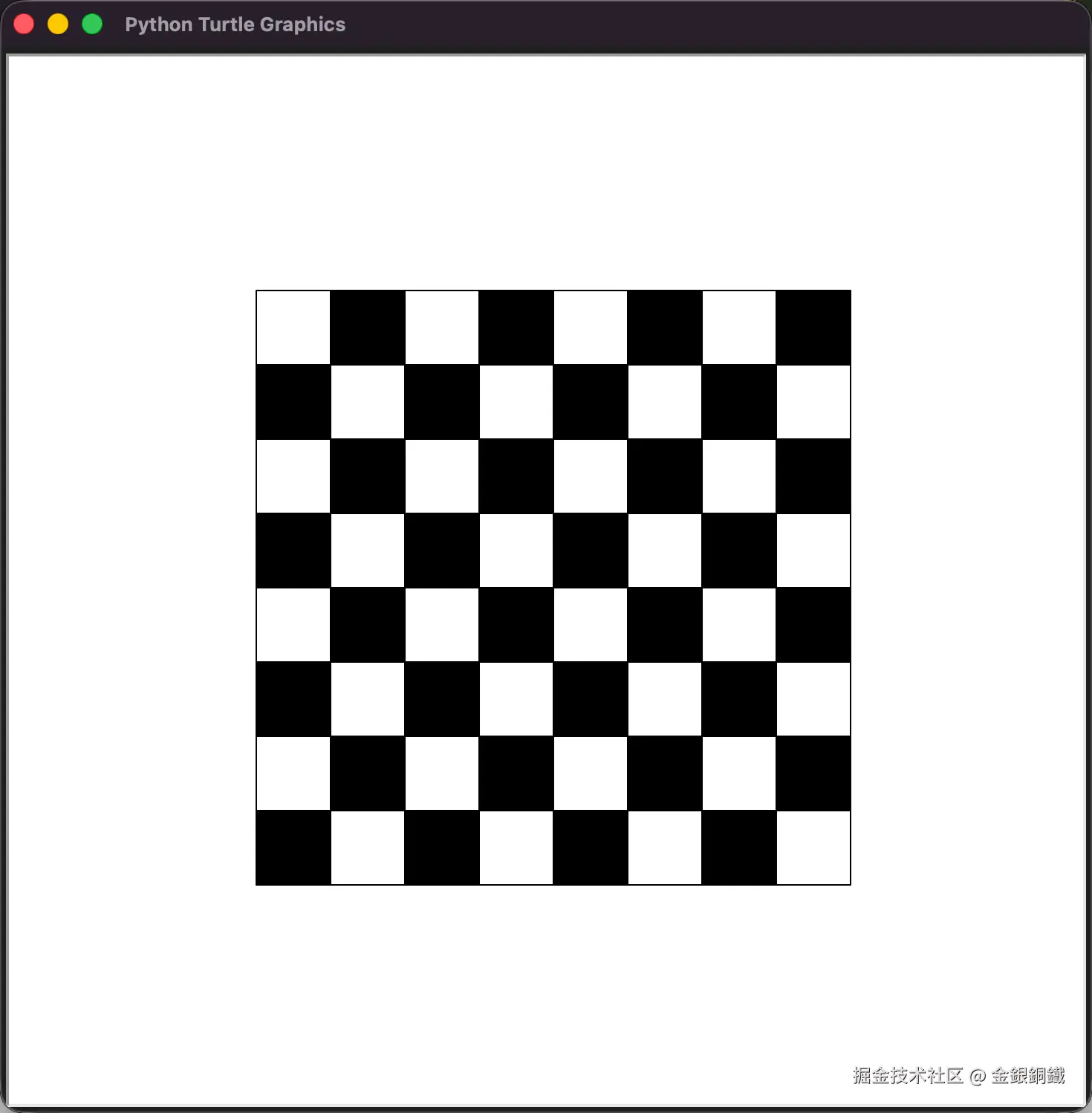
那么我们的目标就变为,绘制 8×8 个黑白相间的正方形格子(左上角的格子是白色的)。考虑到只有 8×8 个格子,我们可以遍历 8 行 8 列,绘制对应的格子(需要计算每个格子的颜色)。
代码
有了上述思路后,结合 turtle --- Turtle graphics 中的文档,不难写出对应的 Python 代码。
我写的版本如下(trae 提供了一些帮助)⬇️
python
import turtle

cell_size = 50
init_x = -200
init_y = 200
row_cnt = 8
col_cnt = 8

def fill_color(r, c):
    if (r + c) % 2 == 0:
        return "white"
    return "black"

turtle.speed('fastest')
for row in range(row_cnt):
    for col in range(col_cnt):
        x = init_x + col * cell_size
        y = init_y - row * cell_size
        turtle.teleport(x, y)
        turtle.setheading(0)

        turtle.color("black", fill_color(row, col))
        with turtle.fill():
            for i in range(4):
                turtle.forward(cell_size)
                turtle.right(90)

turtle.hideturtle()

turtle.mainloop()
请将以上代码保存为 draw_chessboard.py。执行以下命令可以运行 draw_chessboard.py
bash
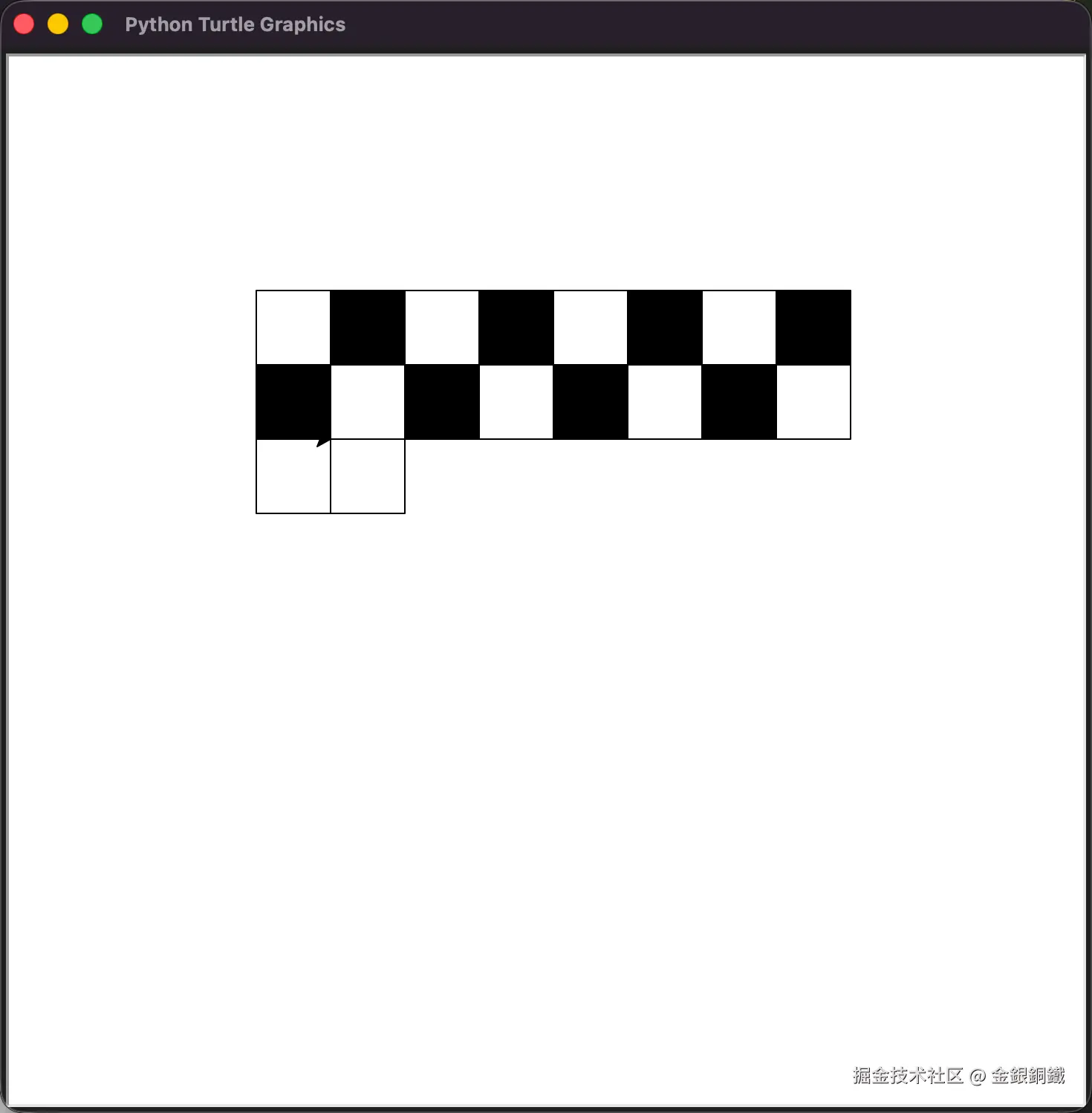
python3 draw_chessboard.py运行中的效果如下图所示
最终的效果如下图所示