鸿蒙报错速查:arkts-no-destruct-decls 禁用解构声明,const { x, y } = obj 就炸,根因 + 真解法
报错原文
vbnet
ERROR: 10605074 ArkTS Compiler Error
Error Message: Destructuring variable declarations are not supported (arkts-no-destruct-decls). At File: xxx.ets:N:N
常伴生报错:
vbnet
Error Message: Destructuring is not supported.
Error Message: 'const { x, y } = p' is not a valid destructuring declaration.
报错触发场景
你写鸿蒙 ArkTS 时,用解构声明从对象批量取字段就炸:
typescript
// ❌ 报错写法
interface Point {
  x: number
  y: number
}
const p: Point = { x: 100, y: 200 } as Point
const { x, y } = p        ← arkts-no-destruct-decls 报错,禁用解构声明
const { x: px, y: py } = p   ← arkts-no-destruct-decls 报错,重命名也禁
const [a, b] = [1, 2]      ← arkts-no-destruct-decls 报错,数组解构也禁
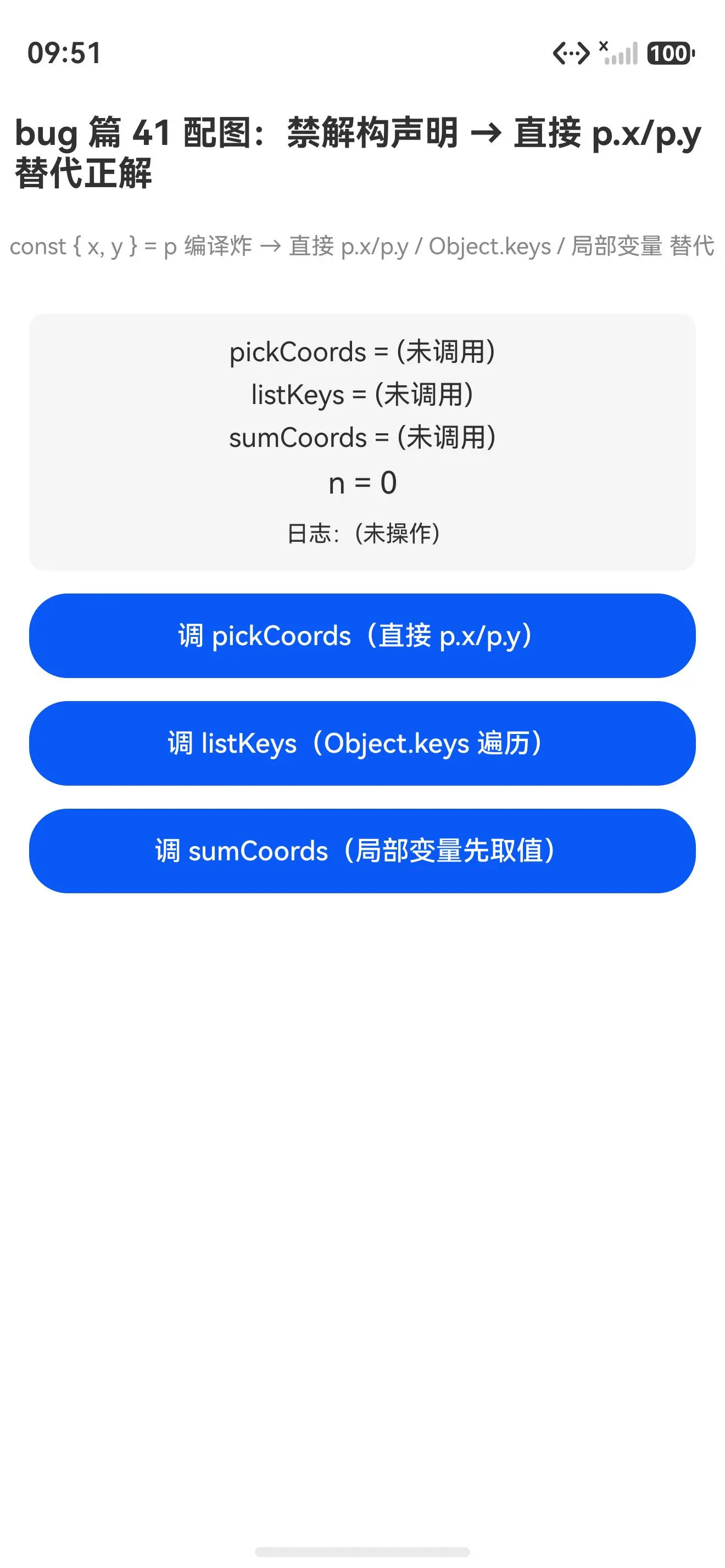
真机配图:直接 p.x/p.y 替代解构正解能编译能跑
替代解构正解初始态(pickCoords/listKeys/sumCoords 均未调用):
点调三种替代后(pickCoords=100, 200、listKeys=x, y、sumCoords=300 均真返了正确值):
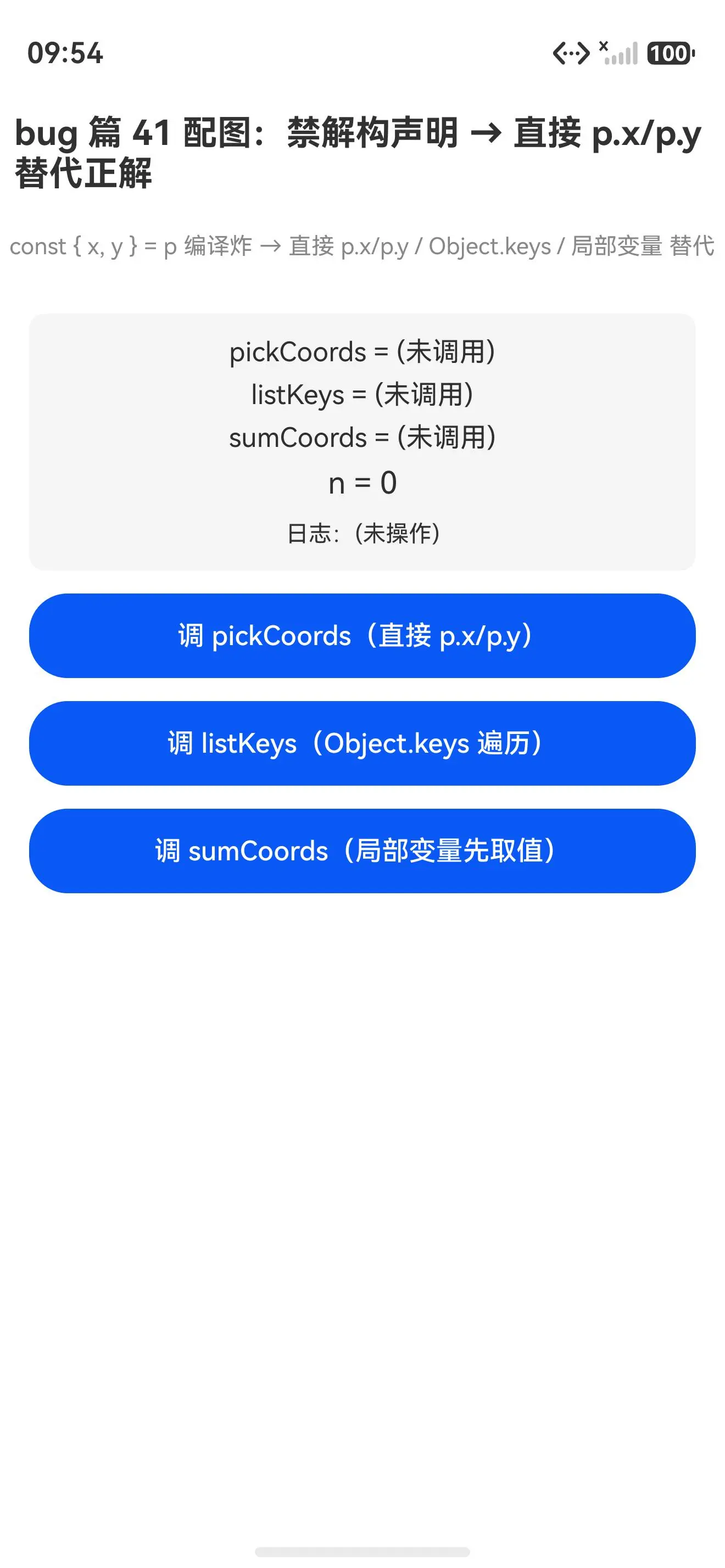
报错写法(用解构声明)编译就炸,装不上真机;正解写法(直接 p.x/p.y / Object.keys 遍历 / 局部变量先取值 替代)能跑,三种替代都真返了正确值。写了 const { x, y } = p 就炸,改回 p.x/p.y 就跑------这是 ArkTS 禁用解构声明最直白的证据。
根因
鸿蒙 ArkTS 的编译器主动拒绝解构声明 (const { x, y } = p / const [a, b] = arr),来自三重约束:
1. 严格类型推断链断裂
解构声明的左侧是一组「无类型标注」的新变量,编译器需从右侧表达式反推每个变量的类型。ArkTS 要求每个变量显式可推断类型,解构让推断链变得不直观------const { x } = p 里 x 的类型要穿透 p 的属性签名才能拿到,跟 ArkTS「类型一眼可见」的严格风格冲突。
2. 作用域与可读性
解构批量引入多个变量,每个变量的来源(p.x 还是 p.y)要回看右侧对象才能确认。ArkTS 偏好「变量名即类型即来源」的直白写法,解构把来源藏到 { } 里降低了可读性。
3. 与装饰器体系的冲突
ArkTS 的 @State / @Prop / @Provide 等装饰器要求装在「单变量声明」上:
typescript
@State count: number = 0        ← 装饰器要单变量
@State { x, y } = p              ← 解构声明,装饰器无法装,语法非法
解构声明装不上装饰器,跟 ArkUI 的状态管理体系不兼容,编译器干脆整体禁掉。
真解法
解法 1:直接 obj.attr 取值(最直白,推荐)
typescript
interface Point {
  x: number
  y: number
}

@Entry
@Component
struct Index {
  pickCoords(p: Point): string {
    return `${p.x}, ${p.y}`    ← 直接 p.x / p.y,不用解构
  }

  build() {
    // ...
  }
}
为啥能跑 :p.x / p.y 是 ArkTS 最基本的属性访问,类型一眼可见(number),来源一眼可见(p 的属性),可读性最强。首选这个。
解法 2:局部变量先取值(要短名时)
typescript
@Entry
@Component
struct Index {
  sumCoords(p: Point): number {
    const x: number = p.x      ← 显式标类型,局部变量先取值
    const y: number = p.y
    return x + y               ← 后续用短名 x/y,替代解构的便利
  }

  build() {
    // ...
  }
}
为啥能跑 :本质是「手动解构」------把 p.x 显式赋给局部变量 x,后续用短名。比解构多两行但类型更显式,ArkTS 接受。要短名时用这个。
解法 3:Object.keys 遍历(要批量处理时)
typescript
@Entry
@Component
struct Index {
  listKeys(p: Point): string {
    return Object.keys(p).join(', ')    ← Object.keys 拿所有属性名
  }

  build() {
    // ...
  }
}
为啥能跑 :Object.keys(p) 返回 string[](属性名数组),再 .join 或 .forEach 遍历处理。替代解构「批量取字段」的便利,走的是显式遍历。要批量处理时用这个。
一句话记忆
const { x, y } = p 编译炸,改回 p.x / p.y 直接取就跑。 ArkTS 禁解构声明------推断链断裂、作用域藏来源、装饰器装不上,三重约束齐拒。替代方案就三个:直接
obj.attr(首选)、局部变量先取值(要短名)、Object.keys遍历(要批量)。
报错速查表
| 报错码 | 报错原文 | 触发写法 | 正解替代 |
|---|---|---|---|
arkts-no-destruct-decls |
Destructuring variable declarations are not supported | const { x, y } = p |
const x = p.x, y = p.y |
arkts-no-destruct-decls |
Destructuring variable declarations are not supported | const { x: px } = p(重命名) |
const px = p.x |
arkts-no-destruct-decls |
Destructuring variable declarations are not supported | const [a, b] = arr(数组) |
const a = arr[0], b = arr[1] |
真机 demo 完整代码
typescript
interface Point {
  x: number
  y: number
}

@Entry
@Component
struct Index {
  @State resultA: string = '(未调用)'
  @State resultB: string = '(未调用)'
  @State resultC: string = '(未调用)'
  @State n: number = 0
  @State log: string = '(未操作)'

  // ✅ 正解 1:直接 p.x / p.y 替代解构
  pickCoords(p: Point): string {
    return `${p.x}, ${p.y}`
  }

  // ✅ 正解 2:Object.keys 遍历替代解构
  listKeys(p: Point): string {
    return Object.keys(p).join(', ')
  }

  // ✅ 正解 3:用局部变量先取值替代解构
  sumCoords(p: Point): number {
    const x: number = p.x
    const y: number = p.y
    return x + y
  }

  build() {
    Column({ space: 12 }) {
      Text('bug 篇 41 配图:禁解构声明 → 直接 p.x/p.y 替代正解')
        .fontSize(18).fontWeight(FontWeight.Bold).margin({ top: 20, bottom: 8 })
      Text('const { x, y } = p 编译炸 → 直接 p.x/p.y / Object.keys / 局部变量 替代')
        .fontSize(12).fontColor('#888').margin({ bottom: 16 })

      Column({ space: 6 }) {
        Text(`pickCoords = ${this.resultA}`).fontSize(14)
        Text(`listKeys = ${this.resultB}`).fontSize(14)
        Text(`sumCoords = ${this.resultC}`).fontSize(14)
        Text(`n = ${this.n}`).fontSize(16)
        Text(`日志:${this.log}`).fontSize(12).fontColor('#333').margin({ top: 4 })
      }
      .width('92%').padding(12).backgroundColor('#f5f5f5').borderRadius(8)

      Button('调 pickCoords(直接 p.x/p.y)')
        .width('92%').height(44).fontSize(14)
        .onClick(() => {
          const p: Point = { x: 100, y: 200 } as Point
          this.resultA = this.pickCoords(p)
          this.n++
          this.log = `第 ${this.n} 次:pickCoords = ${this.resultA}`
        })

      Button('调 listKeys(Object.keys 遍历)')
        .width('92%').height(44).fontSize(14)
        .onClick(() => {
          const p: Point = { x: 100, y: 200 } as Point
          this.resultB = this.listKeys(p)
          this.n++
          this.log = `第 ${this.n} 次:listKeys = ${this.resultB}`
        })

      Button('调 sumCoords(局部变量先取值)')
        .width('92%').height(44).fontSize(14)
        .onClick(() => {
          const p: Point = { x: 100, y: 200 } as Point
          this.resultC = String(this.sumCoords(p))
          this.n++
          this.log = `第 ${this.n} 次:sumCoords = ${this.resultC}`
        })
    }
    .width('100%').height('100%').alignItems(HorizontalAlign.Center)
  }
}
写鸿蒙 ArkTS 记住 :解构声明(
const { x, y } = p/const [a, b] = arr)编译就炸------arkts-no-destruct-decls禁用。改回p.x/p.y直接取、局部变量先取值、Object.keys遍历,三种替代都能跑。推断链断裂、作用域藏来源、装饰器装不上 是根因,直接obj.attr是首选解法。