uni-file-picker文件预览
一、介绍
这个组件上传文件回显,点击预览都正常,然后换成上传文件就凉凉,只能上传不能回显,完全不晓得自己上传的对不对

使用组件uni-file-picker文章:https://blog.csdn.net/weixin_45853881/article/details/156019921
二、代码
一般小程序引入的组件都存放在
uni_modules目录下(需要修改uni-file-picker.vue和upload-file.vue文件)找到当前项目的
uni_modules\uni-file-picker\components\uni-file-picker目录下
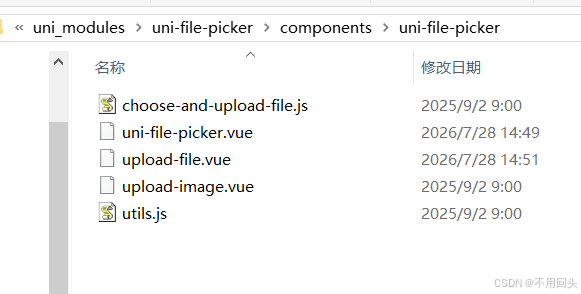
1、修改uni-file-picker.vue
在文件19行左右加入
@preview="preview"
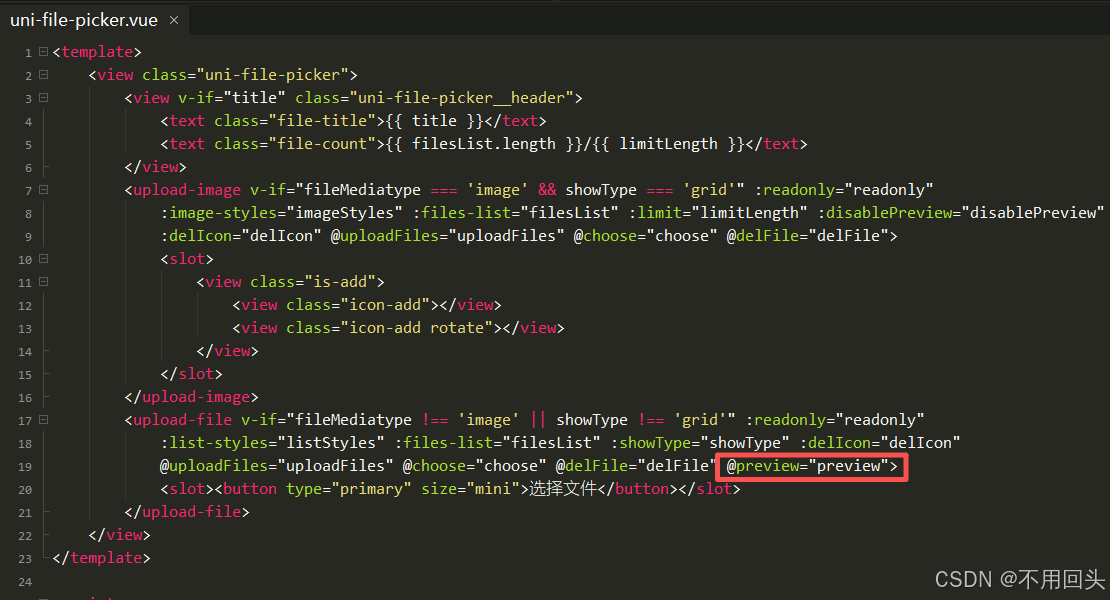
bash
<upload-file v-if="fileMediatype !== 'image' || showType !== 'grid'" :readonly="readonly"
	:list-styles="listStyles" :files-list="filesList" :showType="showType" :delIcon="delIcon"
	@uploadFiles="uploadFiles" @choose="choose" @delFile="delFile" @preview="preview">
	<slot><button type="primary" size="mini">选择文件</button></slot>
</upload-file>
在文件
methods中加入方法preview,我实在delFile方法之后写的,也就是535行
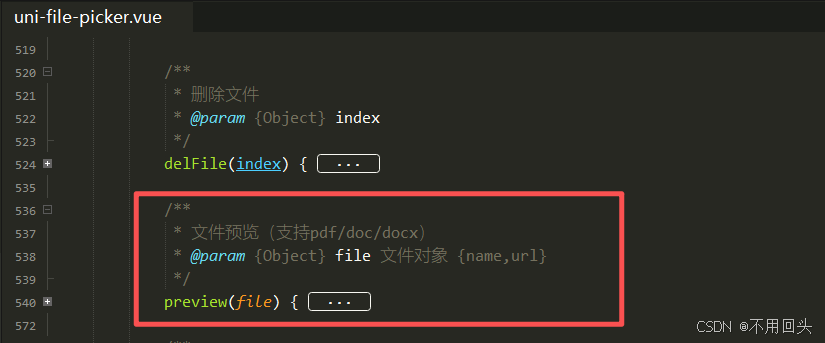
bash
/**
 * 文件预览(支持pdf/doc/docx)
 * @param {Object} file 文件对象 {name,url}
 */
preview(file) {
	if (!file || !file.url) {
		uni.showToast({
			title: "文件地址不存在",
			icon: "none"
		});
		return;
	}
	uni.downloadFile({
		url: file.url,
		success: (res) => {
			if (res.statusCode === 200) {
				uni.openDocument({
					filePath: res.tempFilePath,
					success: () => {},
					fail: () => {
						uni.showToast({
							title: "文件打开失败",
							icon: "none"
						});
					}
				})
			}
		},
		fail: () => {
			uni.showToast({
				title: "文件下载失败,无法预览",
				icon: "none"
			});
		}
	})
},
2、修改upload-file.vue
看表格看代码块都可以,写代码块是为了方便复制,反正我懒,现在写了以后省事
| 源代码 | 修改后 | 行数 | 截图 |
|---|---|---|---|
<view class="files__name">{``{item.name}}</view> |
<view class="files__name" @click="$emit('preview', item)">{``{item.name}}</view> |
18行左右 | 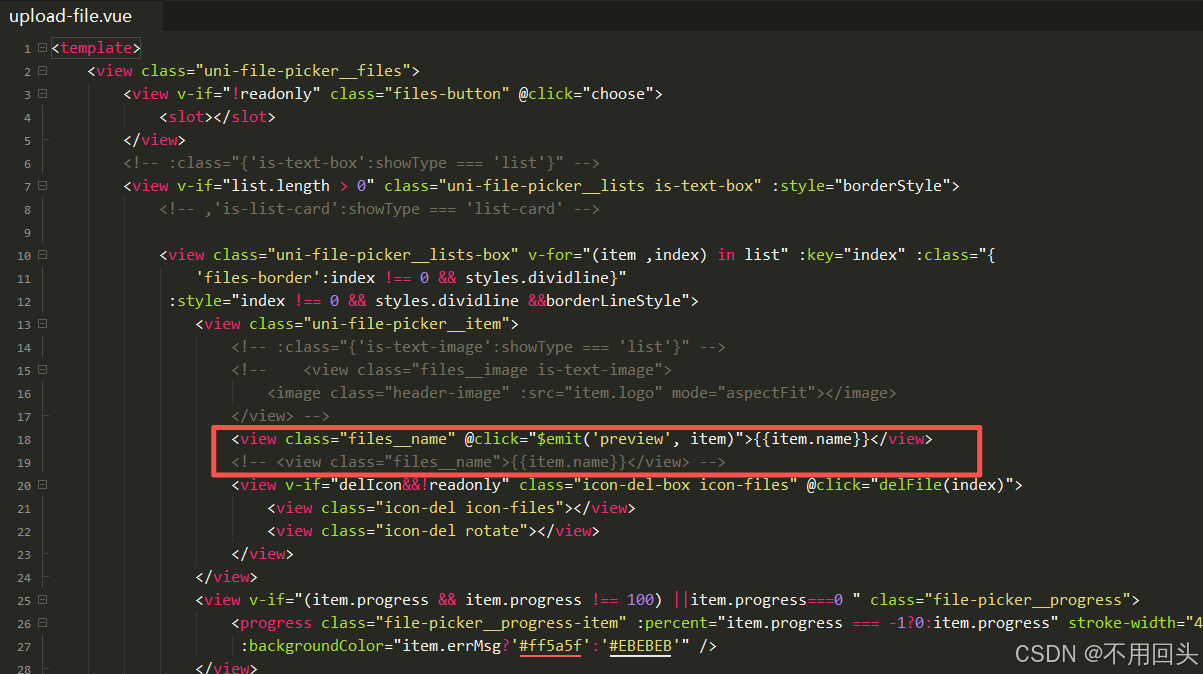 |
emits:['uploadFiles','choose','delFile'], |
emits:'uploadFiles','choose','delFile','preview', | 41行左右 | 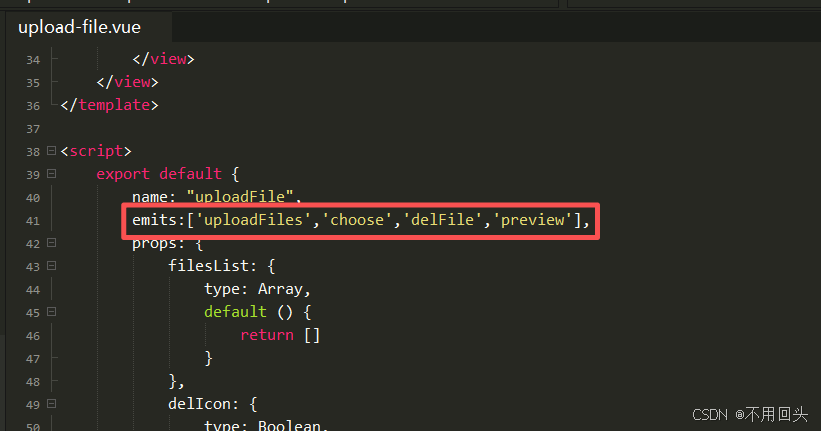 |
2.1、增加点击事件
bash
<view class="files__name">{{item.name}}</view>修改为(增加点击事件)
bash
<view class="files__name" @click="$emit('preview', item)">{{item.name}}</view>2.2、增加抛出事件
bash
emits:['uploadFiles','choose','delFile'],修改为(增加preview)
bash
emits:['uploadFiles','choose','delFile','preview'],