前言
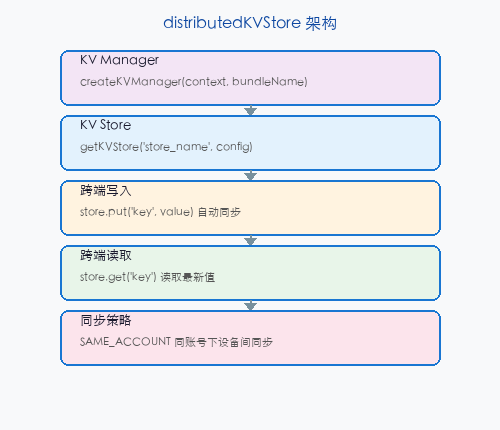
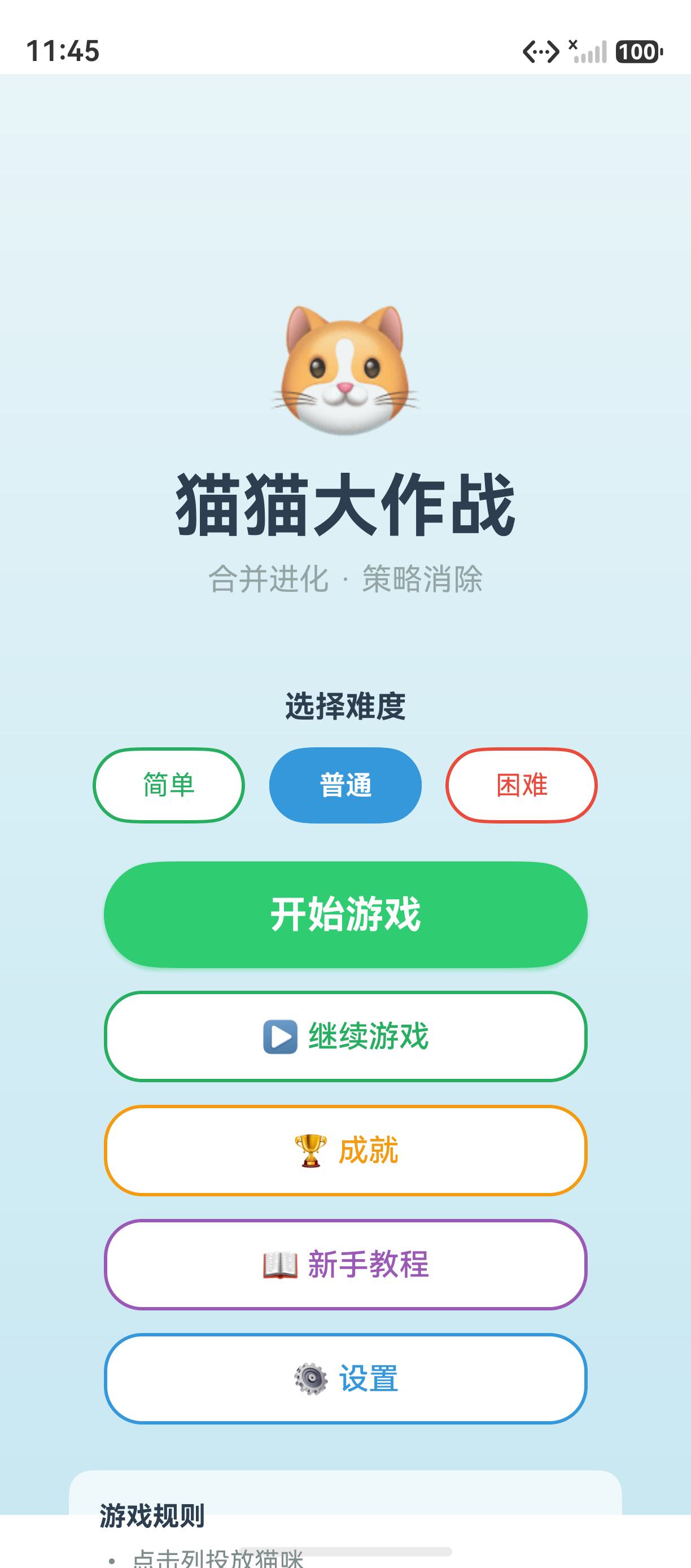
distributedKVStore(分布式 KV 数据库)是 HarmonyOS 的跨设备数据同步方案,支持在手机、平板、折叠屏等多设备间实时同步键值对数据。在「猫猫大作战」中,KV Store 用于同步玩家的最高分和游戏进度。
一、创建 KV Store
typescript
import { distributedKVStore } from '@kit.ArkData';

async function initKVStore(context: Context): Promise<distributedKVStore.KVStore> {
  const kvManager = distributedKVStore.createKVManager({
    context,
    bundleName: 'com.maomaodazuozhan.game',
  });

  const store = await kvManager.getKVStore('game_scores', {
    createIfMissing: true,
    encrypt: false,
    backup: true,
    autoSync: true,  // 自动同步到其他设备
  });

  return store;
}
二、读写数据
typescript
const store = await initKVStore(context);

// 写入
await store.put('highScore', 5000);
await store.put('playerName', '小明');
await store.put('gameLevel', 5);

// 读取
const highScore = await store.get('highScore');  // 5000
const name = await store.get('playerName');      // '小明'

// 删除
await store.delete('highScore');
三、数据同步
typescript
// 监听远程数据变化
store.on('dataChange', (change) => {
  for (const entry of change.insertEntries) {
    console.info(`插入: ${entry.key} = ${entry.value}`);
  }
  for (const entry of change.updateEntries) {
    console.info(`更新: ${entry.key} = ${entry.value}`);
  }
  for (const entry of change.deleteEntries) {
    console.info(`删除: ${entry.key}`);
  }

  // 更新 UI
  if (change.updateEntries.some(e => e.key === 'highScore')) {
    this.refreshHighScore();
  }
});
四、KV Store vs RDB vs Preferences
| 特性 | KV Store | RDB | Preferences |
|---|---|---|---|
| 数据结构 | 键值对 | 关系表 | 键值对 |
| 跨设备同步 | ✅ | ❌ | ❌ |
| 复杂查询 | ❌ | ✅ 条件查询 | ❌ |
| 使用场景 | 简单配置同步 | 战绩历史 | 本地设置 |
五、最佳实践
autoSync: true启用自动同步- 单设备用 Preferences,多设备用 KV Store
- 键名规范 :用模块前缀如
score_high、config_sound - 监听 dataChange:及时更新 UI
总结
distributedKVStore 实现跨设备键值对同步,适合同步最高分和设置。核心要点:createKVManager 初始化、 put/get 读写、 autoSync 自动同步、 dataChange 监听变化。
如果这篇文章对你有帮助,欢迎点赞👍、收藏⭐、关注🔔,你的支持是我持续创作的动力!
相关资源: