提示:文章写完后,目录可以自动生成,如何生成可参考右边的帮助文档
文章目录
- Milvus
-
- [1、安装Docker DeskTop](#1、安装Docker DeskTop)
- 2、安装Milvus
- 3、测试前准备工作
- [Milvus 基本用法](#Milvus 基本用法)
Milvus
1、安装Docker DeskTop
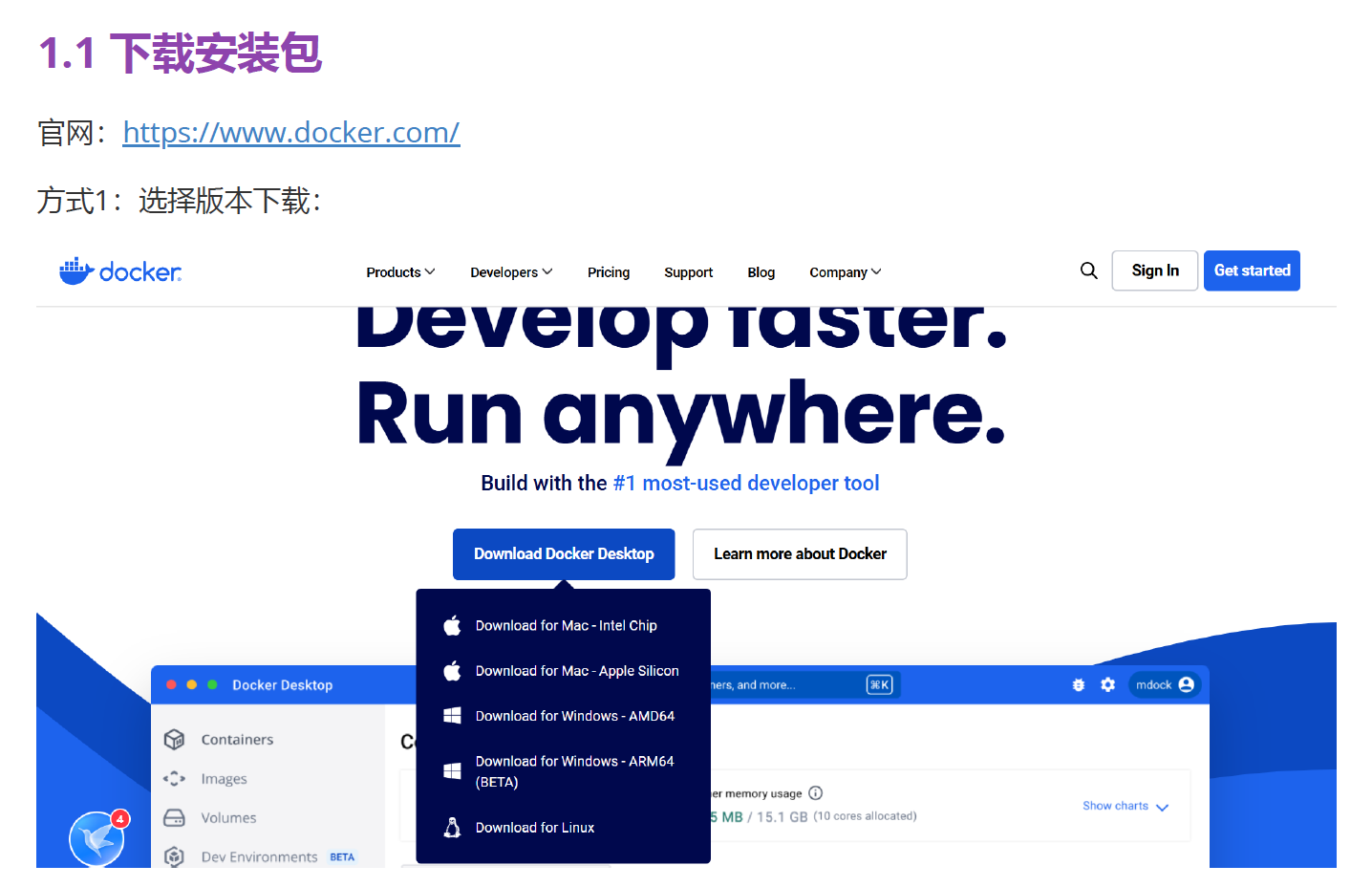
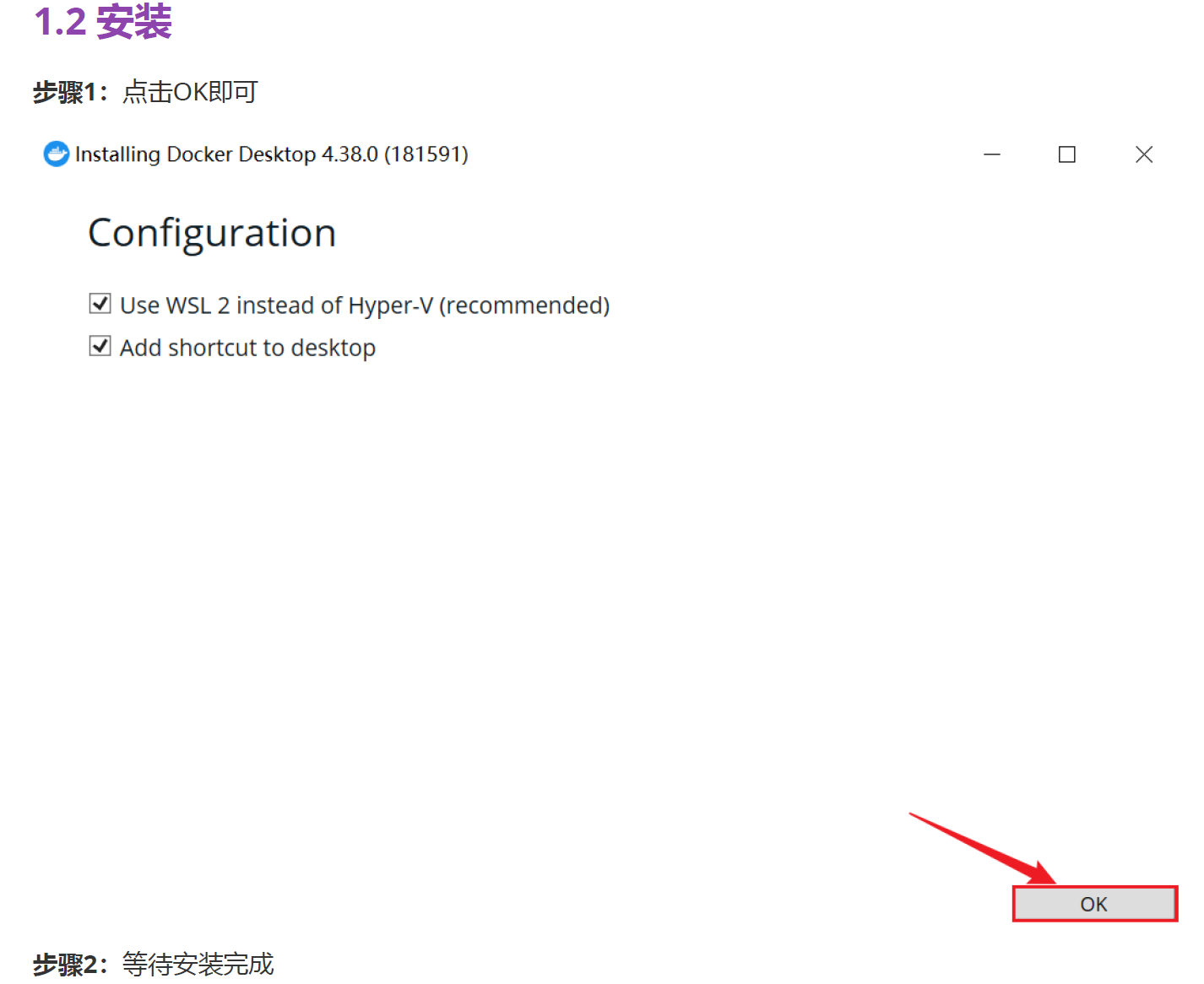
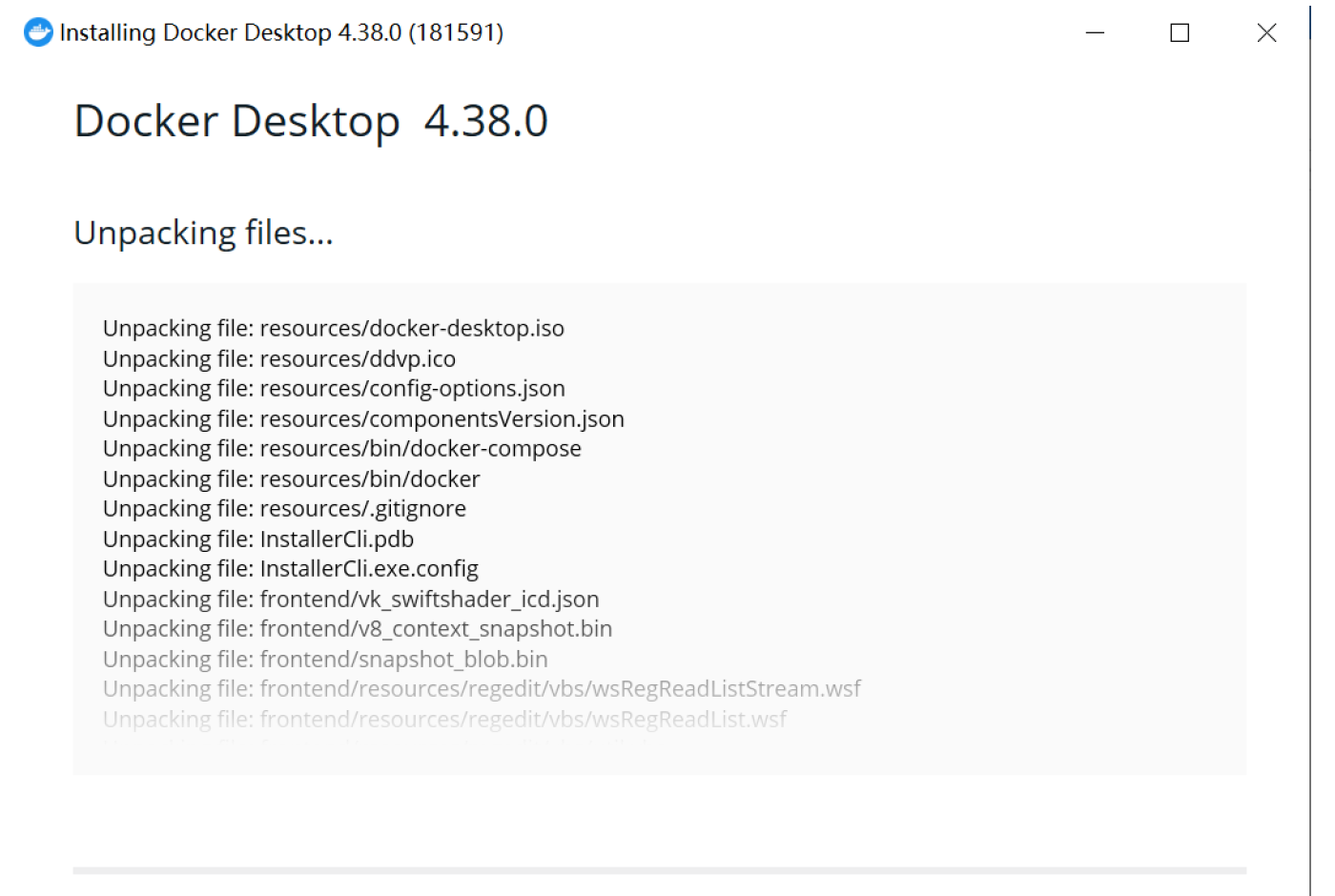
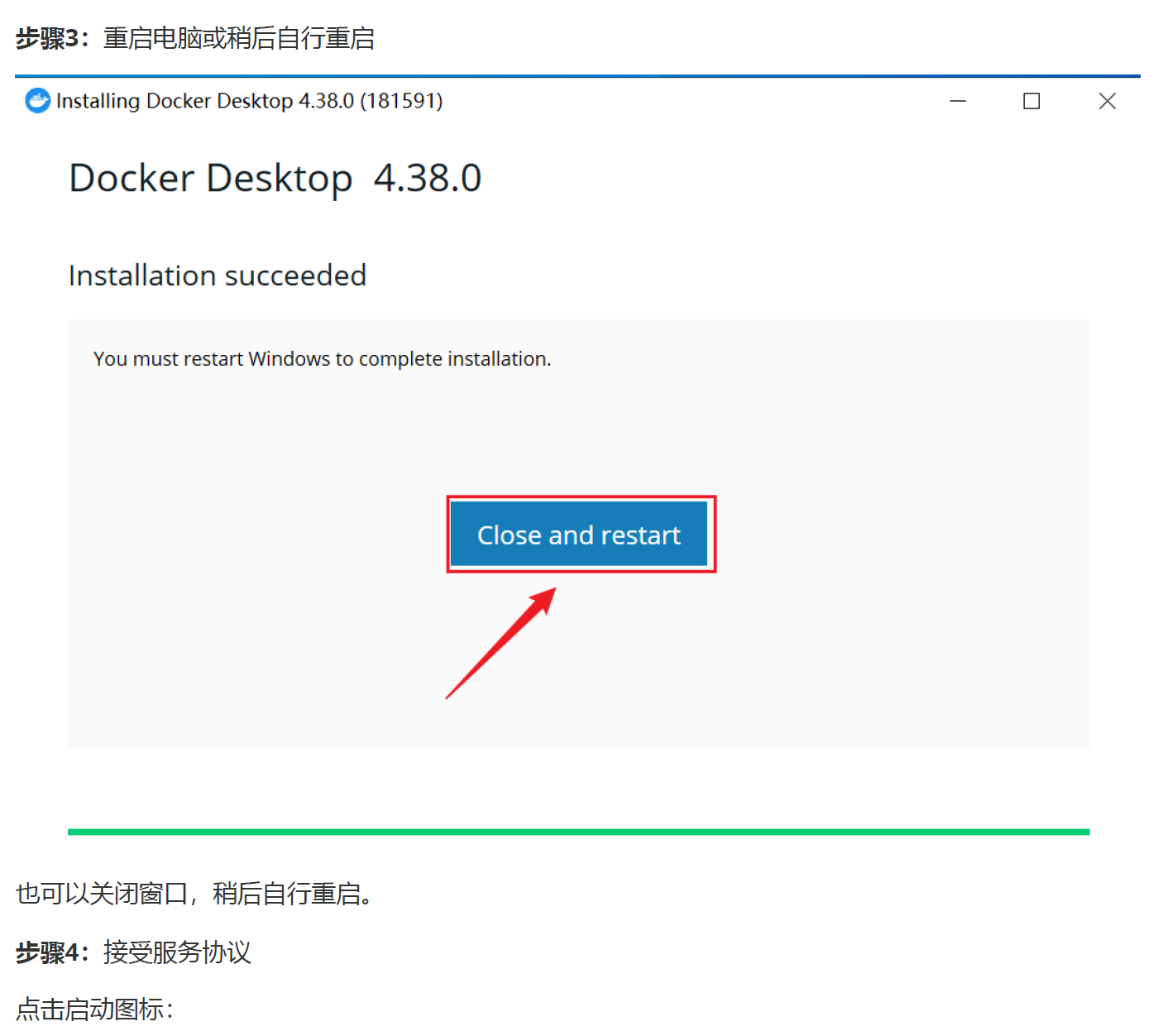
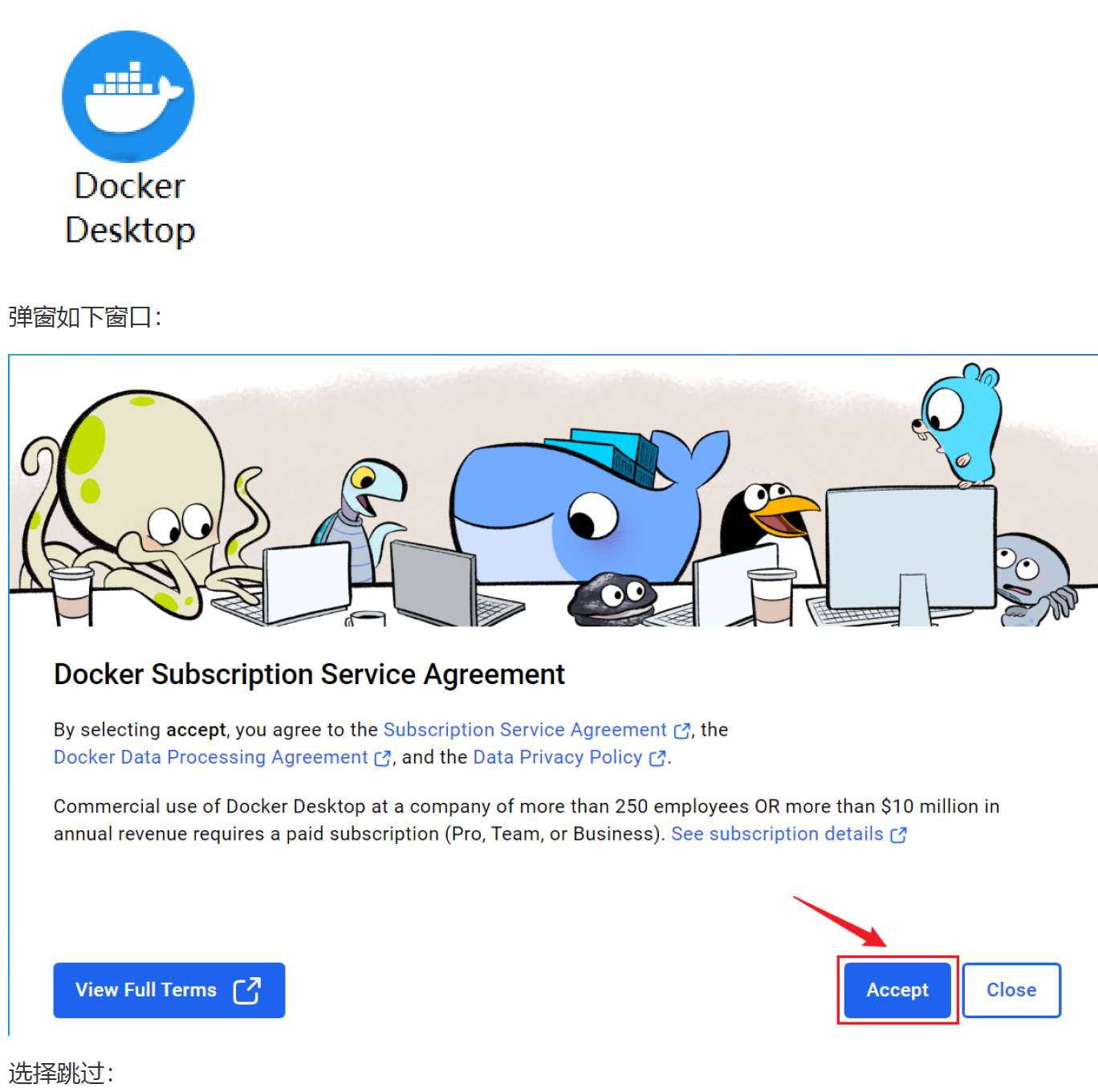
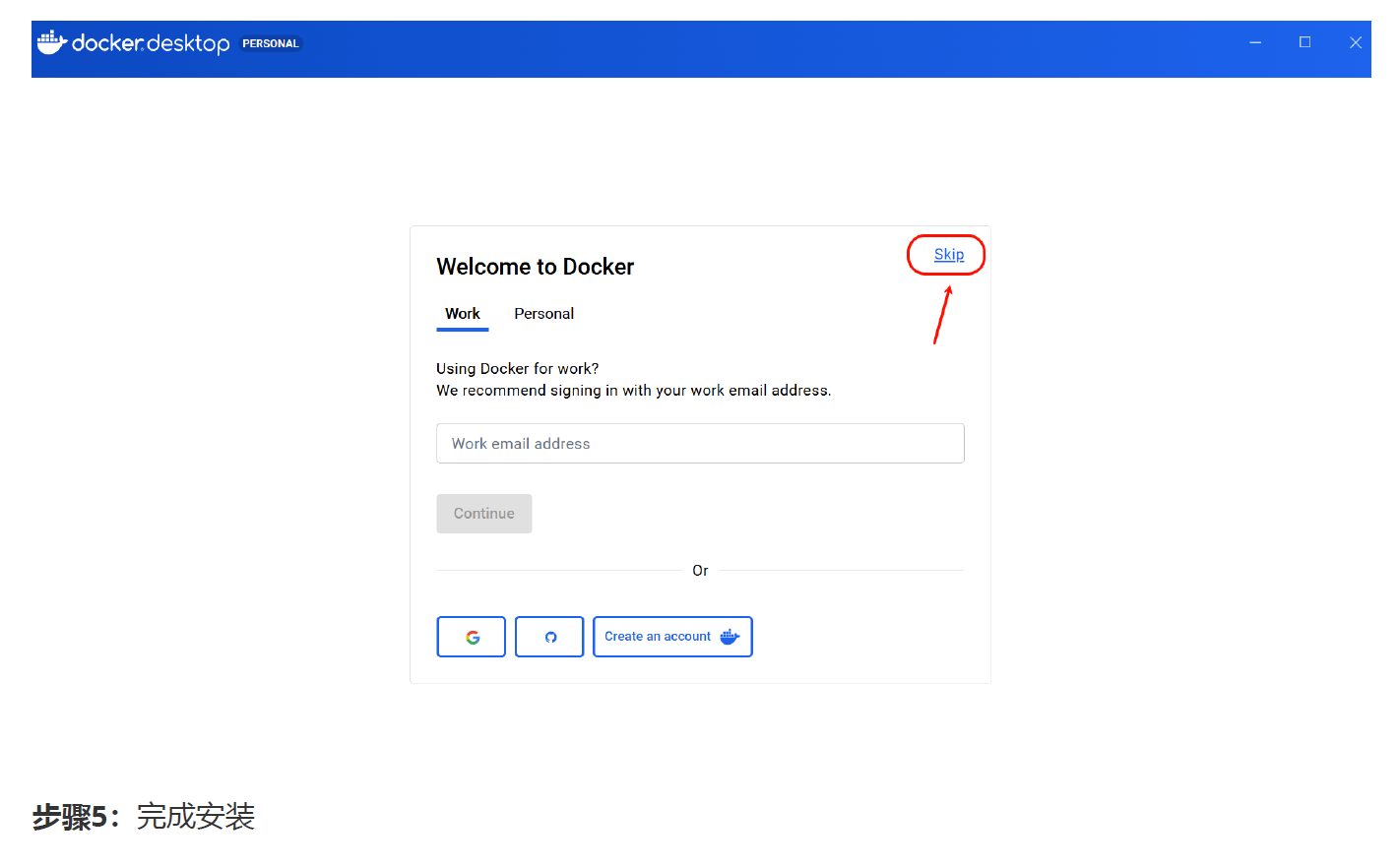

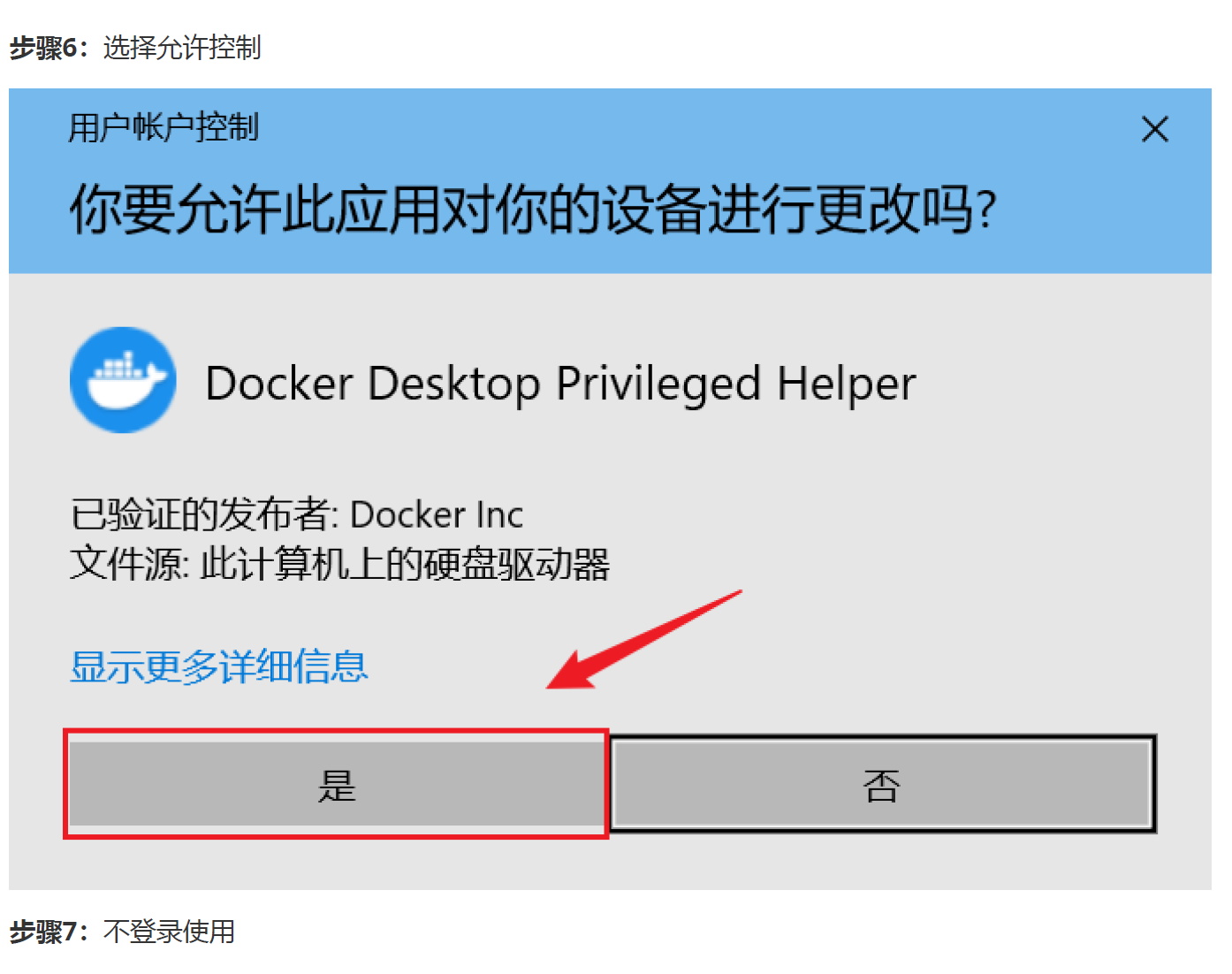
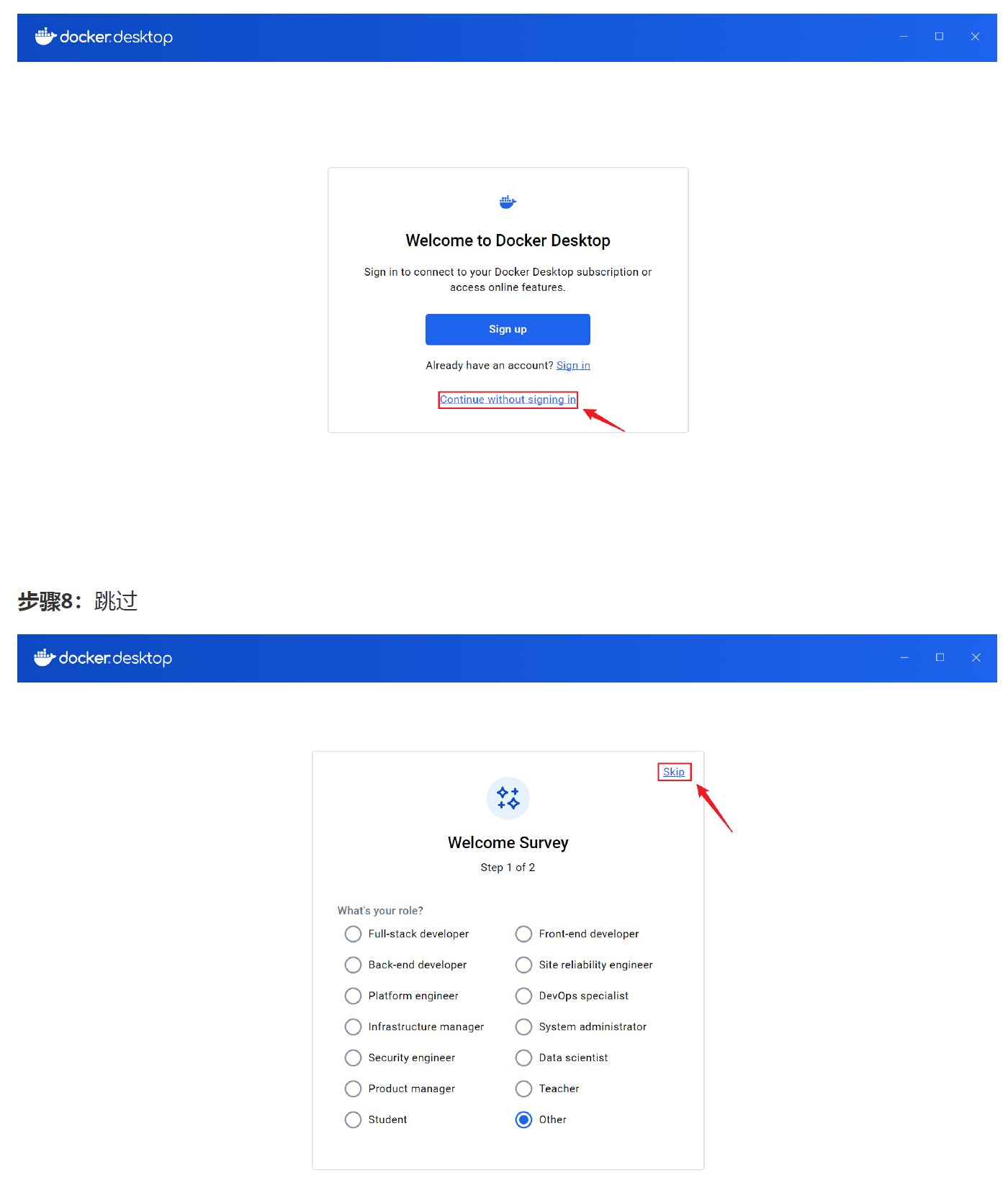

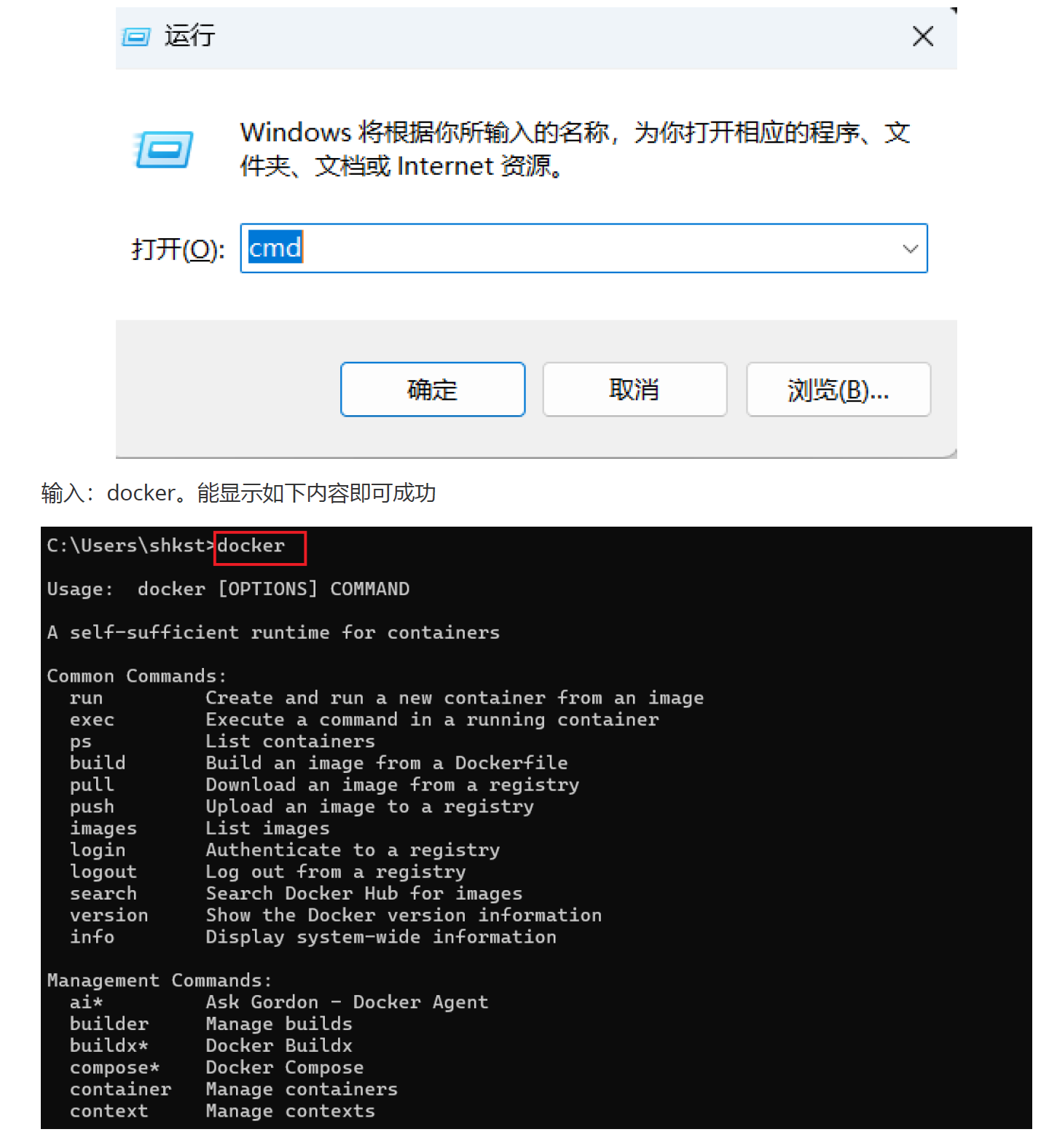
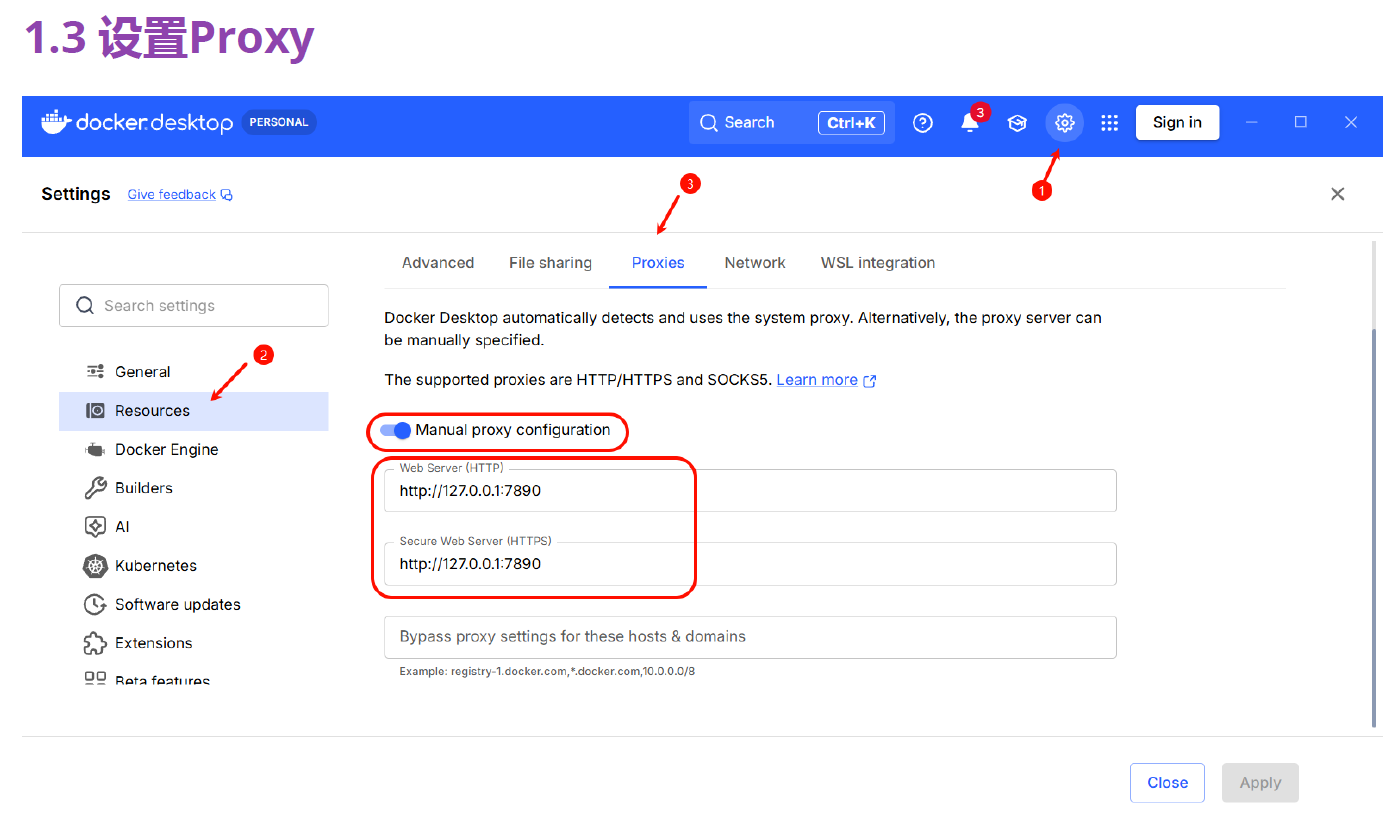
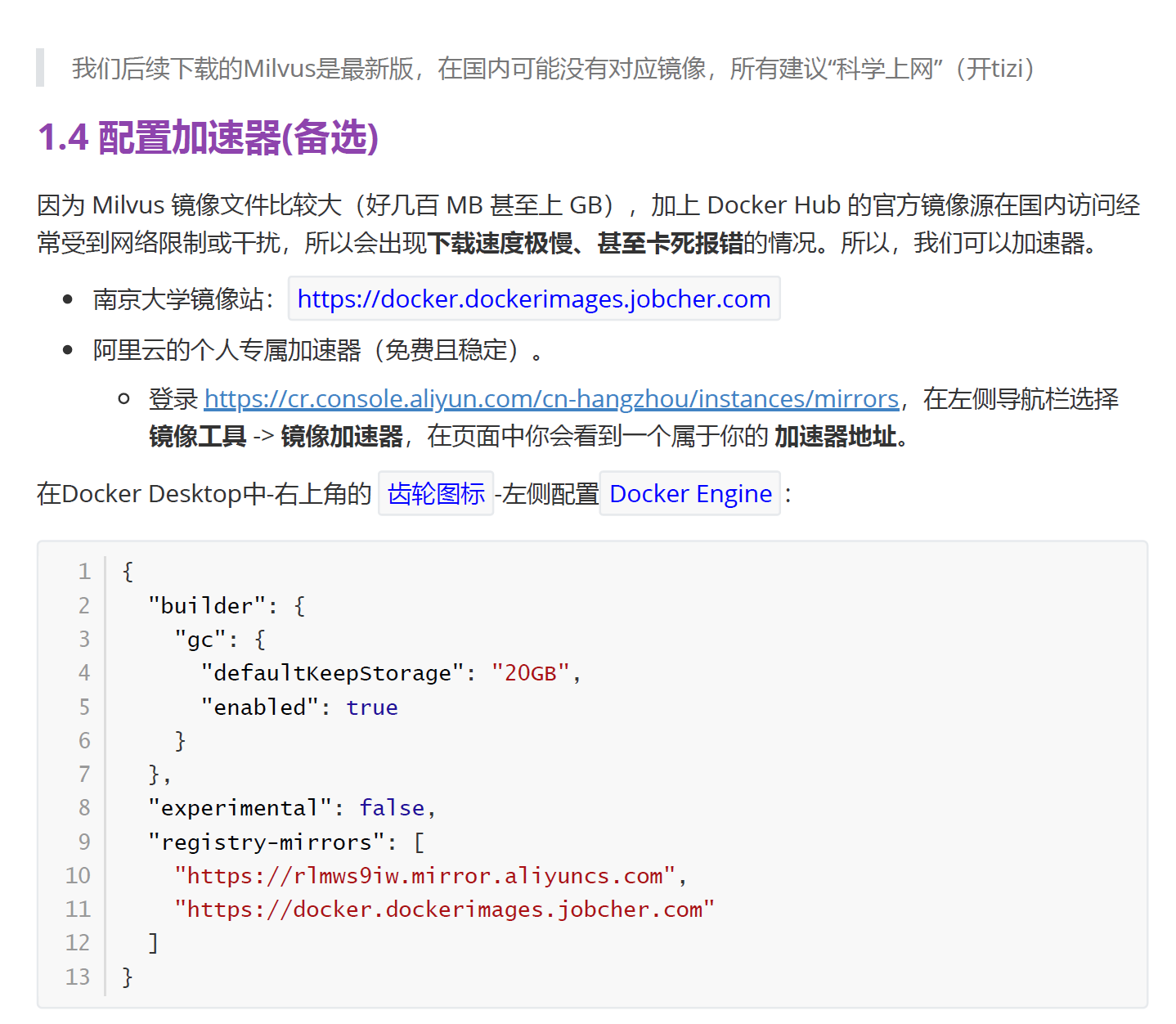
2、安装Milvus
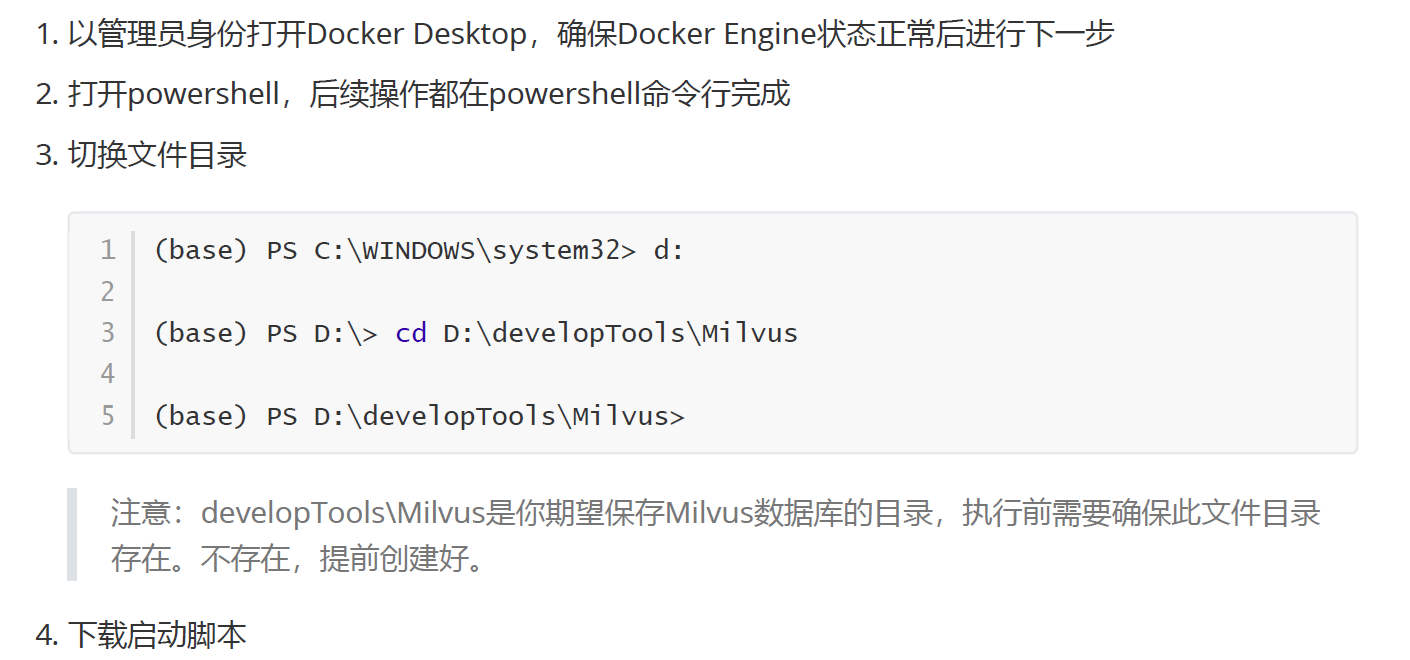
bash
(base) PS D:\developTools\Milvus> Invoke-WebRequest
https://raw.githubusercontent.com/milvusio/
milvus/refs/heads/master/scripts/standalone_embed.bat -OutFile
standalone.bat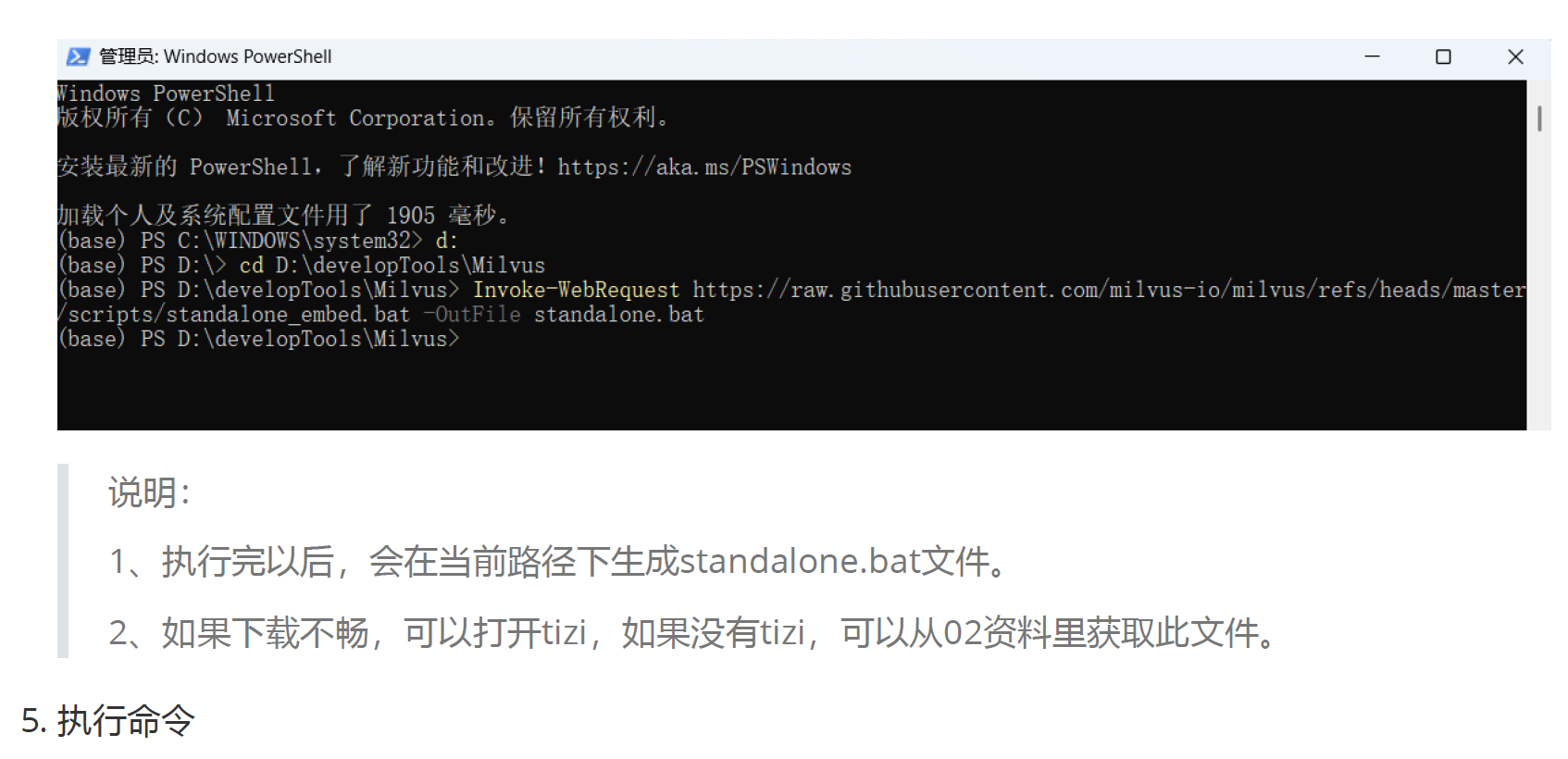
bash
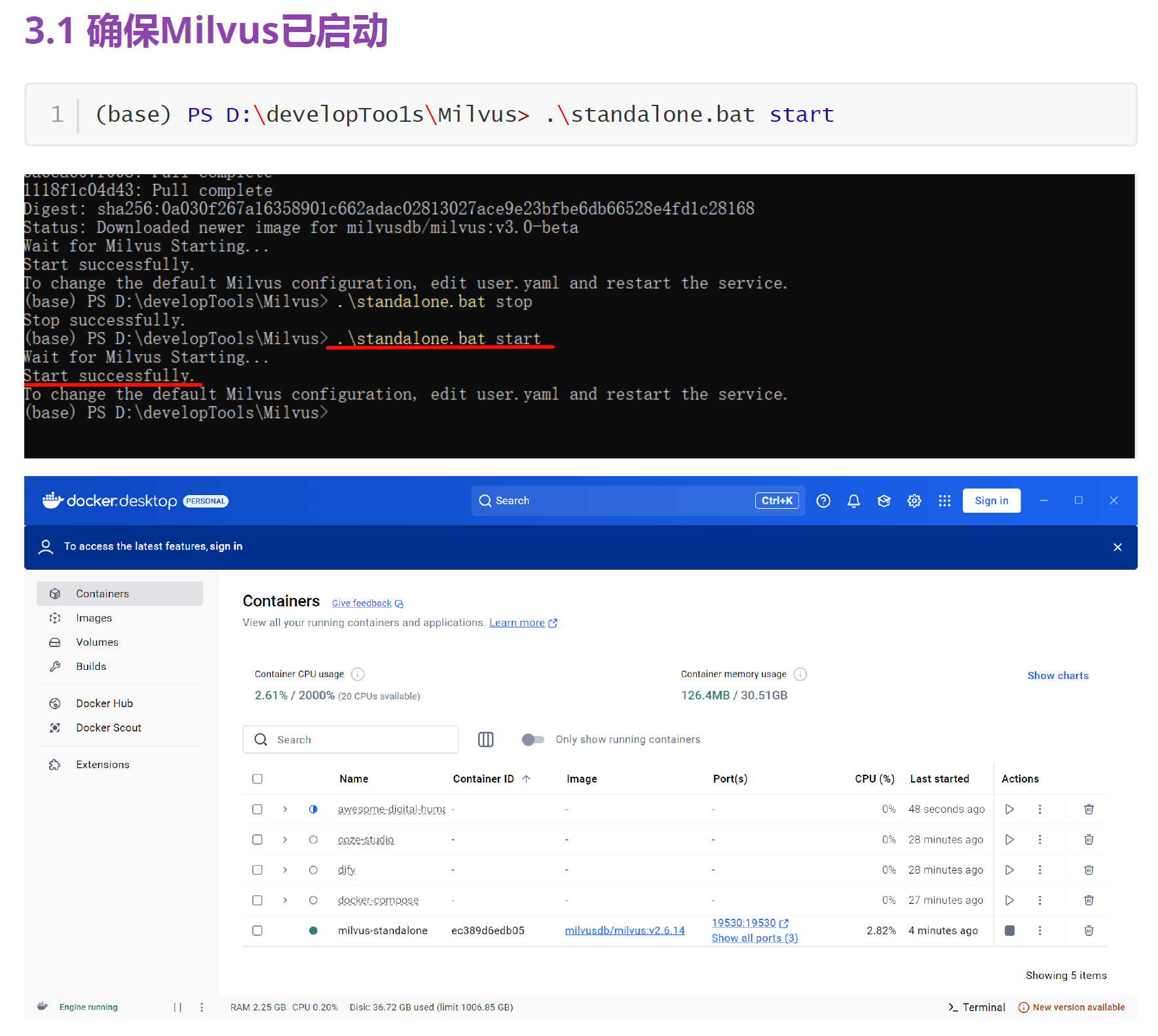
(base) PS D:\developTools\Milvus> .\1 standalone.bat start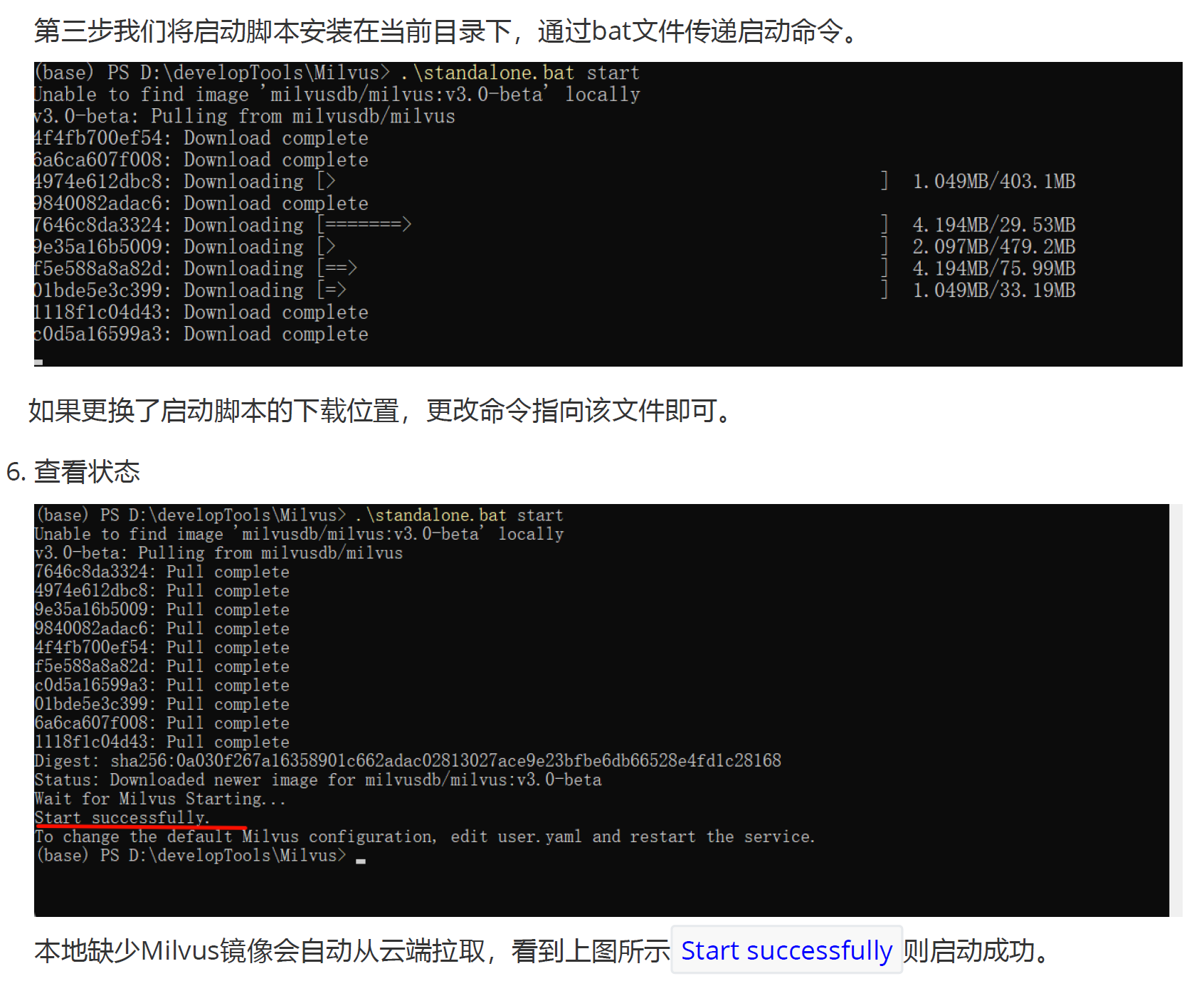
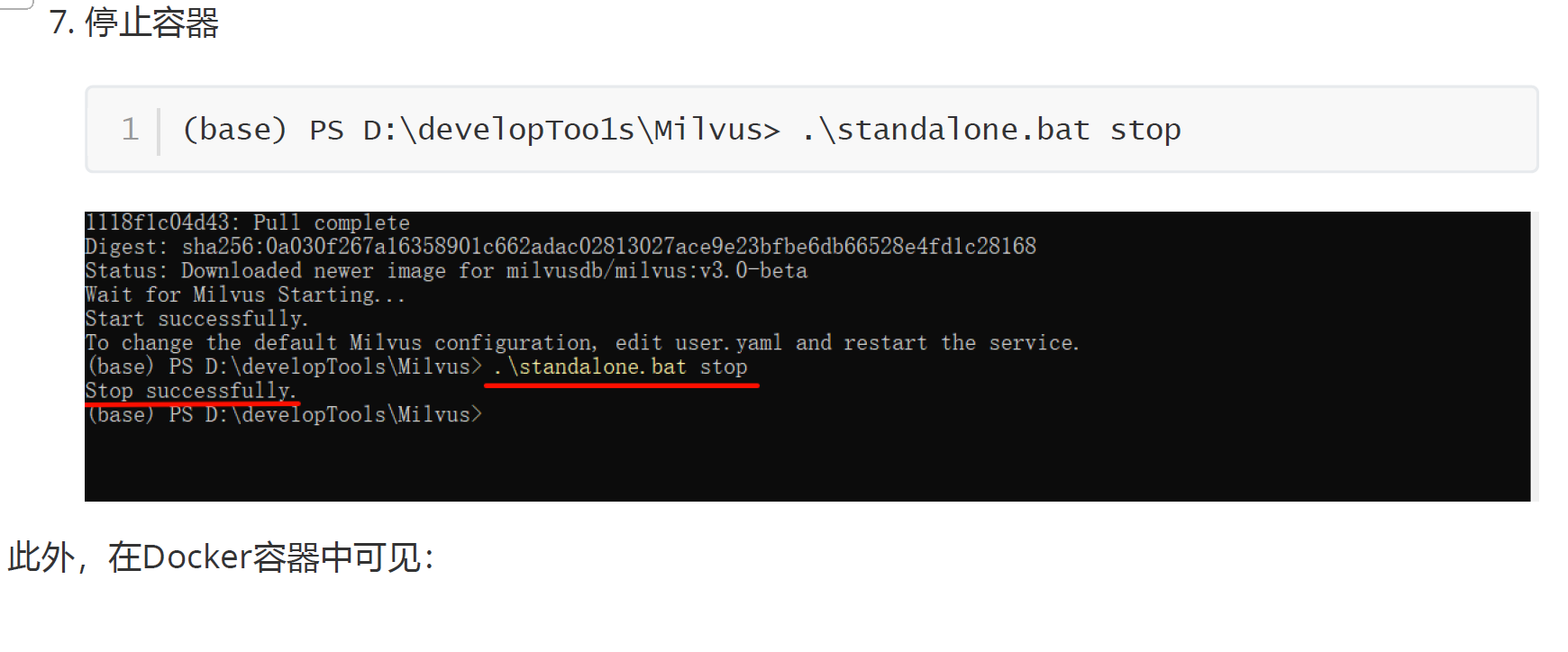
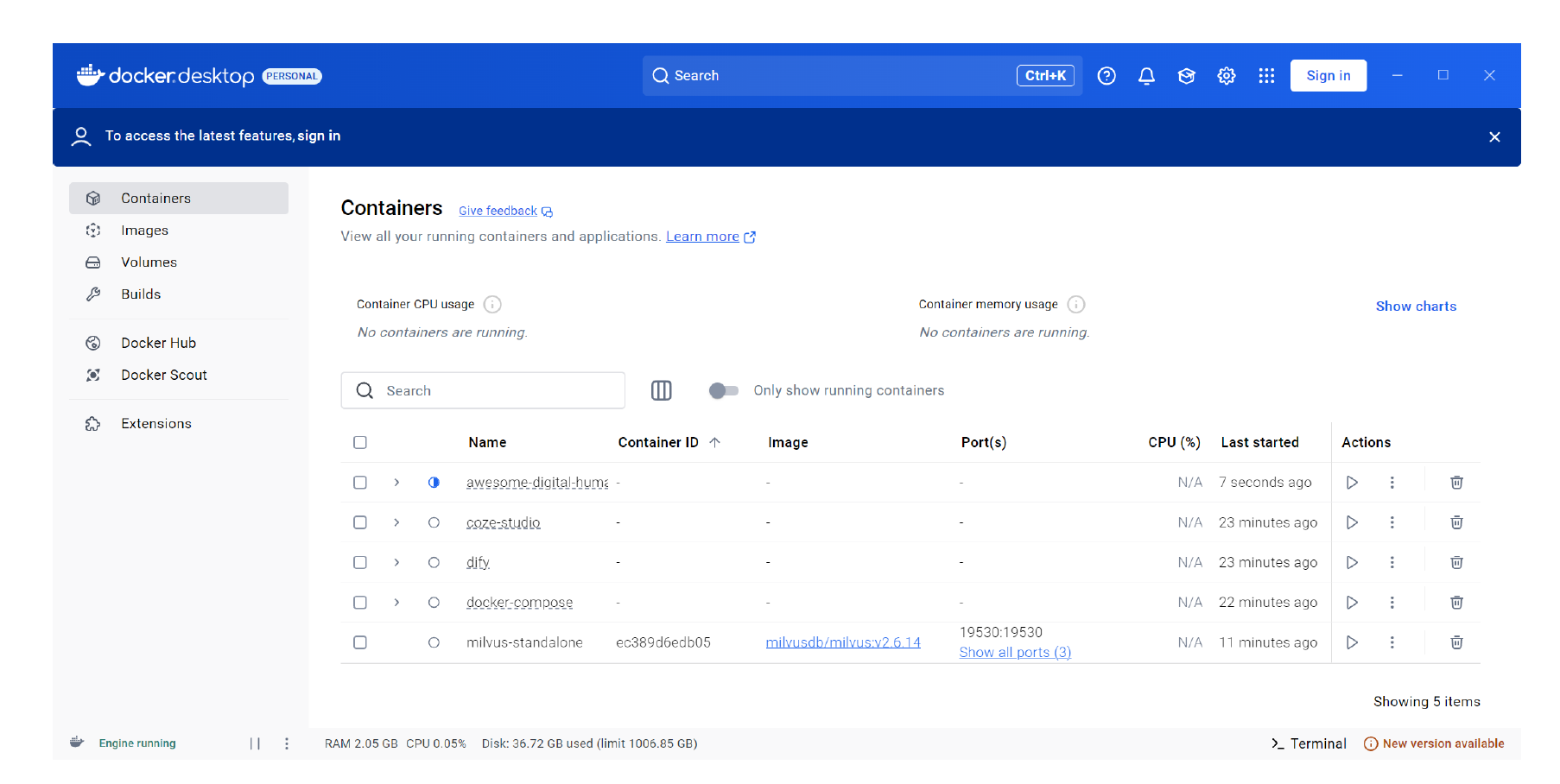
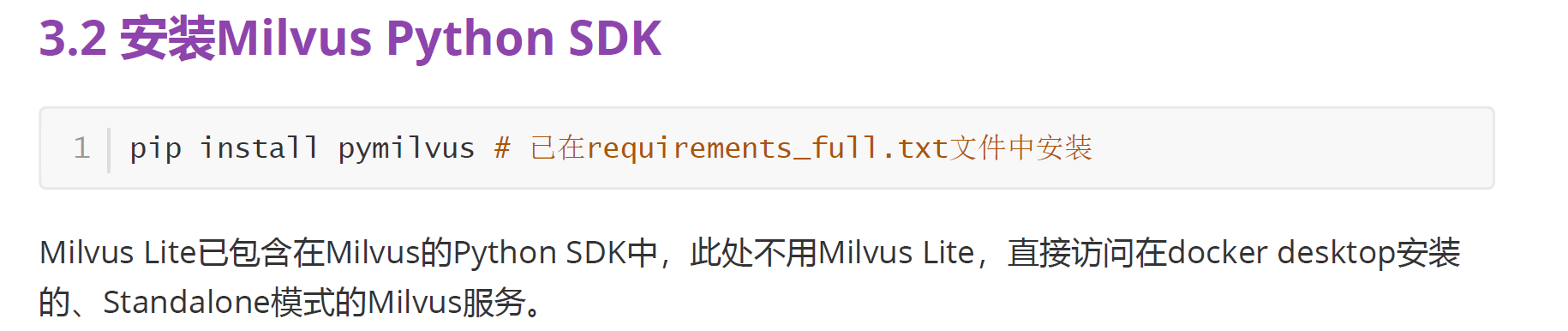
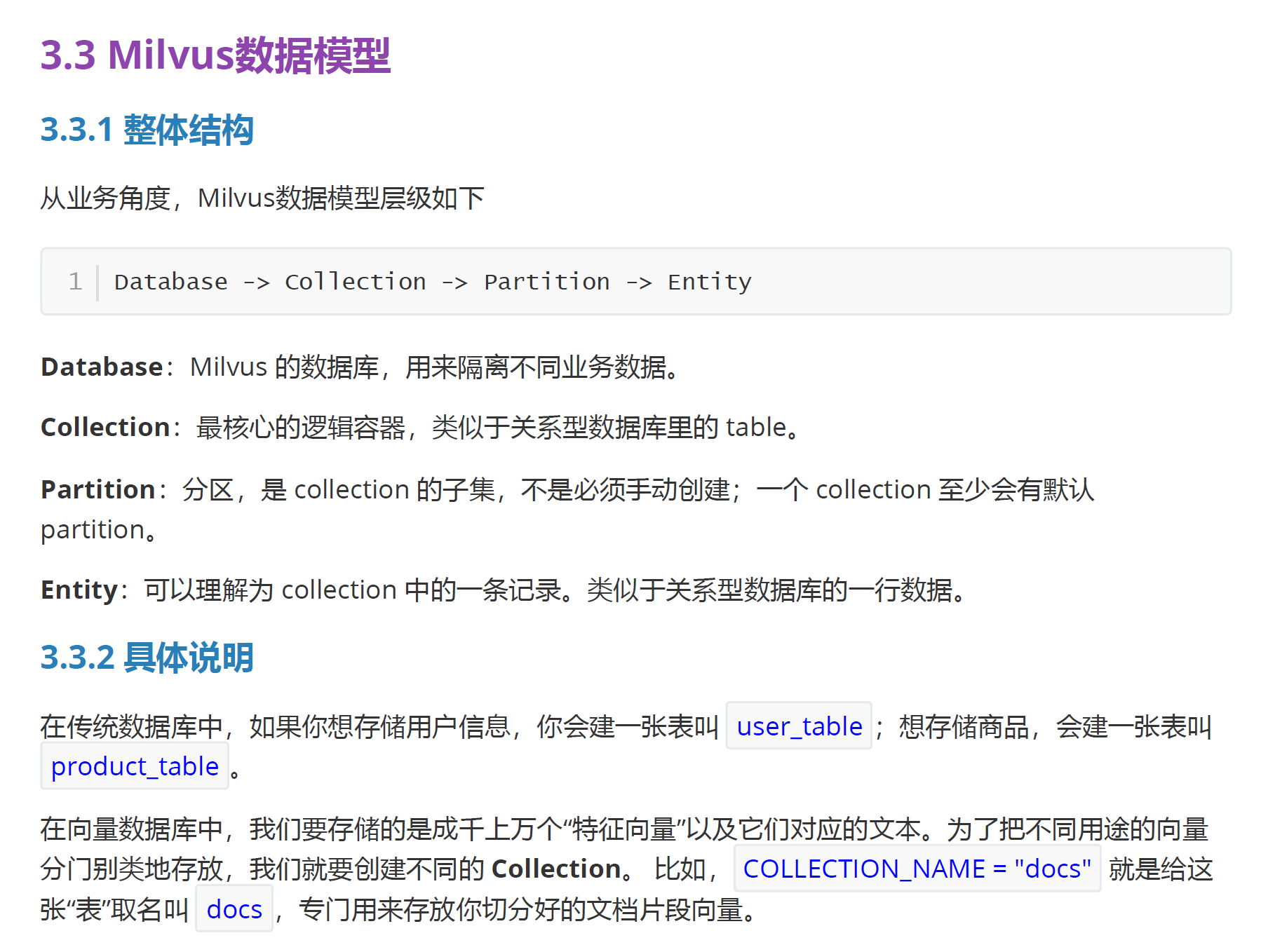
3、测试前准备工作
Milvus 基本用法
1、DDL操作
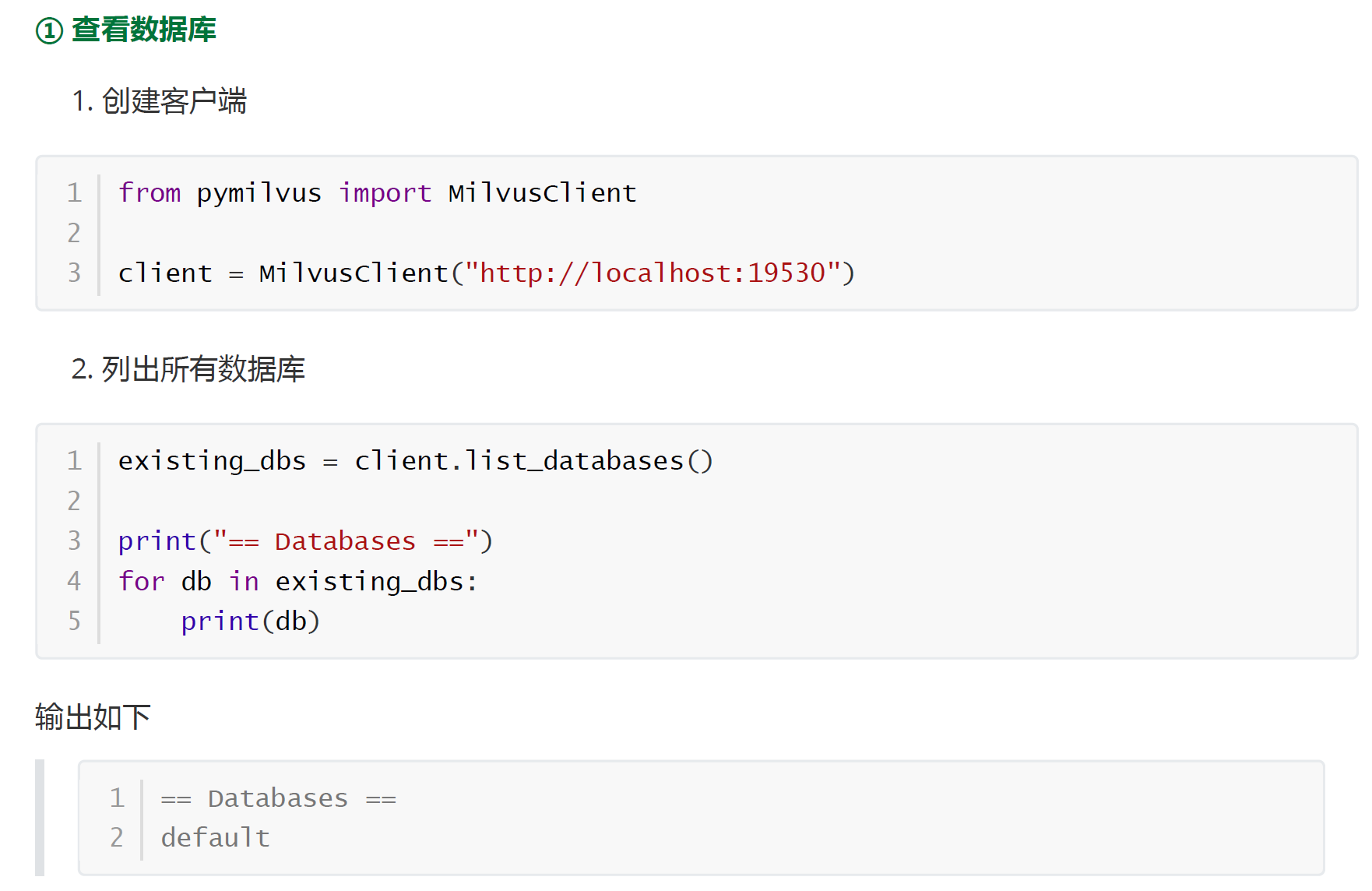
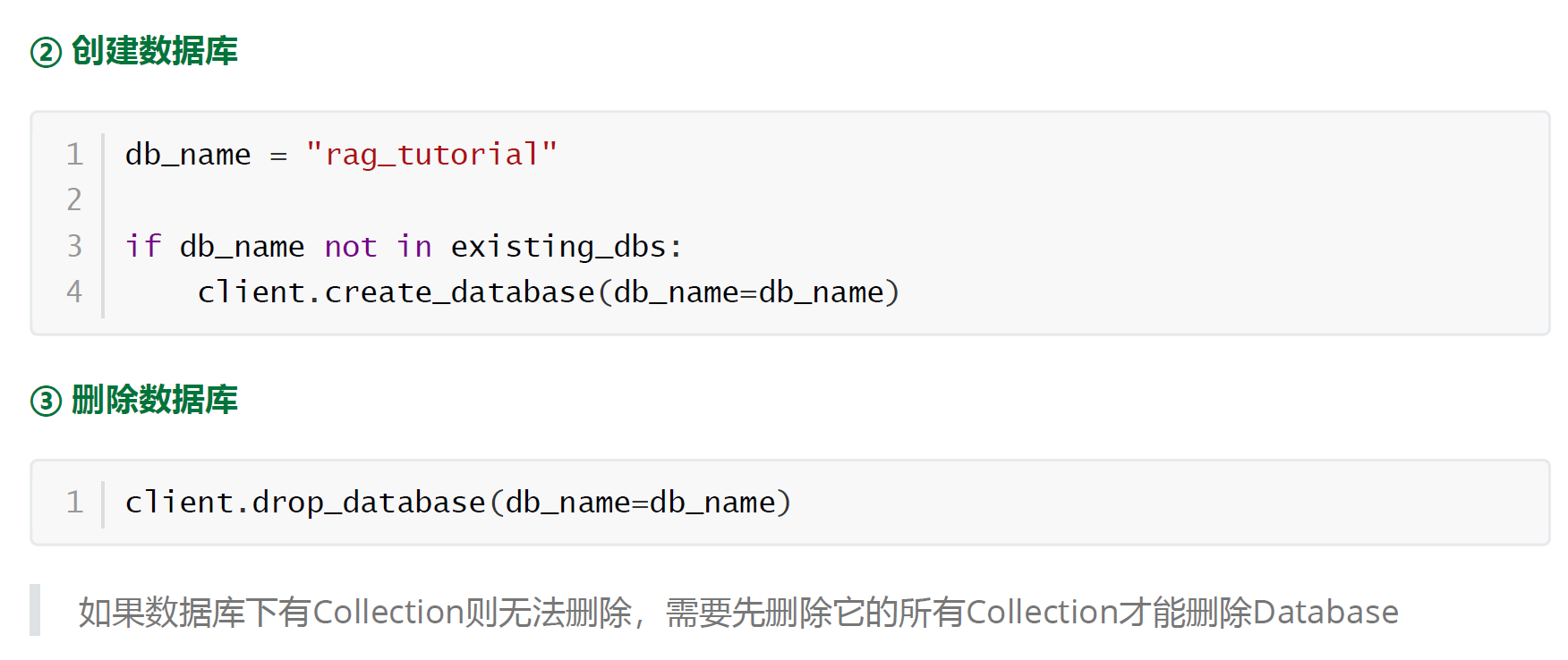
1.1 Database
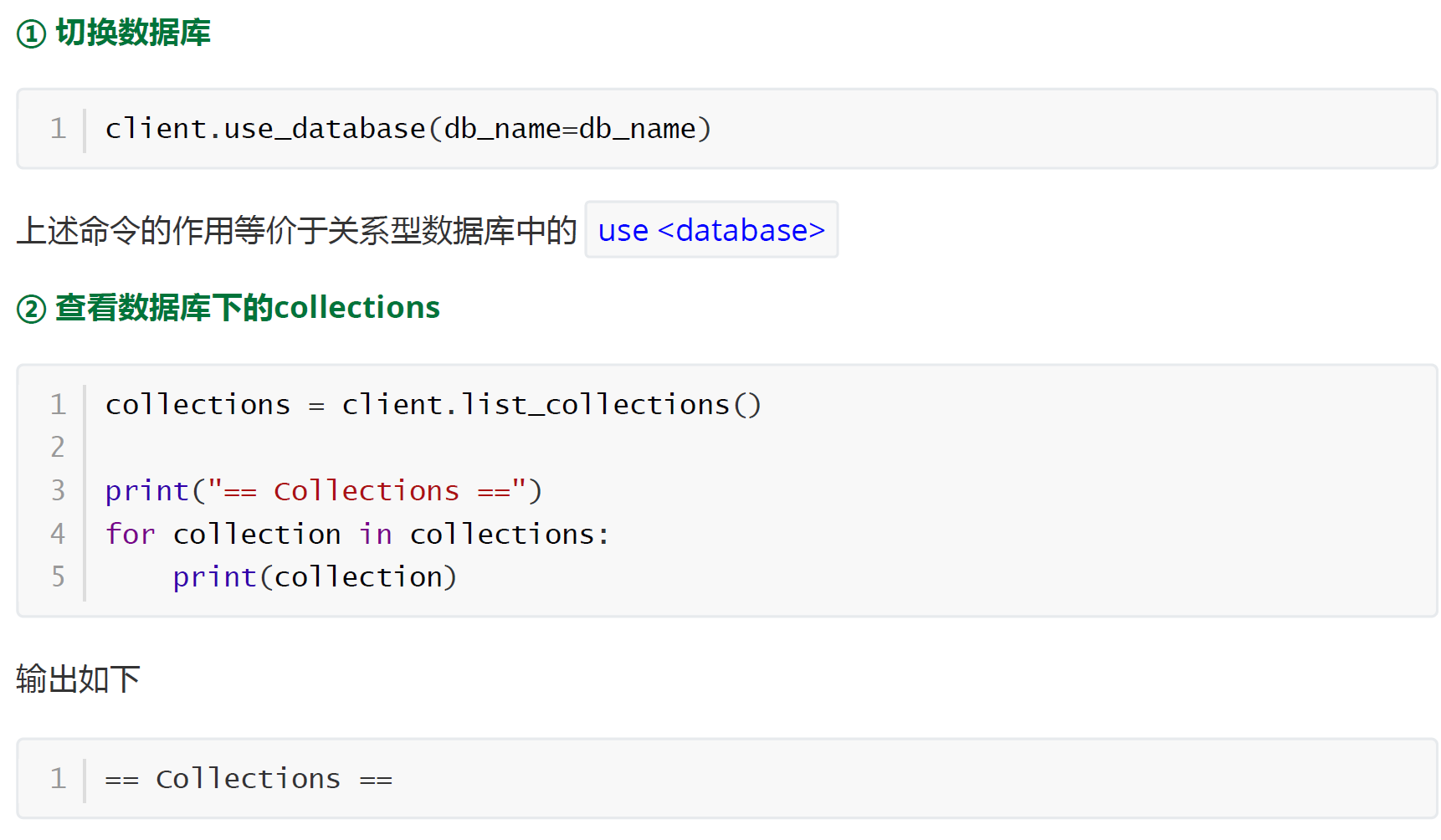
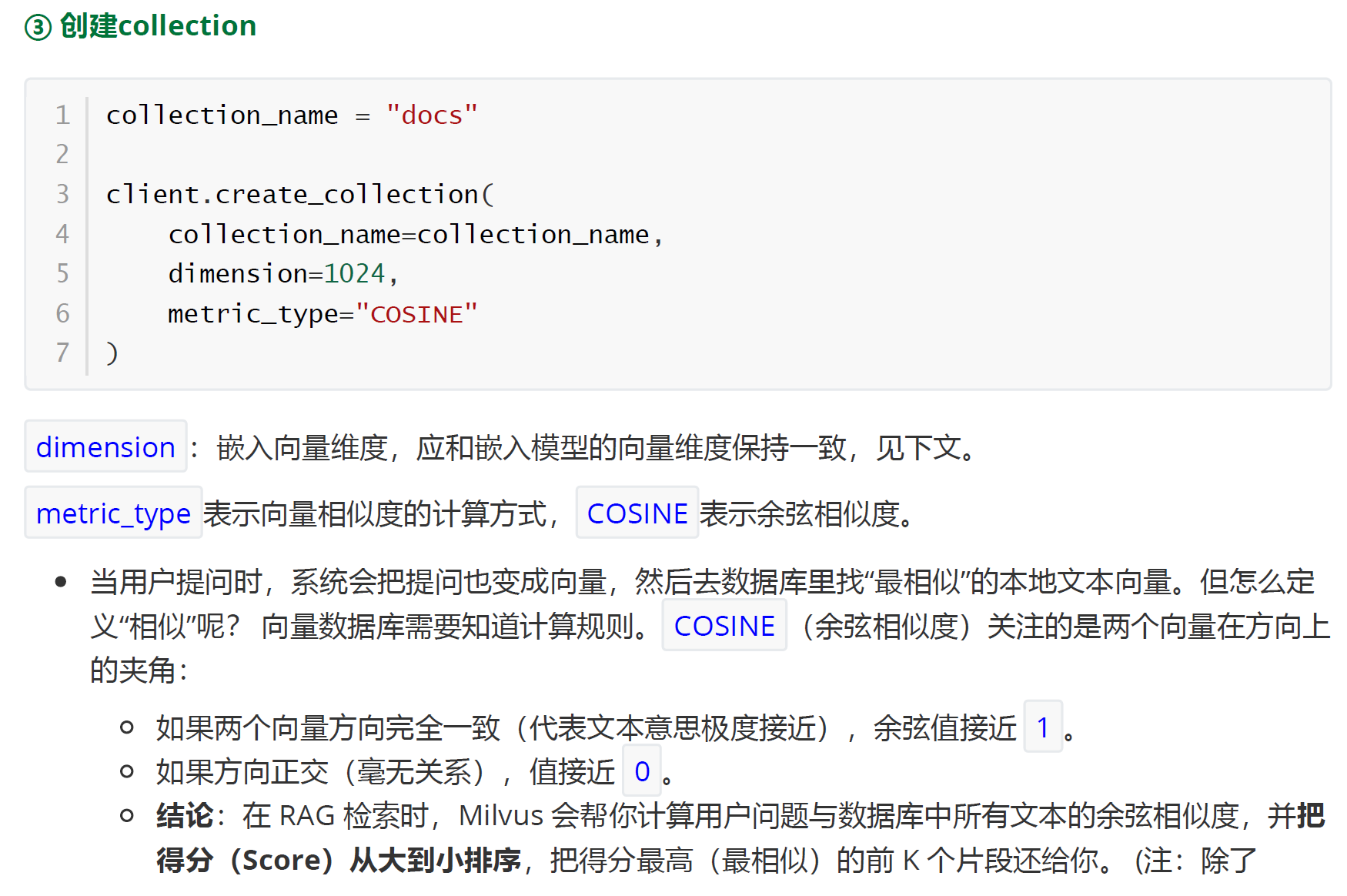
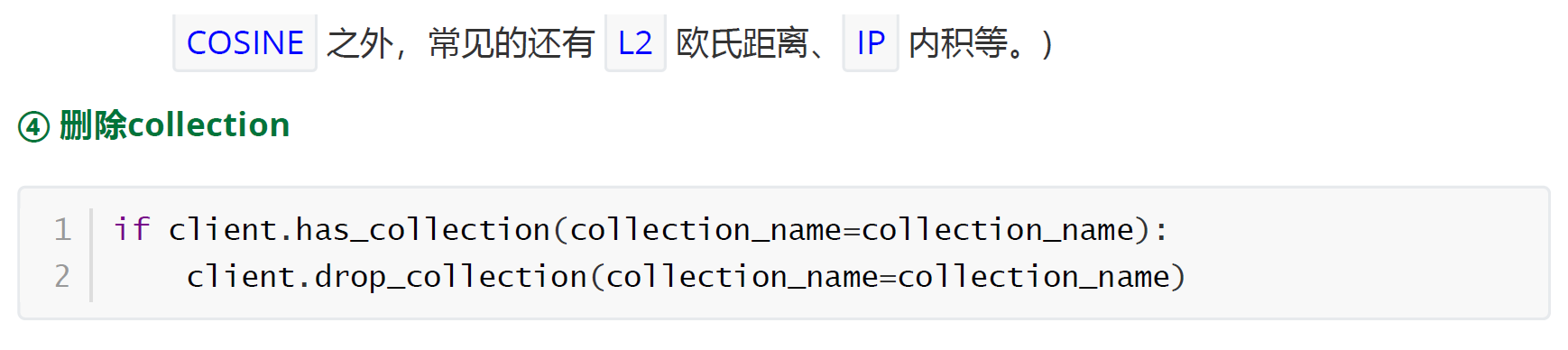
1.2 Collection
2、DML操作
确保已删除名为docs 的collection,下文会重新创建
2.1 准备嵌入模型
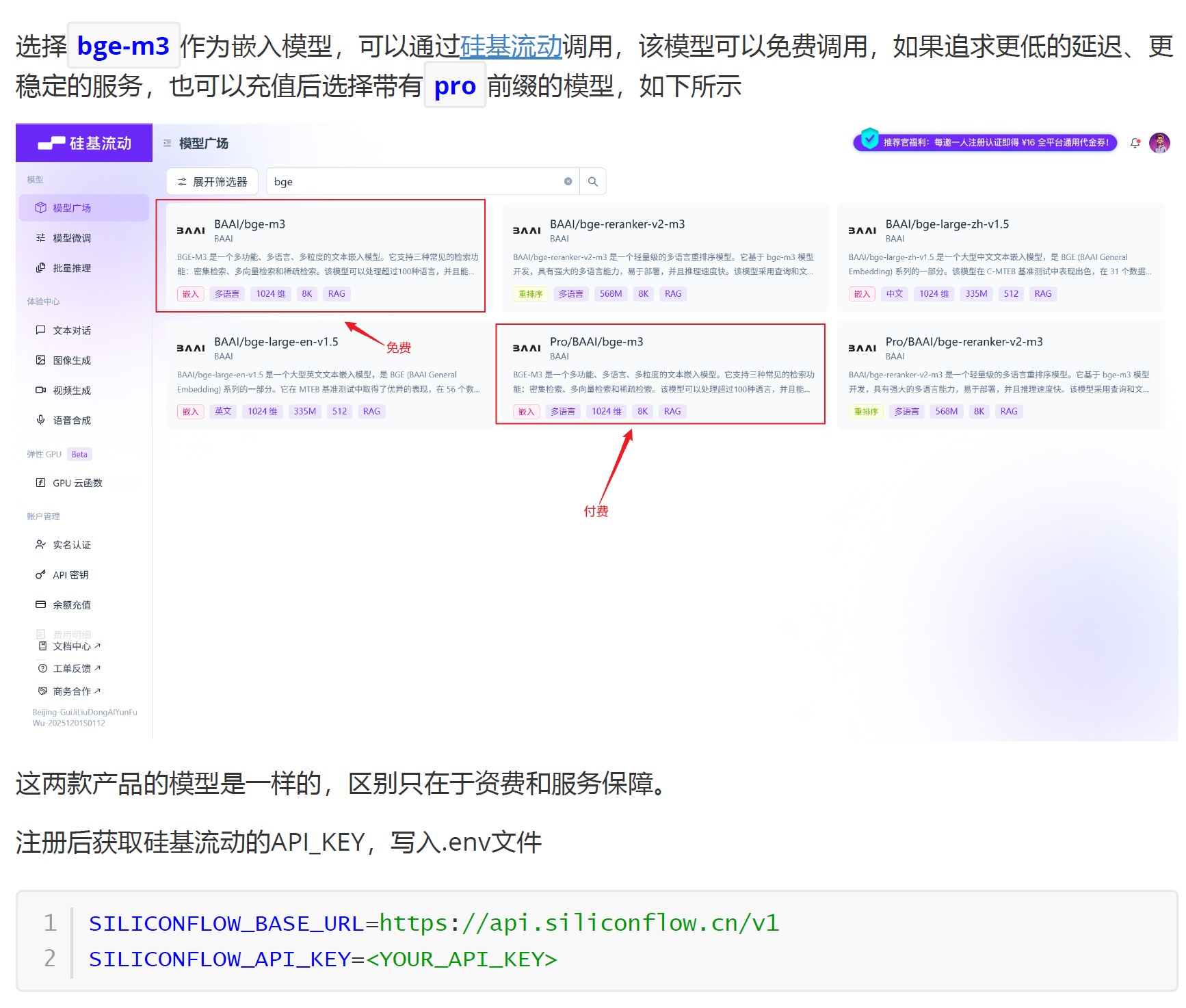
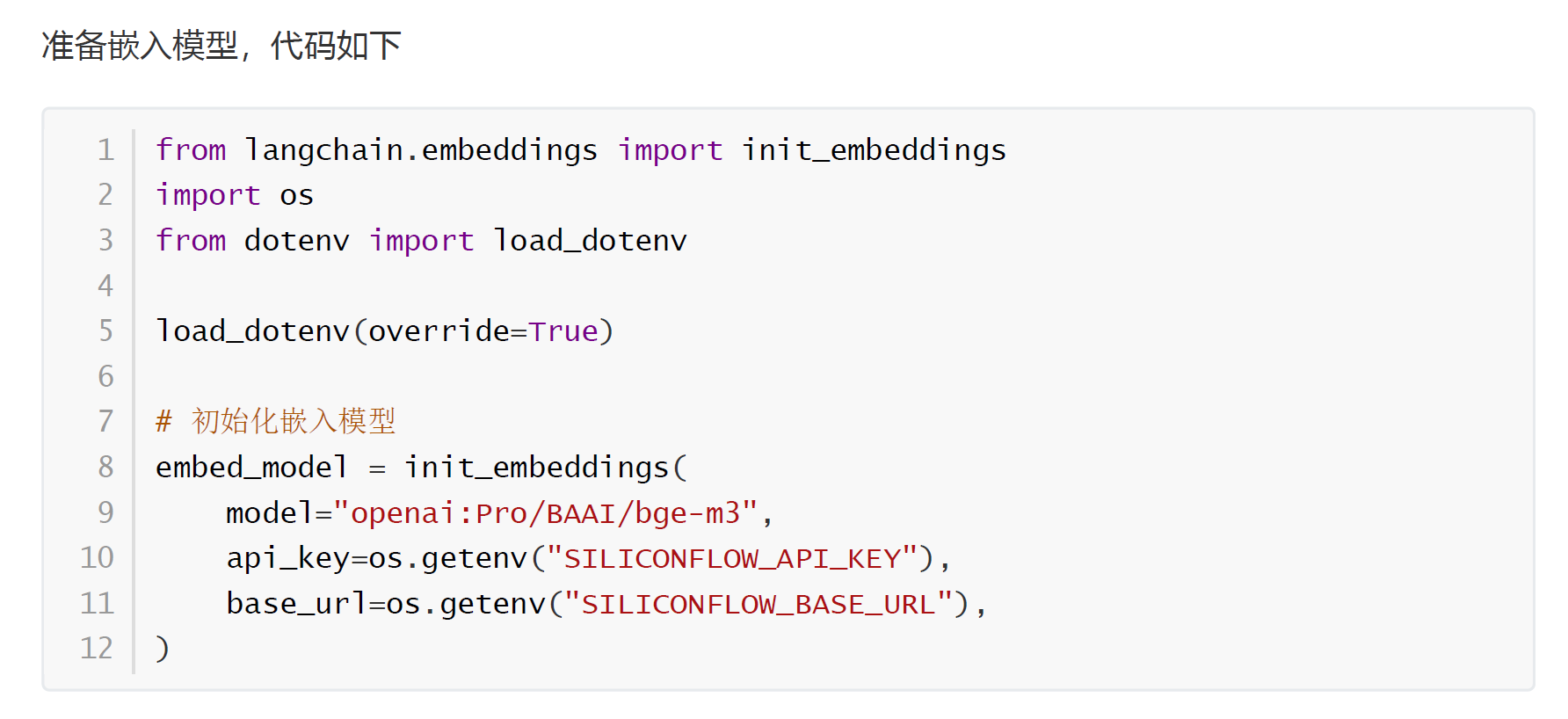
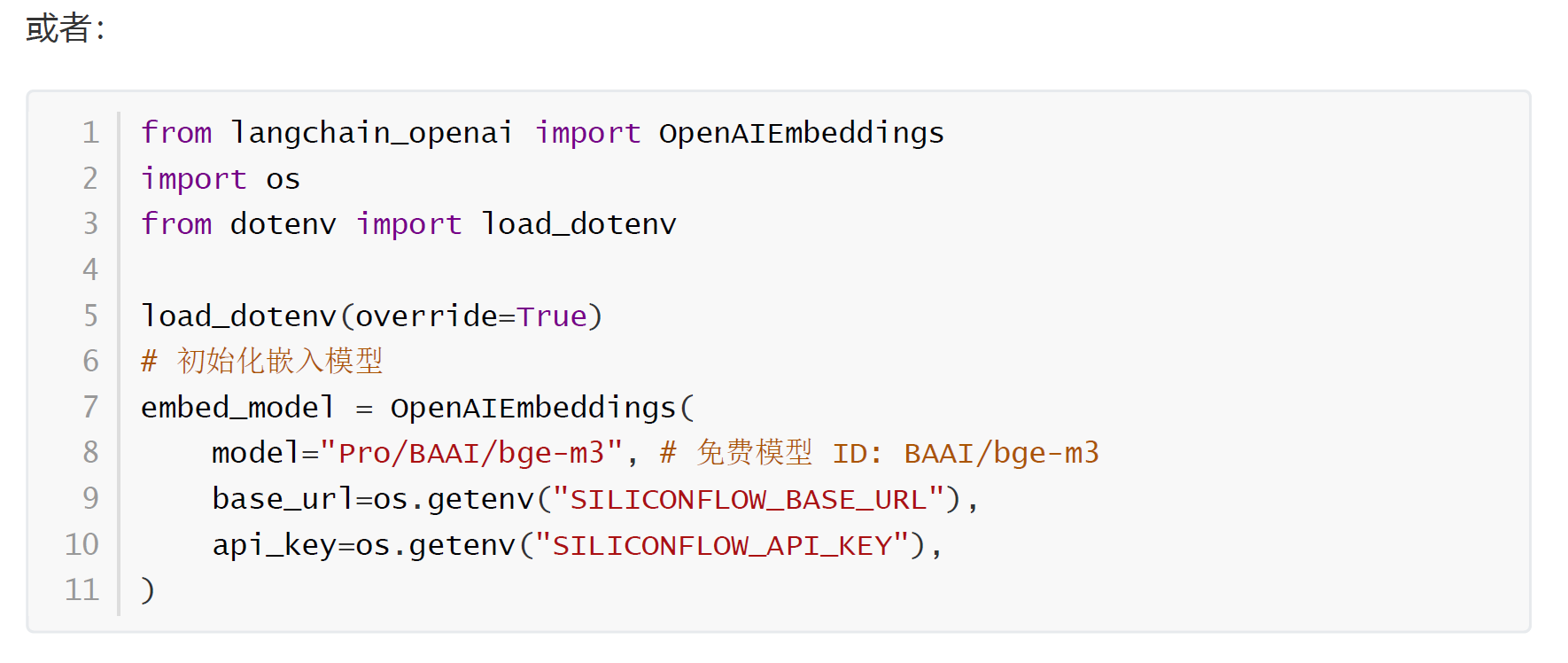
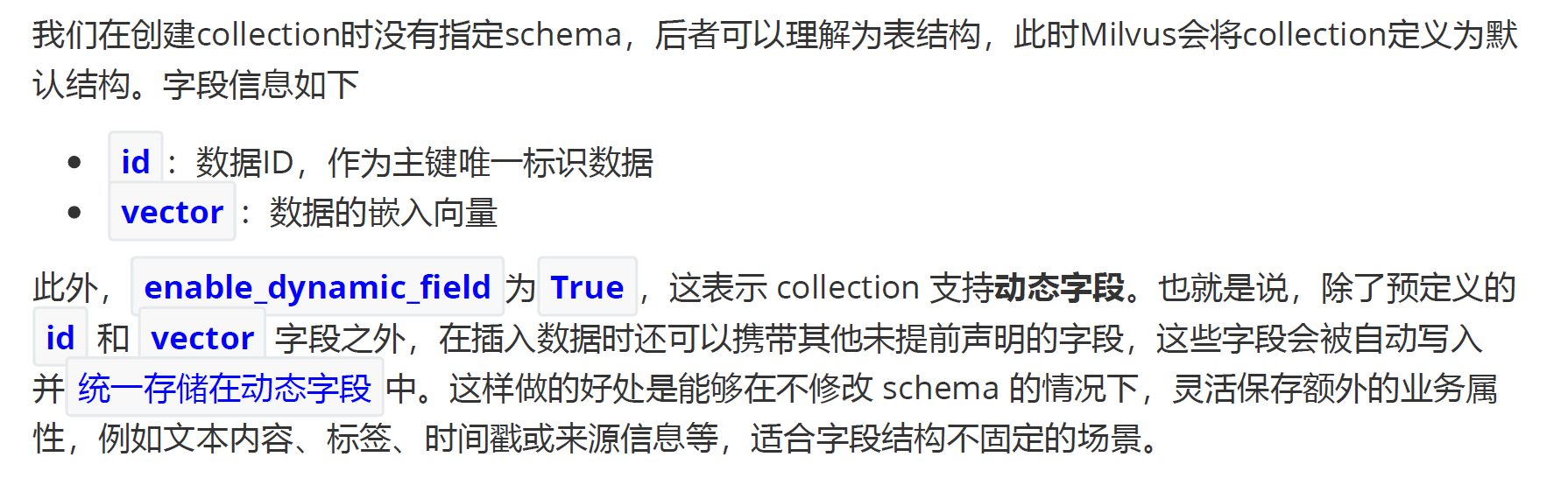
2.2 准备collection
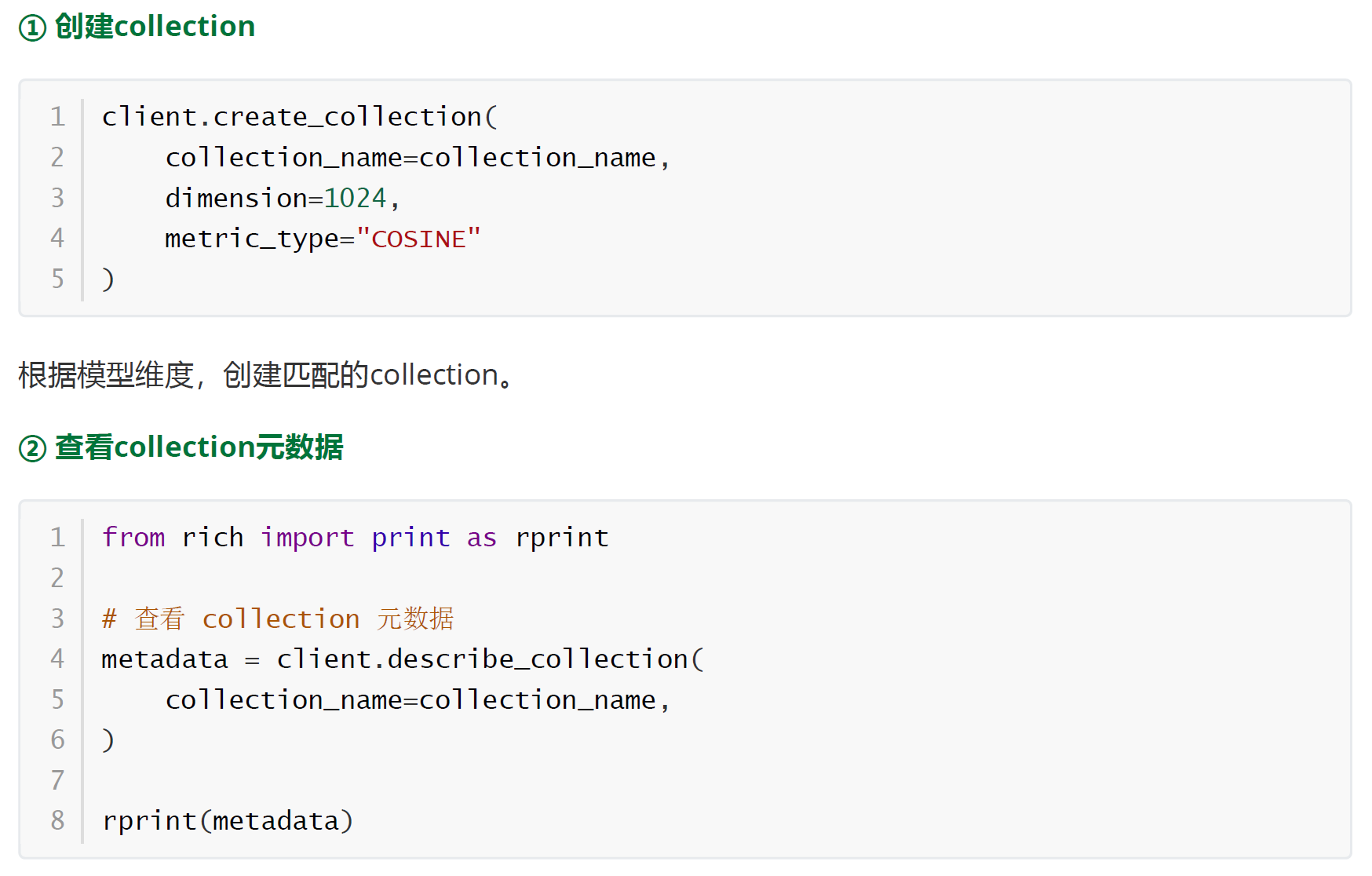
python
{
    'collection_name': 'docs',
    'auto_id': False,
    'num_shards': 1,
    'description': '',
    'fields': [
        {
            'field_id': 100,
            'name': 'id',
            'description': '',
            'type': <DataType.INT64: 5>,
            'params': {},
            'is_primary': True
        },
        {
            'field_id': 101,
            'name': 'vector',
            'description': '',
            'type': <DataType.FLOAT_VECTOR: 101>,
            'params': {'dim': 1024}
        }
    ],
    'functions': [],
    'aliases': [],
    'collection_id': 467040847074183555,
    'consistency_level': 2,
    'properties': {'timezone': 'UTC'},
    'num_partitions': 1,
    'enable_dynamic_field': True,
    'enable_namespace': False,
    'created_timestamp': 467041742317420562,
    'update_timestamp': 467041742317420562
}
2.3 准备数据
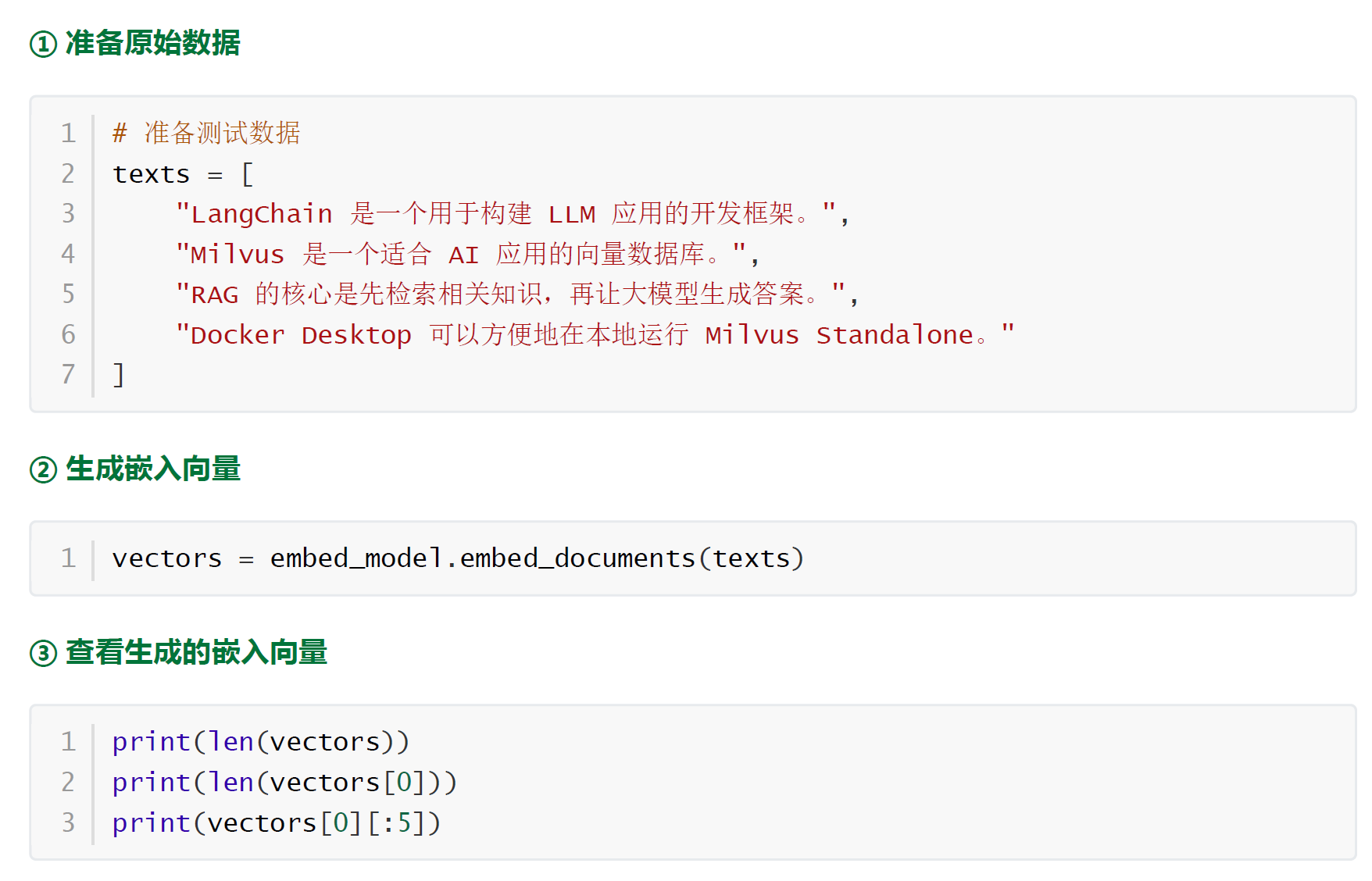
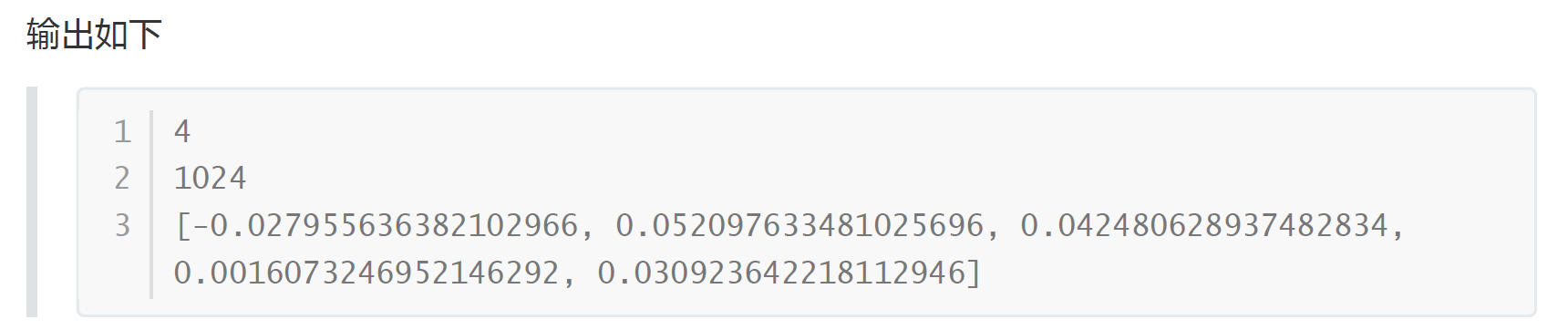
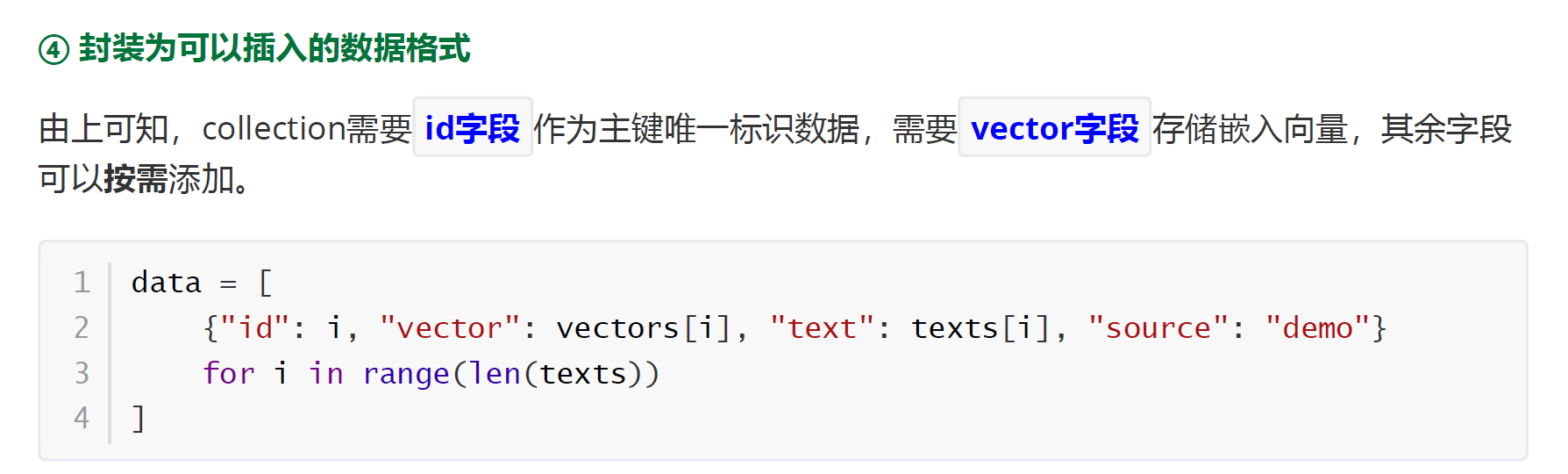
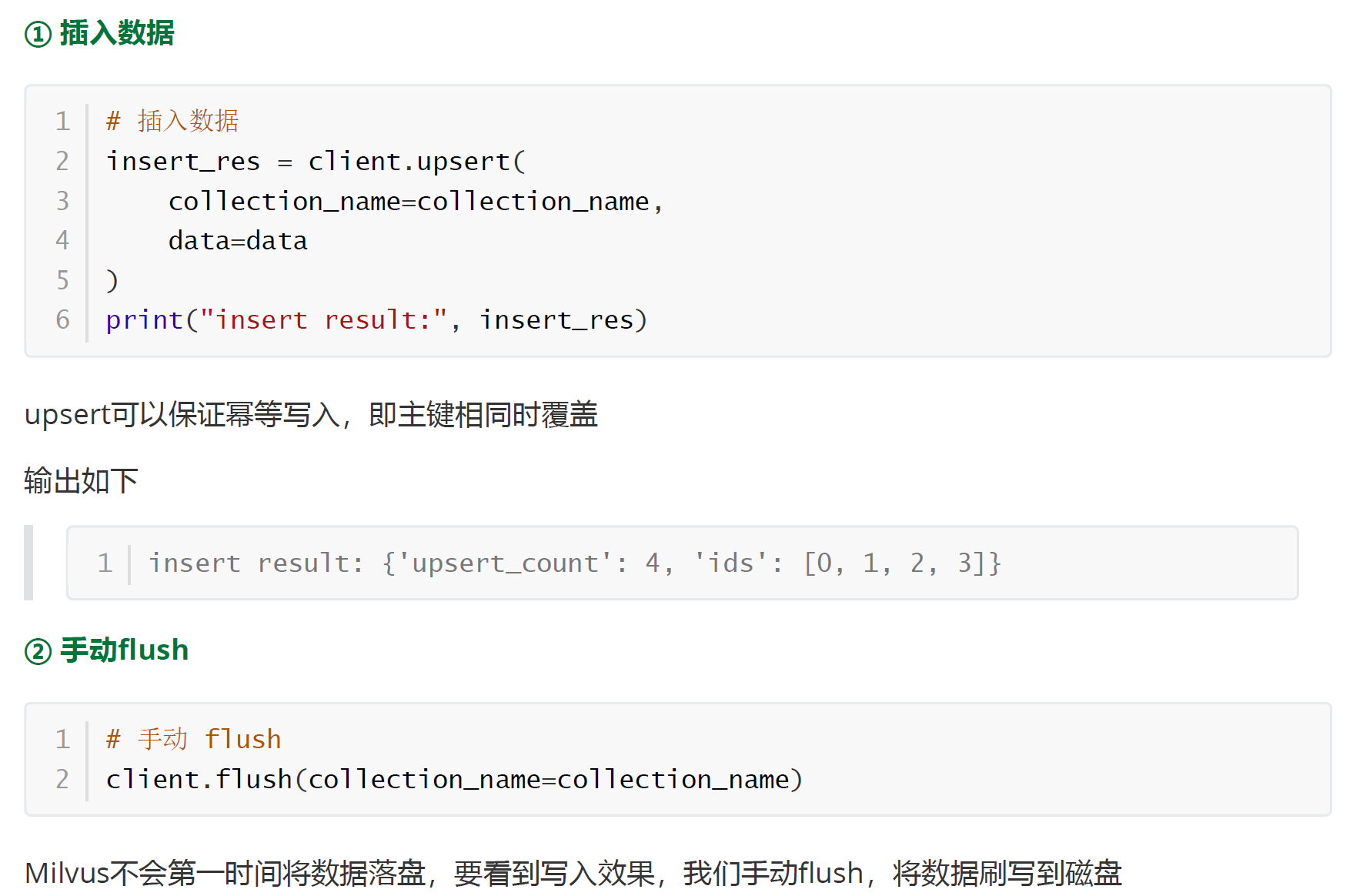
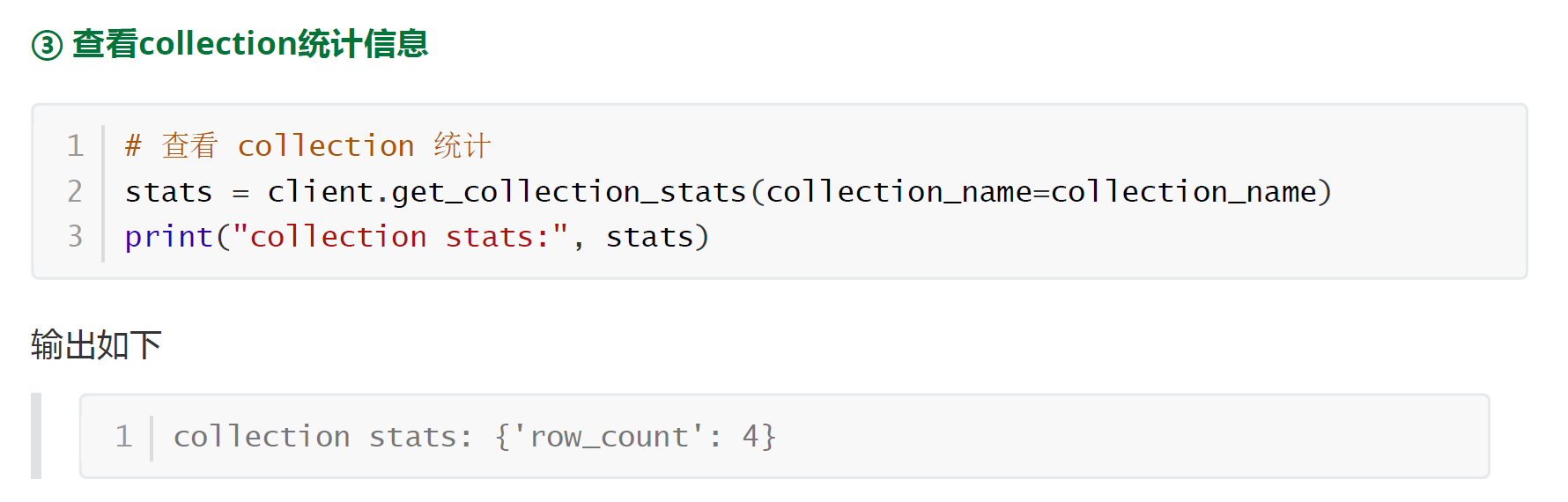
2.4 写入数据
3、DQL操作
3.1 扫描数据
通过query_iterator 扫描collection下的所有数据
python
iterator = client.query_iterator(
    collection_name=collection_name,
    filter="",
    output_fields=["*"]
)

i = 0
while True:

    rows = iterator.next()

    if not rows:
        break

    for row in rows:
        print(f"第{i + 1}条数据:")
        # print(row)

        print(f"id : {row["id"]},vector = {row["vector"][:5]},text = {row["text"]},source = {row["source"]}")

        i += 1

iterator.close()
python
第1条数据:
id : 0,vector = [-0.011260323226451874, 0.04925568029284477, 0.04267069697380066, -0.0021236573811620474, 0.005432611797004938],text = LangChain 是一个用于构建 LLM 应用的开发框架。,source = demo
第2条数据:
id : 1,vector = [-0.02432798594236374, 0.0016291062347590923, 0.01846320368349552, 0.00872476864606142, -0.009267804212868214],text = Milvus 是一个适合 AI 应用的向量数据库。,source = demo
第3条数据:
id : 2,vector = [-0.004508086945861578, 0.030777014791965485, 0.0059316931292414665, -0.03660701960325241, -0.0033217482268810272],text = RAG 的核心是先检索相关知识,再让大模型生成答案。,source = demo
第4条数据:
id : 3,vector = [0.005521129816770554, 0.013496095314621925, -0.013929124921560287, -0.02554875798523426, -0.010753572918474674],text = Docker Desktop 可以方便地在本地运行 Milvus Standalone。,source = demo
3.2 通过主键查询数据
python
res = client.get(
    collection_name=collection_name,
    ids=[0,1,2]
)

print(len(res))

for i in range(len(res)):
    print(f"第{i + 1}条数据:")
    print(f"id : {res[i]["id"]},vector = {res[i]["vector"][:5]},text = {res[i]["text"]},source = {res[i]["source"]}")
    # print(res[i])
python
3
第1条数据:
id : 0,vector = [-0.011260323226451874, 0.04925568029284477, 0.04267069697380066, -0.0021236573811620474, 0.005432611797004938],text = LangChain 是一个用于构建 LLM 应用的开发框架。,source = demo
第2条数据:
id : 1,vector = [-0.02432798594236374, 0.0016291062347590923, 0.01846320368349552, 0.00872476864606142, -0.009267804212868214],text = Milvus 是一个适合 AI 应用的向量数据库。,source = demo
第3条数据:
id : 2,vector = [-0.004508086945861578, 0.030777014791965485, 0.0059316931292414665, -0.03660701960325241, -0.0033217482268810272],text = RAG 的核心是先检索相关知识,再让大模型生成答案。,source = demo
3.3 相似度检索
① 准备查询嵌入
python
#%%
# 相似度检索
query = "什么是向量数据库?"
query_vector = embed_model.embed_query(query)
② 检索
python
results = client.search(
    collection_name=collection_name,
    data=[query_vector],
    limit=3,
    output_fields=["text","source","id"]
)

for res in results[0]:
    print(res)
python
{'id': 0, 'distance': 0.6388449668884277, 'entity': {'id': 0, 'text': 'LangChain 是一个用于构建 LLM 应用的开发框架。', 'source': 'demo'}}
{'id': 3, 'distance': 0.31398770213127136, 'entity': {'id': 3, 'text': 'Docker Desktop 可以方便地在本地运行 Milvus Standalone。', 'source': 'demo'}}
{'id': 2, 'distance': 0.2985413074493408, 'entity': {'id': 2, 'text': 'RAG 的核心是先检索相关知识,再让大模型生成答案。', 'source': 'demo'}}