⑴
So what's going on then inside of the computer's actual memory ? Well, let's consider that in pictorial form again.
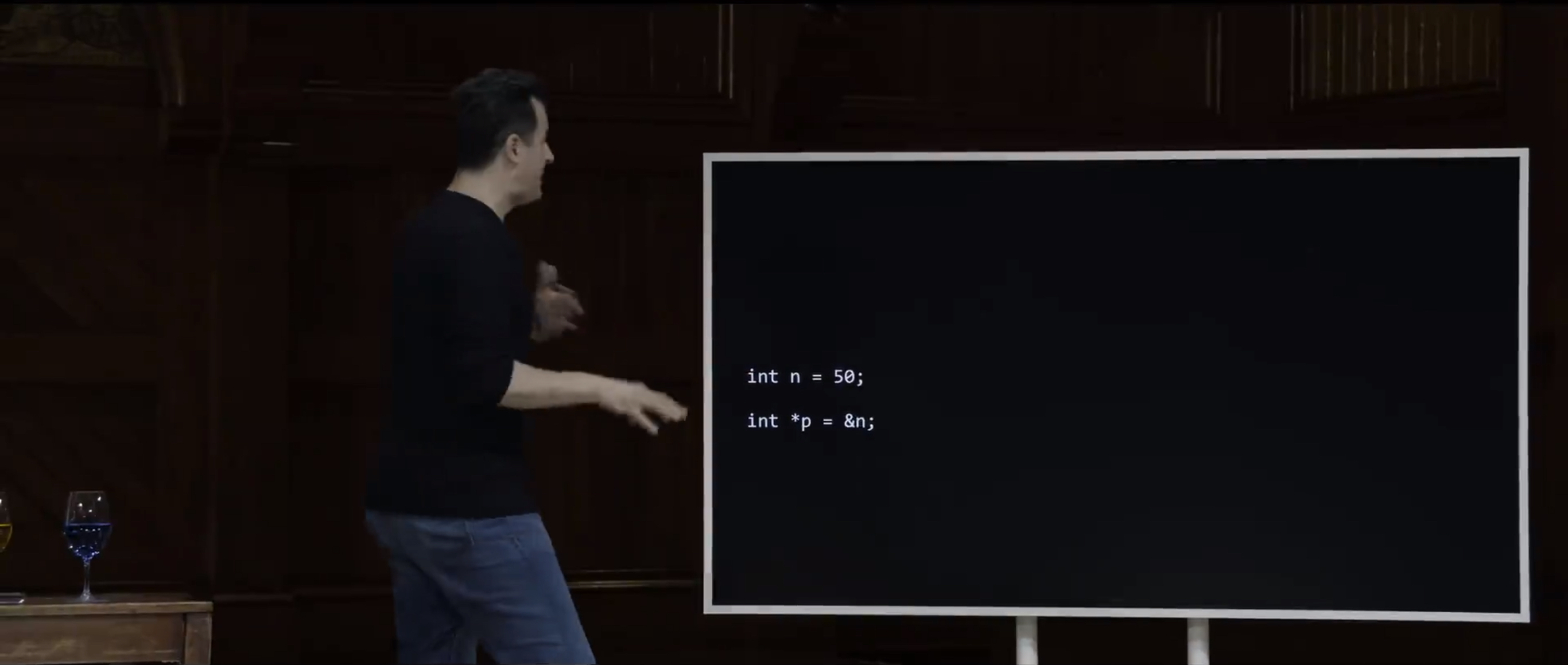
So even though I've written the pointer in this way, int then a space, then star p equals ampersand n semicolon that is the conventional way. That's how you'll see it on most websites, most textbooks.
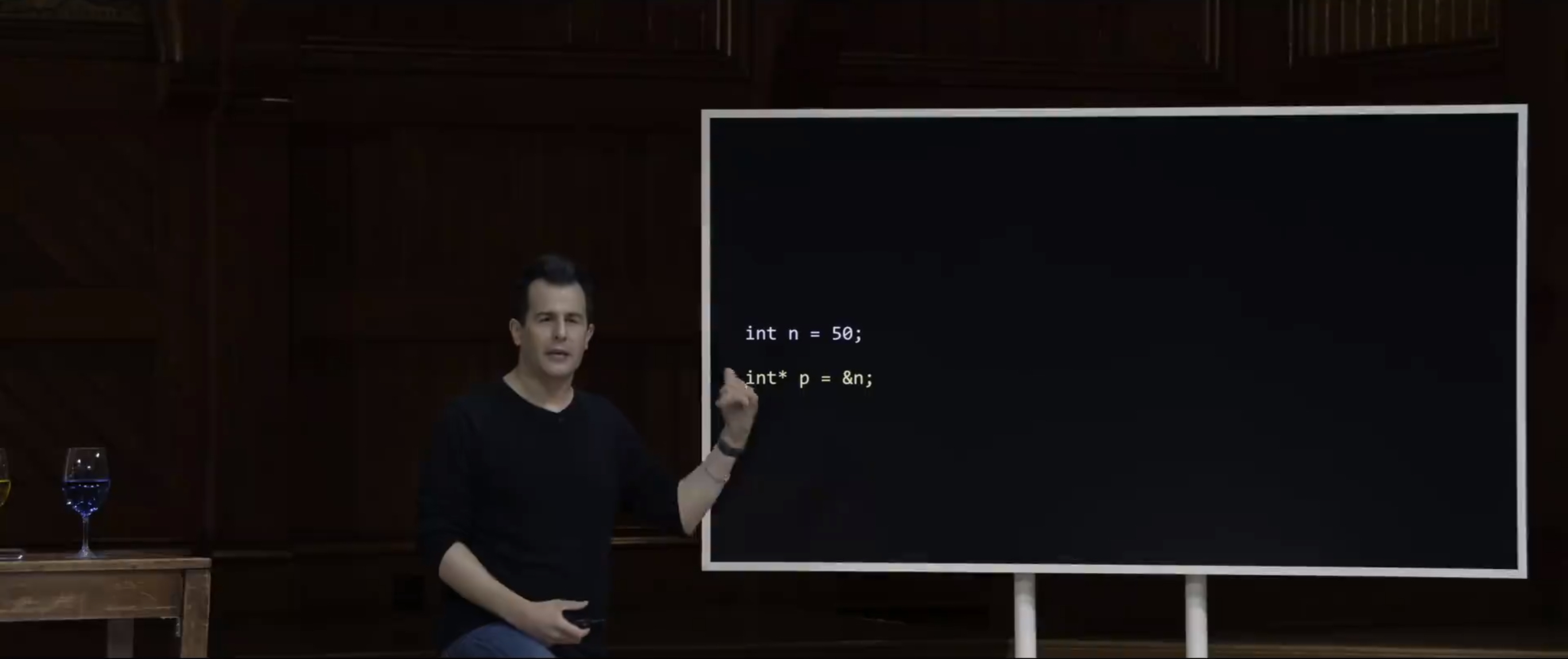
Technically speaking, I will admit that it might actually be easier to understand if you actually move the asterisk a little to the left, because this makes, visually, I think, it even more clear that int star is the type of the variable p as opposed to the star being somehow attached to the variable name itself.
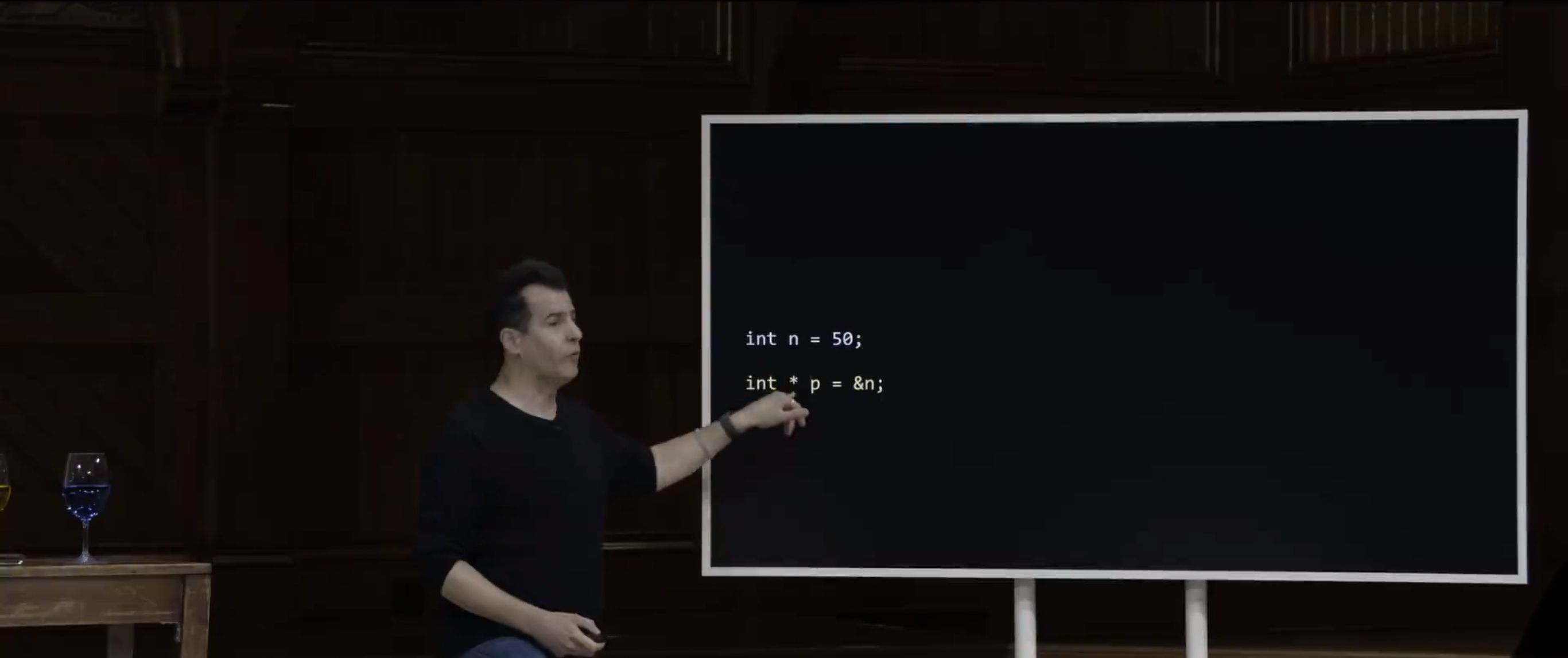
However, you might also see it written with a space on either side, which I don't think really helps anyone. But the point is that white space does not matter in this context.
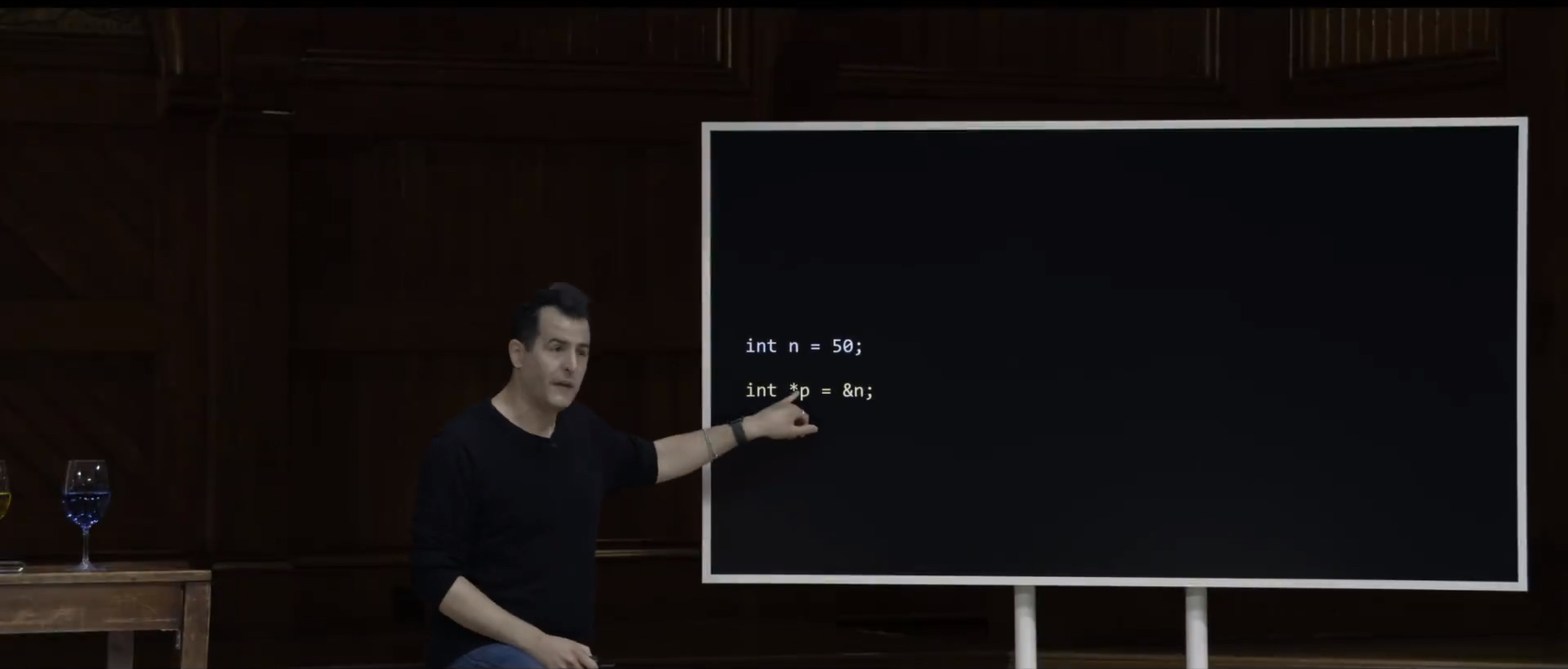
And the conventional way is to do it by prefixing the variable's name with the star. And this avoids getting into trouble when you declare multiple variables at a time. But if it helps you to think about it, you can think of it as int star as being the type. It's not just an int, per se.
So with that said, let's consider now the canvas of computer's memory inside of which we're storing n, and now, p.
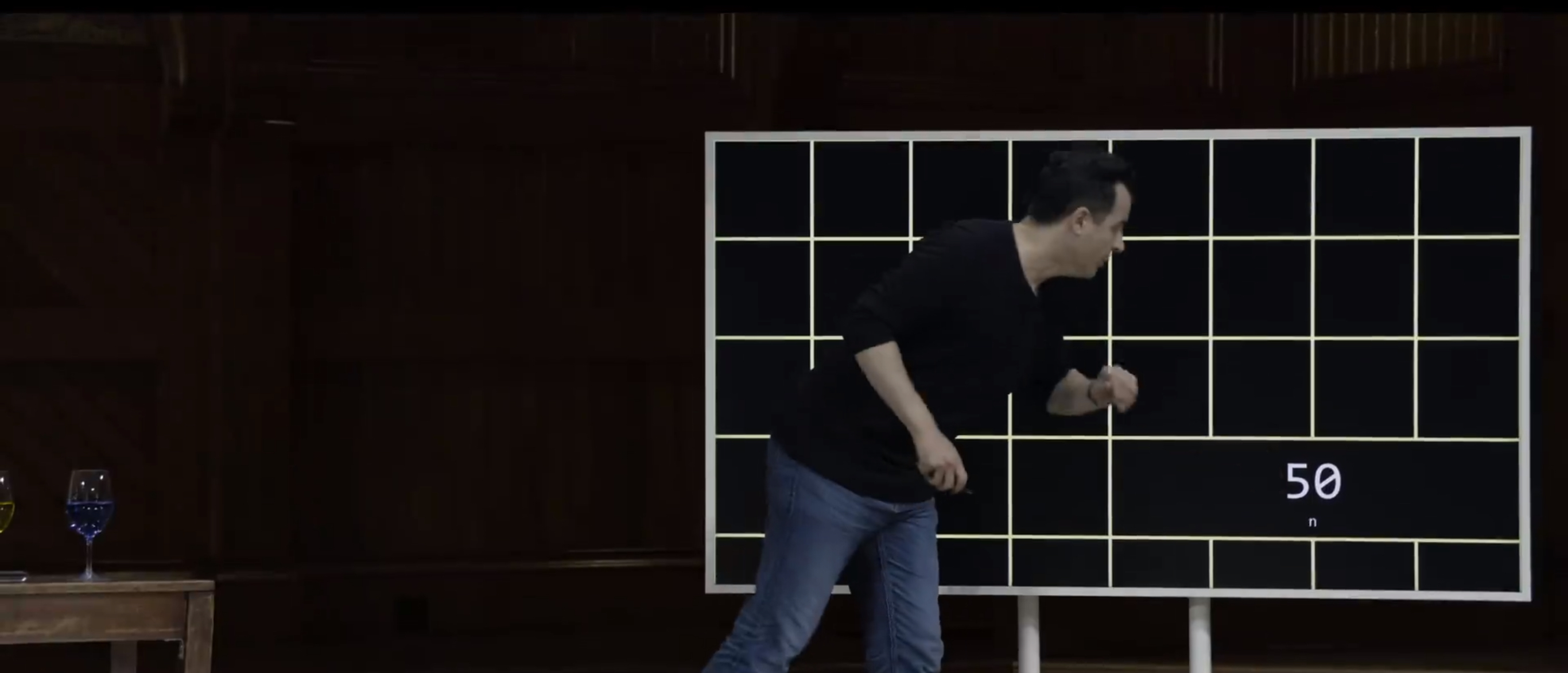
So previously, I proposed that n is maybe, yeah, it's done in the bottom right hand corner of the screen. So n is storing the number 50 here. But technically, n lives somewhere.
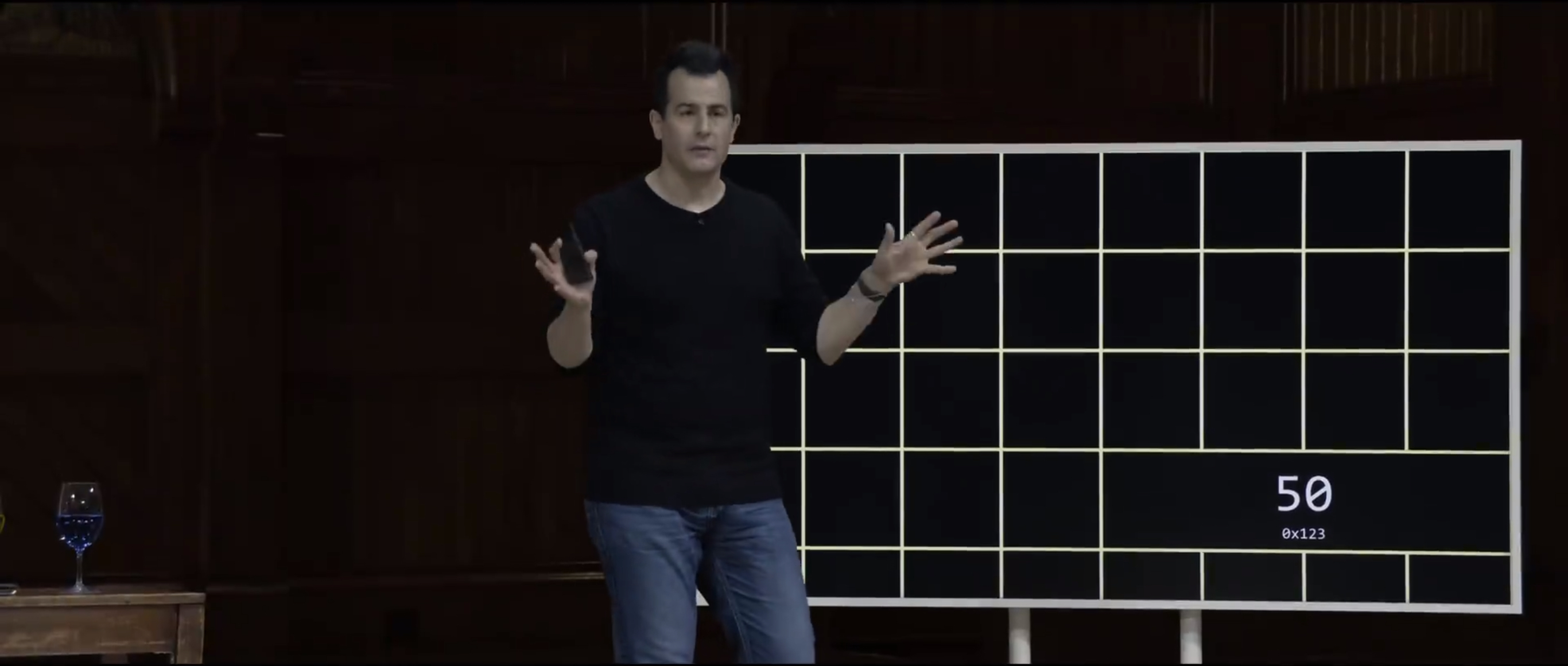
And for simplicity, I'm going to claim it's 0x123, rather than the bigger actual address we just saw. But what about p ? Well, p itself is another variable that I declared separately. So it's got to live somewhere in the computer's memory.
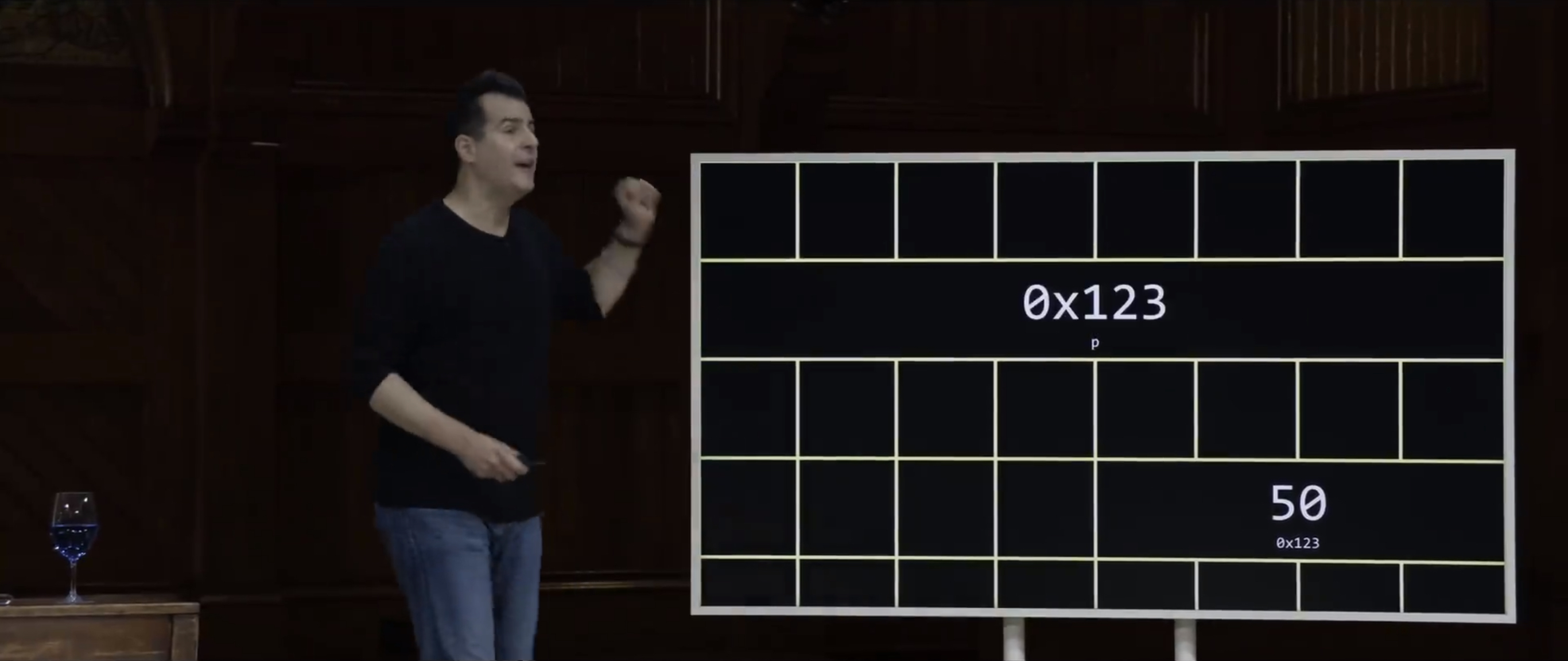
And it turns out, by convention, pointers take up more space. They typically use eight bytes nowadays, rather than just four. Why is that ? Well, if you've got eight bytes, you can count even higher. You can have even more addresses. You can have more memory in your Mac, your PC, and phone. That's a good thing. So pointers tend to be eight bytes, which is why I've used squares on the screen here. But what is actually p storing ? Well, it's just storing a number. Yes, it's technically an integer, but that integer is itself should be thought of as the address of some other value. So n is down here at 0x123, p is up here at who knows what address. Doesn't matter for the sake of discussion, but it's value, what it's storing with its pattern of 64 bits, is apparently 0x123. So how does this help us ? Well, if you think about this a little more abstractly, who cares about what else is going on in the computer's memory ?
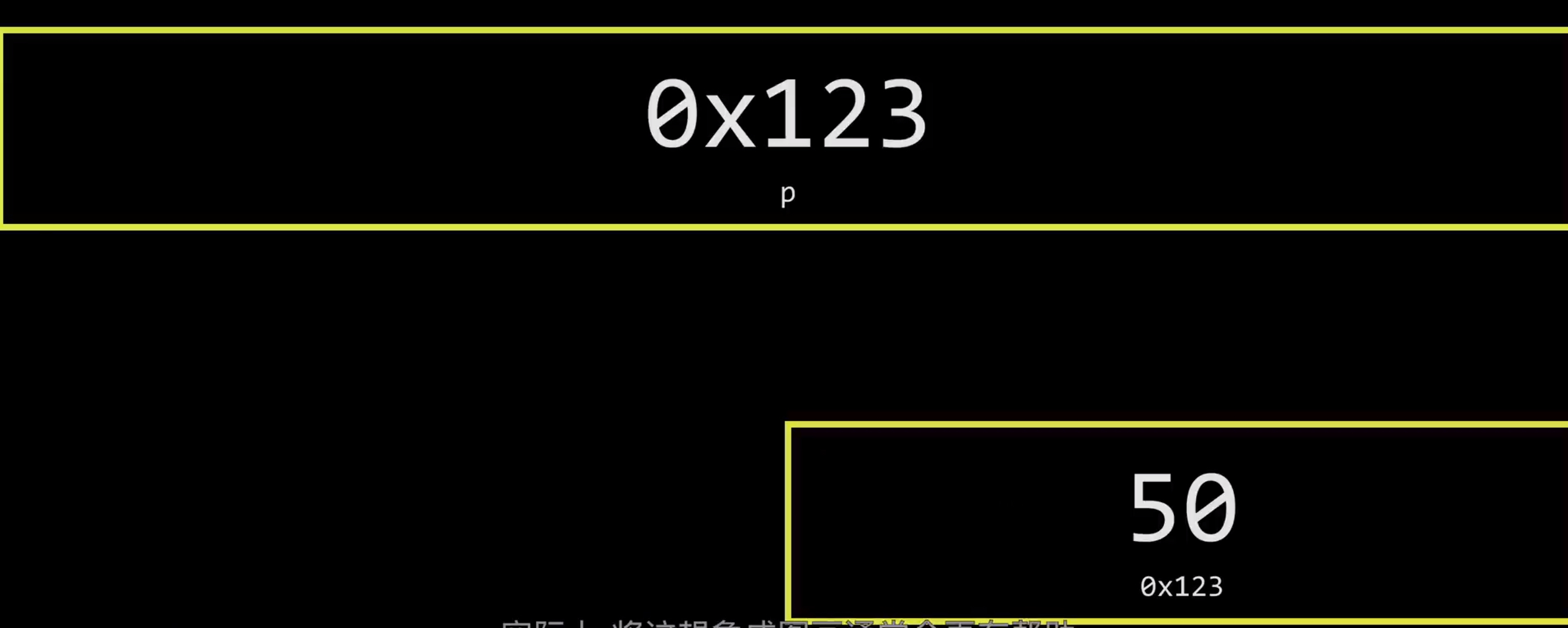
It actually tends to be helpful to think about this pictorially as being a little something like this. At the end of the day, you and I, even when we start writing code in C that uses pointers, generally, you and I are never going to care about the actual addresses. Even though I showed you 0x something, that's not generally useful information. It's suffices to know that it exists somewhere, and let the computer figure out how to get there.
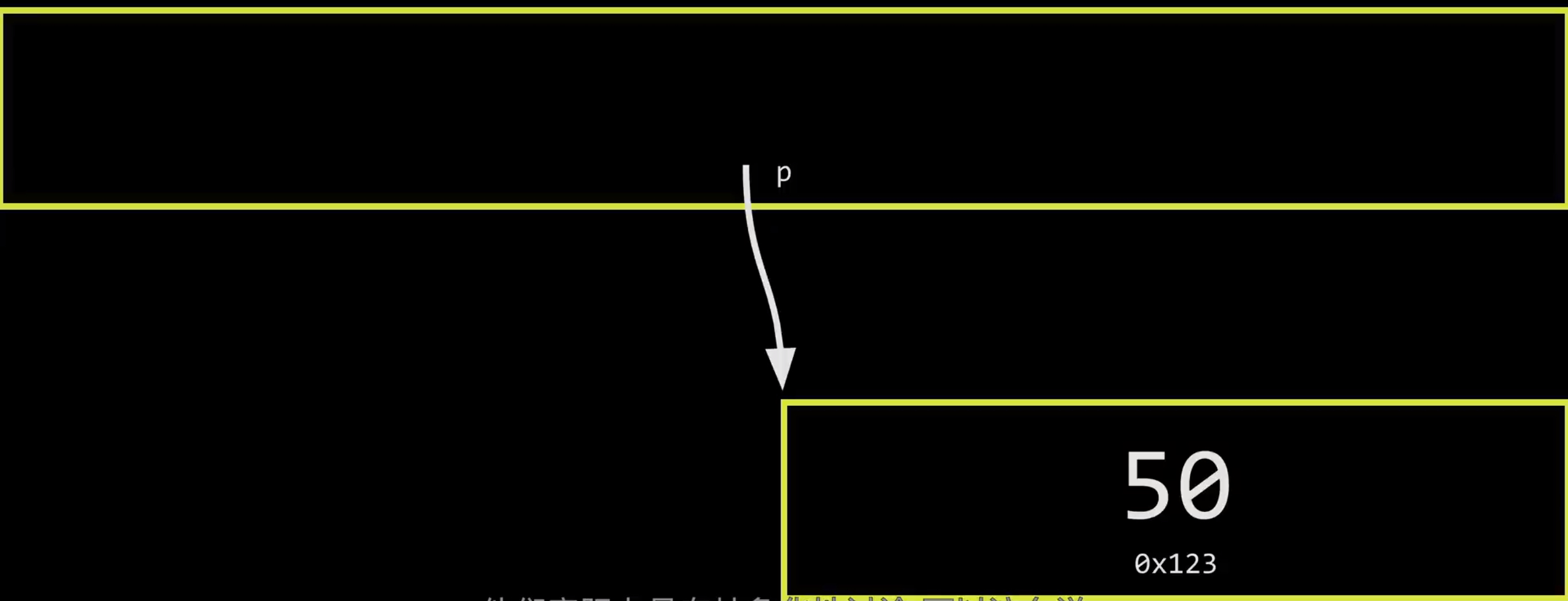
And so very often when talking about pointers and addresses more generally people actually abstract them away, so to speak.
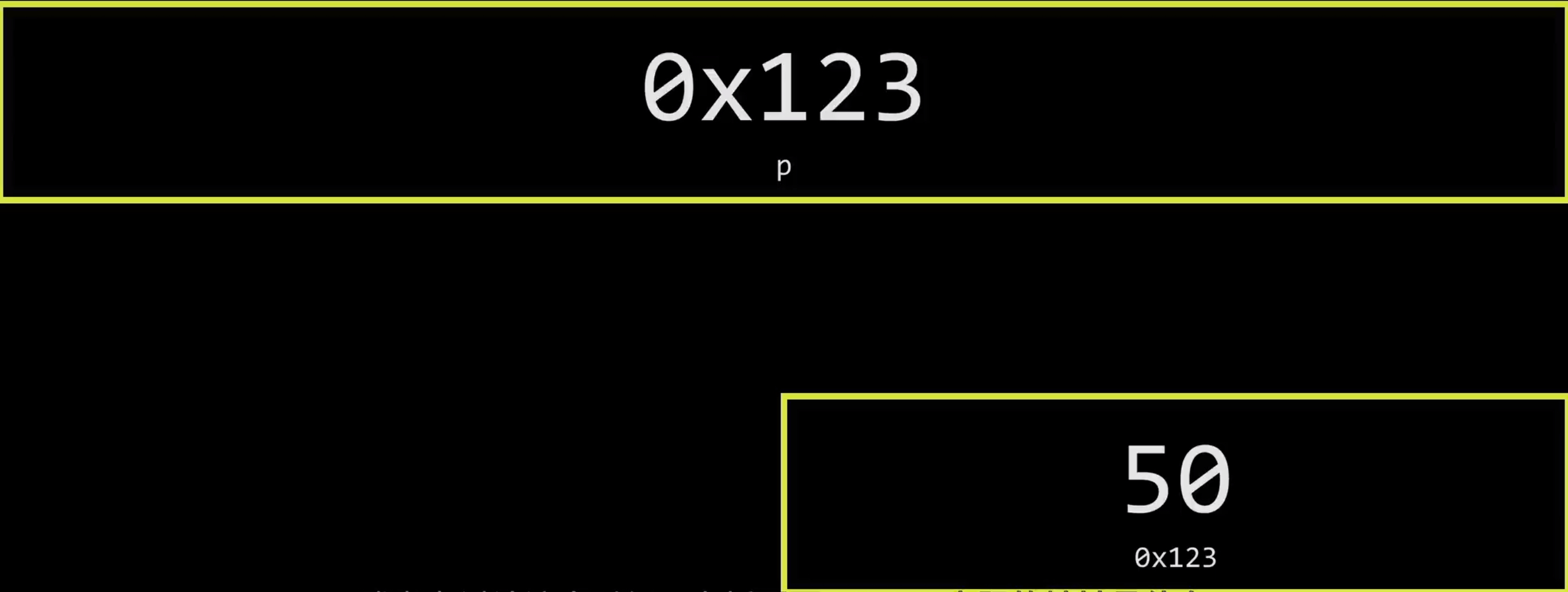
So instead of literally writing on the screen or the whiteboard when discussing this 0x123, what the actual address is, who cares what it is ?
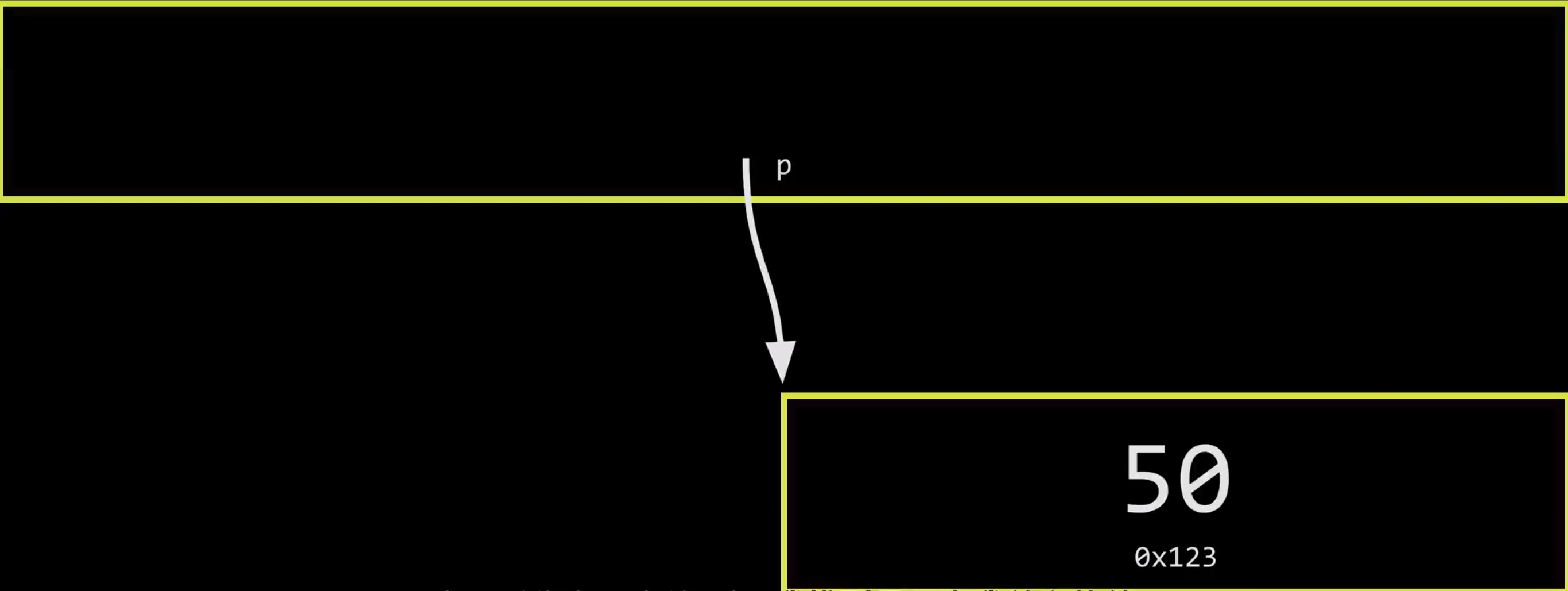
It suffices that it's a value that leads me to the other value that I care about, sort of the tressure map, as I described it earlier. So let's now connect this maybe a little more metaphorically. So Carter, maybe here you might have noticed that we've for a while now these two mailboxes on the stage.
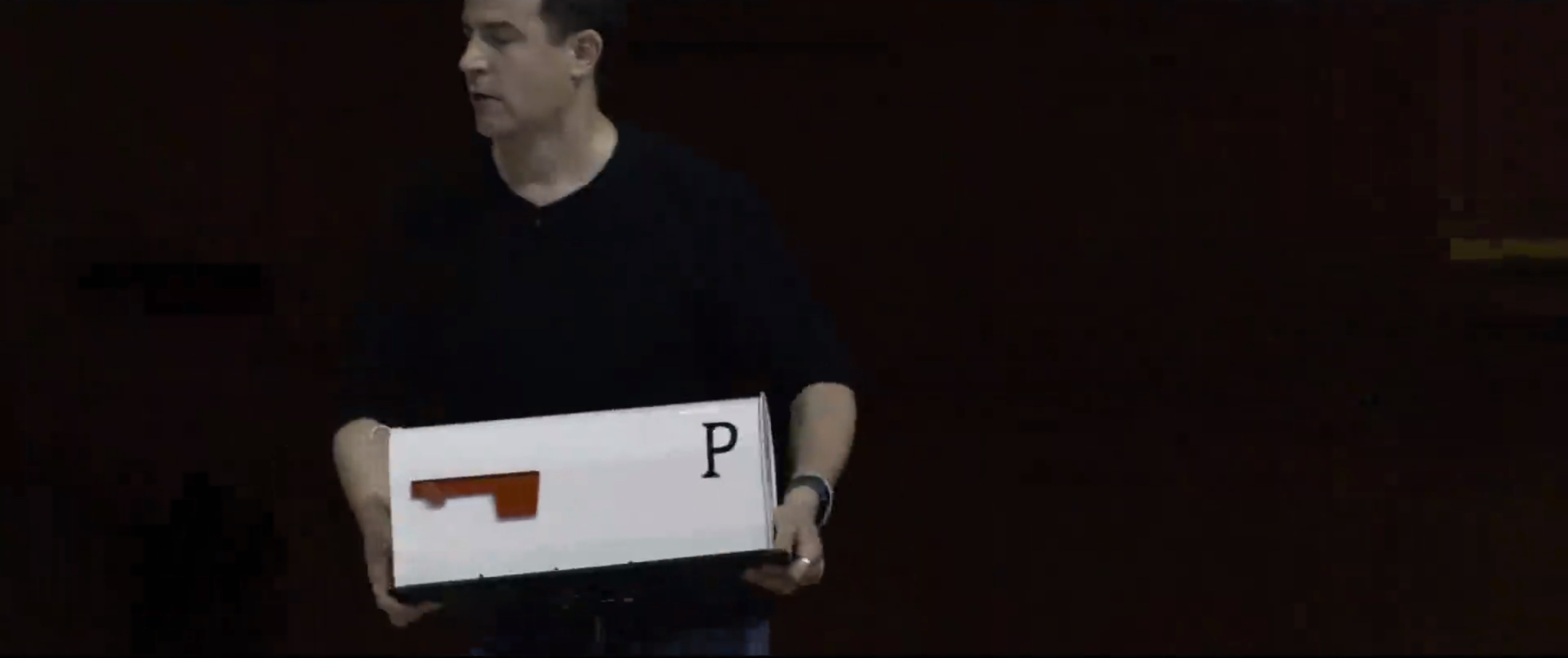
So this white one here is labeled p to represent out pointer variable.
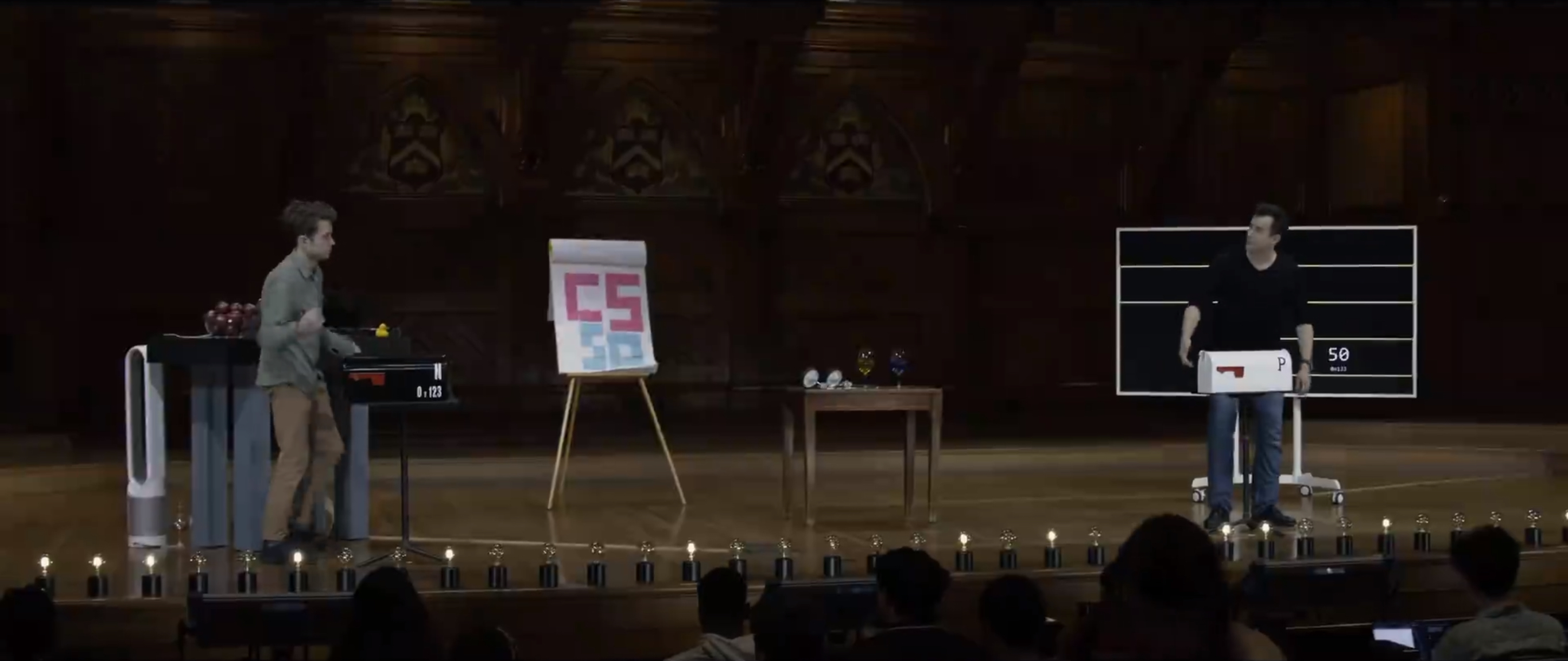
Carter's is labeled n, representing our actual integer. And what's really kind of going on here is that, if I were to access the value inside of p, much like we saw it up here,
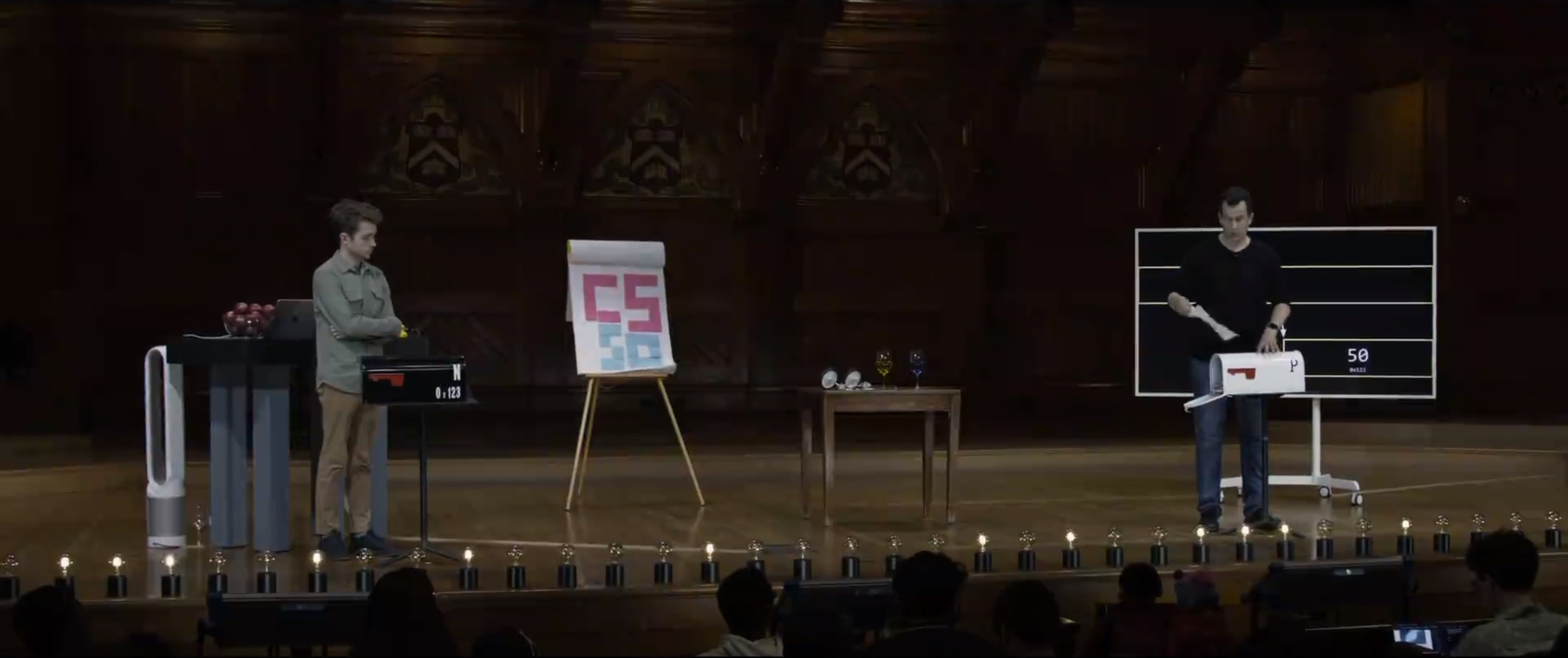
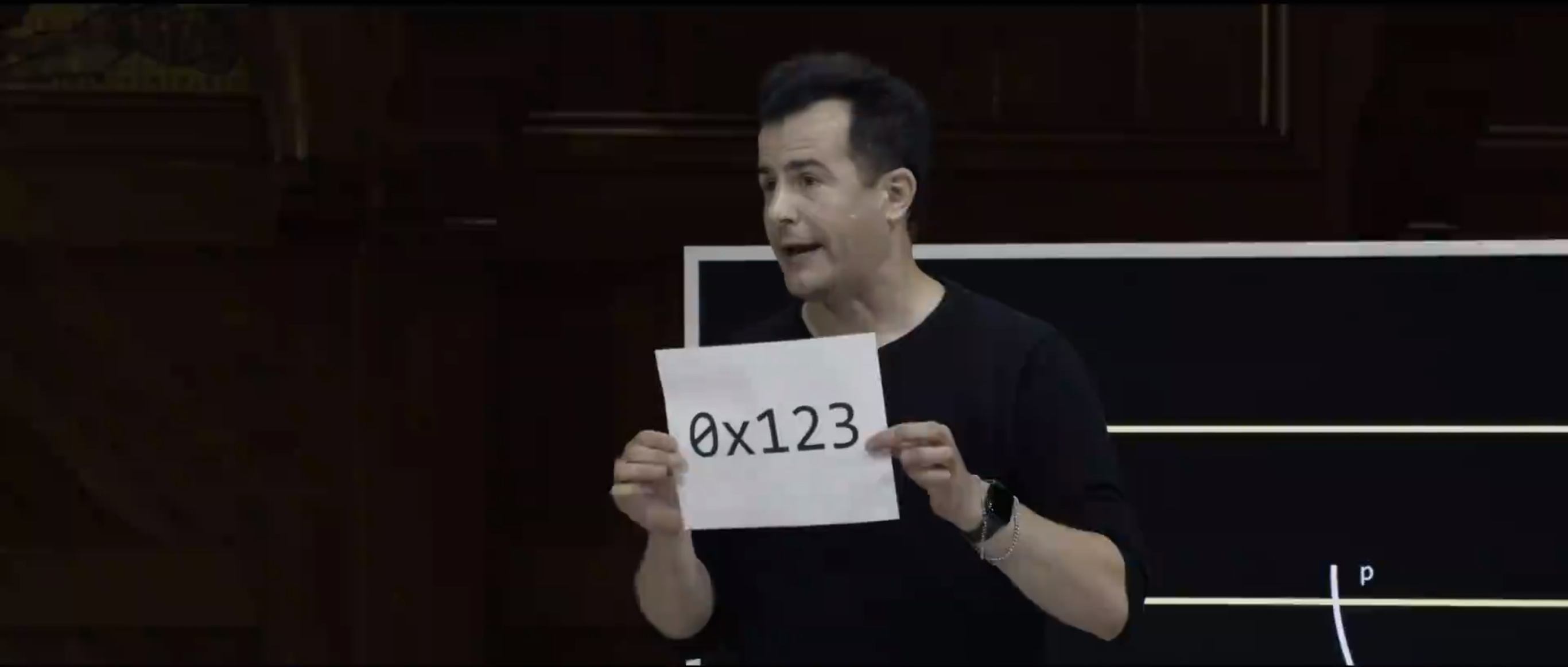
that's like opening this up and figuring out what the actual value is. Now, this itself is a little arcane 0x123.
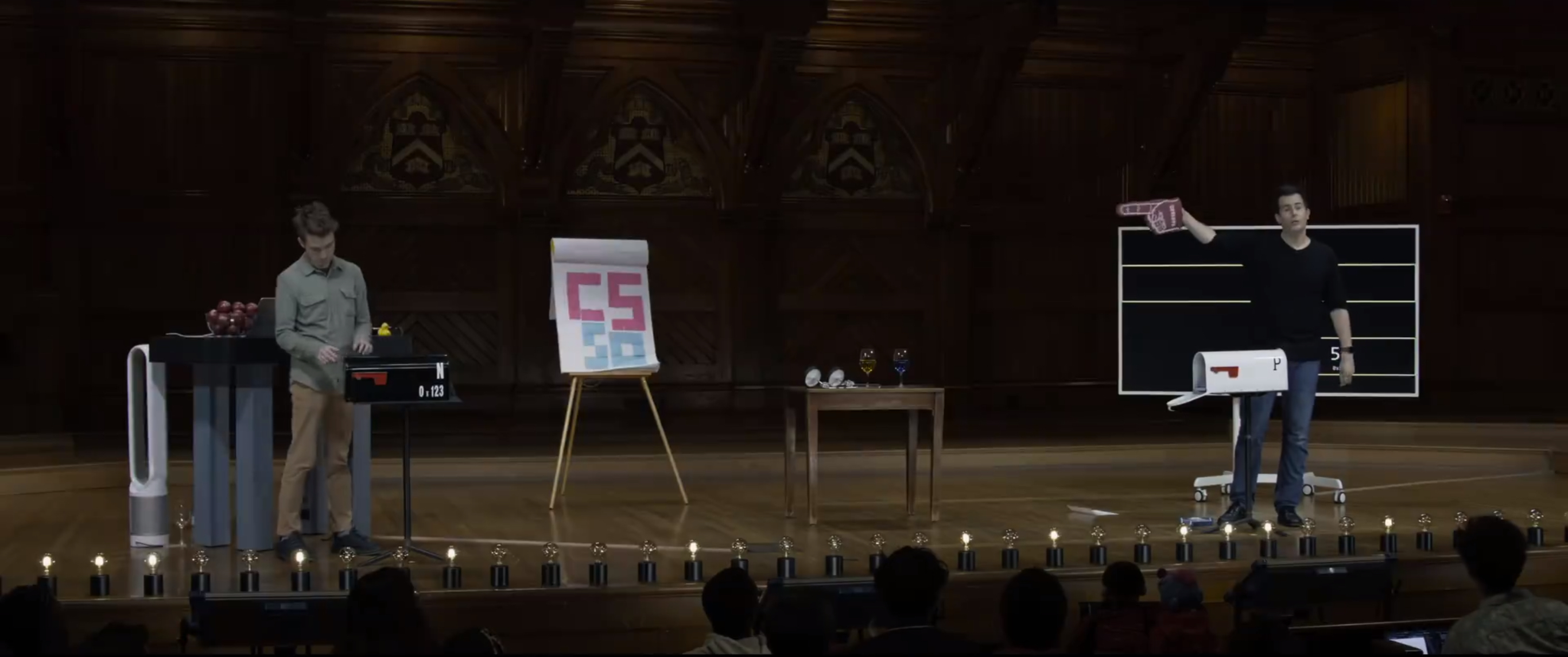
And so if we actually do this a little more metaphorically, we can maybe do this and point our way, if you don't mind. So here we have a big pointer. So we have this big pointer that's essentially pointing at the location in memory that we care about, be it 0x123 or something else.
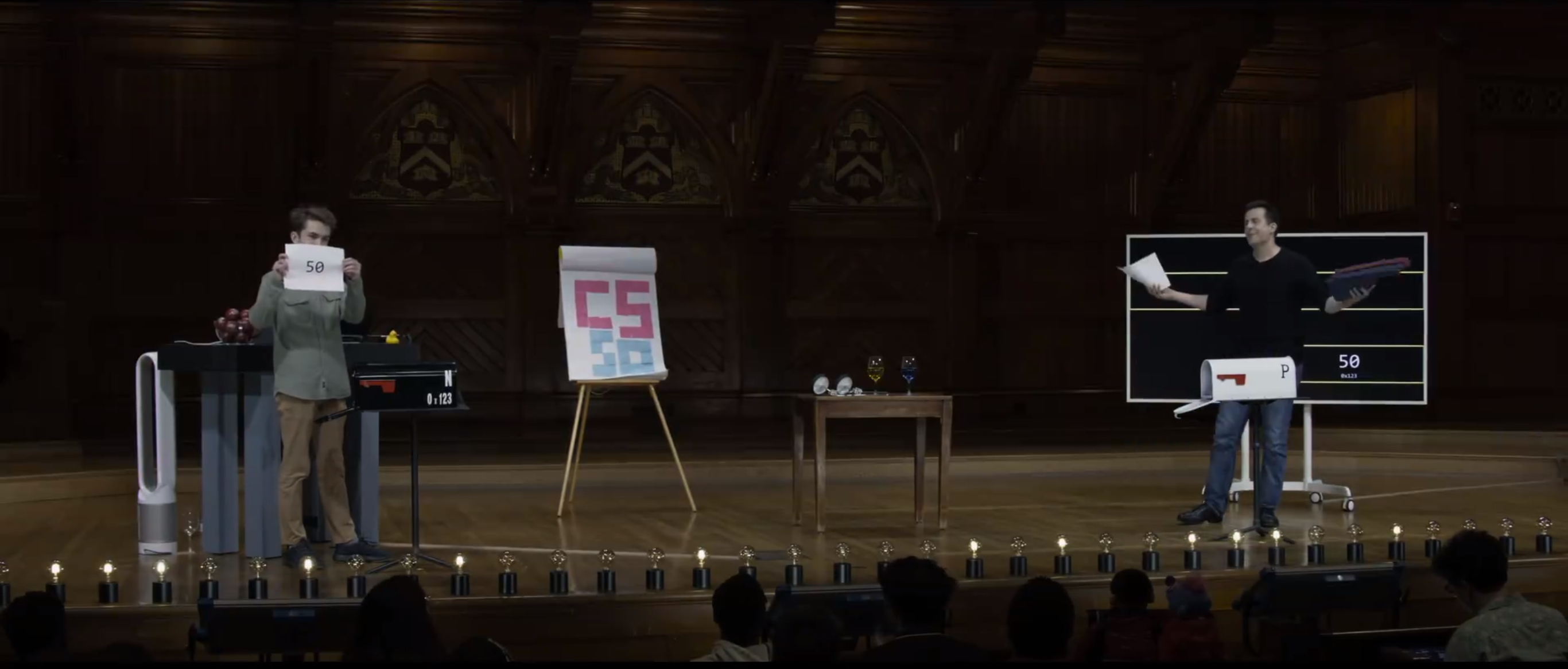
And then if we dereference this, that is, use the star notation, star p, that's like asking Carter to go to that location open up the mailbox, and voila, 50. That's hopefully a helpful metaphor, honestly, because these pointers, these addresses actually tend to be among the more arcane topics in C that even if things are kind of clicking right now, as soon as you start writing code involving addresses, it's easy to get lost in some of the details. But metaphorically, these mailboxes are meant to represent, really, what's going on. Mailboxes in the physical human would have addresses I can go to that address, open it up, and then I can go to another address by following that tressure map, if you will,
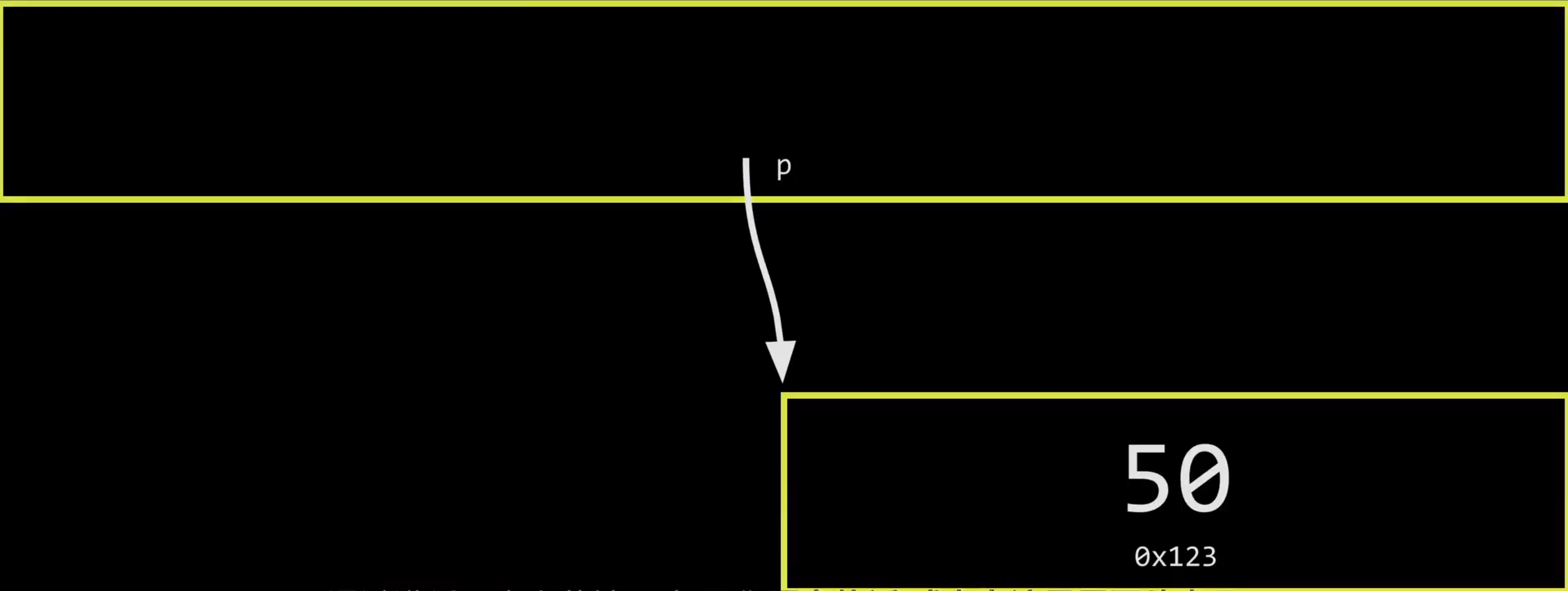
or pictorially here, the arrow that's pointing from one location to another. So even though it's very weird syntax with ampersands, and asterisks, and the like, it's just addresses in memory much like mailboxes in the real world.
⑵
So with that said, let's maybe begin to take off certain training wheels by revisiting what strings are, as we've been using them thus far.
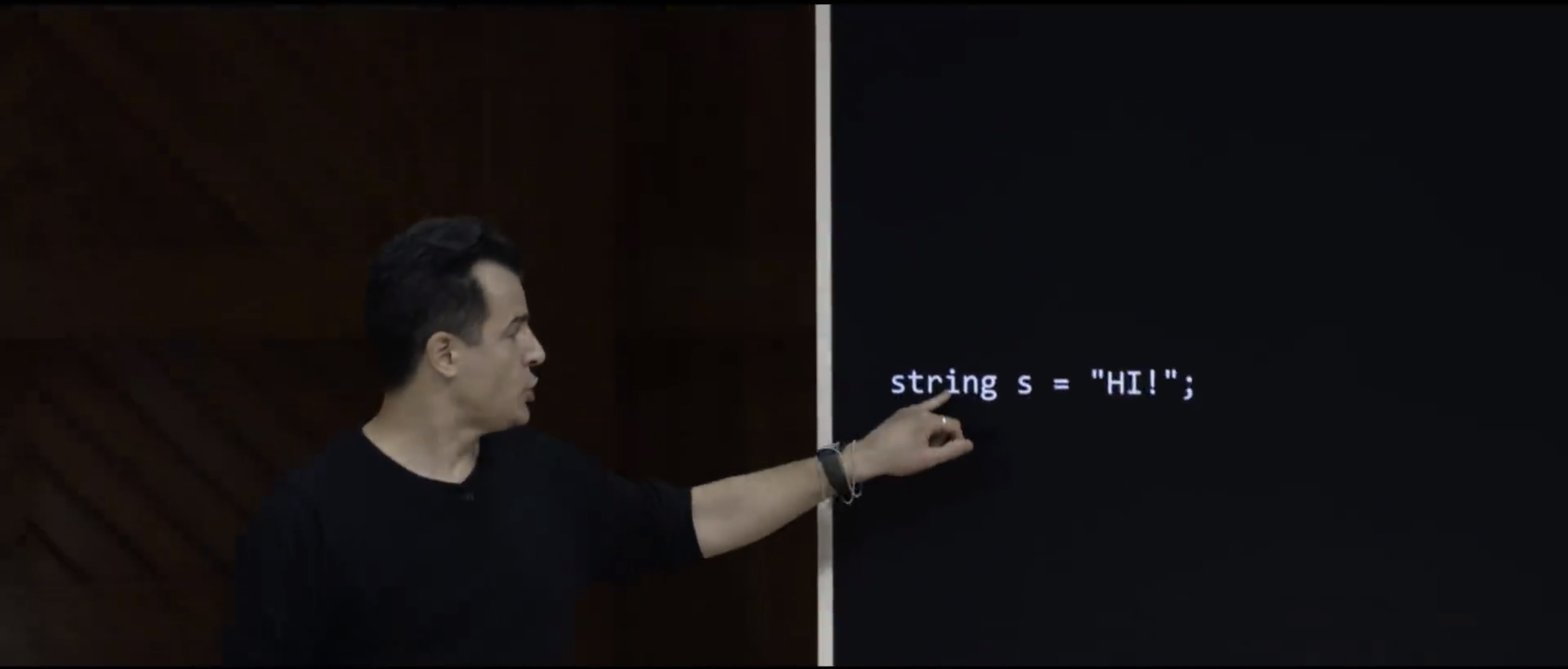
So here's a line of code in C that we've been using since week one, really, where I declare a string variable called s, and set it equal to quote unquote HI!. Now, technically, " hi! " is three letters, or two letters in a punctuation symbol. But how many bytes is that string taking up ? Four, there's always a null character that, even though you don't see it on the screen, that is what terminates every string, we claimed, a while back.
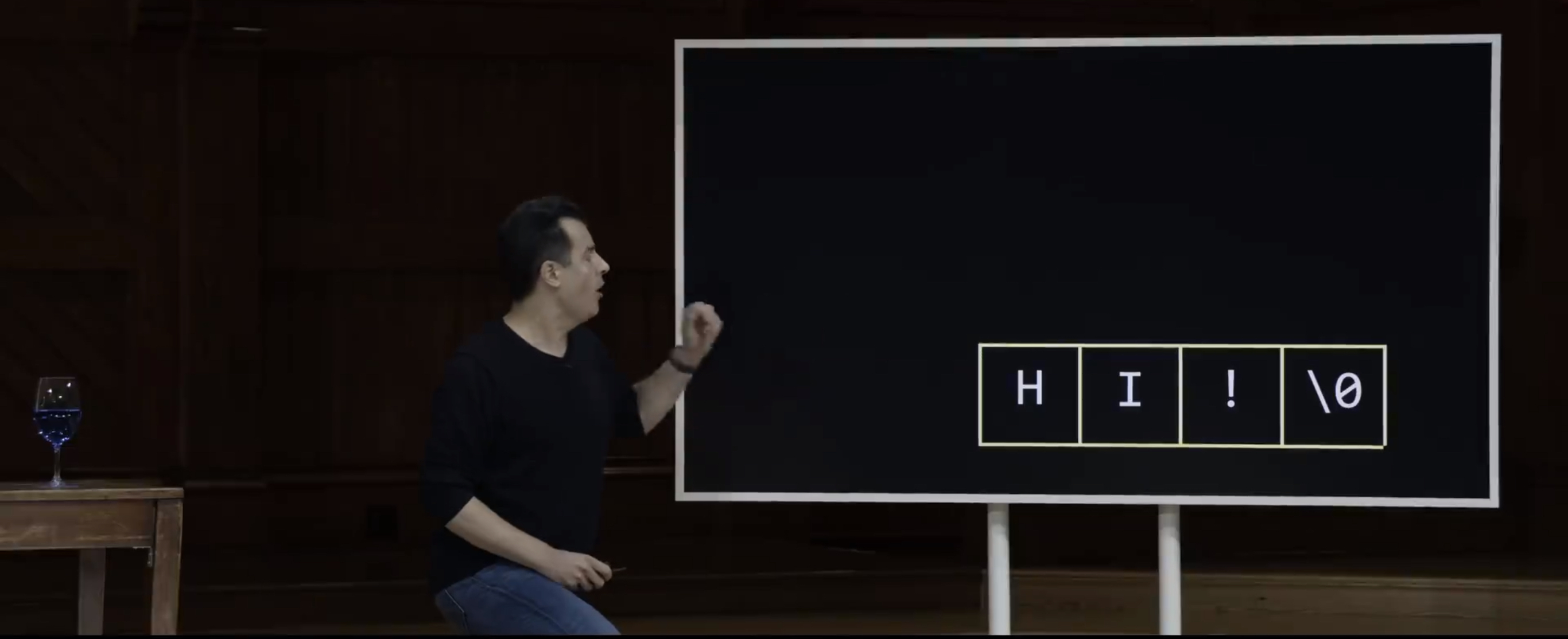
So if I were to draw this maybe " hi! " ends up in the computer's memory down here, bottom right hand corner. But it is indeed four bytes, not just three, because, secretly, there's always been that null character, even though we as programmers don't often have to type it explicitly ourselves. That's what the double quotes do for us. It terminates the string with that null character.
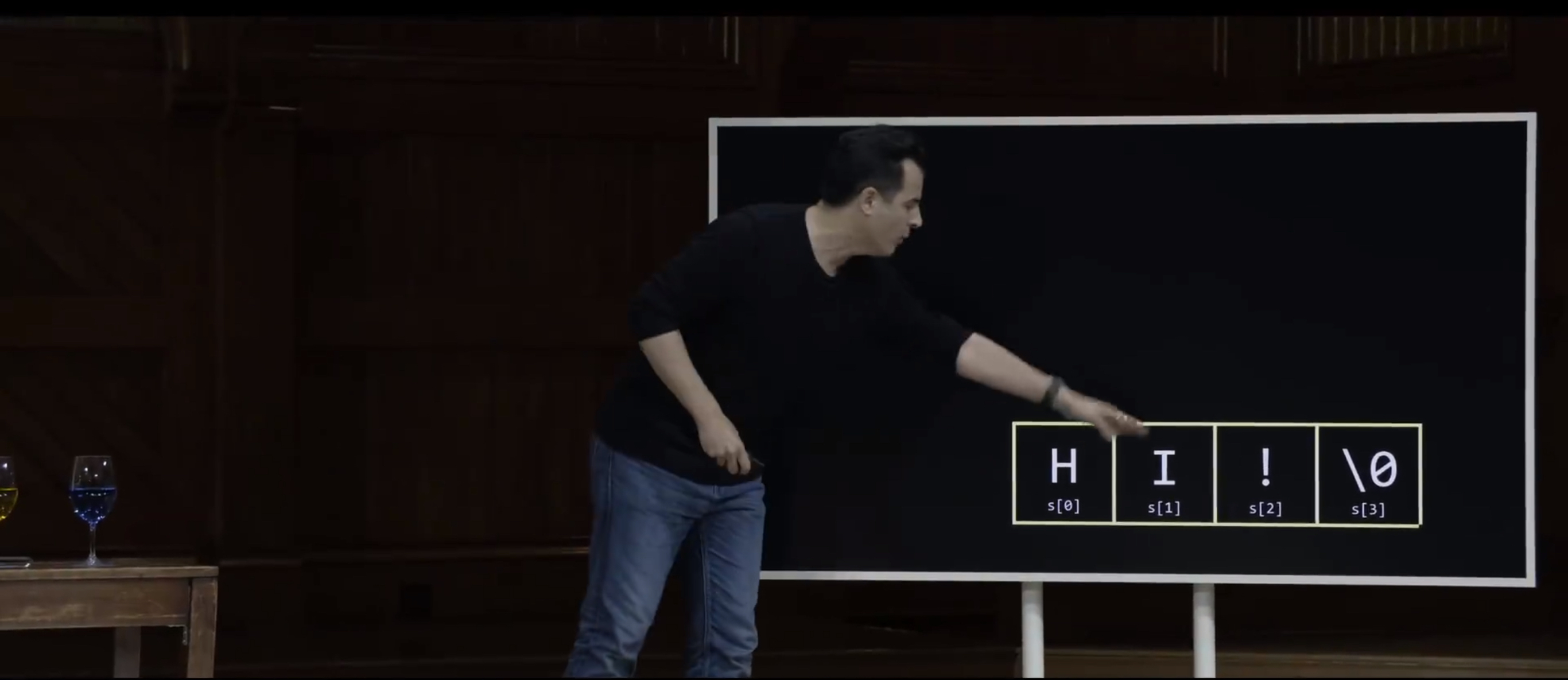
Now, recall from week two when we talked about arrays, we started playing around with strings as really just being arrays of characters. So we call them a string, but we could treat them as arrays of char, so to speak. So if the string was called s, s bracket zero would give us the first char, s bracket one the second, s bracket two the third. And if you're really curious, s bracket three would give you the last hidden null character, which we saw on the screen as just a zero when we printed it out, while tinkering with some actual code.
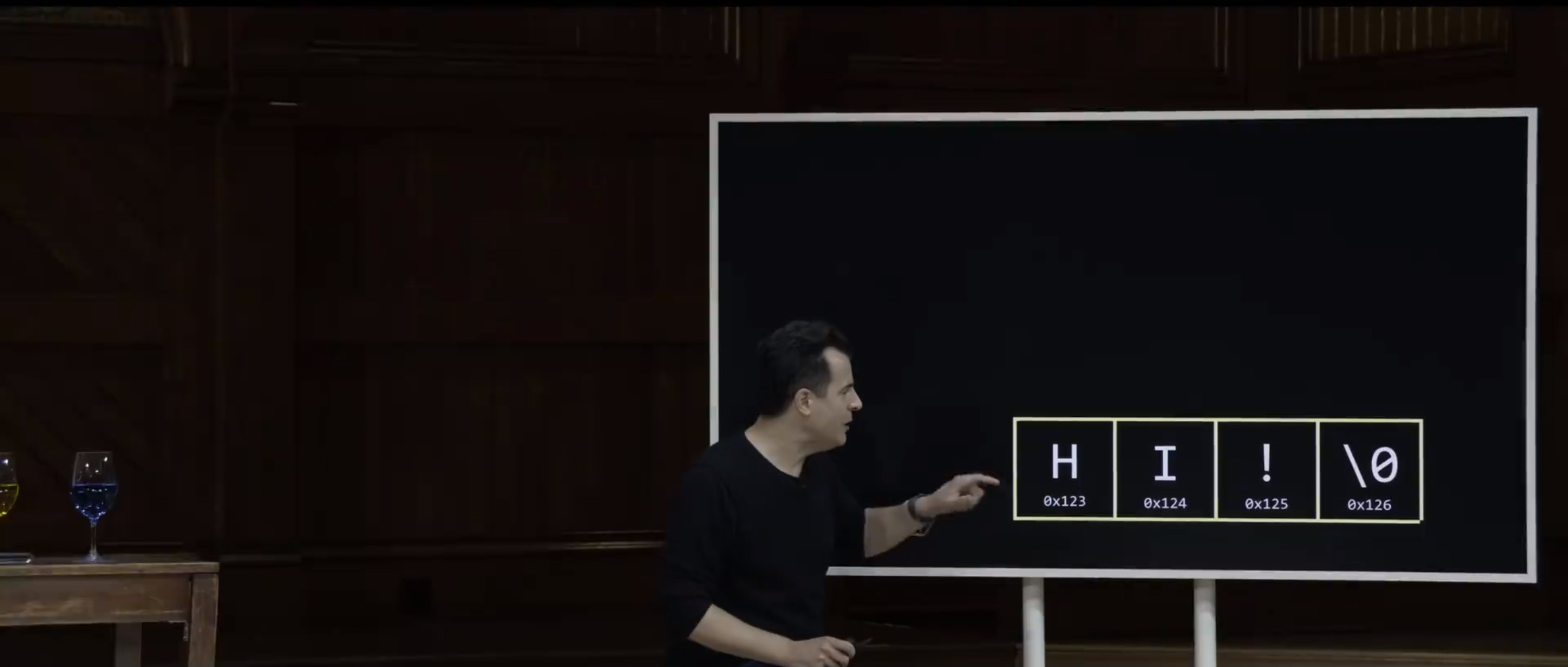
But technically, today, logically, it would seem that it's also true that H-I exclamation point and the null character must clearly live at some address. They must clearly live in their own mailbox, so to speak. So maybe, for the sake of discussion, this H today is at 0x123. But recall that arrays are characterized by contiguousness from left to right. So if H is at 0x123, it must be the case that I is at 0x124, I is at 0x125, and the null character is at 0x126, because those are one byte apart. And I deliberately chose numbers here whether it's decimal or hexadecimal, it doesn't matter. These differ by just one byte themselves. So that's what implies that they're indeed adjacent, or contiguous in memory.
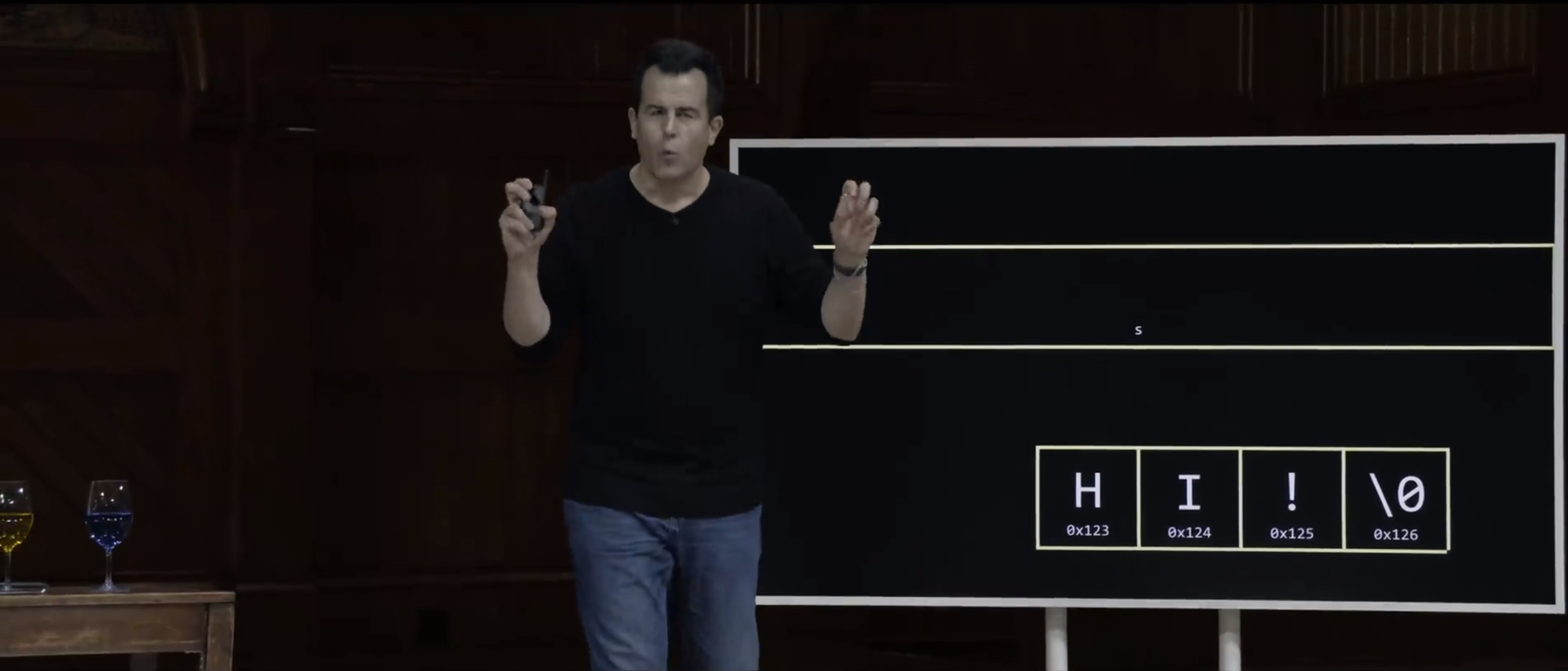
But what is s then ? When I declared s to be a string, what is it that's been going in s all of this time, if, clearly, s is actually this thing here ? Well, strings have kind of been a white lie for a few weeks because s itself, technically, is a pointer. S is the address of this string. So the string is somewhere in memory, but s itself is a separate variable that gives you a clue as how to find all of those chatacters in memory. So if you had to guess just intuitively now, if this is the string actually in memory, that is, this is the array of chars in memory, what would logically make sense to put as the value of s ? A pointer. Specifically ? A pointer to h ? And how would I express that ? What's the actual value ? 0x123 might very well suffice as the value here of s.
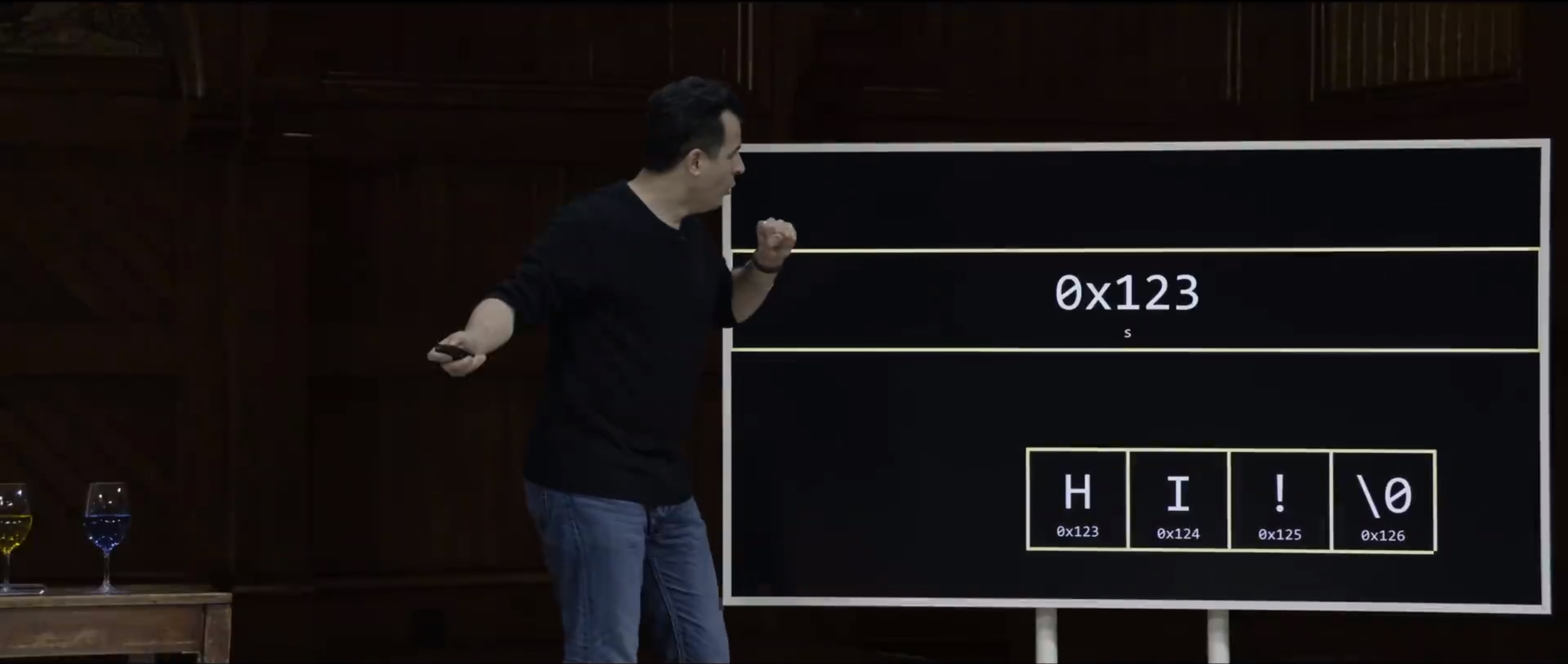
Now, why might that be ? Well, that essentially gives you enough information to find the beginning of the string, " hi! " in this case. Now, you might think, well, wait a minute. How does it know about the second character and the third character ? But now, if you kind of rewind in time, oh, wait a minute, maybe now the null character actually makes even more sense from week two. Why ? Because if s technically storing the location of the beginning of the string, someone's got to keep track of where the string ends, presumably. And that's effectively the string itself because humans decided decades ago, let's just null terminate every string with a special character, zero, all zero bits, eight zero bits specifically. But and that's enough information. The sort of treasure map leads you to the beginning of the string and then you can use a for loop, a while loop, or whatever to walk through the string, and that's what printf does. And you just stop as soon as you see that null character. So this then is what a string actually is. S is and has always been, since week one, a pointer, so to speak, that actually refers to the start of that array of characters. And frankly, again, who cares about the 0x123 specifics ?
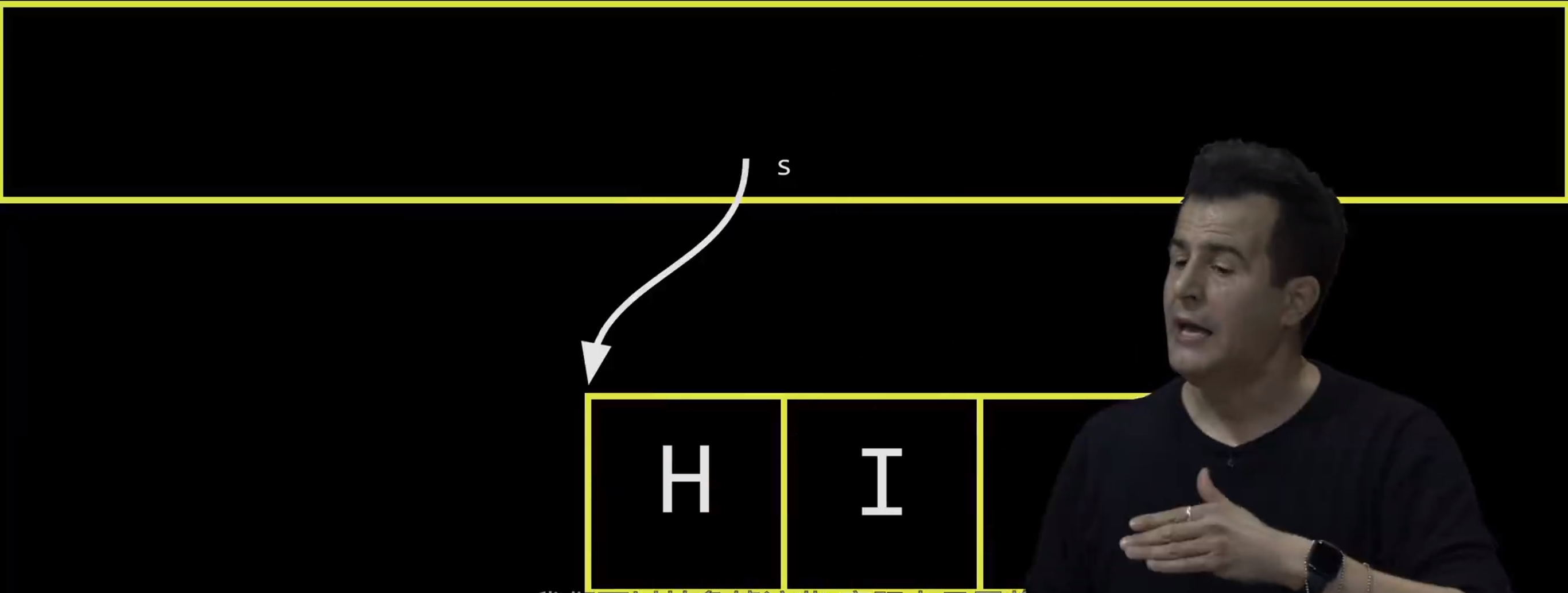
We can abstract that away and actually just treat s as, literally, an arrow that points to the beginning of that string, because it will be rare that we actually care about where this thing physically is in the computer's memory. Have pointers gotten large as computer memories have increased over the decades ? Short answer, yes. Like, back in my day, we were limited to, like, two gigabytes of memory total. Why two ? Well, if you had 32-bit memory, or if you use 32 bits to represent addresses, a.k.a four bytes, as was conventional, you can count recall as high as 4 billion values. But generally, numbers are both negative and positive, so that halves it. So the reason decades ago, computers, PCs, Macs could have no more than two gigabytes of memory was because, literally, the integers being used, the pointers being used were only four bytes, that is 32 bits long. And so you literally could buy more memory, but you literally had no way mathematically to express all of those bigger locations. So it was effectively useless, in that case. In more modern times, computers tend now to use 64 bits, which allows you to count crazy high. And that's more than enough to address bigger chunks of memory.
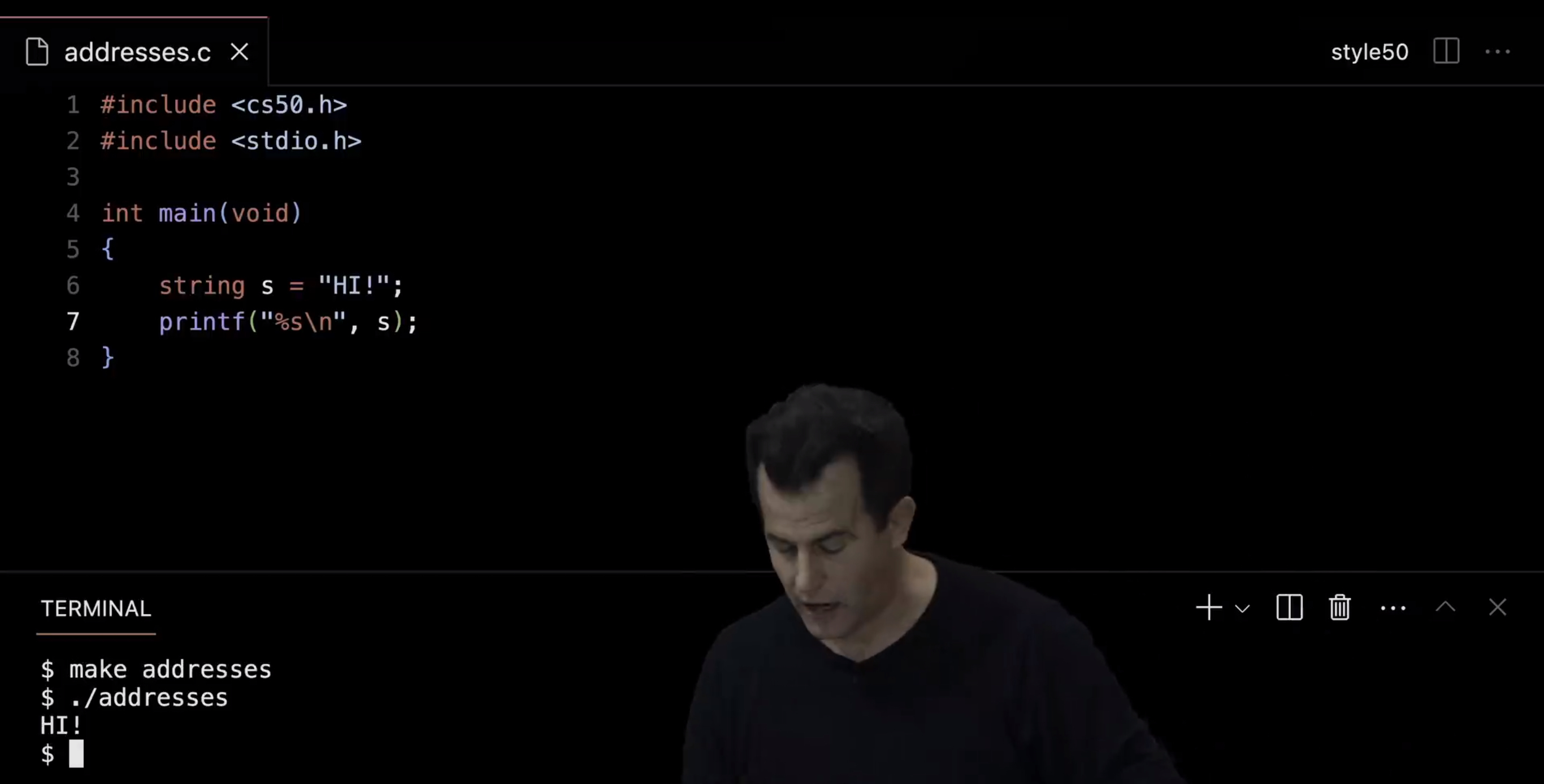
Well, let's translate this a bit to code by going back over to VS Code here. And let me propose now that we revisit maybe a simpler string example, as opposed to these integers. Let me go ahead and, for the moment, include cs50.h so that we have access to string and other things as in week one. And let me do a string s equals quote unquote " HI! " in all caps. And let me do a simple safety check %s backslash n, s, just to make sure everything work as it did in week one. So make addresses, ./addresses, and I should indeed see " HI! " on the screen. Well, let's now kind of tinker with what's going on underneath the hood.
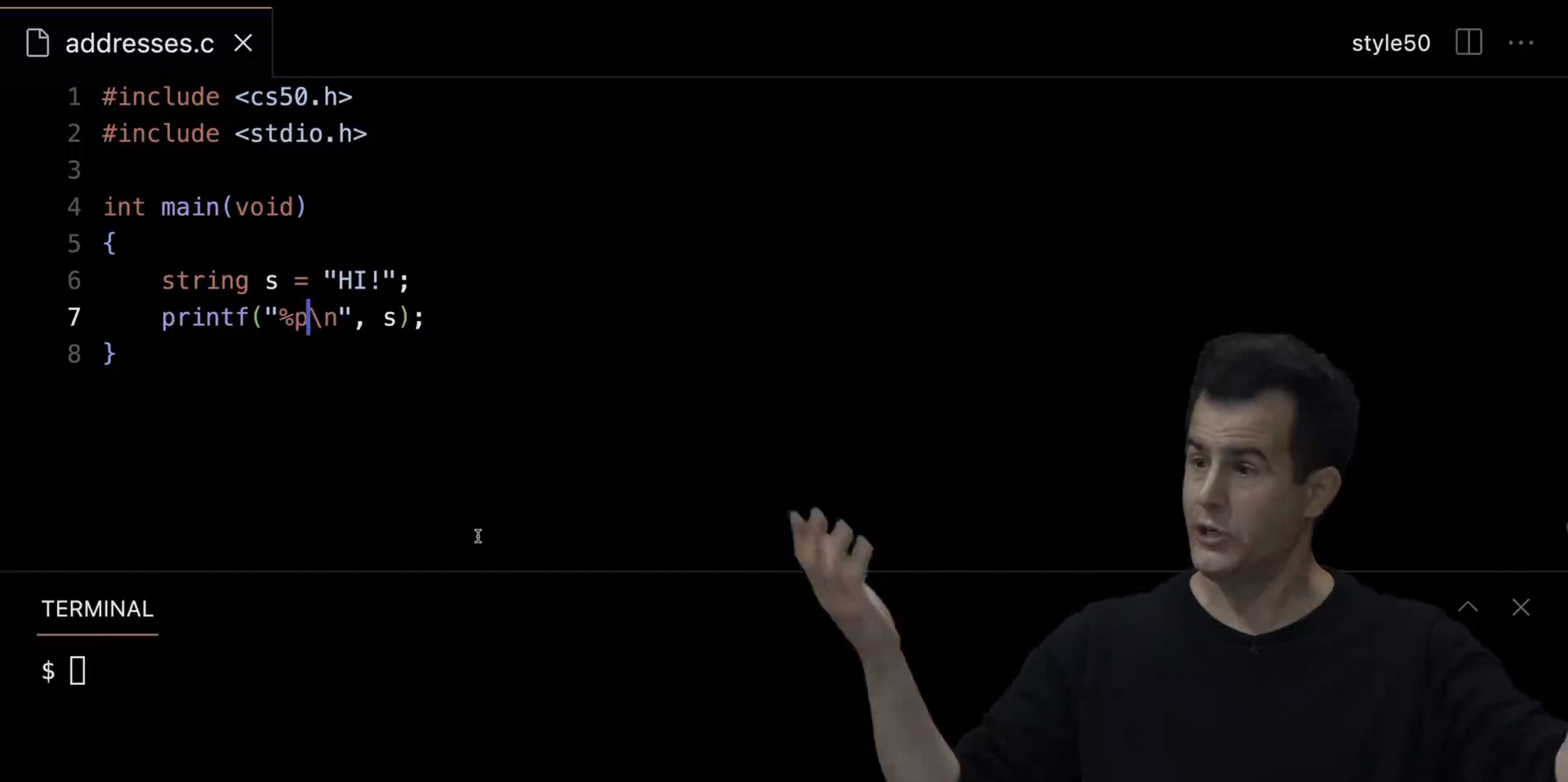
And now, things can get a little more memory specific. So I'm still going to declare s as a string up here. Instead of printing out the string itself, let me actually treat s as the pointer I claim it is. I claim a string is just an address, so I have this new syntax today, %p to print out pointers, to print out addresses.
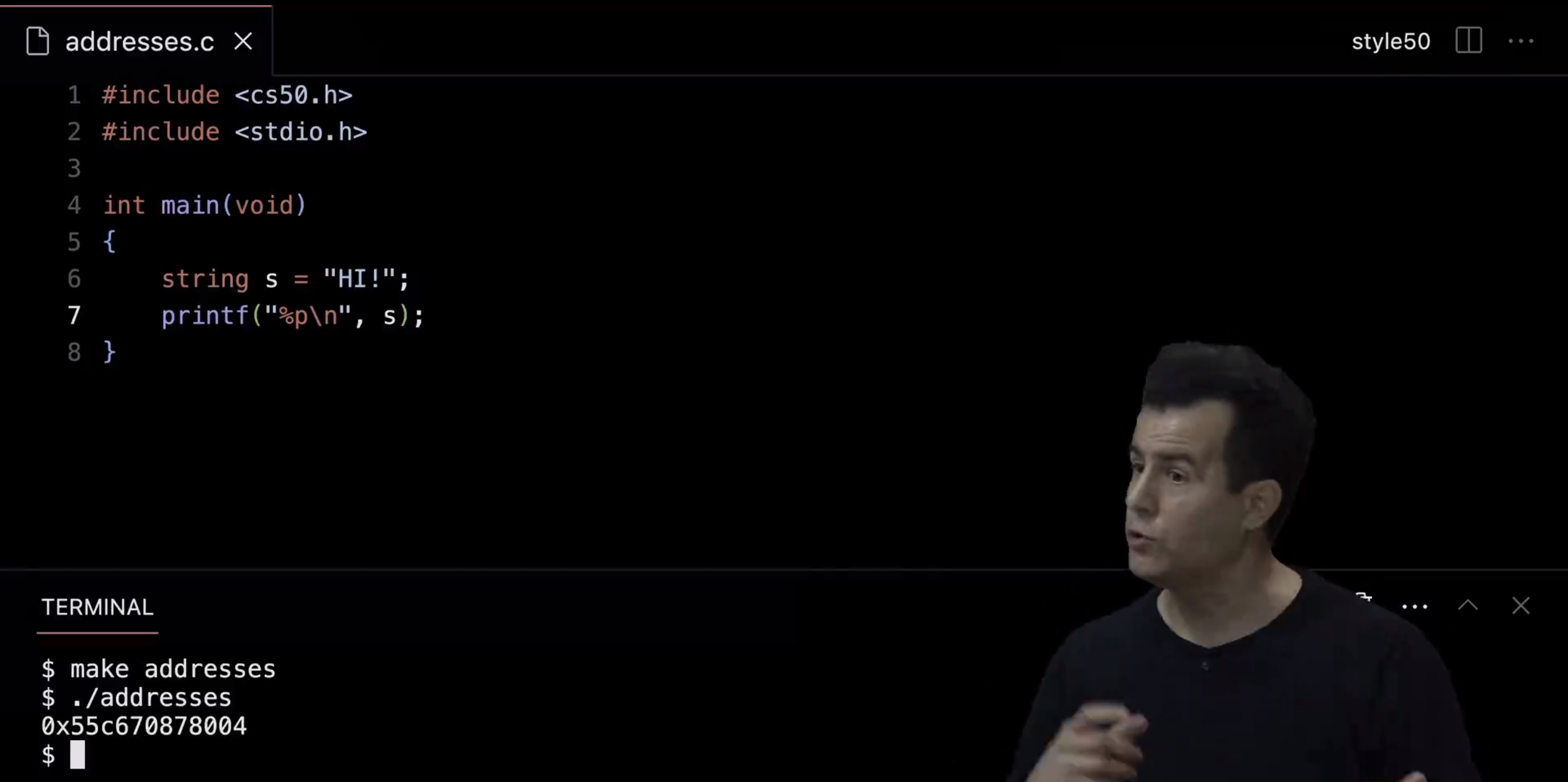
Let's see what's actually is. Let me do make addresses again, ./addresses, and there it is. It's not as simple as 0x123, but it is at location 0x55c670878004, who really cares, specifically ?
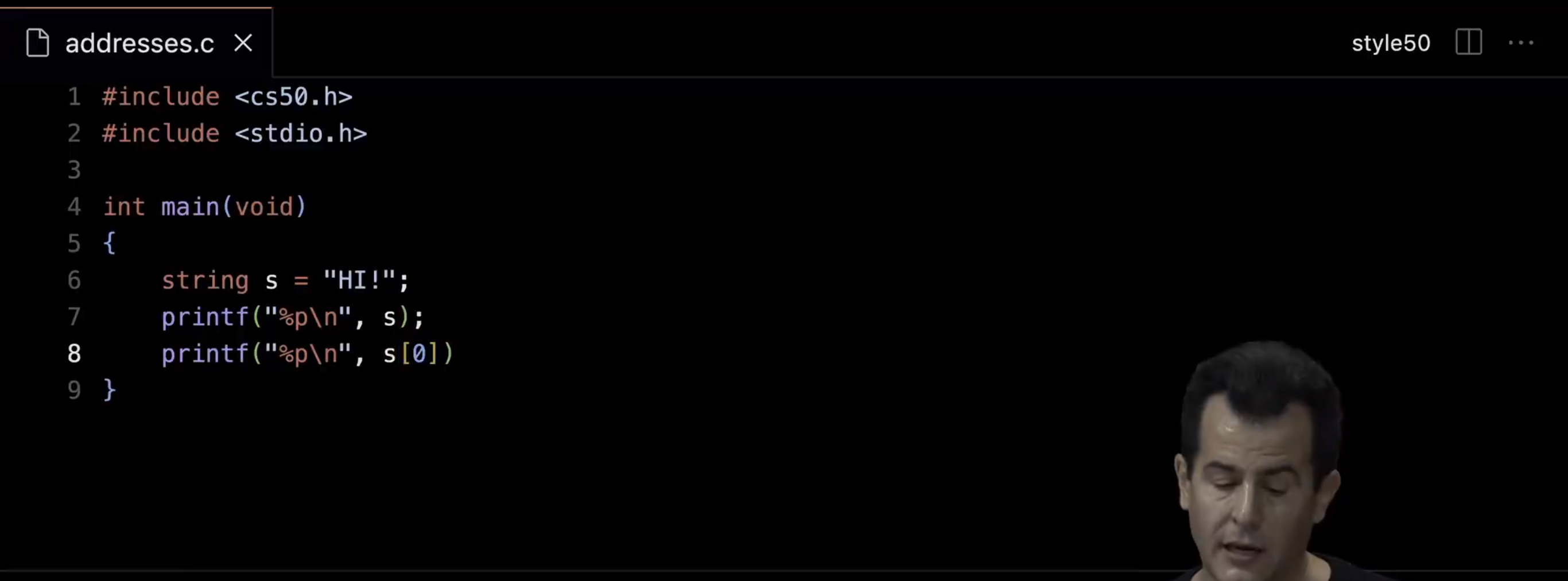
But if we poke around a bit more, things might make a bit more sense. Let's also print out the address using %p of, how about the very first character of s. So the very first character of is known as s bracket zero. We did that in week two, treating a string as an array. But how do I get the address of a character ?
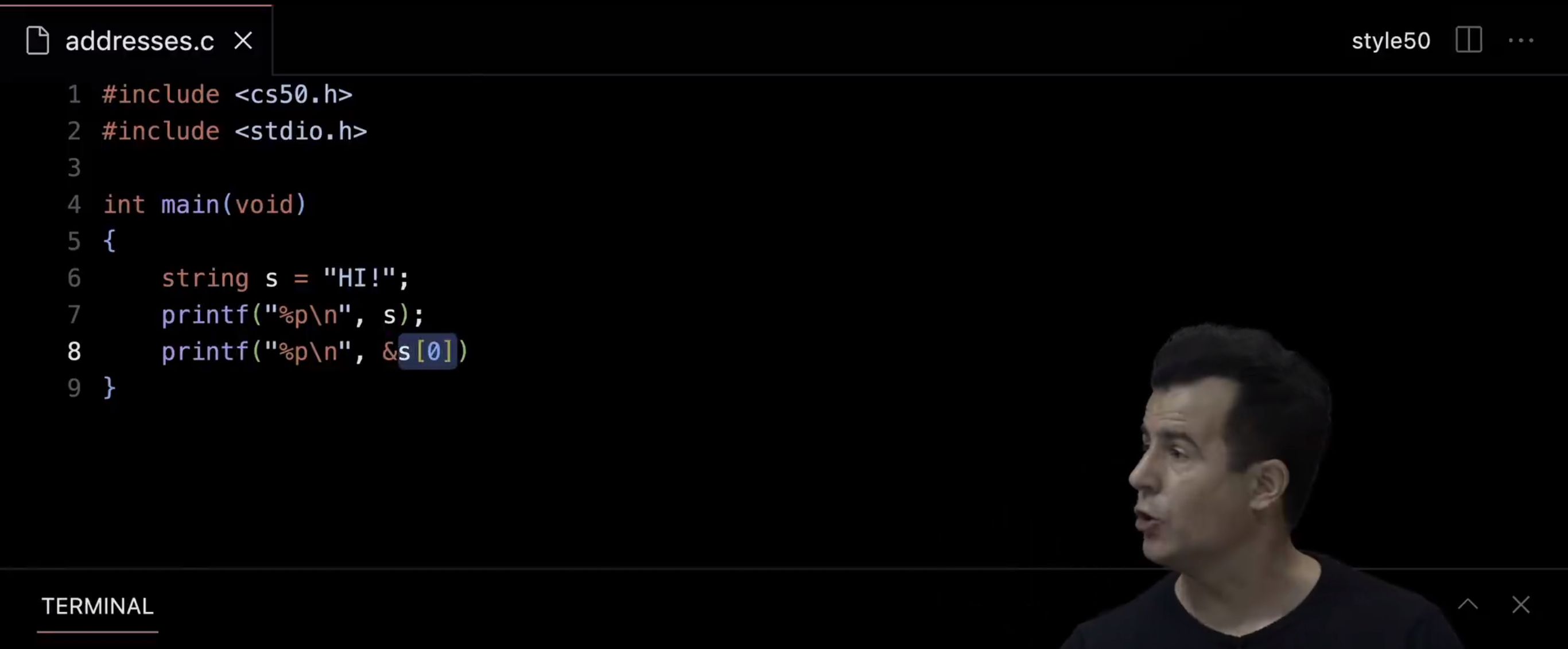
Well, I have our new symbol today, ampersand. So even though this looks like a mouthful, ampersand, s, square bracket zero, square bracket, it's just two ideas combined, s bracket zero gives you the first character in the string s. And adding an ampersand at the beginning says, tell me what that address is.
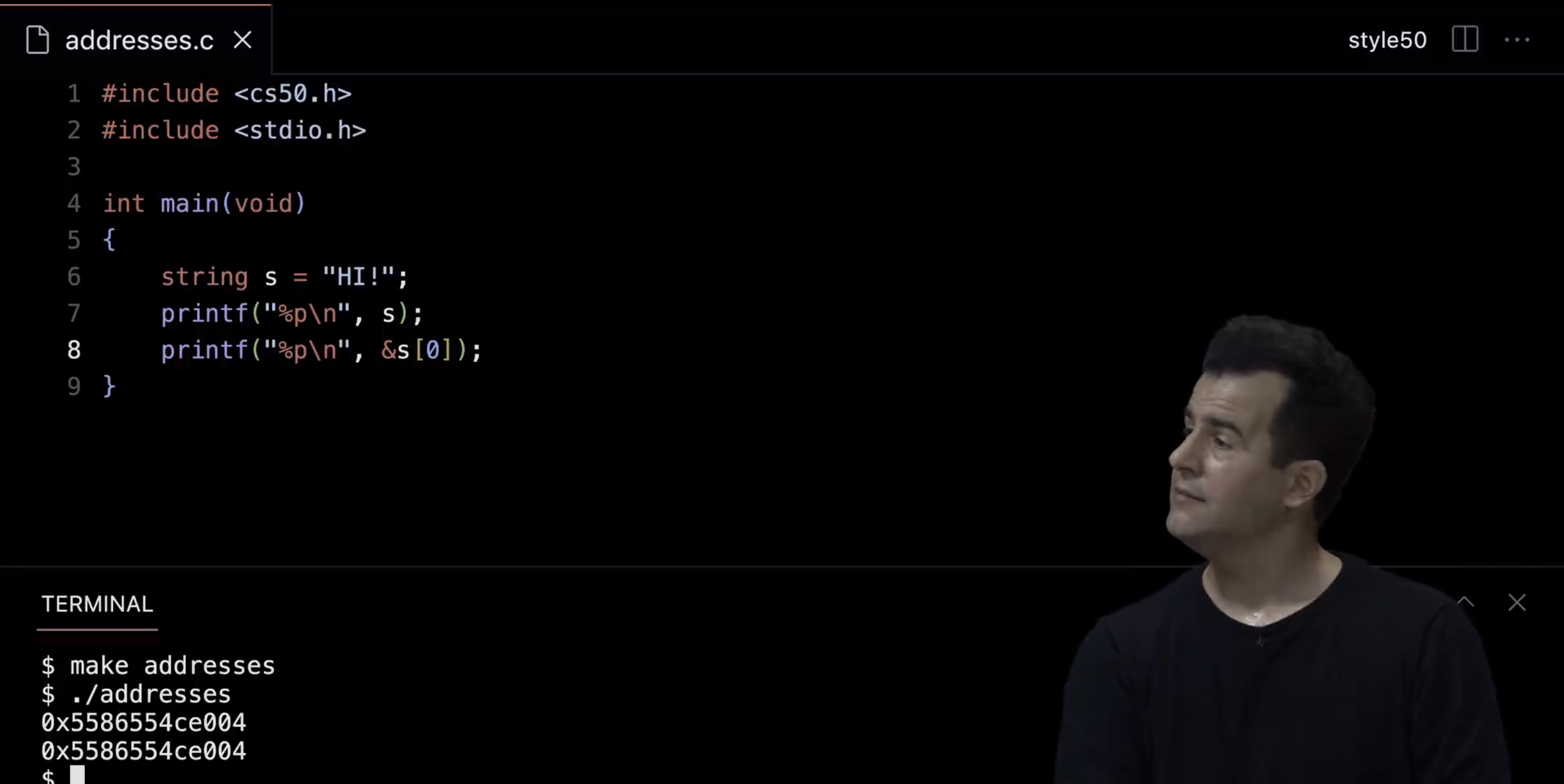
So if I recompile this code, make addresses, ./addresses, even if you don't remember the value 0x whatever, what are we going to see on the screen at a higher level ? Perhaps the same exact thing. Well, s is just an address. But what does that mean ? Well, it's just the address of its first character. And we saw that per our picture a moment ago. So can I see the contiguousness of this ?
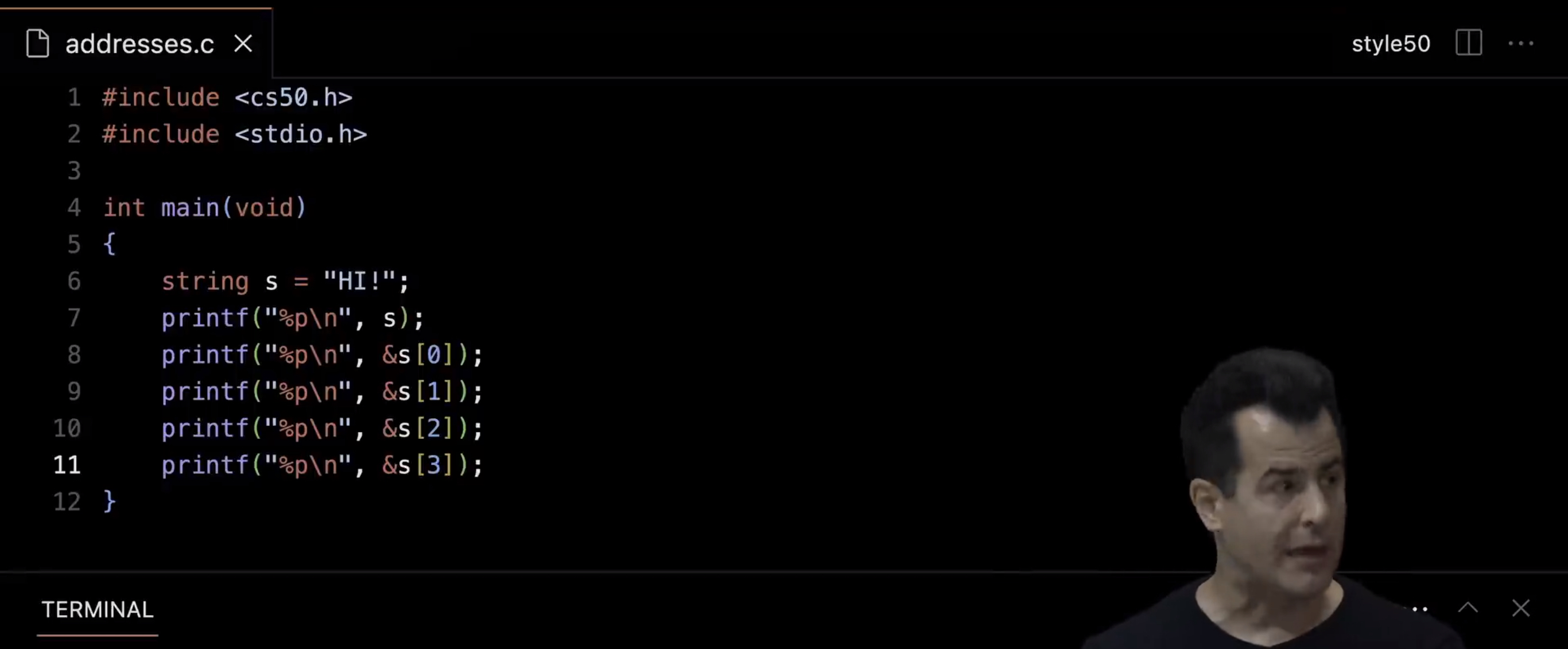
Well, I'm going to resort to some copy paste just for time's sake even though this is going to look a little silly and I could certainly use a loop instead, and check even the fourth location, whoops, the fourth location of that null character.
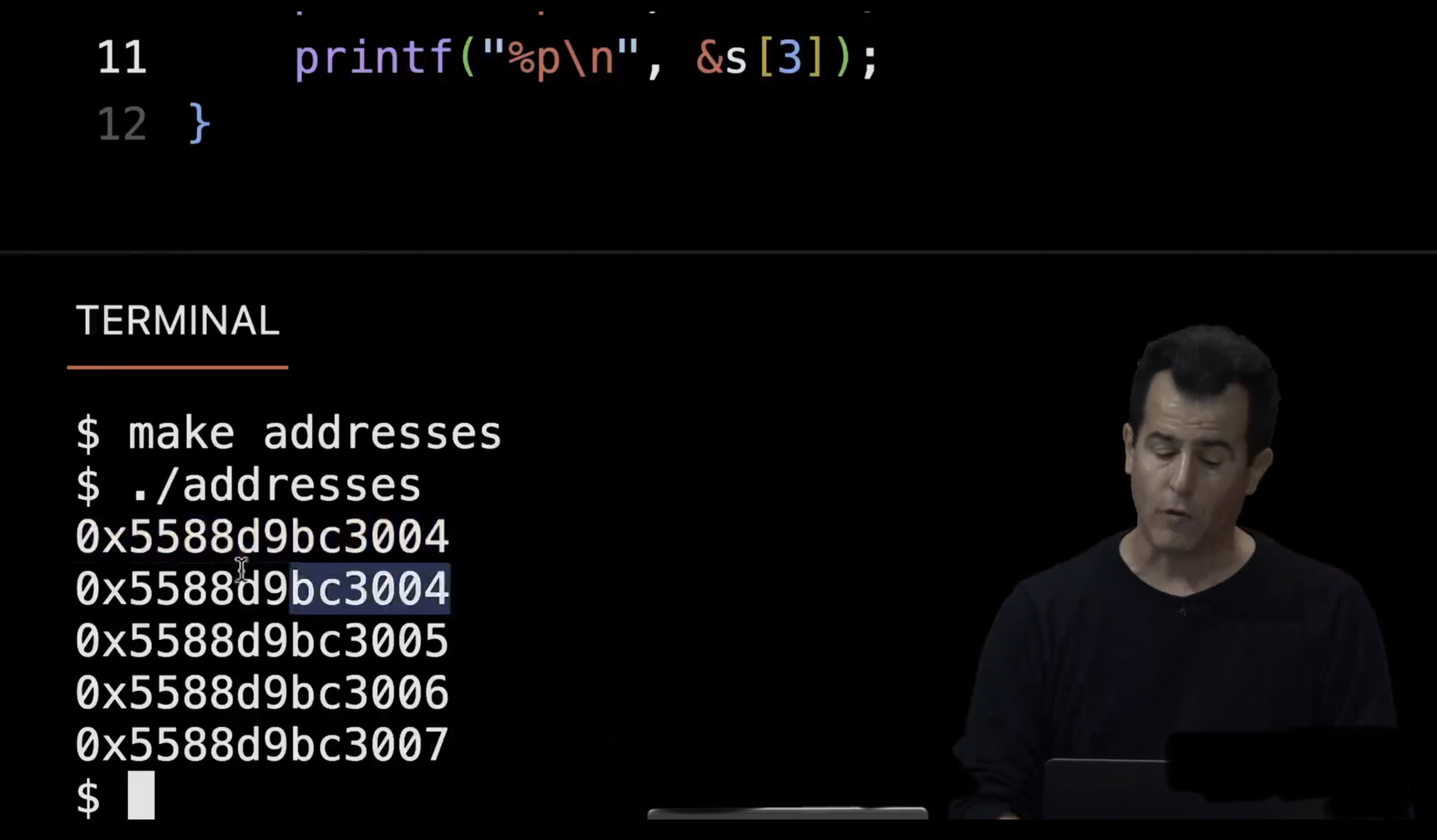
If I now do make addresses again and ./addresses, and zoom in, I don't reallly care about what these are, specifically. But notice the first two are indeed the same because the first represents s. The first represents the first character of s, which now I reveal are exactly the same idea. And the next ones are literally just one byte away, ending in five, six and seven, respectively.
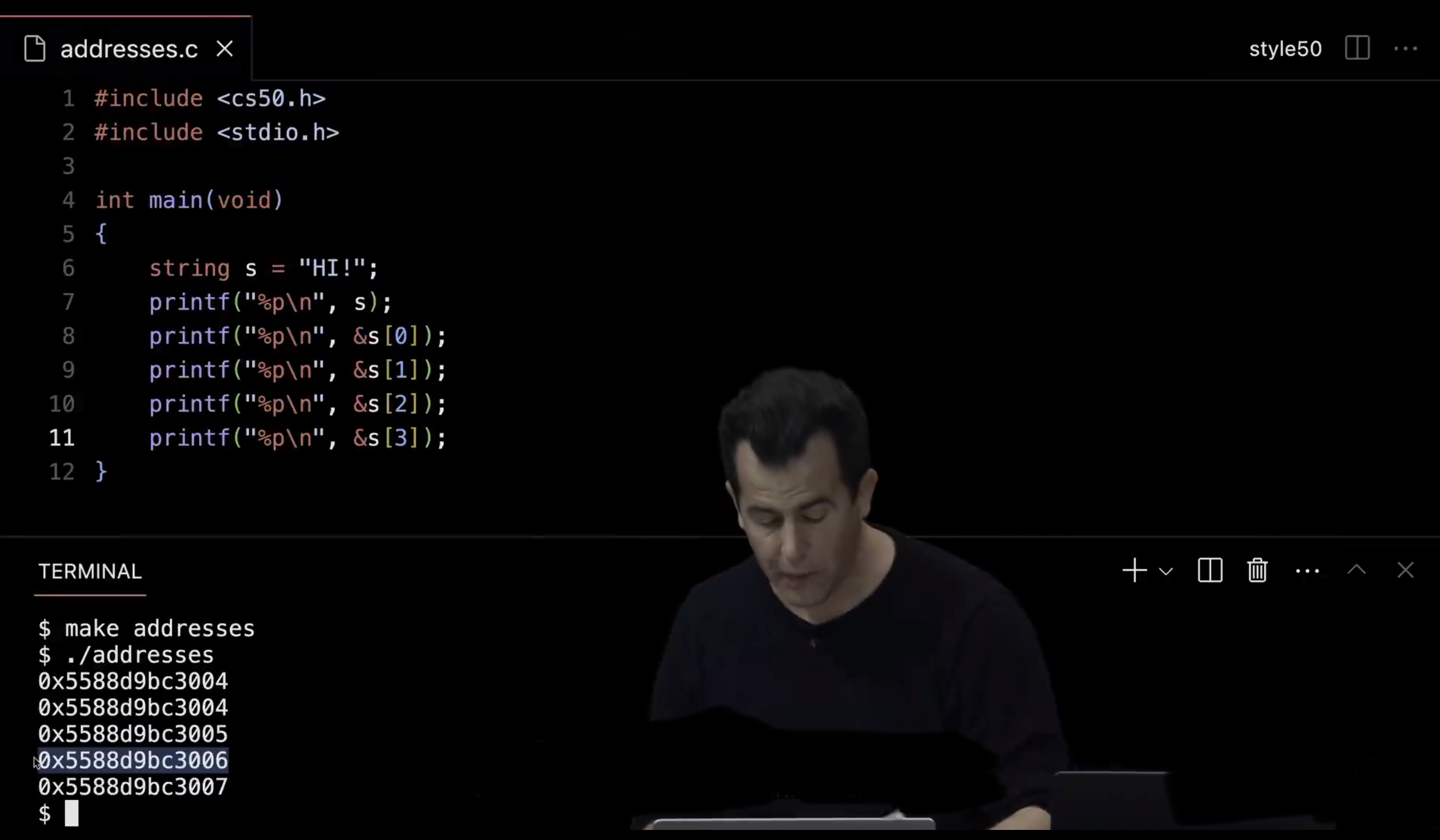
So again, the numbers in and of themselves are not useful actionable information, but it does let us actually see what's going on underneath the hood.
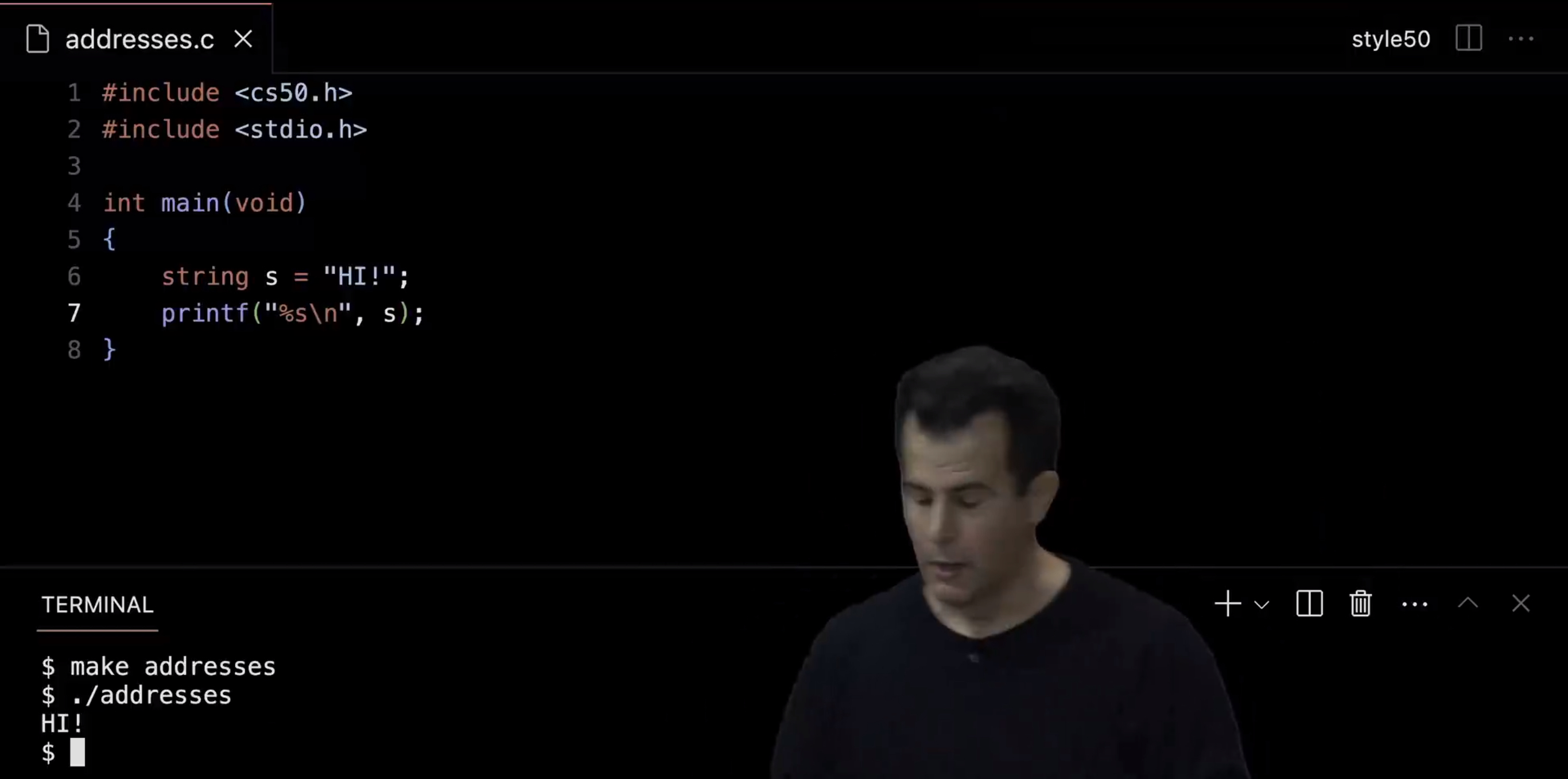
So just to rewind for a moment, let me actually go back to the original version, where I'm printing out the string itself, using %s. Let me remake addresses to make sure that, ok, it still prints out " HI! ". But what has been going on now all this time ?
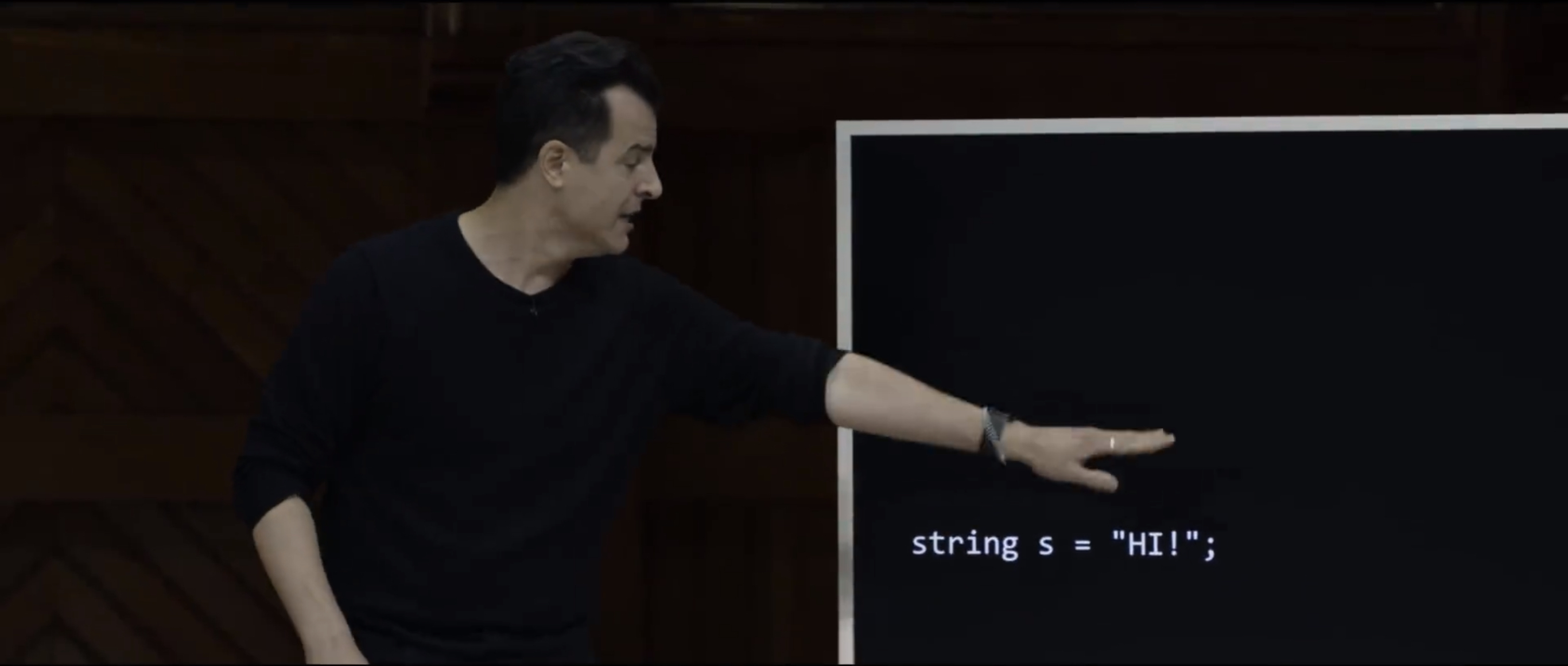
Well, let me go back to our simple line of code that we've been using since week one, which gave us a string called s, setting it equal to the value of " HI! ". Let me propose now that strings were indeed this white lie.
And if I can unnecessarily dramatically say, here we take the training wheels off and reveal that, all this time, string, string is probably, actually, what, technically ?
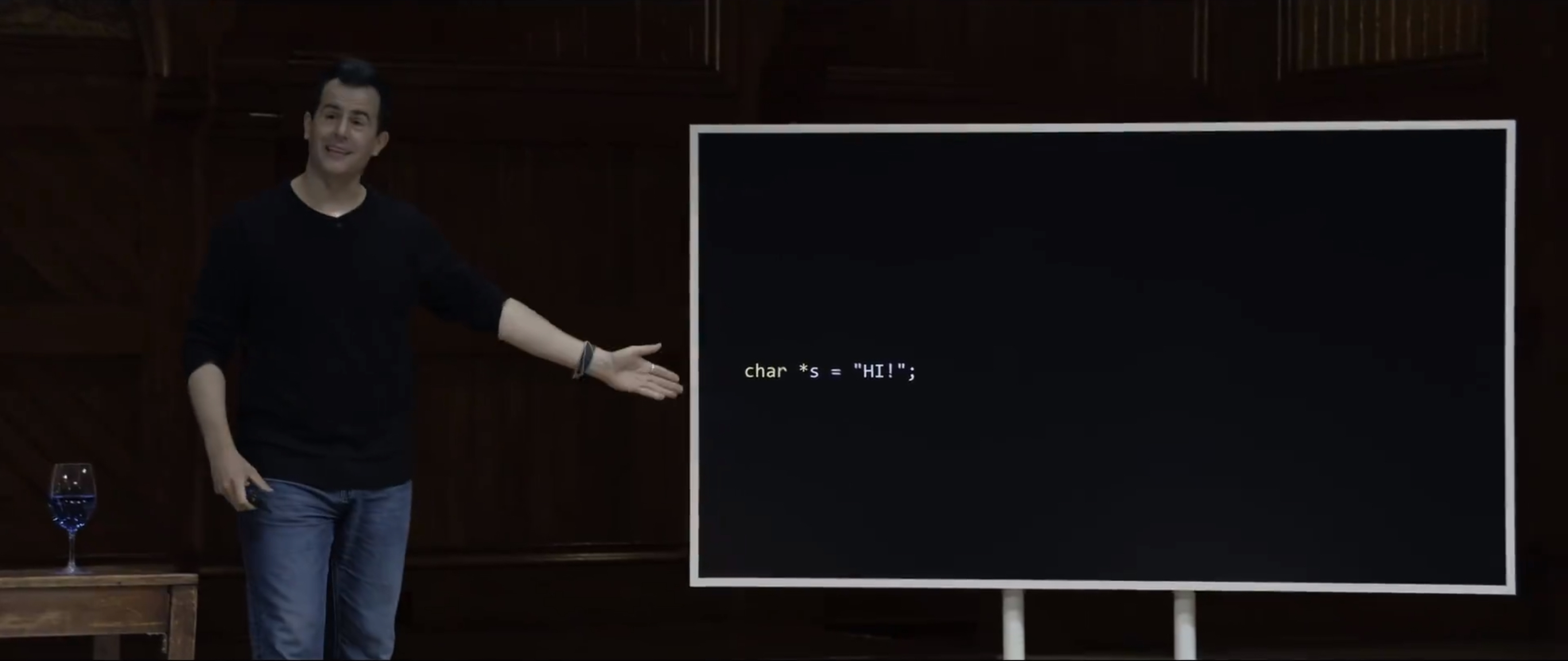
A char star. So it's a char star, which admitteadly at first glance, just makes a simple idea look unnecessarily complicated. And that's why in week one, we indeed introduced these training wheels whereby we, cs50, invented the datatype called string, string for us is an abstraction. Now, that is to say string is not a cs50 specific word. Every programmer in the world knows what a string is. It is a sequence of characters. It is an array of characters. But in C, technically, decades ago when it was invented, they didn't think, they didn't decide to create an actual data type called string, because, especially if they were among those more comfortable, char star is equivalent, and it achieves the exact same thing, even though at a glance we didn't want to start week one with that lower level detail. Can I clarify how the star makes it a string ?
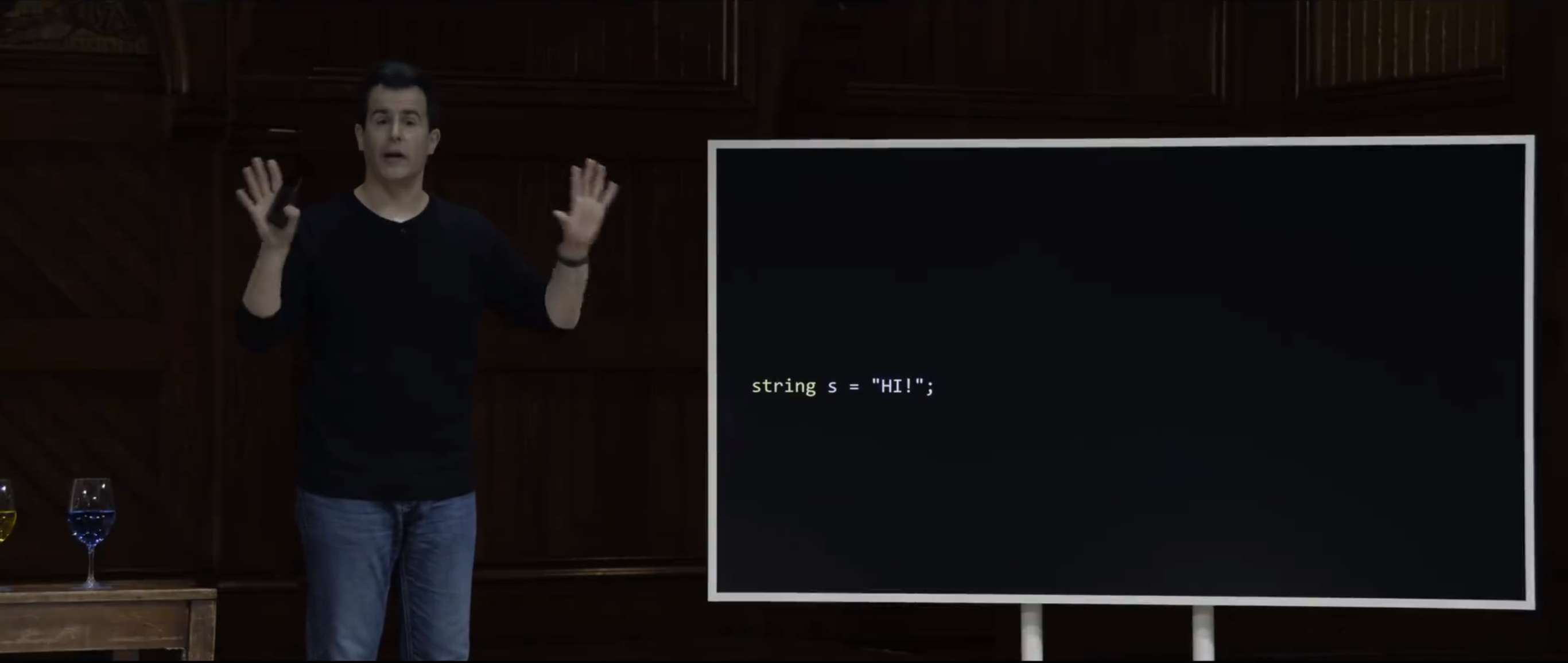
So we've up until now, been just calling it a string. So that's s is a string. And that's a sufficient mental model. But technically, what is a string ? I claimed pictorially with my grid of memory that a string is really just an address. It's really just the address of its first character. I then tired to demonstrate as much in code by using %p and showing you, literally, s is a value like, 0x something. And literally, its first character is at that same address, 0x something. So here, when I claim that string has never really existed, except with the confines of cs50,
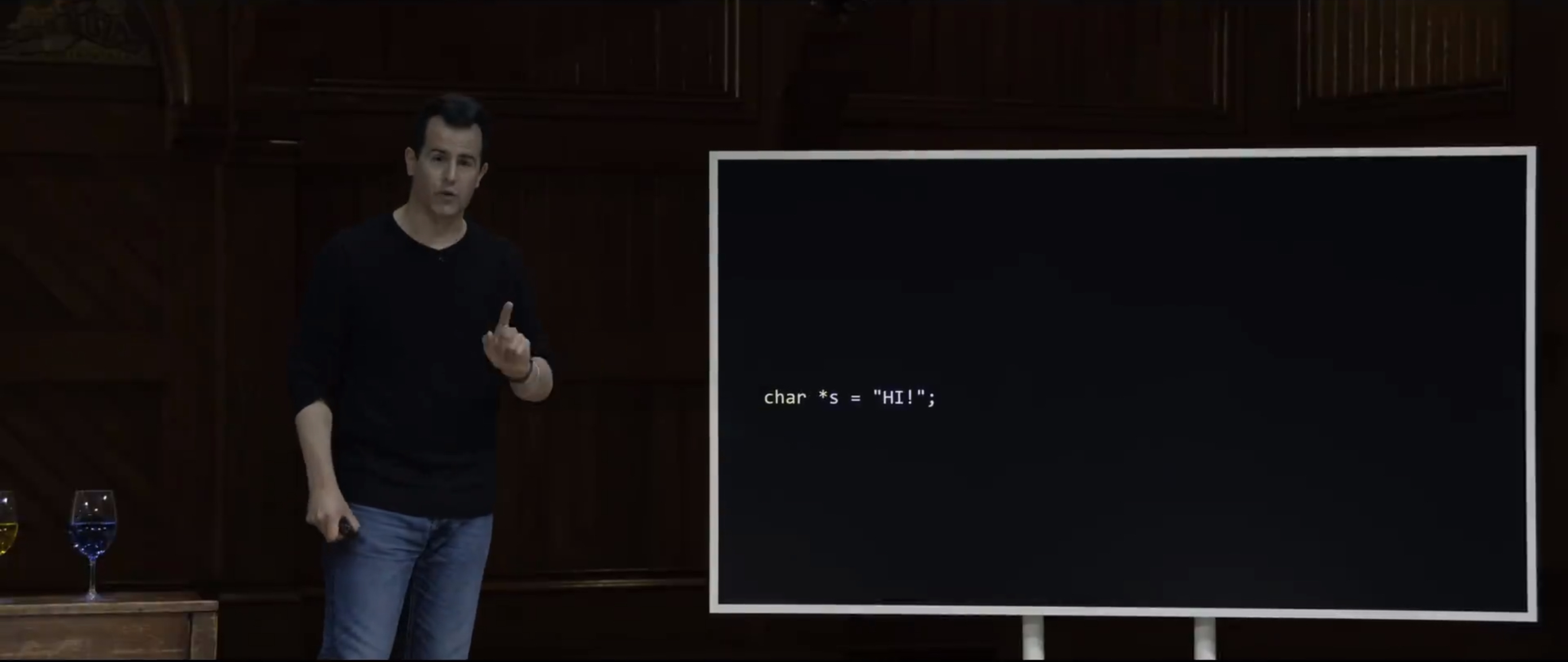
technically, the data type of a string is best expressed as char star. Why ? Well, a string clearly can't just be a char because a char, by definition is a single characters. A string, we already know, is a sequence of characters ? You can call it a char star, which is a different data type that we're introducing today the first time. And the star just means that s itself is not a char. The star means that s is the address of a char. And by convention, it's the address of the first char in a string.
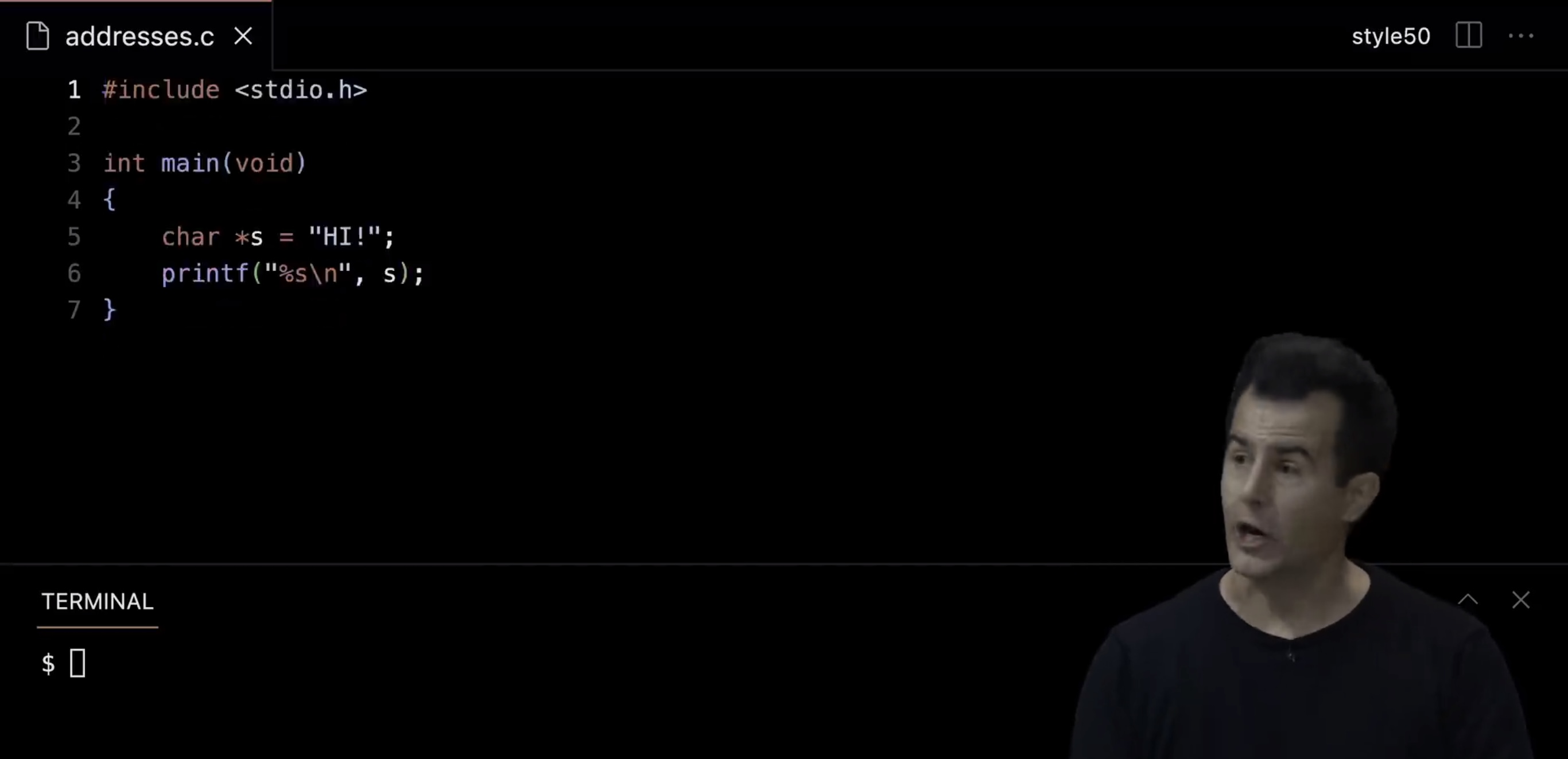
So with that said, if I go back to my actual VS Code over here, I can change, literally, char string to char star s. I can get rid of the cs50 library, our so called training wheels, which has been the goal for the past few weeks, to put them on initially and then take them off quite quickly. So now this is the same program, and %s is still the same, s is still the same. Everything else is still the same. All I've done is change, quote unquote, string to, quote unquote char star, which obviates the need for the cs50 library.
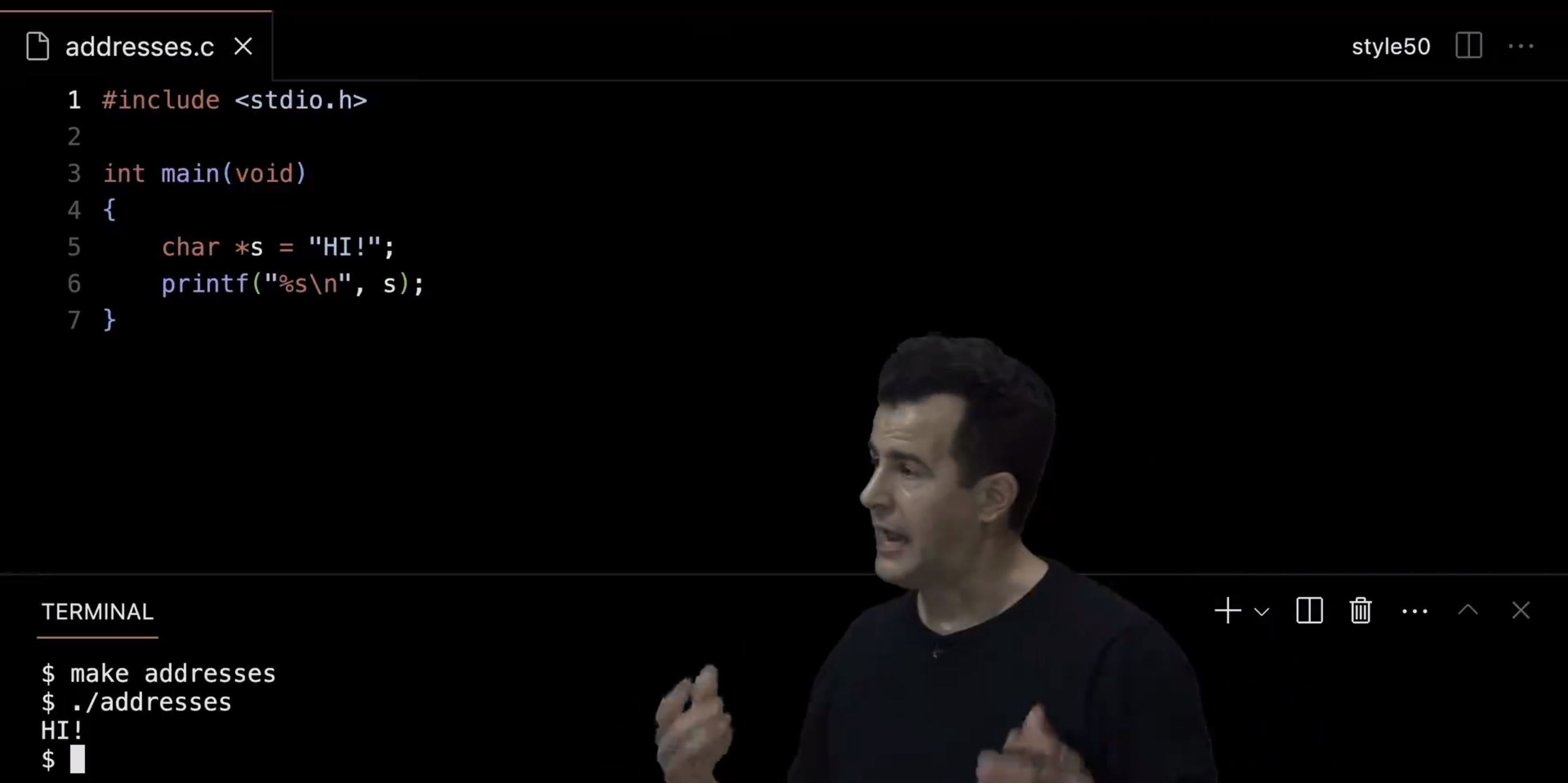
And if I now do make addresses and ./addresses, " HI! " behaves exactly as it would. So this is now raw native C code without any training wheels, without any cs50 scaffolding, that just uses these basic building blocks and primitives. Why don't we use the ampersand symbol for this, though we did earlier ?
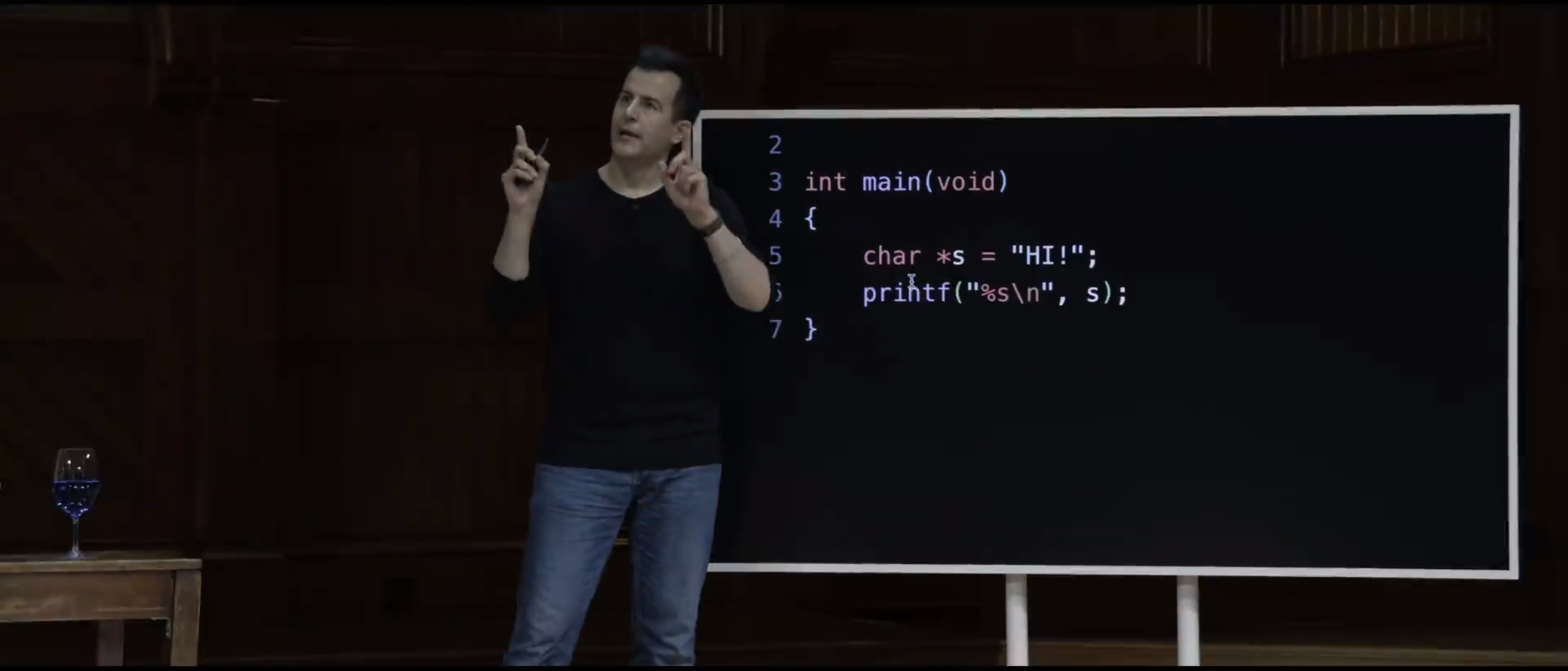
So in this case, there's no reason for an ampersand because the ampersand tells you what the address of a variable is. I'll concede that it probably would be a little more consistend for us to do this, which is maybe where your mind is going.
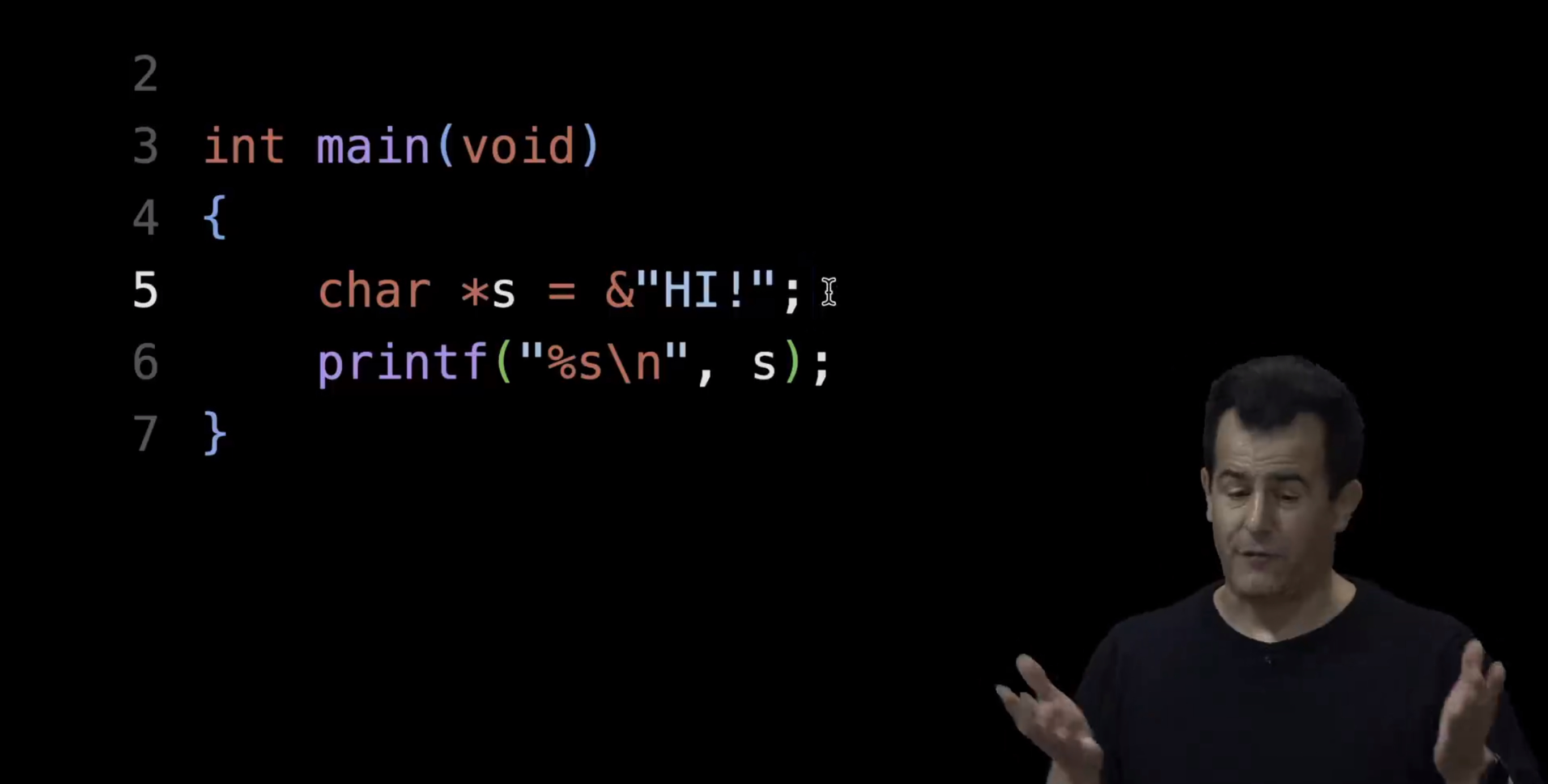
Now, never mind the fact that looks even worse, I think, syntactically. It's a reasonable instinct, but it turns out that two is what the double quotes are doing for you. The C compiler, called Clang, is smart enough to realize that when it sees double quotes around a sequence of chatacters, it wants to put the address of that first char in the variable for you. But when we had a variable like n, which we created, you have to distinguish n from its address. So that's why we prefix n with an ampersand. But the double quotes take care of it for you.