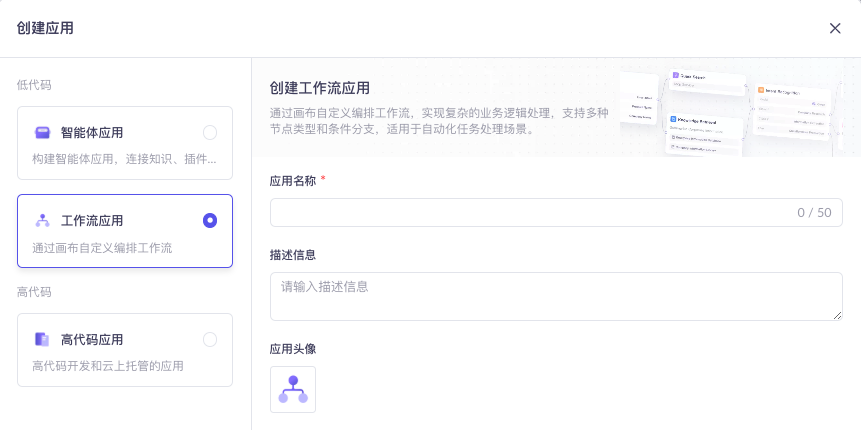
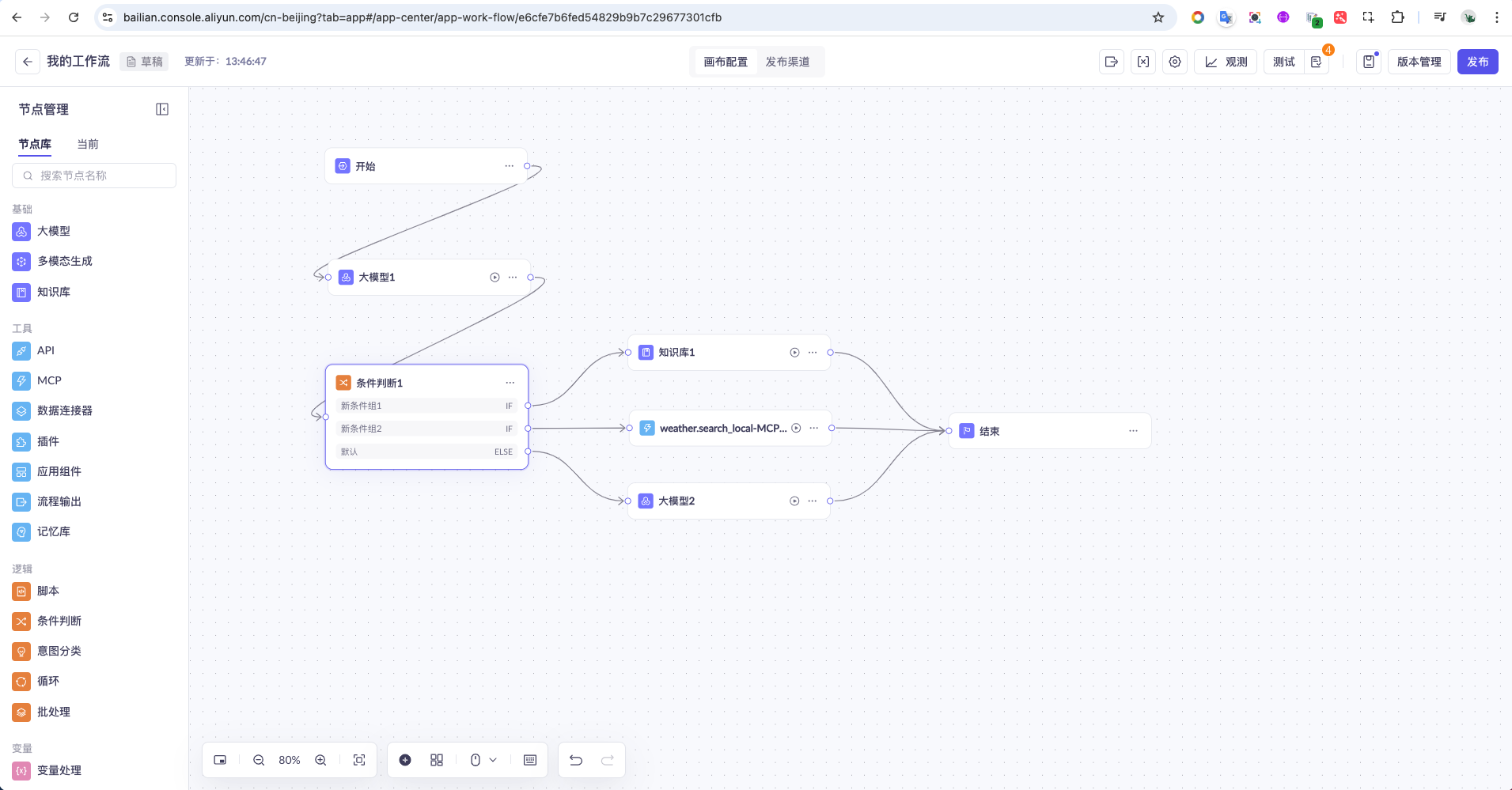
一、创建工作流
二、调用工作流
https://help.aliyun.com/zh/model-studio/agent-and-workflow-application-api-reference
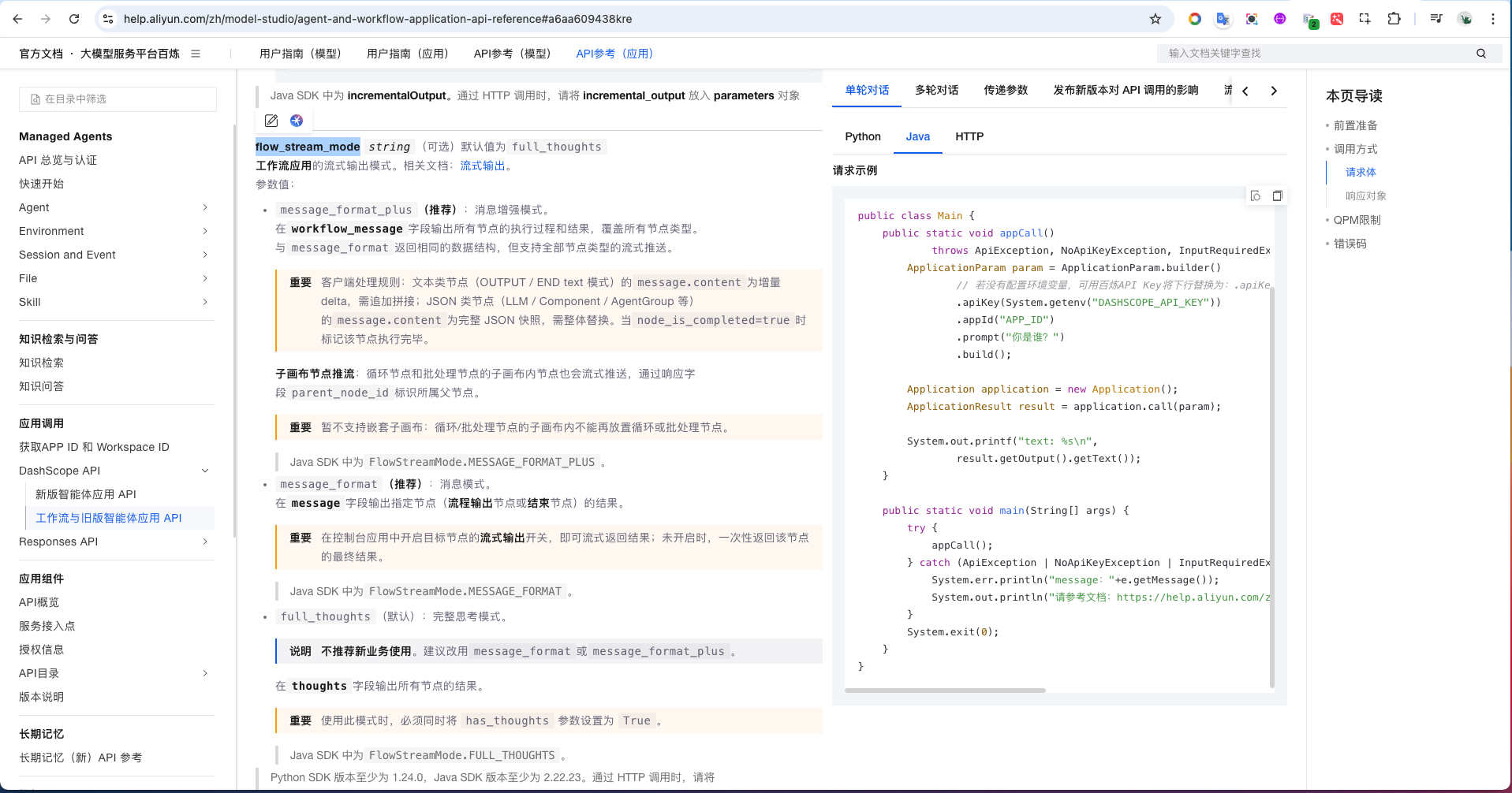
和调用智能体应用差不多,需要多一个参数 flow_stream_mode。
尽可能使用最新版本。
xml
<dependency>
    <groupId>com.alibaba</groupId>
    <artifactId>dashscope-sdk-java</artifactId>
    <version>2.22.23</version>
    <exclusions>
        <exclusion>
            <groupId>com.github.victools</groupId>
            <artifactId>jsonschema-generator</artifactId>
        </exclusion>
        <exclusion>
            <artifactId>slf4j-api</artifactId>
            <groupId>org.slf4j</groupId>
        </exclusion>
        <exclusion>
            <artifactId>slf4j-simple</artifactId>
            <groupId>org.slf4j</groupId>
        </exclusion>
    </exclusions>
</dependency>
java
ApplicationParam param = ApplicationParam.builder()
        // 若没有配置环境变量,可用百炼API Key将下行替换为:.apiKey("sk-xxx")。但不建议在生产环境中直接将API Key硬编码
        .apiKey(System.getenv("ALIYUN_API_KEY"))
        .appId("7d97f87d6c64441d88f390dcce9aafla") // 智能体id
        .prompt("你好")
        .incrementalOutput(true) // 开启增量输出
        .parameter("flow_stream_mode", "agent_format")
        // .bizParams(JsonUtils.toJsonObject(bizParams))
        .build();

Application application = new Application();
Flowable<ApplicationResult> result = application.streamCall(param);

// 阻塞式的打印内容
result.blockingForEach(data -> {
    System.out.printf("%s\n", data.getOutput().getText());
});