极物科技 | Control4 对接 - CAN 网关驱动
前言
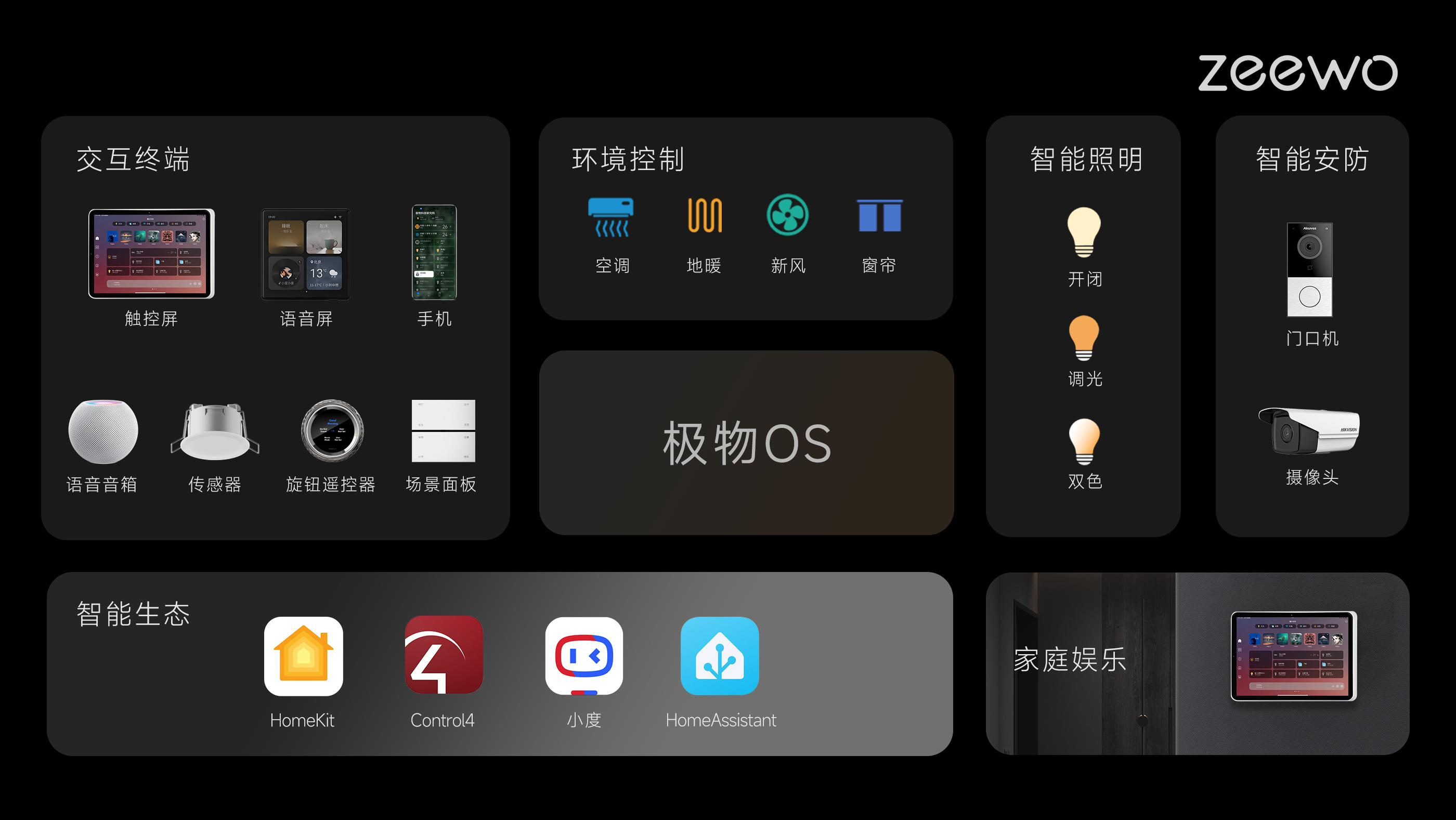
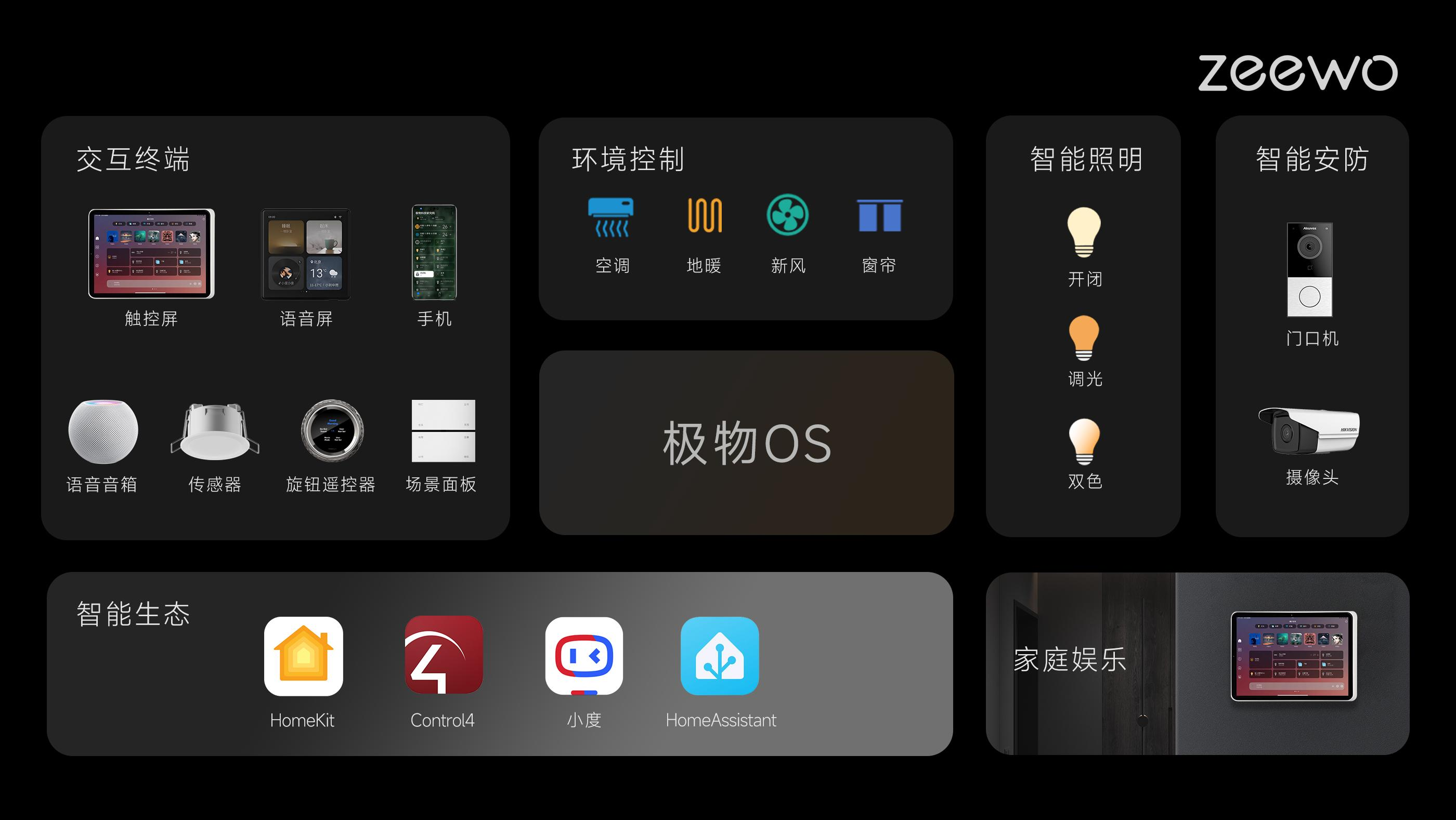
在智能控制领域,"协议壁垒"与"系统稳定性"始终是绕不开的难题。极物科技(Zeewo)以 "重构空间交互体验" 为使命,通过自研的 极物 OS,实现了 KNX、DALI、CAN、RS485 等多种总线协议在单一主机上的深度融合。
我们认为,一个真正优秀的智能系统,不仅要实现灯光、遮阳、温控、音乐、安防等全生态设备的无界融合 ,更要确保本地运行、断网可用 ,并具备WEB 远程调试 和 OTA 固件升级的能力。基于此底层架构,我们推出了诸如带双路 DALI 的 KNX 主机、HomeKit 网桥等核心硬件,并将极物 OS 成功接入了 Apple HomeKit、小度、纯血鸿蒙及 HomeAssistant 等主流生态系统。
一句话概述:本文详细解析极物网关 CAN 总线驱动的 Control4 DriverWorks 实现,涵盖网络通讯、保活机制、协议转发及多子设备管理。
本文聚焦于 极物 CAN 网关驱动的完整实现,从驱动架构、网络通讯、保活机制、协议转发到多子设备管理,逐一深入剖析,并提供完整代码供 C4 集成商参考。
开源代码:本系列文档对应的 Control4 对接驱动代码已完全开源,访问 Gitee 仓库获取完整源码:https://gitee.com/fujianxinxi/aolebahe.git
1. 驱动概述
1.1 驱动定位
CAN 网关驱动是极物网关与 Control4 系统对接的 CAN 总线入口驱动,负责:
- 建立与极物网关的 UDP 网络连接(端口 2001)
- 维护保活心跳,实时检测连接状态
- 将 C4 侧的控制指令转发到极物网关的 CAN 协议处理模块
- 将网关返回的设备状态数据转发到对应的 CAN 子设备驱动(继电器、面板等)
1.2 驱动文件结构
Aolebach-Can-GateWay/
├── driver.xml              # 驱动元数据与配置定义
├── driver.lua              # 驱动主逻辑(入口、生命周期、网络通讯)
├── protol.lua              # 协议解析(保活、连接状态管理)
├── documentation.rtf       # 驱动文档说明
└── Aolebach-Can-GateWay.c4zproj  # C4 Composer 工程文件
1.3 通讯参数
| 参数 | 规格 |
|---|---|
| 通讯方式 | UDP 协议 |
| 网关端口 | 2001 |
| C4 Proxy ID | 6001(网络连接)、5000(CAN 网关代理) |
| 保活间隔 | 10 秒 |
| 保活超时 | 连续 4 次无响应(40 秒) |
2. 驱动配置(driver.xml)
xml
<devicedata>
  <manufacturer>Aolebach</manufacturer>
  <name>奥乐巴赫 CAN 网关</name>
  <model>Aolebach CAN GateWay</model>
  <version>2025011309</version>
  <control>lua_gen</control>
  <driver>DriverWorks</driver>

  <proxies qty="1">
    <proxy proxybindingid="5000">Aolebach-CAN-Gateway</proxy>
  </proxies>

  <connections>
    <connection>
      <id>5000</id>
      <connectionname>Aolebach CAN GateWay</connectionname>
      <type>1</type>
      <consumer>false</consumer>
      <linelevel>True</linelevel>
      <classes>
        <class>
          <classname>Aolebach_CAN_GateWay</classname>
          <autobind>true</autobind>
        </class>
      </classes>
    </connection>
  </connections>

  <config>
    <properties>
      <property>
        <name>驱动名称</name>
        <type>STRING</type>
        <readonly>true</readonly>
        <default>奥乐巴赫 CAN 网关</default>
      </property>
      <property>
        <name>网关IP地址</name>
        <type>STRING</type>
        <readonly>false</readonly>
      </property>
      <property>
        <name>网关UDP端口</name>
        <type>RANGED_INTEGER</type>
        <minimum>1</minimum>
        <maximum>65535</maximum>
        <default>2001</default>
        <readonly>true</readonly>
      </property>
      <property>
        <name>Debug Mode</name>
        <type>LIST</type>
        <items>
          <item>Off</item>
          <item>Print</item>
          <item>Log</item>
          <item>Print and Log</item>
        </items>
        <default>Off</default>
      </property>
    </properties>
  </config>
</devicedata>
3. 驱动核心实现
3.1 驱动入口与常量
lua
require "utils"
require "ao_timer"
require "protol"
JSON = require "json"

DALI_GATEWAY_PROXY_ID = 5000

local g_keeplive_timer
local g_server_ip = ""
local g_server_port = 2000
local g_server_connet_type = 'UDP'
local g_server_status = false

local HostMac
local certified_status = false

local g_keeplive_frame = {
    frame_type = "keeplive"
}
3.2 延迟初始化
lua
function OnDriverLateInit()
    HostMac = C4:GetUniqueMAC()
    C4:UpdateProperty('主机MAC地址', HostMac)

    -- 验证码确认
    ActivationCheck()

    for property, _ in pairs(Properties) do
        OnPropertyChanged(property)
    end

    -- 保活报文发送定时器
    g_keeplive_timer = AddTimer(g_keeplive_timer, 10)
    C4:UpdateProperty('连接状态', "连接失败")
end
3.3 属性变更回调
lua
function OnPropertyChanged(strProperty)
    local value = Properties[strProperty]
    if (value == nil) then
        return
    end

    if (strProperty == '网关IP地址') then
        g_server_ip = value
        print("g_server_ip ", g_server_ip)
        NetwrokInit()
    elseif (strProperty == '网关UDP端口') then
        g_server_port = tonumber(value)
        print("g_server_port ", g_server_port)
        NetwrokInit()
    elseif (strProperty == 'TCP-UDP') then
        g_server_connet_type = value
    elseif (strProperty == 'Activation Key') then
        ActivationCheck()
    elseif (strProperty == '主机MAC地址') then
        C4:UpdateProperty('主机MAC地址', HostMac)
    end
end
3.4 命令路由
lua
function ExecuteCommand(strCommand, tParams)
    tParams = tParams or {}

    local output = {'--- ExecuteCommand', strCommand, '----PARAMS----'}
    for k, v in pairs(tParams) do
        table.insert(output, tostring(k) .. ' = ' .. tostring(v))
    end
    table.insert(output, '---')
    output = table.concat(output, '\r\n')
    dbg(output)

    if (strCommand == 'LUA_ACTION') then
        if (tParams.ACTION) then
            strCommand = tParams.ACTION
            tParams.ACTION = nil
        end
    end

    if (strCommand == 'Send Data') then
        SendData(tParams.DATA)
    end
end
4. 网络通讯机制
4.1 连接管理
lua
function NetwrokInit()
    CloseConnection()
    OpenConnection()
    print("connect againt ")
end

function OpenConnection()
    print('Creating standard binding to ' .. g_server_ip)
    C4:CreateNetworkConnection(6001, g_server_ip)
end

function CloseConnection()
    C4:NetDisconnect(6001, g_server_port)
end
4.2 网络绑定变更
lua
function OnNetworkBindingChanged(idBinding, bIsBound)
    print(idBinding, bIsBound)
    if (idBinding == 6001) then
        if (bIsBound) then
            print('Opening connection to ' .. g_server_port .. ' of type ' .. g_server_connet_type)
            if (g_server_connet_type == 'TCP') then
                C4:NetConnect(6001, g_server_port)
            else
                C4:NetConnect(6001, g_server_port, g_server_connet_type)
            end
        end
    end
end
4.3 连接状态监控
lua
function OnConnectionStatusChanged(idBinding, nPort, strStatus)
    print(idBinding, nPort, strStatus)
    if (idBinding == 6001) then
        if (nPort == g_server_port) then
            g_server_status = (strStatus == 'ONLINE')
        end
    end
end
4.4 数据发送
lua
function SendData(data)
    local strdata
    if (type(data) == "table") then
        strdata = JSON:encode(data)
    else
        strdata = data
    end

    if (g_server_status) then
        C4:SendToNetwork(6001, g_server_port, strdata)
    end
end
5. 协议转发机制
5.1 接收网关数据(下行)
lua
function ReceivedFromNetwork(idBinding, nPort, strData)
    if (idBinding == 6001) then
        if (nPort == g_server_port) then
            if (dali_protol_process(strData) == 1) then
                C4:SendToProxy(DALI_GATEWAY_PROXY_ID, strData, {})
            end
        end
    end
end
5.2 接收 Proxy 数据(上行)
lua
function ReceivedFromProxy(idBinding, strCommand, tParams)
    SendData(strCommand)
end
6. 保活机制
6.1 定时器触发
lua
function OnTimerExpired(idTimer)
    if (g_keeplive_timer == g_keeplive_timer) then
        SendData(g_keeplive_frame)
        if (dali_protol_connetc_timeout() == 1) then
            NetwrokInit()
        end
    end
end
6.2 保活响应处理(protol.lua)
lua
JSON = require "json"

local dali_connect_status = {
    status = false,
    time = 0
}

function dali_protol_process(data)
    local frame = JSON:decode(data)
    dbg(data)
    if (frame.frame_type ~= nil and frame.frame_type == "keeplive") then
        dali_protol_connetc_sucess()
        return 0
    end
    return 1
end

function dali_protol_connetc_sucess()
    if (dali_connect_status.status == false) then
        C4:UpdateProperty('连接状态', "连接成功")
    end
    dali_connect_status.status = true
    dali_connect_status.time = 0
end

function dali_protol_connetc_timeout()
    dali_connect_status.time = dali_connect_status.time + 1
    if (dali_connect_status.time >= 4) then
        if (dali_connect_status.status == true) then
            C4:UpdateProperty('连接状态', "连接失败")
        end
        dali_connect_status.status = false
        dali_connect_status.time = 0
        print("dali 1  请重新连接")
        return 1
    end
    return 0
end
7. 验证码机制
lua
function ActivationCheck()
    local passkey = Properties['Activation Key']
    if HostMac ~= nil then
        CRC16 = crc16(HostMac)
        CRC1 = checksumxor(HostMac, 7)
        CRC2 = checksumxor(HostMac, 5)
        CRC3 = checksumxor(HostMac, 3)
        CRC_TM1 = '19' .. CRC3 .. '20' .. CRC2 .. '13' .. CRC1 .. '98'
        CRC_TM1 = crc16(CRC_TM1)
        CRC_TM2 = CRC3 .. '62' .. CRC2 .. '64' .. CRC1 .. '43' .. '38'
        CRC_TM2 = crc16(CRC_TM2)
        CRC = 'AOLEBACH' .. CRC2 .. 'TC' .. CRC_TM1 .. 'BC' .. CRC3 .. 'XS' .. CRC16 .. 'NO' .. CRC_TM2 .. CRC1

        if (passkey == CRC) then
            certified_status = true
            C4:UpdateProperty('Activation Status', '验证码输入正确')
        else
            C4:UpdateProperty('Activation Status', '验证码输入错误')
            certified_status = false
        end
    end
end
8. 注意事项
⚠️ 端口配置
CAN 总线默认端口为 2001
网关 UDP 端口属性为只读,由驱动内部常量定义
⚠️ 保活机制保活间隔为 10 秒,超时阈值为 40 秒(连续 4 次无响应)
超时后驱动会自动重连
⚠️ 网络环境极物网关与 C4 Director 必须在同一局域网内
建议为极物网关配置静态 IP 地址
9. 相关文档
- 《极物科技 | Control4 对接 - 系统架构与驱动开发概述》
- 《极物科技 | Control4 对接 - CAN 继电器驱动》
- 《极物科技 | Control4 对接 - CAN 按键面板驱动》
关于极物科技(ZEEWO)
极物科技(Zeewo)致力于为用户提供智能控制系统及硬件产品。我们以总线系统为技术底座,以**"稳定、可靠、快速响应"**为产品底线,是国内少有的拥有 KNX、DALI 全套软硬件自主研发能力的厂商之一。
我们的核心能力:
- 系统架构:自研极物 OS,支持多协议无界融合(KNX/DALI/CAN/RS485/IP)。
- 核心硬件:带双路 DALI 的 KNX 主机、超薄全金属定制面板、各类智选传感器及网关。
- 生态互联:深度融入 Apple HomeKit、Matter、小度、HomeAssistant 及纯血鸿蒙生态。
- 调试交付:独家支持 ETS 导出 XML 直接导入进行 APP 免编程调试,支持远程 WEB 运维。
我们的市场覆盖:
服务网点已覆盖全国核心城市(含长三角、珠三角、成渝等),并以高品质的方案深耕家居生活、酒店民宿、企业办公、疗愈康养、餐馆会所等多个细分领域。
(如果您在开发或落地中遇到技术问题,欢迎通过官网或后台私信与我交流探讨)