文章目录
做歌单、新闻标题、消息列表这种 UI 的时候,经常会遇到歌名 / 标题太长塞不下的问题。
最省事的办法是让它循环滚动展示,也就是跑马灯(marquee)。
Android 上做跑马灯的路子有三条,按使用频率排大概是:
- XML 直接配属性(系统原生)
- 自己写个 TextView 子类
- 用
ObjectAnimator自己驱动
下面一个个说。
一、直接配属性
最基础的写法,四个属性搞定:
xml
<TextView
    android:layout_width="180dp"
    android:layout_height="wrap_content"
    android:singleLine="true"
    android:ellipsize="marquee"
    android:marqueeRepeatLimit="marquee_forever"
    android:text="这是一段非常长的歌曲名称" />
四个属性各自的作用:
singleLine="true"强制单行,多行根本没法滚ellipsize="marquee"启用 marquee 截断策略marqueeRepeatLimit控制滚几次。默认只滚 3 次,很多人不知道这个默认值,
写出来发现滚三圈就停了以为代码有问题,其实是默认值就是这样。
设成marquee_forever才是无限循环focusable/focusableInTouchMode允许控件获得焦点(这个是关键的,下文讲)
这套配置在页面只有一个 TextView 的时候是能跑的,
但放进 RecyclerView 的 item 里基本都会失效------跑马灯要求 TextView 拿到焦点才动 ,
而列表 item 的焦点归属是不稳定的,焦点可能被其他 EditText、Button 抢走。
所以光靠系统属性这条路,列表场景基本走不通。
一些细节
- 文字宽度必须超过 TextView 的宽度,否则根本没东西可滚(会被识别成不需要 marquee)
marqueeRepeatLimit的取值:可以是具体数字(比如"5"表示滚 5 次),
也可以是marquee_foreverfocusable和focusableInTouchMode在不同 Android 版本下行为略有差异,
一般两个都加上比较稳
二、自定义 TextView
既然问题是"拿不到焦点",那就让 TextView 永远认为自己有焦点 。
整个自定义类只需要重写一个方法:
java
public class MarqueeTextView extends AppCompatTextView {

    public MarqueeTextView(Context context) { super(context); }
    public MarqueeTextView(Context context, @Nullable AttributeSet attrs) {
        super(context, attrs);
    }
    public MarqueeTextView(Context c, @Nullable AttributeSet a, int d) {
        super(c, a, d);
    }

    @Override
    public boolean isFocused() {
        return true;
    }
}
为什么这么写
几个细节值得说一下:
继承 AppCompatTextView 而不是 TextView :兼容性更好,能用上 AppCompat 主题。
如果不介意主题兼容性,也可以直接继承 TextView。
三个构造方法都要重写 :因为系统在 XML 加载时会调两个参数的那个,代码里 new 出来时会调一个参数的,主题里指定 style 时会调三个参数的。
少写一个就会出现"XML 里能用、代码里 new 就崩"的诡异 bug。
isFocused() 为什么稳定 :这个方法返回的是 View 自己的状态,不会和别人抢焦点资源。系统每次想"这个 TextView 是不是有焦点"的时候都问它,
它每次都说"是",所以 marquee 就会一直跑。
XML 里怎么用
把 <TextView> 换成这个类,属性保持原样:
xml
<com.example.myqqmusic.MarqueeTextView
    android:layout_width="180dp"
    android:layout_height="wrap_content"
    android:singleLine="true"
    android:ellipsize="marquee"
    android:marqueeRepeatLimit="marquee_forever"
    android:text="..." />
Adapter 一行不用动。
实际跑起来
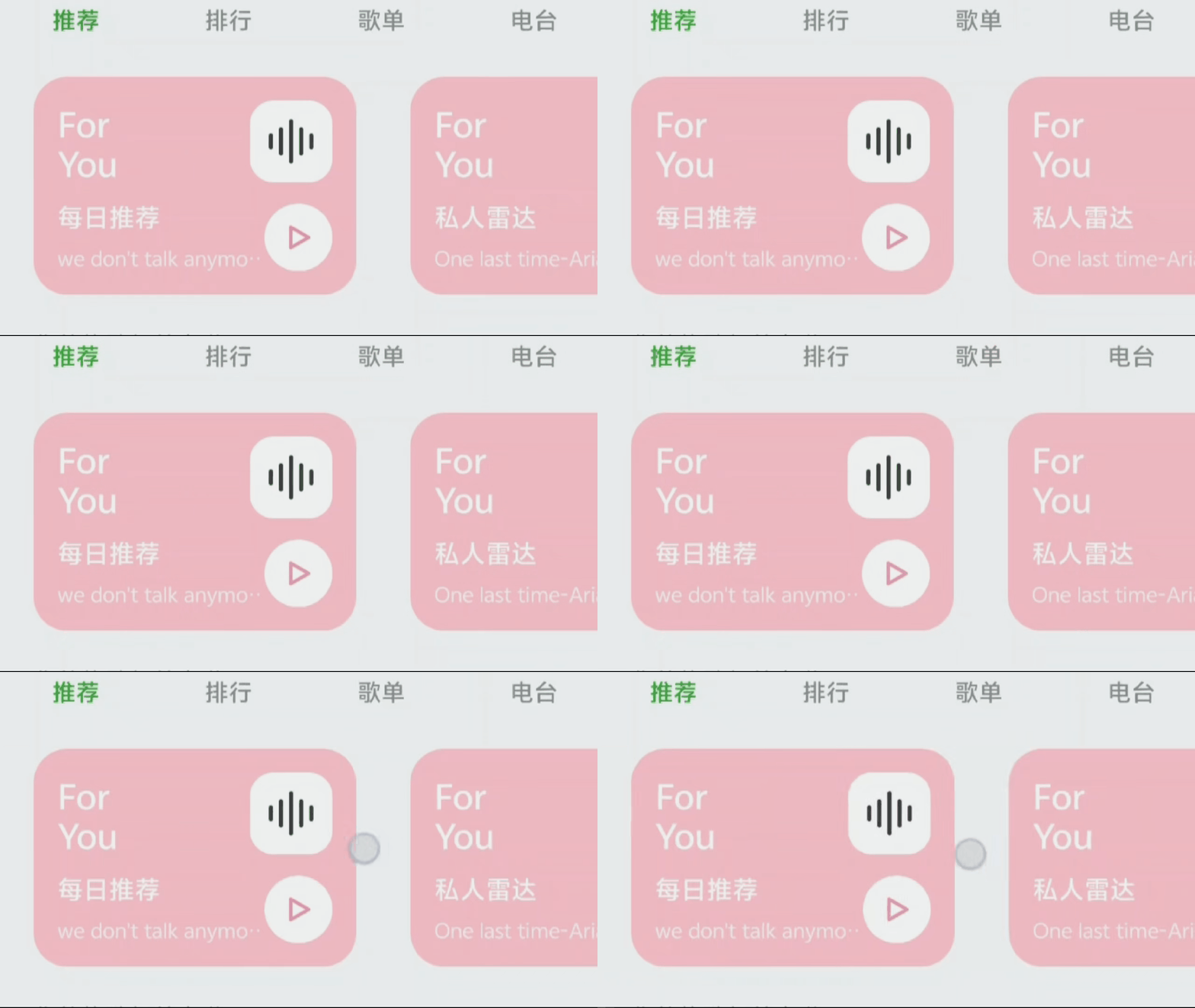
放两张对比图看看:
- 使用TextView:
- 使用自定义View:
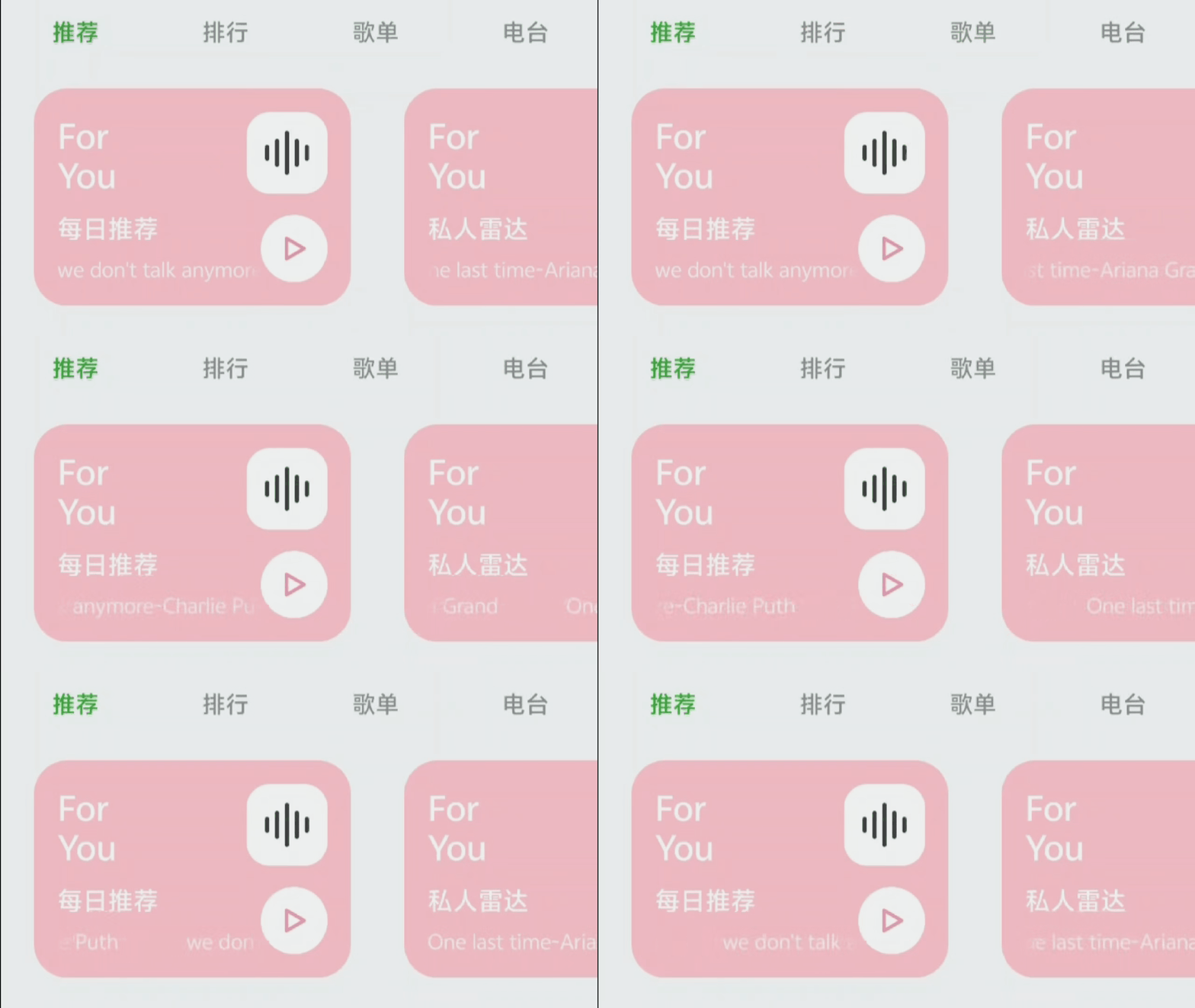
列表里每一项的歌名都会滚起来,刚滑进屏幕的那一项也是。
滑出去看不见的 item 实测下来系统会自动停掉渲染,不用担心后台偷偷吃 GPU。
三、ObjectAnimator 自己驱动
如果业务上需要"播放时才滚、暂停就停",前面两种方案做不到------它们都是连续滚动的,
没法在某个时刻暂停或者改变速度。这时候就要自己写动画了:
java
private ObjectAnimator animator;

public void startMarquee(TextView tv) {
    tv.setSingleLine(true);
    tv.measure(View.MeasureSpec.UNSPECIFIED, View.MeasureSpec.UNSPECIFIED);
    int textWidth = tv.getMeasuredWidth();
    int viewWidth = tv.getWidth();
    int distance = viewWidth - textWidth;
    if (distance >= 0) return;   // 文字不够长就没必要滚

    animator = ObjectAnimator.ofFloat(tv, "translationX", 0, distance);
    animator.setDuration(8000);
    animator.setRepeatMode(ObjectAnimator.RESTART);
    animator.setRepeatCount(ObjectAnimator.INFINITE);
    animator.setInterpolator(new LinearInterpolator());
    animator.start();
}

public void stopMarquee() {
    if (animator != null) animator.cancel();
    tv.setTranslationX(0);
}
几个细节
为什么用 LinearInterpolator :默认的 AccelerateDecelerateInterpolator 是先加速后减速,文字滚起来会一卡一卡的,看着像 PPT。线性插值器就是匀速,最贴近系统 marquee 的感觉。
为什么是 translationX:直接平移文字最省事,比改 canvas、自己 measure 重绘都简单。代价是不能改透明度、缩放这些复杂效果,单纯滚文字够用了。
暂停和恢复 :ObjectAnimator 有 pause() 和 resume(),可以在播放状态变化的时候控制动画:
java
public void onPlayStateChanged(boolean isPlaying) {
    if (animator == null) return;
    if (isPlaying) animator.resume();
    else animator.pause();
}
注意一定要先 start() 过才能 pause(),没起跑的 animator 调用 pause 会被忽略。
代价
- RecyclerView 里要自己处理可见性(哪些 item 在屏幕内才起动画)
- 歌词那种极端长文本会卡,可以改用
HorizontalScrollView + Scroller自己算滚动
大多数列表用不到这条,播放页歌词才用得上。
四、长文本方案:HorizontalScrollView + Scroller
ObjectAnimator 在文字非常长(比如一整首歌词)的时候会卡,因为每次文字平移都要触发整个 TextView 的重绘。
更稳的做法是把 TextView 嵌进 HorizontalScrollView,通过 Scroller 自己控制滚动位置:
java
public class MarqueeHorizontalScrollView extends HorizontalScrollView {
    private Scroller scroller;

    public MarqueeHorizontalScrollView(Context c, AttributeSet a) {
        super(c, a);
        scroller = new Scroller(c, new LinearInterpolator());
    }

    @Override
    public void computeScroll() {
        if (scroller.computeScrollOffset()) {
            scrollTo(scroller.getCurrX(), 0);
            postInvalidate();
        }
    }

    public void startMarquee() {
        int textWidth = getChildAt(0).getWidth();
        int viewWidth = getWidth();
        if (textWidth <= viewWidth) return;
        scroller.startScroll(0, 0, viewWidth - textWidth, 0, 8000);
        invalidate();
    }
}
这种方式下文字不参与绘制,只滚动外层容器,性能最好。代价是代码量上来了,而且要把 TextView 嵌进 HorizontalScrollView,布局上稍微麻烦点。一般只有歌词这种极端长文本才需要。
五、总结
做 Android UI 的时候,遇到长文本塞不下,跑马灯是常规解法。
三种方案里:
- 系统属性适合单独一个 TextView 的简单页面(版权声明、横幅提示)
- 自定义 TextView(重写
isFocused)适合绝大多数列表场景------歌单、商品、消息预览 ObjectAnimator适合需要和业务状态联动的场景------播放页歌词、暂停 / 恢复
做歌单这种 UI 的话,写个 5 行的 MarqueeTextView 就完事了,不用一开始就上 ObjectAnimator,也不用折腾 HorizontalScrollView。