electrical: 等长规则
physical: 走线规则
spacing: 间距规则
same net spacing: 相同网络线距规则
physical 走线规则:包括过孔,线宽,差分对类型
在allegro,菜单栏,setup->constraints->constraints manager中,
physical
1)physical constraint set里面,添加线宽的规则,过孔,neck
Line Width: 线宽, min,max
Neck: 颈缩模式,min width:最小的线宽,max length:最大的长度
differential pair:差分信号,min line spacing,最小线间距,primary gap,优先间距,默认间距。
primary,最重要的
gap,间距
2)在net中,all layers里面,referenced physical(CSet),选择对应的规则,这里面可以创建class或者net gruop
走线的时候,如果是neck模式,可以右键,选择neck mode.
spacing: 间距规则,
1)创建不同mil的规则,通过右键 change all design unit attribute,设置间距大小数值或者单独设置大小数据
2)在net中,all layers里面,referenced physical(CSet),选择对应的规则
3)region.如果走线存在空间不够,pyhsical 是通过neck模式修改线宽大小,在spacing中,通过region,先通过spacing定义规则,在创建region,在通过shape指令,在constraint Region,选择pcb区域,option面板中,选择设置的region.
same net spacing:和spacing是一样的设置
electrial:等长规则
1)Net->Routing中,
differential pair(差分信号), static phase 和 dynamic phase, 分别设置static phase 中tolenrance的容差,和dynamic phase中的max length和tolenrance.
relative propagation delay(相同信号集),是相对等长,选择对应的信号,选择对应最长的为目标线,relative Delay下的Delta:Tolerance右键,set as target.
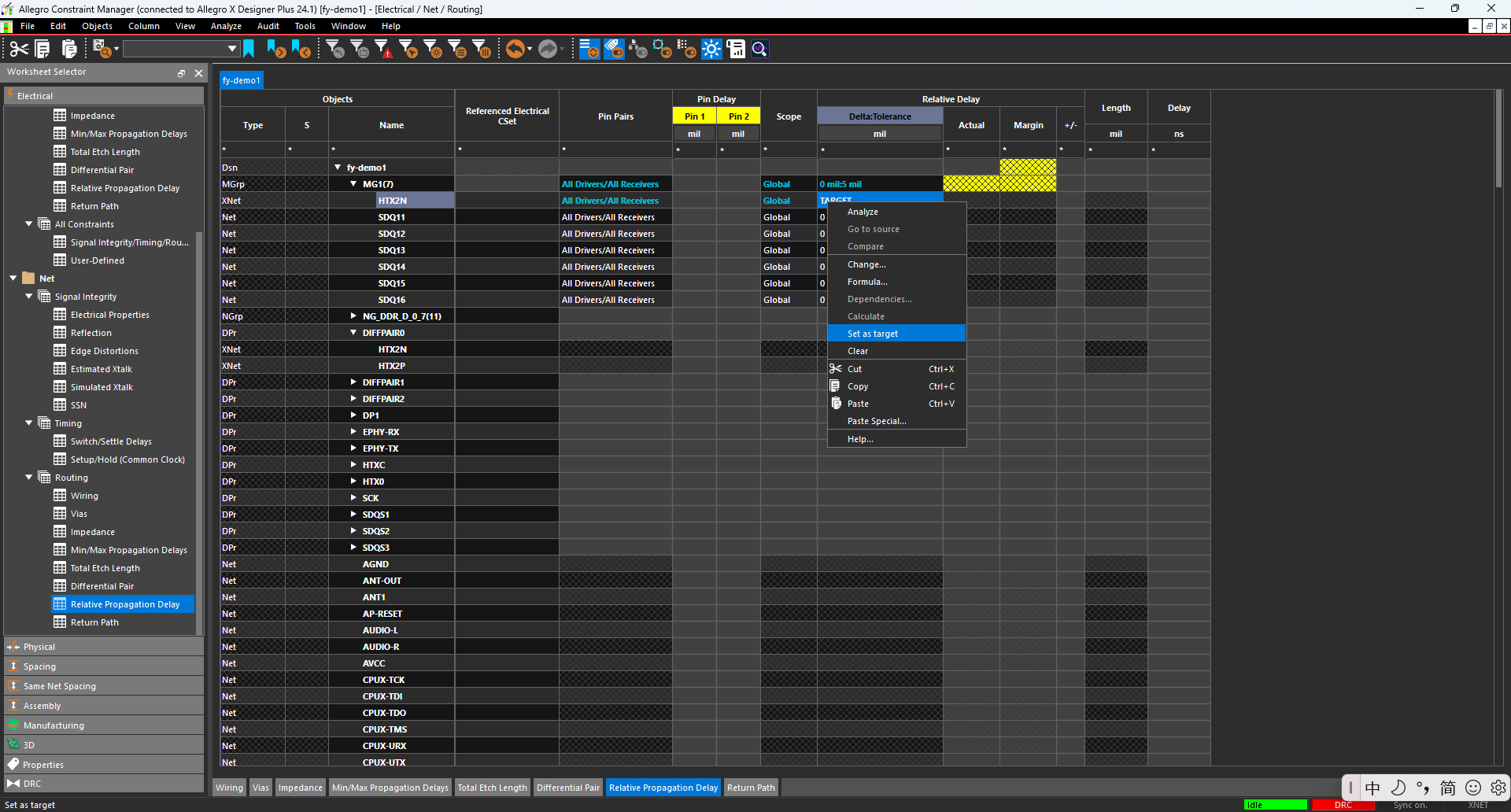
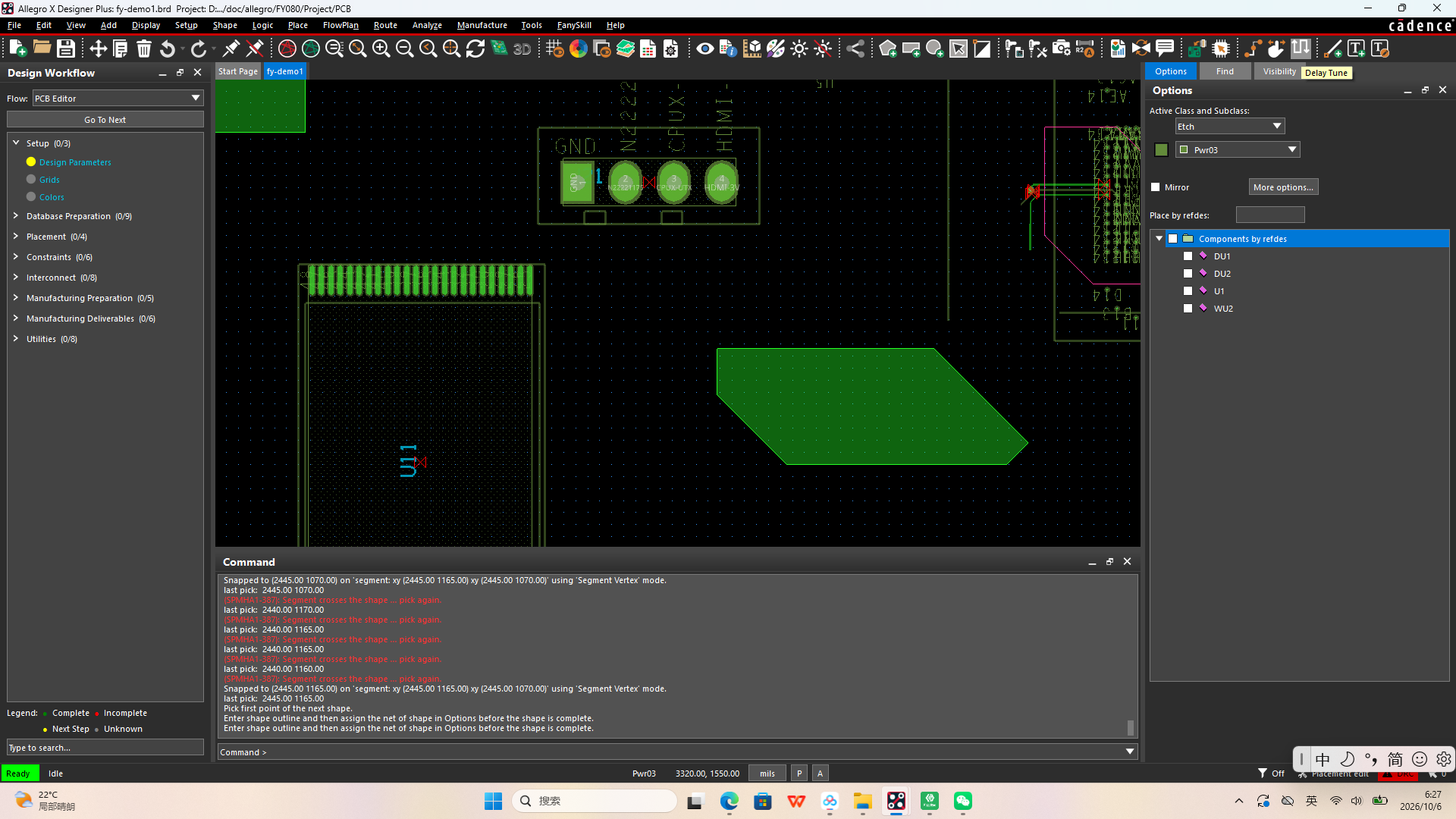
最后执行绕等长的命令,Delay Tune.或者route下面的Delay Tune
如果是点对点,create -> match group,match group 是在做相对等长的时候用到的一个集合,
如果是点对多点,数量不多,可以选择pin pair, 选择对应的网络,右键,create pin pair
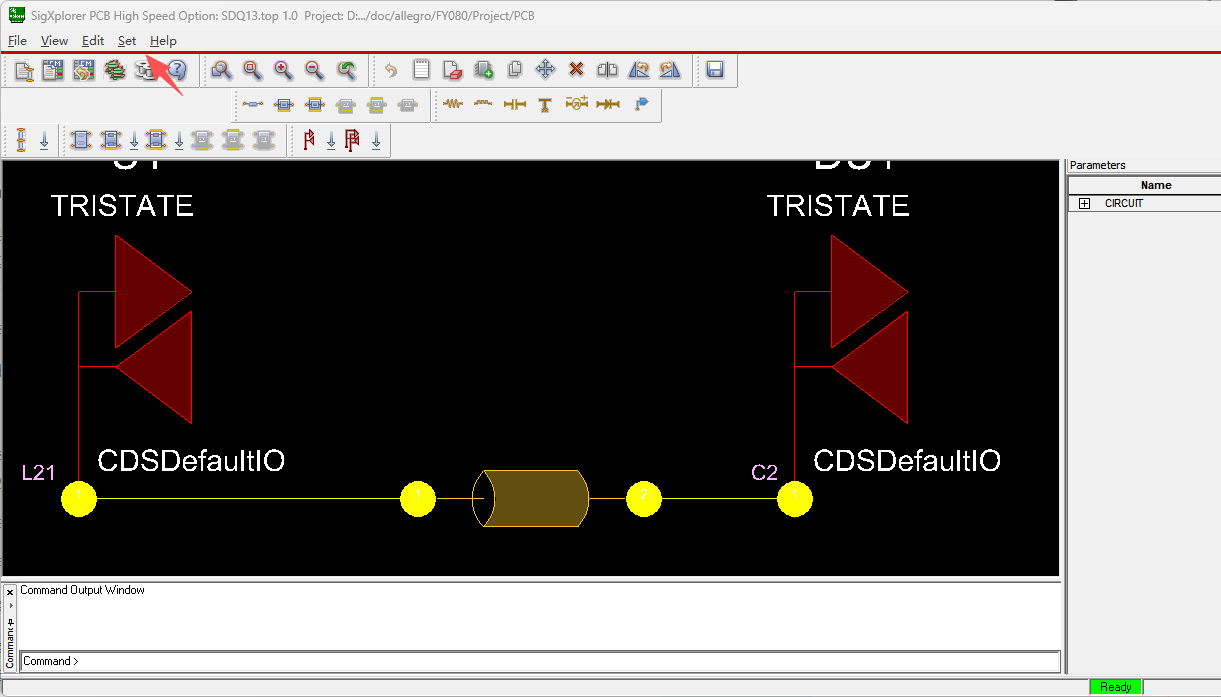
如果是点对多点,数量多,可以选择模型,右键sigxplorer,在菜单栏set,选择constraints,选择Rel Prop Delay选项。设置对应的规则
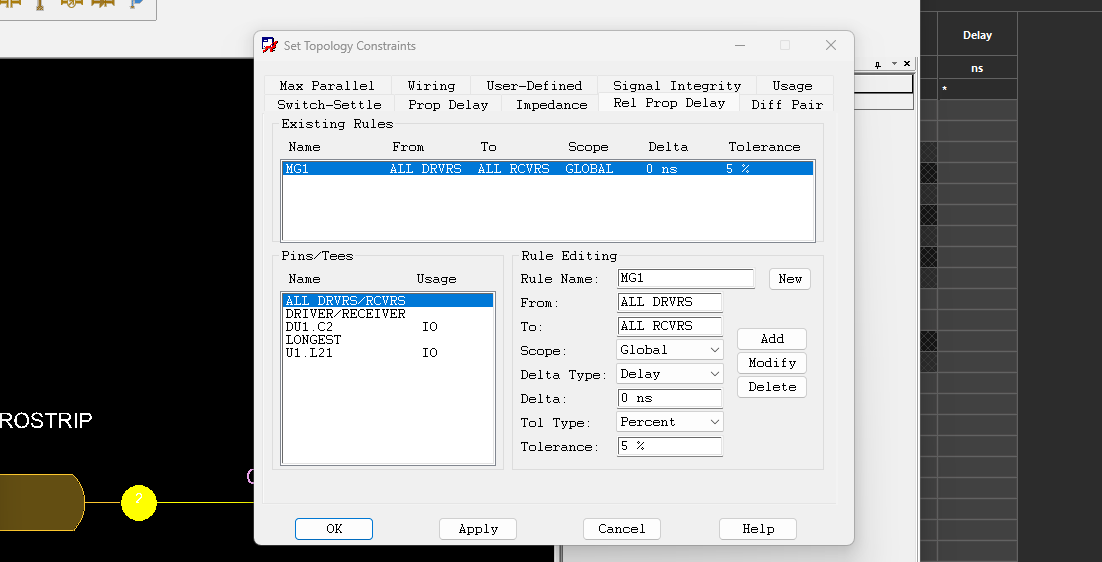
total etch length,是绝对等长,在min和max设置对应的长度值。