文章目录
- 前言
- [一、pid_t setsid(void);](#一、pid_t setsid(void);)
- 二、守护进程
- 翻译字典服务器(守护线程版)
前言
根据上章所讲的后台进程组和session会话,我们知道如果可以将一个进程放入一个独立的session,可以一定程度上守护该进程。
一、pid_t setsid(void);
该系统接口函数可以将一个不是进程组组长的进程放入一个独立的session会话的后台进程中。
二、守护进程
cpp
#include <signal.h>
#include <unistd.h>
#include <iostream>
#include <string>
#include <sys/types.h>
#include <sys/stat.h>
#include <fcntl.h>

const std::string filepath = "/dev/null";
void Daemon(const std::string &cwd = "")
{
    // 1.忽略非致命终止信号
    signal(SIGCHLD, SIG_IGN);
    signal(SIGPIPE, SIG_IGN);
    signal(SIGSTOP, SIG_IGN);


    // 2.fork并进入独立session
    if (fork() > 0)
        exit(0);
    setsid();


    // 3.改变工作目录
    if (!cwd.empty())
        chdir(cwd.c_str());


    // 4.标准输入输出错误文件描述符重定向
    int fd = open(filepath.c_str(), O_RDWR);
    if (fd != -1)
    {
        dup2(fd, 0);
        dup2(fd, 1);
        dup2(fd, 2);
        close(fd);
    }

}- 忽略掉忽略非致命终止信号,使进程不那么容易被信号终止。
- 因为setsid接口函数我们说过,它不能把一个是进程组组长的进程放入一个独立的session会话当中,既然不能是进程组组长,那我们就创建一个子进程来运行后续代码,父进程直接退出。
- 在有一定需求的情况下,可以更改自己的工作目录。
- 因为放入到独立的session会话中,向标准输入输出错误读写操作就没有意义了,所以我们可以重定向标准输入输出错误文件描述符。 而Linux系统给我们提供了这么一个文件在/dev/null,它是Linux系统专门提供给用户存放垃圾数据的文件,我们不管向里面怎么写数据,该文件大小保持不变;不管怎么读都是空。
翻译字典服务器(守护线程版)
cpp
#include <iostream>
#include <sys/socket.h>
#include <sys/types.h>
#include <string>
#include <arpa/inet.h>
#include <stdlib.h>
#include <unistd.h>
#include "log.hpp"
#include <netinet/in.h>
#include <string.h>
#include <pthread.h>
#include "threadPool.hpp"
#include "Task.hpp"
#include <signal.h>
#include "daemon.hpp"

const std::string default_ip = "0.0.0.0";
const uint16_t default_port = 8888;
const int backlog = 10;

std::string messageHandle(const std::string &ip, uint16_t port, const std::string &message)
{
    time_t now = time(nullptr);
    struct tm *lt = localtime(&now);
    std::cout << lt->tm_hour << ":" << lt->tm_min << "[" << ip << ":" << port << "]: "
              << message << std::endl;
    return message;
}
class TcpServer;

class TcpServer
{
public:
    TcpServer(const uint16_t& port = default_port, const std::string& ip = default_ip)
        : _listensock(-1)
        , _server_ip(ip)
        , _server_port(port)
    {
    }

    void Init()
    {
        Daemon();
        // 申请套接字
        int sock = socket(AF_INET, SOCK_STREAM, 0);
        if (sock == -1)
        {
            lg(Fatal, "socket create failed...");
            exit(1);
        }
        lg(Debug, "socket create succeess...");

        _listensock = sock;

        // bind套接字
        struct sockaddr_in local;
        memset(&local, 0, sizeof local);
        local.sin_family = AF_INET;
        inet_aton(_server_ip.c_str(), &local.sin_addr);
        local.sin_port = htons(_server_port);
        if (bind(_listensock, (const sockaddr *)&local, (socklen_t)sizeof(local)) == -1)
        {
           lg(Fatal, "bind failed..., error:%s", strerror(errno));
            exit(2);
        }
        lg(Debug, "bind succeess...");

        // listen begin
        if (listen(_listensock, backlog) < 0)
        {
            lg(Fatal, "listen failed...");
            exit(3);
        }
        lg(Debug, "listen succeess...");
    }

    void run()
    {
        signal(SIGPIPE, SIG_IGN); // 防止因为读端关闭导致整个进程直接退出
        struct sockaddr_in client;
        socklen_t len;
        ThreadPool<Task>::GetInstance()->Start();
        while (true)
        {
            memset(&client, 0, sizeof client);
            int socketfd = accept(_listensock, (struct sockaddr *)&client, &len);
            if (socketfd < 0)
            {
                lg(Warning, "accept failed...");
                continue;
            }
            lg(Info, "accept success..., and get a link, socketfd: %d", socketfd);
            ThreadPool<Task> *threadpool = ThreadPool<Task>::GetInstance();
            threadpool->Push(Task(socketfd, client));
        }
    }

private:
    int _listensock;
    std::string _server_ip;
    uint16_t _server_port;
};
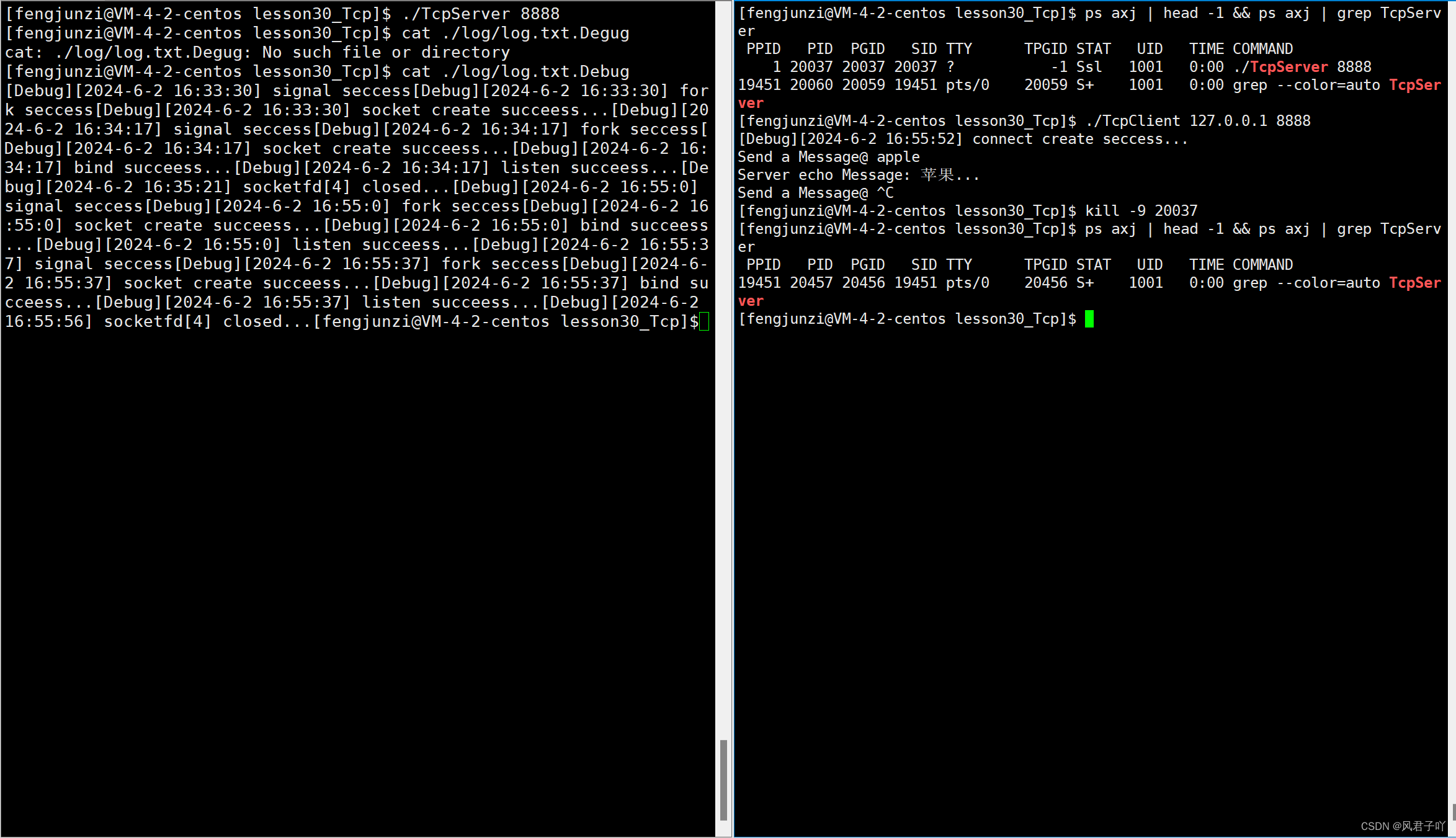
效果图