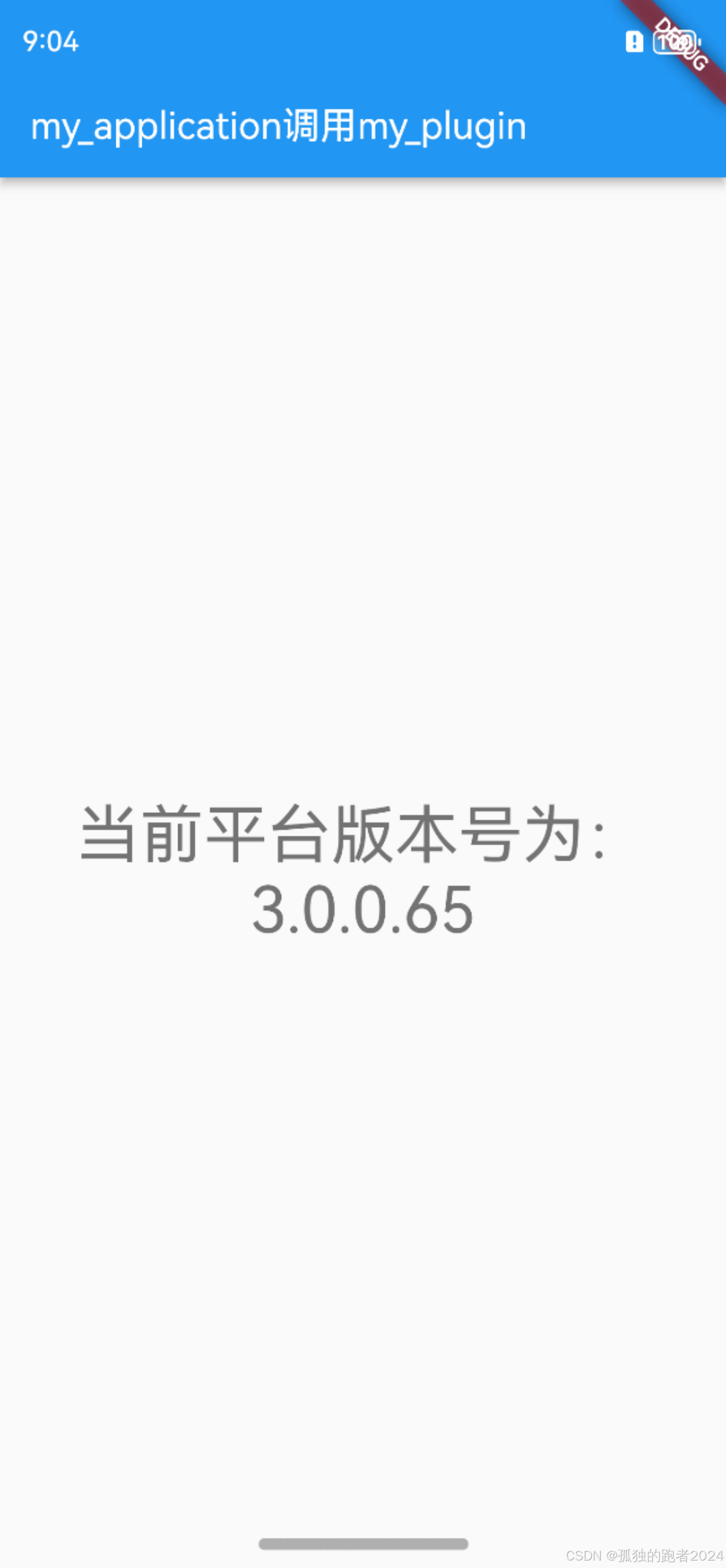
-
创建Plugin为my_plugin
flutter create --org com.example --template=plugin --platforms=android,ios,ohos my_plugin
-
创建Application为my_application
flutter create --org com.example my_application
-
flutter_application引用flutter_plugin,在pubspec.yaml文件中dependencies中添加flutter_plugin引用
my_plugin: path: /Users/administrator/Desktop/workspace/my_plugin -
代码编写调用
my_plugin ohos代码编写:
import {
  FlutterPlugin,
  FlutterPluginBinding,
  MethodCall,
  MethodCallHandler,
  MethodChannel,
  MethodResult,
} from '@ohos/flutter_ohos';
import deviceInfo from '@ohos.deviceInfo'

/** MyPlugin **/
export default class MyPlugin implements FlutterPlugin, MethodCallHandler {
  private channel: MethodChannel | null = null;

  constructor() {
  }

  getUniqueClassName(): string {
    return "MyPlugin"
  }

  onAttachedToEngine(binding: FlutterPluginBinding): void {
    this.channel = new MethodChannel(binding.getBinaryMessenger(), "my_plugin");
    this.channel.setMethodCallHandler(this)
  }

  onDetachedFromEngine(binding: FlutterPluginBinding): void {
    if (this.channel != null) {
      this.channel.setMethodCallHandler(null)
    }
  }

  onMethodCall(call: MethodCall, result: MethodResult): void {
    if (call.method == "getPlatformVersion") {
      result.success(deviceInfo.osFullName);
    } else {
      result.notImplemented()
    }
  }
}
my_plugin dart代码编写:
import 'my_plugin_platform_interface.dart';

class MyPlugin {
  Future<String?> getPlatformVersion() {
    return MyPluginPlatform.instance.getPlatformVersion();
  }
}

import 'package:flutter/foundation.dart';
import 'package:flutter/services.dart';

import 'my_plugin_platform_interface.dart';

/// An implementation of [MyPluginPlatform] that uses method channels.
class MethodChannelMyPlugin extends MyPluginPlatform {
  /// The method channel used to interact with the native platform.
  @visibleForTesting
  final methodChannel = const MethodChannel('my_plugin');

  @override
  Future<String?> getPlatformVersion() async {
    final version = await methodChannel.invokeMethod<String>('getPlatformVersion');
    return version;
  }
}

import 'package:plugin_platform_interface/plugin_platform_interface.dart';

import 'my_plugin_method_channel.dart';

abstract class MyPluginPlatform extends PlatformInterface {
  /// Constructs a MyPluginPlatform.
  MyPluginPlatform() : super(token: _token);

  static final Object _token = Object();

  static MyPluginPlatform _instance = MethodChannelMyPlugin();

  /// The default instance of [MyPluginPlatform] to use.
  ///
  /// Defaults to [MethodChannelMyPlugin].
  static MyPluginPlatform get instance => _instance;

  /// Platform-specific implementations should set this with their own
  /// platform-specific class that extends [MyPluginPlatform] when
  /// they register themselves.
  static set instance(MyPluginPlatform instance) {
    PlatformInterface.verifyToken(instance, _token);
    _instance = instance;
  }

  Future<String?> getPlatformVersion() {
    throw UnimplementedError('platformVersion() has not been implemented.');
  }
}
my_application dart代码调用:
import 'package:flutter/material.dart';
import 'package:my_plugin/my_plugin.dart';


void main() {
  runApp(const MyApp());
}

class MyApp extends StatelessWidget {
  const MyApp({super.key});
  @override
  Widget build(BuildContext context) {
    return MaterialApp(
      title: 'Flutter Demo',
      theme: ThemeData(
        primarySwatch: Colors.blue,
      ),
      home: const MyHomePage(title: 'my_application调用my_plugin'),
    );
  }
}

class MyHomePage extends StatefulWidget {
  const MyHomePage({super.key, required this.title});

  final String title;

  @override
  State<MyHomePage> createState() => _MyHomePageState();
}

class _MyHomePageState extends State<MyHomePage> {

  MyPlugin myPlugin = MyPlugin();
  String PlatformVersion = "";

  @override
  void initState() {
    // TODO: implement initState
    super.initState();
    myPlugin.getPlatformVersion().then((value){
      PlatformVersion = value ?? "";
      setState(() {

      });
    });
  }

  @override
  Widget build(BuildContext context) {
    return Scaffold(
      appBar: AppBar(
        title: Text(widget.title),
      ),
      body: Center(
        child: Column(
          mainAxisAlignment: MainAxisAlignment.center,
          crossAxisAlignment: CrossAxisAlignment.center,
          children: <Widget>[
            Text(
              '当前平台版本号为:$PlatformVersion',
              style: Theme.of(context).textTheme.headlineMedium,
              textAlign: TextAlign.center,
            ),
          ],
        ),
      ),
    );
  }
}- 效果展示