1.vscode免密ssh登录ubantu
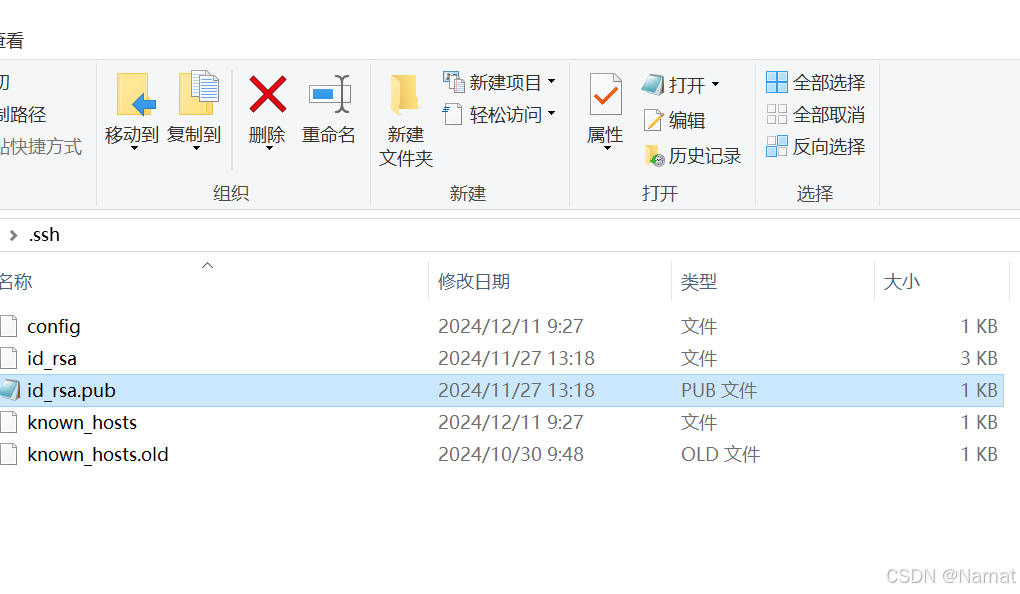
1、windows创建秘钥, 有秘钥就不用创建
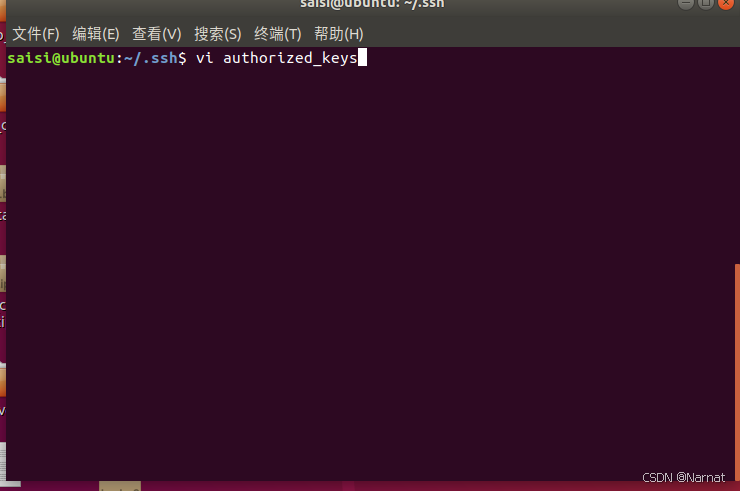
ssh-keygen -t rsa2、将id_rsa.pub文件内的内容追加到ubantu的authorized_keys即可
2.配置ubantu静态ip
之前ubantu一直用的是动态ip,ubantu的ip变一次我就要从新配置一次ssh十分不方便,直接改成静态ip
sudo nano /etc/network/interfaces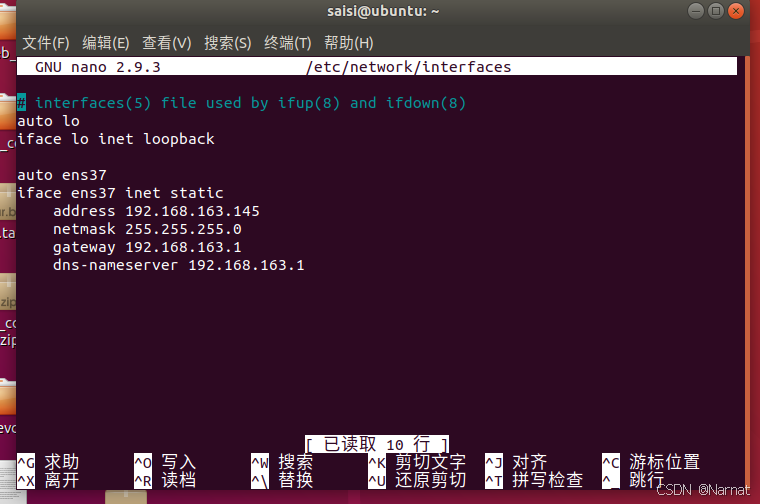
bash
# interfaces(5) file used by ifup(8) and ifdown(8)
auto lo
iface lo inet loopback

auto ens37
iface ens37 inet static
    address 192.168.163.145
    netmask 255.255.255.0
    gateway 192.168.163.1
    dns-nameserver 192.168.163.1
reboot重启
