启动项目时,控制台输出了如下错误信息:
Error starting ApplicationContext. To display the condition evaluation report re-run your application with 'debug' enabled.
2025-04-14 21:13:33.005 [main] ERROR o.s.b.d.LoggingFailureAnalysisReporter [] -

***************************
APPLICATION FAILED TO START
***************************

Description:

Failed to configure a DataSource: 'url' attribute is not specified and no embedded datasource could be configured.

Reason: Failed to determine a suitable driver class同时,还给出了相应的Action建议:
Consider the following:
	If you want an embedded database (H2, HSQL or Derby), please put it on the classpath.
	If you have database settings to be loaded from a particular profile you may need to activate it (no profiles are currently active).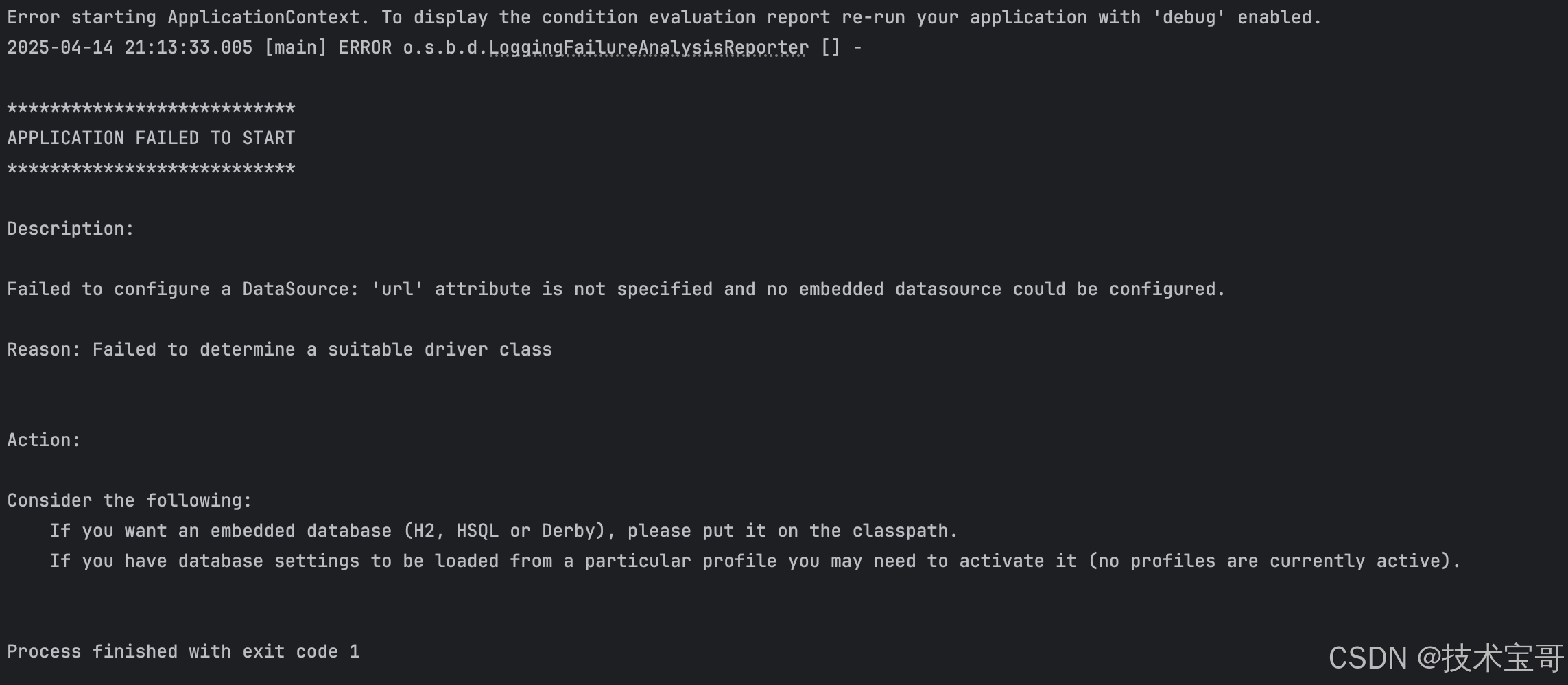
原因:
Spring Boot 在启动时会自动尝试注入数据源并配置 JPA(Java Persistence API)。然而,在当前项目的配置环境下,并没有提供明确的数据源url属性,也无法自动配置嵌入式数据源,同时还无法确定合适的驱动类。这就导致了数据源配置失败,及导致了启动失败
解决
我们需要在@SpringBootApplication注解中排除数据源和 JPA 的自动注入。通过这种方式,Spring Boot 在启动时就不会再尝试进行默认的数据源和 JPA 配置,从而避免因配置缺失而导致的启动失败。经过这样的调整后,项目成功启动。
增加:exclude={DataSourceAutoConfiguration.class}
@SpringBootApplication(exclude={DataSourceAutoConfiguration.class})
public class DemoApplication {
    public static void main(String[] args) {
        SpringApplication.run(DemoApplication.class, args);
    }
}
验证
通过访问http://127.0.0.1:8082/ 验证成功