列表过滤
基础环境
- 数据
javascript
persons: [
   { id: "001", name: "刘德华", age: 19 },
   { id: "002", name: "马德华", age: 20 },
   { id: "003", name: "李小龙", age: 21 },
   { id: "004", name: "释小龙", age: 18 },
]- 根据
名称模糊过滤
监听属性
- 代码
javascript
<!DOCTYPE html>
<html lang="en">
  <head>
    <meta charset="UTF-8" />
    <title>列表过滤</title>
    <!--  引入Vue  -->
    <script type="text/javascript" src="../js/vue.js"></script>
    <style>
      .base {
        padding: 5px;
        height: 100px;
      }
    </style>
  </head>
  <body>
    <div id="root">
      <h1>列表过滤</h1>
      <div>
        <h2>数组</h2>
        <input type="text" placeholder="请输入名称" v-model="filterName" />
        <ul>
          <!-- :key="item.id" :key="index" -->
          <li v-for="(item,index) in filterPersons" :key="item.id">
            {{index}}-{{item.id}}-{{item.name}}
          </li>
        </ul>
      </div>
    </div>
  </body>
  <script type="text/javascript">
    Vue.config.productionTip = false; // 阻止vue在启动是生成生产提示
    const vm = new Vue({
      el: "#root",
      data: {
        name: "Vue 扛把子",
        persons: [
          { id: "001", name: "刘德华", age: 19 },
          { id: "002", name: "马德华", age: 20 },
          { id: "003", name: "李小龙", age: 21 },
          { id: "004", name: "释小龙", age: 18 },
        ],
        filterName: "",
        filterPersons: [],
      },

      methods: {},
      watch: {
        filterName: {
          immediate: true,
          handler(newValue) {
            onsole.log("filterName new value => " + newValue);
            if (newValue === "") {
              this.filterPersons = this.persons;
            } else {
              this.filterPersons = this.persons.filter((item) => {
                return item.name.indexOf(newValue) > -1;
              });
            }
          },
        },
      },
    });
  </script>
</html>- 效果
初始化
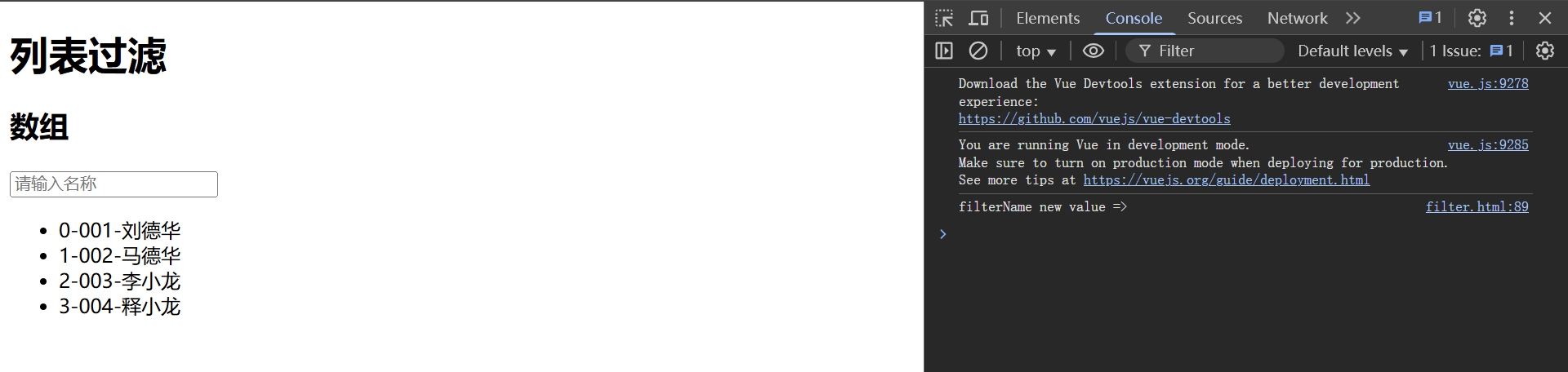
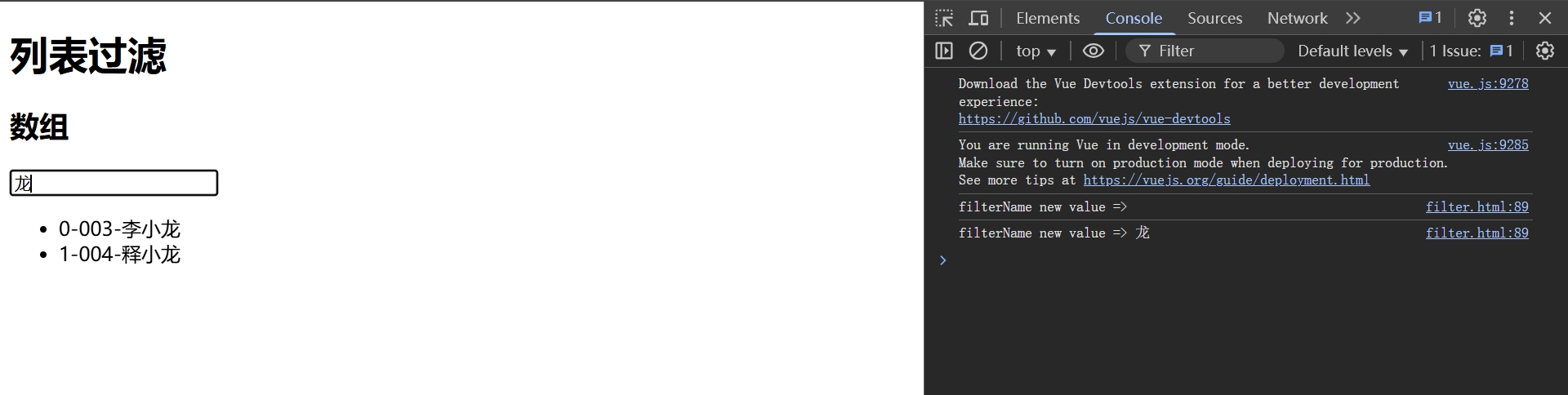
搜索
龙
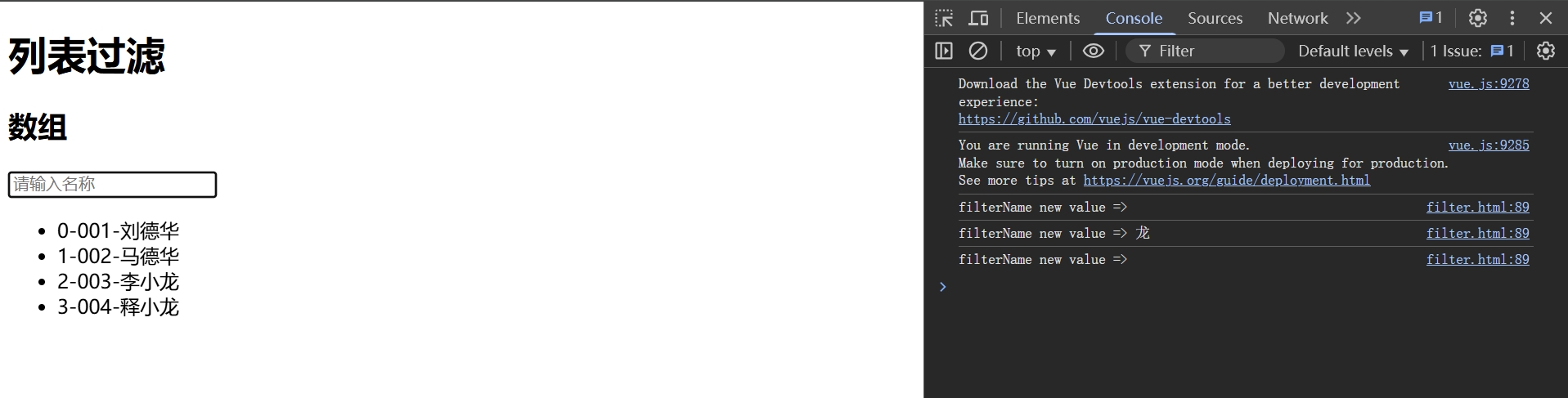
清空
计算属性
- 代码
javascript
<!DOCTYPE html>
<html lang="en">
  <head>
    <meta charset="UTF-8" />
    <title>列表过滤</title>
    <!--  引入Vue  -->
    <script type="text/javascript" src="../js/vue.js"></script>
    <style>
      .base {
        padding: 5px;
        height: 100px;
      }
    </style>
  </head>
  <body>
    <div id="root">
      <h1>列表过滤</h1>
      <div>
        <h2>数组</h2>
        <input type="text" placeholder="请输入名称" v-model="filterName" />
        <ul>
          <!-- :key="item.id" :key="index" -->
          <li v-for="(item,index) in filterPersons" :key="item.id">
            {{index}}-{{item.id}}-{{item.name}}
          </li>
        </ul>
      </div>
    </div>
  </body>
  <script type="text/javascript">
    Vue.config.productionTip = false; // 阻止vue在启动是生成生产提示
    const vm = new Vue({
      el: "#root",
      data: {
        name: "Vue 扛把子",
        persons: [
          { id: "001", name: "刘德华", age: 18 },
          { id: "002", name: "马德华", age: 20 },
          { id: "003", name: "李小龙", age: 20 },
          { id: "004", name: "释小龙", age: 18 },
        ],
        filterName: ""
      },
      computed: {
        filterPersons(){
            console.log(" computed filterName value => " + this.filterName);
            return this.persons.filter((item) => {
              return item.name.indexOf( this.filterName) > -1;
            });
        }
      },

      methods: {},
      watch: {
      },
    });
  </script>
</html>- 效果
初始化
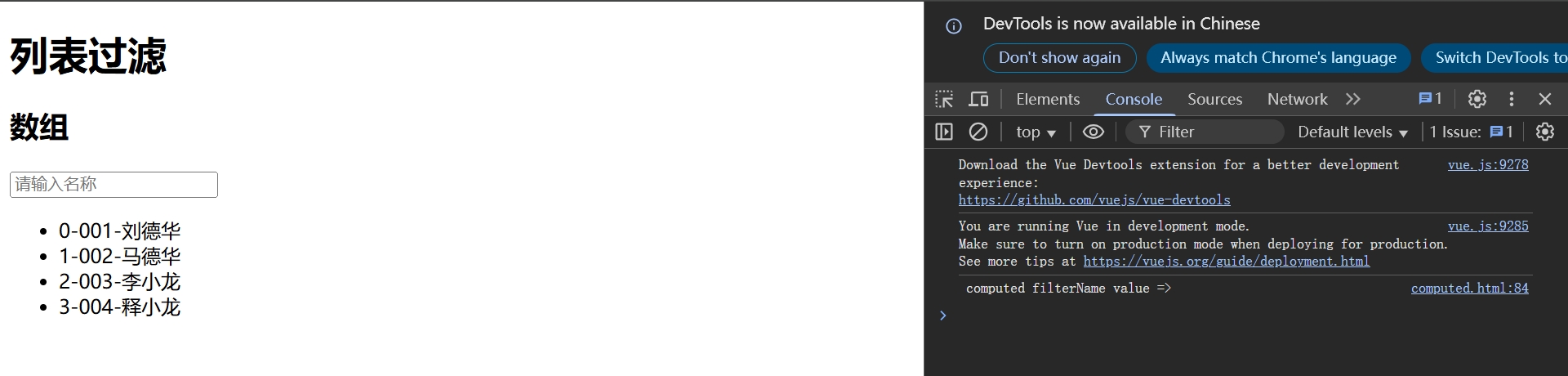
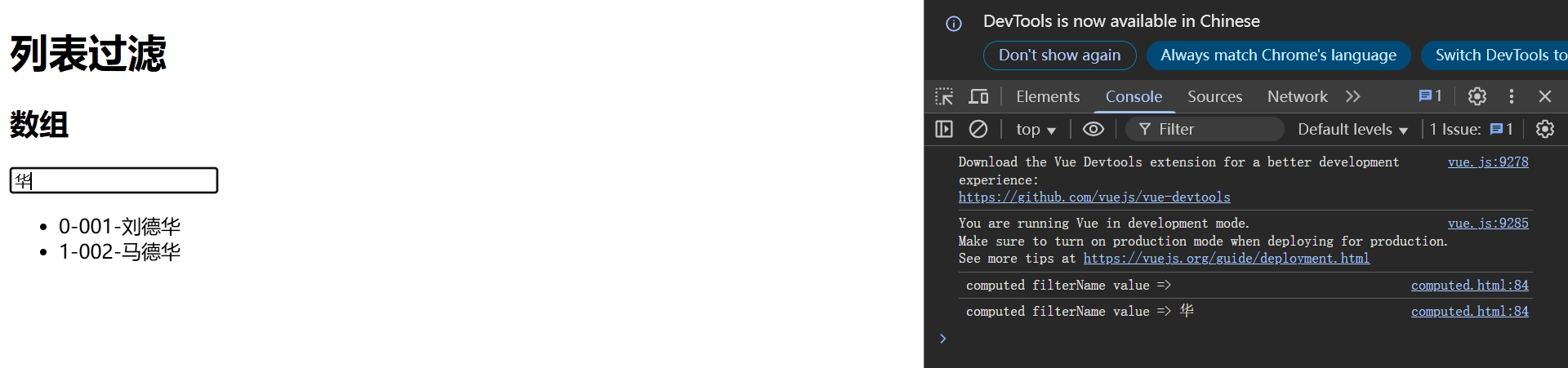
搜索
华
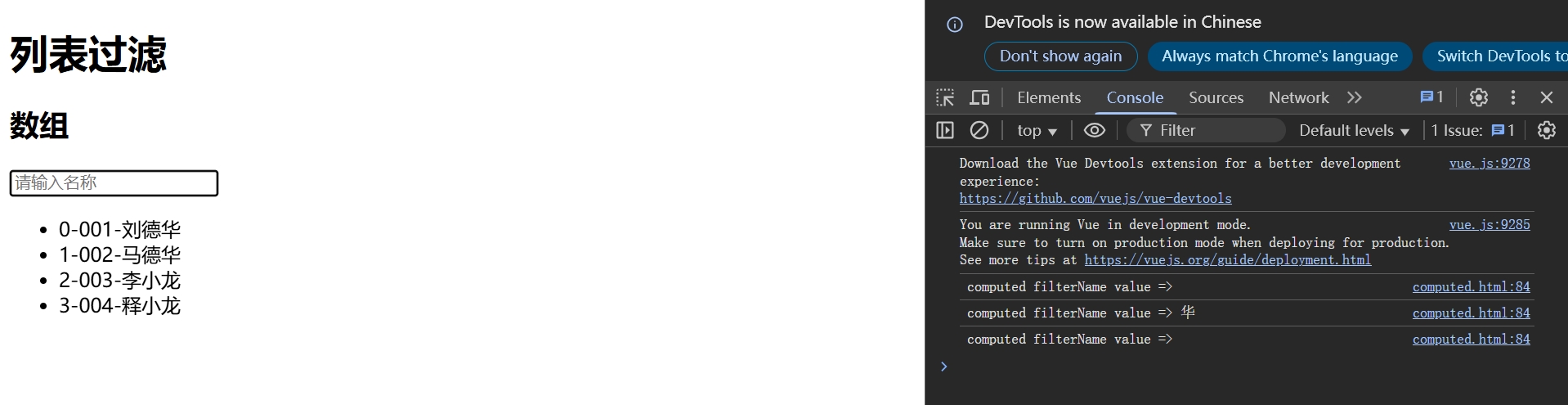
清空
列表排序
基础环境
- 数据
javascript
persons: [
   { id: "001", name: "刘德华", age: 19 },
   { id: "002", name: "马德华", age: 20 },
   { id: "003", name: "李小龙", age: 21 },
   { id: "004", name: "释小龙", age: 18 },
]- 根据
年龄排序
计算属性
- 代码
javascript
<!DOCTYPE html>
<html lang="en">
  <head>
    <meta charset="UTF-8" />
    <title>列表过滤</title>
    <!--  引入Vue  -->
    <script type="text/javascript" src="../js/vue.js"></script>
    <style>
      .base {
        padding: 5px;
        height: 100px;
      }
    </style>
  </head>
  <body>
    <div id="root">
      <h1>列表过滤</h1>
      <div>
        <h2>数组</h2>
        <input type="text" placeholder="请输入名称" v-model="filterName" />
        <button @click="sortType='desc'">年龄逆序</button>
        <button @click="sortType='asc'">年龄正序</button>
        <button @click="sortType=''">年龄原序</button>
        <ul>
          <!-- :key="item.id" :key="index" -->
          <li v-for="(item,index) in filterPersons" :key="item.id">
            {{index}}-{{item.id}}-{{item.name}}-{{item.age}}
          </li>
        </ul>
      </div>
    </div>
  </body>
  <script type="text/javascript">
    Vue.config.productionTip = false; // 阻止vue在启动是生成生产提示
    const vm = new Vue({
      el: "#root",
      data: {
        name: "Vue 扛把子",
        persons: [
          { id: "001", name: "刘德华", age: 19 },
          { id: "002", name: "马德华", age: 20 },
          { id: "003", name: "李小龙", age: 21 },
          { id: "004", name: "释小龙", age: 18 },
        ],
        filterName: "",
        sortType: ""
      },
      computed: {
        filterPersons() {
          console.log("computed filterName value => " + this.filterName);
          const arr = this.persons.filter((item) => {
            return item.name.indexOf(this.filterName) > -1;
          });
          if (this.sortType !== "") {
            console.log("computed sortType value => " + this.sortType);
            arr.sort((v1, v2) => {
              return this.sortType === "asc" ? v1.age - v2.age : v2.age - v1.age;
            });
          }
          return arr;
        },
      },

      methods: {},
      watch: {},
    });
  </script>
</html>- 效果
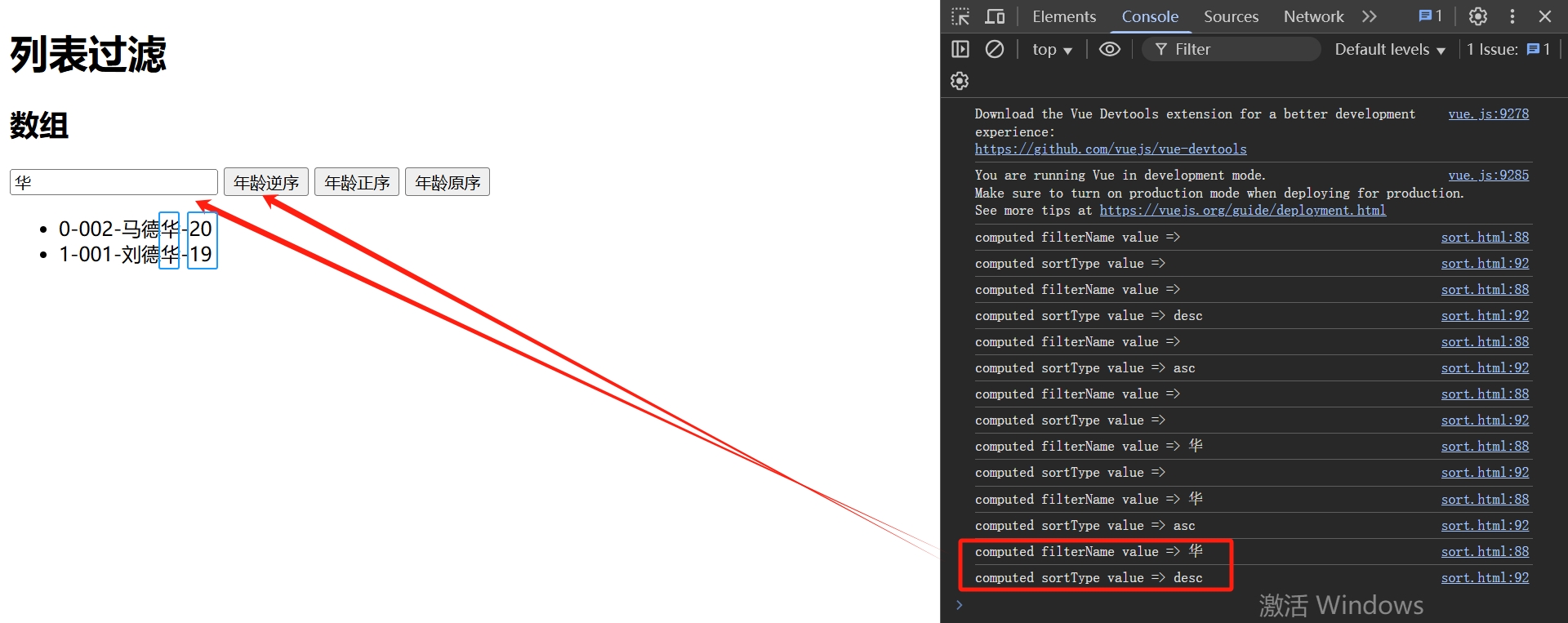
初始化
不排序
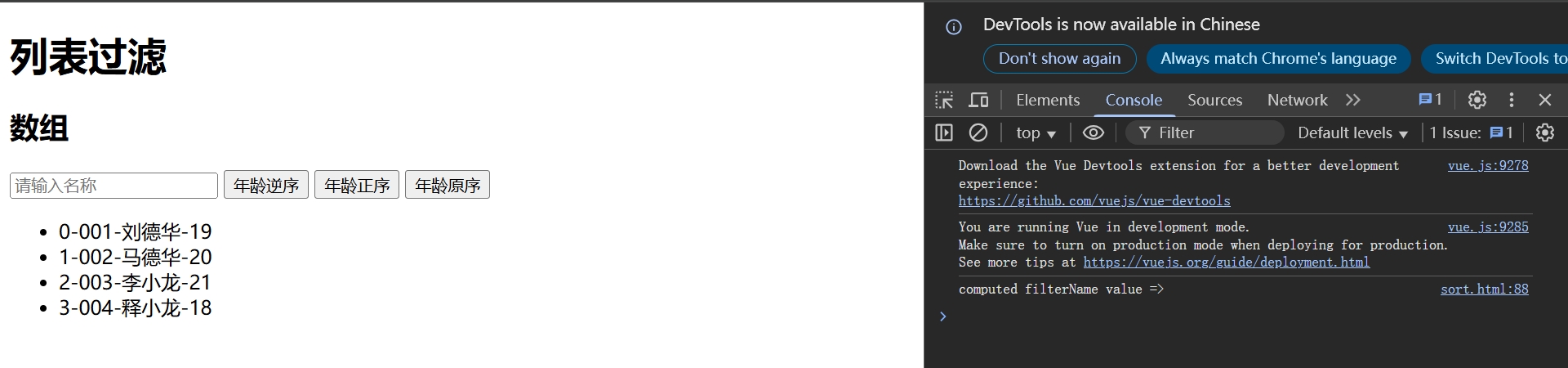
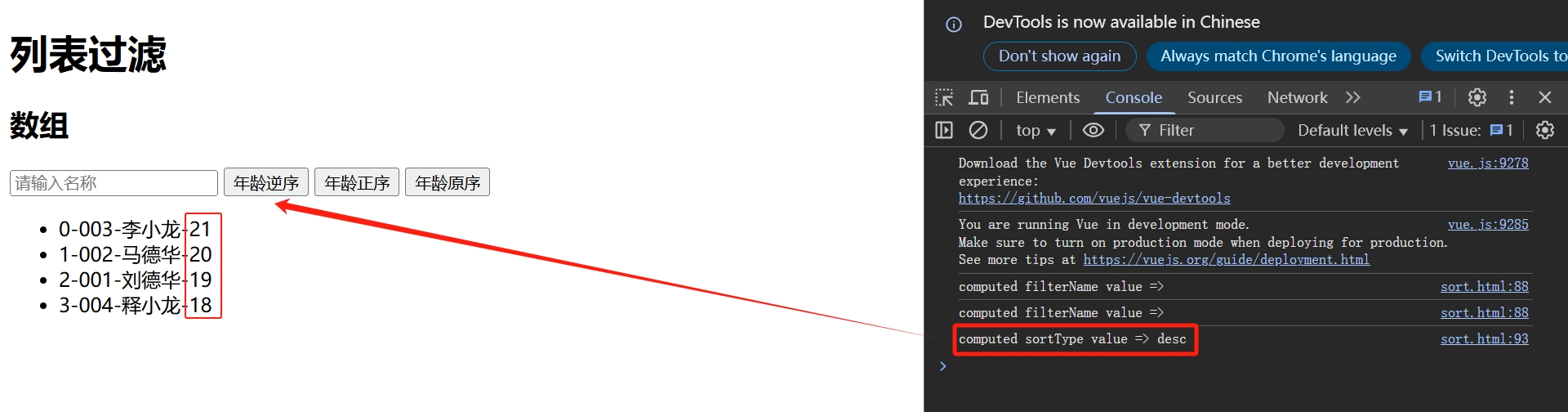
年龄逆序
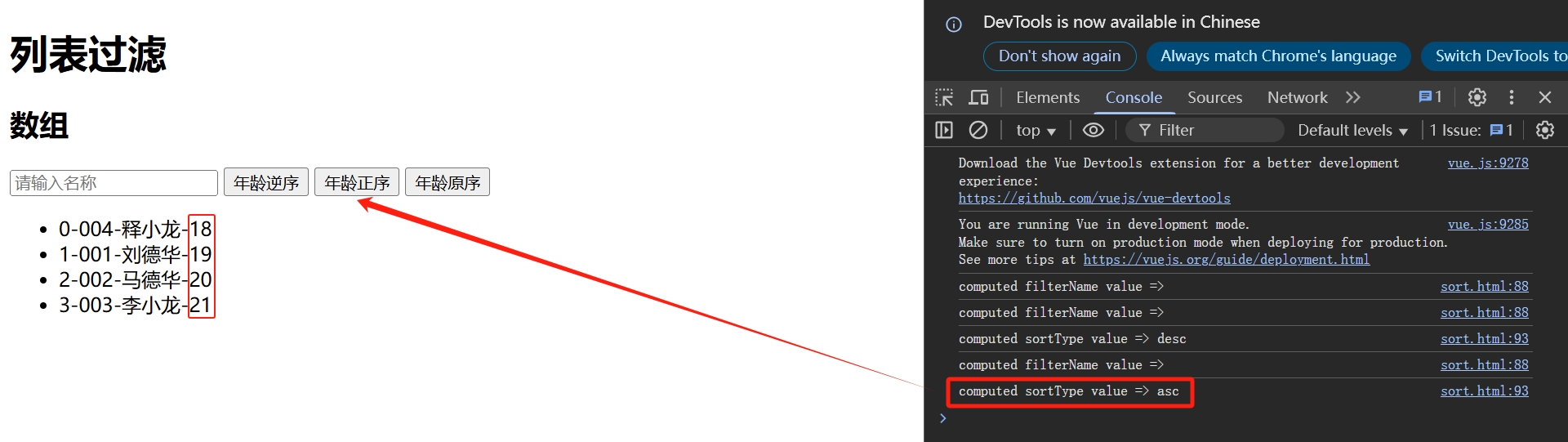
年龄正序
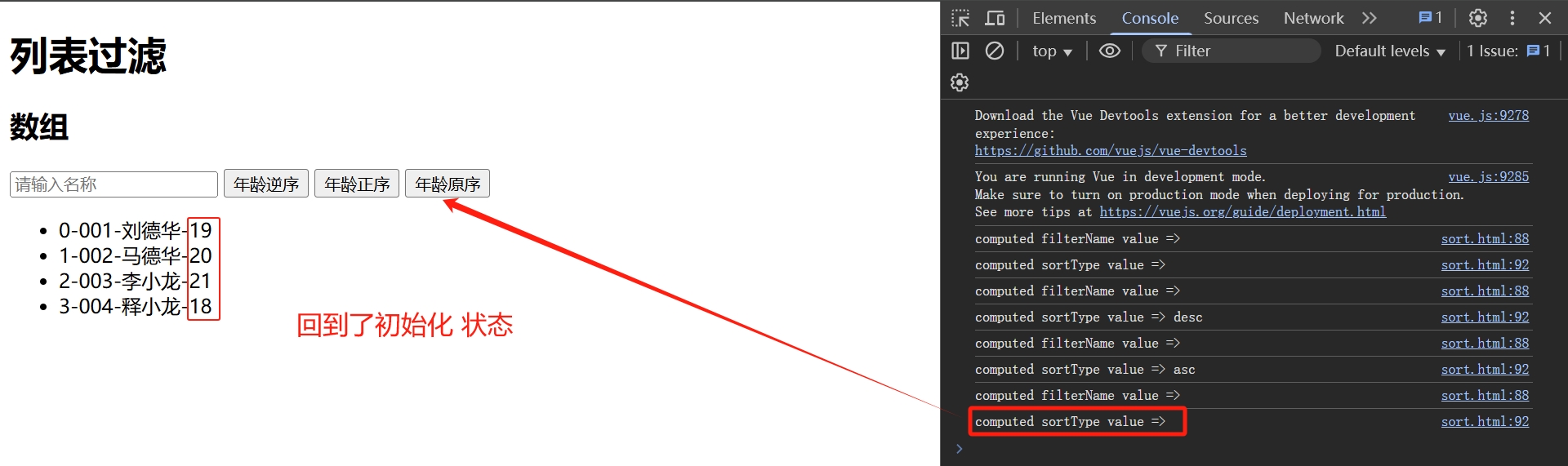
年龄原序
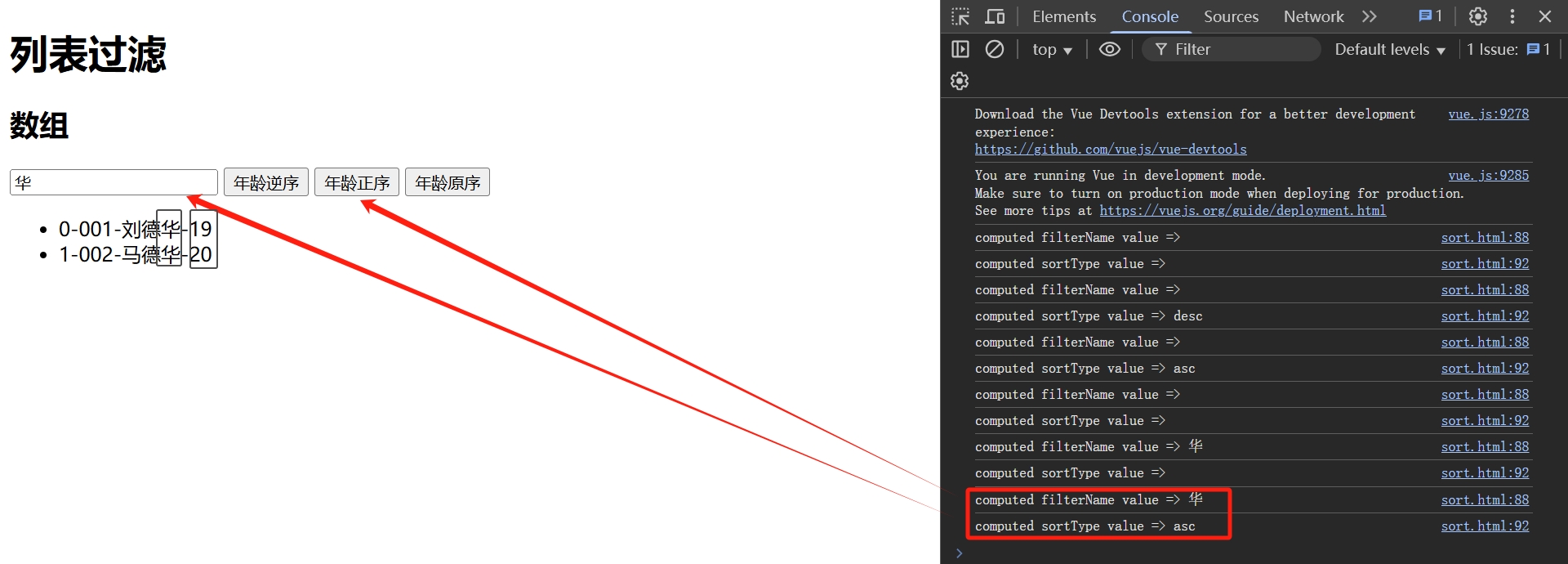
过滤
华&年龄正序
过滤
华&年龄逆序