命名管道
• 管道应⽤的⼀个限制就是只能在具有共同祖先(具有亲缘关系)的进程间通信。
• 如果我们想在不相关的进程之间交换数据,可以使⽤FIFO⽂件来做这项⼯作,它经常被称为命名
管道。
• 命名管道是⼀种特殊类型的⽂件
1 创建⼀个命名管道
• 命名管道可以从命令⾏上创建,命令⾏⽅法是使⽤下⾯这个命令:
1 $ mkfifo filename
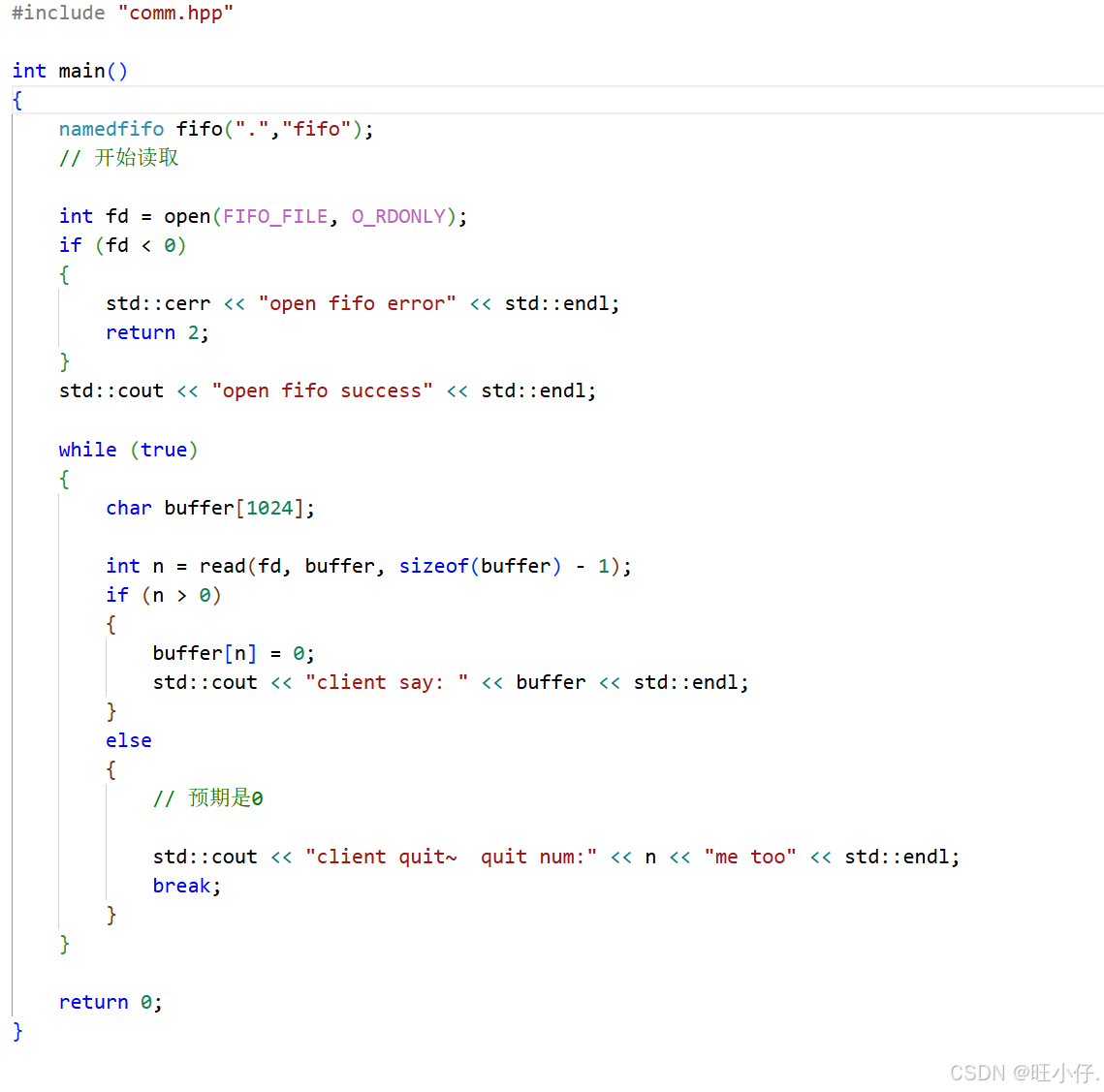
• 命名管道也可以从程序⾥创建,相关函数有:
c
1 int mkfifo(const char *filename,mode_t mode);

创建命名管道:
int main(int argc, char *argv[])
{
mkfifo("p2", 0644);
return 0;
}
2 匿名管道与命名管道的区别
• 匿名管道由pipe函数创建并打开。
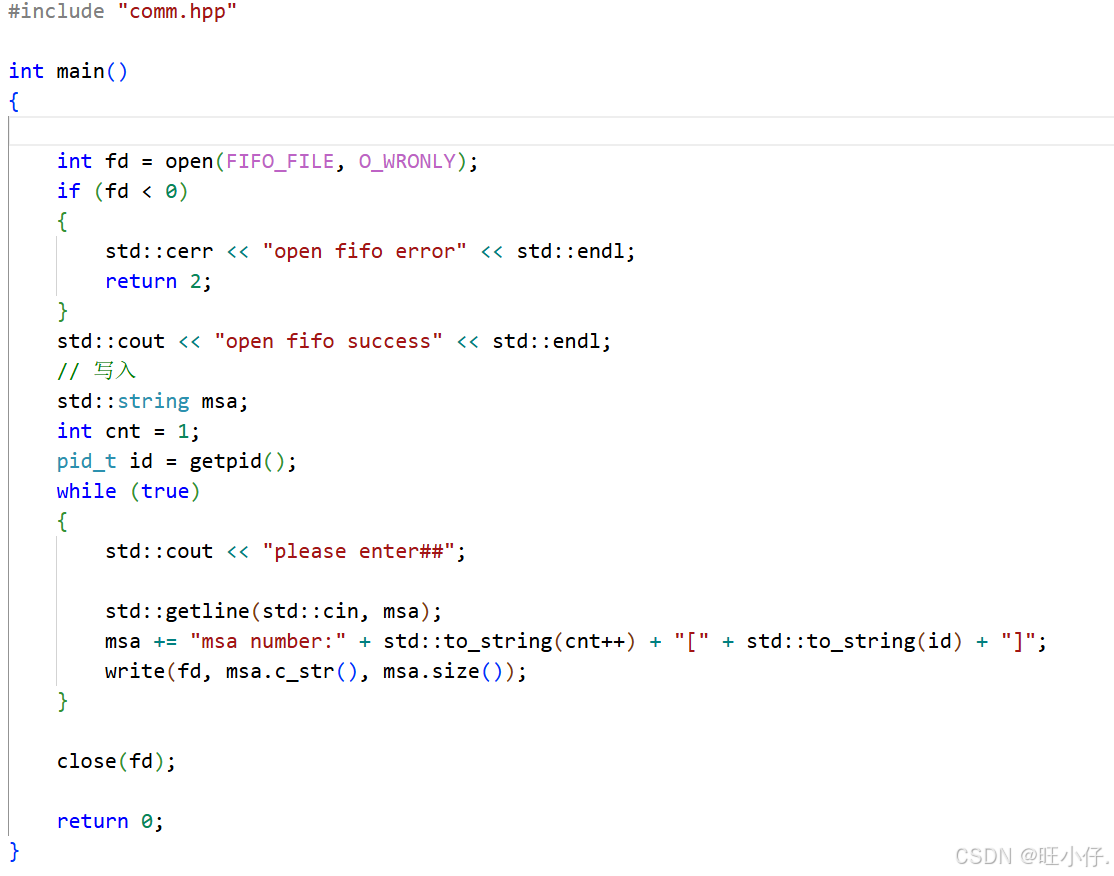
• 命名管道由mkfifo函数创建,打开⽤open
• FIFO(命名管道)与pipe(匿名管道)之间唯⼀的区别在它们创建与打开的⽅式不同,⼀但这些
⼯作完成之后,它们具有相同的语义。
3 命名管道的打开规则
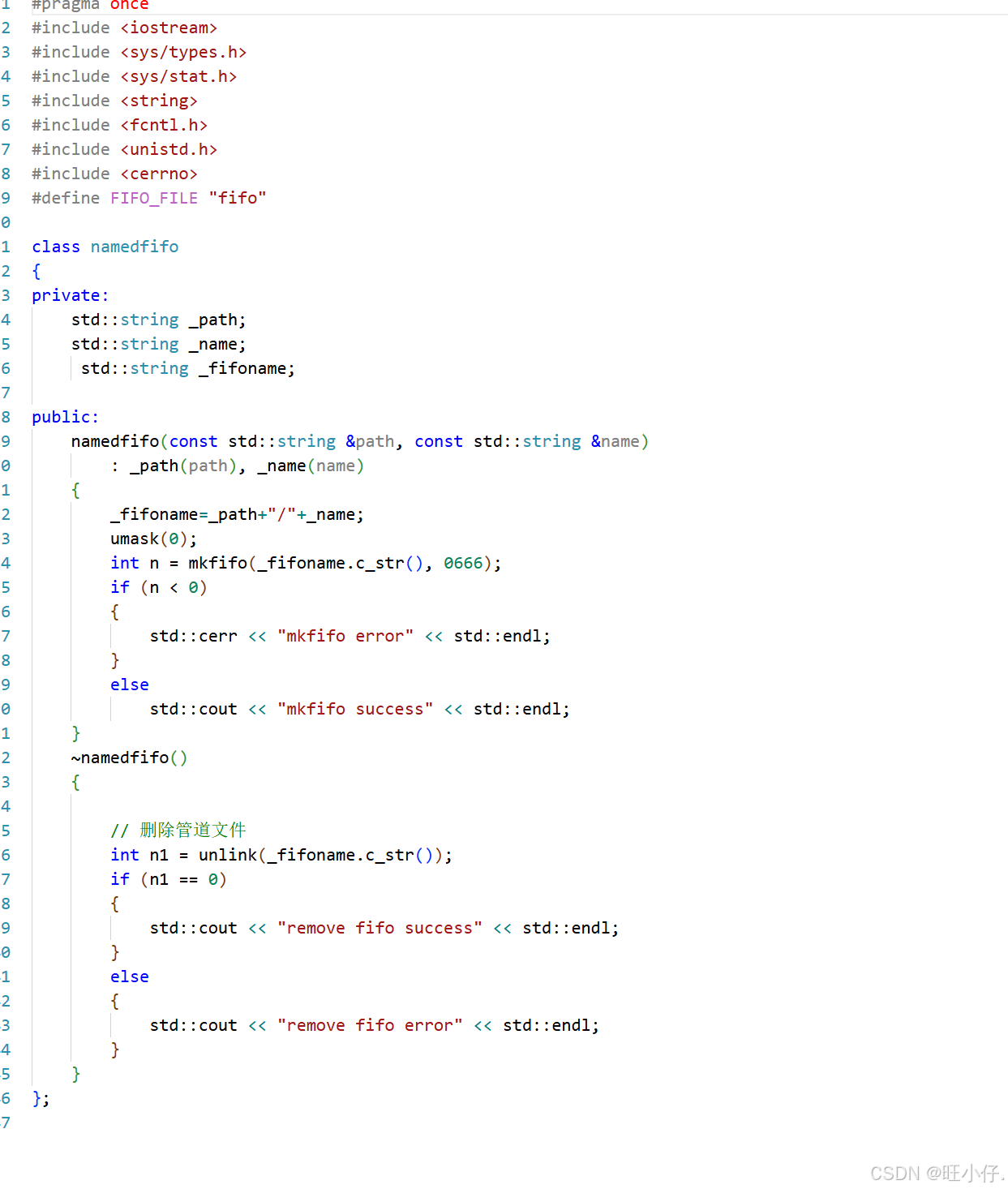
• 如果当前打开操作是为读⽽打开FIFO时
◦ O_NONBLOCK disable:阻塞直到有相应进程为写⽽打开该FIFO
◦ O_NONBLOCK enable:⽴刻返回成功
• 如果当前打开操作是为写⽽打开FIFO时
◦ O_NONBLOCK disable:阻塞直到有相应进程为读⽽打开该FIFO
◦ O_NONBLOCK enable:⽴刻返回失败,错误码为ENXIO
实例1. ⽤命名管道实现⽂件拷⻉
读取⽂件,写⼊命名管道:
c
#include <unistd.h>
#include <stdlib.h>
#include <stdio.h>
#include <errno.h>
#include <string.h>
#define ERR_EXIT(m) \
do \
{ \
perror(m); \
exit(EXIT_FAILURE); \
} while(0)

int main(int argc, char *argv[])
{
mkfifo("tp", 0644);
int infd;
infd = open("abc", O_RDONLY);
if (infd == -1) ERR_EXIT("open");
int outfd;
outfd = open("tp", O_WRONLY);
if (outfd == -1) ERR_EXIT("open");
char buf[1024];
int n;
while ((n=read(infd, buf, 1024))>0)
{
write(outfd, buf, n);
}
close(infd);
close(outfd);
return 0;
}

读取管道,写⼊⽬标⽂件:
#include <unistd.h>
#include <stdlib.h>
#include <stdio.h>
#include <errno.h>
#include <string.h>
#define ERR_EXIT(m) \
do \
{ \
perror(m); \
exit(EXIT_FAILURE); \
} while(0)
int main(int argc, char *argv[])
{
int outfd;
outfd = open("abc.bak", O_WRONLY | O_CREAT | O_TRUNC, 0644);
if (outfd == -1) ERR_EXIT("open");
int infd;
infd = open("tp", O_RDONLY);
if (outfd == -1)

ERR_EXIT("open");
char buf[1024];
int n;
while ((n=read(infd, buf, 1024))>0)
{
write(outfd, buf, n);
}
close(infd);
close(outfd);
unlink("tp");
return 0;
}
实例2. ⽤命名管道实现server&client通信
c
total 12
-rw-r--r--. 1 root root 46 Sep 18 22:37 clientPipe.c
-rw-r--r--. 1 root root 164 Sep 18 22:37 Makefile
-rw-r--r--. 1 root root 46 Sep 18 22:38 serverPipe.c
cat Makefile
.PHONY:all
all:clientPipe serverPipe
clientPipe:clientPipe.c
gcc -o $@ $^
serverPipe:serverPipe.c
gcc -o $@ $^
.PHONY:clean
clean:
rm -f clientPipe serverPipe

serverPipe.c
#include <stdio.h>
#include <sys/types.h>
#include <sys/stat.h>
#include <fcntl.h>
#include <unistd.h>
#include <stdlib.h>

#define ERR_EXIT(m) \
do{\
perror(m);\
exit(EXIT_FAILURE);\
}while(0)
int main()
{
umask(0);
if(mkfifo("mypipe", 0644) < 0){
ERR_EXIT("mkfifo");
}
int rfd = open("mypipe", O_RDONLY);
if(rfd < 0){
ERR_EXIT("open");
}
char buf[1024];
while(1){
buf[0] = 0;
printf("Please wait...\n");
ssize_t s = read(rfd, buf, sizeof(buf)-1);
if(s > 0 ){
buf[s-1] = 0;
printf("client say# %s\n", buf);
}else if(s == 0){
printf("client quit, exit now!\n");
exit(EXIT_SUCCESS);
}else{
ERR_EXIT("read");
}
}
close(rfd);
return 0;
}

clientPipe.c
#include <stdio.h>
#include <sys/types.h>
#include <sys/stat.h>
#include <fcntl.h>
#include <unistd.h>
#include <stdlib.h>

#include <string.h>
#define ERR_EXIT(m) \
do{\
perror(m);\
exit(EXIT_FAILURE);\
}while(0)
int main()
{
int wfd = open("mypipe", O_WRONLY);
if(wfd < 0){
ERR_EXIT("open");
}
char buf[1024];
while(1){
buf[0] = 0;
printf("Please Enter# ");
fflush(stdout);
ssize_t s = read(0, buf, sizeof(buf)-1);
if(s > 0 ){
buf[s] = 0;
write(wfd, buf, strlen(buf));
}else if(s <= 0){
ERR_EXIT("read");
}
}
close(wfd);
return 0;
}