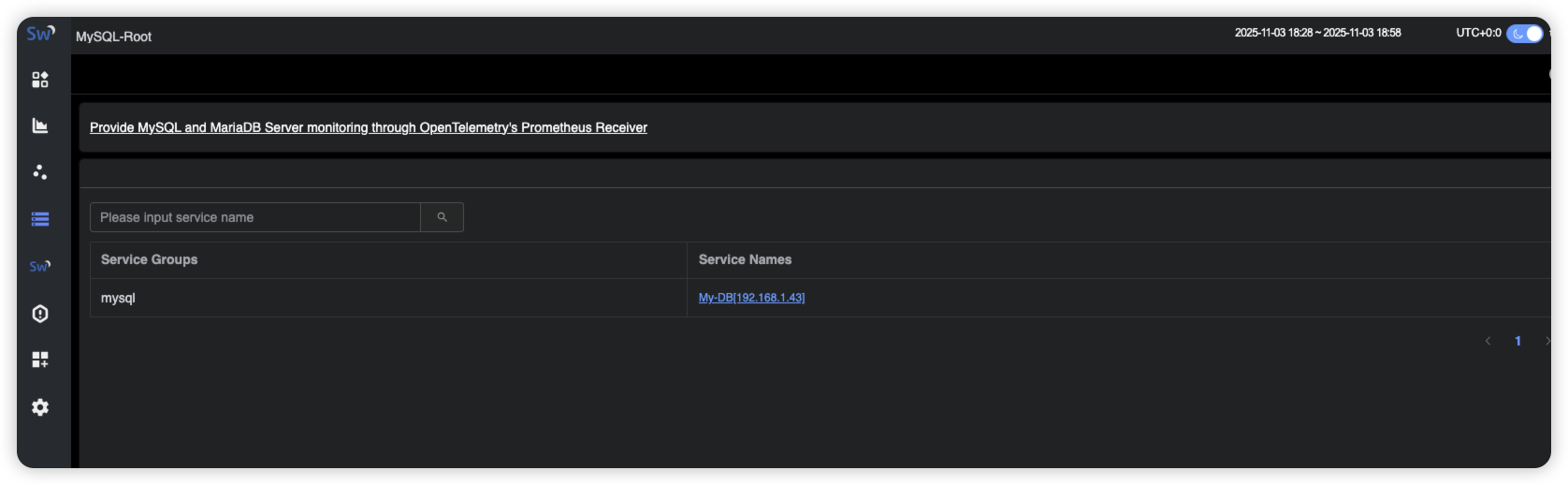
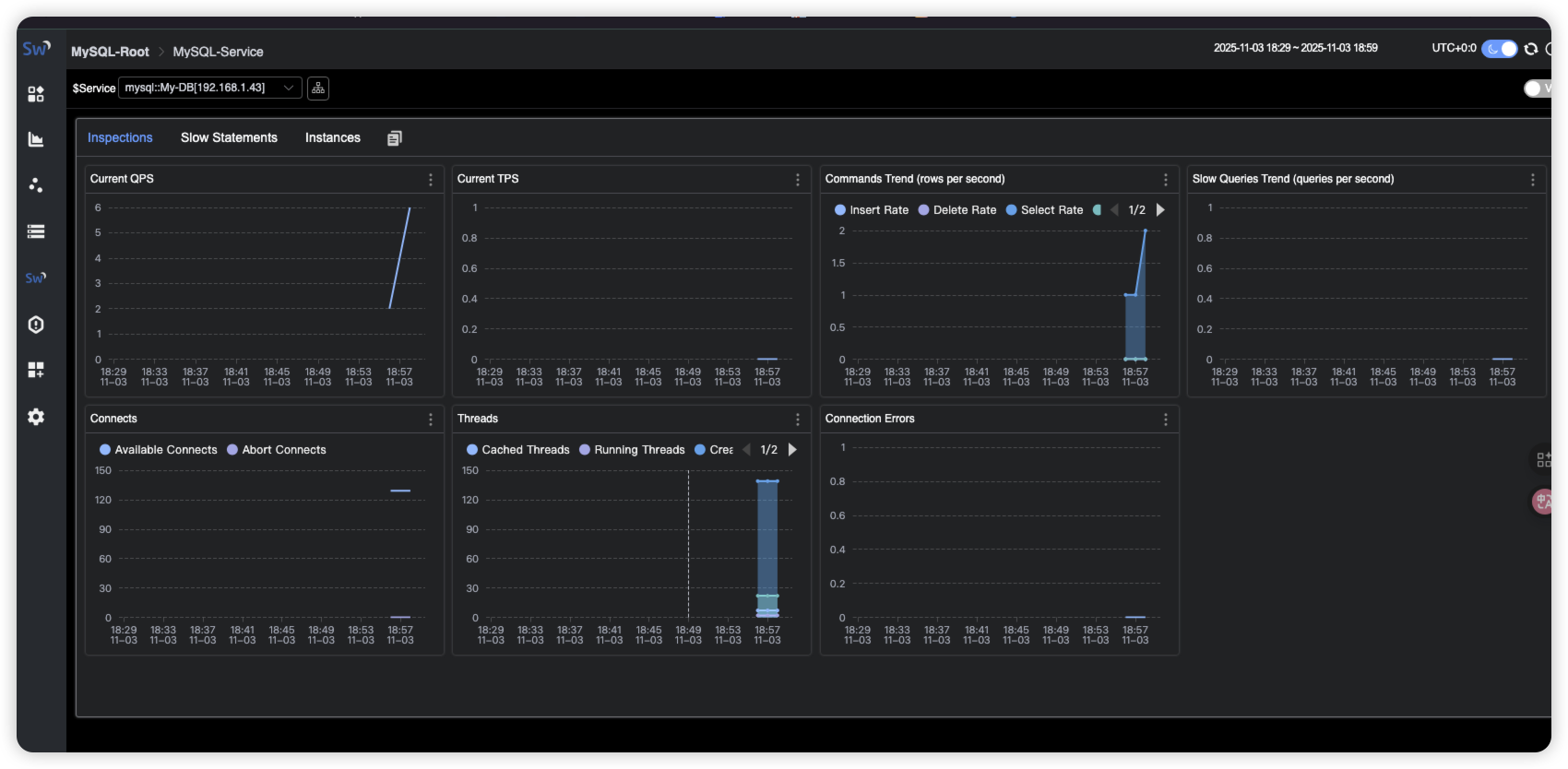
Skywalking对主机,数据库等系统状态提供了全面的监控,这里来演示下如何进行接入,仅做参考!
1. 监控主机状态
1.1 部署Prometheus node-exporter
bash
# 请自行部署1.2 安装OpenTelemetry Collector
1.2.1 创建文件夹
bash
root@ubuntu2204test99:~# mkdir -p OpenTelemetryCollector/config1.2.2 编写docker-compose
bash
root@ubuntu2204test99:~/OpenTelemetryCollector# cat docker-compose.yml
services:
  otel-collector:
    image: otel/opentelemetry-collector-contrib:0.50.0
    command: [ "--config=/etc/otel-collector-config.yaml" ]
    volumes:
      #- ./config/otel-collector-config.yaml:/etc/otelcol-contrib/config.yaml
      - ./config/otel-collector-config.yaml:/etc/otel-collector-config.yaml
    ports:
      #- 1888:1888 # pprof extension
      #- 28888:8888 # Prometheus metrics exposed by the Collector
      #- 28889:8889 # Prometheus exporter metrics
      #- 13133:13133 # health_check extension
      #- 4317:4317 # OTLP gRPC receiver
      #- 4318:4318 # OTLP http receiver
      - 55678:55678 # zpages extension
1.2.3 修改配置文件
bash
root@ubuntu2204test99:~# cat OpenTelemetryCollector/config/otel-collector-config.yaml
receivers:
  prometheus:
    config:
      scrape_configs:
        - job_name: "vm-monitoring" # make sure to use this in the vm.yaml to filter only VM metrics
          scrape_interval: 10s
          static_configs:
            - targets: ["192.168.1.98:9100"]

processors:
  batch:

exporters:
  otlp:
    endpoint: "192.168.1.99:11800" # The OAP Server address
    # The config format of OTEL version prior to 0.34.0, eg. 0.29.0, should be:
    # insecure: true
    tls:
      insecure: true
    #insecure: true
  # Exports data to the console
  logging:
    loglevel: debug

service:
  pipelines:
    metrics:
      receivers: [prometheus]
      processors: [batch]
      exporters: [otlp, logging]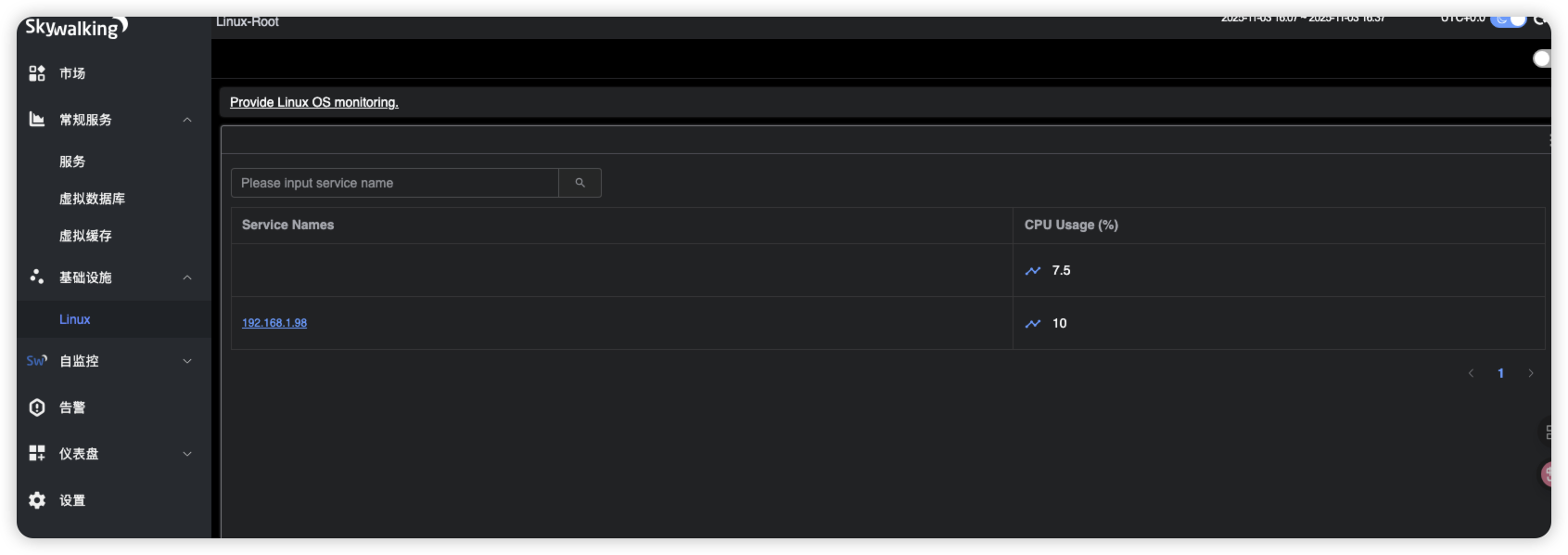
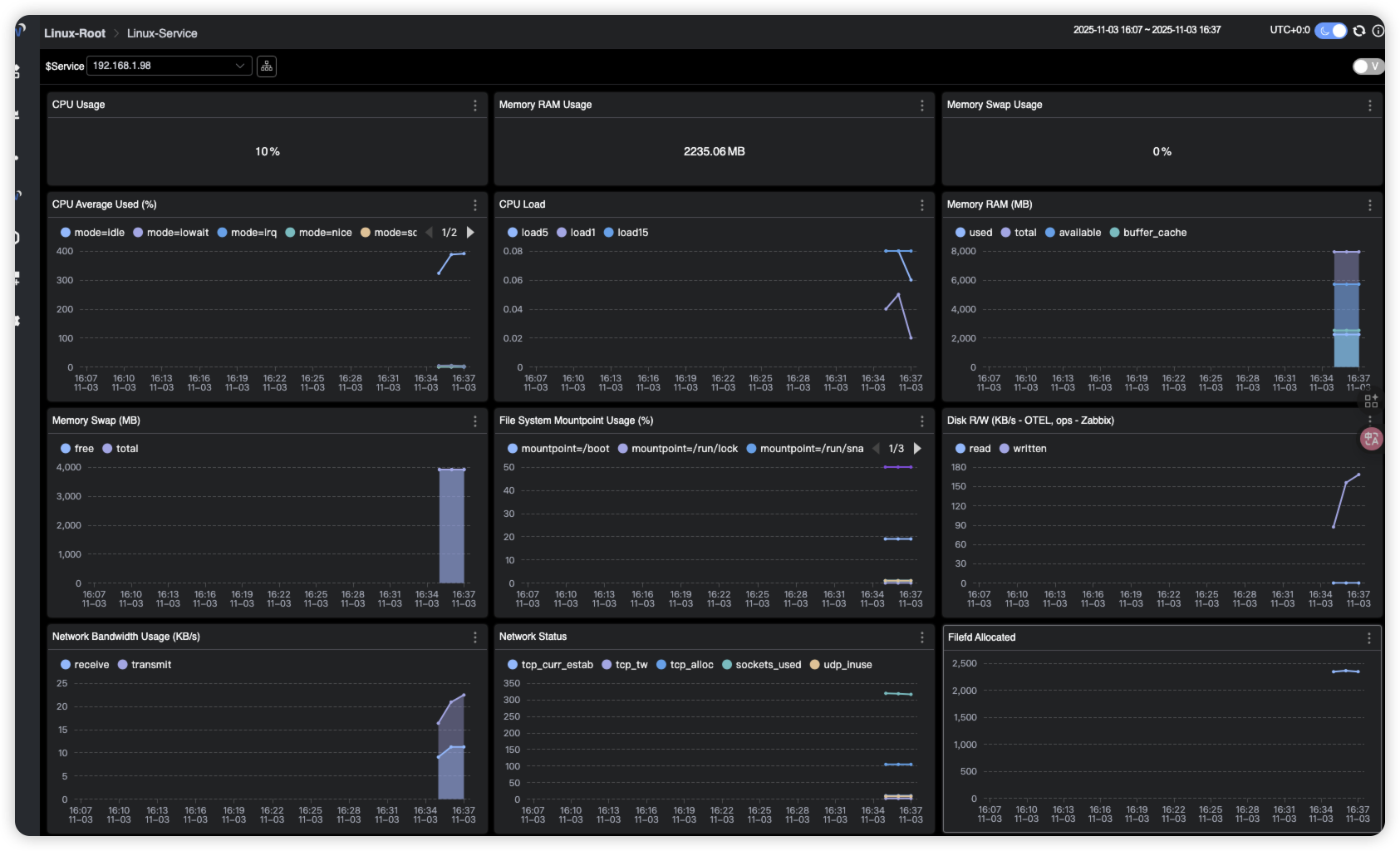
2. 监控mysql状态
2.1 部署mysql-exporter
bash
# 请自行部署2.2 修改OpenTelemetry配置
bash
root@ubuntu2204test99:~# cat OpenTelemetryCollector/config/otel-collector-config.yaml
receivers:
  prometheus:
    config:
      scrape_configs:
        - job_name: "vm-monitoring" # make sure to use this in the vm.yaml to filter only VM metrics
          scrape_interval: 10s
          static_configs:
            - targets: ["192.168.1.98:9100"]
        # 监控Mysql示例
        - job_name: "My-DB-Serv" #注意这个名称
          scrape_interval: 5s
          static_configs:
           - targets: ["192.168.1.43:9105"]
             labels:  #标签会影响在Skywalking中显示的名字
               #host_name: root[root]
               host_name: My-DB[192.168.1.43]

processors:
  batch:

exporters:
  otlp:
    endpoint: "192.168.1.99:11800" # The OAP Server address
    # The config format of OTEL version prior to 0.34.0, eg. 0.29.0, should be:
    # insecure: true
    tls:
      insecure: true
    #insecure: true
  # Exports data to the console
  logging:
    loglevel: debug

service:
  pipelines:
    metrics:
      receivers: [prometheus]
      processors: [batch]
      exporters: [otlp, logging]
2.3 修改Skywalking中mysql的相关配置
bash
root@ubuntu2204test99:~/skywailking# vi skywalking-oap/config/otel-rules/mysql/mysql-instance.yaml
#filter: "{ tags -> tags.job_name == 'mysql-monitoring' }" # The OpenTelemetry job name
filter: "{ tags -> tags.job_name == 'HK-DB-Serv' }" # 要和otlp配置的job_name匹配
.........
root@ubuntu2204test99:~/skywailking# vi skywalking-oap/config/otel-rules/mysql/mysql-service.yaml
#filter: "{ tags -> tags.job_name == 'mysql-monitoring' }" # The OpenTelemetry job name
filter: "{ tags -> tags.job_name == 'HK-DB-Serv' }" # 要和otlp配置的job_name匹配
.........