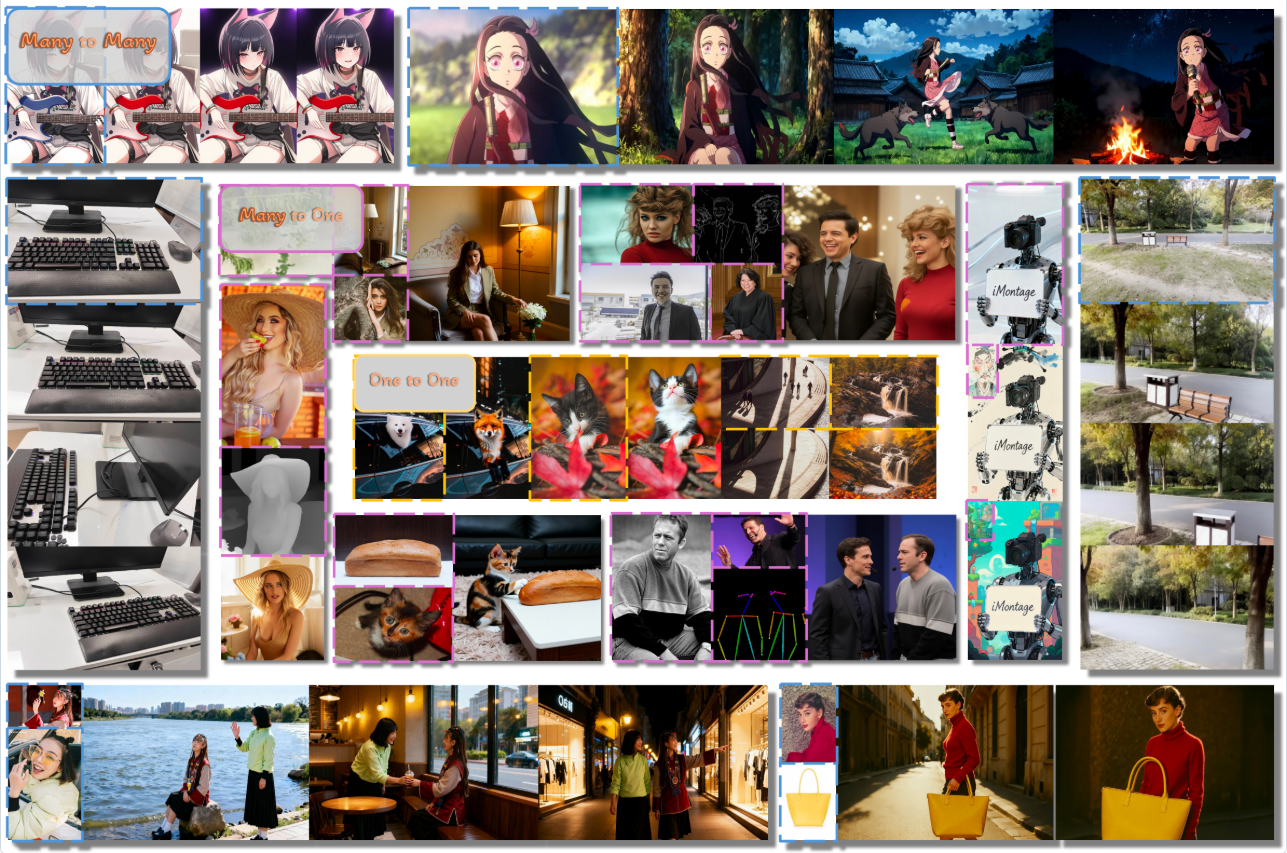
如果图像模型能将多张图片转化为一个连贯的动态视觉宇宙会怎样?🤯 iMontage为图像生成引入了类视频的运动先验,实现丰富的转场效果和一致的多图输出------全部源自您的输入。
点击下方尝试,释放您的想象力!
📦 功能亮点
- ⚡ 支持灵活输入的高动态、高一致性图像生成
- 🎛️ 跨异构任务的强指令跟随能力
- 🌀 类视频的时间连贯性,非视频图像集也适用
- 🏆 多项任务达到业界顶尖水平
📰 最新动态
- 2025.11.26 -- iMontage论文Arxiv版本发布
- 2025.11.26 -- 推理代码与模型权重开源
🛠 安装指南
1. 创建虚拟环境
bash
conda create -n iMontage python=3.10
conda activate iMontage

# NOTE Choose torch version compatible with your CUDA
pip install torch==2.6.0+cu126 torchvision==0.21.0+cu126 torchaudio==2.6.0+cu126 https://download.pytorch.org/whl/cu126

# Install Flash Attention 2
# NOTE Also choose the correct version compatible with installed torch
pip install "flash-attn==2.7.4.post1" --no-build-isolation(注意)我们使用FlashAttention-3训练和评估模型,因此使用flash-attn-2时推理质量可能欠佳。
若您使用NVIDIA H100/H800显卡并希望获得模型的最佳性能,可参考FlashAttention-3的官方指南。
同时需要替换fastvideo/models/flash_attn_no_pad.py中的代码。
安装完torch和flash attention后,可通过以下命令安装其他依赖:
bash
pip install -e .2. 下载模型权重
bash
mkdir ckpts/hyvideo_ckpts

# Downloading hunyuan-video-i2v-720p, may takes 10 minutes to 1 hour depending on network conditions.
huggingface-cli download tencent/HunyuanVideo-I2V --local-dir ./ckpts/hyvideo_ckpts

# Downloading text_encoder from HunyuanVideo-T2V
huggingface-cli download xtuner/llava-llama-3-8b-v1_1-transformers --local-dir ./ckpts/llava-llama-3-8b-v1_1-transformers
python fastvideo/models/hyvideo/utils/preprocess_text_encoder_tokenizer_utils.py --input_dir ckpts/llava-llama-3-8b-v1_1-transformers --output_dir ckpts/hyvideo_ckpts/text_encoder

# Downloading text_encoder_2 from HunyuanVideo-I2V
huggingface-cli download openai/clip-vit-large-patch14 --local-dir ./ckpts/hyvideo_ckpts/text_encoder_2

mkdir ckpts/iMontage_ckpts
# Downloading iMontage dit weights, also might takes some time.
huggingface-cli download Kr1sJ/iMontage --local-dir ./ckpts/iMontage_ckpts
最终的ckpt文件结构应形成为:
code
iMontage
  ├──ckpts
  │  ├──hyvideo_ckpts
  │  │  ├──hunyuan-video-i2v-720p
  │  │  │  ├──transformers
  │  │  │  │  ├──mp_rank_00_model_states.pt
  ├  │  │  ├──vae
  │  │  ├──text_encoder_i2v
  │  │  ├──text_encoder_2
  │  ├──iMontage_ckpts
  │  │  ├──diffusion_pytorch_model.safetensors
  │ ...
🚀 推理
安装完环境并下载预训练权重后,让我们从推理示例开始。请注意,我们的模型目前仅支持 ≤4个输入 和 ≤4个输出。
🔹 示例
运行以下命令:
bash
bash scripts/inference.sh在这个示例中,我们使用以下方式进行推理:
bash
--prompt assets/prompt.json该JSON文件包含六个代表性任务,包括:
-
图像编辑
-
角色参考生成(CRef)
-
CRef + 视觉信号
-
风格参考生成(SRef)
-
多视图生成
-
故事板生成
每个条目都指定了任务类型、指令提示、输入参考图像、输出分辨率和期望生成的帧数。
运行脚本将自动处理JSON中的所有任务,并将结果保存在输出目录下。
| 任务类型 | 输入 | 提示 | 输出 |
|---|---|---|---|
| image_editing | 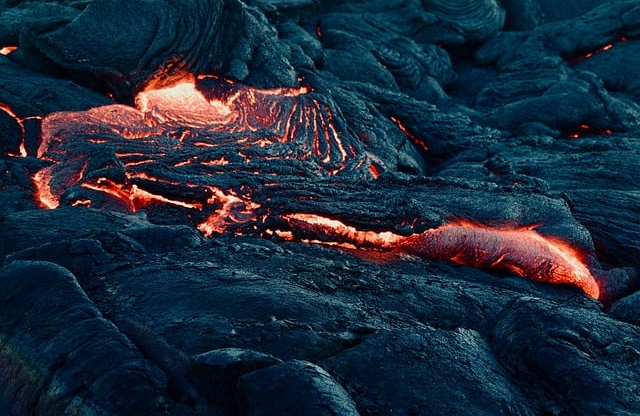 |
Change the material of the lava to silver. | 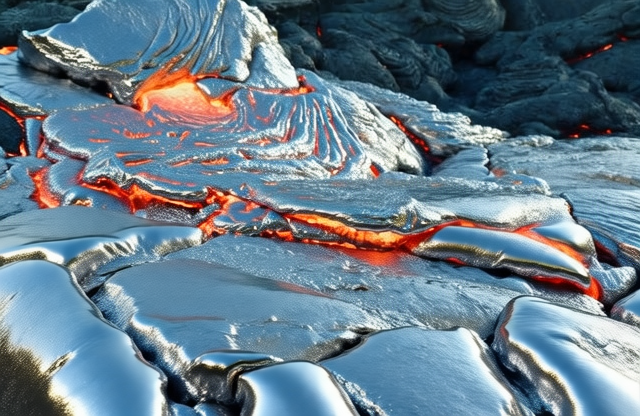 |
| cref | 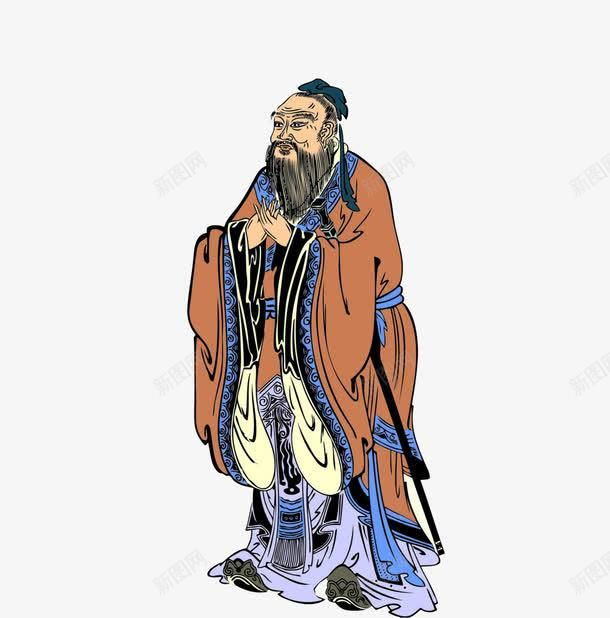 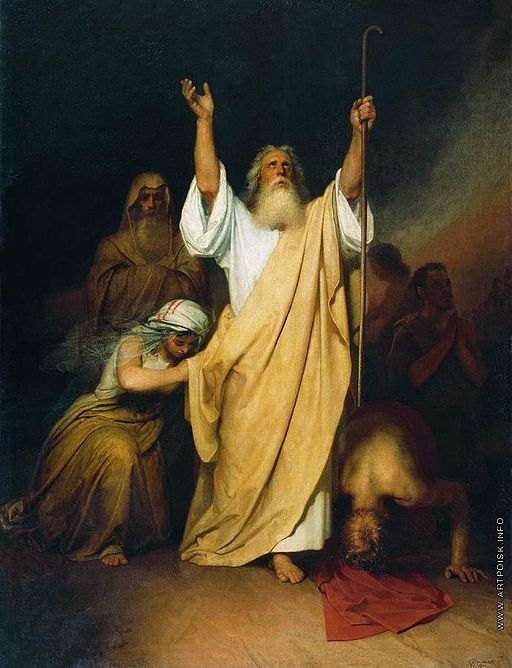 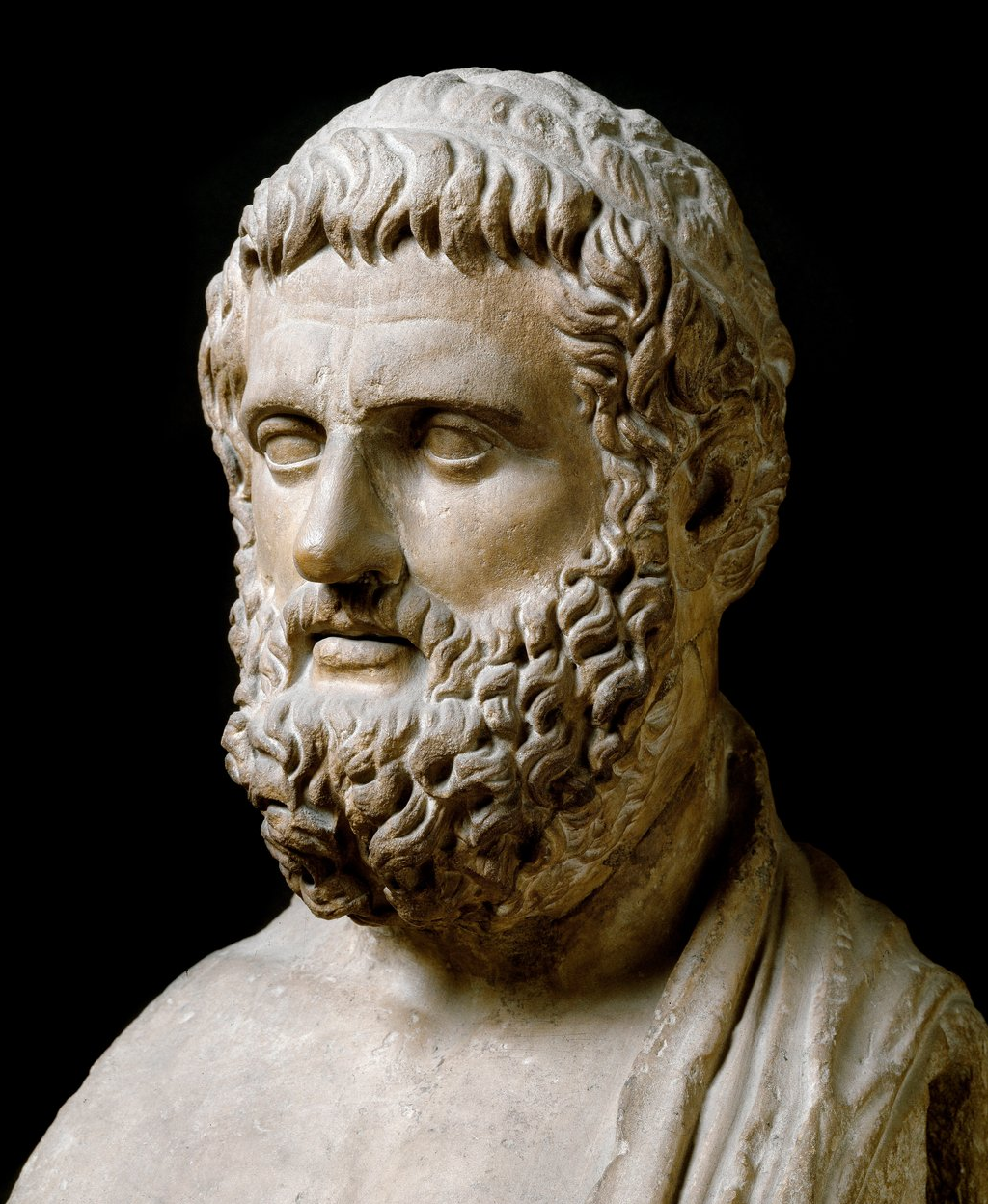 |
Confucius from the first image, Moses from the second... | 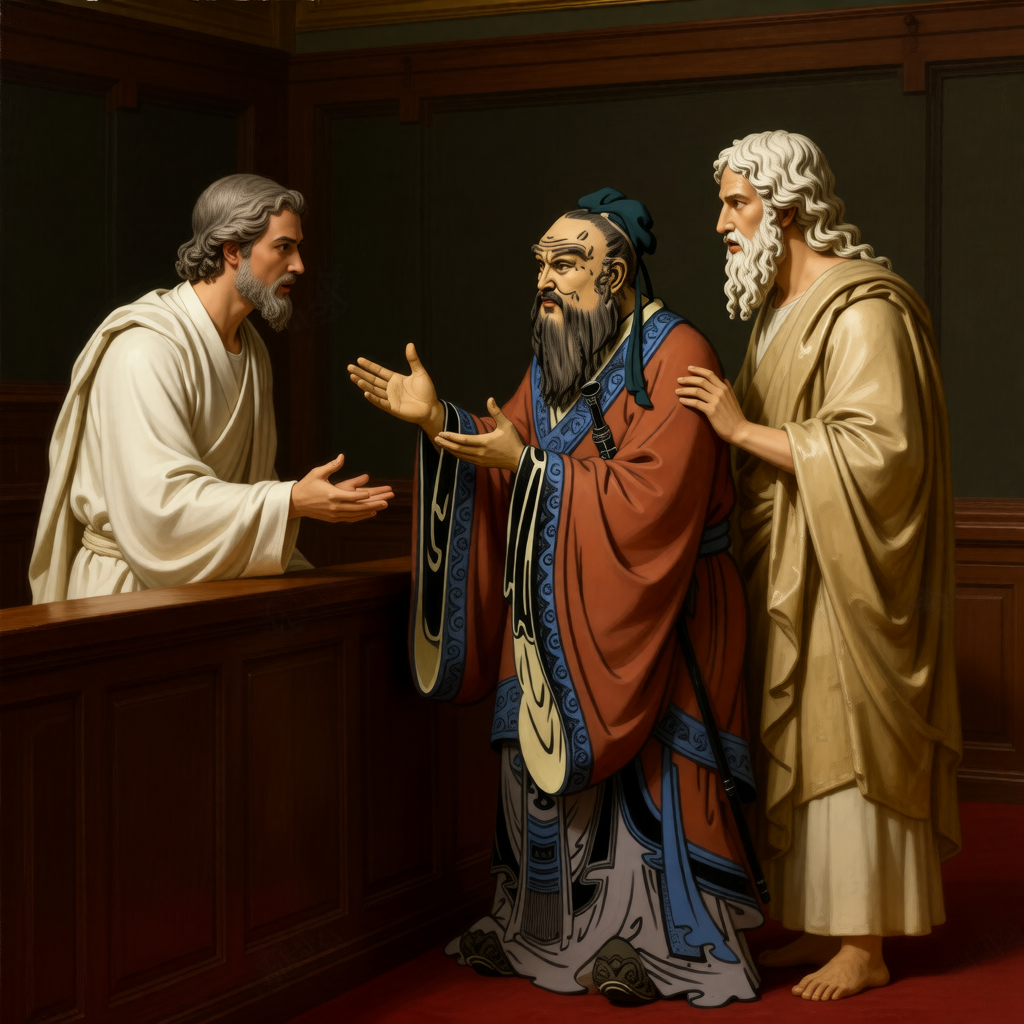 |
| conditioned_cref | 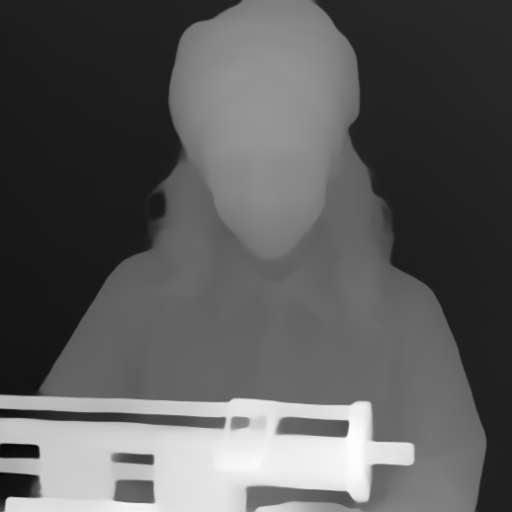 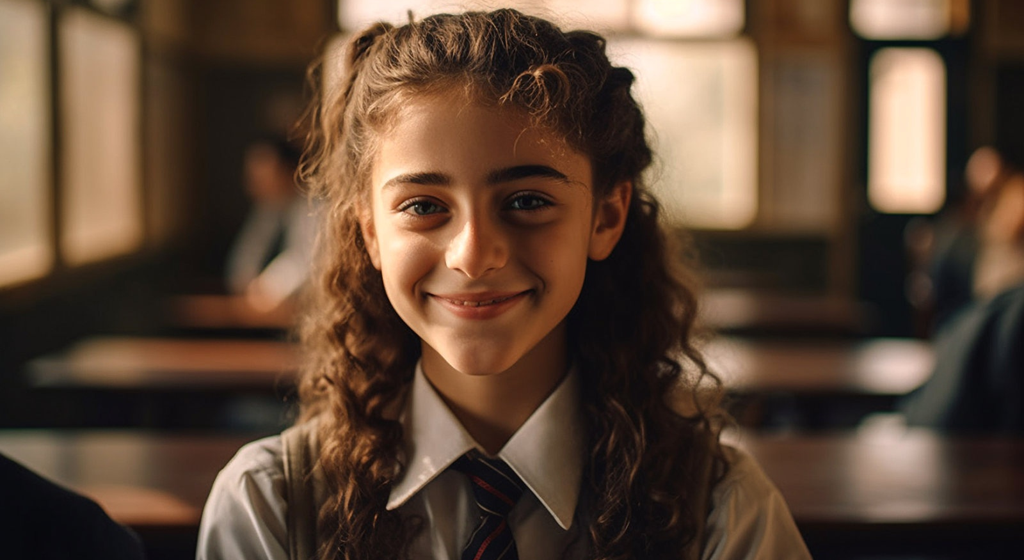 |
depth | 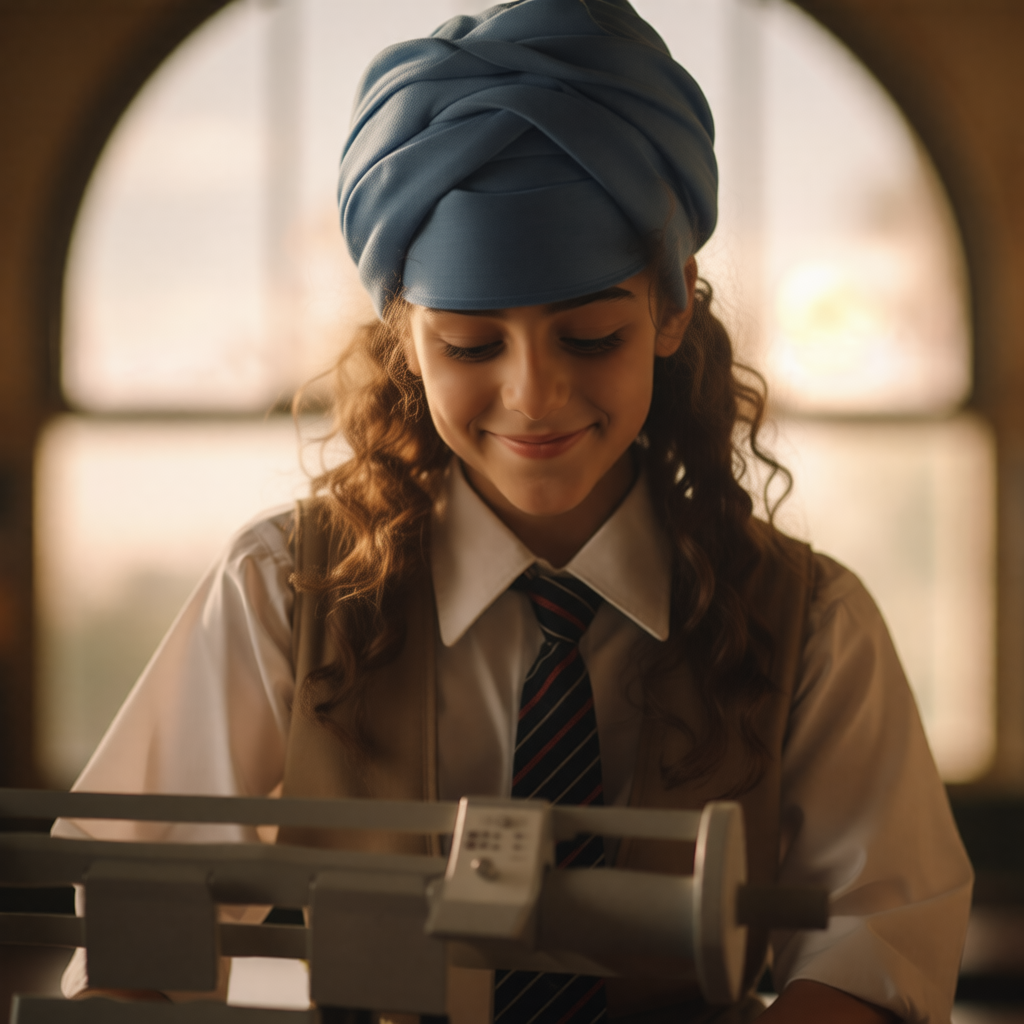 |
| sref | 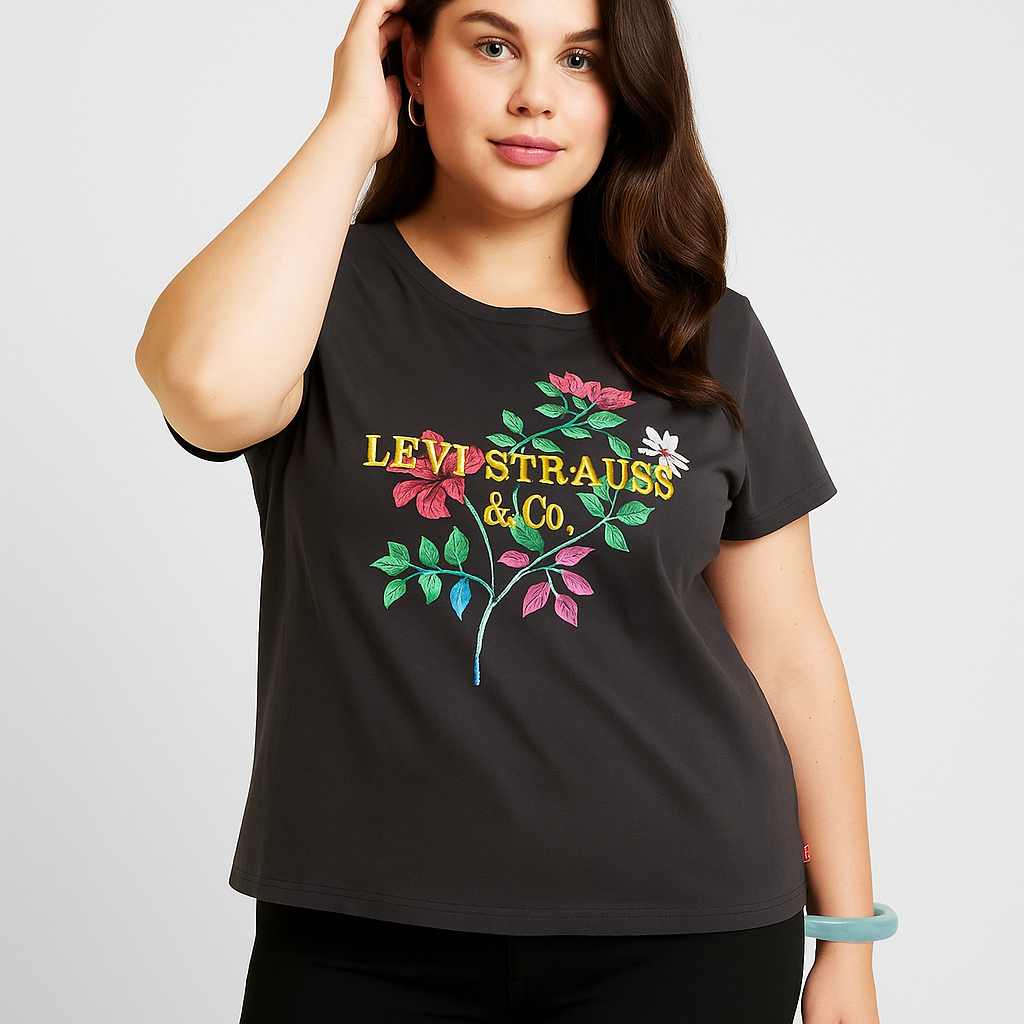 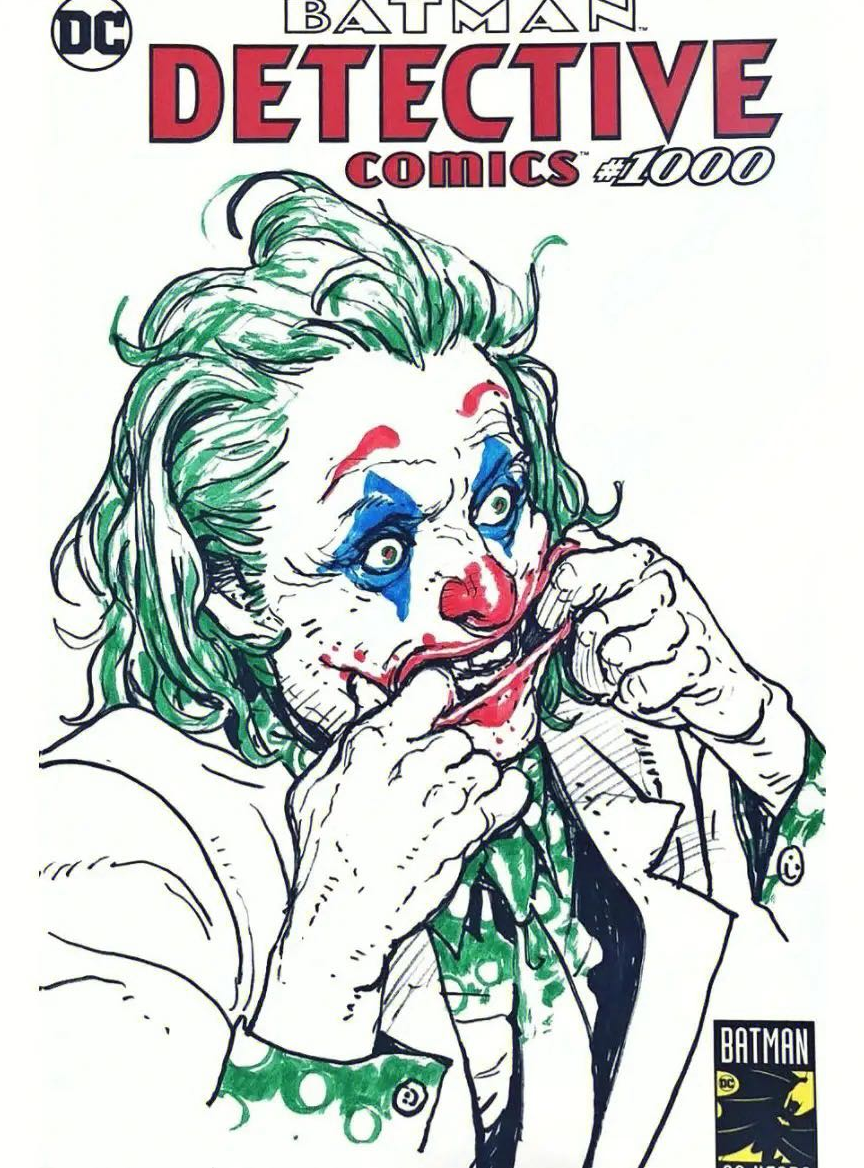 |
(empty) | 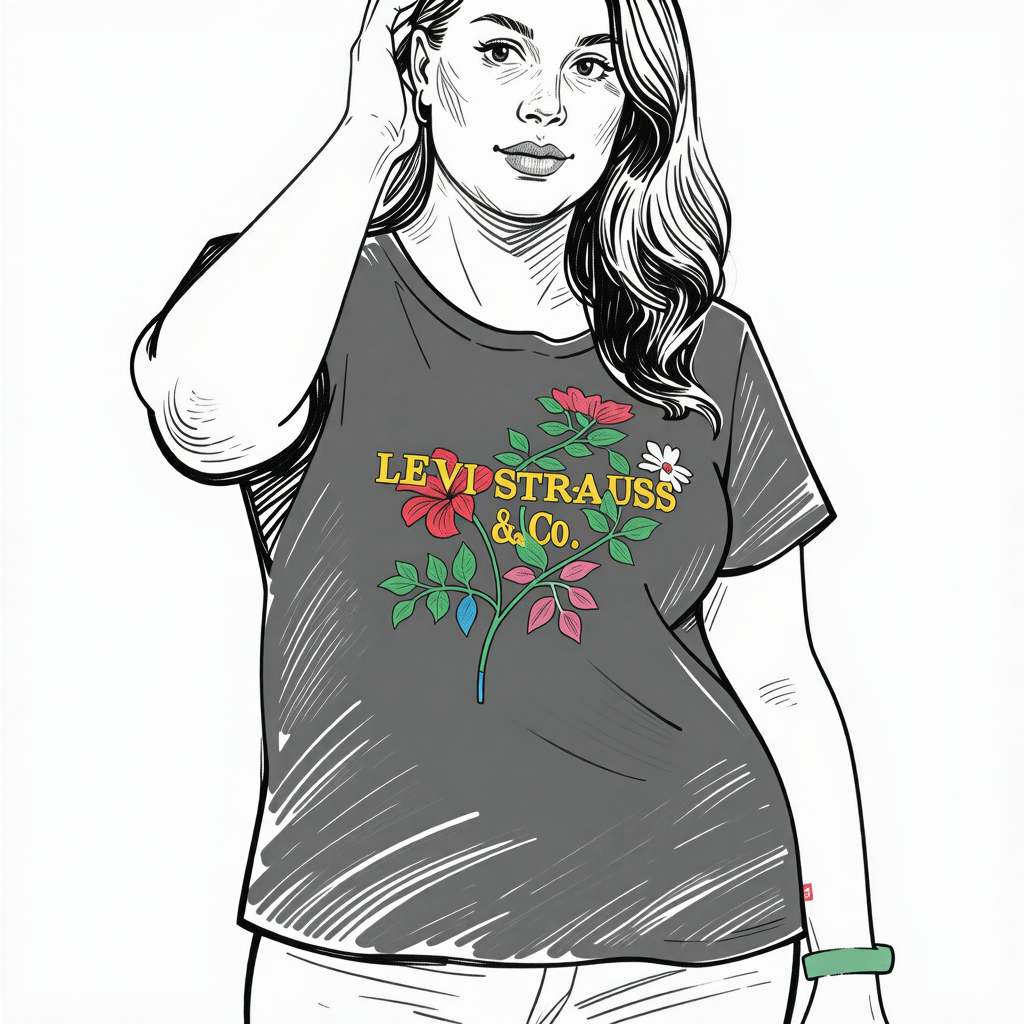 |
| multiview | 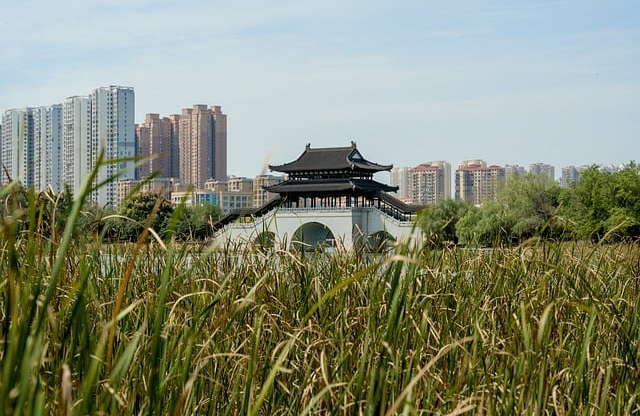 |
1. Shift left; 2. Look up; 3. Zoom out. | 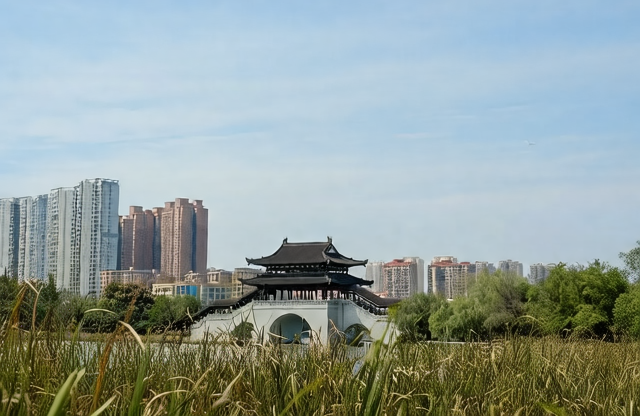 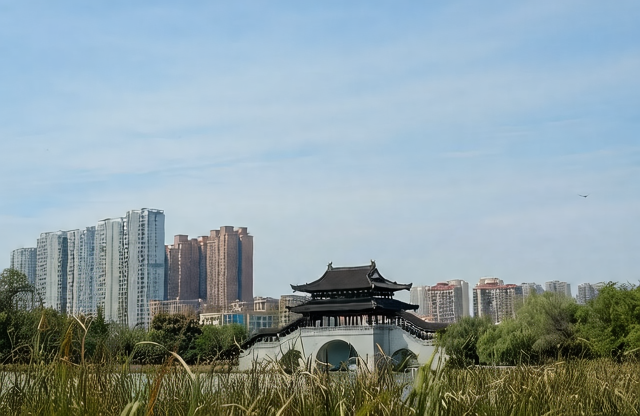 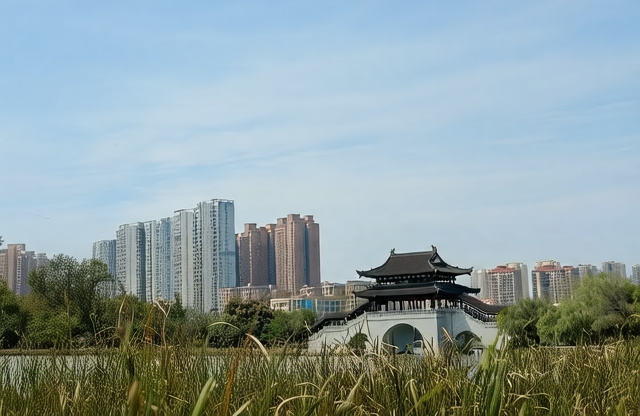 |
| storyboard | 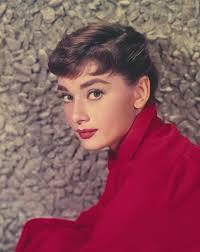 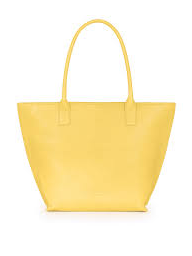 |
Vintage film: 1. Hepburn carrying the yellow bag... | 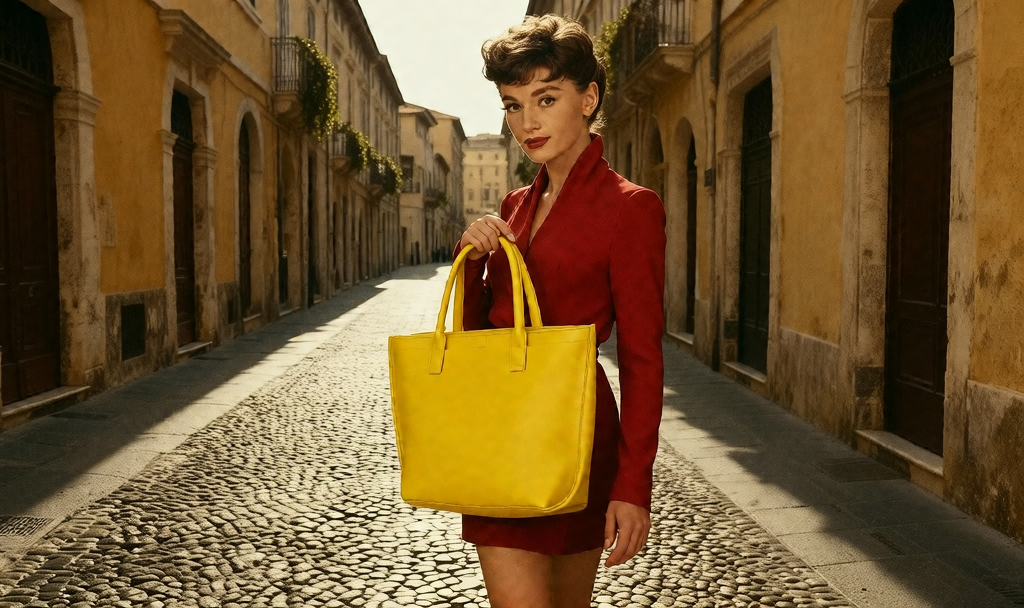 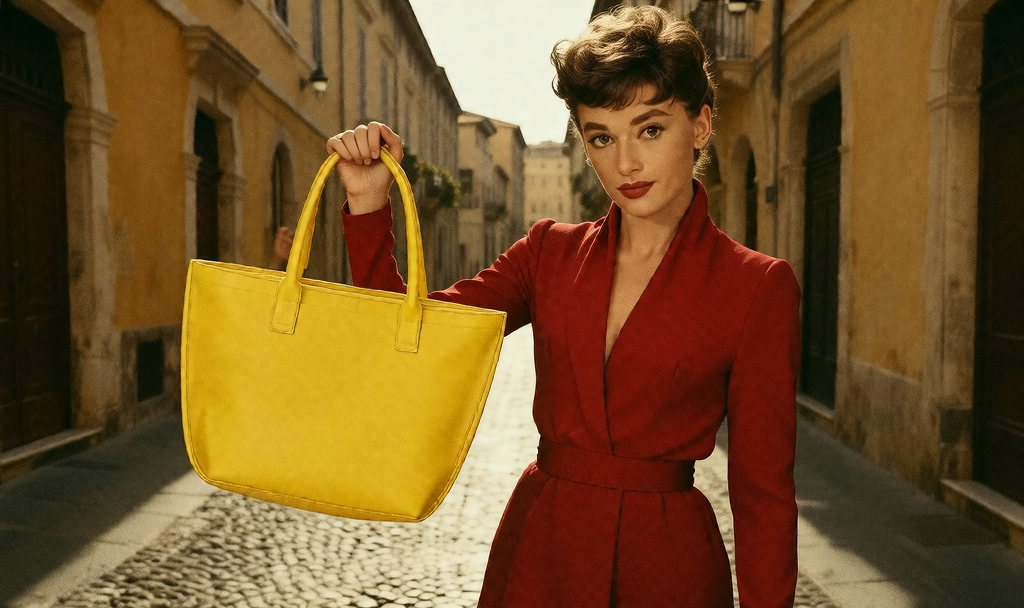 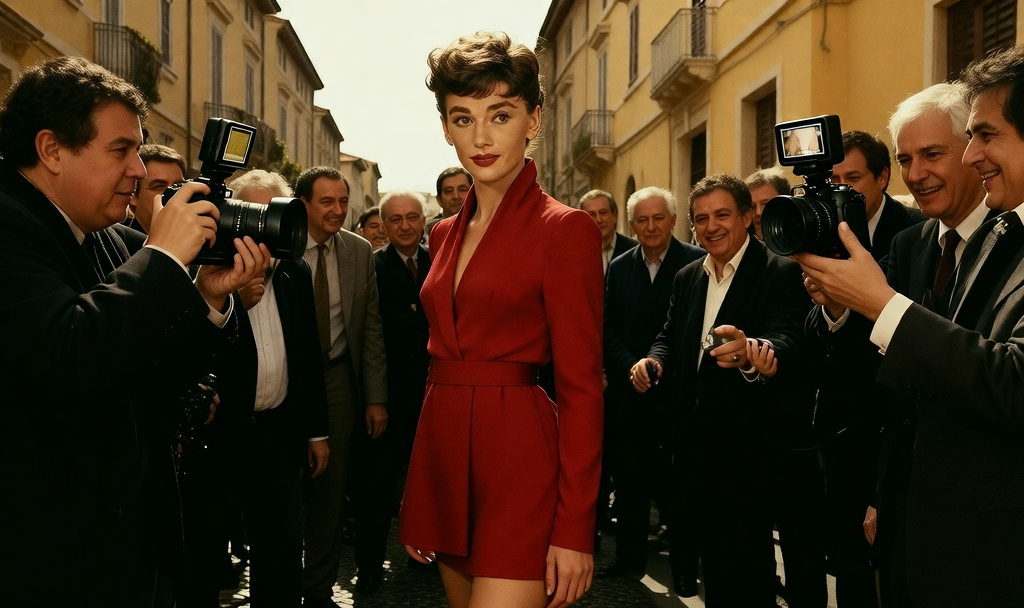 |
🔹 运行自定义任务
如需使用自己的图像进行推理,您需要创建一个JSON文件并按如下格式添加条目:
code
"0" :
    {
        "task_type": "image_editing",
        "prompts" : "Change the material of the lava to silver.",
        "images" : [
            "assets/images/llava.png"
        ],
        "height" : 416,
        "width" : 640,
        "output_num" : 1
    }
所有任务的说明可以总结为:
| 任务类型 | 描述 | 输入 | 注意事项/技巧 |
|---|---|---|---|
| image_editing | Edit the input image according to the instruction (material, style, object change, etc.). | 1 image | Prompt should clearly describe what to change. Best to align output size with input image size. |
| cref | Generate an output using multiple character reference images. | ≥ 1 images | Order of reference images matters. Prompt should specify who from which image. Best results with 2--4 reference images. |
| conditioned_cref | Generate an output using multi images and a vision signal control map (depth, canny, openpose). | ≥ 1 image | Only support depth, canny, openpose, prompt should be one of these three word. Put control map image in the first image. |
| sref | Apply the style/features of the reference images to generate a new image. | 2 images | Leave prompts empty if only using style; model will infer style from input images. Put style reference image in the second place. |
| multiview | Generate multiple viewpoints of the same scene. | 1 image | Prompt should contain step-by-step view changes (e.g., "move left", "look up", "zoom out"). output_num must match number of described views. NOTE Might generate unsatisfying results, please try with different prompts and seed. |
| storyboard | Generate a sequence of frames forming a short story based on references. | ≥ 1 images | Prompts should be enumerated (1, 2, 3...), and start with the story style word (Vintage file, Japanese anime, etc.). Use reference images to anchor characters or props. Output resolution often wider for cinematic style. |
💖 致谢
我们衷心感谢开源社区为这项工作提供的坚实基础。
特别鸣谢以下项目提供的模型、数据集和宝贵见解:
- HunyuanVideo-T2V 、HunyuanVideo-I2V------提供了基础生成模型设计与代码
- FastVideo------贡献了关键组件和支撑我们开发的开源工具
这些贡献对我们的研究产生了深远影响,并帮助塑造了iMontage的设计。
📝 引用声明
如果您发现iMontage对您的研究或应用有所帮助,请考虑为仓库点亮⭐星标并引用我们的论文:
@article{fu2025iMontage,
  title={iMontage: Unified, Versatile, Highly Dynamic Many-to-many Image Generation},
  author={Zhoujie Fu and Xianfang Zeng and Jinghong Lan and Xinyao Liao and Cheng Chen and Junyi Chen and Jiacheng Wei and Wei Cheng and Shiyu Liu and Yunuo Chen and Gang Yu and Guosheng Lin},
  journal={arXiv preprint arXiv:2511.20635},
  year={2025},
}