html&css
示例一:HELLO WORLD
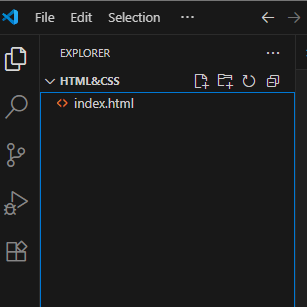
工具下载vscode-》新建文件夹,在vscode中打开该文件夹,用于存储相关文件。
新建文件
cpp
<!DOCTYPE html>
<html lang="en">
<head>
    <meta charset="UTF-8">
    <meta name="viewport" content="width=device-width, initial-scale=1.0">
    <title>hello</title>
</head>
<body>

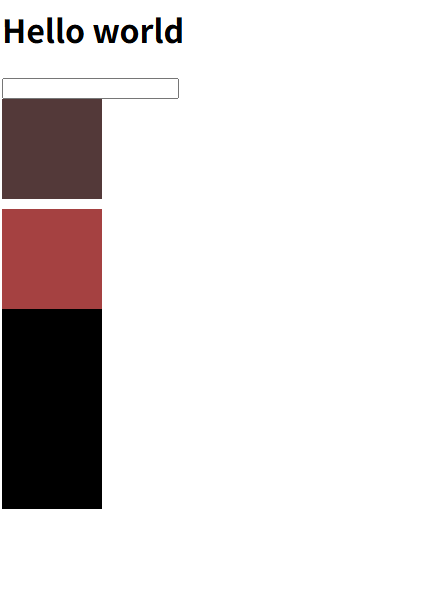
    <h1>Hello world</h1>
    <input type="number" />
    <div class="box"> </div>
    <style>
        .box{
            width: 100px;
            height: 100px;
            background-color: rgb(83, 57, 57);
        }
    </style>
    <div class="box1"></div>
    <style>
        .box1{
            margin-top: 10px;
            width: 100px;
            height: 100px;
            background-color: rgb(165, 65, 65);

        }
    </style>
    <div class="box2"></div>
    <div>
        <style>
        div {
            width: 100px;
            height: 100px;
            background-color: black;
        }
        </style>
    </div>


</body>
</html>
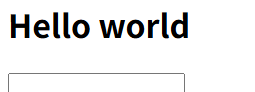
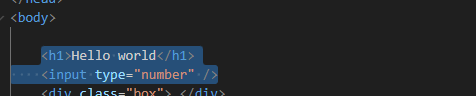
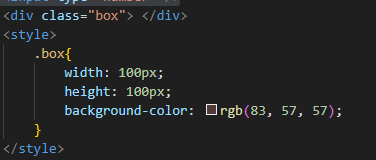
具体而言,对应关系是:



示例二:to do list
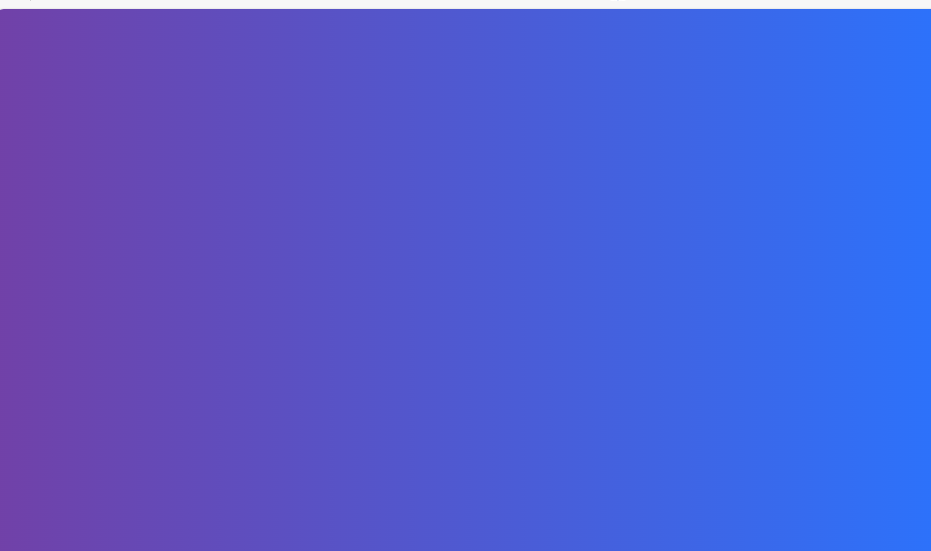
1.设置页面背景

整个页面变成紫色
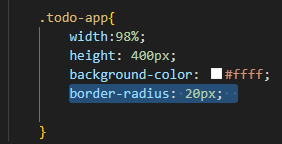
2.设置白色框框
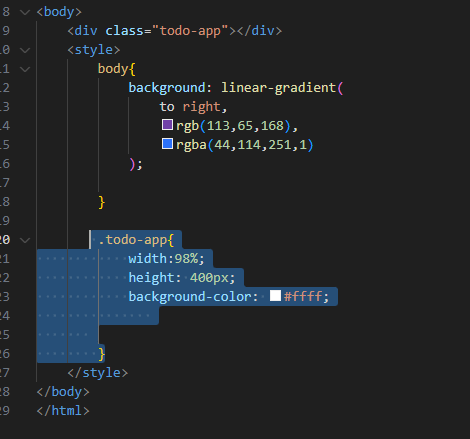
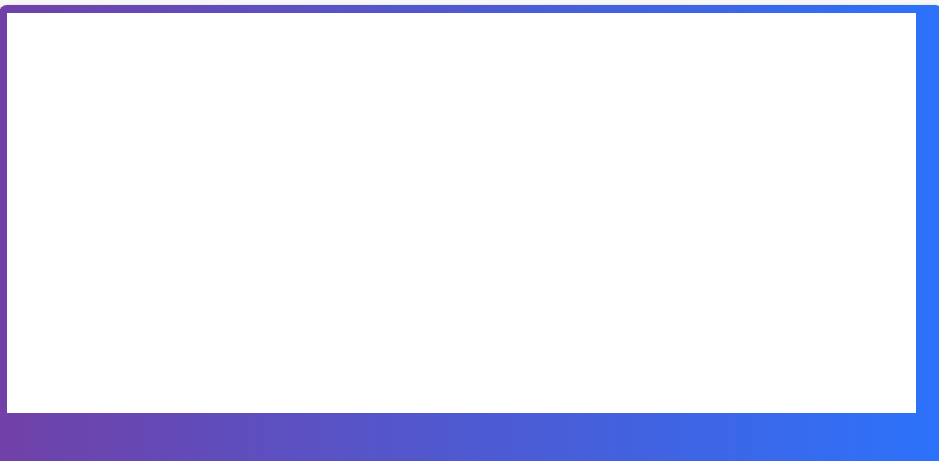
width:98%可以自适应大小。
3.框框设为圆角效果border-radius: 20px;
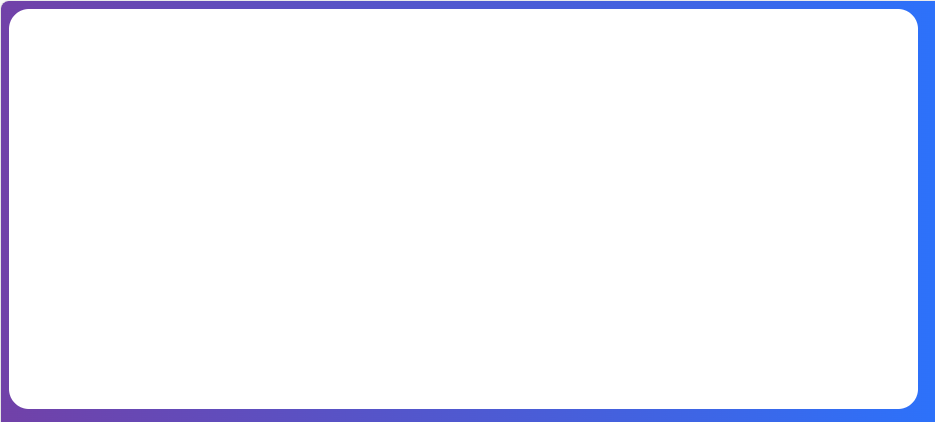
调整边框和页面距离:
margin-top: 40px;
margin-left: 1%;
4.设置"我的todo app"
cpp
 .title{
            font-size: 30px;
            font-weight: 700;
            text-align: center;
            margin-top:40px;
} 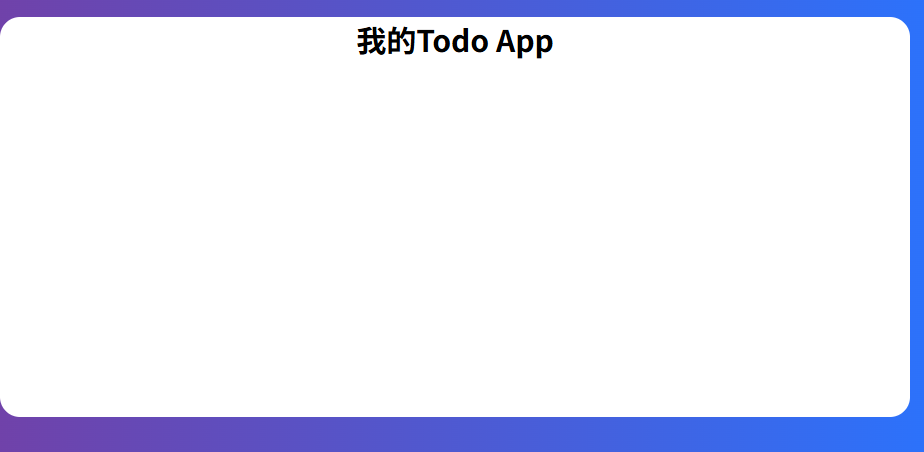
margin-top发生塌陷,无效,解决方案:加入padding-top.
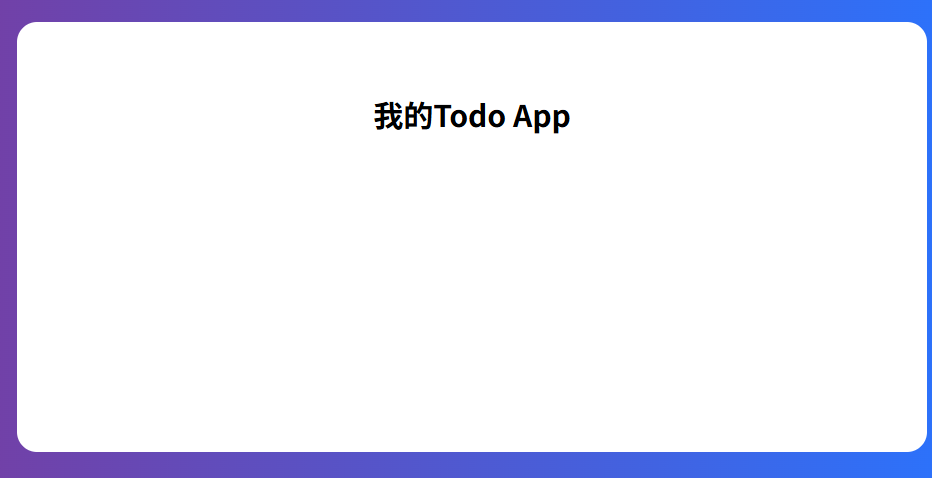
为了控制整体div的高度,不受到padding的影响,加入box-sizing: border-box;
下面不一一解说:
|在这里插入代码片
cpp
<!DOCTYPE html>
<html lang="en">
<head>
    <meta charset="UTF-8">
    <meta name="viewport" content="width=device-width, initial-scale=1.0">
    <title>Todo App</title>
</head>
<body>
    <div class="todo-app">
        <div class="title">Todo App</div>
        <div class="todo-form">
            <input class="todo-input" type="text" placeholder="add a todo">
            <div class="todu-button">add todo</div>
        </div>

        <div class="item completed">
            <div>
                <input type="checkbox" />
                <span class="name">写日报</span>
            </div>

            <div class="del">del</div>
        </div>

        <div class="item">
            <div>
                <input type="checkbox" />
                <span class="name">看书</span>
            </div>

            <div class="del">del</div>
        </div>

        <div class="item">
            <div>
                <input type="checkbox" />
                <span class="name">运动</span>
            </div>

            <div class="del">del</div>
        </div>

    </div>
    <style>

    </style>
</body>
</html>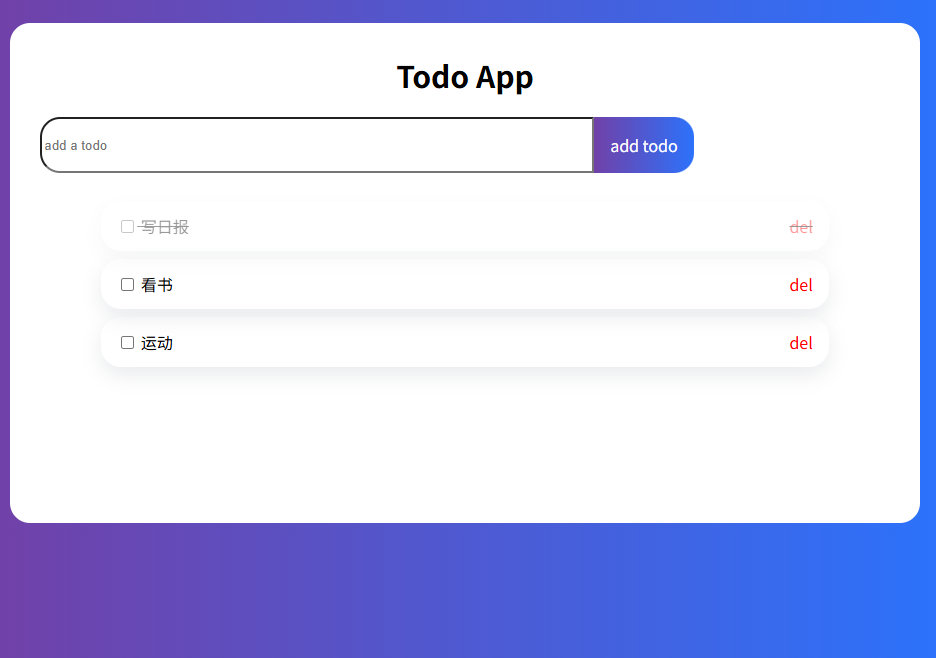
为了分享这个代码和网页 可以使用收费网站https://hzh.sealos.run/signin
js
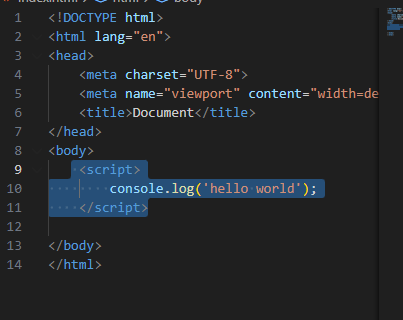
hello word

vue
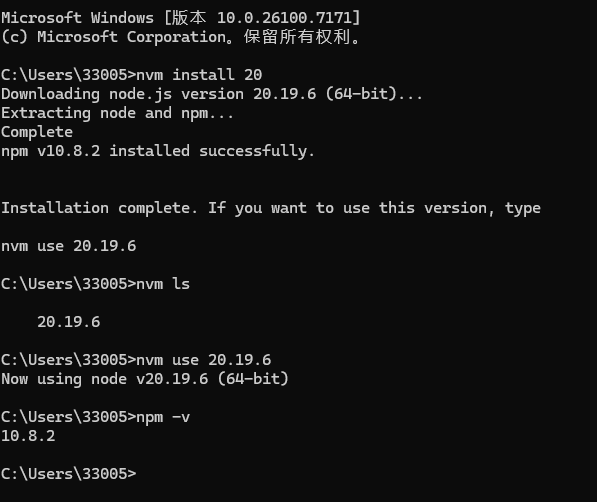
1.安装nvm-setup.exe
一路点下一步,安装后cmd界面安装并查看
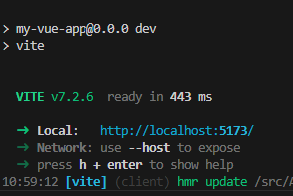
2.如果能运行vscode中control j 到命令行,运行 npm run dev
3.构建
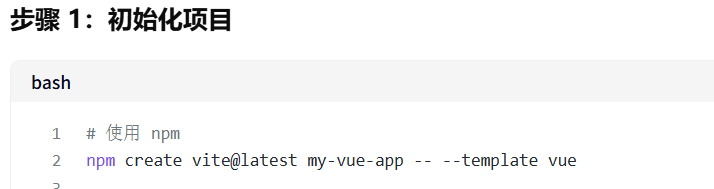
运行后得到
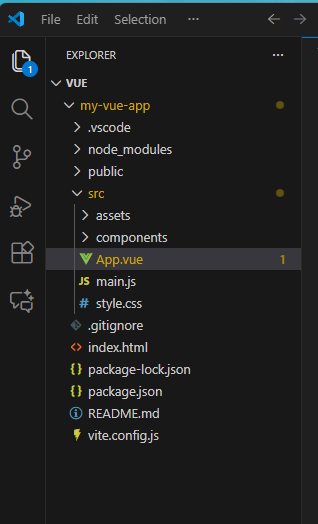
4.增加变量
初始化

加入到标题中
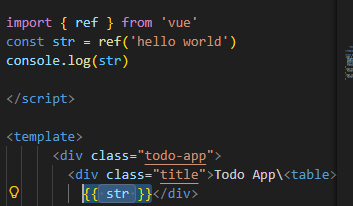
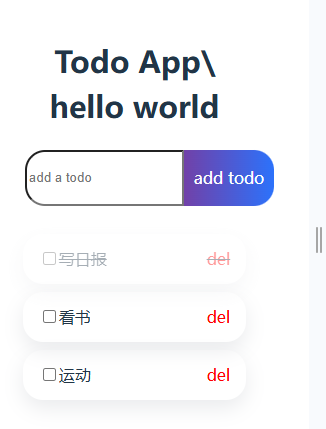
5.为了能够在输入框中输入字符,并录入下面的,有删除功能,完整代码如下:
cpp
<script setup>
import HelloWorld from './components/HelloWorld.vue'

import { ref } from 'vue'
const str = ref('')

const list=ref([{
  isComplete:false,
  text:"吃饭"
  },
  {
  isComplete:false,
  text:"睡觉"
  },
  {
  isComplete:false,
  text:"打豆豆"
  },
  ])

  function add( ){
    list.value.push({
      isComplete: false,
      text:str.value
    })
    str.value=''
  }

  function del(index){
    list.value.splice(index,1)
  }
</script>

<template>
      <div class="todo-app">
        <div class="title">Todo App</div>
        <div class="todo-form">
            <input v-model="str" class="todo-input" type="text" placeholder="add a todo">
            <div @click="add" class="todu-button">add todo</div>
        </div>

        <div v-for="(item,index) in list" :class="[item.isComplete?'completed':'item']">
            <div>
                <input v-model="item.isComplete" type="checkbox" />
                <span class="name">{{ item.text }}</span>
            </div>

            <div @click="del(index)" class="del">del</div>
        </div>

    </div>

</template>

<style scoped>
.logo {
  height: 6em;
  padding: 1.5em;
  will-change: filter;
  transition: filter 300ms;
}
.logo:hover {
  filter: drop-shadow(0 0 2em #646cffaa);
}
.logo.vue:hover {
  filter: drop-shadow(0 0 2em #42b883aa);
}

        .body{
            background: linear-gradient(
                to right,
                rgb(113,65,168),
                rgba(44,114,251,1)
            );

        }

        .todo-app{
            width:98%;
            height: 500px;
            padding-top:30px;
            box-sizing: border-box;

            background-color: #ffff;
            border-radius: 20px;
            margin-top: 40px;
            margin-left: 1%;

        }
        .title{
            font-size: 30px;
            font-weight: 700;
            text-align: center;
            margin-bottom: 20px;

        }
        .todo-form{
            display: flex;
        }
        .todo-input{
            border: 1px sodlid #dfe1e5;
            margin-bottom: 20px;
            outline:none;
            width:60%;
            height:50px;
            border-radius: 20px 0 0 20px;
            margin-left:30px;

        }
        .todu-button{
            width: 100px;
            height: 56px;
            border-radius: 0 20px 20px 0;

            text-align: center;
            line-height:56px;
            background: linear-gradient(
                to right,
                rgb(113, 65, 168),
                rgba(44, 114, 251, 1)
            );

            color: #ffff;
            user-select: none;
            cursor:pointer;


        }
        .item{
            display:flex;
            align-items: center;
            justify-content: space-between;
            box-sizing: border-box;
            width: 80%;
            height: 50px;
            margin: 8px auto;
            padding: 16px;
            border-radius: 20px;
            box-shadow: rgba(149,157,165,0.2) 0px 8px 20px;

        }
        .name{

        }
        .del{
            color: red;
        }
        .completed{
            text-decoration: line-through;
            opacity:0.4;

             display:flex;
            align-items: center;
            justify-content: space-between;
            box-sizing: border-box;
            width: 80%;
            height: 50px;
            margin: 8px auto;
            padding: 16px;
            border-radius: 20px;
            box-shadow: rgba(149,157,165,0.2) 0px 8px 20px;
        }
</style>
vue还是有点复杂的,要多复习