更新 图书列表
pages/BookManage/index.tsx
javascript
import { Button, Card, Form, Input } from 'antd';
import './index.css';

export function BookManage(){
    return <div id="bookManage">
        <h1>图书管理系统</h1>
        <div className="content">
            <div className='book-search'>
                <Form
                    name="search"
                    layout='inline'
                    colon={false}
                >
                    <Form.Item label="图书名称" name="name">
                        <Input />
                    </Form.Item>
                    <Form.Item label=" ">
                        <Button type="primary" htmlType="submit">
                            搜索图书
                        </Button>
                        <Button type="primary" htmlType="submit" style={{background: 'green'}} >
                            添加图书
                        </Button>
                    </Form.Item>
                </Form>
            </div>
            <div className="book-list">
                {
                    [1,2,3,4,5,6,7].map(item => {
                        return <Card
                            className='card'
                            hoverable
                            style={{ width: 300 }}
                            cover={<img alt="example" src="https://upload.wikimedia.org/wikipedia/zh/7/7d/%E5%B9%B3%E5%87%A1%E7%9A%84%E4%B8%96%E7%95%8C2014.jpg" />}
                        >
                            <h2>平凡的世界</h2>
                            <div>路遥</div>
                            <div className='links'>
                                <a href="#">详情</a>
                                <a href="#">编辑</a>
                                <a href="#">删除</a>
                            </div>
                        </Card>
                    })
                }
            </div>
        </div>
    </div>
}
index.css
css
#bookManage {
    display: flex;
    flex-direction: column;
}

#bookManage h1 {
    height: 80px;
    line-height: 80px;
    border-bottom: 2px solid #ccc;
    padding-left: 20px;
}

#bookManage .content {
    padding: 20px;
}

#bookManage .book-list{
    padding: 20px;
    display: flex;
    flex-wrap: wrap;
}

#bookManage .book-list .card{
    margin-left: 30px;
    margin-bottom: 30px;
}

#bookManage .book-list .links{
    display: flex;

    flex-direction: row;
    justify-content: space-around;
}
现在页面这样
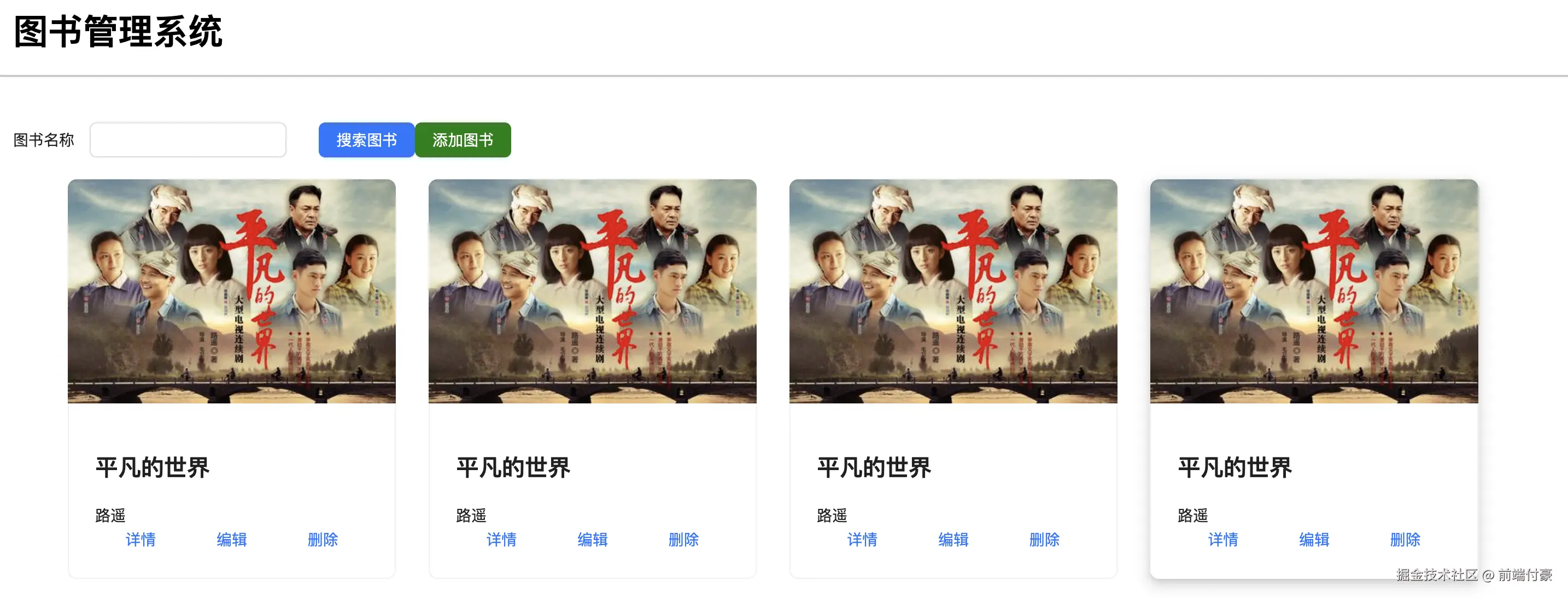
在 interfaces/index.ts 里加下图书列表的请求
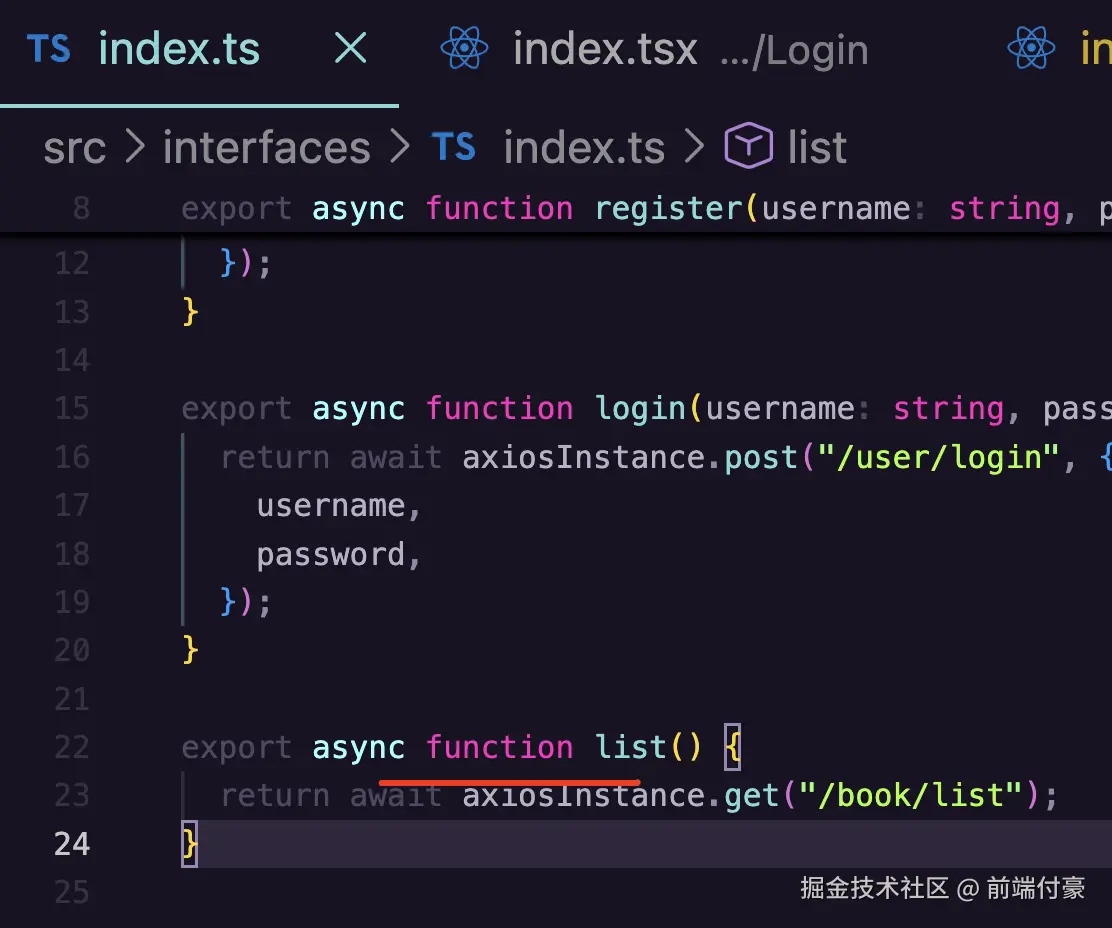
在组件里调用
typescript
import { Button, Card, Form, Input, message } from 'antd';
import './index.css';
import { useEffect, useState } from 'react';
import { list } from '../../interfaces';

interface Book {
    id: number;
    name: string;
    author: string;
    description: string;
    cover: string;
}

export function BookManage(){

    const [bookList, setBookList] = useState<Array<Book>>([]);

    async function fetchData() {
        try {
            const data = await list();

            if(data.status === 201 || data.status === 200) {
                setBookList(data.data);
            }
        } catch(e: any) {
            message.error(e.response.data.message);
        }
    }

    useEffect(() => {
        fetchData();
    }, []);

    return <div id="bookManage">
        <h1>图书管理系统</h1>
        <div className="content">
            <div className='book-search'>
                <Form
                    name="search"
                    layout='inline'
                    colon={false}
                >
                    <Form.Item label="图书名称" name="name">
                        <Input />
                    </Form.Item>
                    <Form.Item label=" ">
                        <Button type="primary" htmlType="submit">
                            搜索图书
                        </Button>
                        <Button type="primary" htmlType="submit" style={{background: 'green'}} >
                            添加图书
                        </Button>
                    </Form.Item>
                </Form>
            </div>
            <div className="book-list">
                {
                    bookList.map(book => {
                        return <Card
                            className='card'
                            hoverable
                            style={{ width: 300 }}
                            cover={<img alt="example" src={`http://localhost:3000/${book.cover}`} />}
                        >
                            <h2>{book.name}</h2>
                            <div>{book.author}</div>
                            <div className='links'>
                                <a href="#">详情</a>
                                <a href="#">编辑</a>
                                <a href="#">删除</a>
                            </div>
                        </Card>
                    })
                }
            </div>
        </div>
    </div>
}
book.json 信息这样
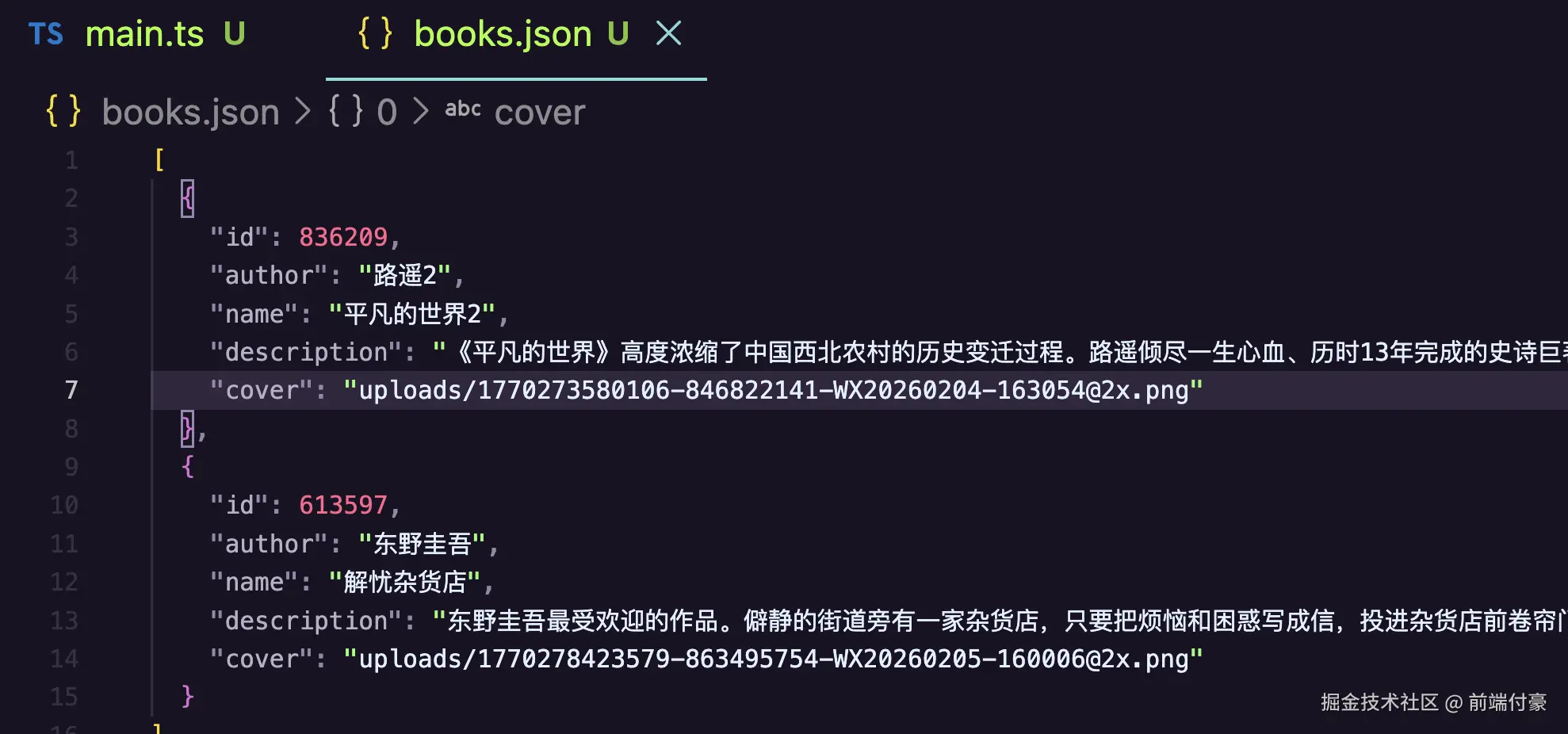
目前展示这样
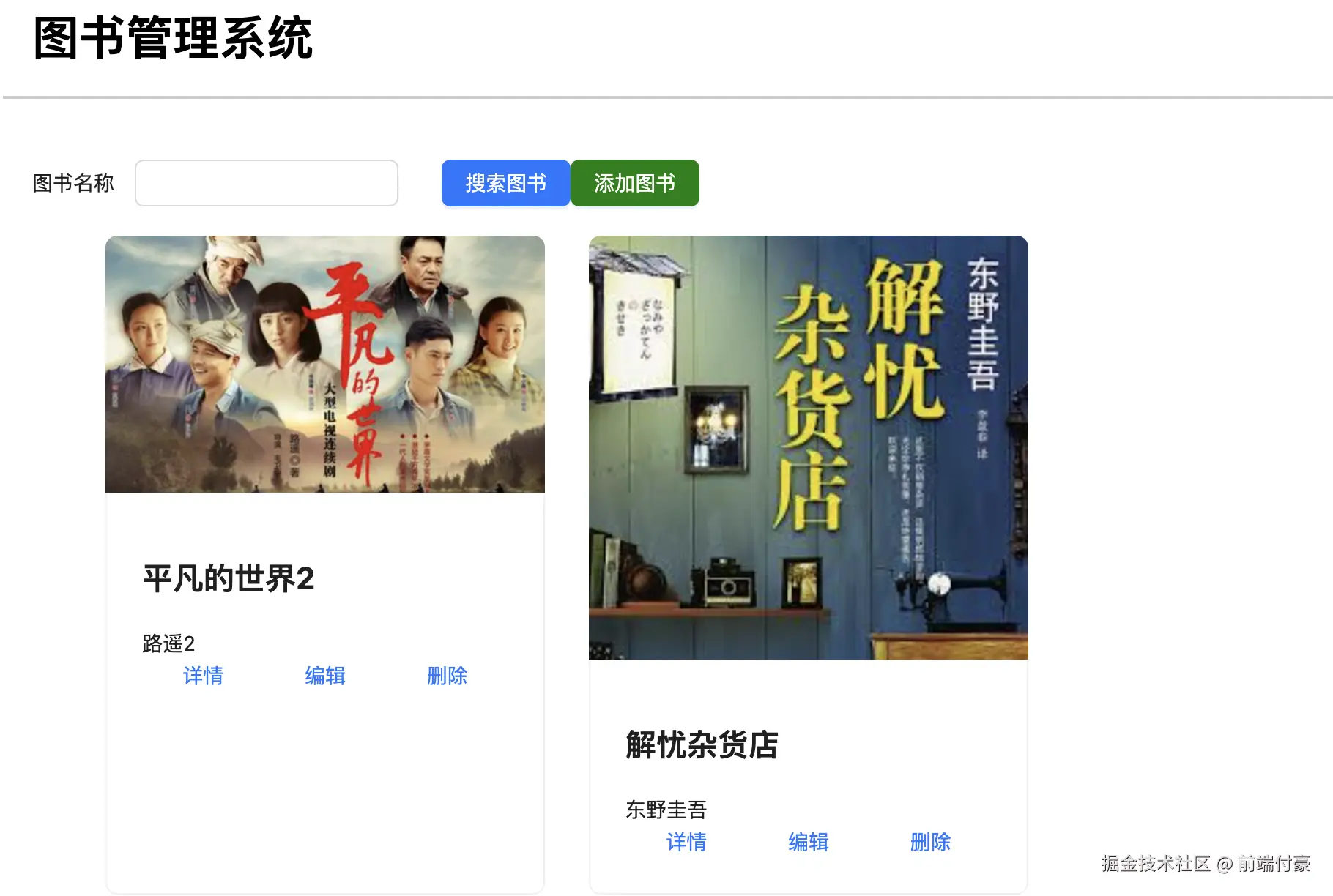
book.controller.ts 更新搜索
less
  @Get('list')
  async list(@Query('name') name: string) {
    return this.bookService.list(name);
  }
book.service.ts
typescript
  async list(name: string) {
    const books: Book[] = await this.dbService.read();
    return name
      ? books.filter((book) => {
          return book.name.includes(name);
        })
      : books;
  }
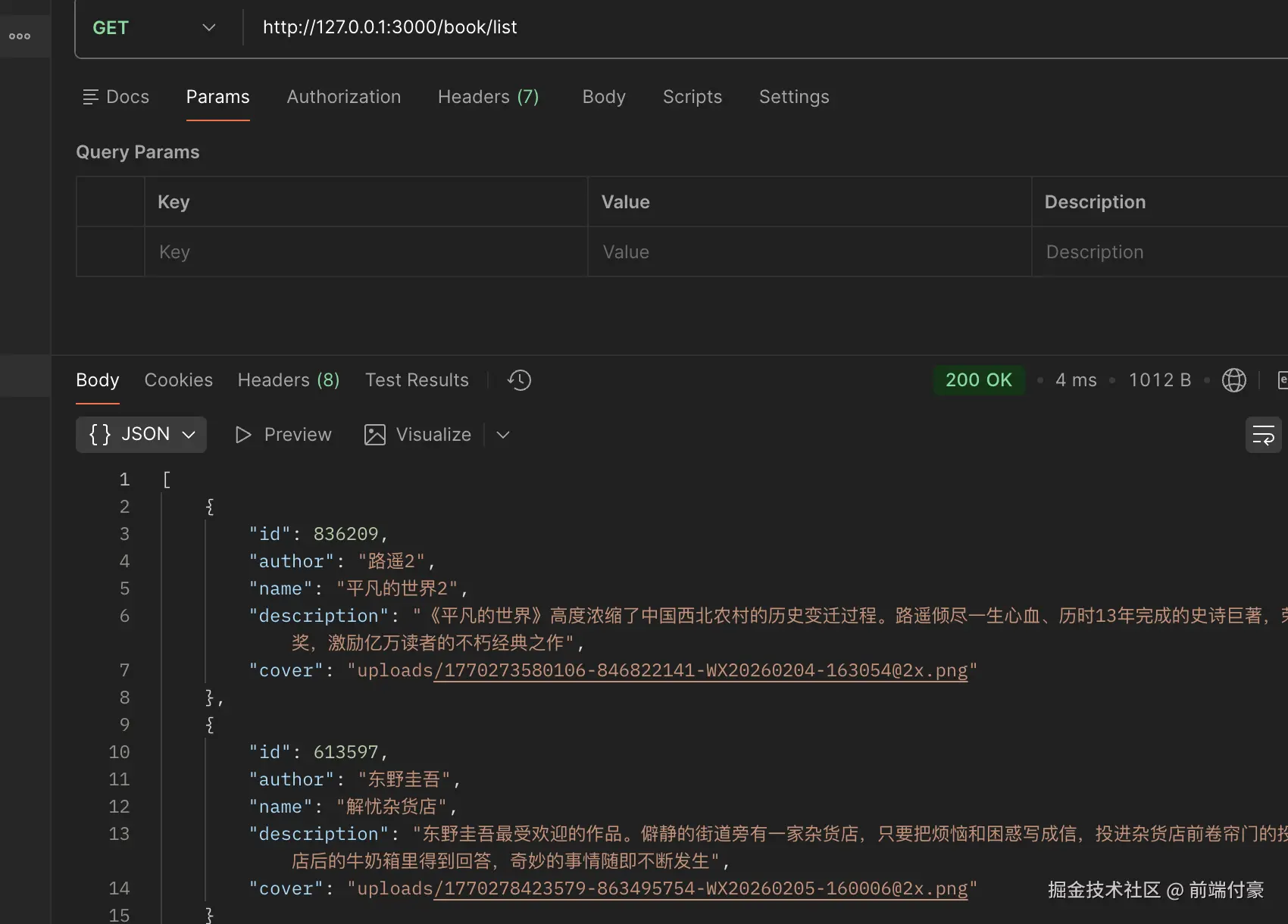
不带参数查全部
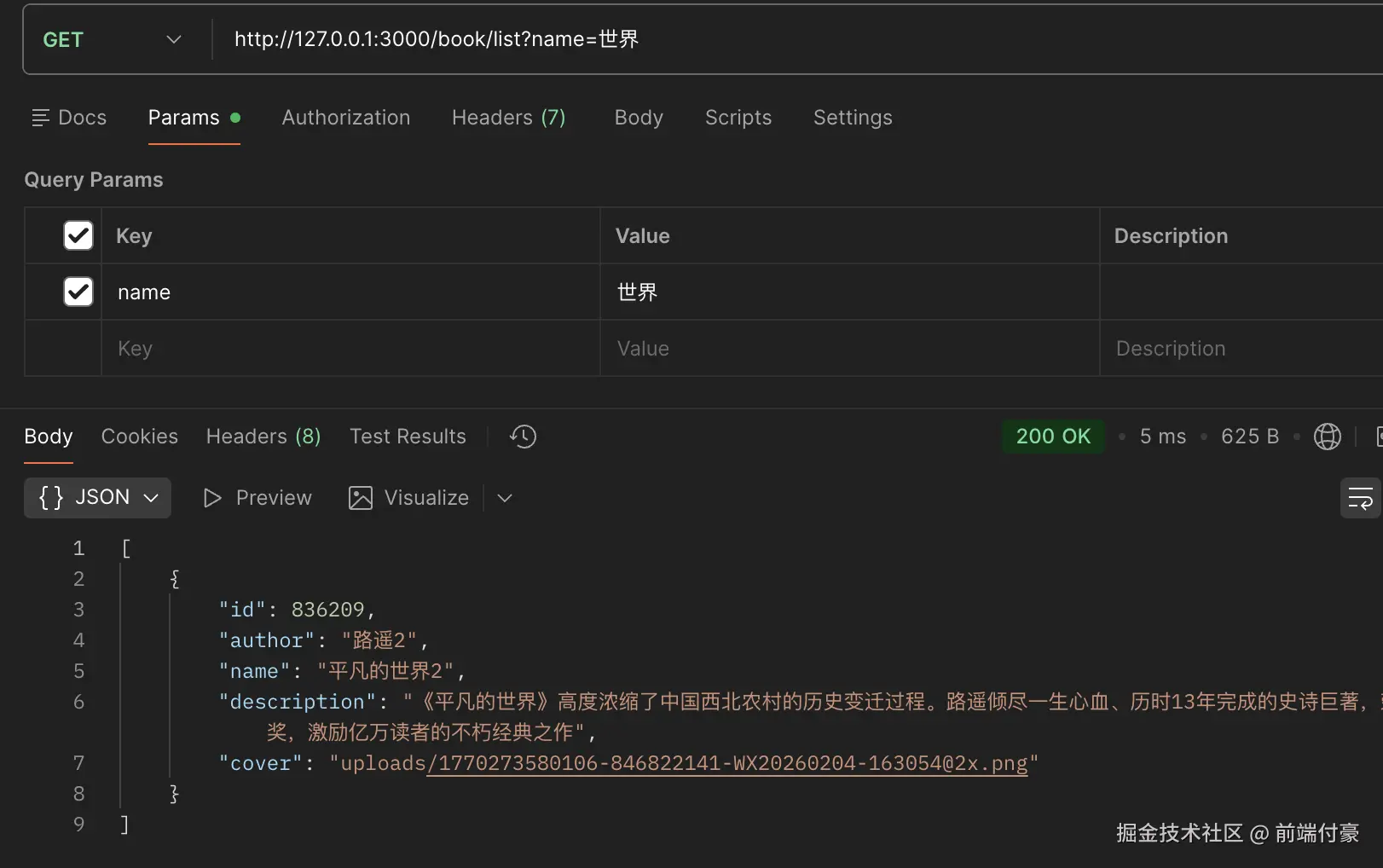
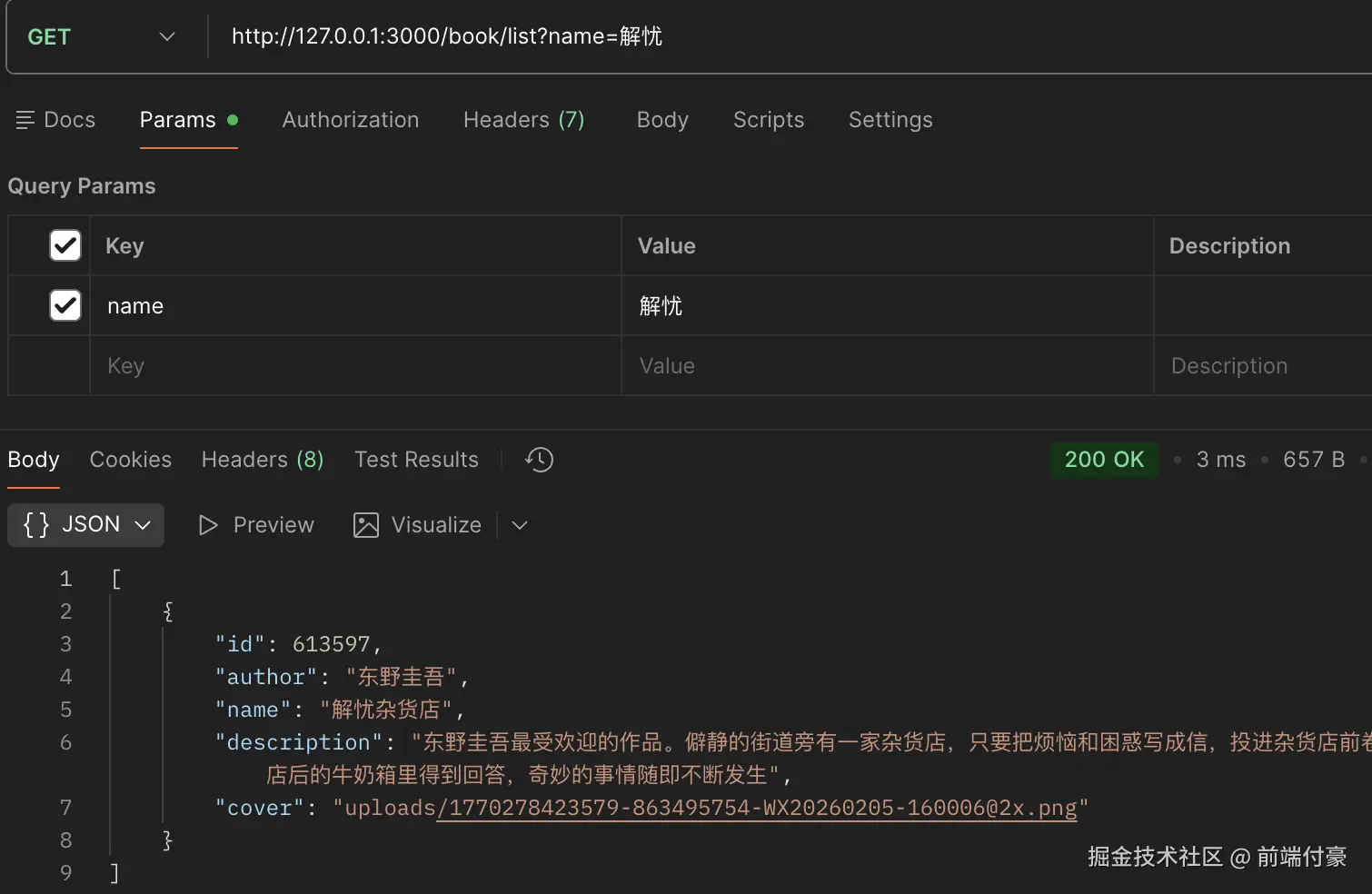
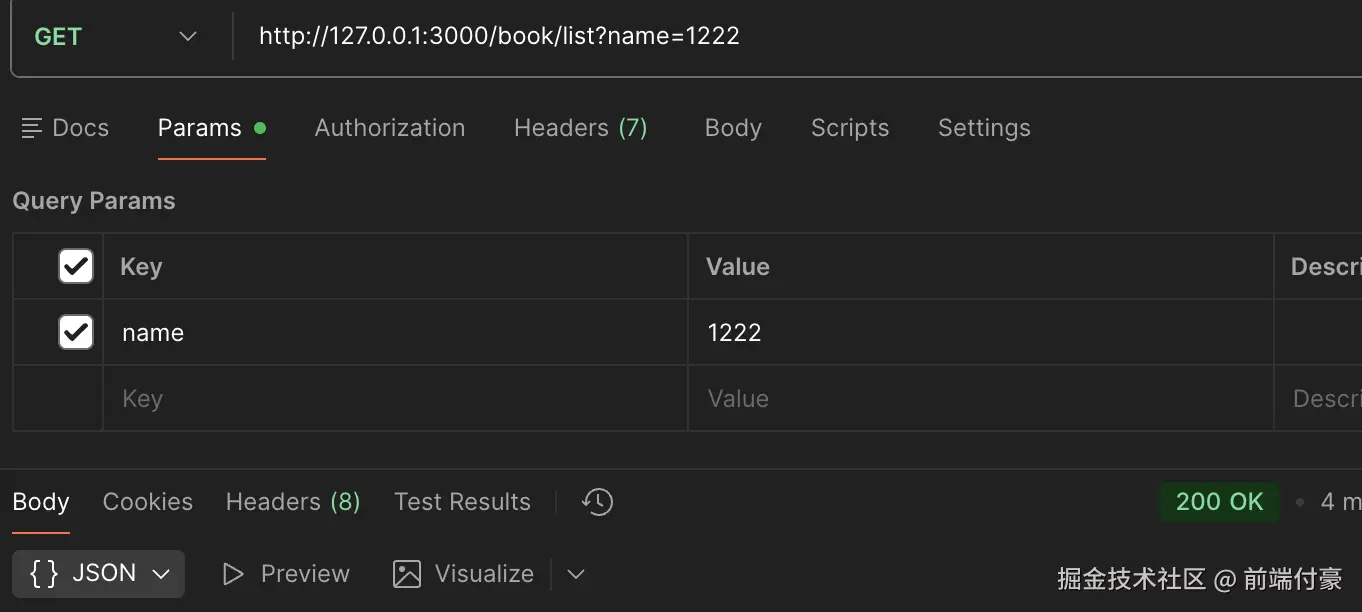
带参数查询到匹配的内容
前端 interfaces/index.ts更新
csharp
export async function list(name: string) {
  return await axiosInstance.get("/book/list", {
    params: {
      name,
    },
  });
}
更新前端 BookManage/index.tsx
typescript
import { Button, Card, Form, Input, message } from 'antd';
import './index.css';
import { useEffect, useState } from 'react';
import { list } from '../../interfaces';

interface Book {
    id: number;
    name: string;
    author: string;
    description: string;
    cover: string;
}

export function BookManage(){

    const [bookList, setBookList] = useState<Array<Book>>([]);
    const [name, setName] = useState('');

    async function fetchData() {
        try {
            const data = await list(name);

            if(data.status === 201 || data.status === 200) {
                setBookList(data.data);
            }
        } catch(e: any) {
            message.error(e.response.data.message);
        }
    }

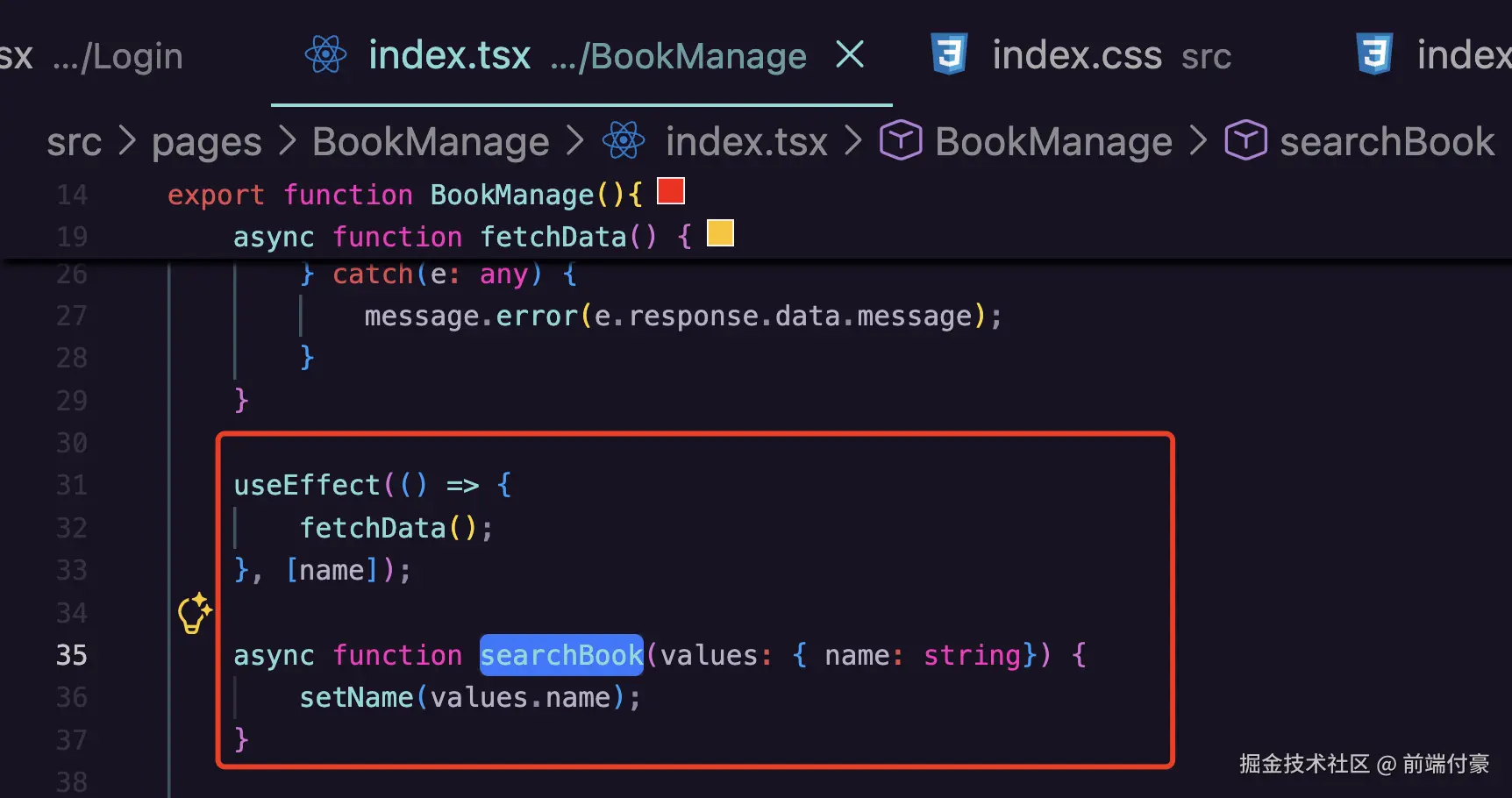
    useEffect(() => {
        fetchData();
    }, [name]);

    async function searchBook(values: { name: string}) {
        setName(values.name);
    }

    return <div id="bookManage">
        <h1>图书管理系统</h1>
        <div className="content">
            <div className='book-search'>
                <Form
                    onFinish={searchBook}
                    name="search"
                    layout='inline'
                    colon={false}
                >
                    <Form.Item label="图书名称" name="name">
                        <Input />
                    </Form.Item>
                    <Form.Item label=" ">
                        <Button type="primary" htmlType="submit">
                            搜索图书
                        </Button>
                        <Button type="primary" htmlType="submit" style={{background: 'green'}} >
                            添加图书
                        </Button>
                    </Form.Item>
                </Form>
            </div>
            <div className="book-list">
                {
                    bookList.map(book => {
                        return <Card
                            className='card'
                            hoverable
                            style={{ width: 300 }}
                            cover={<img alt="example" src={`http://localhost:3000/${book.cover}`} />}
                        >
                            <h2>{book.name}</h2>
                            <div>{book.author}</div>
                            <div className='links'>
                                <a href="#">详情</a>
                                <a href="#">编辑</a>
                                <a href="#">删除</a>
                            </div>
                        </Card>
                    })
                }
            </div>
        </div>
    </div>
}

非常nice !