打印命令行
首先我们需要一个函数打印一下命令行:
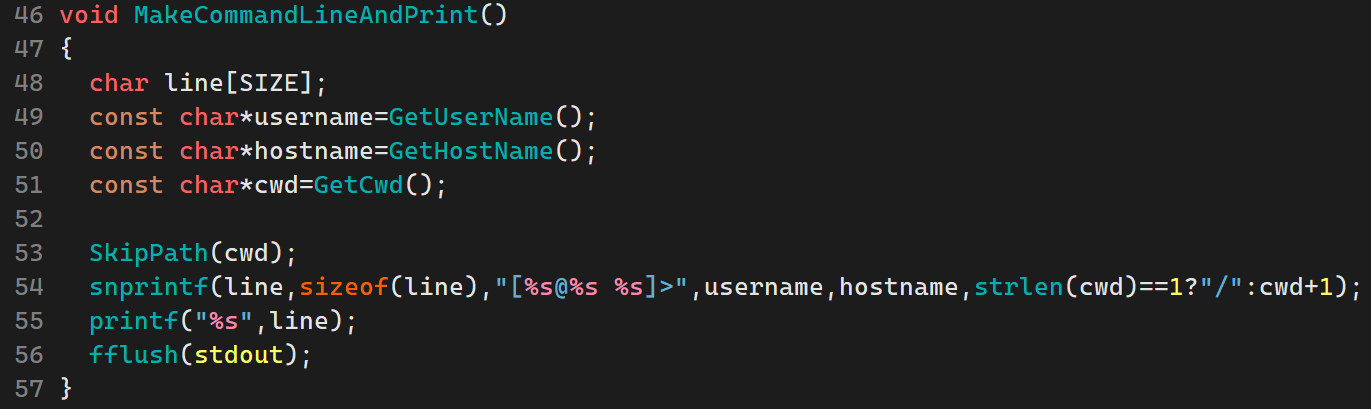
整体框架是这样,现在我们要分别实现三个Get函数:
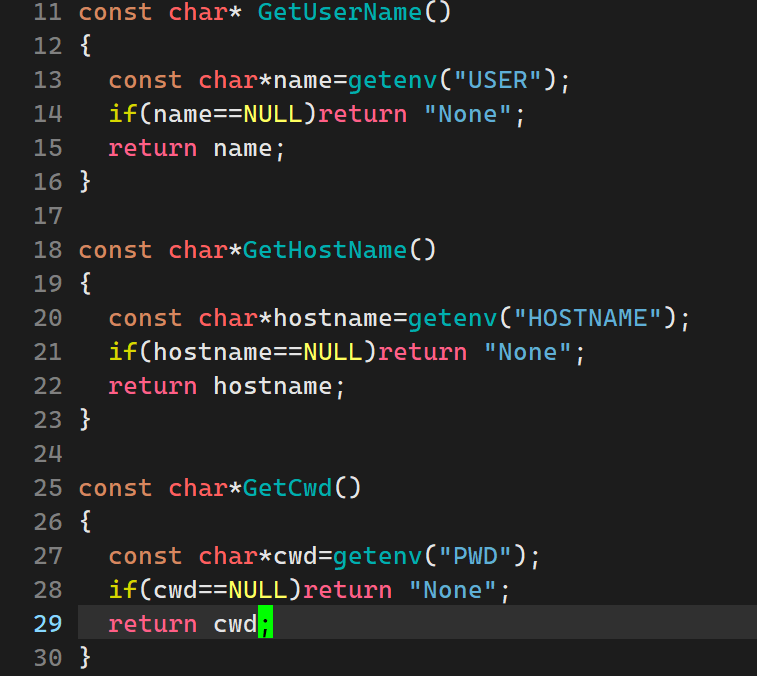
我们通过getenv函数获取bash给的环境变量
注意到此时我们的getcwd给的是整个路径名,而我们只需要最后的文件夹名,因此需要处理一下:

为了避免使用二重指针作为参数,我们可以定义一个宏函数。
获取用户命令
接下里我们要获取用户输入的命令,事实上这非常的简单:

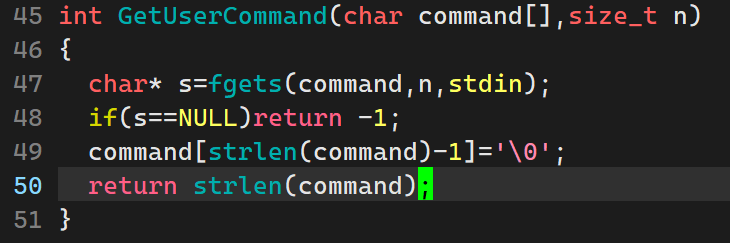
注意我们这里要将用户输入的回车键去掉。
分割命令
我们现在获取的是一个字符串,具体的指令和选项以空格分开,因此我们需要具体地分割字符串:

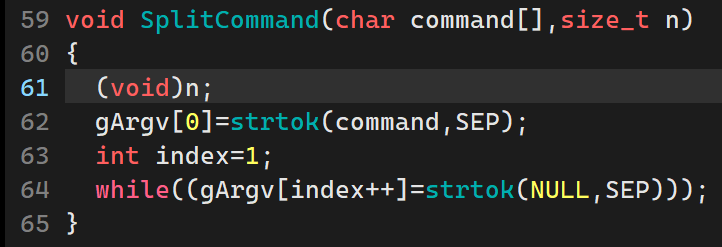
其中gArgv定义为全局变量即可,SEP分隔符为" ".
检测是否为内建命令
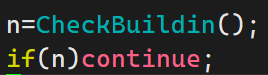
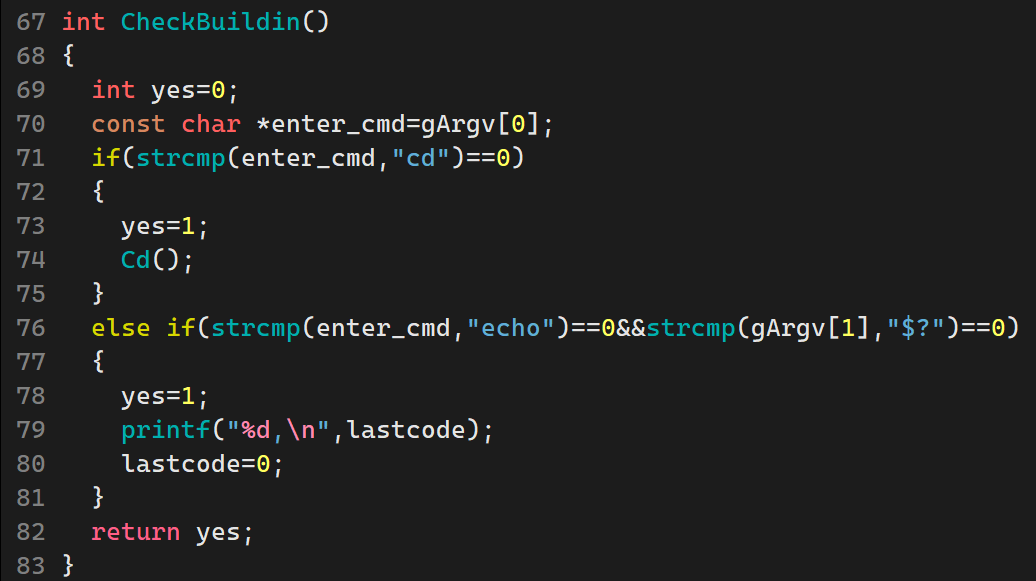
由于内建命令和环境变量过多,我们这里就实现cd和$?
其中lastcode定义为全局变量。
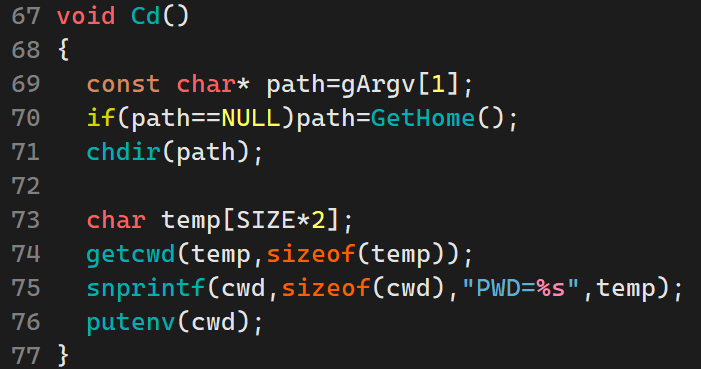
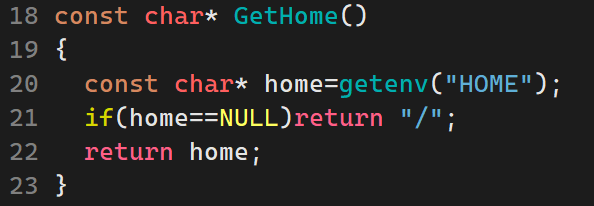
其中chdir、getcwd和putenv都是库函数。因为改变路径后我们还需获取当前的绝对路径,然后对环境变量进行修改。
执行命令
最后就是执行命令了:

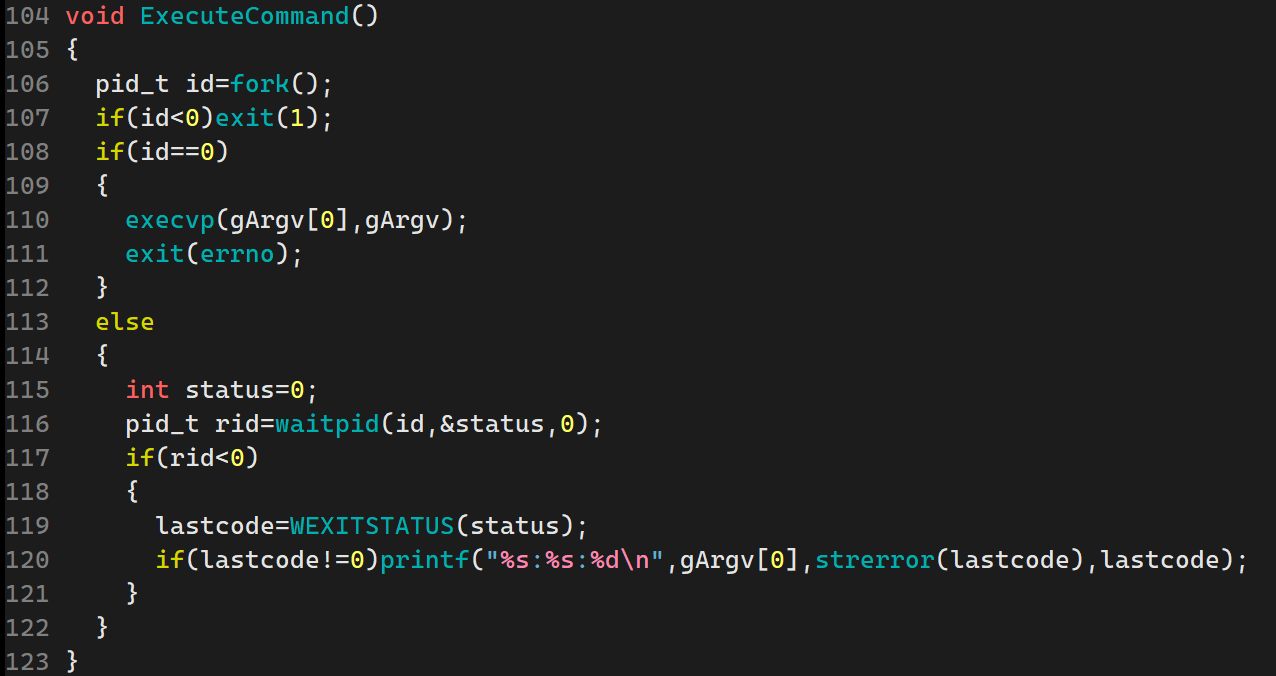
我们当然不能直接执行命令,而是交给子进程执行!
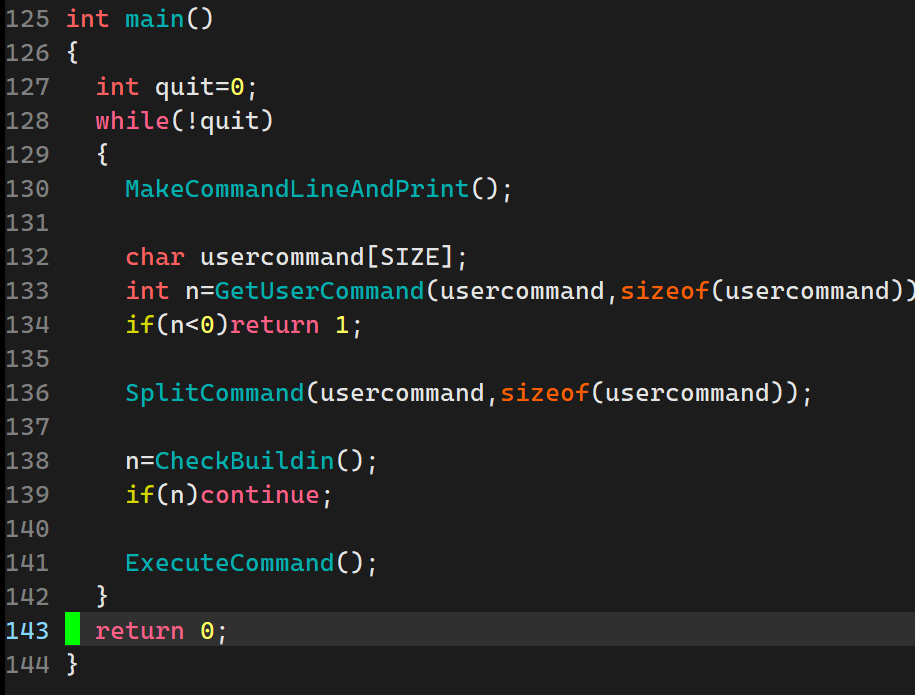
最后调整一下main函数:
完整代码
c
#include<stdio.h>
#include<stdlib.h>
#include<string.h>
#include<errno.h>
#include<unistd.h>
#include<sys/types.h>
#include<sys/wait.h>

#define SIZE 512
#define SkipPath(p) do{p+=strlen(p)-1;while(*p!='/')p--;}while(0)
#define NUM 32
#define SEP " "

char cwd[SIZE*2];
char *gArgv[NUM];
int lastcode=0;

const char* GetHome()
{
  const char* home=getenv("HOME");
  if(home==NULL)return "/";
  return home;
}

const char* GetUserName()
{
  const char*name=getenv("USER");
  if(name==NULL)return "None";
  return name;
}

const char*GetHostName()
{
  const char*hostname=getenv("HOSTNAME");
  if(hostname==NULL)return "None";
  return hostname;
}

const char*GetCwd()
{
  const char*cwd=getenv("PWD");
  if(cwd==NULL)return "None";
  return cwd;
}

void MakeCommandLineAndPrint()
{
  char line[SIZE];
  const char*username=GetUserName();
  const char*hostname=GetHostName();
  const char*cwd=GetCwd();

  SkipPath(cwd);
  snprintf(line,sizeof(line),"[%s@%s %s]>",username,hostname,strlen(cwd)==1?"/":cwd+1);
  printf("%s",line);
  fflush(stdout);
}

int GetUserCommand(char command[],size_t n)
{
  char* s=fgets(command,n,stdin);
  if(s==NULL)return -1;
  command[strlen(command)-1]='\0';
  return strlen(command);
}

void SplitCommand(char command[],size_t n)
{
  (void)n;
  gArgv[0]=strtok(command,SEP);
  int index=1;
  while((gArgv[index++]=strtok(NULL,SEP)));
}

void Cd()
{
  const char* path=gArgv[1];
  if(path==NULL)path=GetHome();
  chdir(path);

  char temp[SIZE*2];
  getcwd(temp,sizeof(temp));
  snprintf(cwd,sizeof(cwd),"PWD=%s",temp);
  putenv(cwd);
}

int CheckBuildin()
{
  int yes=0;
  const char *enter_cmd=gArgv[0];
  if(strcmp(enter_cmd,"cd")==0)
  {
    yes=1;
    Cd();
  }
  else if(strcmp(enter_cmd,"echo")==0&&strcmp(gArgv[1],"$?")==0)
  {
    yes=1;
    printf("%d,\n",lastcode);
    lastcode=0;
  }
  return yes;
}

void ExecuteCommand()
{
  pid_t id=fork();
  if(id<0)exit(1);
  if(id==0)
  {
    execvp(gArgv[0],gArgv);
    exit(errno);
  }
  else
  {
    int status=0;
    pid_t rid=waitpid(id,&status,0);
    if(rid<0)
    {
      lastcode=WEXITSTATUS(status);
      if(lastcode!=0)printf("%s:%s:%d\n",gArgv[0],strerror(lastcode),lastcode);
    }
  }
}

int main()
{
  int quit=0;
  while(!quit)
  {
    MakeCommandLineAndPrint();

    char usercommand[SIZE];
    int n=GetUserCommand(usercommand,sizeof(usercommand));
    if(n<0)return 1;

    SplitCommand(usercommand,sizeof(usercommand));

    n=CheckBuildin();
    if(n)continue;

    ExecuteCommand();
  }
  return 0;
}