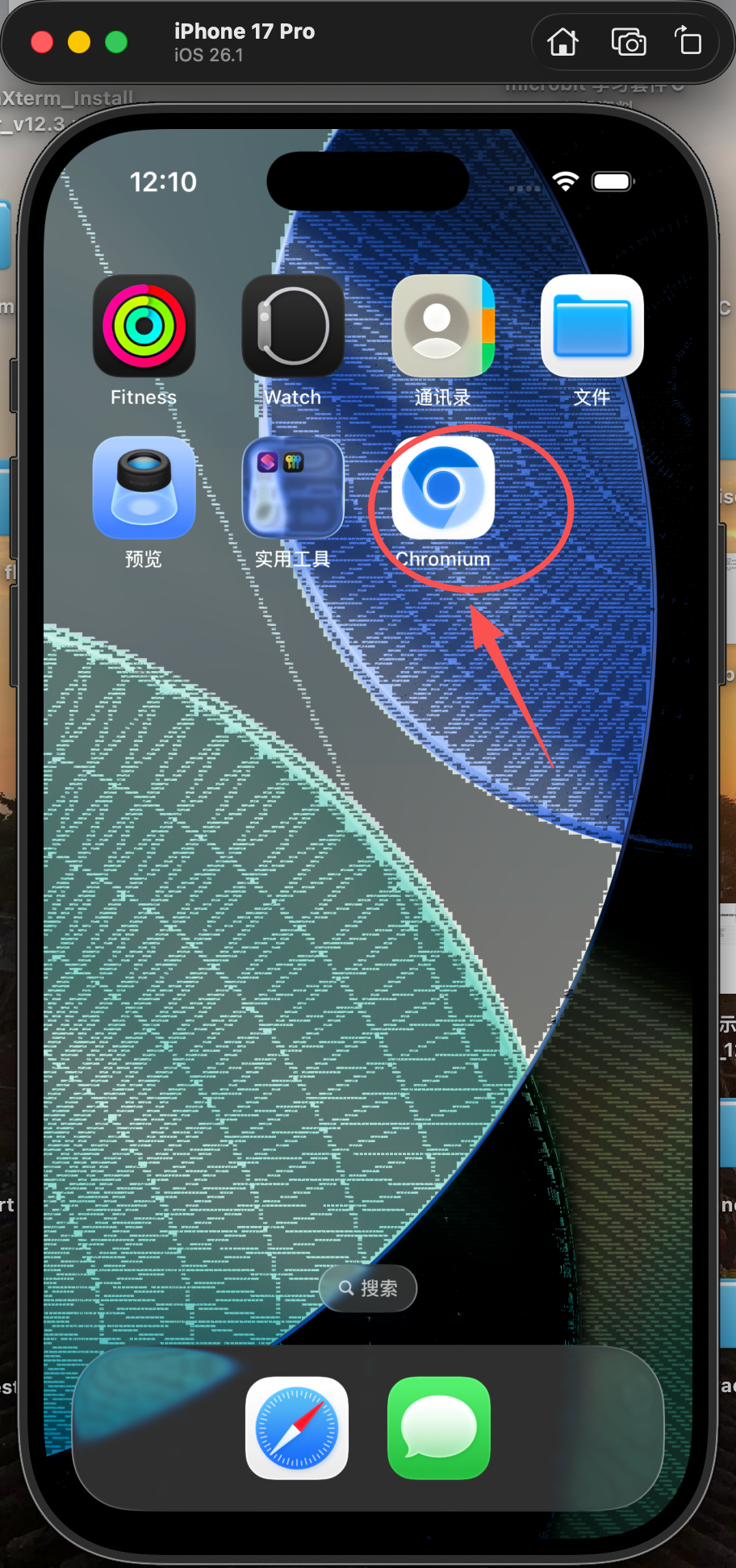
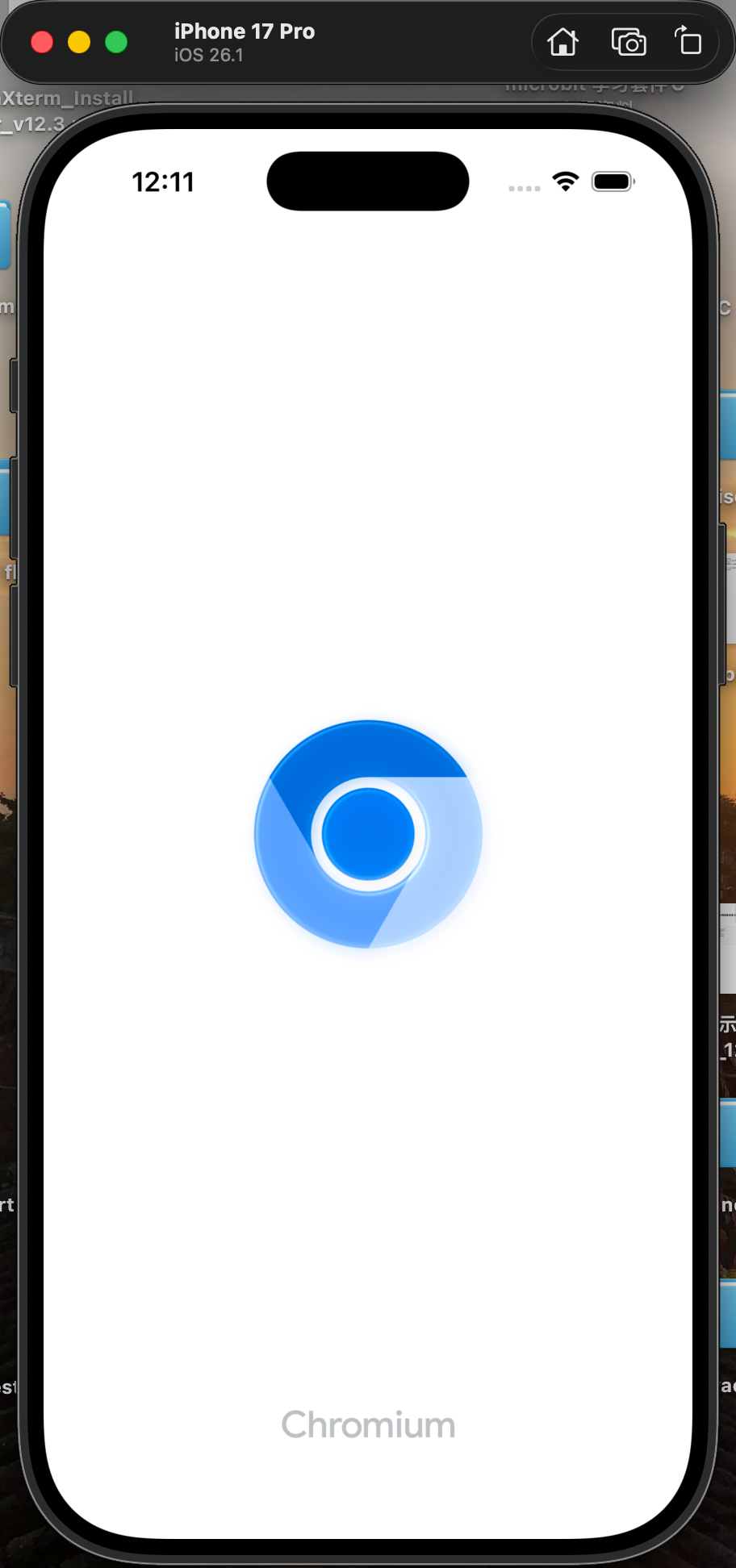
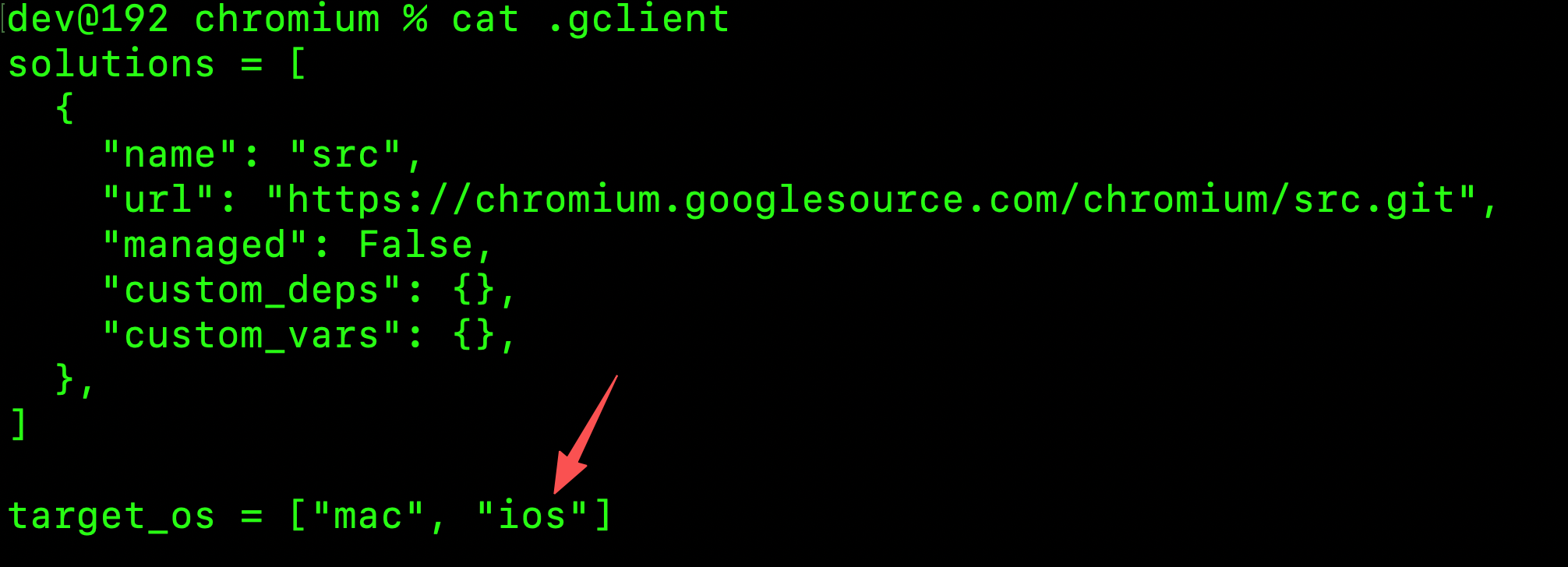
编辑已有源码.gclient增加ios平台
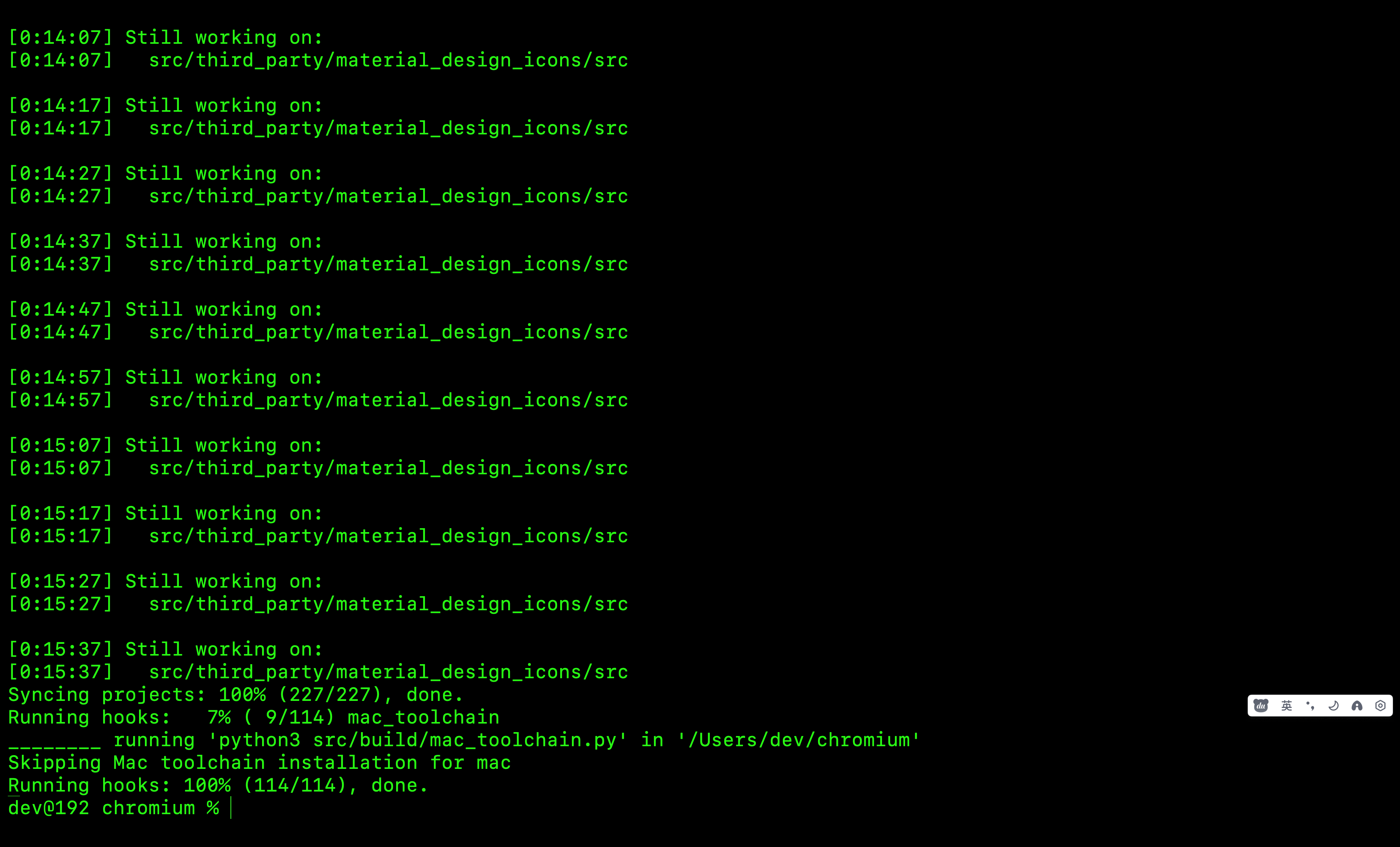
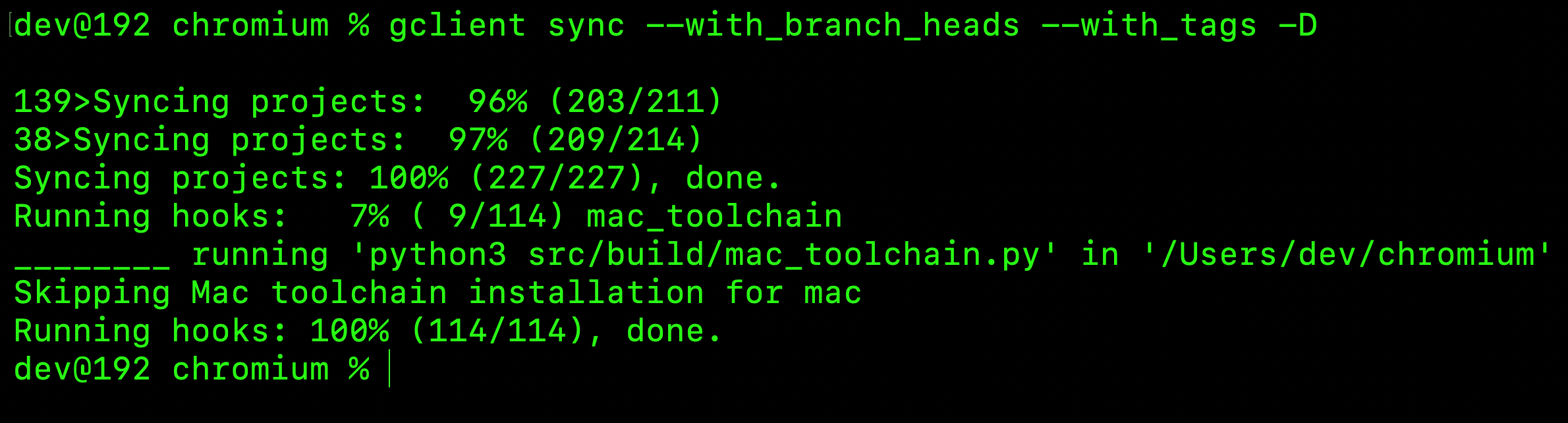
同步iOS平台源码
bash
gclient sync --with_branch_heads --with_tags -D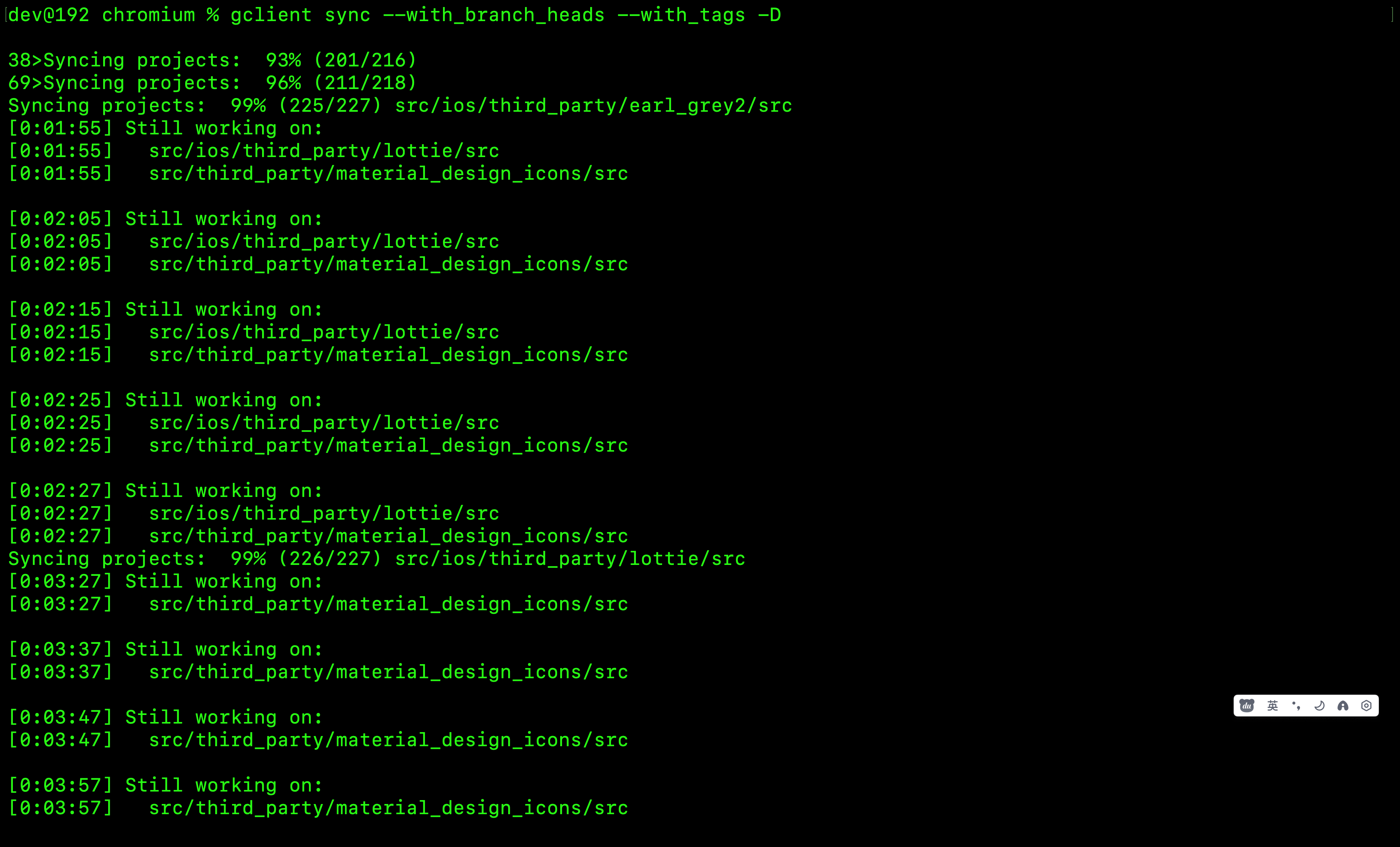
同步成功
生成iOS编译配置gn文件
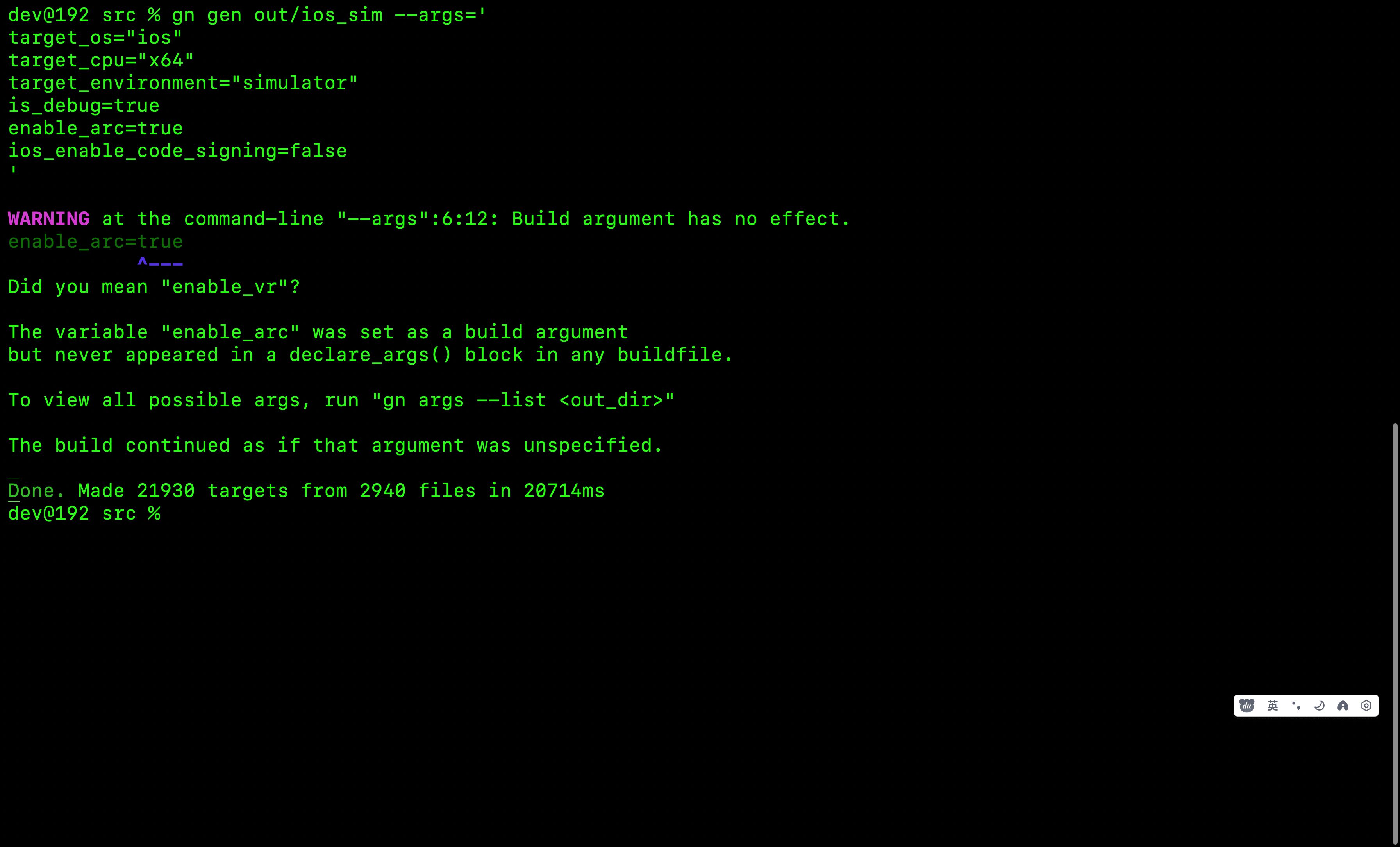
生成iOS模拟器配置
bash
gn gen out/ios_sim --args='
target_os="ios"
target_cpu="x64"
target_environment="simulator"
is_debug=true
enable_arc=true
ios_enable_code_signing=false
'
gn文件生成成功
开始编译...
bash
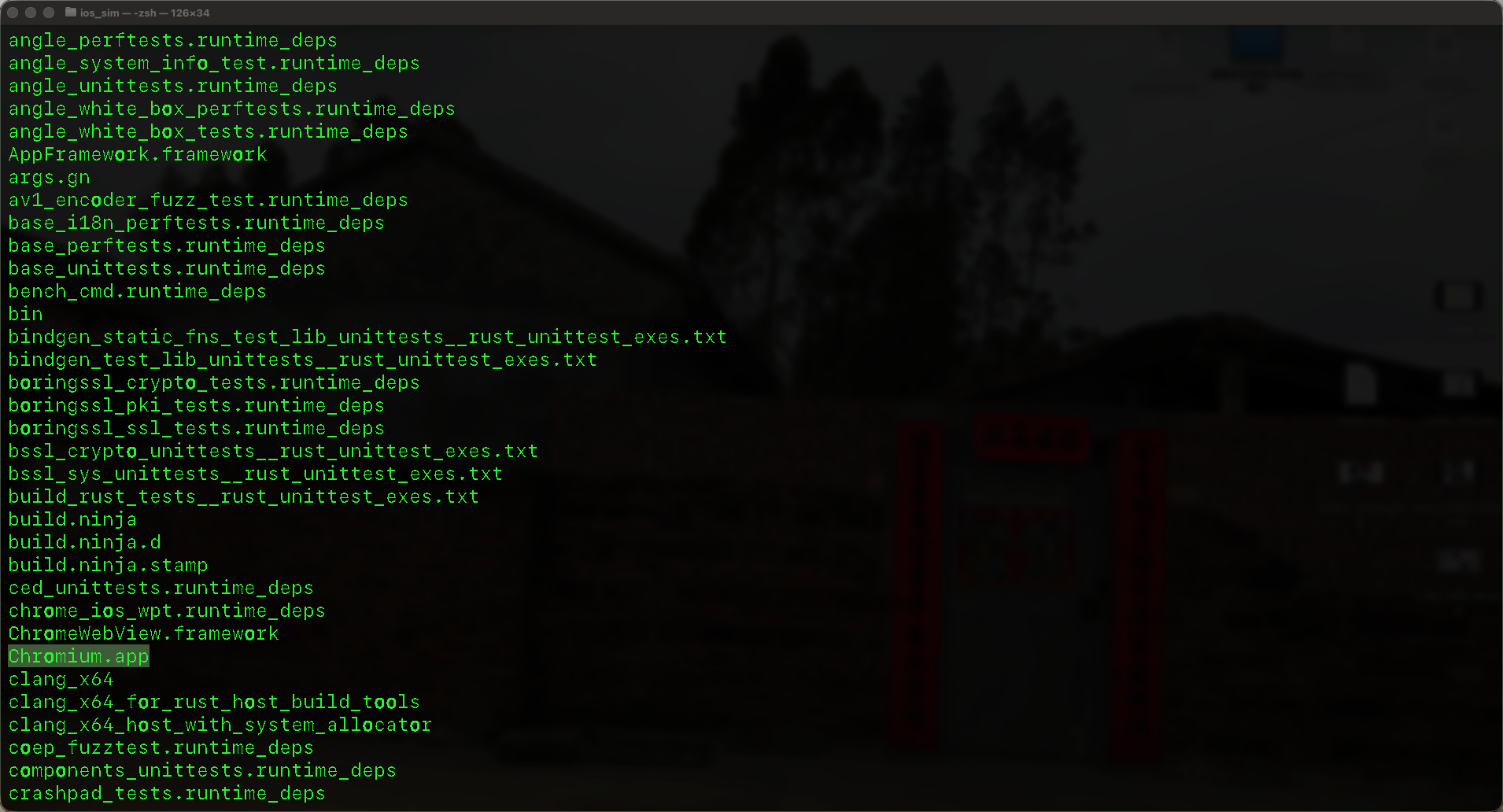
ninja -C out/ios_sim ios:all编译成功
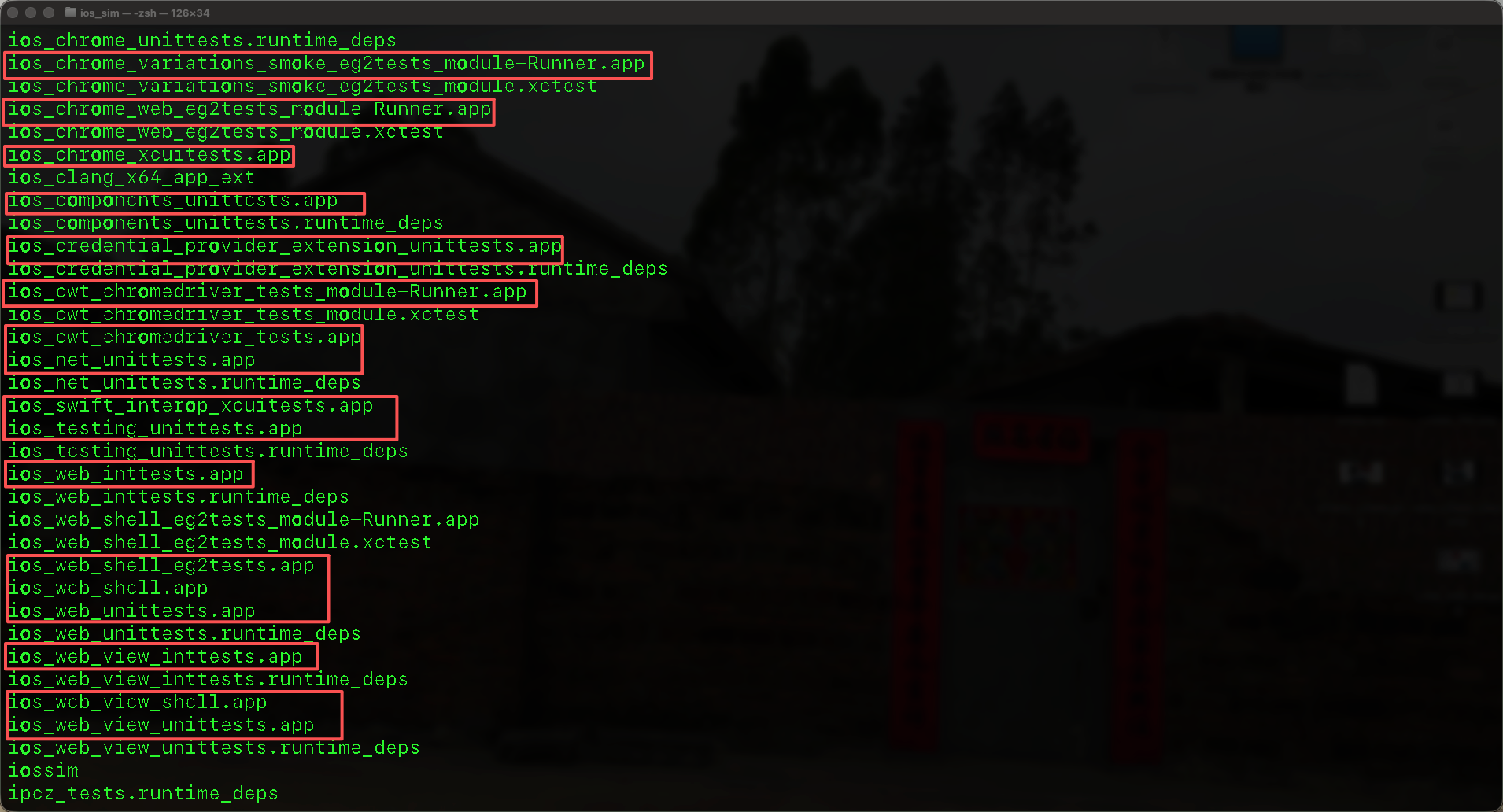
安装到iOS模拟器并启动
查看模拟器列表
bash
xcrun simctl list devices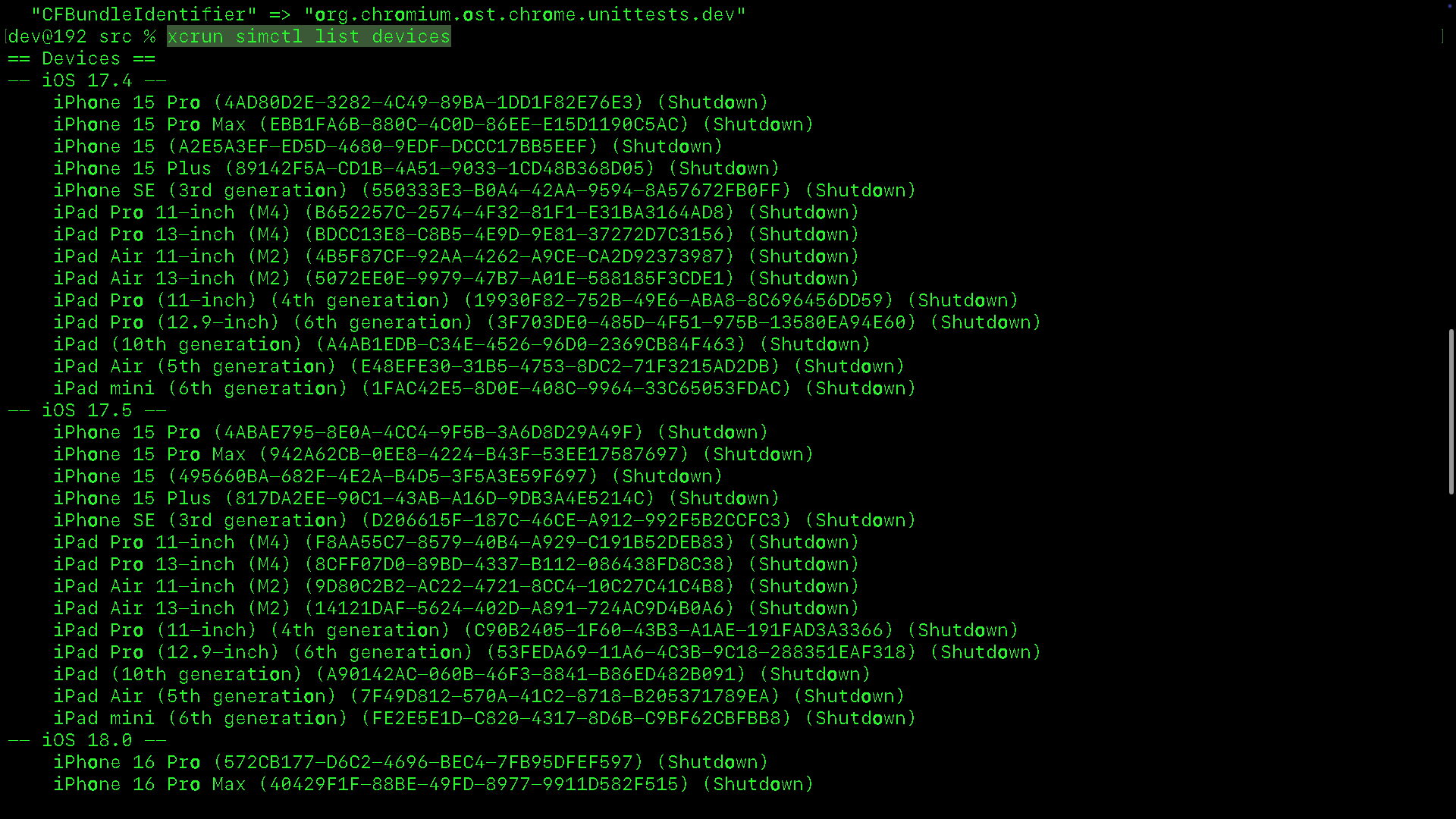
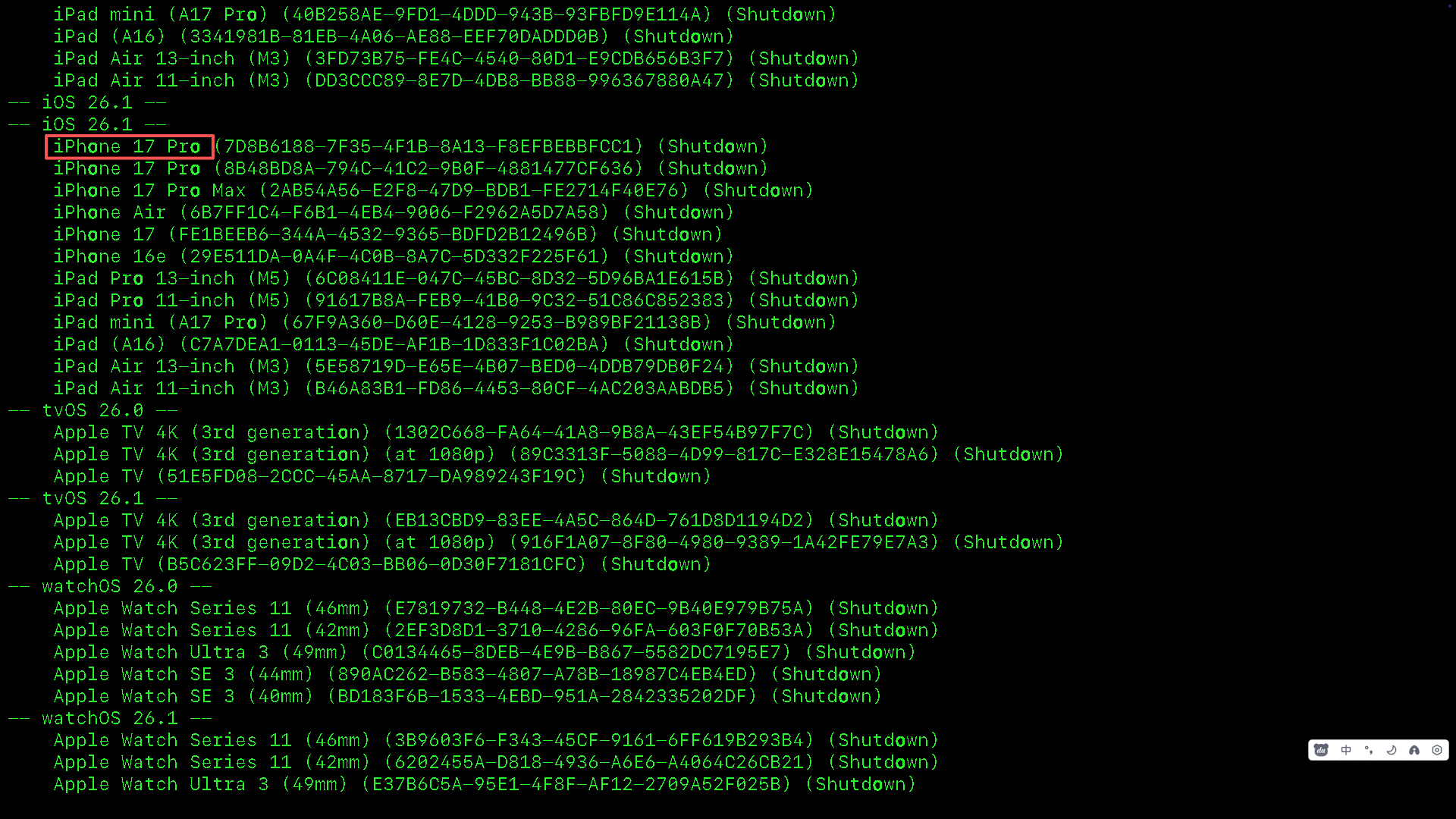
启动模拟器
bash
boot "iPhone 17 Pro"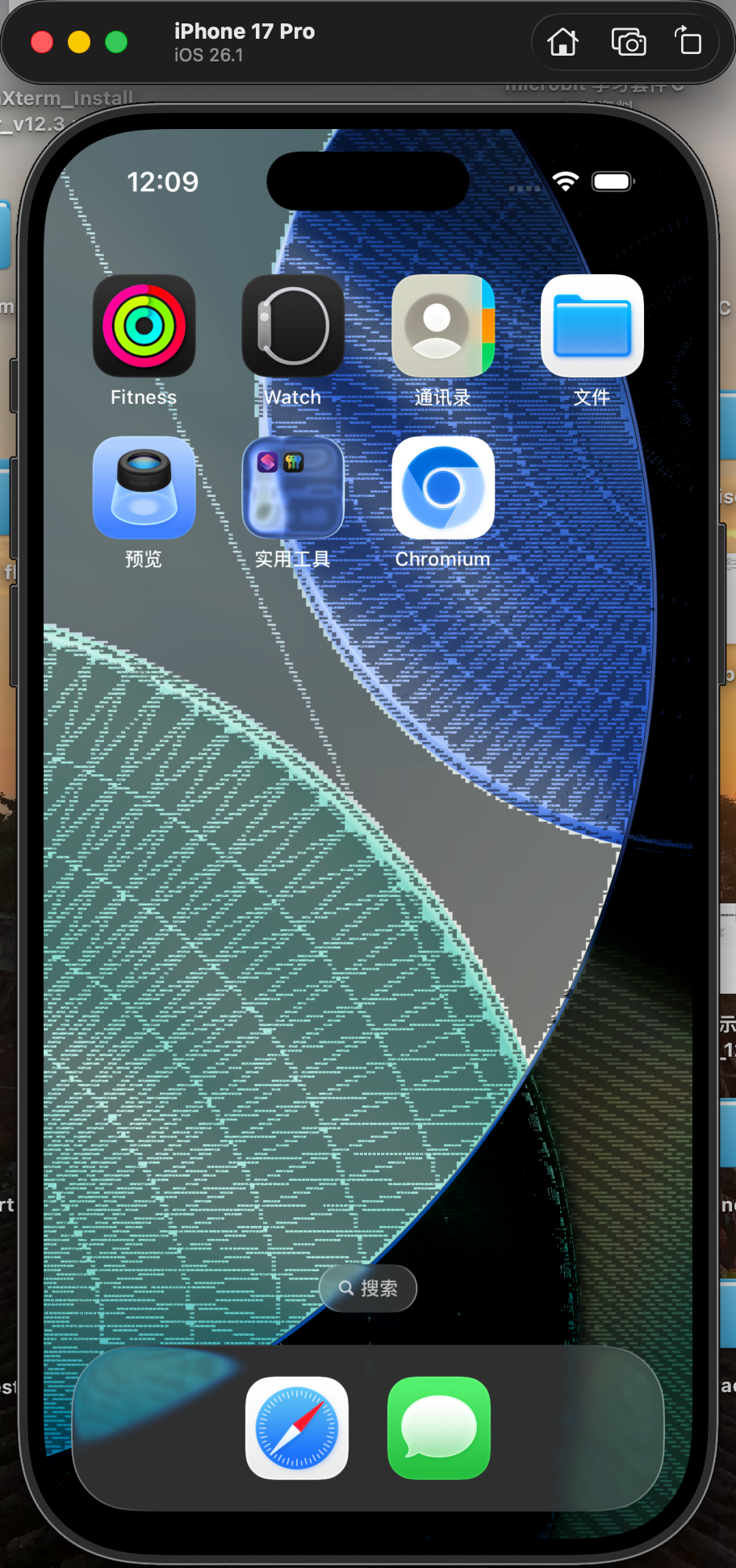
安装编译好的chromium.app到iOS模拟器中
bash
xcrun simctl install booted out/ios_sim/chromiym.app