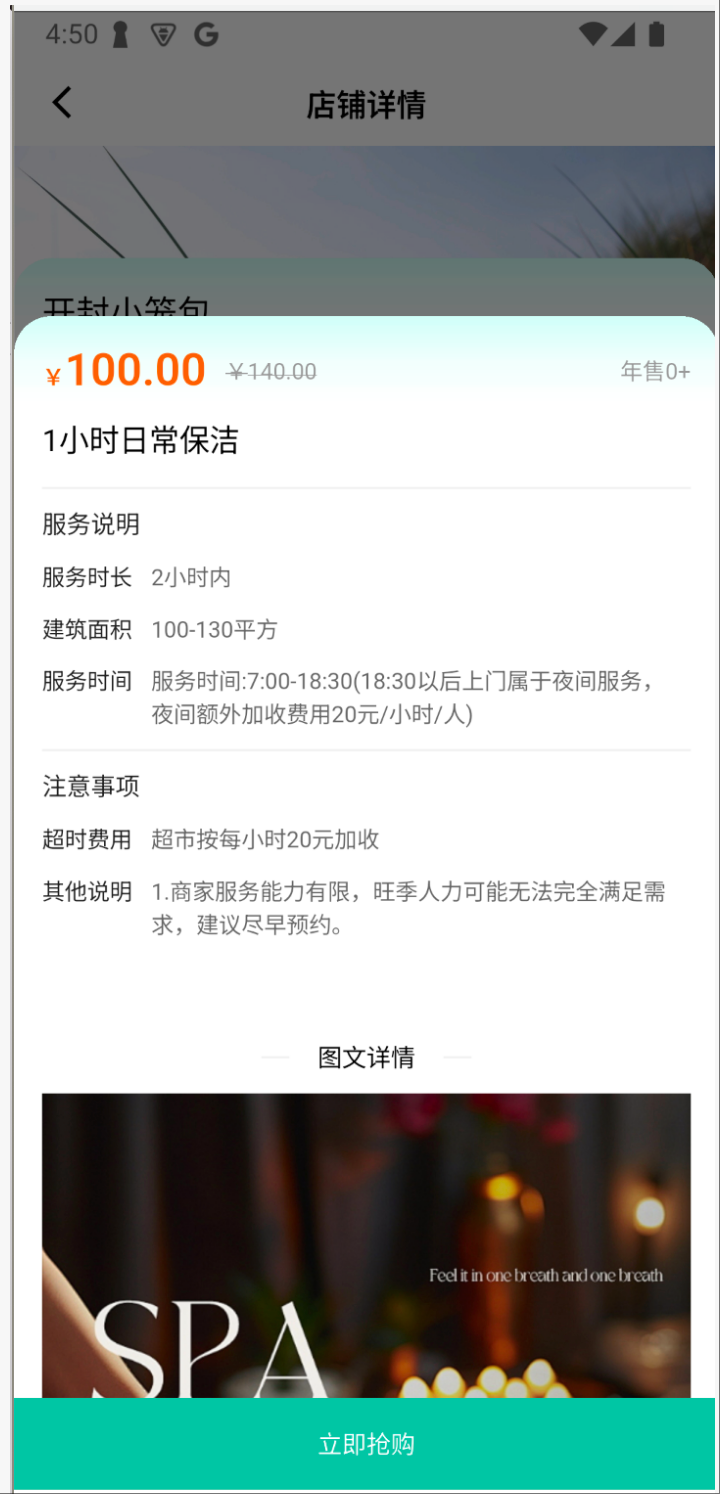
dart
  // 弹出:商品详情信息页面
  void showInfoBottomSheet(int shopId, int goodsId) {
    showModalBottomSheet(
      context: Get.context!,
      isScrollControlled: true,
      backgroundColor: Colors.transparent,
      isDismissible: true,
      enableDrag: true,
      builder: (context) {
        return Container(
          height: MediaQuery.of(context).size.height * 0.8,
          decoration: BoxDecoration(
            color: AppTheme.pageBgColor,
            borderRadius: BorderRadius.only(
              topLeft: Radius.circular(40.w),
              topRight: Radius.circular(40.w),
            ),
          ),
          clipBehavior: Clip.antiAlias,
          child: InfoPage(
            arguments: {
              'shopId': shopId,
              'goodsId': goodsId,
              'customCallback': () {
                // 关闭弹窗
                Get.back();
                // 执行确认后的业务逻辑
                print('用户确认了商品ID: $goodsId');
                showCreateOrderBottomSheet(shopId, goodsId);
              },
            },
          ),
        );
      },
    );
  }
info页面需要接收参数和回调
dart
import 'dart:convert';
import 'package:flutter/material.dart';
import 'package:get/get.dart';

class InfoController extends GetxController {
  final Map<String, dynamic> arguments;
  InfoController({required this.arguments});
  // ID
  int shopId = 0;
  int goodsId = 0;
  // 自定义回调函数
  VoidCallback? customCallback;

  void _initData() async {
    shopId = arguments['shopId'] ?? 0;
    goodsId = arguments['goodsId'] ?? 0;
    customCallback = arguments['customCallback'];
    update(["info"]);
  }

  // 确认操作
  void onConfirm() {
    customCallback?.call();
  }

}
dart
import 'package:ayidaojia/common/index.dart';
import 'package:ducafe_ui_core/ducafe_ui_core.dart';
import 'package:flutter/material.dart';
import 'package:flutter_widget_from_html_core/flutter_widget_from_html_core.dart';
import 'package:get/get.dart';

import 'index.dart';

class InfoPage extends GetView<InfoController> {
  const InfoPage({super.key, required this.arguments});
  final Map<String, dynamic> arguments;

  // 主视图
  Widget _buildView() {
    return <Widget>[
    ].toColumn();
  }
  // 底部按钮
  Widget _buildBottomBar() {
    var bottomStatusBarHeight = MediaQuery.of(Get.context!).padding.bottom;
    return <Widget>[
      ButtonWidget(
        text: '立即抢购',
        width: 750,
        height: 98,
        borderRadius: 0,
        onTap: () => controller.onConfirm(),
      ),
    ]
    .toRow(mainAxisAlignment: MainAxisAlignment.center)
    .paddingOnly(bottom: bottomStatusBarHeight);
  }

  @override
  Widget build(BuildContext context) {
    return GetBuilder<InfoController>(
      init: InfoController(arguments: arguments),
      id: "info",
      builder: (_) {
        return <Widget>[
          // 主体内容 内部可滚动
          Expanded(
            child: SingleChildScrollView(
              child: _buildView(),
            ),
          ),
          // 固定在底部按钮的按钮
          _buildBottomBar(),
        ].toColumn();
      },
    );
  }
}