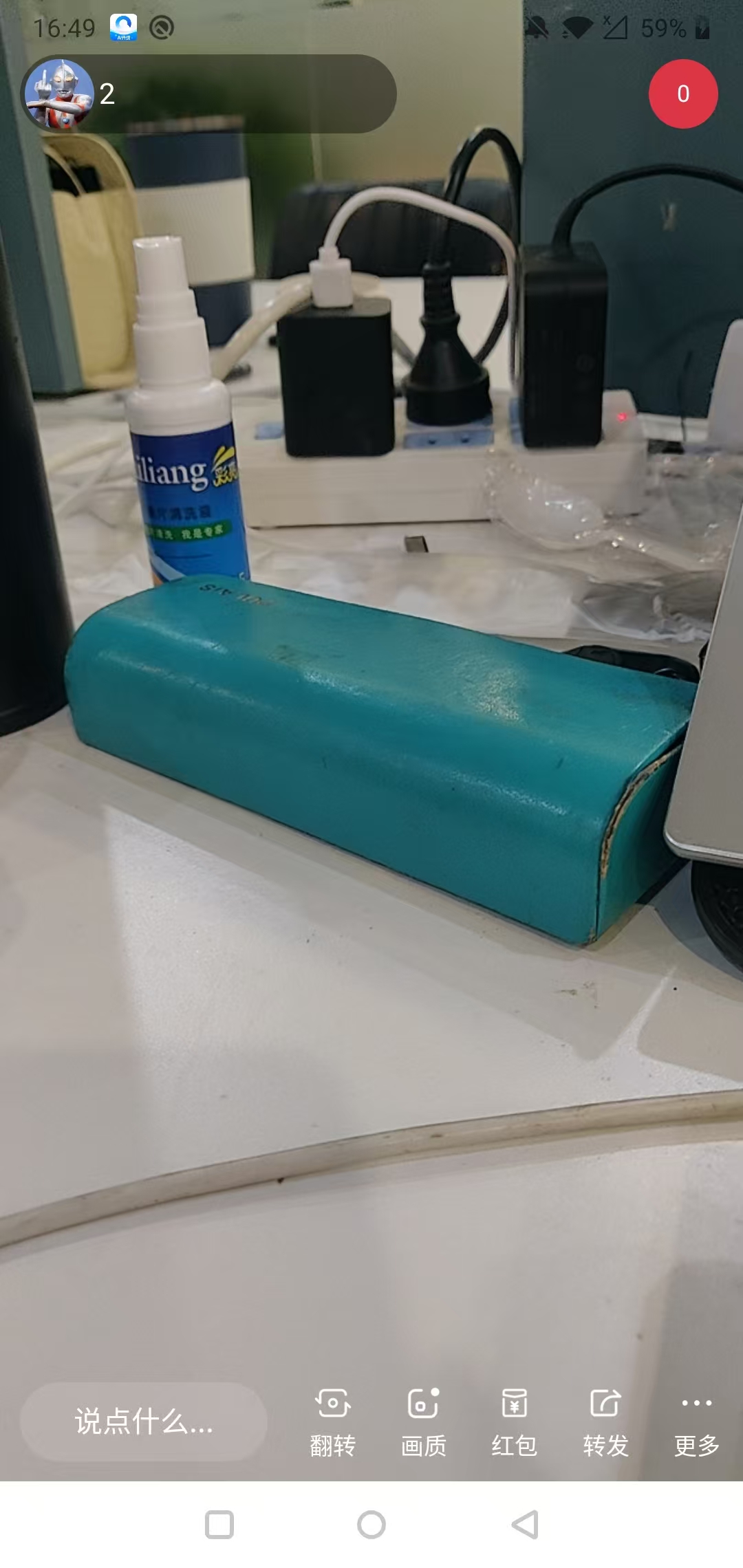
直播端
html
<live-pusher
			id="livePusher"
			ref="livePusher"
			class="livePusher"
			:url="src"
			:mode="mode"
			:enable-camera="enableCamera"
			:auto-focus="true"
			:device-position="position"
			:beauty="beauty"
			:whiteness="whiteness"
			aspect="9:16"
			@statechange="statechange"
			@netstatus="netstatus"
			@error="error"
			:style="'height: ' + windowHeight + 'px;'"
			style="width: 750rpx"
		></live-pusher>
javascript
<script>
import { mapState } from 'vuex';
export default {
	data() {
		return {
			windowHeight: 0,
			src: '',
			mode: 'FHD',
			enableCamera: true,
			position: 'front',
			beauty: 0,
			whiteness: 0,
			context: null,
			// 是否开始推流
			isStart: false,
			isPause: false,
		};
	},
	onLoad(options) {
		/* 叫后端返回,推流地址别加鉴权,加了鉴权出不来 */
		this.src = options.url;
	},
	onShow() {
		let res = uni.getSystemInfoSync();
		this.windowHeight = res.windowHeight;
		if (this.context) {
			this.resume();
		}
	},
	onReady() {
		this.context = uni.createLivePusherContext('livePusher', this);
		this.startPreview();
		// 开始推流
		this.start();
	},
	onBackPress(e) {
		if (e.from == 'backbutton') {
			this.back();
			return true;
		}
	},
	onUnload() {
		this.stop();
	},
	methods: {
		// 开始推流
		start() {
			this.context.start({
				success: (e) => {
					this.isStart = true;
					console.log('开始推流', e);
				},
				fail: (err) => {
					console.log('开始推流失败', err);
				}
			});
		},
		// 开启预览
		startPreview() {
			this.context.startPreview({
				success: (e) => {
					console.log('开启预览', e);
				}
			});
		},
		// 直播状态变化
		statechange(e) {
			console.log('直播状态变化', e);
		},
		// 直播网络变化
		netstatus(e) {
			console.log('直播网络变化', e);
		},
		error(e) {
			console.log('直播报错', e);
		},
		stop() {
			this.context.stop({
				success: () => {

				}
			});
		},
		// 继续推流
		resume() {
			this.context.resume({
				success: () => {
					this.isPause = false;
				}
			});
		},
		// 暂停推流
		pause() {
			this.context.pause({
				success: () => {
					this.isPause = true;
				}
			});
		},
		// 退出直播
		back() {
			uni.showModal({
				content: '是否要关闭直播间?',
				success: (res) => {
					if (res.cancel) {
						return;
					}
					this.stop();
				}
			});
		},
	}
};
</script>
腾讯云直播文档地址(发给后端就行---推流地址别加鉴权)
https://cloud.tencent.com/document/product/267/32833
观众端,拉流地址就让后端直接返回就行
其他代码就不贴了,涉及到我这边其他业务,你们不一定用得上,懒得贴