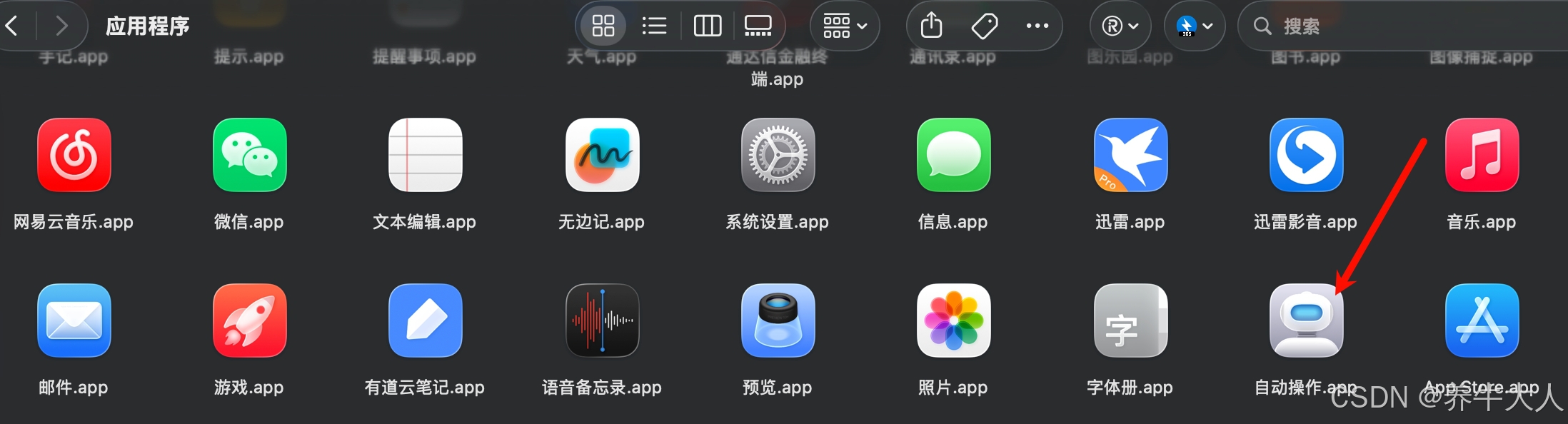
1.打开自动操作
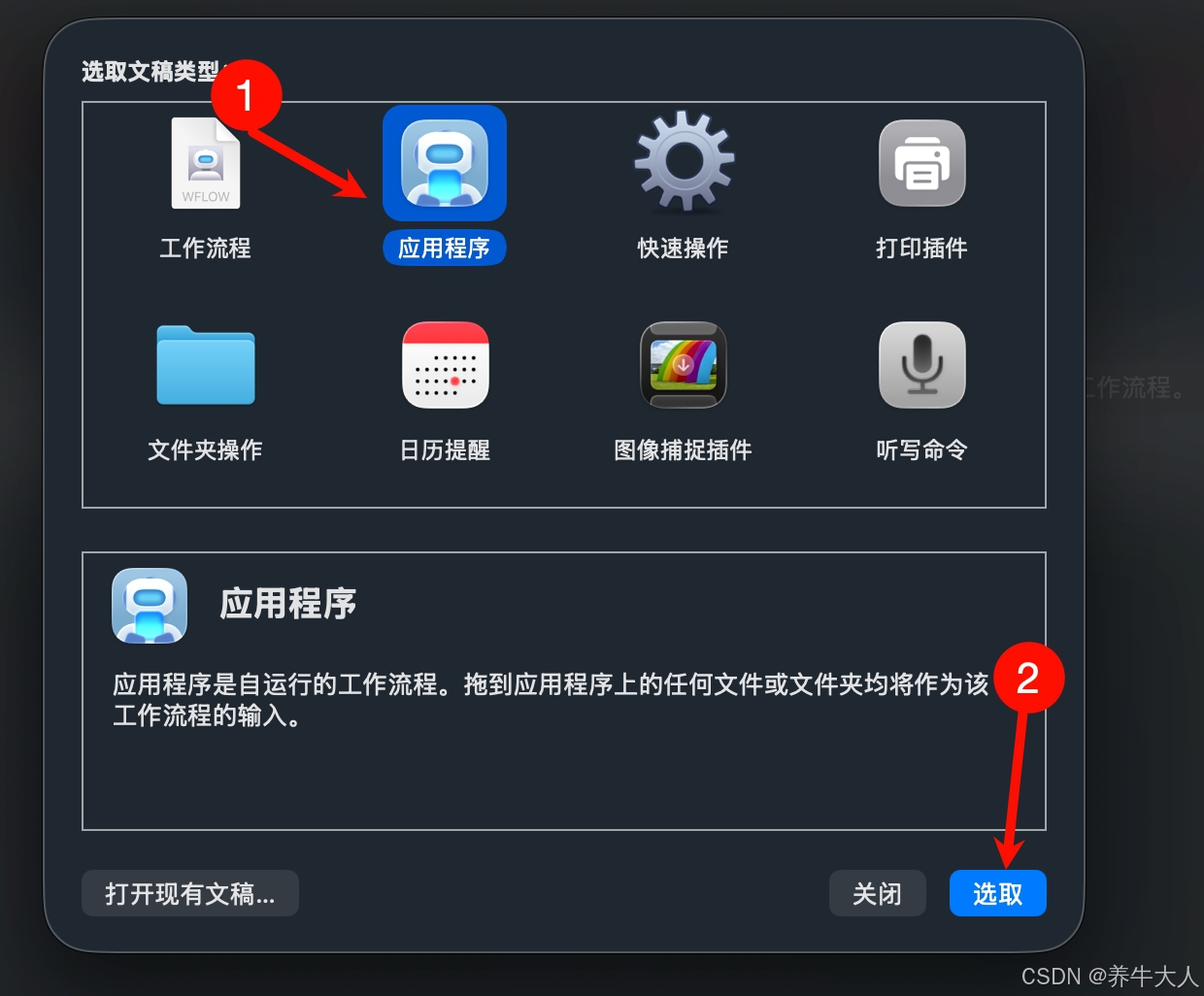
2.文稿类型选择应用程序
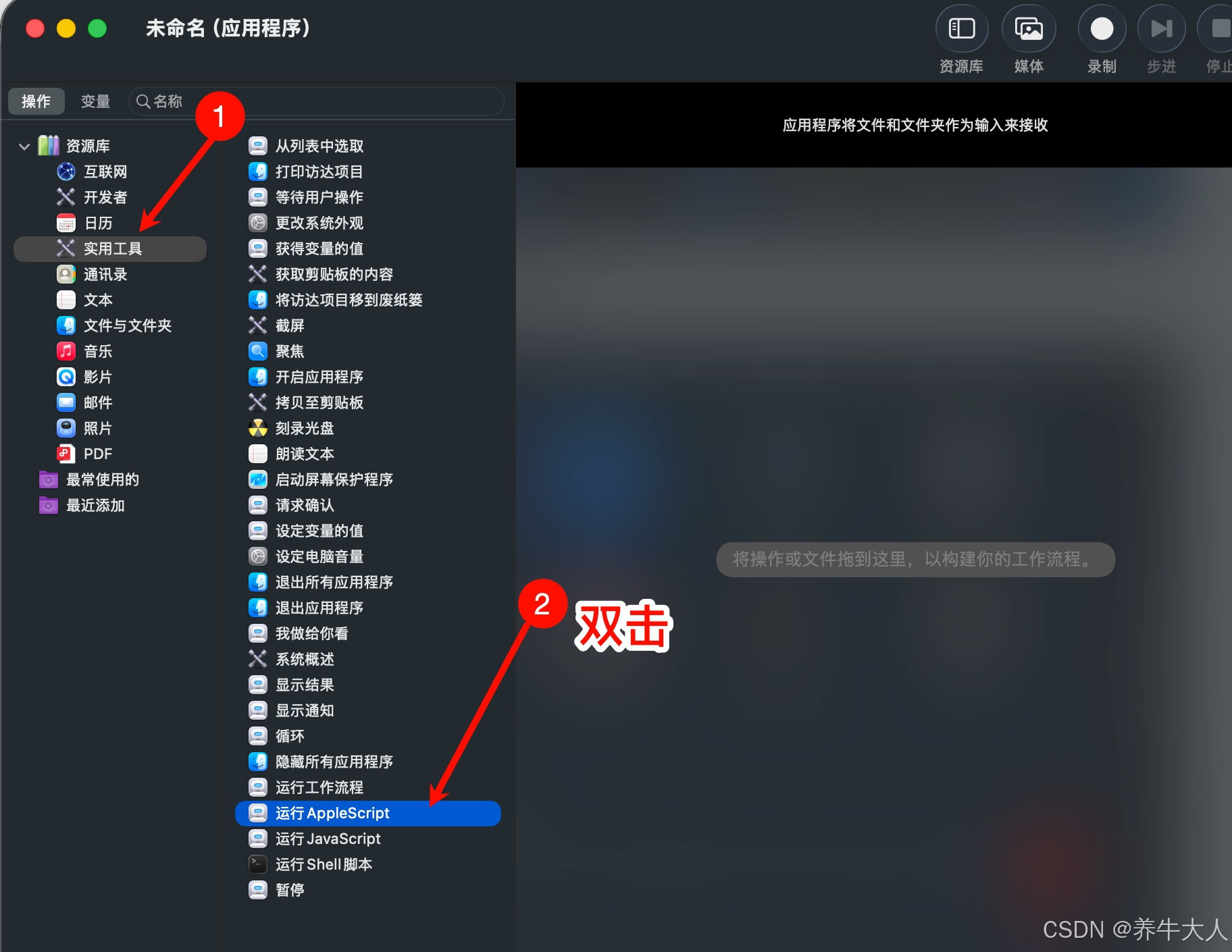
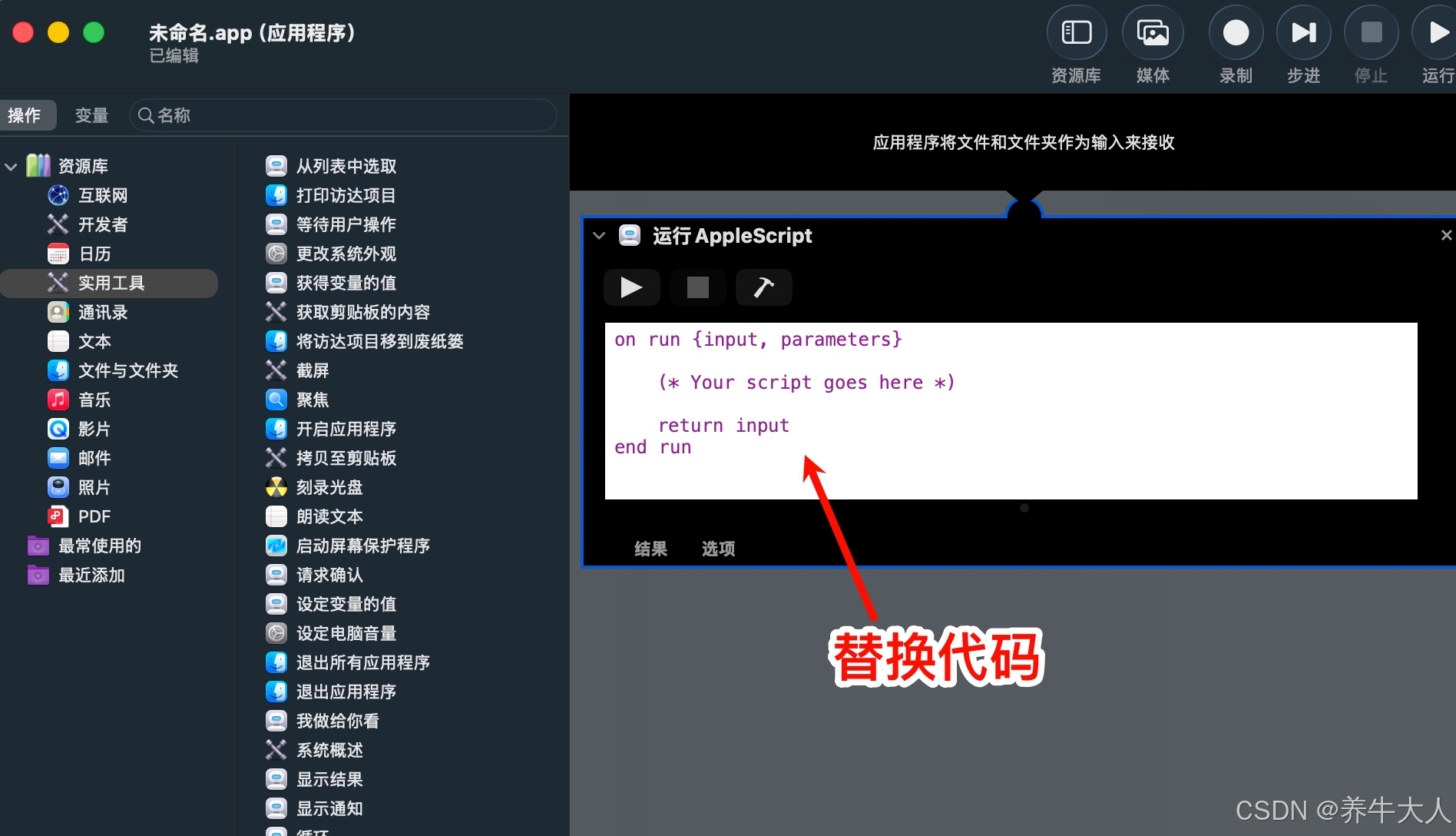
3.接着选择实用工具-运行AppleScript
4.替换默认代码
Swift
on run
	-- 弹出输入框
	set theMinutes to text returned of (display dialog "请输入多少分钟后让 Mac 进入睡眠:" default answer "30" buttons {"取消", "确定"} default button "确定" cancel button "取消" with title "定时休眠")

	-- 检查是否取消
	if theMinutes is "" then return

	-- 转换为秒
	set secondsToWait to theMinutes * 60

	-- 使用 do shell script 并允许自动认证(避免手动输入密码)
	do shell script "sleep " & secondsToWait & " && pmset sleepnow" user name "your_username" password "your_password" with administrator privileges

end run
替换 your_username 为你的帐户名, your_password为你的登录密码
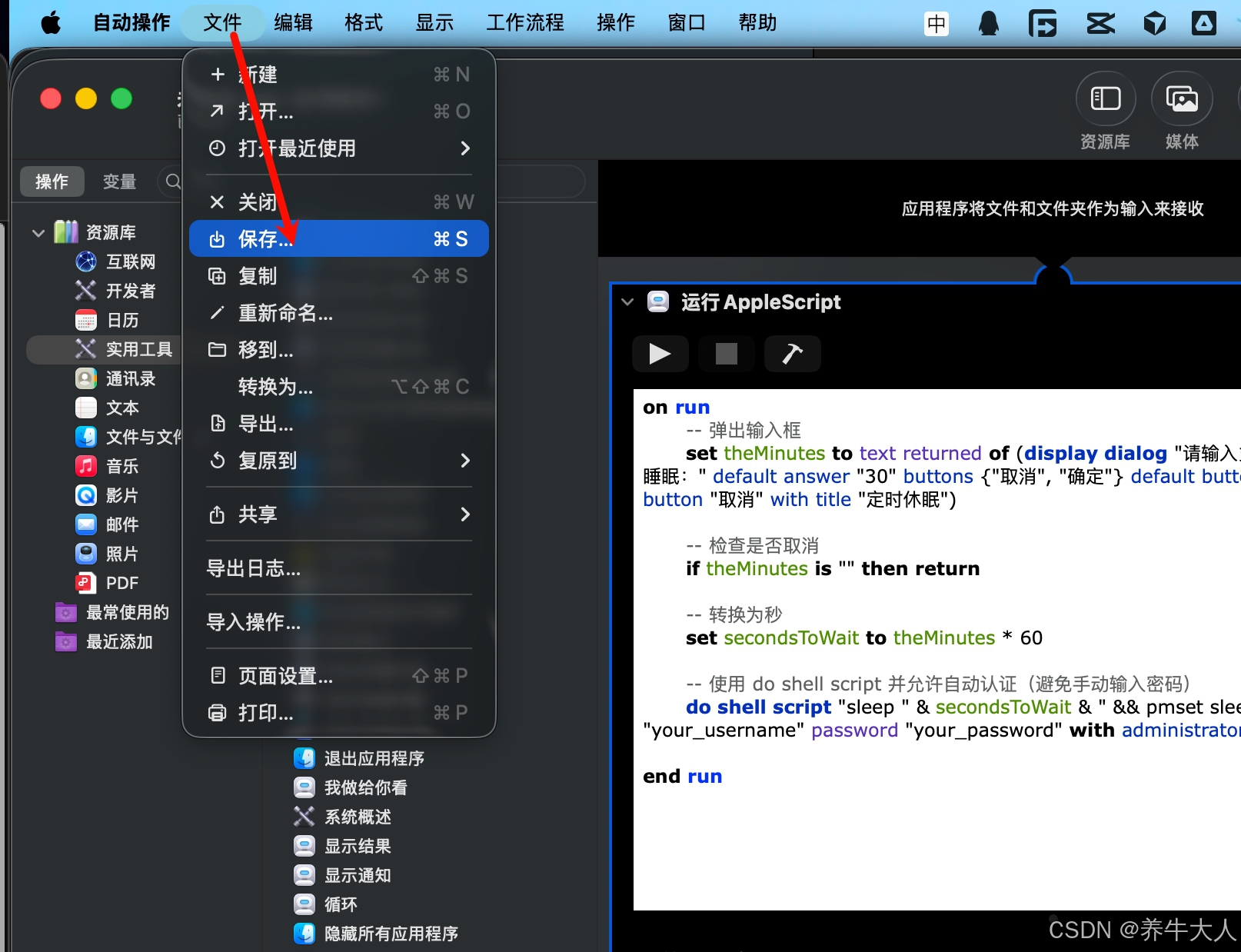
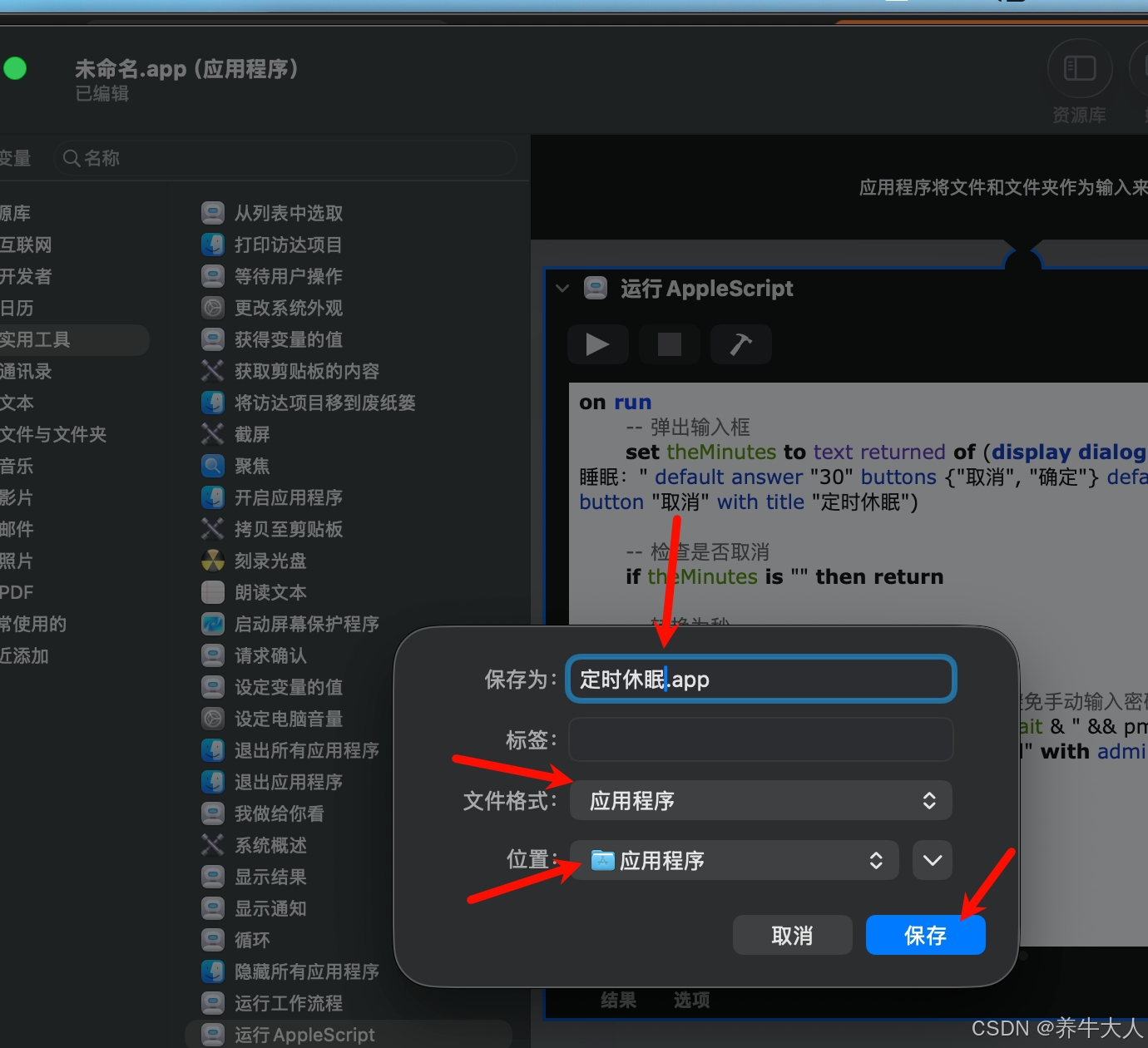
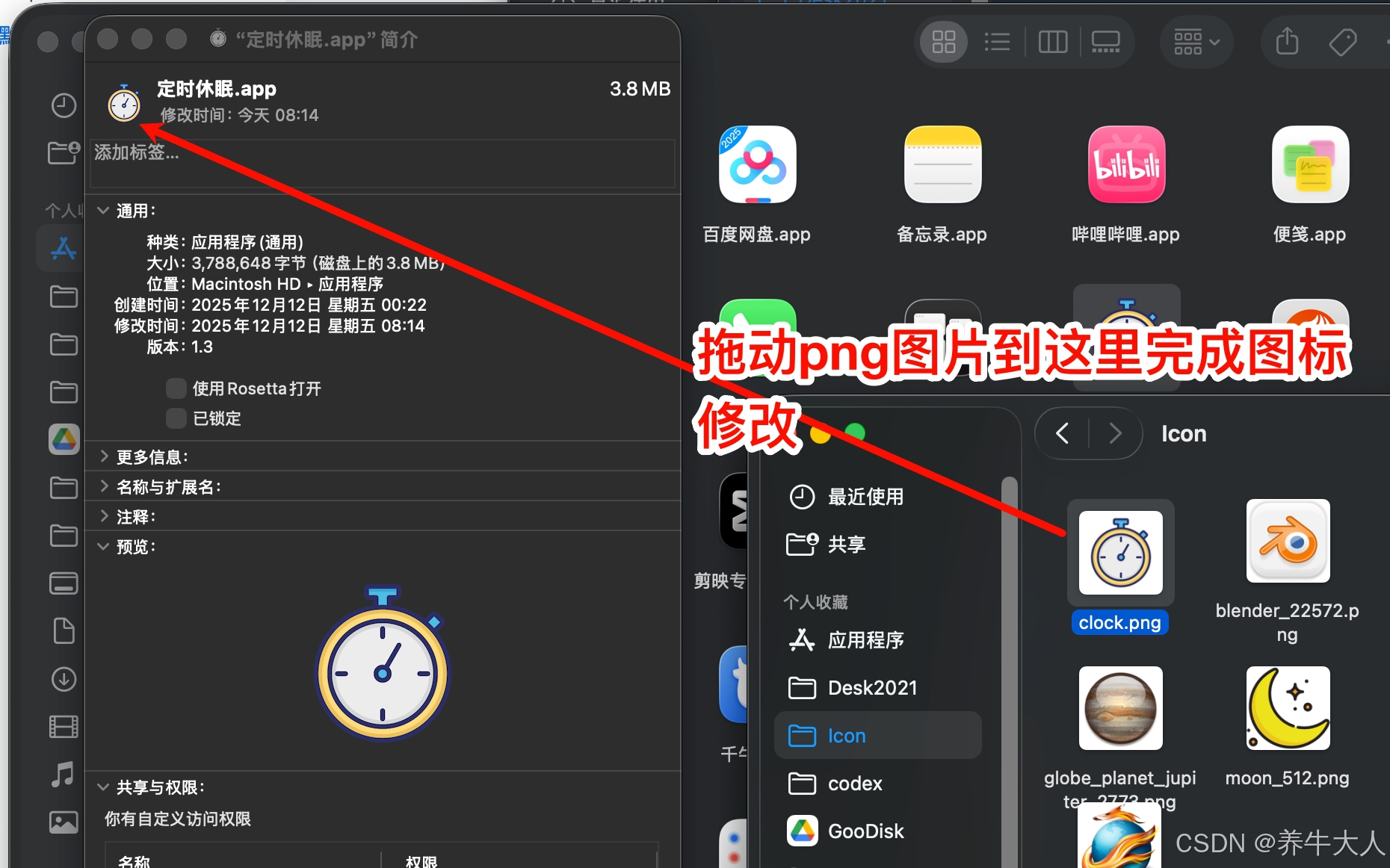
5.保存及修改图标
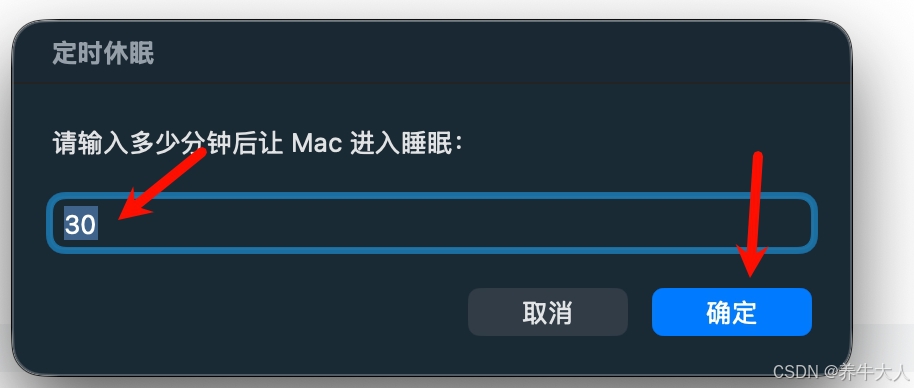
6.测试运行,以分钟为单位,确定后开始执行