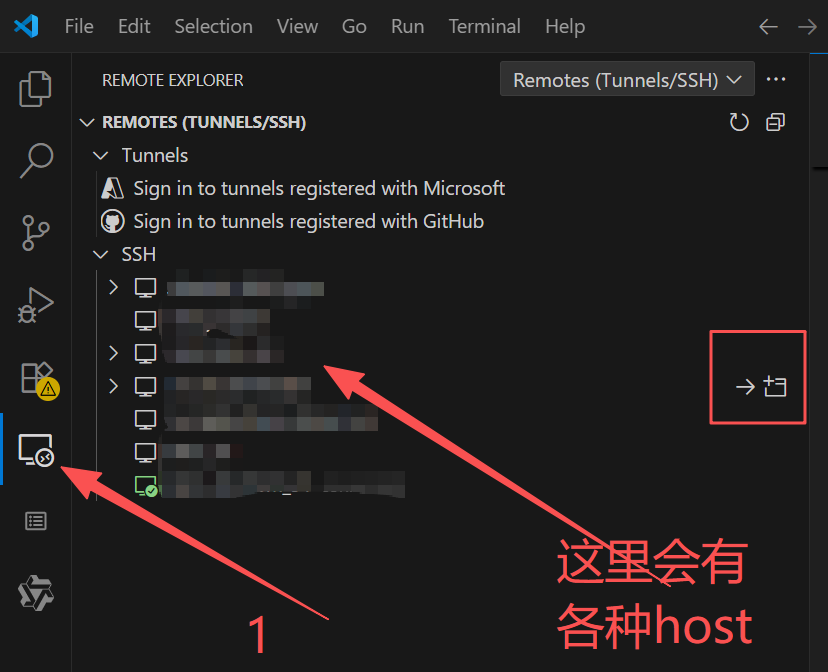
一、需求
本机 在 vs code 通过多个跳板机连到目标服务器,进行开发
本机(vs code) --> 服务器 jumper 1 --> 服务器 jumper 2 --> 目标服务器 GPU
二、步骤
1、 将本机的公钥复制到所有服务器(跳板机服务器+目标服务器)
a. 在cmd输入
bash
ssh-keygen -t rsa -b 4096b 复制公钥(USERPROFILE.ssh\id_rsa.pub里的内容)到 所有 服务器 ~/.ssh/authorized_keys里
2. 安装vs code
找其他教程安装,这略过
3. 安装 ssh插件
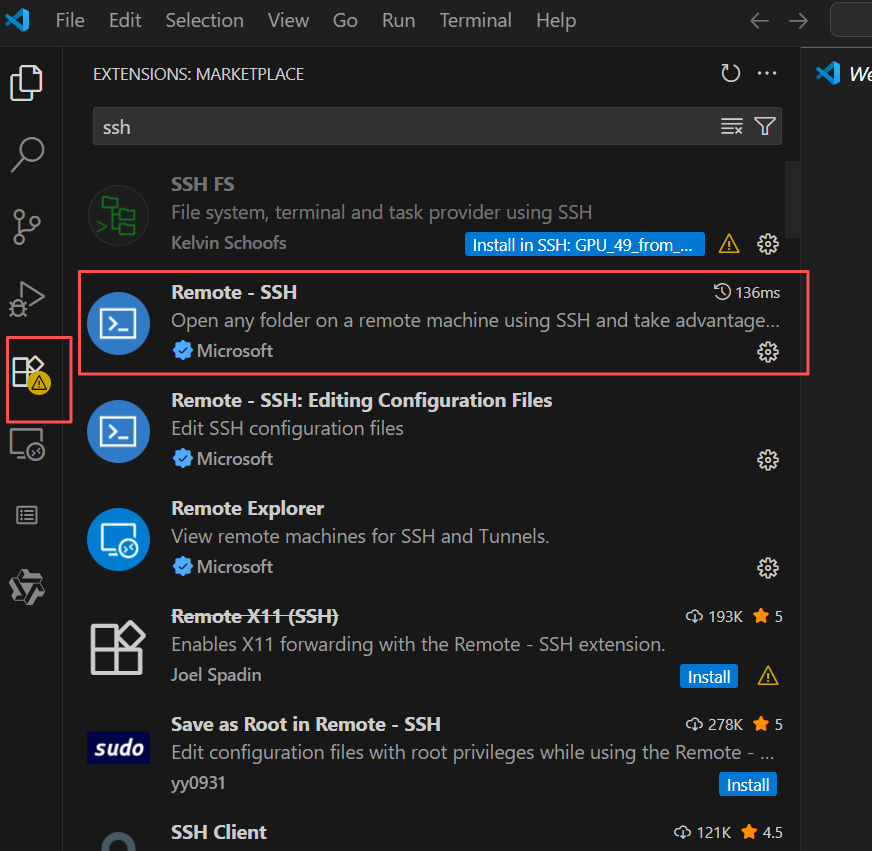
4. 配置ssh
点击 齿轮****
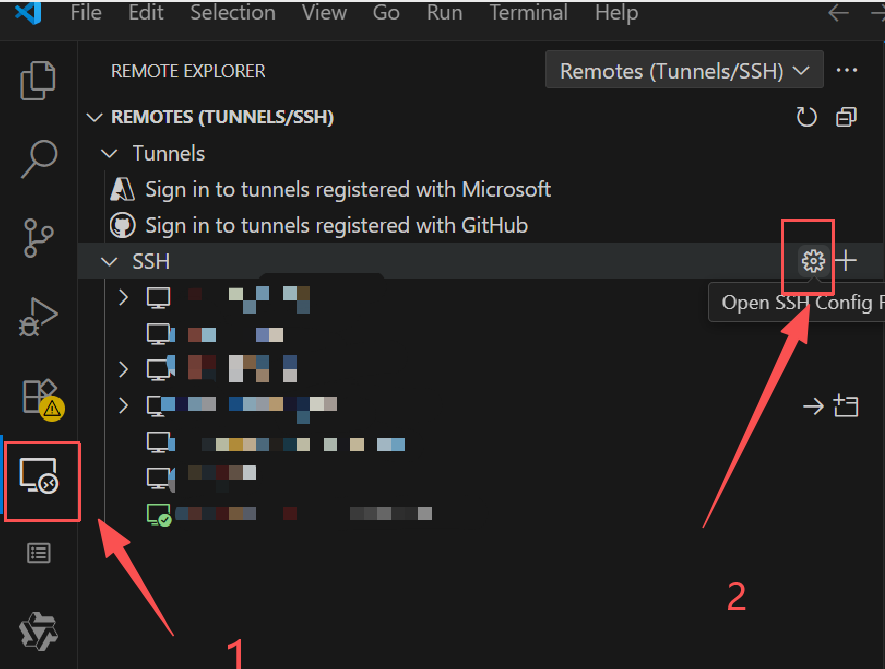
点击配置文件
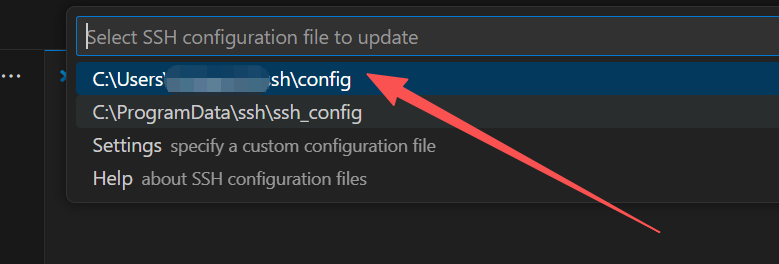
填配置文件 (记得填ip)
bash
Host Jump_1
    HostName Jump_1的ip
    User xx
    IdentityFile ~/.ssh/id_rsa

Host Jump_2
    HostName Jump_2的ip
    User xx
    ProxyJump Jump_1
    IdentityFile ~/.ssh/id_rsa
    ServerAliveInterval 30
    ServerAliveCountMax 1000000

Host GPU_server
    HostName GPU_server的ip
    User xx
    ProxyJump Jump_2
    IdentityFile ~/.ssh/id_rsa
    ServerAliveInterval 30
    ServerAliveCountMax 1000000
5. 点击使用