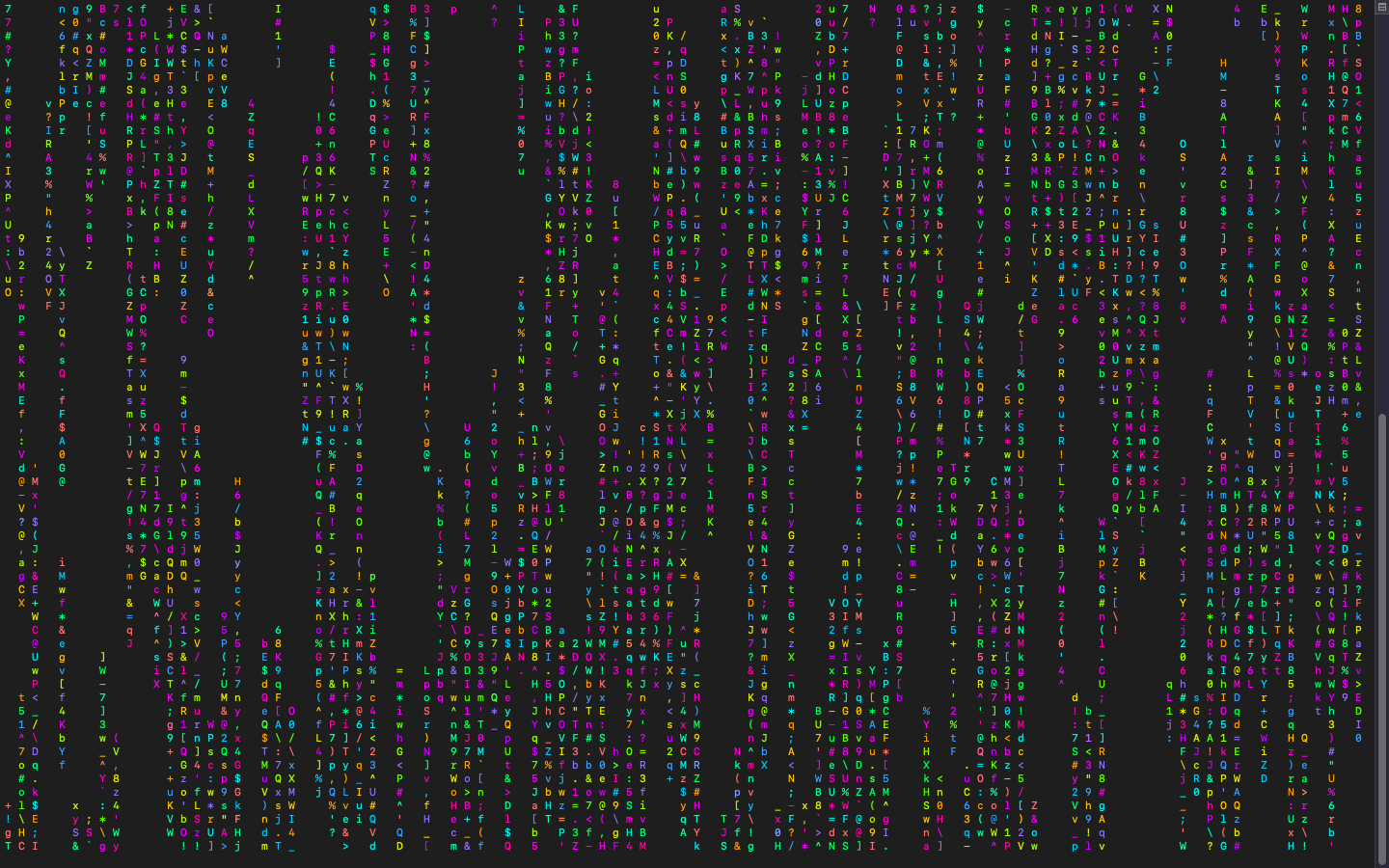
这两天捣鼓ArchLinux,看到fastfetch,就想在mac上试试。
先安装一个包管理工具,选择了Homebrew
1. 安装前准备
- 安装Xcode Command Line Tools:Homebrew依赖此工具集,通过终端运行:
bash
xcode-select --install-
若提示已安装,可先更新:
bashsudo xcode-select --reset xcode-select --install
2. 安装Homebrew
一开始使用官方源,非常慢,装了几次都没成功
bash
/bin/bash -c "$(curl -fsSL https://raw.githubusercontent.com/Homebrew/install/HEAD/install.sh)"换了清华镜像源,被拒了,又换了中科大的镜像源:
bash
# 中科大镜像源安装
/bin/bash -c "$(curl -fsSL https://gitee.com/ineo6/homebrew-install/raw/master/install.sh)"
3. **配置环境变量(可选)**
-
若安装后需切换镜像源,可编辑
~/.zshrc(或~/.bash_profile):bash# 中科大镜像源 echo 'export HOMEBREW_BOTTLE_DOMAIN=https://mirrors.ustc.edu.cn/homebrew-bottles/bottles' >> ~/.zshrc然后更新配置:
bashsource ~/.zshrc
4. 验证安装
-
检查Homebrew版本:
bashbrew -v Homebrew 5.0.5若显示版本号,安装成功。
5. 常用命令
-
更新Homebrew:
bashbrew update brew upgrade -
安装图形化应用(需先启用
cask):bashbrew install --cask <应用名> # 如 brew install --cask visual-studio-code -
安装软件包(neofetch):
bashbrew install neofetch brew install lolcat brew install cmatrix- neofetch:是一款跨平台命令行系统信息工具,可优雅显示硬件配置与操作系统信息
- fastfetch:C语言重构版本,性能提升3倍。安装有点慢
- cmatrix:终端屏保,黑客帝国中的数字雨效果
- lolcat:在终端输出彩虹特效
6. 效果
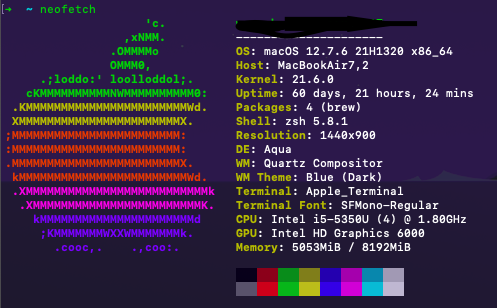
bash
cmatrix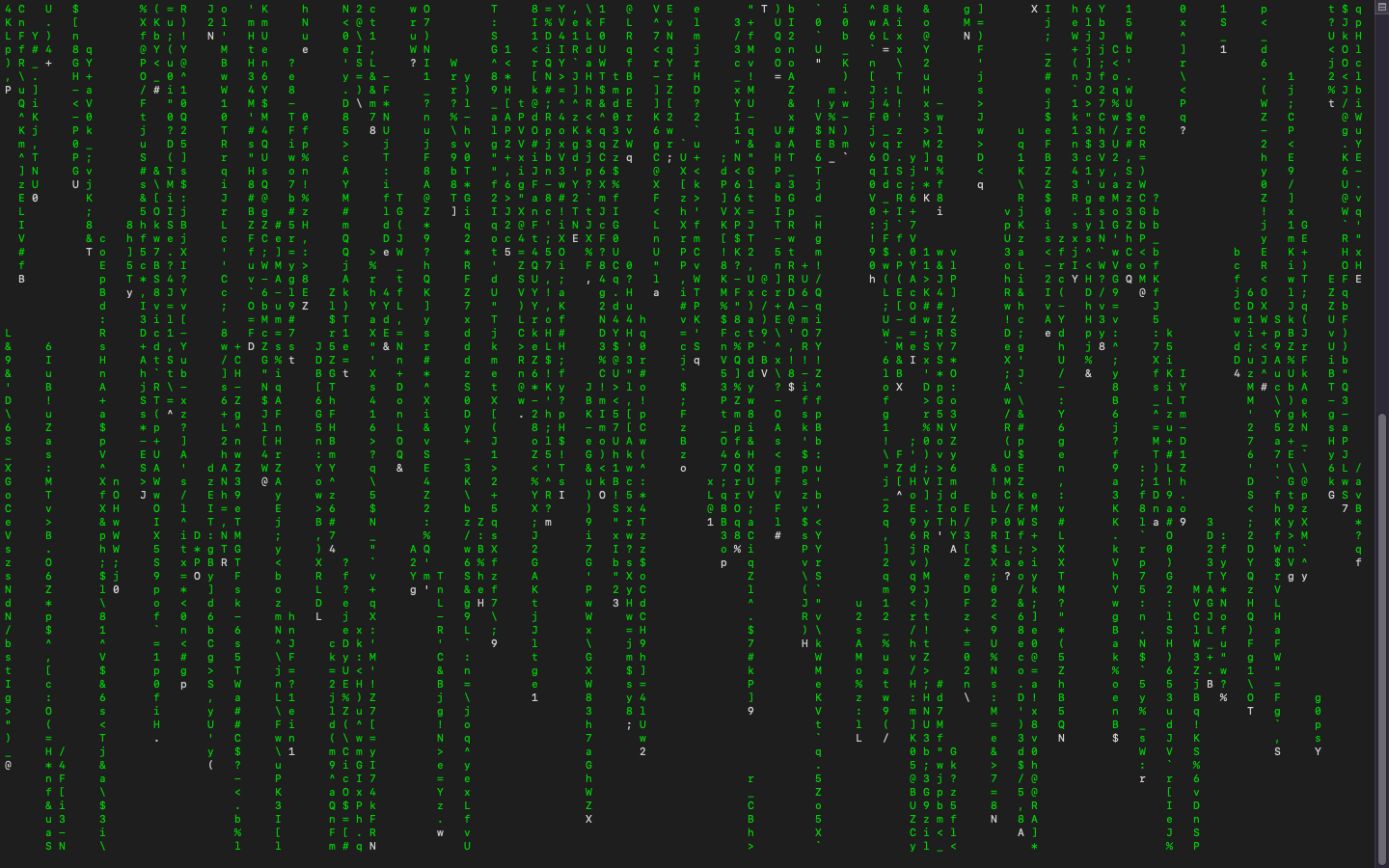
bash
cmatrix | lolcat