
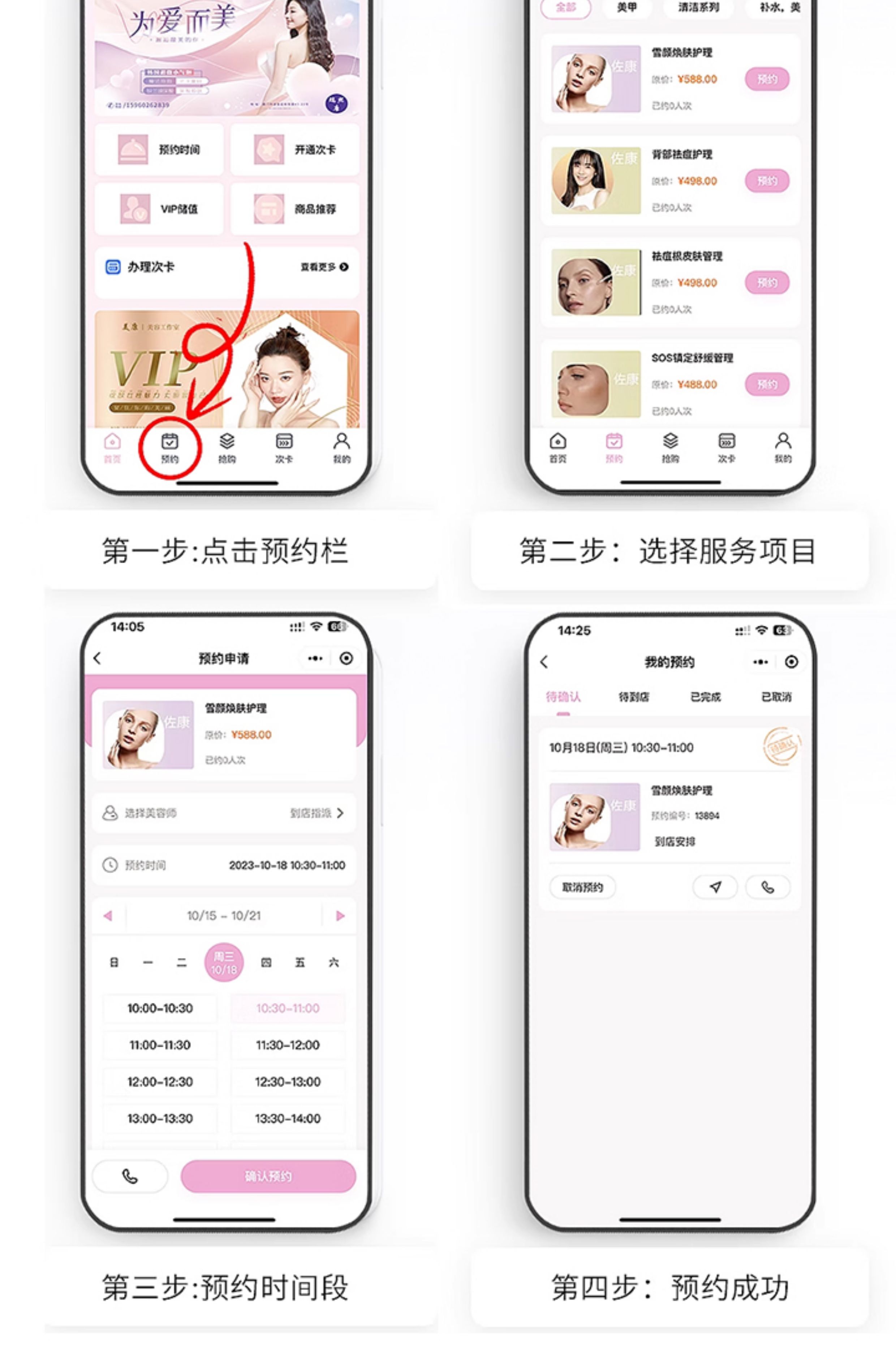
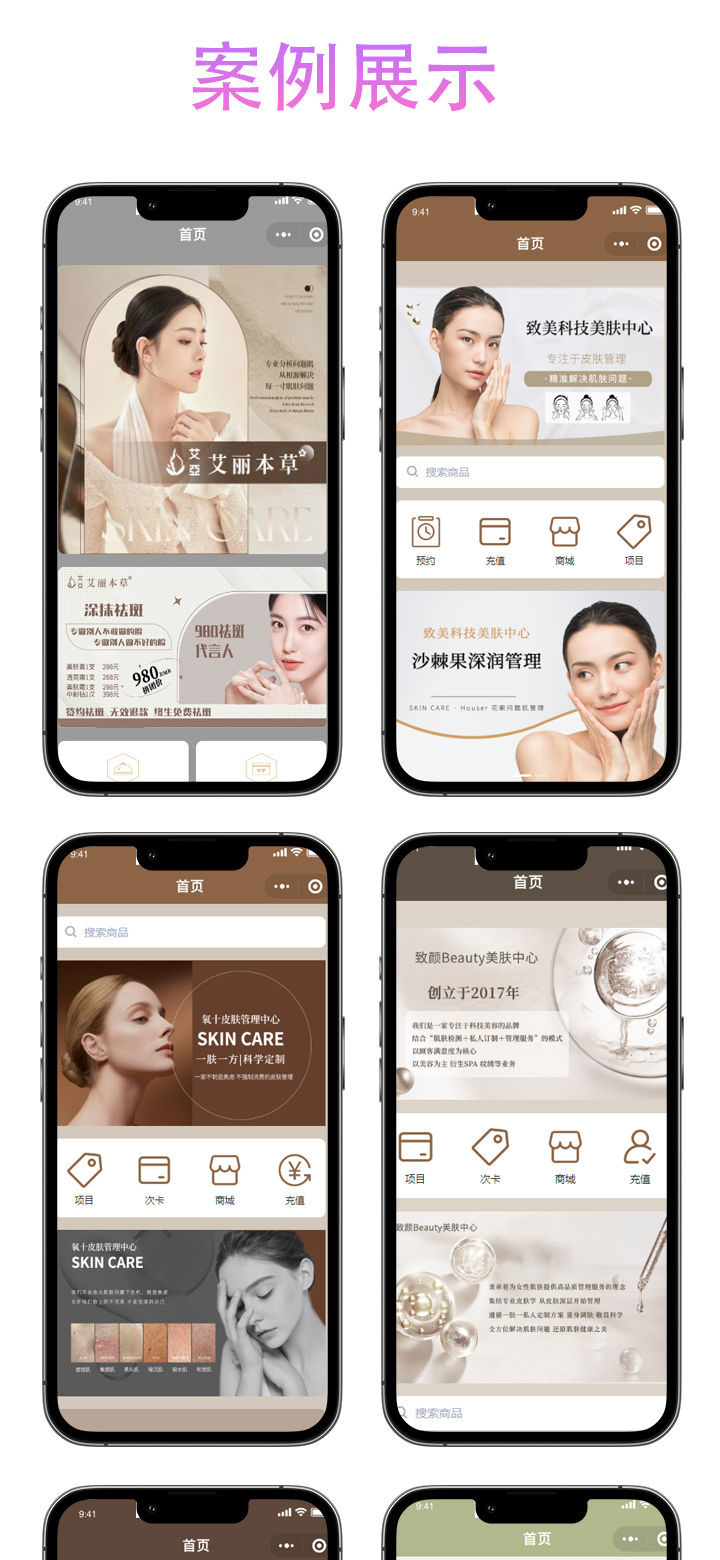
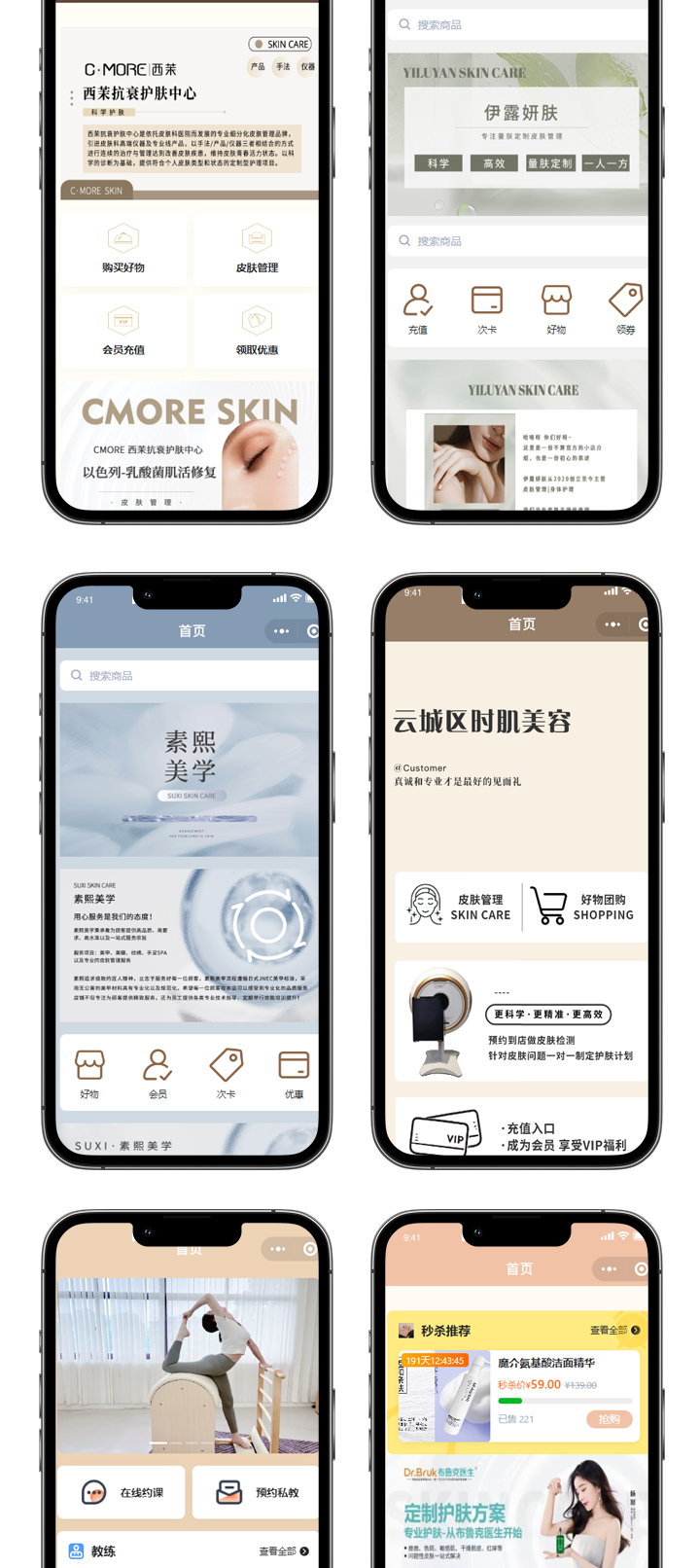
预约会员小程序代码示例
前端页面代码 (WXML)
html
<view class="container">
  <picker mode="selector" range="{{services}}" range-key="name" bindchange="selectService">
    <view class="picker">选择服务:{{selectedService.name || '请选择'}}</view>
  </picker>

  <picker mode="date" start="{{today}}" end="{{maxDate}}" bindchange="selectDate">
    <view class="picker">选择日期:{{selectedDate || '请选择'}}</view>
  </picker>

  <picker mode="time" start="09:00" end="21:00" bindchange="selectTime">
    <view class="picker">选择时间:{{selectedTime || '请选择'}}</view>
  </picker>

  <input type="text" placeholder="请输入姓名" bindinput="inputName"/>
  <input type="number" placeholder="请输入手机号" bindinput="inputPhone"/>

  <button type="primary" bindtap="submitReservation" disabled="{{!formValid}}">提交预约</button>
</view>
逻辑层代码 (JS)
javascript
Page({
  data: {
    services: [
      { id: 1, name: '基础护理' },
      { id: 2, name: '深度清洁' },
      { id: 3, name: '专业理疗' }
    ],
    selectedService: {},
    today: new Date().toISOString().split('T')[0],
    maxDate: new Date(Date.now() + 30*24*60*60*1000).toISOString().split('T')[0],
    selectedDate: '',
    selectedTime: '',
    name: '',
    phone: '',
    formValid: false
  },

  selectService(e) {
    const index = e.detail.value
    this.setData({
      selectedService: this.data.services[index]
    })
    this.checkForm()
  },

  selectDate(e) {
    this.setData({
      selectedDate: e.detail.value
    })
    this.checkForm()
  },

  selectTime(e) {
    this.setData({
      selectedTime: e.detail.value
    })
    this.checkForm()
  },

  inputName(e) {
    this.setData({
      name: e.detail.value
    })
    this.checkForm()
  },

  inputPhone(e) {
    this.setData({
      phone: e.detail.value
    })
    this.checkForm()
  },

  checkForm() {
    const valid = this.data.selectedService.id &&
                 this.data.selectedDate &&
                 this.data.selectedTime &&
                 this.data.name &&
                 /^1[3-9]\d{9}$/.test(this.data.phone)
    this.setData({
      formValid: valid
    })
  },

  submitReservation() {
    wx.request({
      url: 'https://your-api-domain.com/reservations',
      method: 'POST',
      data: {
        serviceId: this.data.selectedService.id,
        date: this.data.selectedDate,
        time: this.data.selectedTime,
        name: this.data.name,
        phone: this.data.phone
      },
      success(res) {
        wx.showToast({
          title: '预约成功',
          icon: 'success'
        })
      },
      fail() {
        wx.showToast({
          title: '预约失败',
          icon: 'none'
        })
      }
    })
  }
})
样式代码 (WXSS)
css
.container {
  padding: 20px;
}

.picker {
  margin: 15px 0;
  padding: 10px;
  border: 1px solid #ddd;
  border-radius: 4px;
}

input {
  margin: 15px 0;
  padding: 10px;
  border: 1px solid #ddd;
  border-radius: 4px;
}

button {
  margin-top: 20px;
}
功能说明
- 服务选择:通过picker组件提供可选择的会员服务列表
- 时间选择:限制可预约日期范围为当天至30天后,时间限制在9:00-21:00
- 表单验证:实时检查表单完整性,包括手机号格式验证
- 数据提交:通过wx.request将预约信息提交至后端API
后端接口建议
需要配套的后端接口支持,建议包含以下功能:
- 接收预约请求并存储到数据库
- 检查时间冲突
- 发送预约确认通知
- 会员积分管理
代码可根据实际需求进行调整,如增加会员等级判断、优惠券使用等功能。