ChatGPT Apps Store终于可以提交应用了,希望把自己做的小程序功能转化为ChatGPT可以调用AI应用都可以考虑尝试一下哈。
ChatGPT App提交入口 Awesome ChatGPT GitHub | ChatGPT App Store Community
更多 ChatGPT App例子:https://github.com/aiagenta2z/awesome-chatgpt-apps
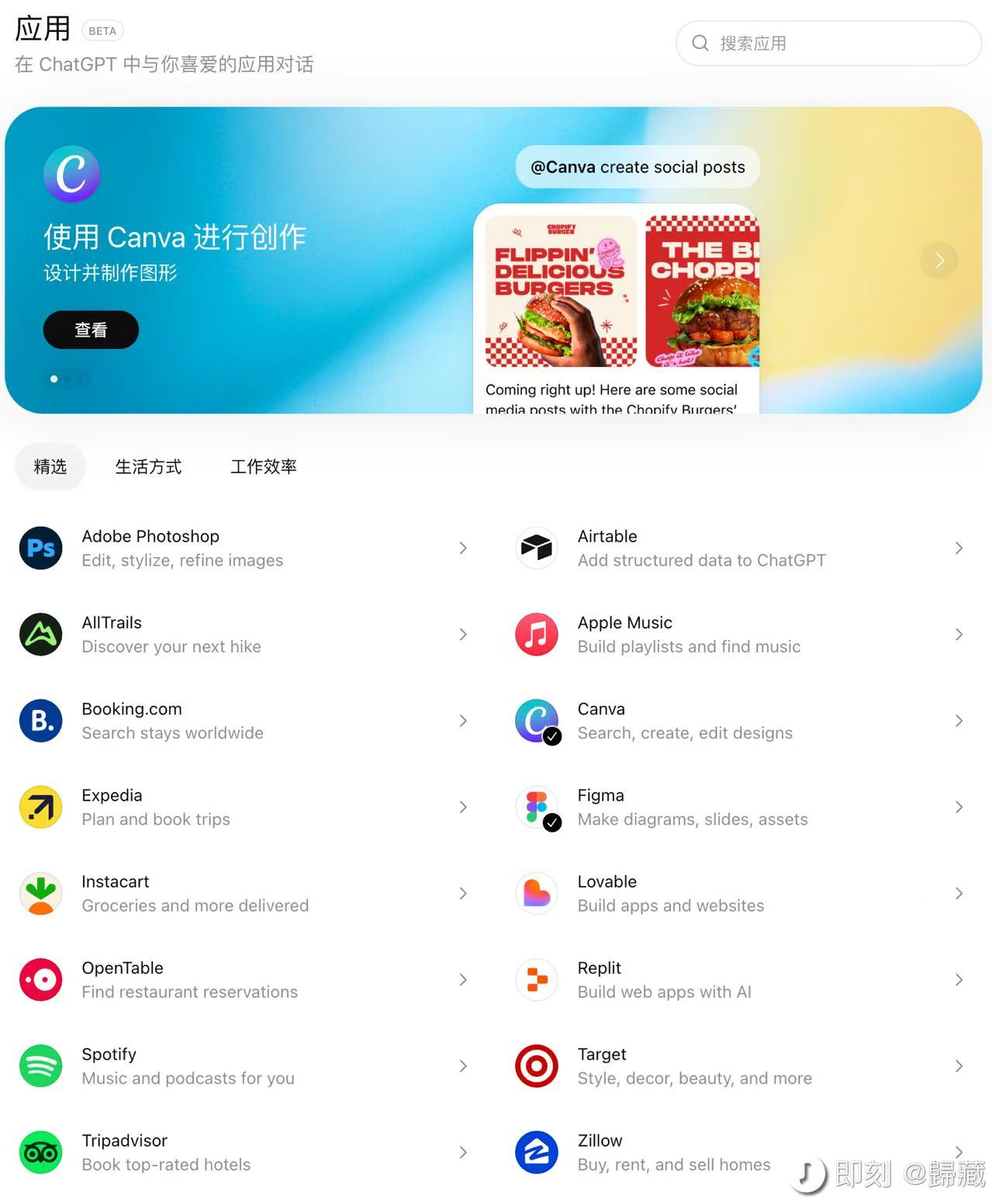
下面就用一个记账的小账单 A2Z Bill Agent作为一个例子来给大家讲解如何提交 ChatGPT APP Store。这个小账单 A2Z Bill Agent
需要准备工作
-
App的Icon的图标 App Icon Format: SVG (64 × 64 px)
-
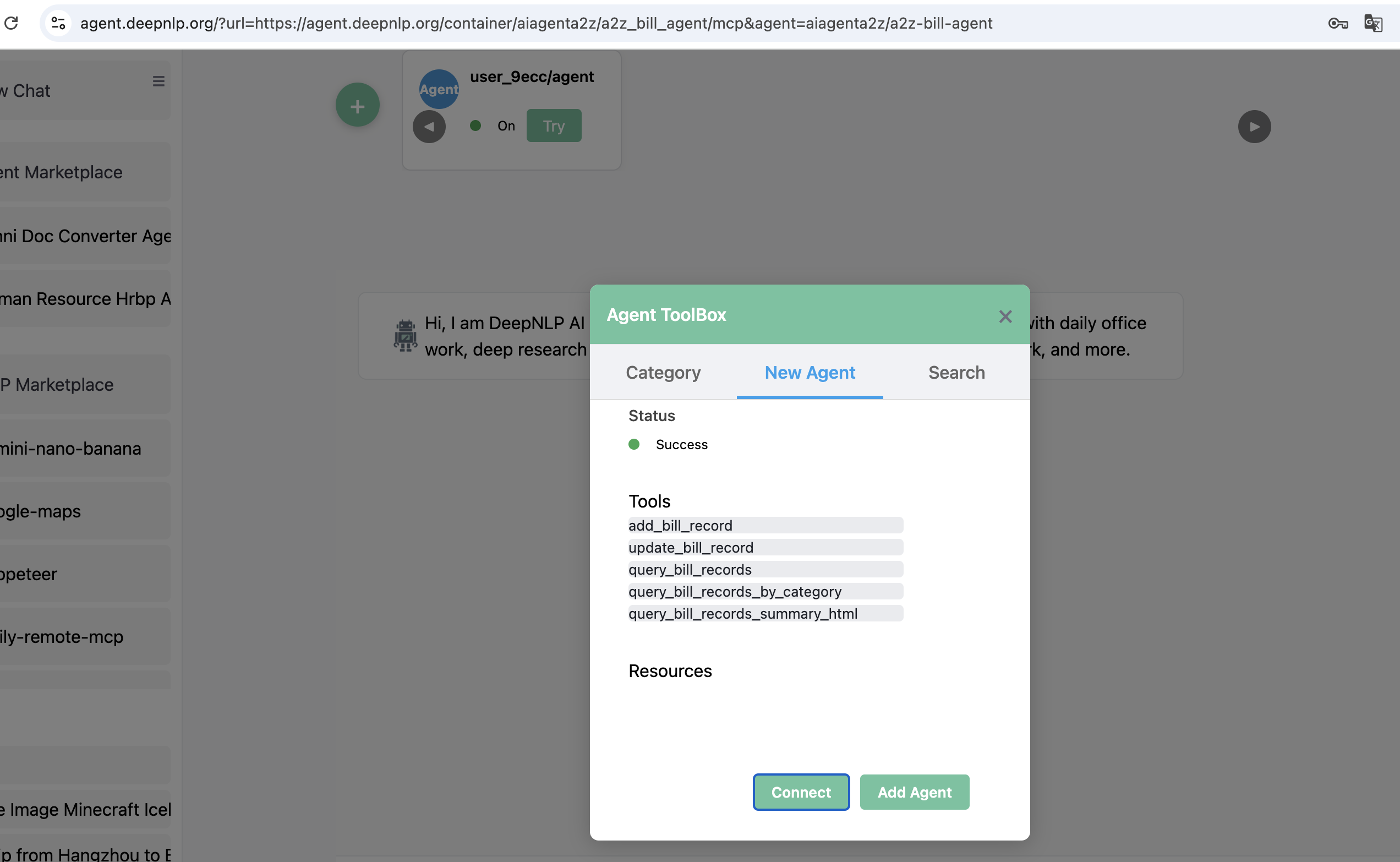
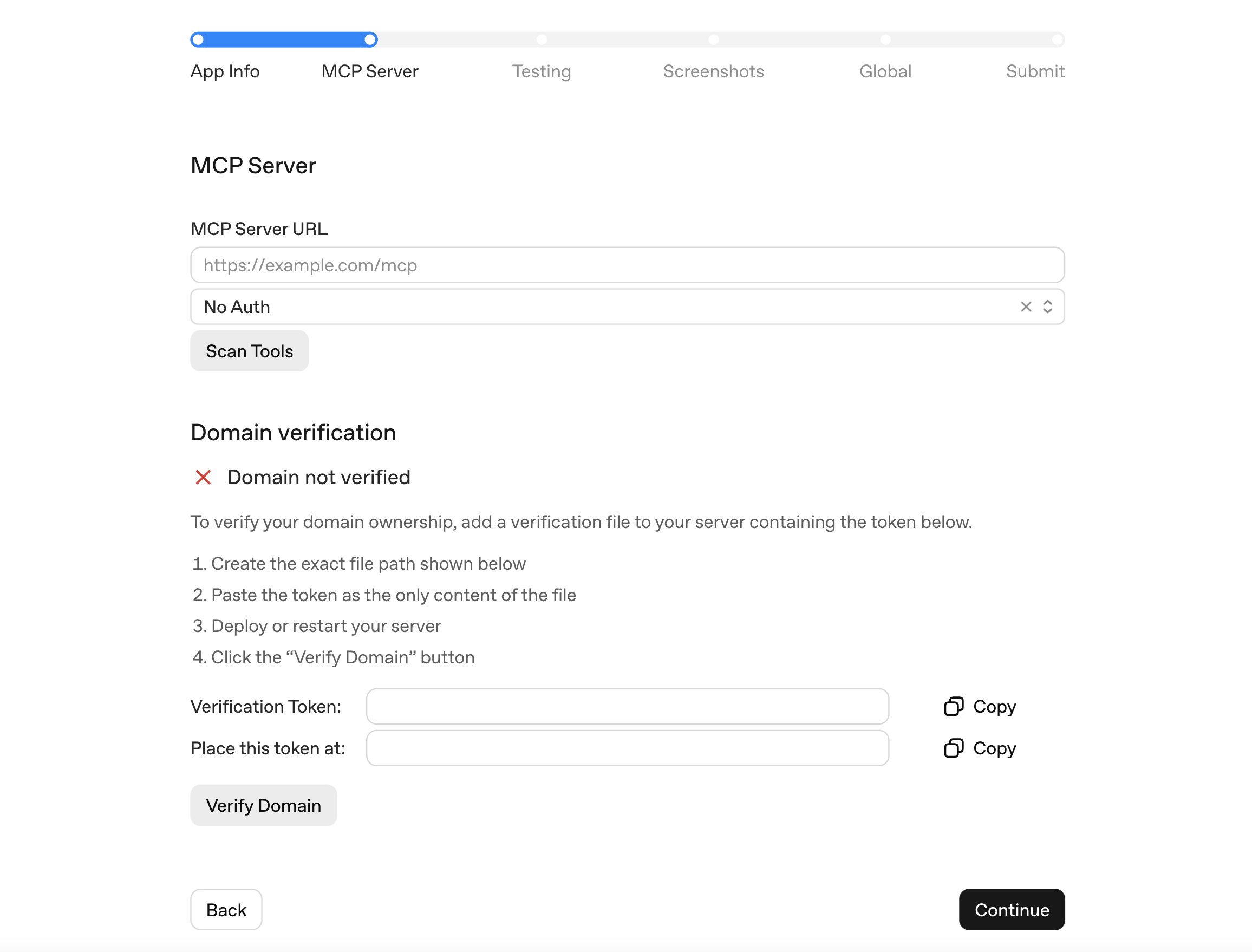
一个可用的 MCP Server URL: 这个是ChatGPT App的核心功能,返回一些工具和UI给ChatGPT调用。我们的MCP SERVER 例子: https://agent.deepnlp.org/container/aiagenta2z/a2z_bill_agent/mcp,验证是否可以链接,可以把MCP URL放到 chatgpt developer mode/cursor/claude/deepnlp agent router。尽量多个平台验证可以链接通用性。
-
域名验证. 你需要拥有MCP提供域名地址,需要把验证 verification code 放在根目录下,https://{your_domain}/.well-known/openai-apps-challenge. 如果没有权限无法完成域名验证和提交。
-
准备测试Case和prompt:5个应该调用的 user prompt 和 3个不应该调用的 user prompt.
-
App的截图
我们的MCP托管Host地址:好了下面来具体介绍如何提交 A2Z Bill Agent,A2Z Bill Agent 托管 A2Z Bill Agent MCP地址
ChatGPT验证
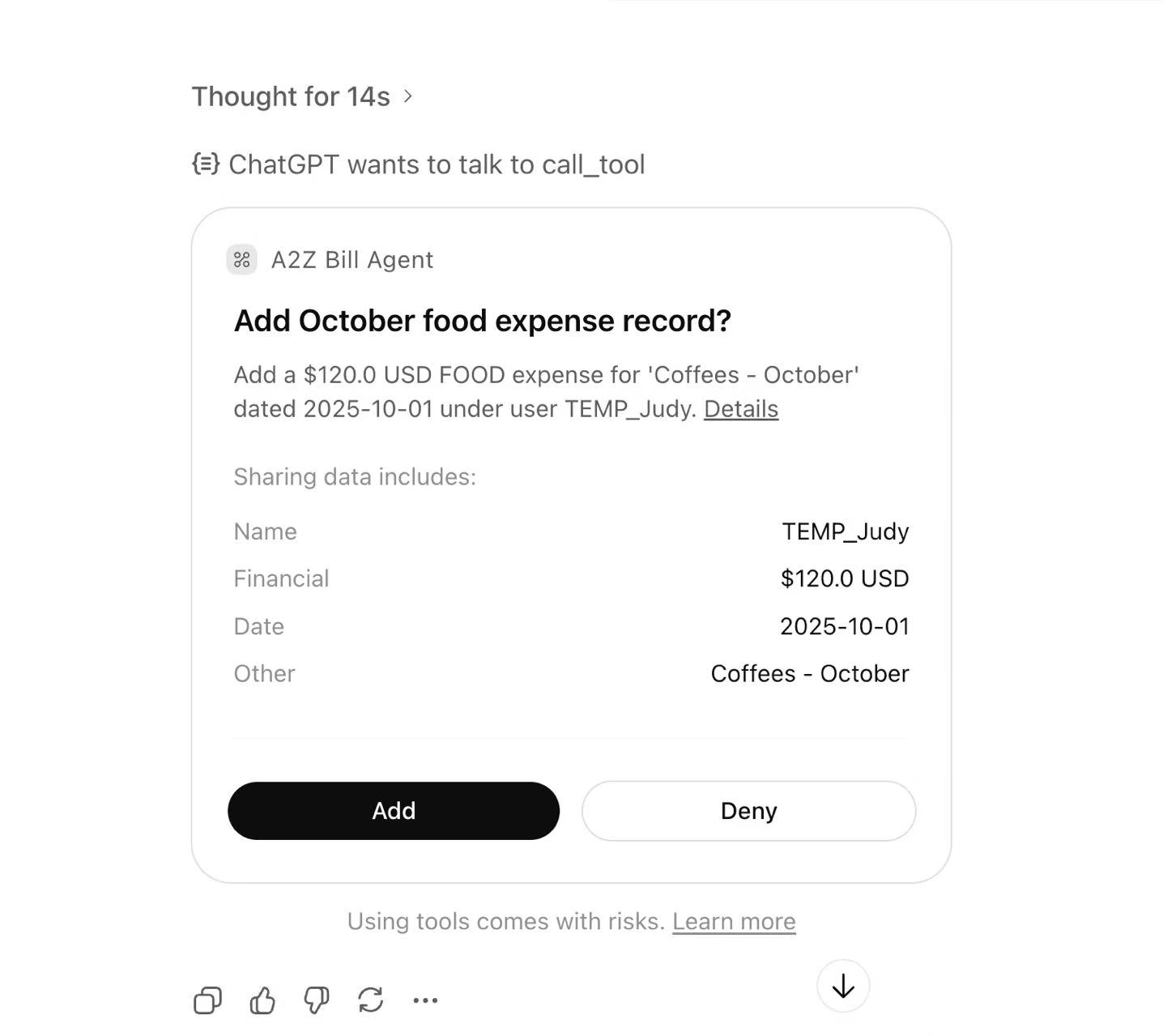
例子DeepNLP Agent Router验证,点击 + 号链接:
提交步骤:
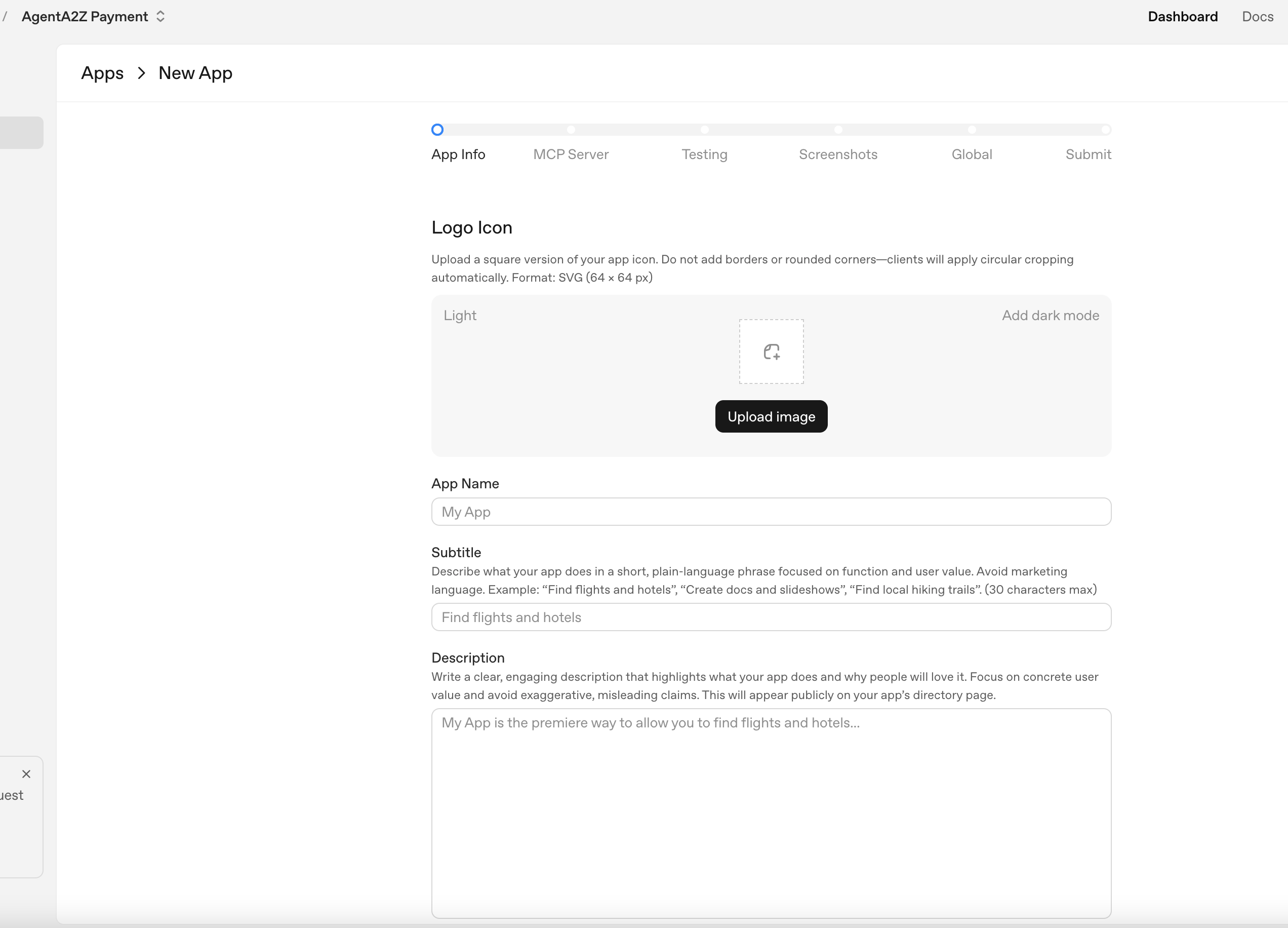
Step 1. 准备APP信息
需要填写字段有: App name, 副标题 Subtitle, 应用描述 Description of your App,选择类目:choose category.
Step 2. MCP Server 验证
这个是整个过程中最核心的部分,你需要把MCP Server地址提交到ChatGPT,然后点击验证,把每个工具Tool的Schema描述写清楚。
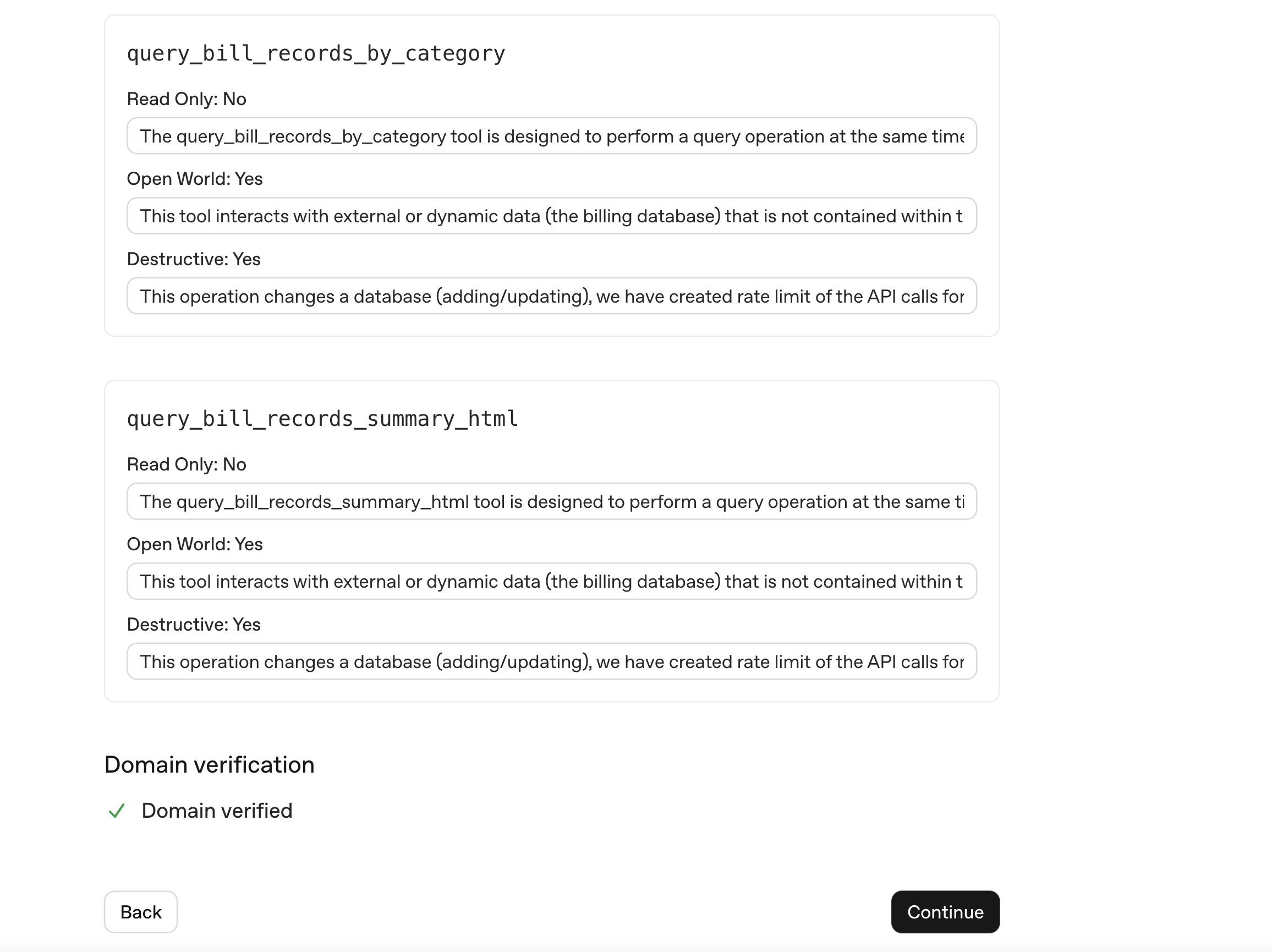
注意:这时候可能会出现要求提供一些 字段描述信息,比如为什么是 read_only, 为什么deconstructive,这里我们就都填写比如要 写入数据库等等 Write Operation
provide some information about the MCP field justification such as why the tool is not read only (In our case, we are adding a bill record to MCP server DB), etc.
Domain Verification
这个部分就是要验证独立域名或者子域名的根服务器了,需要把一个 验证码放到 这个目录下,我们可以利用 nginx的反向代理配置 nginx.conf 完成,配置完以后把链接放到 浏览器点击一下看看效果。
https://{your_domain}/.well-known/openai-apps-challenge
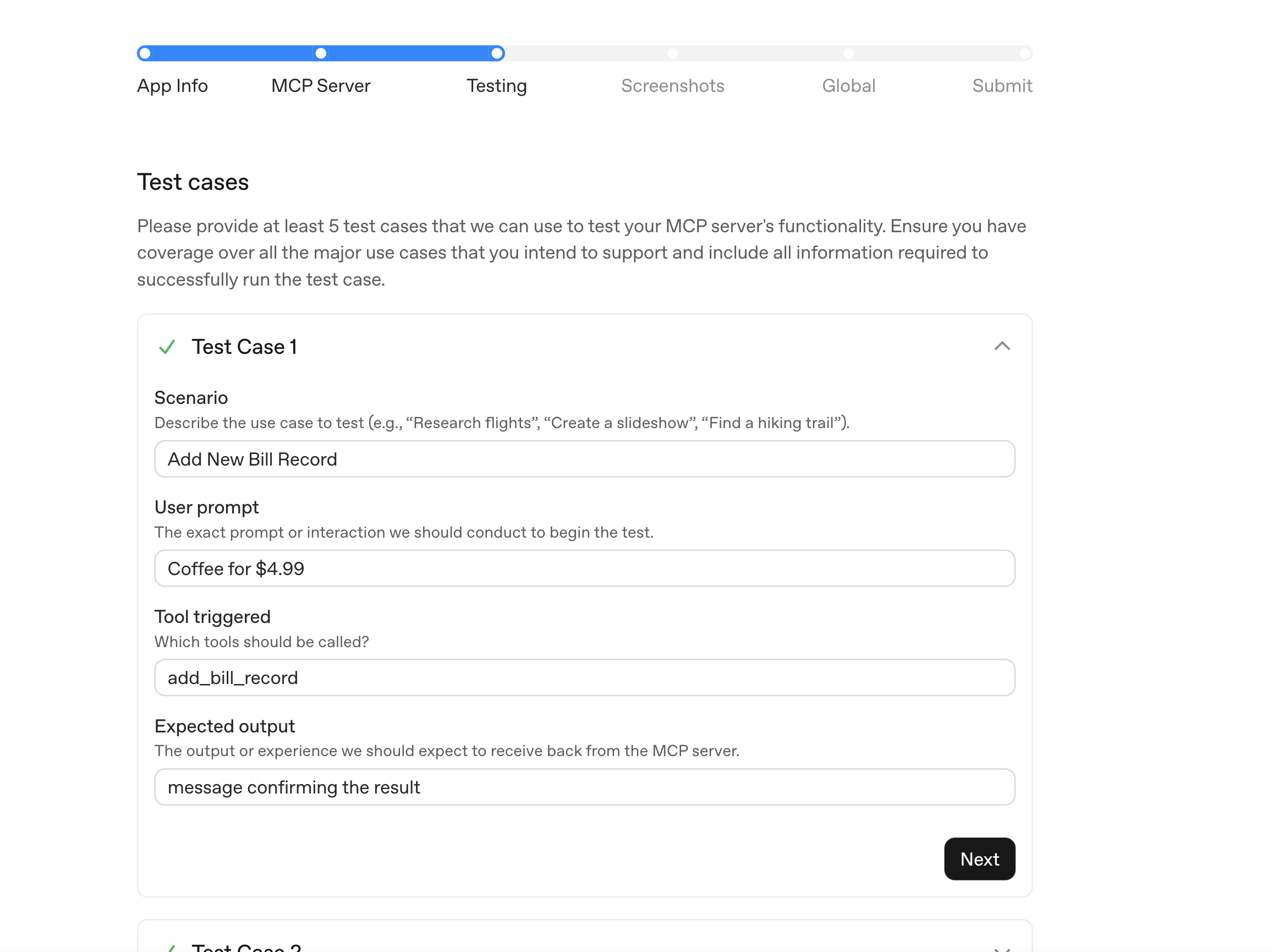
Step 3. 提供测试CASE
这部分是最消耗时间的。
一个典型的正向例子比如:
Scenario: User Add a Transaction
user_prompt: September Expenses: Birthday presents 20.0, Laptop 800, AT&T 100, Dating 500, Rent $850
Tool Triggered: add_bill_record:
Expected Output: Message Showing Add Record Status
Step 4. Screenshots
准备图片:
Changes these 3 files to At least 1 screenshot is required at 2x (retina-quality); 4 screenshots max.
Requirements:
PNG file
Width: 706px
Min height: 400px
Max height: 860px (Recommended)
Step 5. Global
Choose Countries
选择可以分发国家
Step 6. Submit
Submit and consent to a lot of options, easy steps.
提交之后就是静悄悄地等待审核了。