目录
使用vite创建一个vue + JavaScript项目
clike
npm create vite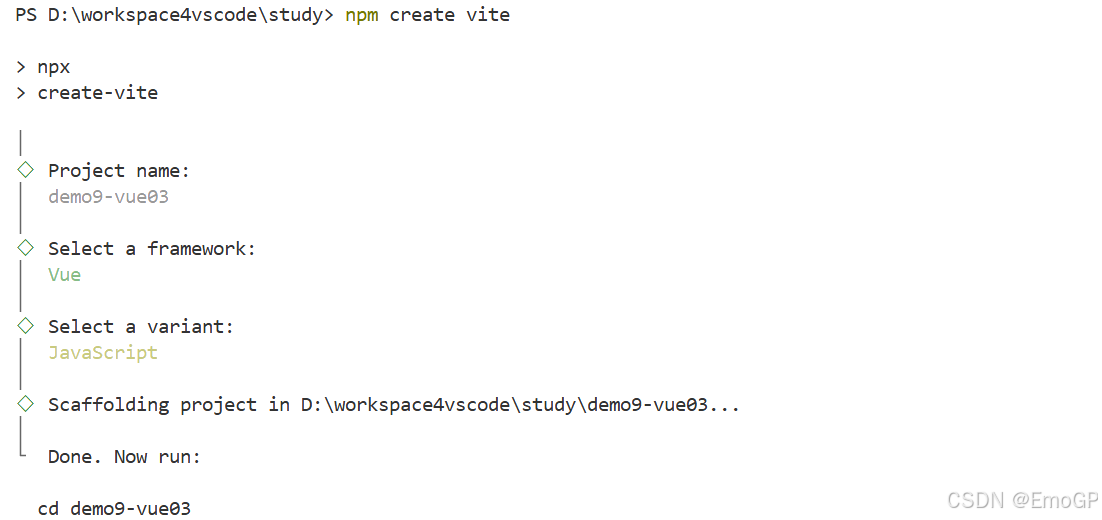
进入项目目录下,然后执行如下命令
clike
npm i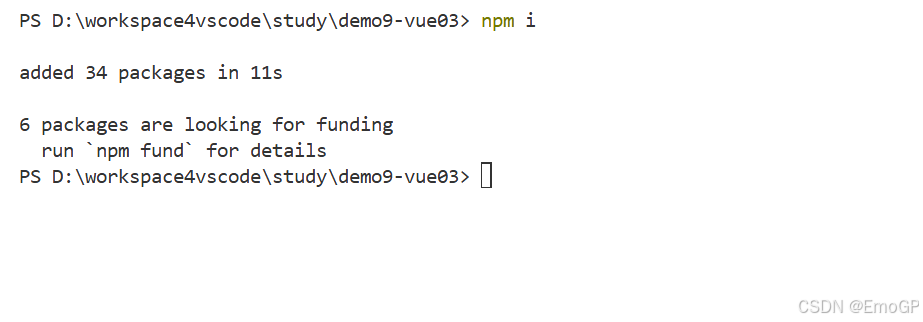
启动项目
npm run dev
删除不必要的基础结构
main.js中删除样式
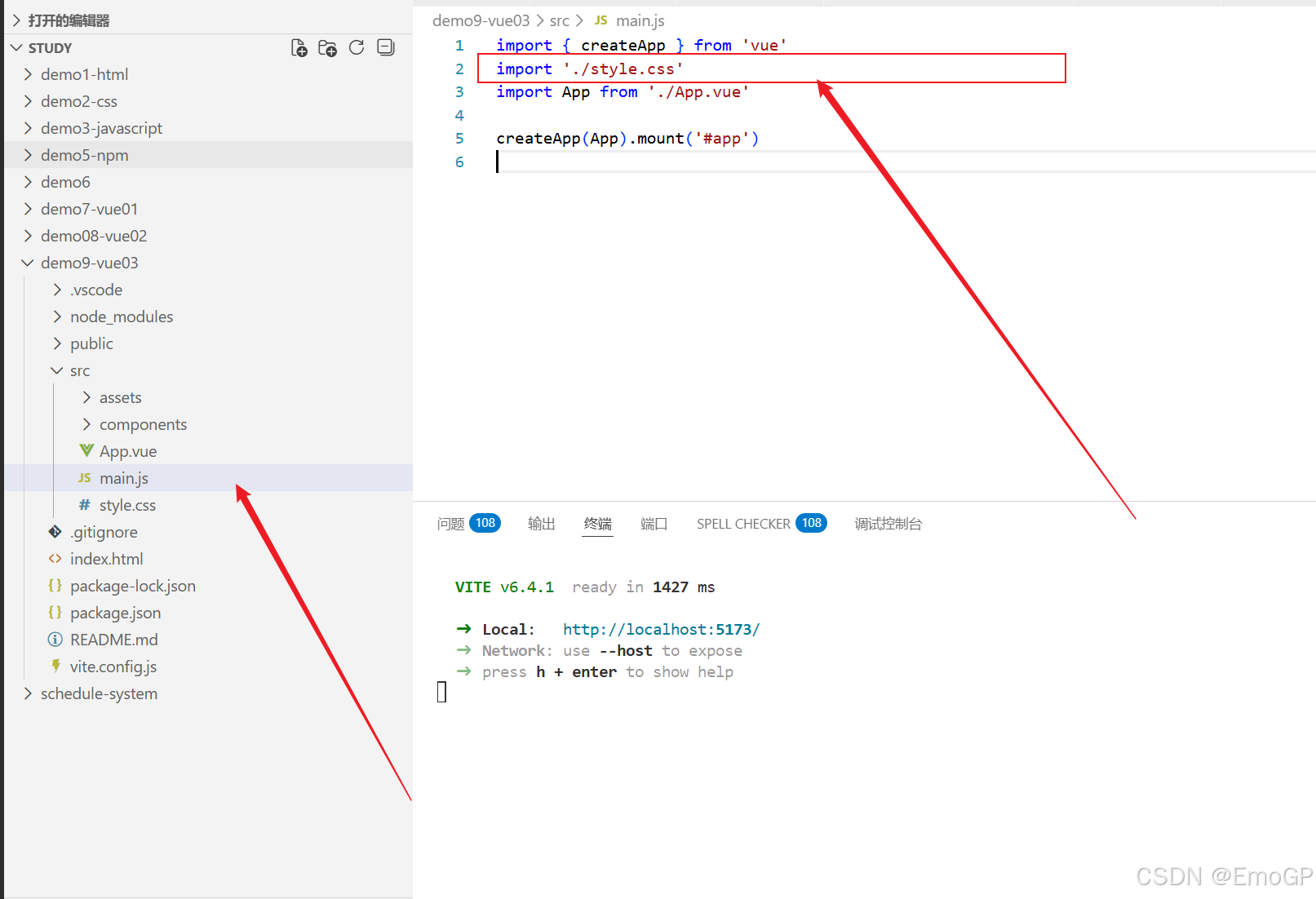
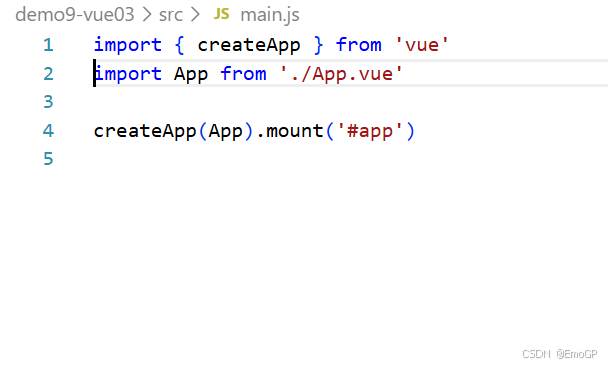
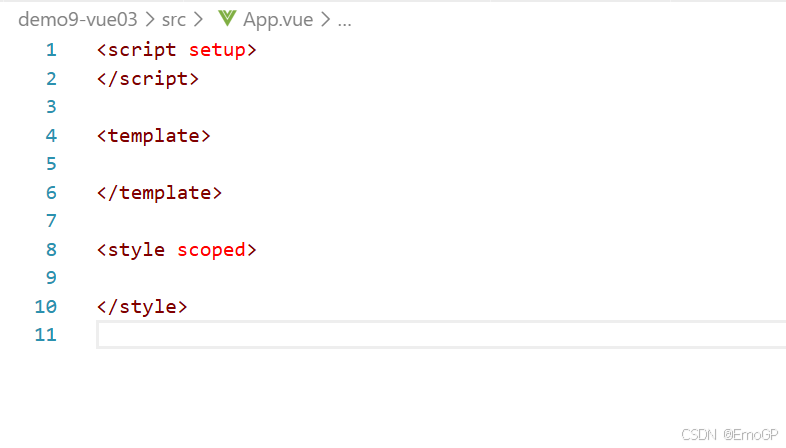
删除App.vue中不必要内容
只保留如下内容
添加代码功能
clike
<script >
export default{
  setup(){
    // 定义一些要展示到html上的一些数据   变量/对象
    let counter = 100
    function counterIncr(){
        counter++
    }
    function counterDesc(){
        counter--
    }
    function showCounter(){
      alert(counter)
    }

    return{
      counter,
      counterIncr,
      counterDesc,
      showCounter
    }

  }
}
</script>

<template>
<div>
  <button @click="counterIncr">+</button>
  <span v-text="counter"></span>
  <button @click="counterDesc">-</button>
  <button @click="showCounter">显示值</button>

</div>

</template>

<style scoped>

</style>v-text表示将某个变量的值作为双标签中的文本来展示
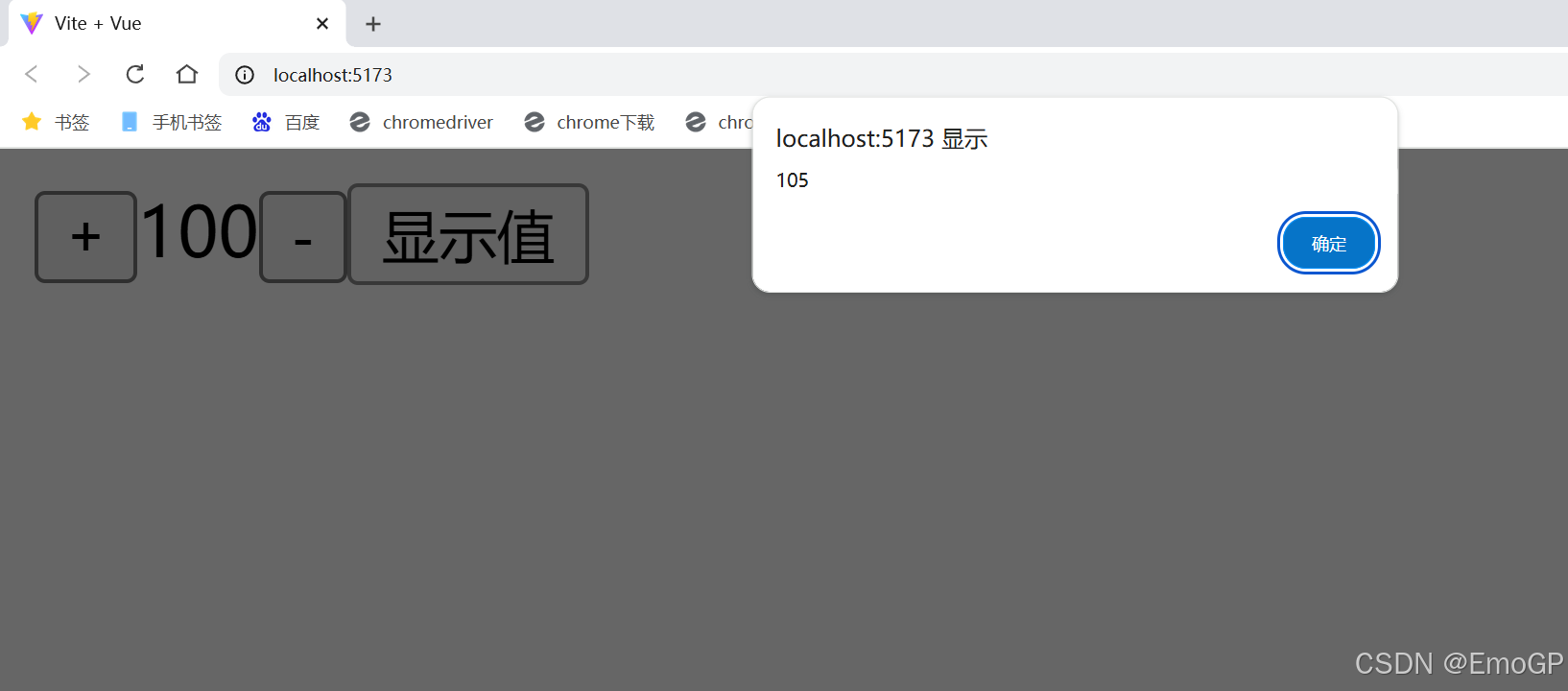
此时只有窗口上显示值变化,页面上的不变,可通过如下方式解决
响应式数据
在数据变化时,vue框架会将变量最新的值更新到dom树中,页面数据就是实时最新的
非响应式数据
在数据变化时,vue框架不会将变量最新的值更新到dom树中,页面数据就不是实时最新的
在vue2中,数据不做特殊处理,默认就是响应式的
vue3中,数据要经过ref / reactive函数的处理才是响应式的
ref reactive函数是vue框架给我们提供的方法,导入进来即可使用
clike
import {ref} from 'vue'在script标签中,操作ref的响应式数据需要通过.value的形式操作
在template标签中,操作ref的响应式数据,无需使用.value
clike
<script >
import {ref} from 'vue'
export default{
  setup(){
    // 定义一些要展示到html上的一些数据   变量/对象
    let counter = ref(100)
    function counterIncr(){
        counter.value++
    }
    function counterDesc(){
        counter.value--
    }
    function showCounter(){
      alert(counter.value)
    }

    return{
      counter,
      counterIncr,
      counterDesc,
      showCounter
    }

  }
}
</script>

<template>
<div>
  <button @click="counterIncr">+</button>
  <span v-text="counter"></span>
  <button @click="counterDesc">-</button>
  <button @click="showCounter">显示值</button>

</div>

</template>

<style scoped>

</style>
问题解决
setup语法糖
可以通过setup语法糖简化该代码
clike
<script setup >
import {ref} from 'vue'

    // 定义一些要展示到html上的一些数据   变量/对象
    let counter = ref(100)
    function counterIncr(){
        counter.value++
    }
    function counterDesc(){
        counter.value--
    }
    function showCounter(){
      alert(counter.value)
    }


</script>

<template>
<div>
  <button @click="counterIncr">+</button>
  <span v-text="counter"></span>
  <button @click="counterDesc">-</button>
  <button @click="showCounter">显示值</button>

</div>

</template>

<style scoped>

</style>