目录
[OpenFeign 参数传递](#OpenFeign 参数传递)
[传递 JSON](#传递 JSON)
[OpenFeign 的使用方式](#OpenFeign 的使用方式)
[OpenFeign 继承方式](#OpenFeign 继承方式)
[OpenFeign 抽取方式](#OpenFeign 抽取方式)
问题分析
我们之前使用的远程调用代码:
java
@Service
public class OrderService {
    @Autowired
    private OrderMapper orderMapper;
    @Autowired
    private RestTemplate restTemplate;
    public OrderInfo findOrderInfoById(Integer orderId) {
        OrderInfo orderInfo = orderMapper.selectOrderById(orderId);
        String url = "http://product-service/product/" + orderInfo.getProductId();
        ProductInfo productInfo = restTemplate.getForObject(url, ProductInfo.class);
        orderInfo.setProductInfo(productInfo);
        return orderInfo;
    }
}
虽然 RestTemplate 对 HTTP 封装后,比直接使用 HTTPClient简单方便了许多,但也还是存在一些问题:
需要拼接 URL,灵活性高,但封装臃肿,URL 复杂时,容易出错
代码可读性差,风格不统一
在Spring Cloud 中,默认使用 HTTP 进行微服务通信,最常用的实现形式有两种:RestTemplate 和 OpenFeign
在本篇文章中,我们就来学习一下 OpenFeign
OpenFeign
OpenFeign 是一个声明式的 Web Service 客户端,它能够让微服务之间的调用变得更简单,类似于 controller 调用 service,只需要创建一个接口,然后添加注解即可使用 OpenFeign
OpenFeign的发展:
Feign 是由 Netflix 开发并开源的一个声明式 HTTP 客户端库。
OpenFeign 是 Feign 项目在 Netflix 将其移交给开源社区维护后(主要在 OpenFeign GitHub 组织下)的延续和发展。
因此,OpenFeign 可以看作是 Feign的官方继承者和现代版本,功能更强、更新更活跃
而 Spring Cloud OpenFeign 则是 Spring Cloud 对 OpenFeign 的封装,将 OpenFeign 项目集成到Spring Cloud 生态系统中,简化 OpenFeign在 Spring 环境中的使用
接下来,我们就来学习一下如何使用 OpenFeign
快速上手
order-service 的 pom.xml 中引入 OpenFeign 依赖:
XML
<dependency>
 <groupId>org.springframework.cloud</groupId>
 <artifactId>spring-cloud-starter-openfeign</artifactId>
</dependency>在order-service 的启动类 上添加 @EnableFeignClients注解,开启 OpenFeign 功能:
java
@EnableFeignClients
@SpringBootApplication
public class OrderServiceApplication {
    public static void main(String[] args) {
        SpringApplication.run(OrderServiceApplication.class, args);
    }
}
添加 ProductApi接口,基于注解来申明远程调用信息:
java
@FeignClient(value = "product-service", path = "/product")
public interface ProductApi {
    @RequestMapping("/{productId}")
    ProductInfo getProductById(@PathVariable("productId") Integer productId);
}
其中:
name/value :指定 FeinClient 名称 (也就是微服务名称),用于服务发现,Feign 底层会使用 Spring Cloud LoadBalance 进行负载均衡
path:当前 FeinClient 的统一前缀
修改远程调用方法:
java
@Service
public class OrderService {
    @Autowired
    private OrderMapper orderMapper;

    @Autowired
    private ProductApi productApi;

    public OrderInfo findOrderInfoById(Integer orderId) {
        OrderInfo orderInfo = orderMapper.selectOrderById(orderId);
        ProductInfo productInfo = productApi.getProductById(orderInfo.getProductId());
        orderInfo.setProductInfo(productInfo);
        return orderInfo;
    }
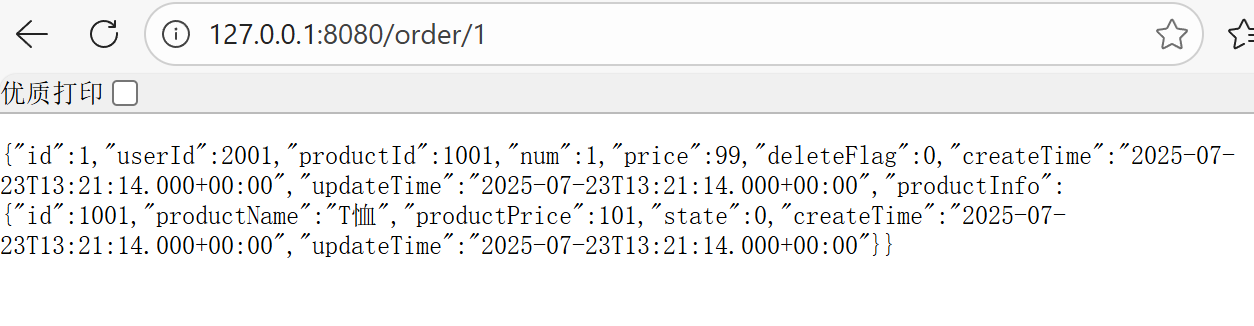
}启动product-service 和order-service 服务,访问 127.0.0.1:8080/order/1 接口,测试远程调用:
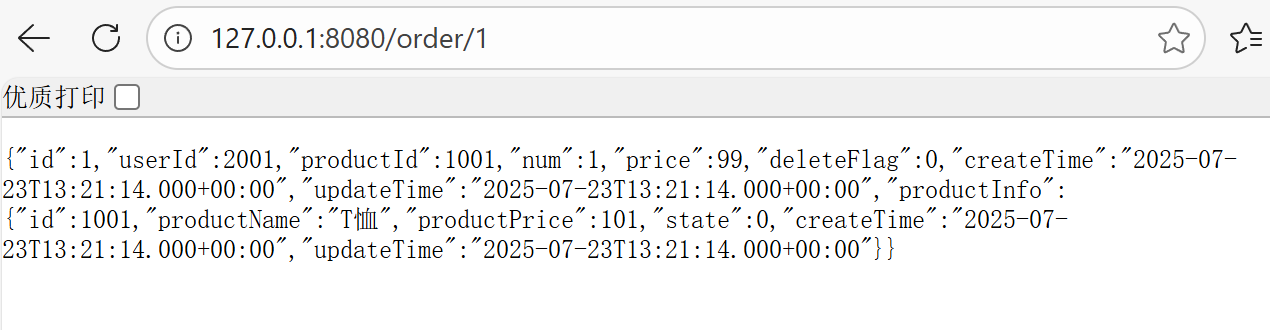
使用 OpenFeign 也成功实现远程调用,且 OpenFeign 简化了 HTTP 服务交互过程,将 REST 客户端的定义转换为 Java接口,并通过注解的方式来声明请求参数、请求方式等信息,使得远程调用更加方便和间接
接下来,我们继续看 OpenFeign 是如何传递参数的
OpenFeign 参数传递
传递单个参数
服务提供方(product-service):
java
@RestController
@RequestMapping("/product")
public class ProductController {
    @RequestMapping("/p1")
    public String p1(Integer id) {
        return "p1 接收到单个参数 id: " + id;
    }
}
OpenFeign 客户端:
java
@FeignClient(value = "product-service", path = "/product")
public interface ProductApi {
    @RequestMapping("/p1")
    String p1(@RequestParam("id") Integer id);
}
服务消费方(order-service):
java
@RequestMapping("/feign")
@RestController
public class OpenFeignController {
    @Autowired
    private ProductApi productApi;

    @RequestMapping("/o1")
    public String o1(Integer id) {
        return productApi.p1(id);
    }
}
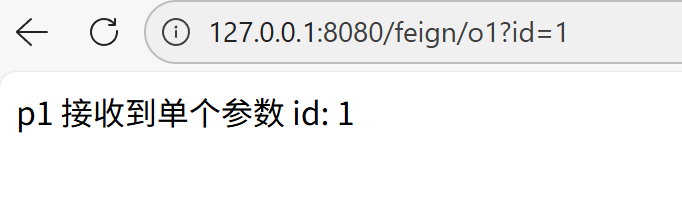
访问 127.0.0.1:8080/feign/o1?id=1 接口,测试远程调用:
传递多个参数
与传递单个参数基本类似,只不过需要使用多个 @RequestParam 来进行参数绑定
服务提供方(product-service):
java
@RestController
@RequestMapping("/product")
public class ProductController {
    @RequestMapping("/p2")
    public String p2(Integer id, String name) {
        return "p2 接收到多个参数 id: " + id + " name: " + name;
    }
}
OpenFeign 客户端:
java
@FeignClient(value = "product-service", path = "/product")
public interface ProductApi {
    @RequestMapping("/p2")
    String p2(@RequestParam("id") Integer id, @RequestParam("name") String name);
}
服务消费方(order-service):
java
@RequestMapping("/feign")
@RestController
public class OpenFeignController {
    @Autowired
    private ProductApi productApi;

    @RequestMapping("/o2")
    public String o2(Integer id, String name) {
        return productApi.p2(id, name);
    }
}
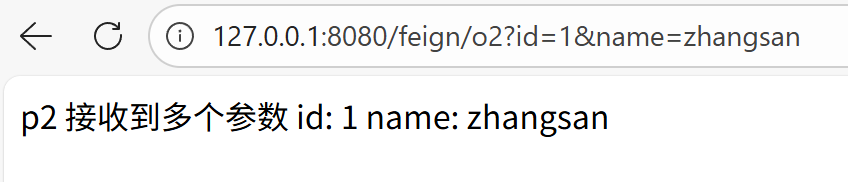
访问 127.0.0.1:8080/feign/o2?id=1&name=zhangsan 接口,测试远程调用:
传递对象
服务提供方(product-service):
java
@RestController
@RequestMapping("/product")
public class ProductController {
    @RequestMapping("/p3")
    public String p3(ProductInfo productInfo) {
        return "p3 接收到对象 productInfo: " + productInfo;
    }
}
OpenFeign 客户端:
java
@FeignClient(value = "product-service", path = "/product")
public interface ProductApi {
    @RequestMapping("/p3")
    String p3(@SpringQueryMap ProductInfo productInfo);
}
服务消费方(order-service):
java
@RequestMapping("/feign")
@RestController
public class OpenFeignController {
    @Autowired
    private ProductApi productApi;

    @RequestMapping("/o3")
    public String o3(ProductInfo productInfo) {
        return productApi.p3(productInfo);
    }
}
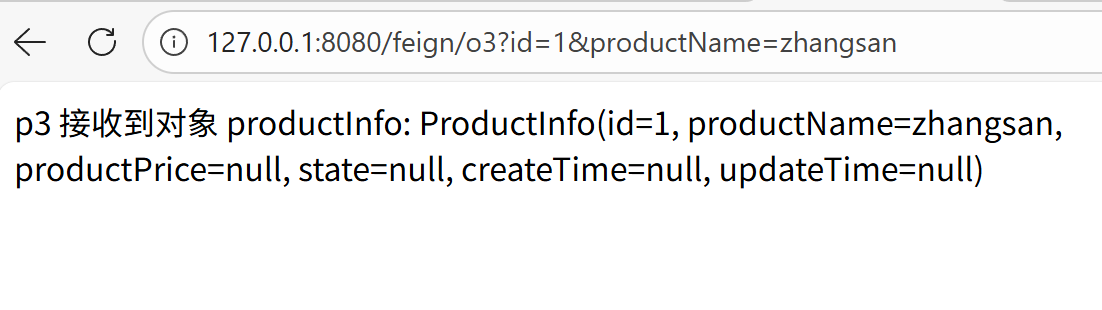
访问 127.0.0.1:8080/feign/o3?id=1&productName=zhangsan 接口,测试远程调用:
传递 JSON
服务提供方(product-service):
java
@RestController
@RequestMapping("/product")
public class ProductController {
    @RequestMapping("/p4")
    public String p4(@RequestBody ProductInfo productInfo) {
        return "p4 接收到 JSON 对象: " + productInfo;
    }
}
OpenFeign 客户端:
java
@FeignClient(value = "product-service", path = "/product")
public interface ProductApi {
    @RequestMapping("/p4")
    String p4(@RequestBody ProductInfo productInfo);
}
服务消费方(order-service):
java
@RequestMapping("/feign")
@RestController
public class OpenFeignController {
    @Autowired
    private ProductApi productApi;

    @RequestMapping("/o4")
    public String o4(@RequestBody ProductInfo productInfo) {
        return productApi.p4(productInfo);
    }
}
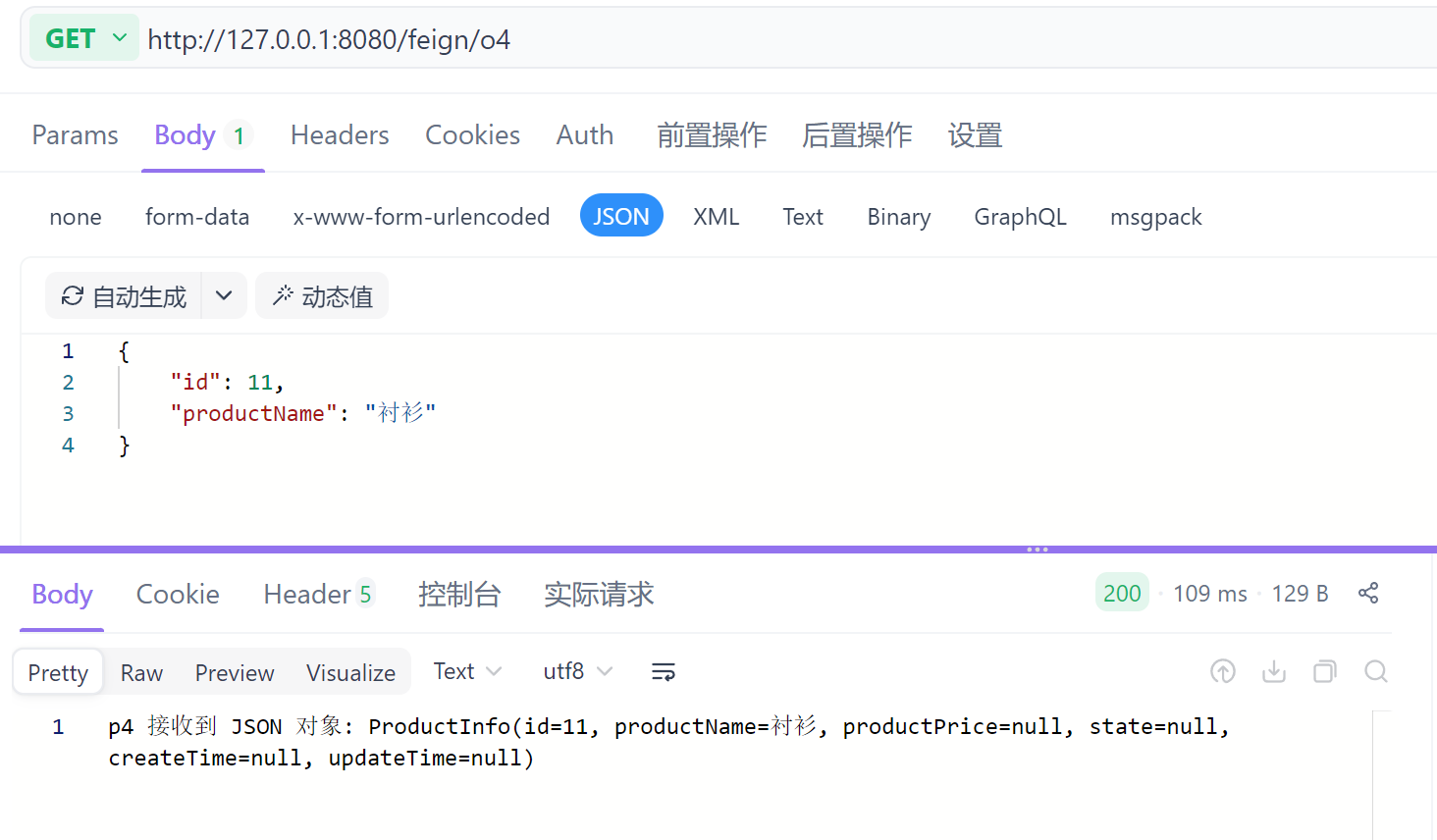
访问 http://127.0.0.1:8080/feign/o4 接口,测试远程调用:
从上述参数传递代码中,我们可以发现 OpenFeign 客户端和服务提供者的 controller 是非常相似的:
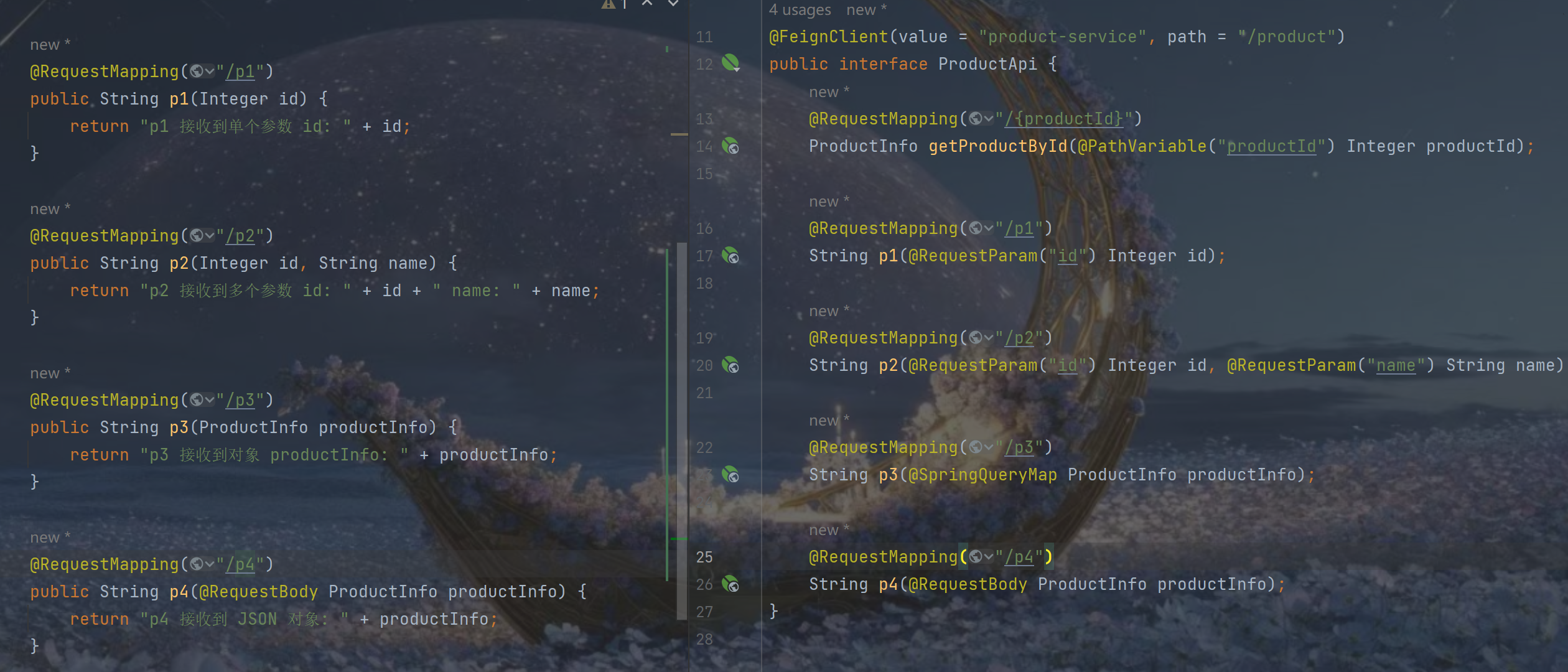
且 ProductInfo 在 order-service 和 product-service 中重复创建
那么,我们是否可以简化这种写法呢?
OpenFeign 的使用方式
OpenFeign 继承方式
OpenFeign 支持继承的方式,我们可以将一些常用的操作封装在接口中
定义好一个接口,服务提供方实现这个接口,服务消费方编写 OpenFeign 接口时,直接继承这个接口即可
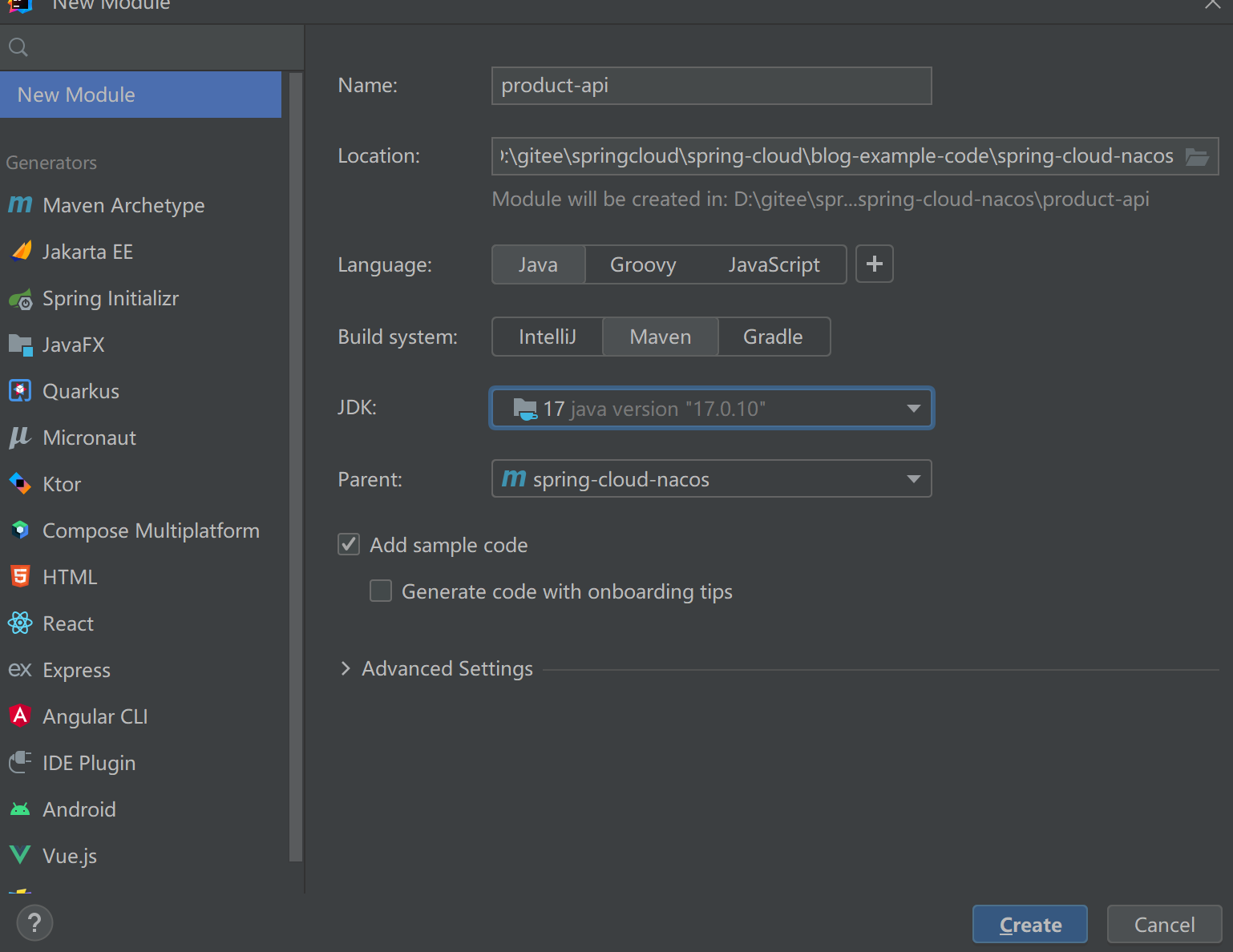
我们创建一个公共的 jar 包,供服务提供方和服务消费方使用(后面还会学习抽取方式,可以将目前代码复制一份,以便后续使用):
引入依赖:
XML
    <dependencies>
        <dependency>
            <groupId>org.springframework.boot</groupId>
            <artifactId>spring-boot-starter-web</artifactId>
        </dependency>
        <dependency>
            <groupId>org.springframework.cloud</groupId>
            <artifactId>spring-cloud-starter-openfeign</artifactId>
        </dependency>
    </dependencies>
将 ProductApi 和 ProductInfo 复制到product-api模块中:
ProductInterface:
java
public interface ProductInterface {
    @RequestMapping("/{productId}")
    ProductInfo getProductById(@PathVariable("productId") Integer productId);

    @RequestMapping("/p1")
    String p1(@RequestParam("id") Integer id);

    @RequestMapping("/p2")
    String p2(@RequestParam("id") Integer id, @RequestParam("name") String name);

    @RequestMapping("/p3")
    String p3(@SpringQueryMap ProductInfo productInfo);

    @RequestMapping("/p4")
    String p4(@RequestBody ProductInfo productInfo);
}
ProductInfo:
java
@Data
public class ProductInfo {
    private Integer id;
    private String productName;
    private Integer productPrice;
    private Integer state;
    private Date createTime;
    private Date updateTime;
}
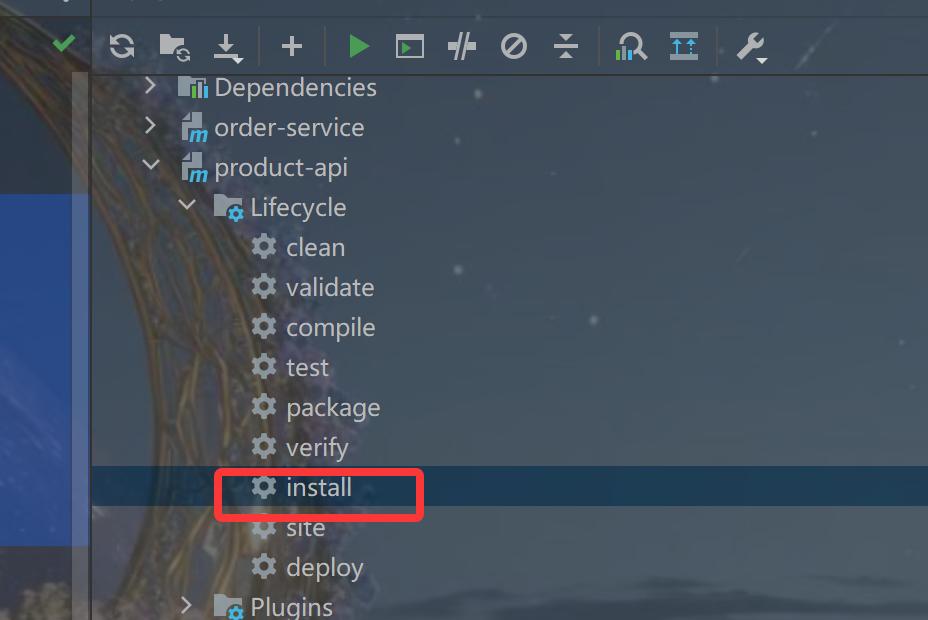
使用 Maven 打包:
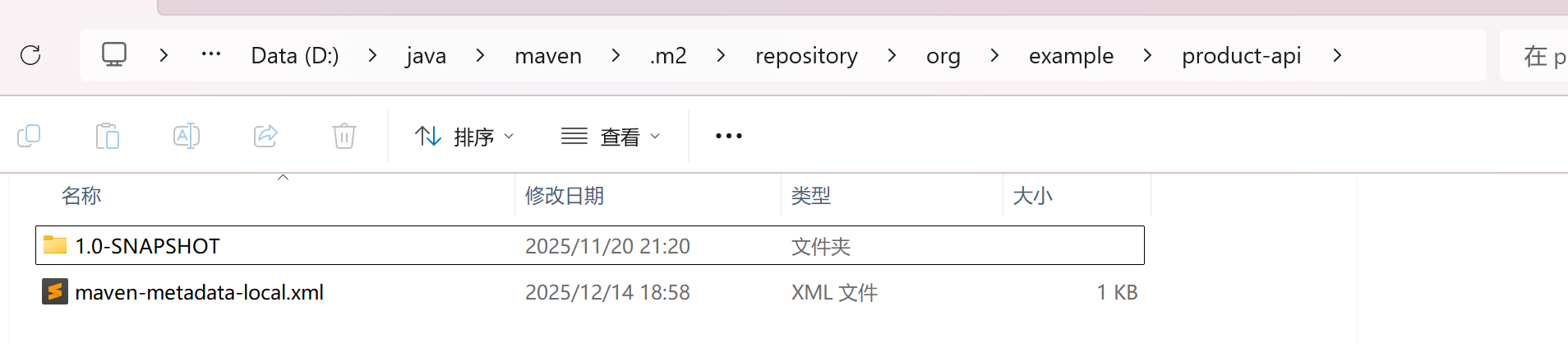
观察本地 Maven仓库中 jar 包是否成功打包:

服务提供方(product-service) 引入product-api 依赖:
XML
        <dependency>
            <groupId>org.example</groupId>
            <artifactId>product-api</artifactId>
            <version>1.0-SNAPSHOT</version>
            <scope>compile</scope>
        </dependency>
实现 ProductInterface接口:
java
@RestController
@RequestMapping("/product")
public class ProductController implements ProductApi {
    @Autowired
    private ProductService productService;

    @RequestMapping("/{productId}")
    public ProductInfo getProductById(@PathVariable("productId") Integer productId) {
        return productService.findProductInfo(productId);
    }

    @RequestMapping("/p1")
    public String p1(Integer id) {
        return "p1 接收到单个参数 id: " + id;
    }

    @RequestMapping("/p2")
    public String p2(Integer id, String name) {
        return "p2 接收到多个参数 id: " + id + " name: " + name;
    }

    @RequestMapping("/p3")
    public String p3(ProductInfo productInfo) {
        return "p3 接收到对象 productInfo: " + productInfo;
    }

    @RequestMapping("/p4")
    public String p4(@RequestBody ProductInfo productInfo) {
        return "p4 接收到 JSON 对象: " + productInfo;
    }
}
服务消费方(order-service) 同样引入依赖,并继承 ProductApi:
java
@FeignClient(value = "product-service", path = "/product")
public interface ProductApi extends ProductInterface {
}
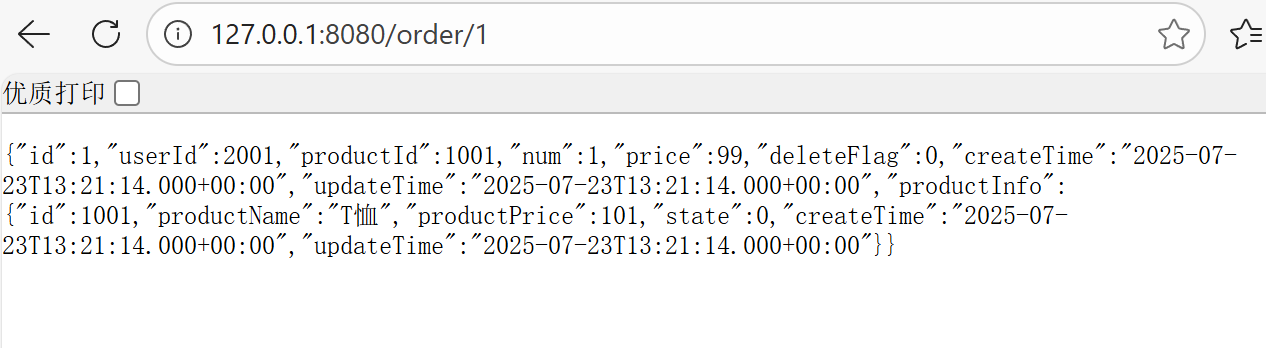
启动服务,访问 127.0.0.1:8080/order/1 接口:
除了继承方式,也可以把 OpenFeign 接口抽取为一个独立的模块
OpenFeign 抽取方式
OpenFeign 抽取:将 OpenFeign 的 Client 抽取为一个独立的模块,并将涉及到的实体类等都放到这个模块中,服务消费方只需要添加该 jar 包即可,这个 jar 包通常由服务提供方实现
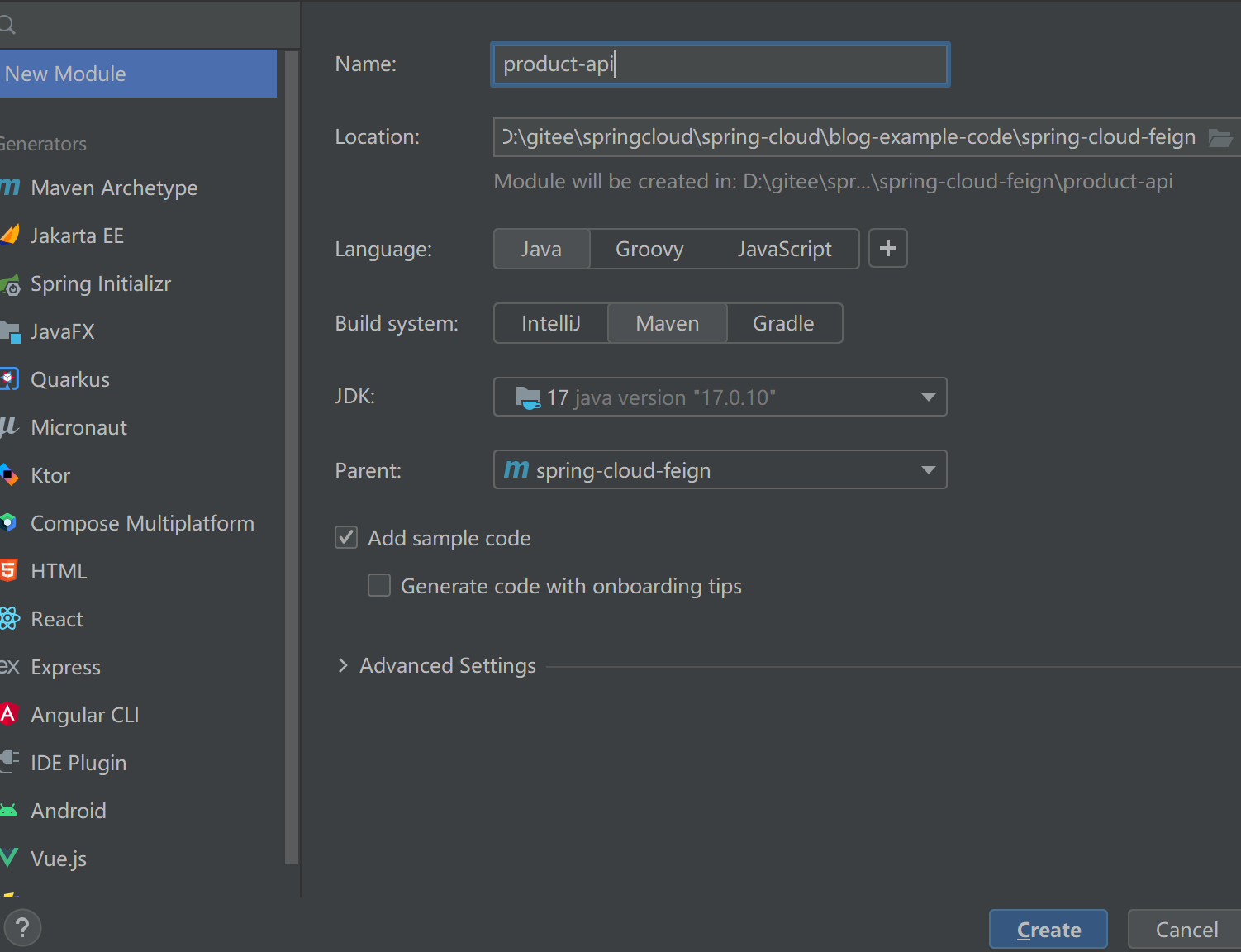
同样创建一个 model:
引入依赖:
XML
    <dependencies>
        <dependency>
            <groupId>org.springframework.cloud</groupId>
            <artifactId>spring-cloud-starter-openfeign</artifactId>
        </dependency>
    </dependencies>
将 ProductApi 、ProductInfo 复制到product-api模块中:
ProductInfo:
java
@Data
public class ProductInfo {
    private Integer id;
    private String productName;
    private Integer productPrice;
    private Integer state;
    private Date createTime;
    private Date updateTime;
}
ProductApi:
java
@FeignClient(value = "product-service", path = "/product")
public interface ProductApi {
    @RequestMapping("/{productId}")
    ProductInfo getProductById(@PathVariable("productId") Integer productId);

    @RequestMapping("/p1")
    String p1(@RequestParam("id") Integer id);

    @RequestMapping("/p2")
    String p2(@RequestParam("id") Integer id, @RequestParam("name") String name);

    @RequestMapping("/p3")
    String p3(@SpringQueryMap ProductInfo productInfo);

    @RequestMapping("/p4")
    String p4(@RequestBody ProductInfo productInfo);
}删除order-service 中的ProductApi、ProductInfo,并引入依赖:
XML
        <dependency>
            <groupId>org.example</groupId>
            <artifactId>product-api</artifactId>
            <version>1.0-SNAPSHOT</version>
        </dependency>
修改 order-service 中的 ProductApi 、ProductInfo 的路径为product-api 中路径
在启动类中添加扫描路径:
java
@EnableFeignClients(basePackages = {"com.example.api"})
@SpringBootApplication
public class OrderServiceApplication {
    public static void main(String[] args) {
        SpringApplication.run(OrderServiceApplication.class, args);
    }
}
启动服务,并测试远程调用 127.0.0.1:8080/order/1: