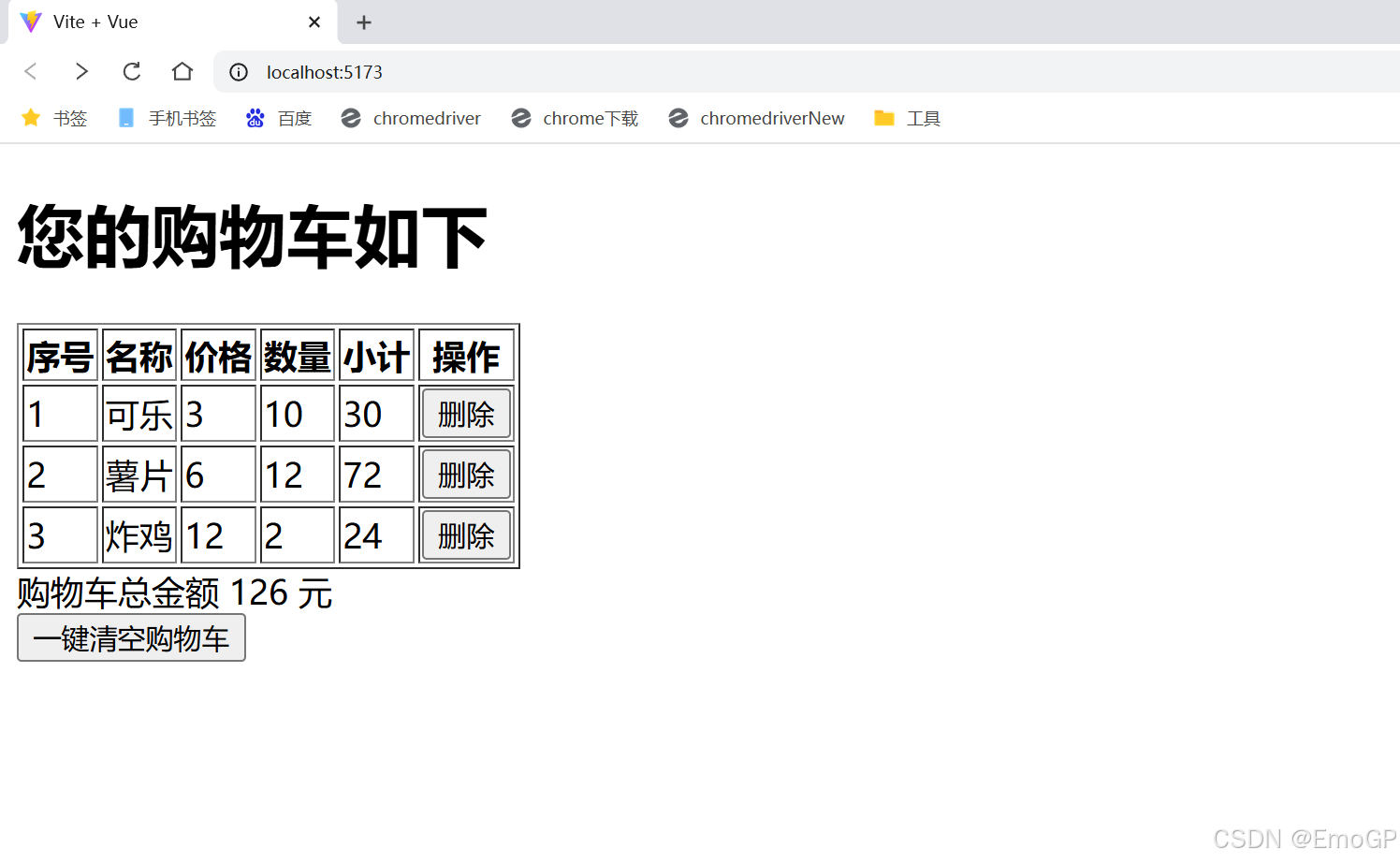
测试1
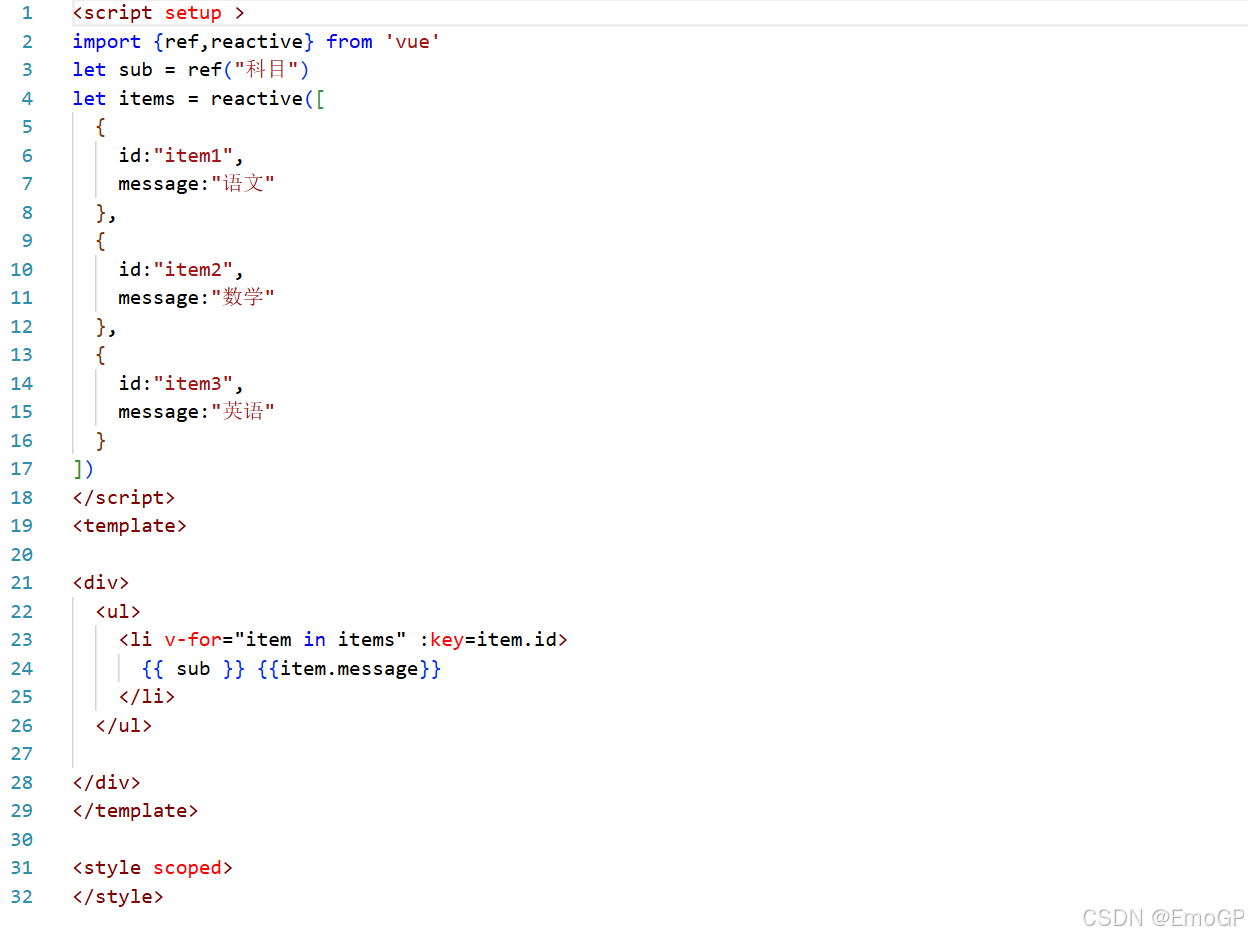
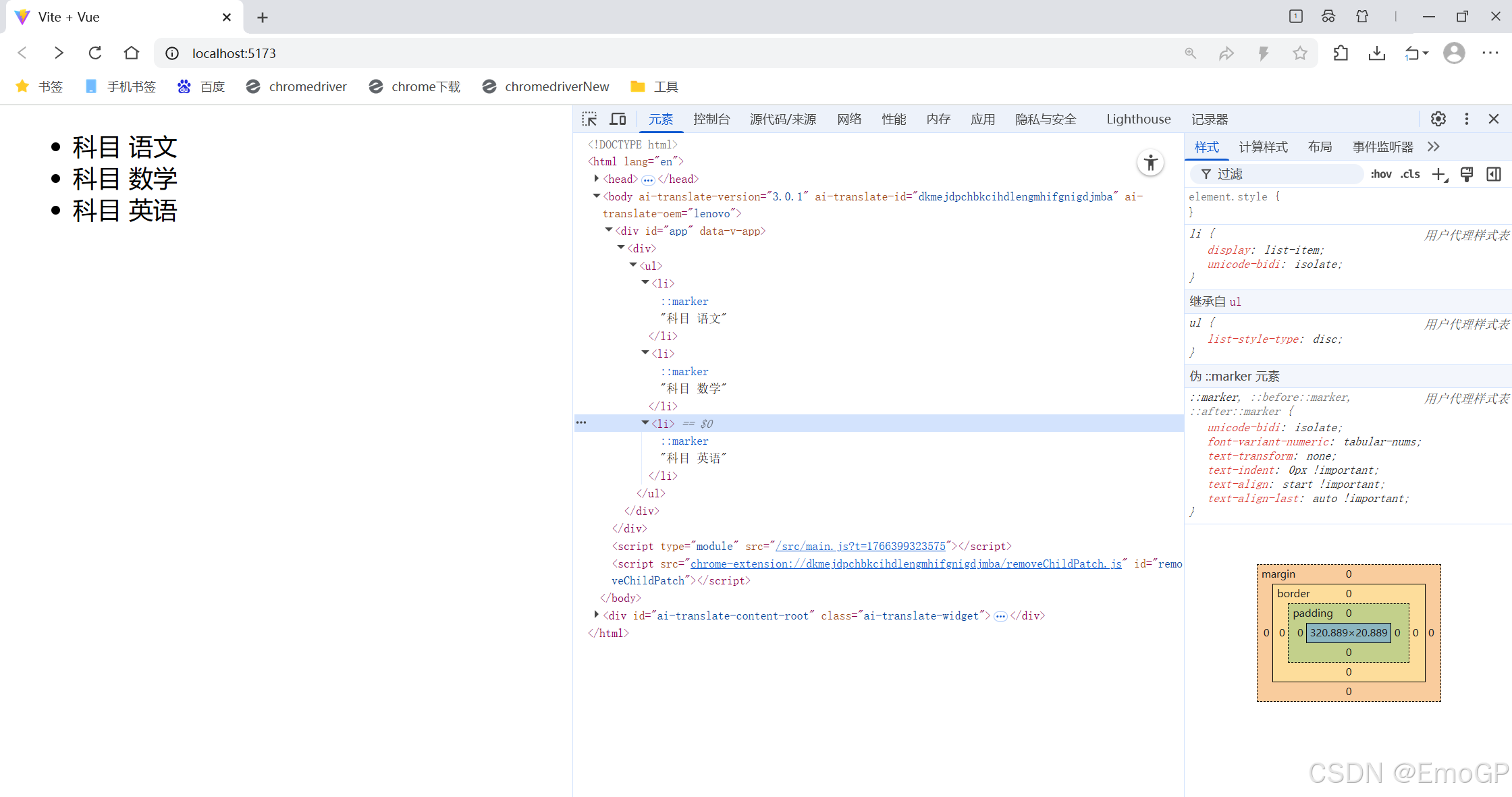
测试2
clike
<script setup >
import {ref,reactive} from 'vue'
let sub = ref("科目")

let carts = reactive(
  [
    {
      name:"可乐",
      price:3,
      number:10
    },
    {
      name:"薯片",
      price:6,
      number:12
    },
    {
      name:"炸鸡",
      price:12,
      number:2
    }
  ]
)

// 计算购物车总金额的函数
function compute(){
  let total = 0
  for(let index in carts){
    total += carts[index].price * carts[index].number
  }
  return total
}


//  从购物车中移除购物项的方法
function removeCart(index){
  carts.splice(index,1)
}

function clearCart(){
  carts.splice(0,carts.length)
}

</script>
<template>

<div>

  <h1>您的购物车如下</h1>

  <table border="1px">
    <thead>
      <tr>
        <th>序号</th>
        <th>名称</th>
        <th>价格</th>
        <th>数量</th>
        <th>小计</th>
        <th>操作</th>
      </tr>
    </thead>
    <tbody v-if="carts.length > 0">
      <tr v-for="(cart,index) in carts" :key = "index">
        <td>{{index+1}}</td>
        <td>{{cart.name}}</td>
        <td>{{cart.price}}</td>
        <td>{{cart.number}}</td>
        <td>{{cart.price * cart.number}}</td>
        <td>
          <button @click="removeCart(index)">删除</button>
        </td>
      </tr>
    </tbody>
    <tbody v-else>
      <tr>
        <td colspan="6">
          购物车空了
        </td>
      </tr>

    </tbody>

  </table>
  购物车总金额 {{compute()}} 元<br>
  <button @click="clearCart()">一键清空购物车</button>


</div>
</template>

<style scoped>
</style>